IMEI Changer allows users to modify their device's IMEI number. You can randomly generate IMEI numbers for different brands of devices without any risk and while protecting your privacy. The software can also be used as an IMEI lookup tool to check the current device's IMEI number, providing more information about the device's specifications and history. Through this software, users can easily bypass manufacturer restrictions, allowing them to reconnect even without a network connection, freely access the web, and download various software and games.
FRP and iCloud Unlock: We’ve made unlocking Factory Reset Protection (FRP) and iCloud locks simple. Say goodbye to barriers with a few taps.
Network Freedom: Unlock your device from any carrier and enjoy your choice of networks. Network hassle? Not anymore!
Find My Phone: Quickly locate your lost device using your IMEI number. A real lifesaver when your phone decides to go on its own adventure.
IMEI Repair and Generation: Need to fix or create IMEI numbers? We’ve got you covered, making complex stuff feel easy.
Comprehensive Device Insights: Dive into detailed specs and history with just your IMEI number—curious about your tech? Here’s your answer.
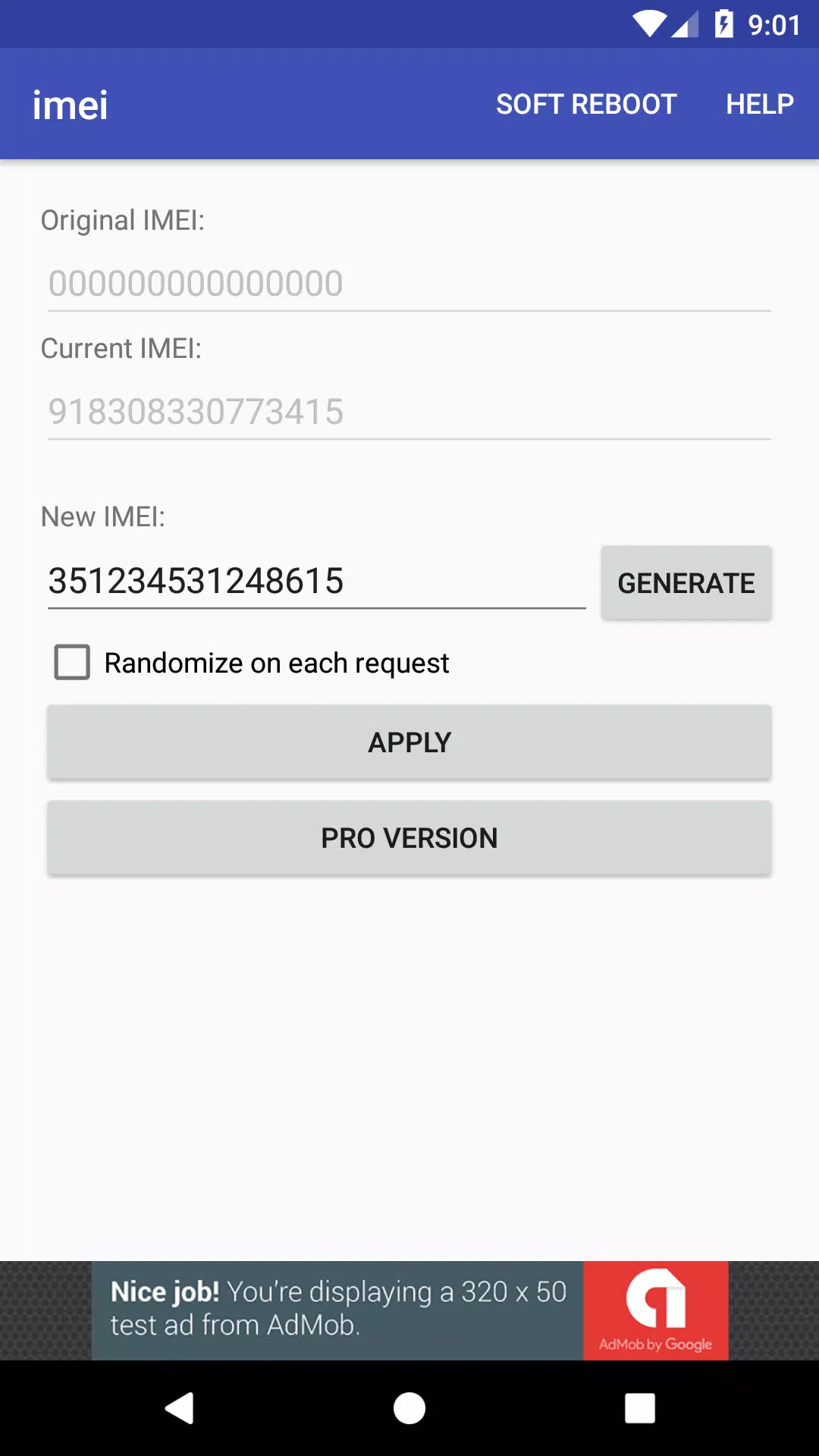
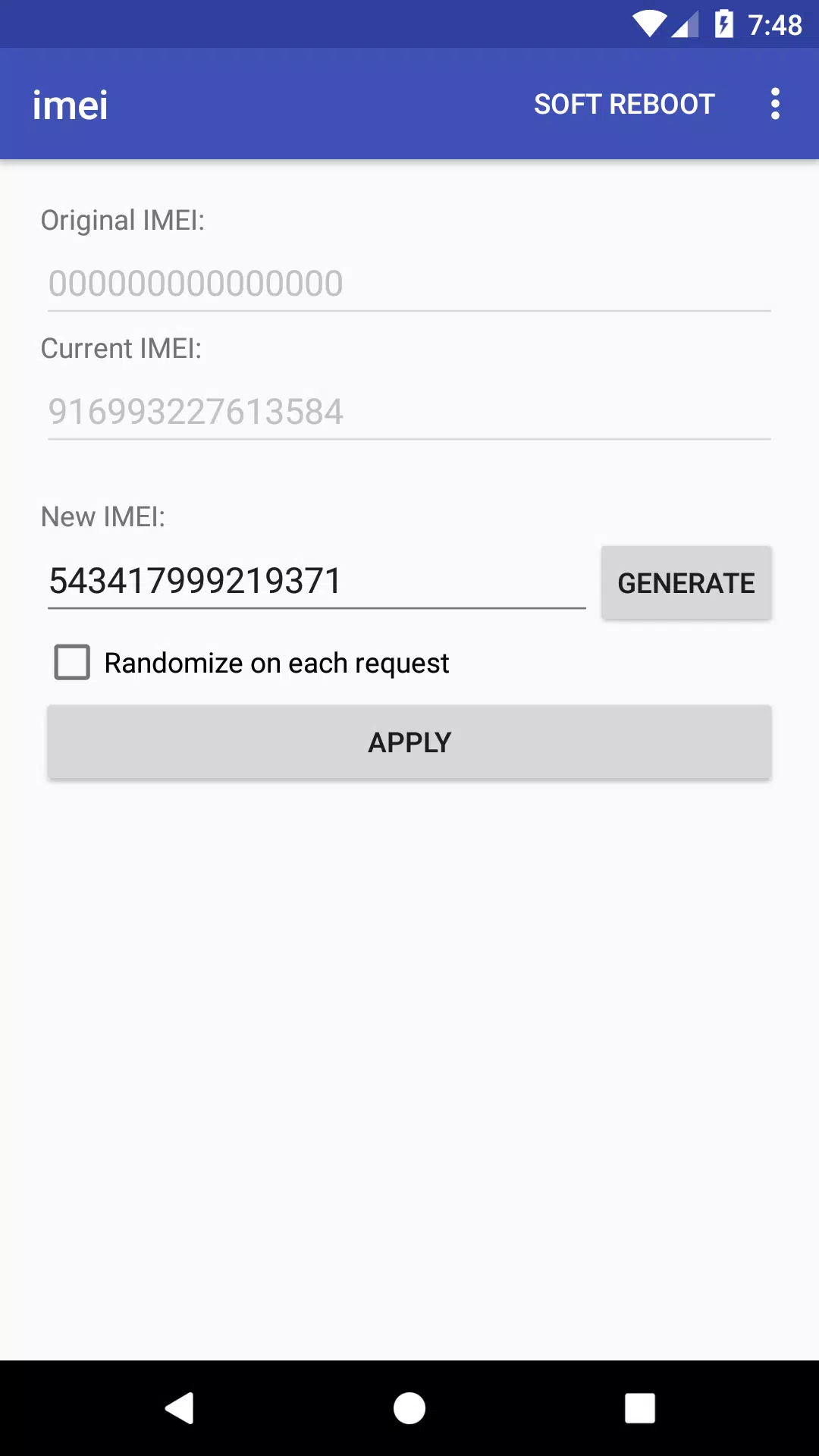
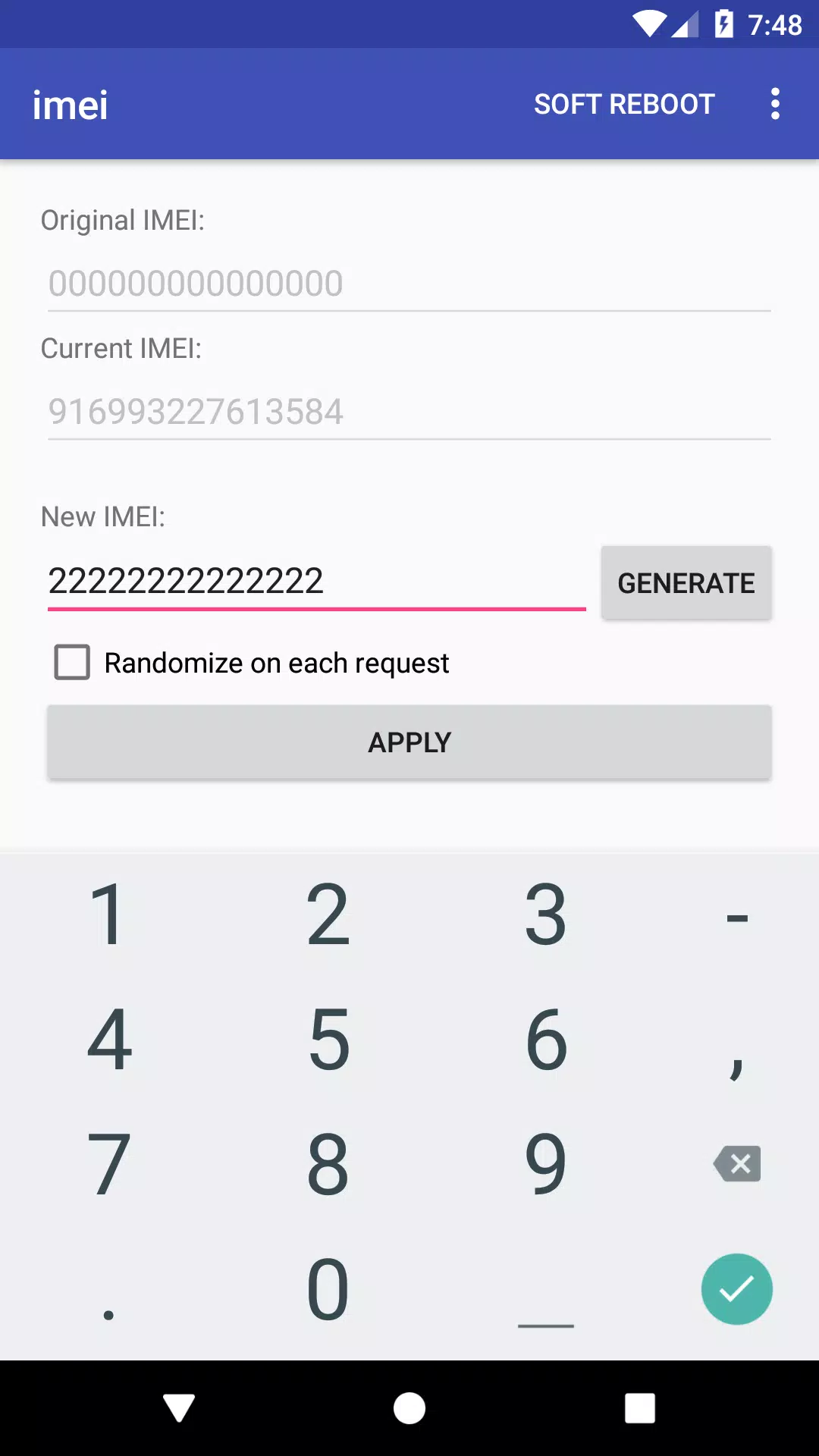
Nonetheless, other situations arise where a given IMEI number is erroneously blacklisted. Companies use IMEI numbers for a handful of other purposes as well. Regular users can't change the number associated with their Android device by default. Luckily, IMEI Changer makes this all possible with a straightforward process. Users can customize the IMEI number associated with their device. A randomizer feature is included to create new IMEI numbers without having to think too much about things.
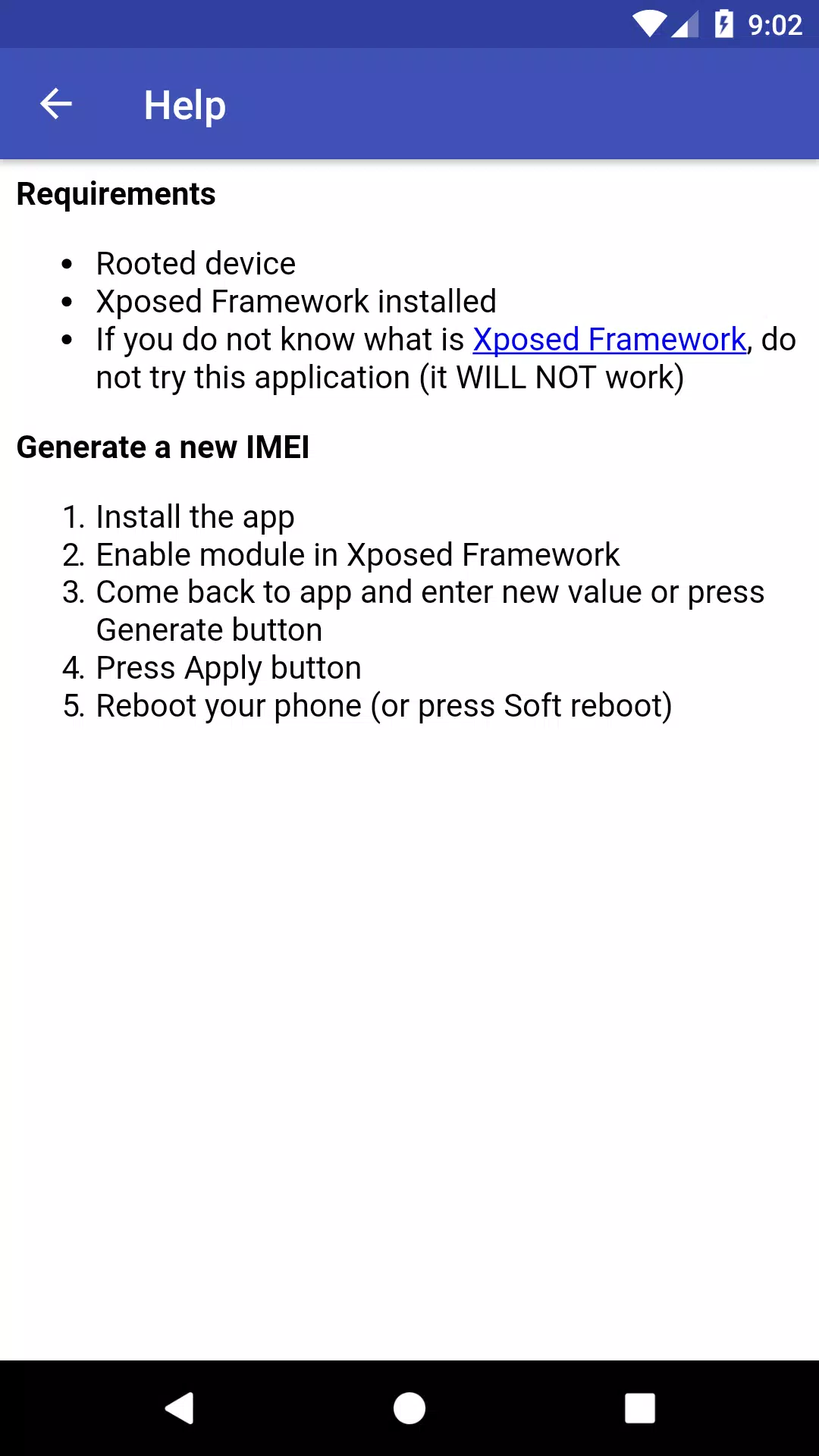
Before getting started, users need to root their Android device and install Xposed. IMEI Changer won't do anything without a rooted device running the Xposed kernel. Rooting a device and installing Xposed comes with certain risks, so users should exercise caution here. At that point, a user will install IMEI Changer and launch the application on their Android device. Changing the IMEI number for that device is then a few screen taps away, and the process couldn't be more simple here.
IMEI Changer tends to work on Android devices running older versions of the operating system. On newer OS versions, the app tends to crash without modifying the IMEI number. Results are mixed with the app while testing on multiple devices. Some devices successfully receive a new IMEI number, and others throw error codes without a change. It's unreasonable to expect the app to work on every Android device. Still, users may be disappointed to find that their device is incompatible with the app.
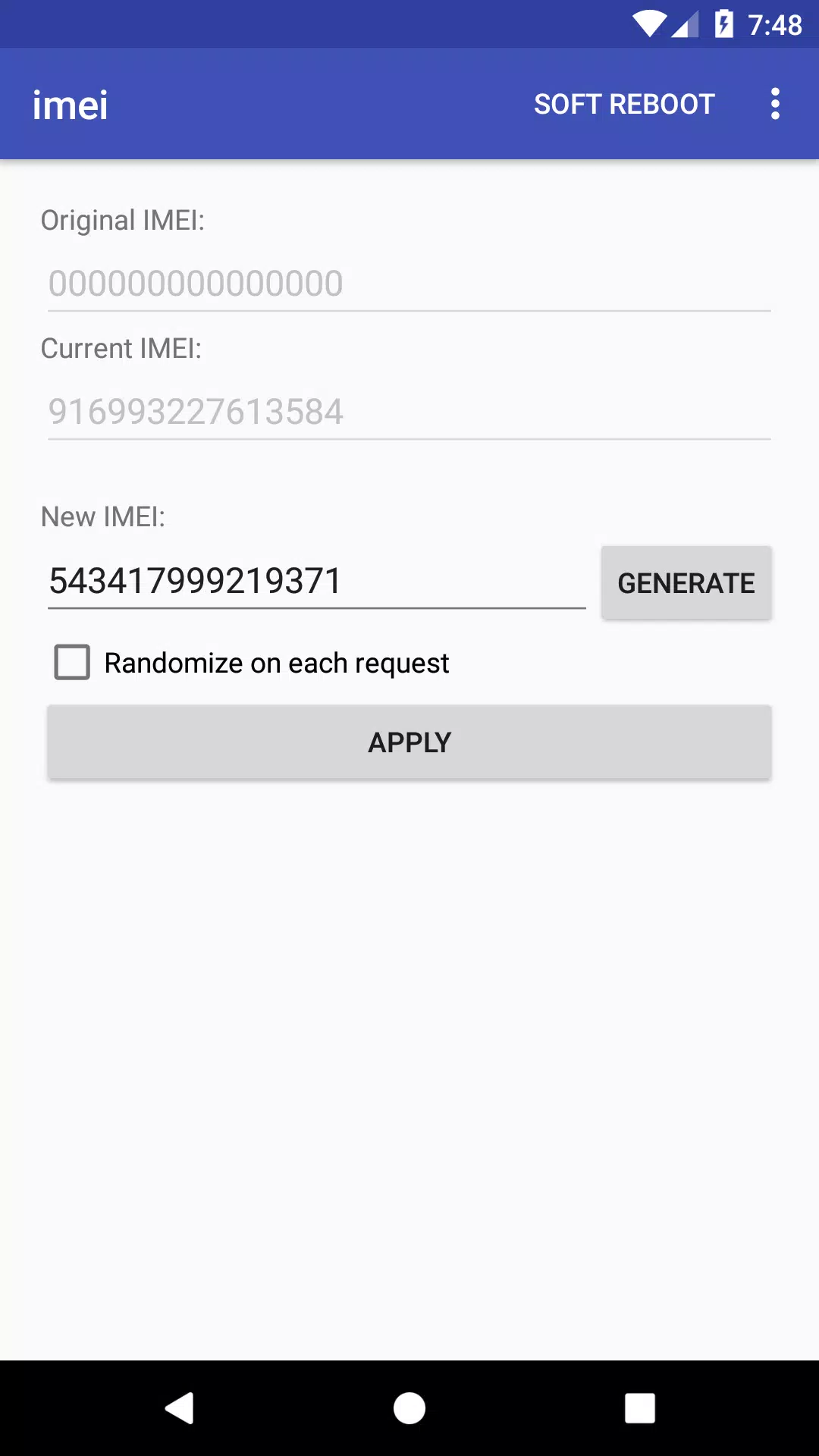
1. Root your device.
2. Install Xposed Framework
3. Install Magic IMEI Changer.
4. Activate Magic IMEI Changer module in Xposed Framework.
5. Softboot your device.
6. Open App to Change IMEI.
7. Check New IMEI by dialing *#06#
Overall, IMEI Changer is a useful tool for those who want more control over their Android devices. It offers a quick and efficient way to change the IMEI number without requiring any technical knowledge or expertise. If you’re considering using this app, make sure you understand the potential risks involved and use it responsibly.
Size:1.93MB Version:1.7
Requirements:Android Votes:151
Package Name:com.sdex.xposed.imei Signature:39f2144f32b5ac587f08daffe61a9517
Transform your mobile device into a powerhouse of efficiency with these handpicked essential tools. Whether you need professional-grade photo editing, seamless file organization, smart task management, or real-time weather updates, our curated selection of premium apps delivers unbeatable performance. Streamline your daily routine, automate repetitive tasks, and boost your productivity with intuitive interfaces and powerful features. Designed for both professionals and casual users, these editor-approved applications will revolutionize how you work and play. Don't settle for an ordinary phone - upgrade your digital experience today and unlock your device's full potential!
With the development of mobile hardware and software, many practical tool software have emerged, covering a wide range of aspects and becoming a good helper for everyone in work and life. Today, the editor provides you with a list of useful tool software downloads. These tools are not particularly complex types, and after reading them, everyone can quickly learn how to use them. Proper use can bring great convenience to life and work.
About us | Contact us | Privacy policy| DMCA
Copyright © 2026 Xiaohei All rights reserved.