
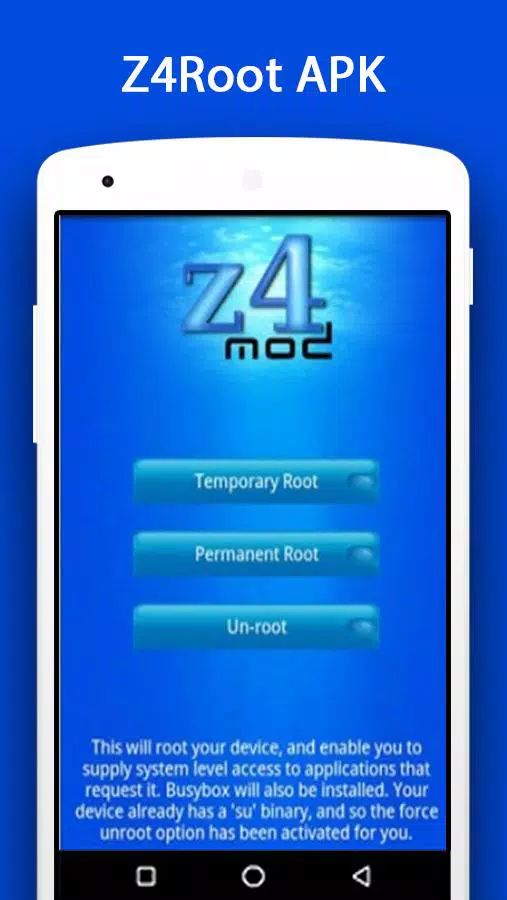
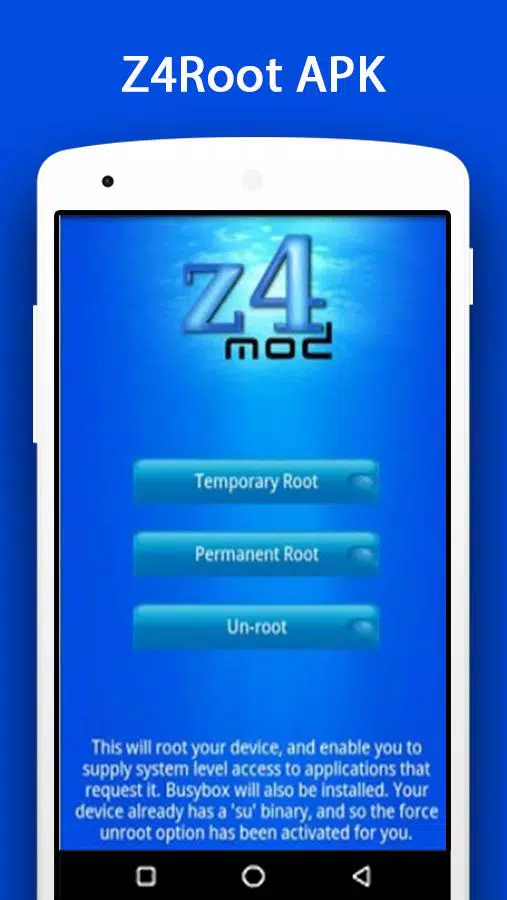
z4root is a simple and easy-to-use root access tool. It allows you to grant software temporary, permanent, or direct root access to meet various user needs. After gaining root access, users have complete control over their devices. This includes installing incompatible software and games, freely changing the interface design, uninstalling system software, and blocking various ads and pop-ups, making your system run more smoothly.
There are number of things you can achieve with a rooted Android device. Following are some of them listed as per popularity.
Customized Android OS: MIUI, LineageOS, Paranoid Android are few of the custom Android ROMs out there in the internet which offers you wide variety of selections over the stock Android ROM. Installing such ROM can only be done after rooting your device. Since you have the total control of your OS, you can delete in-built apps from your OS such as SenseUI in HTC.
Backup and restore: Backing up or restoring entire device is not possible with unrooted device. Rooting gives you the ability to fully backup or restore your device in case you want to roll it back to it’s initial stage.
Apps that Require Rooting: Some apps are designed only to work in rooted Android devices such as Adblock plus, Greenify, Tasker, Xposed, Lucky patcher. They will not work on a unrooted device. There are apps those help you to underclock or overclock the device, and they require root too.
Free up Memory: Apps consume lot of internal memory with the application data and other files. Some phone manufacturers does not allow you to transfer apps to SD card. With your device in root mode, you can do this easily.
V1.0.0 : Initial Release
V1.1.0 : Will now open the application settings page if USB debugging is not enabled.
V1.2.0 : Unroot support, fix for devices with small max file size such as I5700, binaries in xbin rather than bin
V1.2.1 : Back to /system/bin for support for some devices. Fix for QVGA devices.
V1.2.2 : Adverts added (can be permanently disabled with menu option). Hopeful fix for devices such as Moment (Did not work).
V1.3.0 : Force unroot option, temporary root option.
Is it safe to use z4root to root my Android device?
Rooting any device carries inherent risks, including potential security vulnerabilities and the possibility of bricking your device if something goes wrong. z4root simplifies the process by handling everything within the app, without requiring a PC connection or complex manual steps. The APK files on FreeSoft are scanned through VirusTotal, but rooting itself modifies system-level files, so proceed with caution.
Will rooting my phone void my warranty?
In most cases, rooting your Android device will void the manufacturer's warranty. Device makers generally consider rooting as unauthorized modification of the operating system. However, z4root includes an un-root function that can reverse the process, though this does not guarantee warranty restoration with every manufacturer.
What are the risks of using z4root?
The primary risks include potential system instability, security vulnerabilities from elevated privileges, and the possibility of bricking your device during the rooting process. Some apps, particularly banking and payment applications, may refuse to run on rooted devices. z4root offers a re-root function to address issues caused by a failed initial rooting attempt.
How do I unroot my device if I change my mind?
z4root includes a built-in un-root function accessible directly from the app's main screen. Tapping the un-root option will automatically remove the files installed during the rooting process. This restores your device to its original, non-rooted state in a single step.
You've surely tried to install an app on more than one occasion, and you haven't been able to because it required root permissions. To get these permissions you need to root the device, which means that you need to have administrator or root access. You can now carry out this process with a simple app: z4root.
Size:955.5KB Version:1.3.0
Requirements:Android Votes:593
Package Name:com.z4mod.z4root Signature:46965bd41dac0e4988515aa2f9f95b19
Transform your mobile device into a powerhouse of efficiency with these handpicked essential tools. Whether you need professional-grade photo editing, seamless file organization, smart task management, or real-time weather updates, our curated selection of premium apps delivers unbeatable performance. Streamline your daily routine, automate repetitive tasks, and boost your productivity with intuitive interfaces and powerful features. Designed for both professionals and casual users, these editor-approved applications will revolutionize how you work and play. Don't settle for an ordinary phone - upgrade your digital experience today and unlock your device's full potential!
With the development of mobile hardware and software, many practical tool software have emerged, covering a wide range of aspects and becoming a good helper for everyone in work and life. Today, the editor provides you with a list of useful tool software downloads. These tools are not particularly complex types, and after reading them, everyone can quickly learn how to use them. Proper use can bring great convenience to life and work.
About us | Contact us | Privacy policy| DMCA
Copyright © 2026 Xiaohei All rights reserved.

























