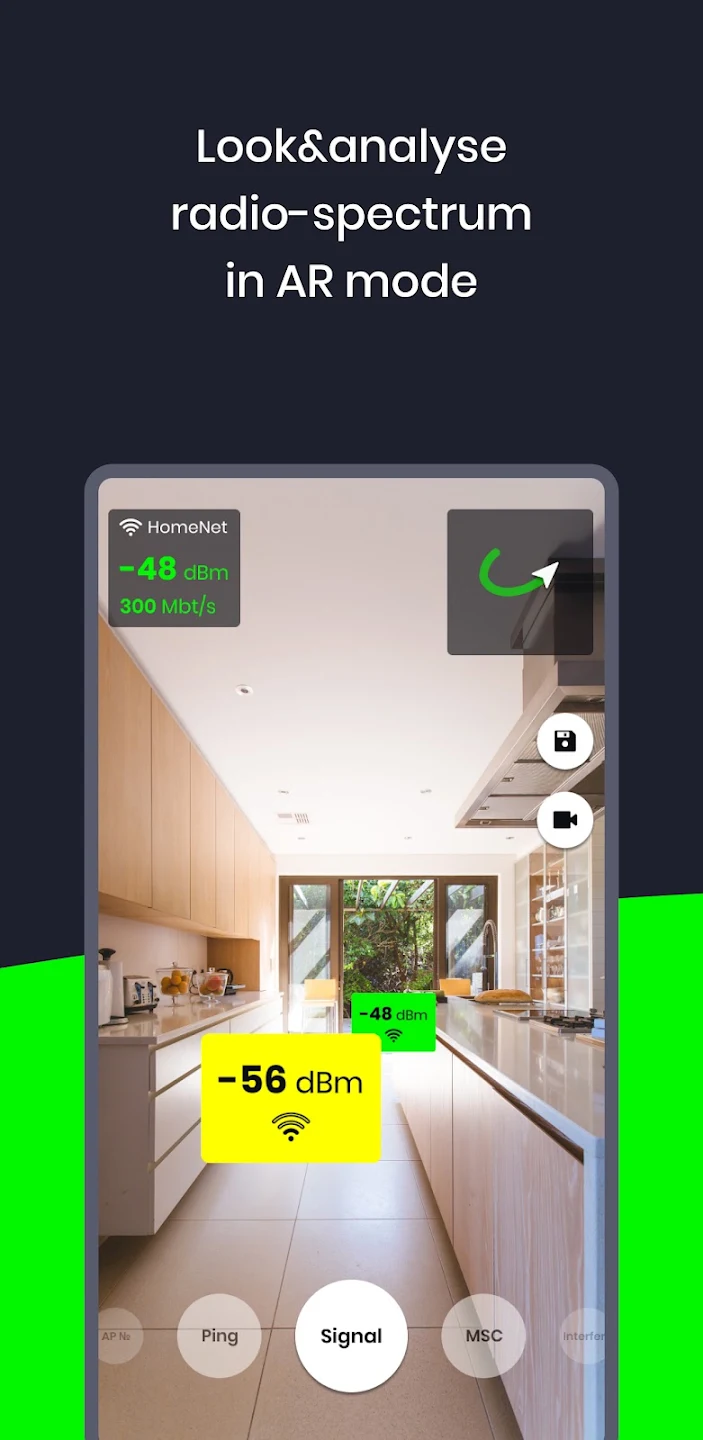
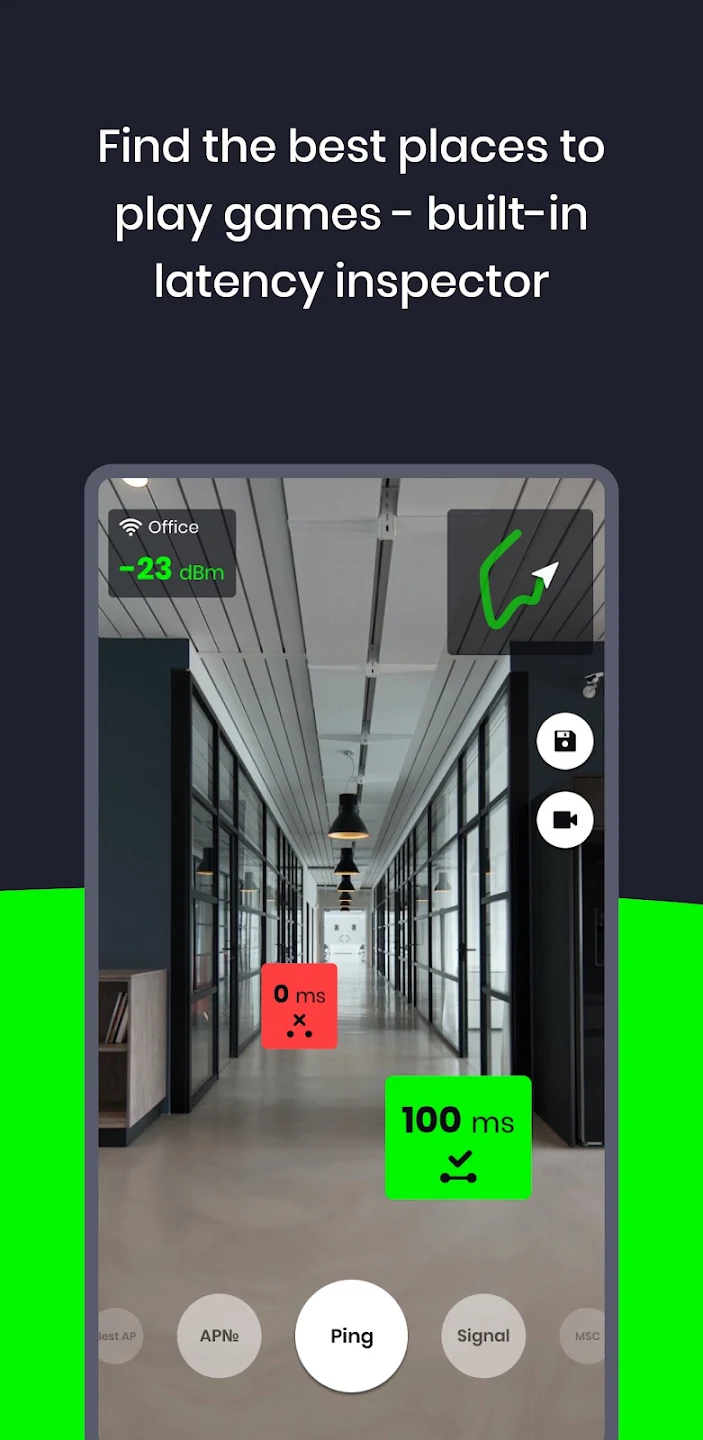
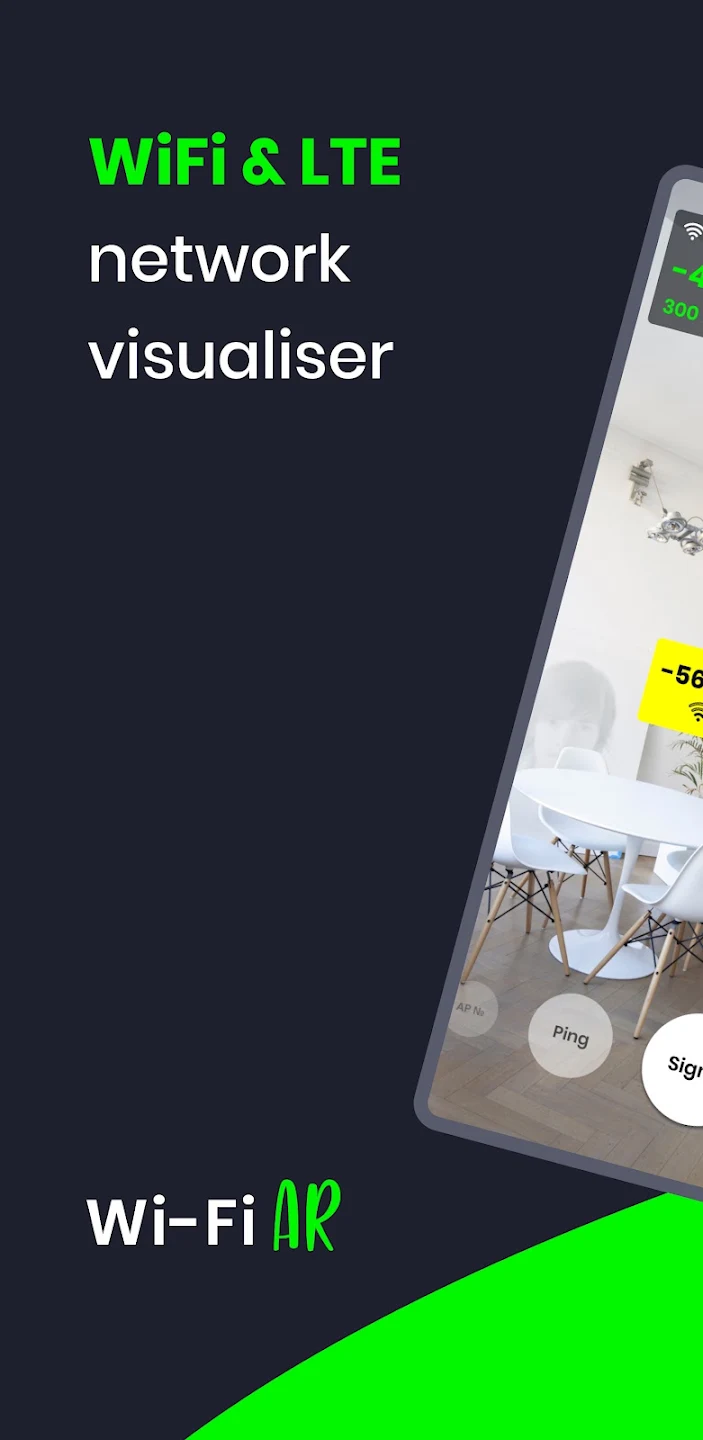
WiFi AR is a WiFi signal strength finder that visualizes the WiFi signal strength in the surrounding environment as the user moves around. Users can clearly see the area with the lowest PING value and connect there, resulting in a smooth viewing and gaming experience or the downloading of various software and games. The software also supports WiFi detection, monitoring the network strength between multiple routers to ensure users can switch between them at any time, minimizing the impact of network conditions.
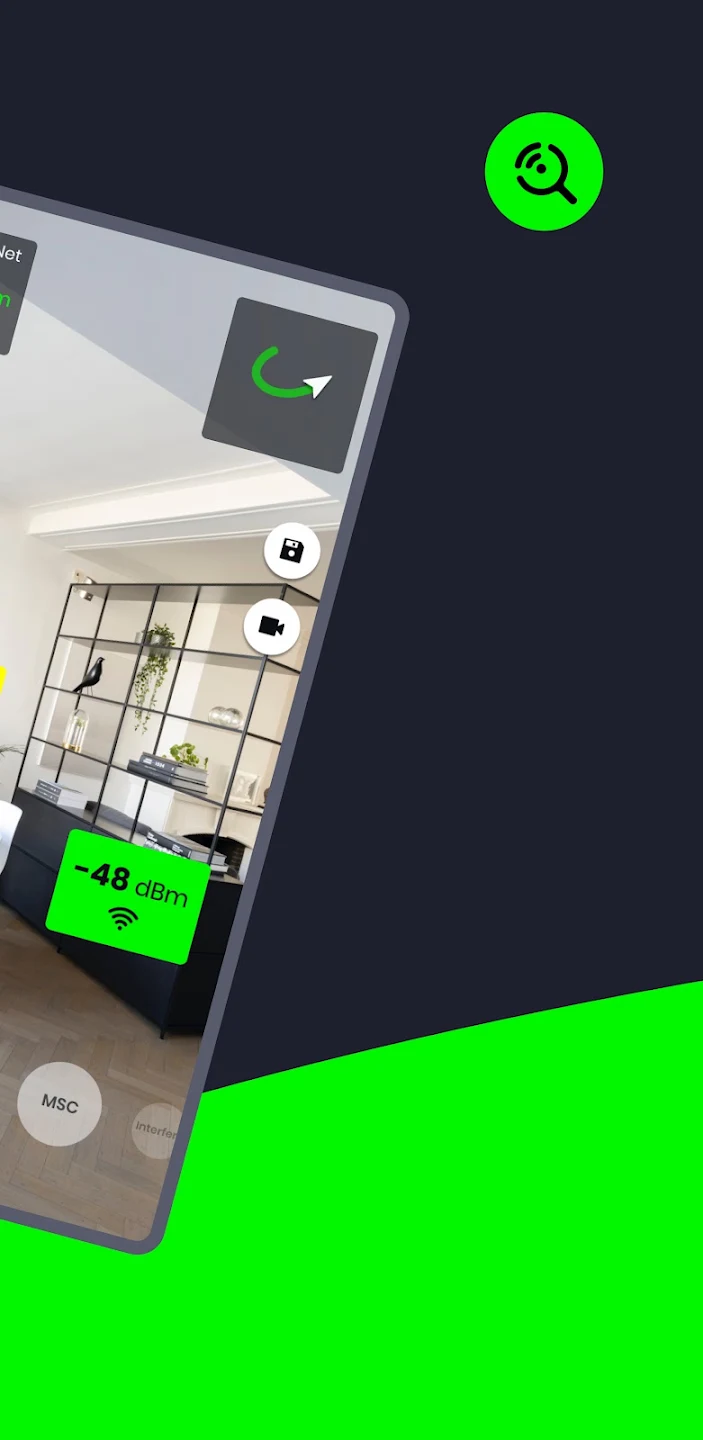
Signal strength visualization: WiFi AR visualizes signal strength in augmented reality so you can see where reception drops and where it holds steady. As you move through a room, the app maps RSSI values onto the camera view to reveal weak spots and more reliable areas. This helps you decide where to place access points or keep devices for consistent connectivity.
Interference and channel awareness: In addition, WiFi AR detects nearby networks and busy channels that can degrade performance. You can spot overlap and crowding, then adjust router settings to target cleaner channels. This process reduces contention and supports more predictable speeds in apartments and offices with dense WiFi activity.
Multi AP roaming checks: Furthermore, WiFi AR helps you confirm that devices switch to the strongest access point during movement. By observing the overlay while you walk, you can verify roaming behavior and refine AP placement. This supports smoother handoffs in multi AP setups such as mesh systems or extended networks.
Automatic capture and sharing: Finally, WiFi AR captures data automatically while you walk and shows results in real time. You can switch between metrics such as signal strength, speed, and latency without stopping the scan. When mapping is complete, share a preview or captured video with IT specialists for setup and troubleshooting.
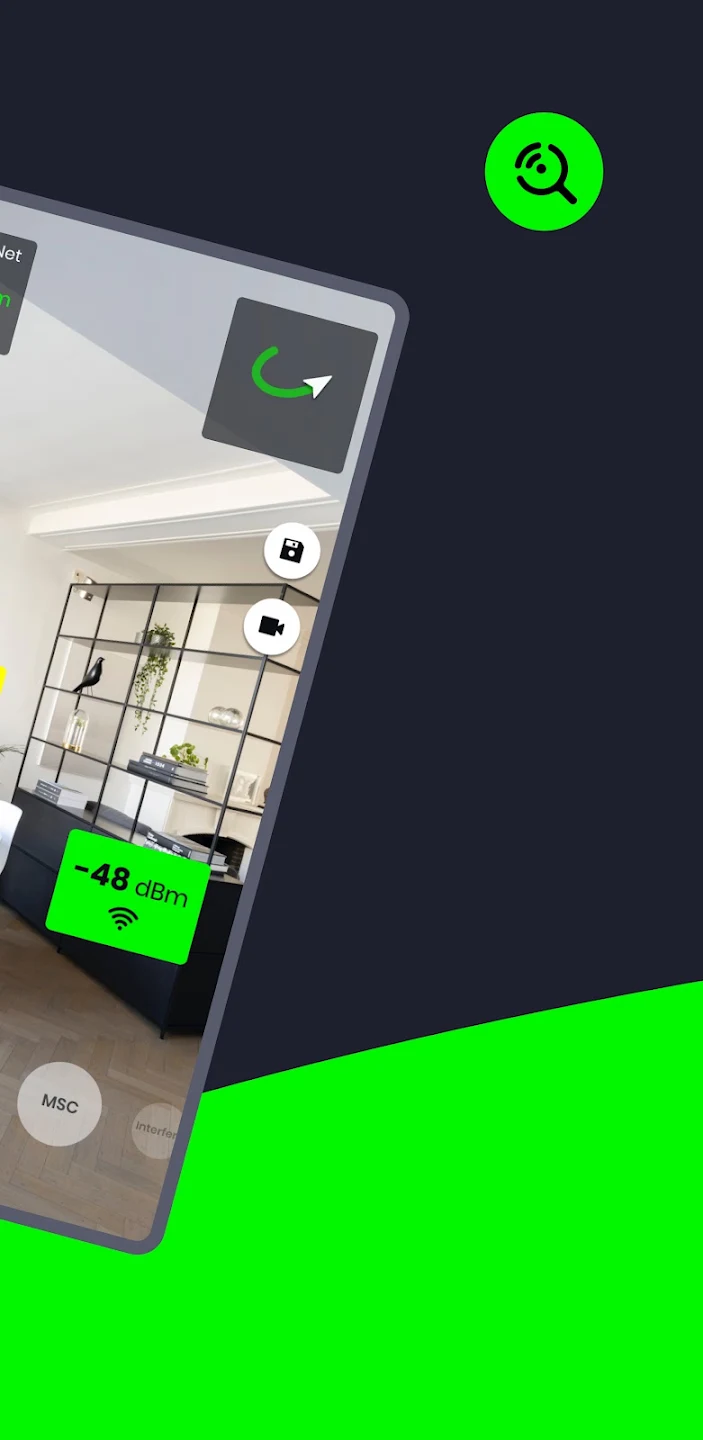
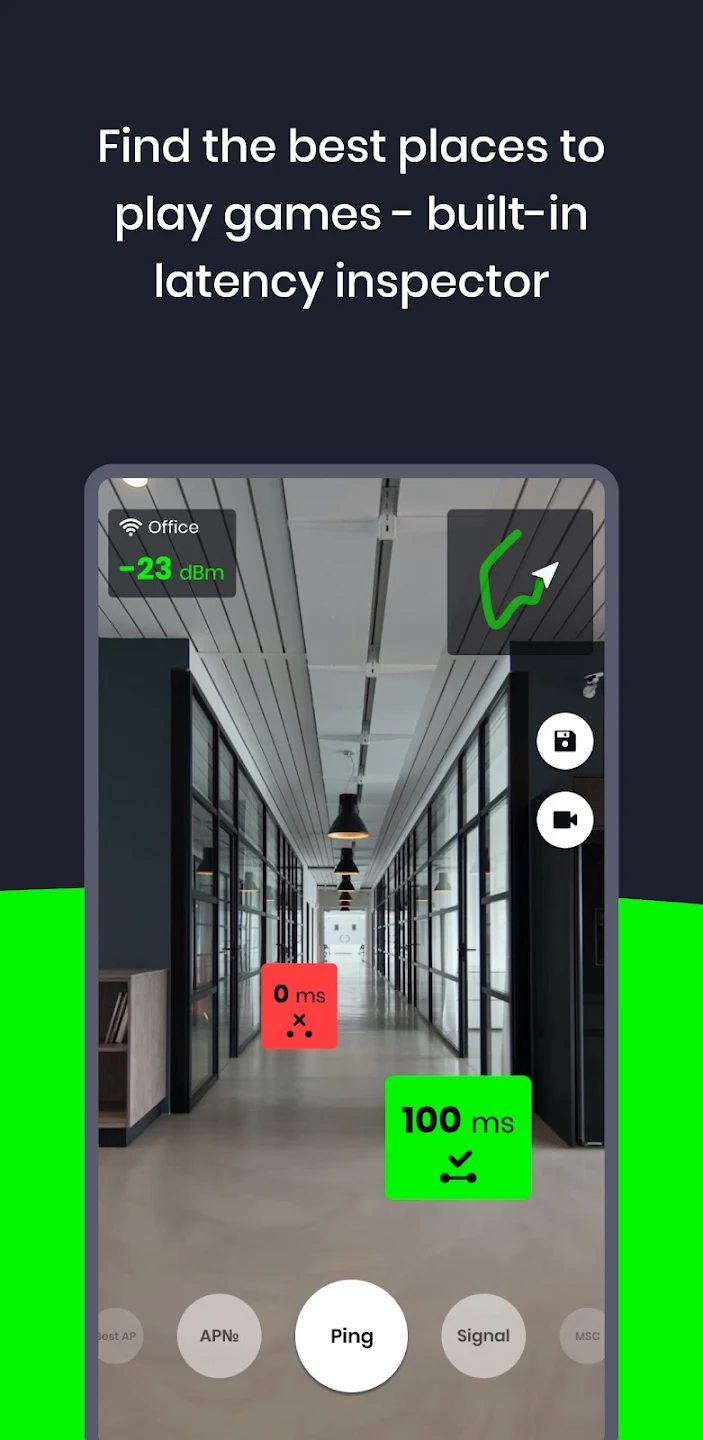
Performance measurement provides another dimension to network analysis. The app displays current connection speed, giving users real-time feedback on the data transfer rate of their active connection. Beyond speed metrics, it measures ping values to identify areas with the lowest latency. This latency mapping allows users to see which locations provide the most responsive network connections, useful for lag-sensitive activities like online gaming or video conferencing. The spatial visualization of ping data reveals which physical areas deliver better performance.
The app identifies interfering neighboring networks that impact connection quality. When multiple WiFi networks operate on overlapping channels in the same physical space, they create interference that degrades performance for all networks involved. These interference scenarios are detected and highlighted, indicating which neighboring networks contribute to connection problems. This detection explains why connection quality may vary even when signal strength appears adequate, revealing hidden causes of poor performance.
WiFi AR also detects automatic switching between multiple routers. Devices often connect to the strongest available network when moving between locations with multiple routers or access points, but users may not always be aware of these transitions. The app identifies when automatic switching occurs, providing visibility into which networks the device is selecting and when selections change as users move through different areas.
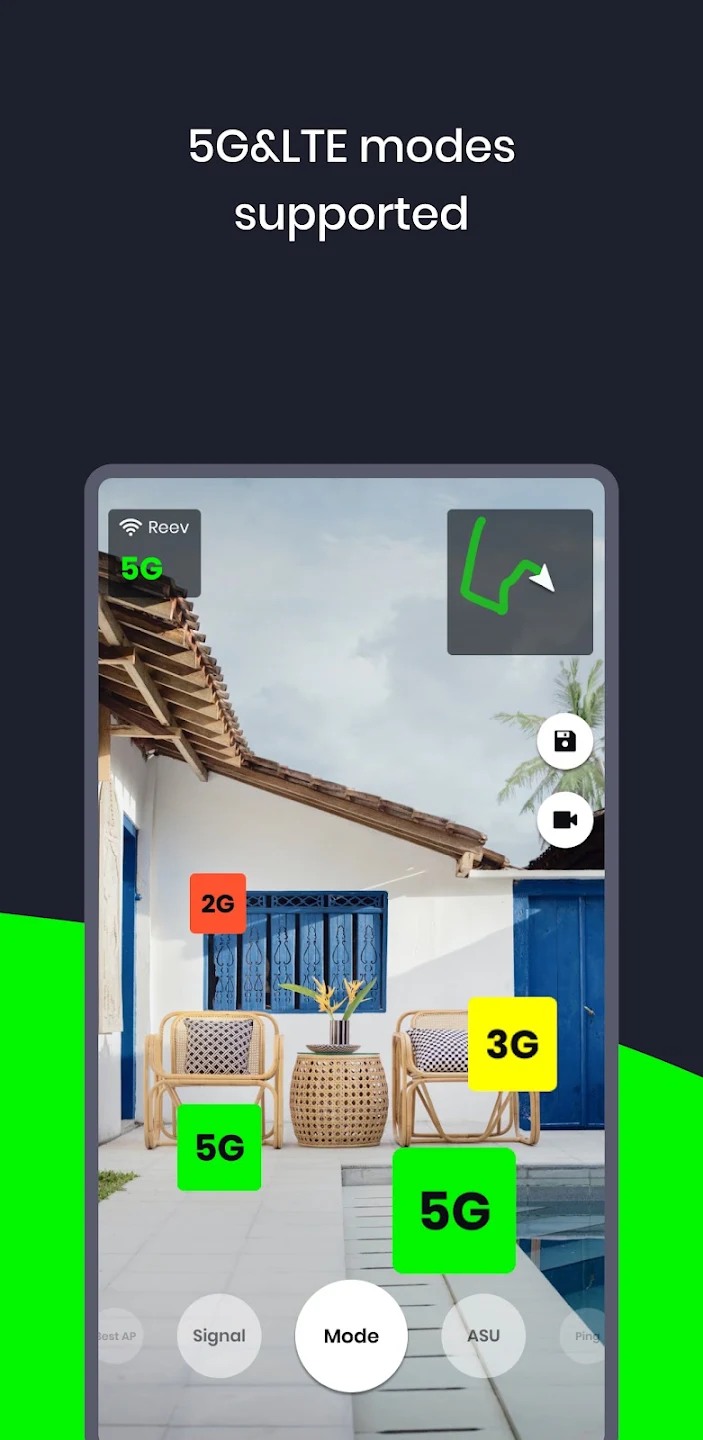
The app supports WiFi, 5G, and LTE network types, allowing comprehensive visualization of both wireless local area networks and cellular connections. This multi-network support means users can see all available connectivity options in a given location, comparing WiFi performance against cellular alternatives when both are available.
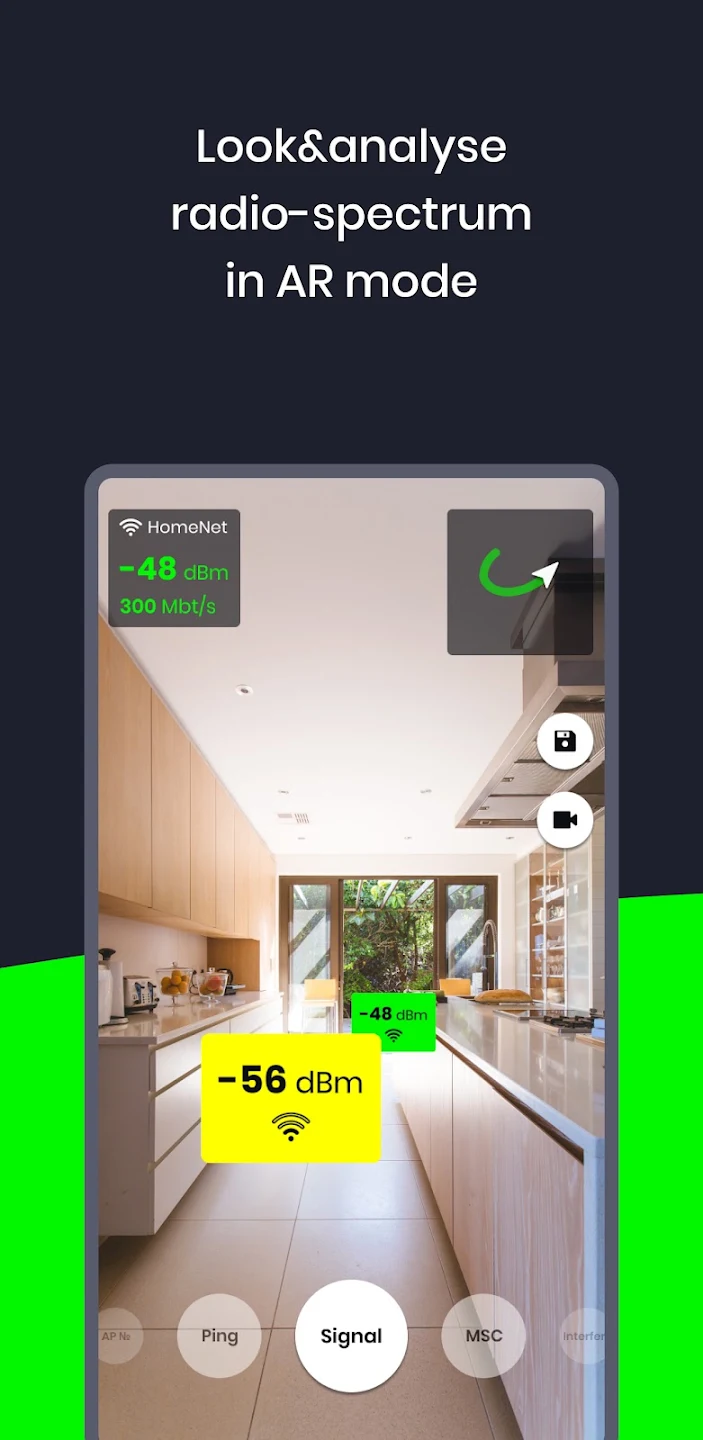
I was skeptical that this would work or provide much value, but the positive reviews convinced me to give it a shot. This app ended up being the most useful when I was comparing signal for a variety of home network setups. It helped me easily visualize how the signal changes as I walk around the house... Even up or down floors! There are ads, but very infrequently. I'll definitely be using this app again the next time I need to do this kind of work.
This app is soo cool. I walked around my house and the wifi was strongest next to the router. It automaticly makes markings telling how strong the wifi is. Sometimes it loses track of where you are and you can't see the markings but it fixes itself and places the markings back where they belong. At one point my wifi just got weaker which I thought was strange. I only wish that you could save the markings after leaving the app.
works great. location is required by all Wi-Fi scanning apps with newer versions of Android so any posts complaining are people who dont know this fact. The overlays show up after walking around a bit and its pretty slick. i cant wait to try this out where there is fast handoff between multiple AP's with the same SSID. One thing that is inaccurate is that the interference AP's detected are the same AP, just different SSID. would be nice to be able to whitelist these SSID's.
Considering similar apps for a computer run from hundreds to thousands of dollars I'd say under eight bucks is a pretty good deal. I run multiple sites with multiple floors and this is just a fast easy graphic interface. To do it properly spend hundreds or thousands create a floor plan map and make a proper heat map. I'm using it in multi-floor hotels and it's a quick fast easy way to see where the overlap is. Keep up the good work guys I have no problem donating a few bucks for this app.
Is this application supported by my device?
This app requres Google ARCore library to work properly. List of supported devices available here.
Why do you need location permission?
Starting Android 8 (SDK 26), Fine location permission is required to get Wi-Fi scan results. In theory, if we have list of All of the Wi-Fi networks in the world we can determine your location. Anyway, we do not share or collect your scan results in any way. Reference to the datasheet with scan function description.
Where are videos/images are saved?
Please find them in WiFiAR device folder. Reachable from gallery.
With WiFi AR’s signal level feature, you can say goodbye to bothersome dead zones and inconsistent connections. This app uses real-time data to pinpoint the exact locations in your space where the WiFi signal is the strongest. With this information, you can easily place your devices or move your router to achieve the best possible signal strength throughout your home or business.
Size:11.2MB Version:5.17
Requirements:Android Votes:211
Package Name:ua.com.wifisolutions.wifivr Signature:bd9aca88cab4b3cc3a2467ece97f5b01
Transform your mobile device into a powerhouse of efficiency with these handpicked essential tools. Whether you need professional-grade photo editing, seamless file organization, smart task management, or real-time weather updates, our curated selection of premium apps delivers unbeatable performance. Streamline your daily routine, automate repetitive tasks, and boost your productivity with intuitive interfaces and powerful features. Designed for both professionals and casual users, these editor-approved applications will revolutionize how you work and play. Don't settle for an ordinary phone - upgrade your digital experience today and unlock your device's full potential!
With the development of mobile hardware and software, many practical tool software have emerged, covering a wide range of aspects and becoming a good helper for everyone in work and life. Today, the editor provides you with a list of useful tool software downloads. These tools are not particularly complex types, and after reading them, everyone can quickly learn how to use them. Proper use can bring great convenience to life and work.
About us | Contact us | Privacy policy| DMCA
Copyright © 2026 Xiaohei All rights reserved.