Clear Scan is a smart scanner software designed for mobile devices. It can scan various photos, documents, books, notes, etc., into the software and convert them into high-quality images or PDF files for easy reading and editing. Users can further edit the scanned documents, such as adding highlights, correcting images, and adding annotations, to meet different user needs. Users can also directly export scanned documents to different platforms to share with friends, increasing communication efficiency. The software is not only small in size but also completely free, so users can use it with confidence.
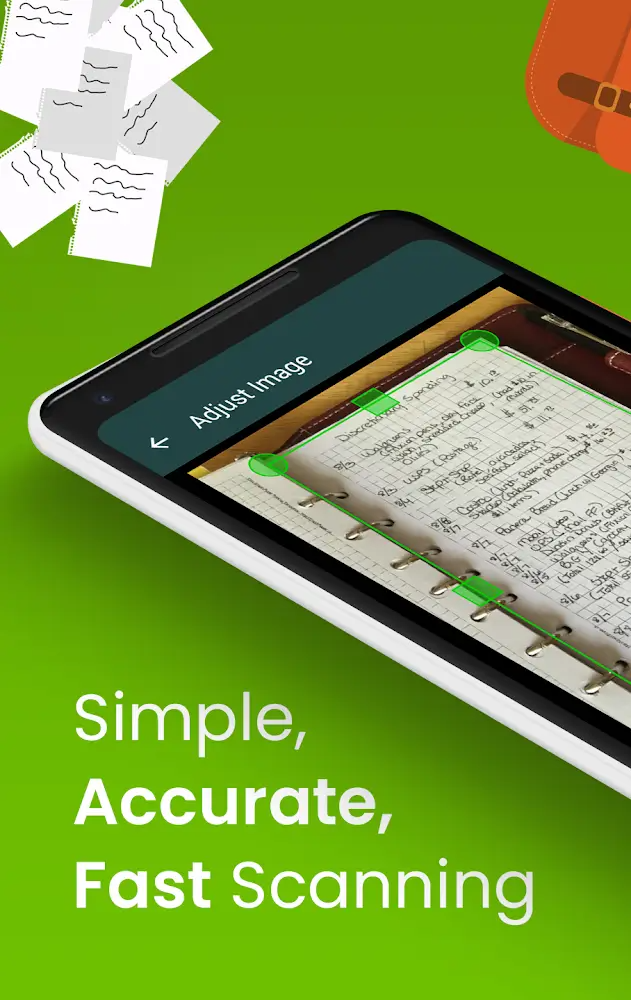
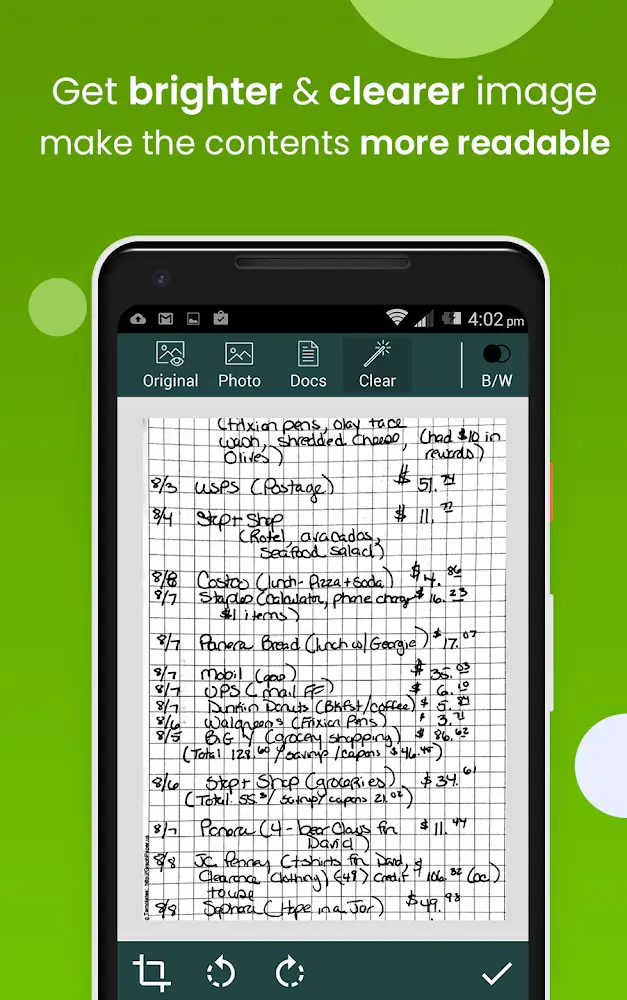
In Clear Scan, users can easily rotate printed documents to store them inside the device. Scanning is easy when users take these printed documents and allow the app to recognize them. You can then select appropriate filters for these documents, usually color or black and white, so users can apply them to their needs.
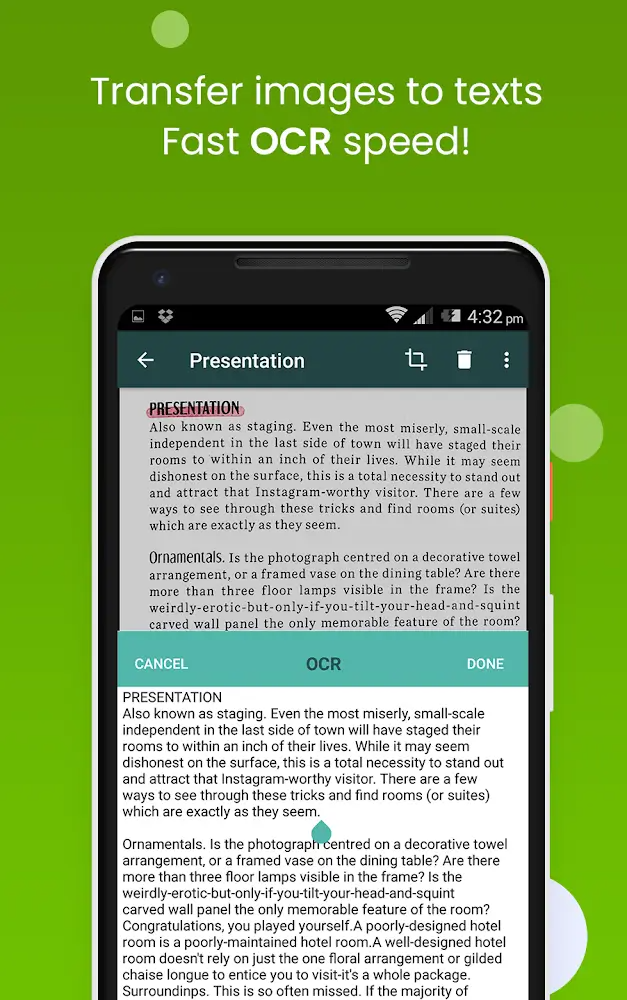
With the Clear Scan function, users can work with two main formats: PDF and JPEG, and after scanning the printed document, users can choose the desired saving format. At the same time, users can work with printed documents of different sizes and can choose A4, letter, and other suitable sizes. In addition, users can convert images to text for convenient editing.
Clear Scan cleans up folder management so you can organize them into shared content items for easy management and search when needed. Not only that but with your smart and meticulous nature, you can create a more secure and complete subfolder. Each user will have a different way of using it, so feel free to use the features here as you wish.
If you are learning and want to delete the page, it is completely possible. Or, if you want to delete a certain document file that you consider unnecessary, all information will be immediately deleted at the click of a mouse button. In addition, if you need to insert a specific page to enrich your document, it is possible. In addition, this program allows you to sort the pages one by one and sort the mass of information in the most logical way.
The management of folders will be cleared by Clear Scan so that you can arrange them into items with shared content together for convenience in managing and finding them when needed. Not only that, with your intelligence and neat personality, you can create subfolders to store data more securely and thoroughly. Each user will have their way of using it, so feel free to use the functions here according to your wishes freely.
If in learning, you want to delete any page, it is entirely possible. Or, if you want to delete a particular document file that you feel is redundant, press a mouse button, and immediately all information will be cleaned most simply. Besides, if you require inserting a particular page to enrich your document, it is possible. Moreover, the application also makes it possible for you to organize pages one by one and sequence the mass of information in the most logical way.
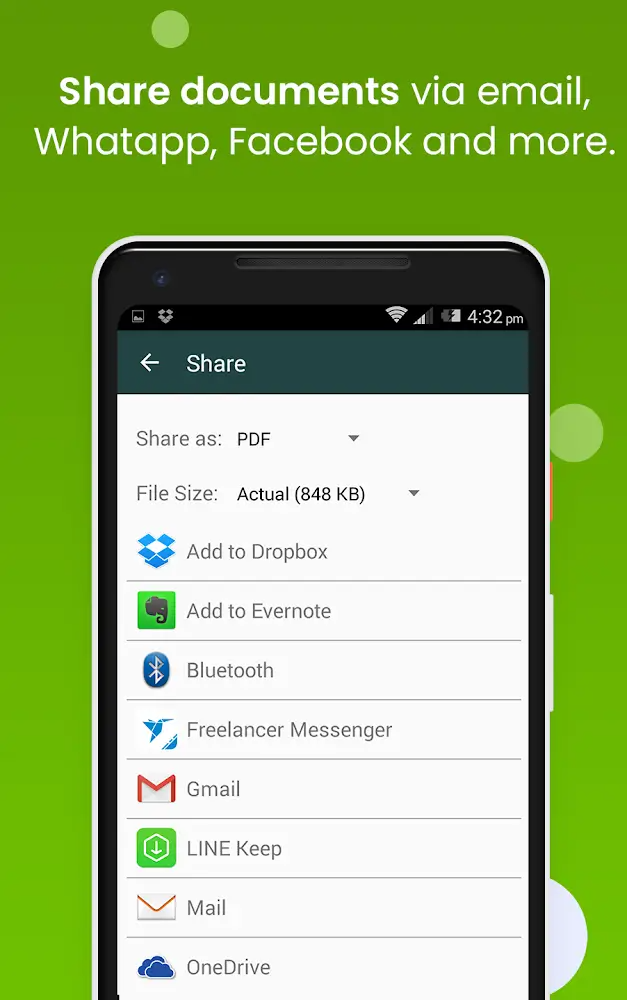
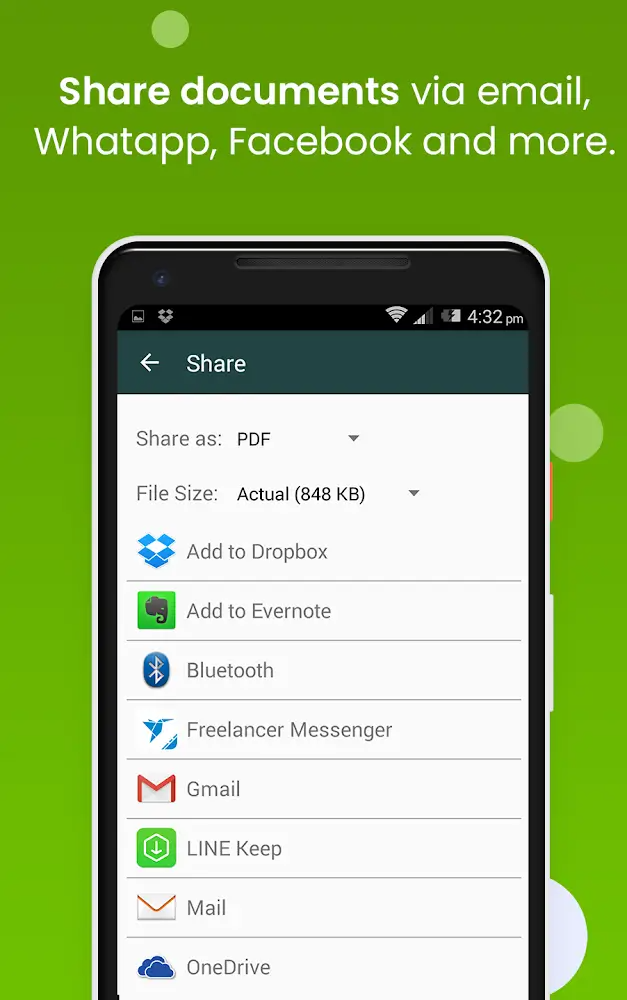
If you require creating PDF files for your chosen content, feel free to select the most appropriate size for yourself. Be it A4, Letter, or any other page. In addition, you also have the right to send information about these folders via email to your friends or teachers very quickly. The important thing is that you will print out PDF files freely through the Cloud Print icon. What are you waiting for without trying to join this application to receive thousands of unique and special features from it?
If you want to convert images into some text easily, then this application is a must for you. Moreover, you can also edit and share them on some information channels or pass them on to your loved ones via text messages. The most important thing is that it will give you the ability to restore everything that has been deleted or back up the necessary information simply in a few small steps.
LOVE this App. Very easy to scan information from books, papers for my own file and future references. I like the way it shows their advertisement which serves their purpose and not disturbing at all. The filing system is good, users can create different folders to store related materials and give different names for every single page within a folder. It's also easy to retrieve stored information by searching specific string across folders. Lastly, very easy to relocate to a new phone.
I'm quite happy with the App. Its UI is very user friendly: simple and straightforward. I like the recent update which enabled importing pdf files. Besides, Google cloud storage syncing is awesome. There are some area for improvement. Although I'm happy with installing the app itself in internal memory, prefer to allocate SD card for user data. Dear developer, Would you please consider adding an option at the app setting, to change user data storage location from internal to SD card?
I’ve been using Clear Scan for the past three to four years, and I must say—it’s an excellent tool. Upgrading to the Pro version made it even more powerful and efficient. After using it extensively for years, I finally decided to subscribe, and it was absolutely worth it. In my view, this app is truly remarkable, and I believe everyone should consider downloading it for themselves.
Excellent app..... recommended to everyone...... it has no comparison...... However I had already purchased the pro version for life time but due to recent update I am seeing ads again and again.... please sort out this issue.
Can I scan multiple pages into a single PDF?
Yes, you can scan multiple pages and combine them into a single PDF. After scanning each page, simply tap “Add Page” to continue scanning. Once finished, tap “Save” to generate the PDF.
Can I share my scanned PDFs?
Yes, once you've scanned a document, you can share it directly from the app via email, messaging apps, or cloud storage services such as Google Drive or Dropbox.
Is my scanned data stored in the app?
No, the app does not store your scanned documents on our servers. All scans are saved locally on your device unless you choose to upload or share them.
How do I organize my scanned documents?
The app allows you to organize your scanned documents by creating folders. You can also name and reorder documents for easy access.
Does the app support OCR (Optical Character Recognition)?
Yes, the app includes OCR functionality, which allows you to extract text from scanned images. This makes the text in your documents searchable and editable.
Can I scan receipts or business cards?
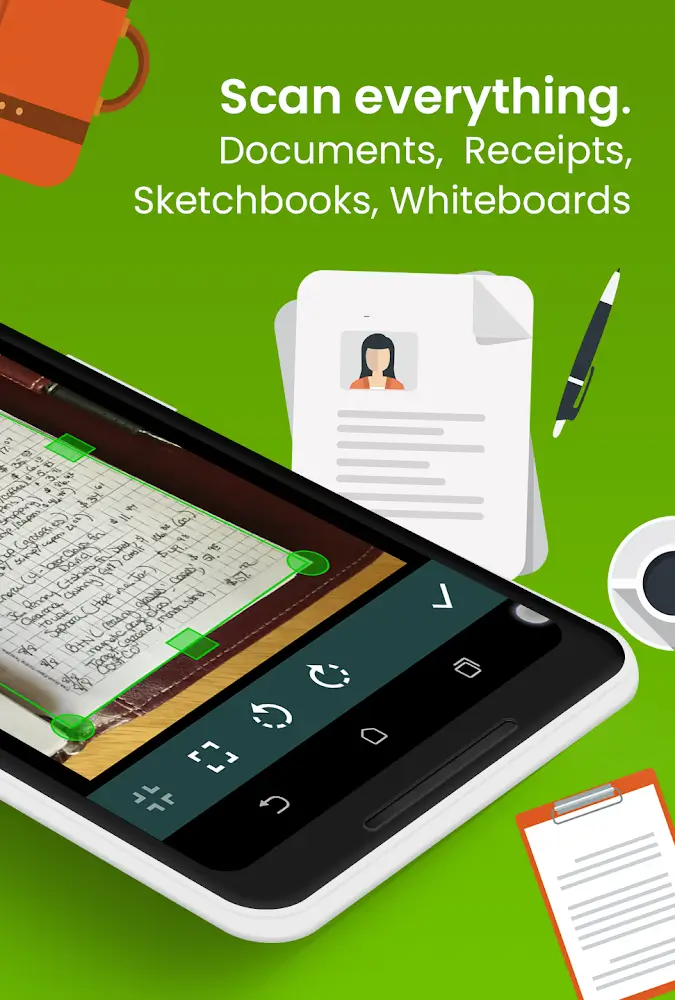
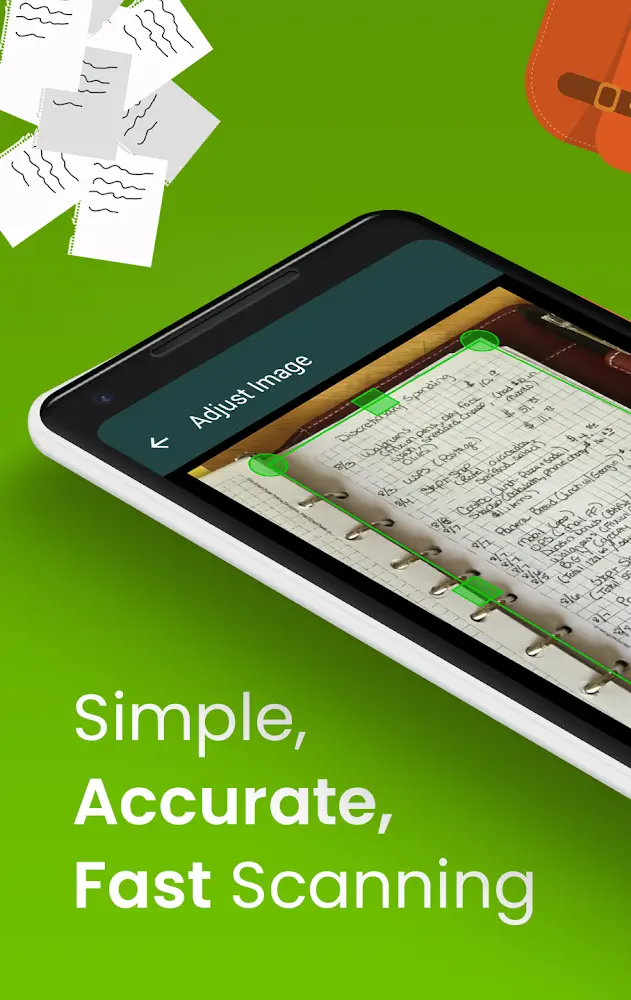
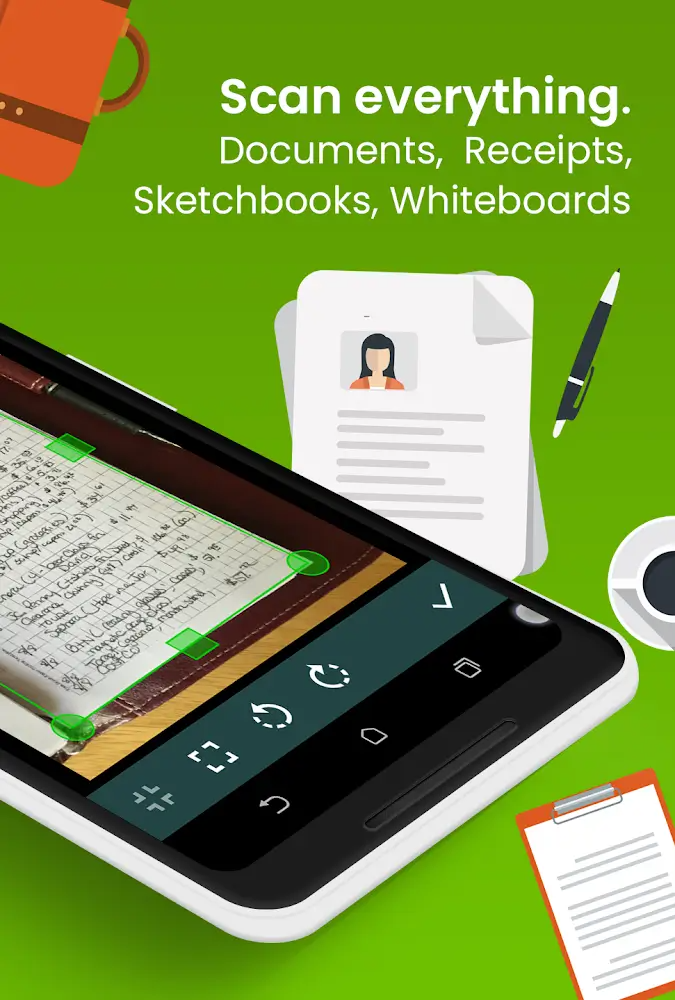
Yes, the app is designed to scan various types of documents, including receipts, invoices, and business cards. It automatically crops and enhances them for optimal readability.
With Clear Scan you can easily organize your stored files by creating folders. Scan and save all the important documents you need in the blink of an eye and send them on to clients and contacts without ever needing to leave your home. This app is the perfect solution for anyone who doesn't have access to a scanner.
Size:63.1MB Version:10.1.92
Requirements:Android Votes:458
Package Name:com.indymobileapp.document.scanner Signature:50182c073cbd4433f09c0a1f648e0f48
Content Rating:Mature 18+ · Includes adult Themes
Transform your mobile device into a powerhouse of efficiency with these handpicked essential tools. Whether you need professional-grade photo editing, seamless file organization, smart task management, or real-time weather updates, our curated selection of premium apps delivers unbeatable performance. Streamline your daily routine, automate repetitive tasks, and boost your productivity with intuitive interfaces and powerful features. Designed for both professionals and casual users, these editor-approved applications will revolutionize how you work and play. Don't settle for an ordinary phone - upgrade your digital experience today and unlock your device's full potential!
With the development of mobile hardware and software, many practical tool software have emerged, covering a wide range of aspects and becoming a good helper for everyone in work and life. Today, the editor provides you with a list of useful tool software downloads. These tools are not particularly complex types, and after reading them, everyone can quickly learn how to use them. Proper use can bring great convenience to life and work.
About us | Contact us | Privacy policy| DMCA
Copyright © 2026 Xiaohei All rights reserved.