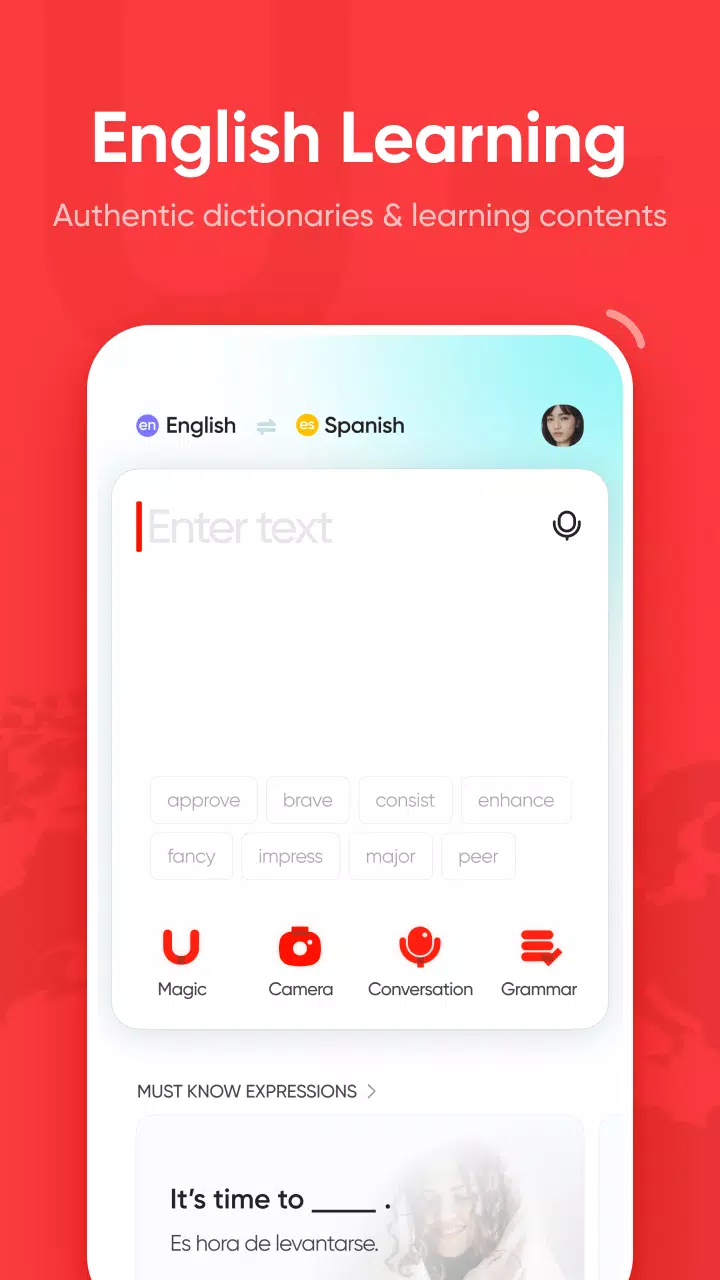
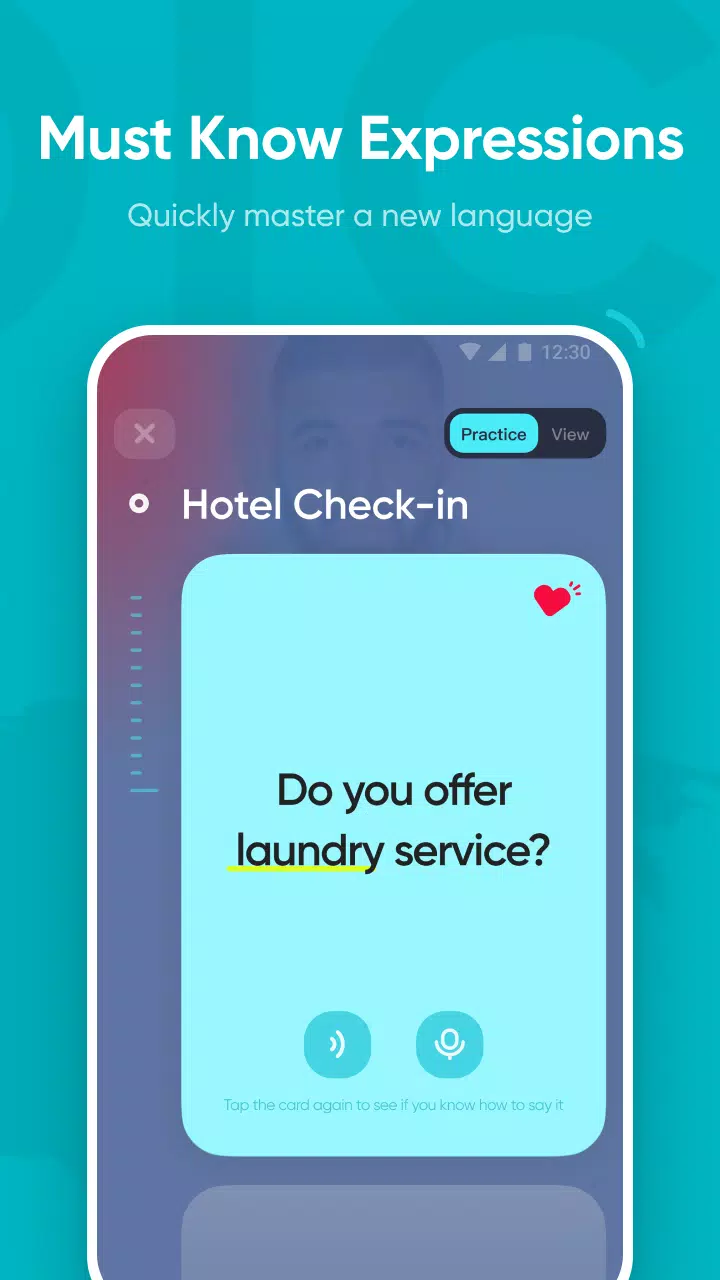
U-dictionary is more than just a translation app; it's an essential tool for language learners. The software integrates numerous English dictionaries, including example sentences, definitions, classic video clips, and quizzes, helping users learn new language knowledge daily and reinforce their learning through daily tests and fun mini-games. It also supports diverse translation functions, allowing users to translate between hundreds of languages via text input, photos, and voice, making daily life more convenient. Furthermore, it includes built-in offline voice packs, allowing users to choose from over 50 language translation packages to translate anytime, anywhere.
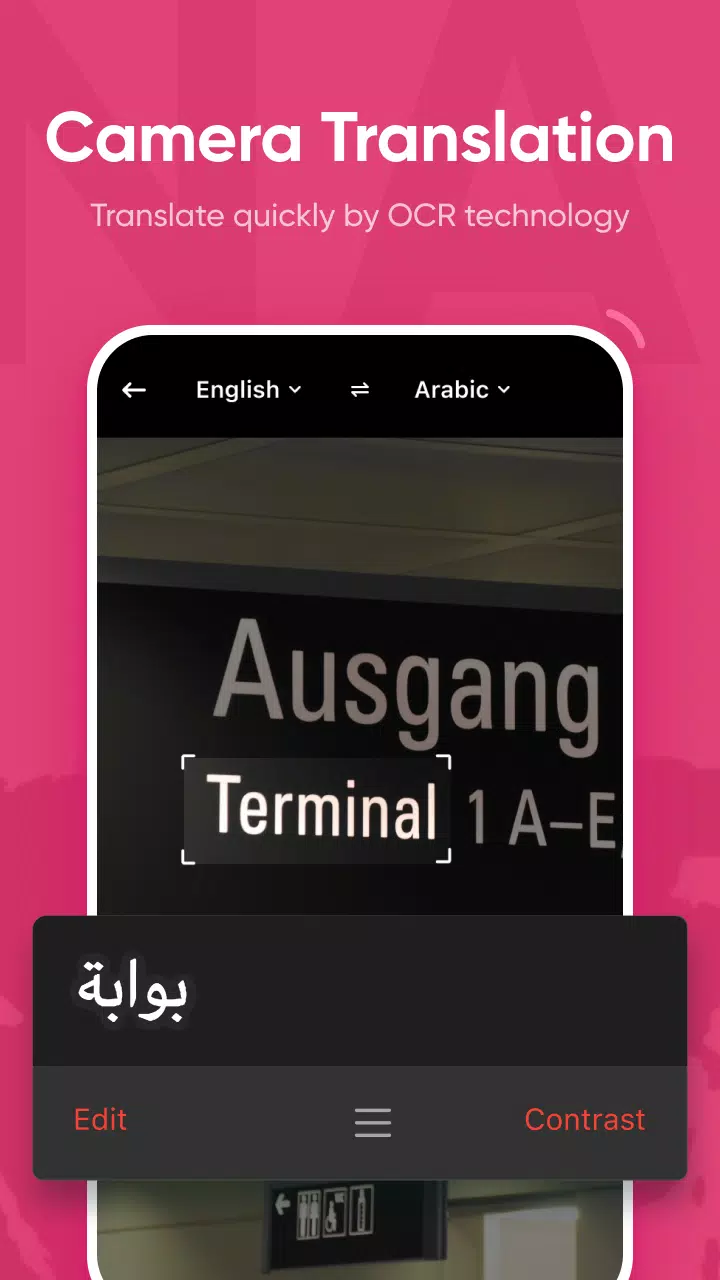
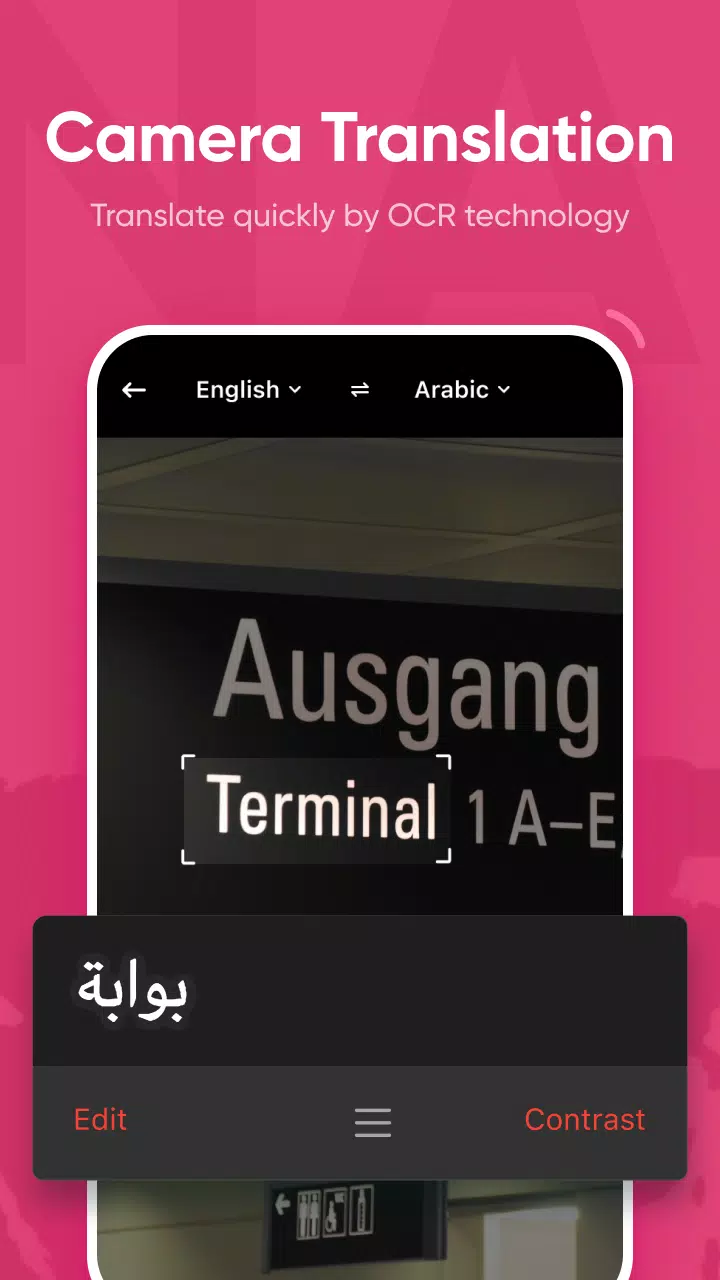
Camera Translation: The app is embedded with a camera icon; you need only to click the icon, and it will be ready to capture the text you want to translate. In this way, you can easily translate your text, especially when you are travelling in a country with an unknown language, or have messages with foreigners in daily life. The feature manages your texting while offering instant translations with quick understanding for signage, menus, and so on. The camera translation feature supports 93 languages.
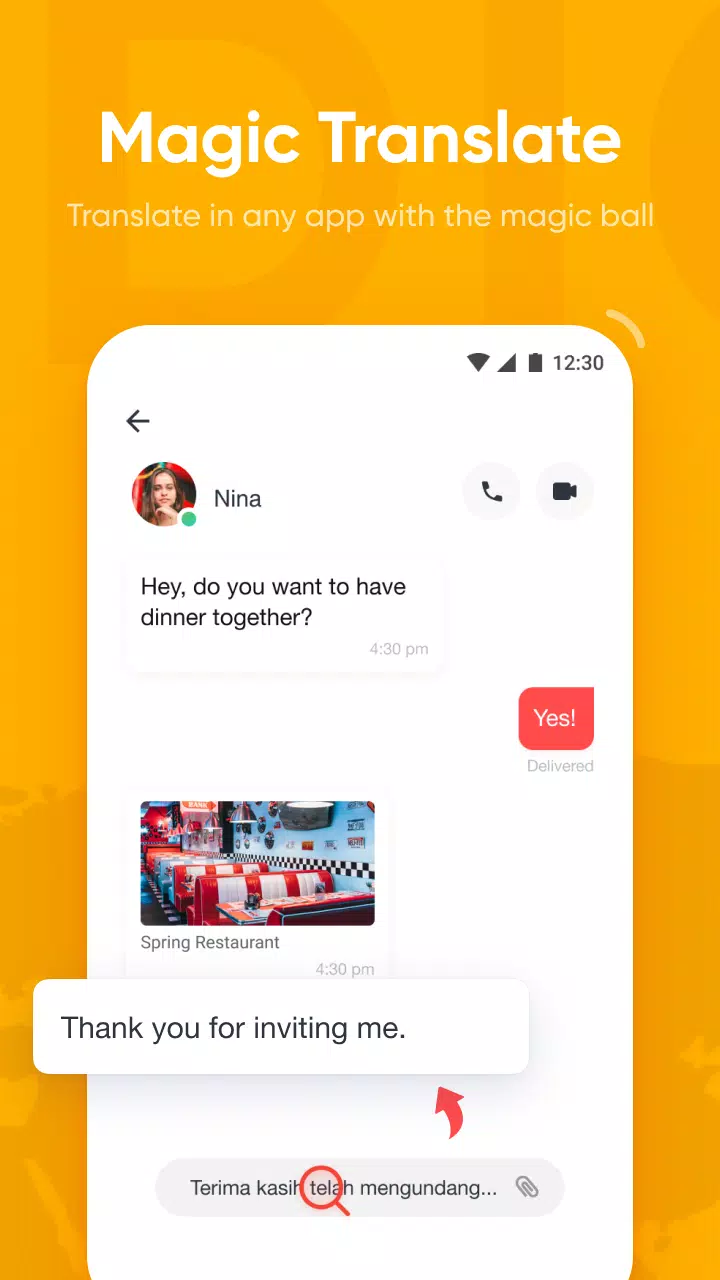
Magic Translation: It is another standout tool that is available on top of multiple popular instant messaging or social-sharing apps such as WhatsApp, Instagram, Facebook, YouTube, and so on. It offers instant translation for your chats, reading news about celebrities, social posts, and other content available in unknown languages. In this way, you will be capable of not missing a bit while scrolling social media platforms.
Conversational Translation: It is another exciting type offered by U-Dictionary, as it offers voice-to-voice translation for more than 35 languages. It is the best option for users who have to face auditory communication. It offers an effective enhancement while recognizing 49 different accents, even in diverse cultural contexts. It makes your conversation better while talking with people having different languages.
Quick Translation: It makes your interactions quick and smart, as you can use near-instant translation without any bothering of opening the app. It makes your translations quick while managing unfamiliar text, and makes your interactions easy and reliable. In addition, you can also use the copy to translate feature, and copy your required word from any app, and get instant translation. Translation Tools & Resources
Accurate Pronunciations: It helps to refine your English skills, as it offers a pronunciation feature for your ease to learn the authentic UK (British) and US (American) accents. It offers audios for your ease to listen to words and phrases to learn the accurate pronunciation and improve your speaking skills.
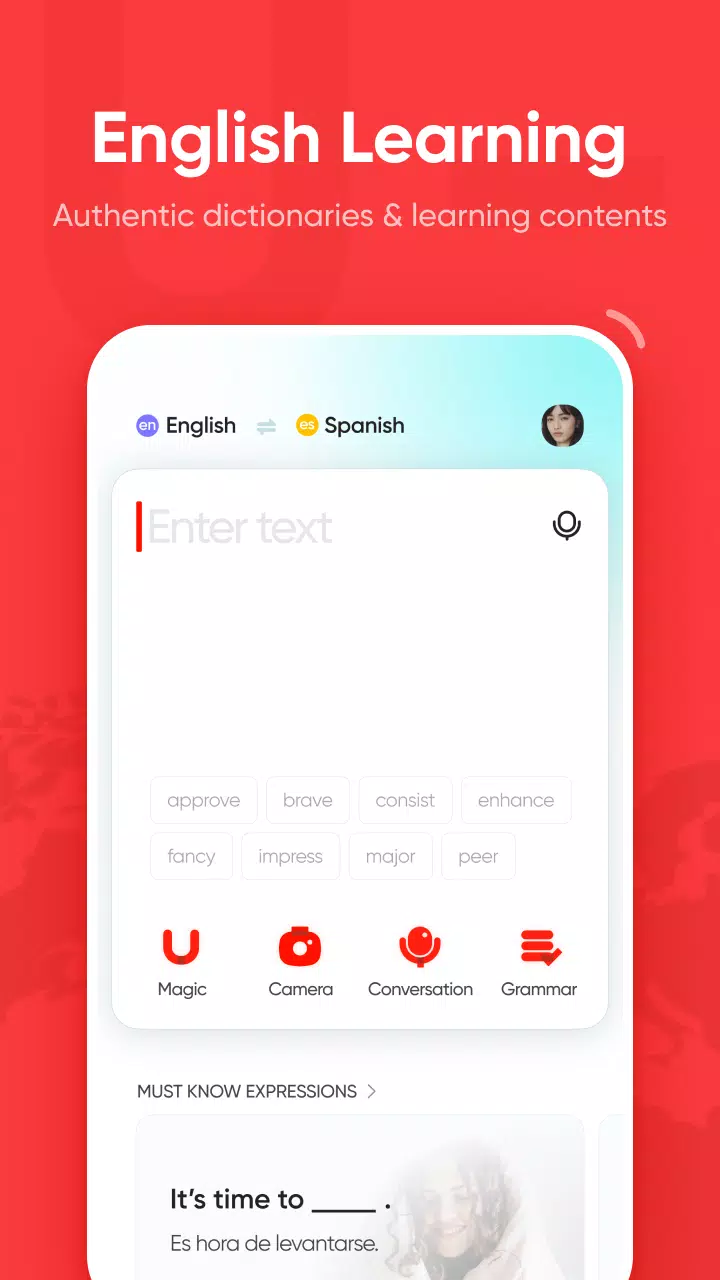
The app also includes a grammar check function. This tool allows users to input English text and receive feedback on grammatical errors, helping to improve writing accuracy. By providing suggestions for corrections, U Dictionary assists users in developing their writing skills and producing mistake-free text.
To support vocabulary expansion, U Dictionary has integrated word lock screen functionality. Users can select specific words to display on their device's lock screen, providing opportunities for frequent engagement with new vocabulary. This feature encourages regular review and retention of words, making language acquisition more effective.
Another engaging aspect of the app is its native examples feature. U Dictionary presents authentic sentences sourced from reputable international news websites, allowing users to see how words and phrases are used in context. This exposure to real-world usage enhances comprehension and aids in learning idiomatic expressions.
For those who enjoy interactive learning, U Dictionary offers word games such as synonym-finding challenges and spelling games. These activities provide a fun and engaging way to reinforce vocabulary and language skills through play, catering to diverse learning styles.
The app also includes a collection of humorous videos aimed at making the learning process enjoyable. These videos cover various aspects of the English language and culture, allowing users to learn in a relaxed and entertaining environment.
This is the best dictionary available on Play Store! All the other ones either have lots of intrusive ads that pop up after every one or two word searches or use not-so-famous dictionaries. I also really appreciate the elegant and simple design. Also, there's a knock-off app called "You- Dictionary" with almost the same logo as this one. Don't download that.
My experience in this app was about 1 year ago. I was learning English. My best app was this app and I've learned so many words and grammars in this app. It's really nice You can try for 1 week and you'll see the difference specially if you're learning English and you want to be as a native speaker, writer, or even reader. Just try the app for 1 week. I hope you'll be professional English speaker, reader, and writer. Bye i hope my comment was useful for everyone i wish for everyone the goodness.
It is a great app. there's translator, daily challenge, videos, articles, and spelling checker. It also can be pinned to notification. But because my phone has a regularly daily restart setting, that pinned notification always reset automatically. so that's a little annoying and I need to activate it again. But other than that, overall it is great app. Ah. ads? hm. It has their own place, so it doesn't really bother the functionality. Keep up the great work! Thank you.
If you want to improve your English vocabulary, you definitely should try this app! I really love the lock screen function with word pronunciation and a sentence! However, i would like to recommend to add on another pronunciation for the sentence on the lock screen. It'll be more helpful if we want to know how to read a full sentence.
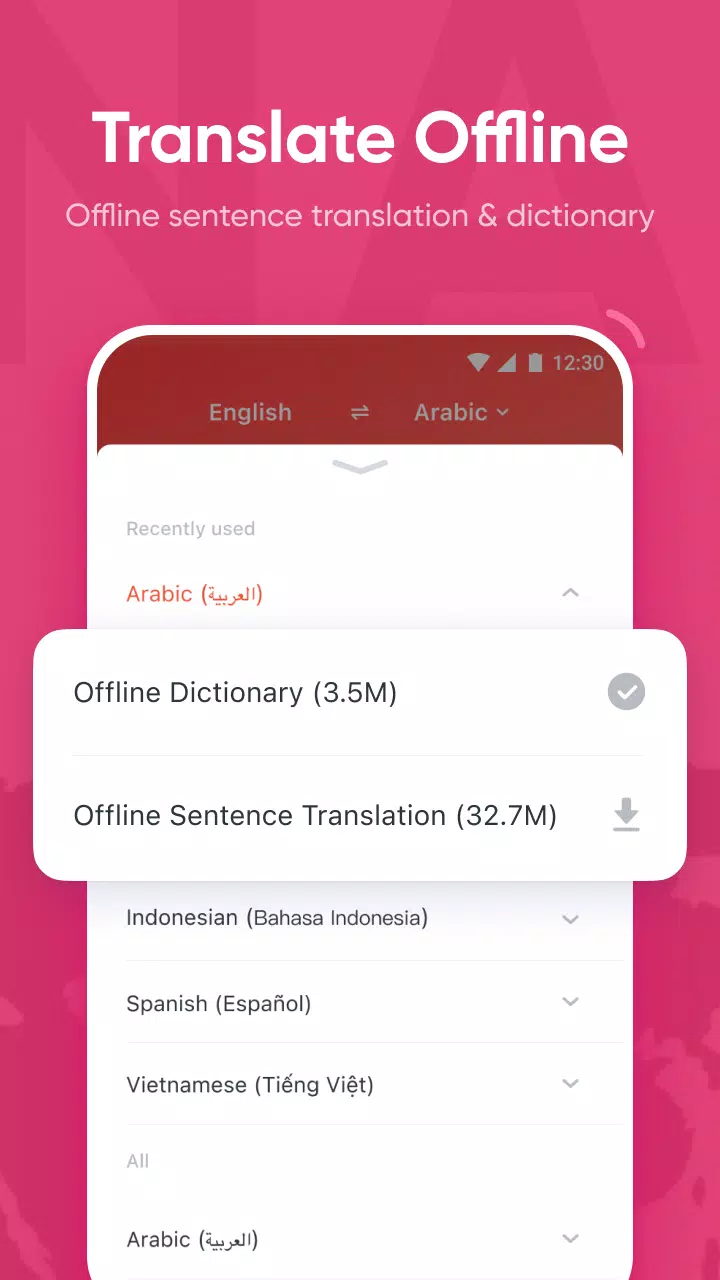
Does U-Dictionary have offline translation?
After downloading the offline dictionary, you can translate words between your language and English offline.The app always breaks down or forces me to quit. What should I do?
Hi there. This problem has been tracked and fixed by Google. You could now fix it by either:
1. updating your Chrome to the latest version.
2. or updating the WebView for Android to the latest version or uninstalling it: go to my apps -> installed apps -> on this devices --> find "Android System Web View" -> update or uninstall it.
When I use camera translation I always get another language than the target language I have expected. What should I do?
Try to turn your phone upside down. Holding the phone horizontally may cause some recognition issues and language problems.
How can I turn the lock screen off?
You can turn off the word lock screen in the app's settings.
The subscription has been canceled and the amount has not been returned ( IOS )
Hi there. You can easily cancel the subscription to avoid further charges anytime. After cancelling the subscription, you will not get charged anymore starting from a new pay cycle.All charges and transactions are conducted directly by Apple Pay under good protection. However, you will not be refunded by Apple for what you have paid before the cancellation taking place.
If you have trouble with any language but you're good at English, don't hesitate to download U-dictionary. It's a decent dictionary and translation application capable of working with up to 38 different languages offline.But its functions don't limit it to being a simple dictionary but also an app to learn and improve our English, check vocabulary or learn grammar structures.
Size:66.5MB Version:6.7.3
Requirements:Android Votes:67
Package Name:com.youdao.hindict Signature:8c65f7b3fd7d328e108780b1d2ce4bc80b1b0e27
Transform your mobile device into a powerhouse of efficiency with these handpicked essential tools. Whether you need professional-grade photo editing, seamless file organization, smart task management, or real-time weather updates, our curated selection of premium apps delivers unbeatable performance. Streamline your daily routine, automate repetitive tasks, and boost your productivity with intuitive interfaces and powerful features. Designed for both professionals and casual users, these editor-approved applications will revolutionize how you work and play. Don't settle for an ordinary phone - upgrade your digital experience today and unlock your device's full potential!
With the development of mobile hardware and software, many practical tool software have emerged, covering a wide range of aspects and becoming a good helper for everyone in work and life. Today, the editor provides you with a list of useful tool software downloads. These tools are not particularly complex types, and after reading them, everyone can quickly learn how to use them. Proper use can bring great convenience to life and work.
About us | Contact us | Privacy policy| DMCA
Copyright © 2026 Xiaohei All rights reserved.