
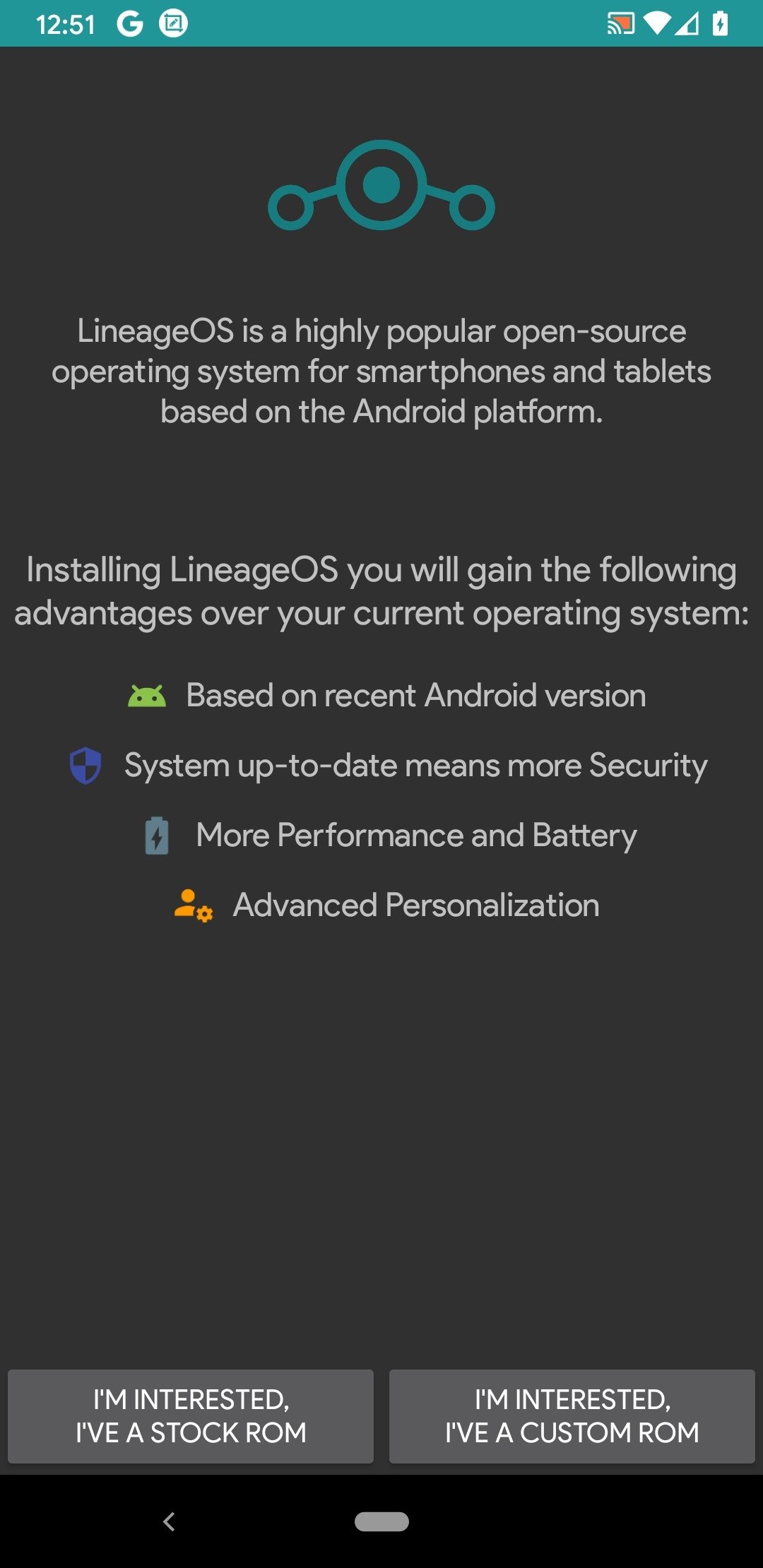
Lineage OS is an open-source operating system software built for the Android platform. It also boasts an active developer community where users can interact, exchange code, and share new features. It offers diverse functionalities, allowing users to customize settings such as the lock screen, various apps and games, sound, and battery life to meet their individual needs. The software provides robust privacy protection, blocking spam messages and scam calls in real time and safeguarding user privacy, ensuring worry-free use.
ASB (Android Security Bulletin): A quarterly bundle of newly fixed security vulnerabilities across the Android codebase. Distributed as a list of patches and security branch updates for older but still supported Android versions, with the current version tagged quarterly.
Bootloader: A general term for a link in the boot-chain that is run each cold-boot which loads the kernel, OS, and related components.
Bricked: A device which cannot be recovered from a fatal failure by any means, leaving it in an unoperable state which is not recoverable by any means outside of OEM repair.People often use this word in places where they just mean a Bootloop and their issue can be fixed using either button presses or readily available software tools
Custom ROM: A (self-)built Android version with changes on top of the AOSP (Android Open Source Project)
Data: Data is everything added by a user - installed apps and their data, settings, and media (pictures, videos, audio files, etc.)…If the installation or upgrade for your device calls for a Factory reset or unlocking the bootloader, this is the data that will be deleted
Factory reset: Despite the name containing “factory”, performing such a reset is returning the device into a state “without user modifications”, not back to the Stock ROM.
Firmware: Included in the Stock ROM - A layer of software required to allow the OS to interface with the hardware.Not the same as a Custom ROM or ROM in general but sometimes included in Custom ROM installation packages/instructions.
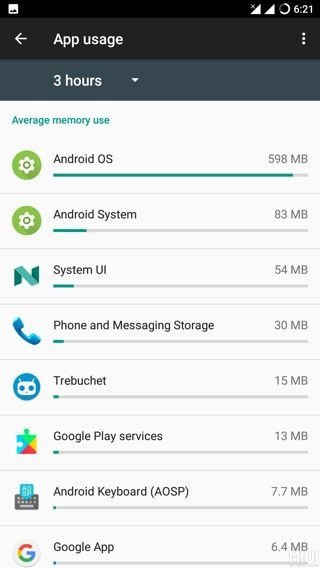
But some come and some go. Lineage OS introduces itself as the continuation of CM, or at least its successor. Based on its source code, the community of developers has worked on a new version of the operating system. So, taking into account that it's based on the latter, in this new open-source operating system we'll find the following functions and features:
Support for tethering via WiFi, Bluetooth, and USB.
Built-in OpenVPN client.
Support for FLAC audio codecs.
Absence of bloatware and spyware.
Application launcher with high customization possibilities.
Application tray to organize all the apps.
Greater customization options for the device's sounds: ringtone volume, vibration intensity, loading sounds...
Adapts to the atmospheric lighting.
Larger home screen hiding the status bar.
Configurable screen density.
Screen size can be configured as a percentage.
Better notification management.
Shortcuts from the lock screen.
New functions for the physical volume and ON/OFF buttons.
Create different user profiles depending on your location the network you're connected to.
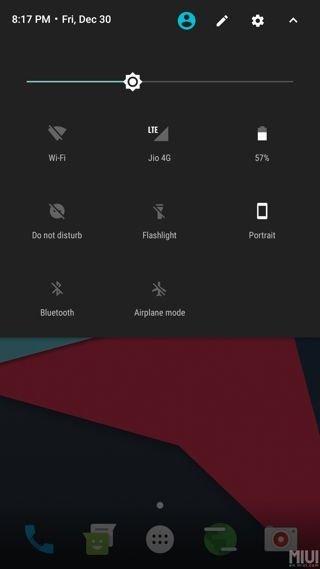
My device doesn’t pass Play Integrity!
Some devices pass their bootloader unlock status and verity status to Android’s kernel during boot. We don’t purposefully remove those flags, as it isn’t our place to lie about security features. There’s also a blog post about this topic, which explains our reasons further.
I am following a guide/video somewhere on the internet and am stuck, help?
We only provide help for officially supported devices for which we provide our own guides. Follow those instead!If you follow the official guide for your device line-by-line and still experience issues, feel free to ask again.
My notifications do not work!
Push notifications require GApps or MicroG. When using MicroG you will need to enable GCM (Google Cloud Messaging) in MicroG’s settings.
Will my device receive the next Android version?
We can’t tell you. ‘No ETA’ includes the ‘IF’, not just the ‘WHEN’.
Can you help me root my device?
We don’t recommend rooting, so we’re unable to provide support for it. Rooting can create serious security vulnerabilities and may cause issues that sometimes require a full system reinstall to fix. Rooting also enables the user to take actions that could permanently damage the device.
My device is not on the device list, but it is just the same as that other model. Can I use it?
If your device is not listed, it’s not supported.“The same” is not “equal” which means it needs a separate build.
As an open source platform, LinageOS can be edited and tweaked by users to create the best possible mobile experience for your smartphone. The popular open source code is constantly being developed and offers features and options not available in official firmware from most other mobile vendors. Though its open source, LinageOS is reliable and stable and word on over 178 different phone models with over 1.6 million installs. It can be downloaded directly from the official website for free.
Size:16MB Version:Downloader 3.3.5
Requirements:Android Votes:341
Utility apps are indispensable in our lives, making our daily routines more convenient. To help you find these apps more easily, this site has created a collection. This collection brings together a series of practical tools covering various aspects of life, work, and education, meeting all your needs. What are you waiting for? Try these apps now and make your life easier!
With the development of mobile hardware and software, many practical tool software have emerged, covering a wide range of aspects and becoming a good helper for everyone in work and life. Today, the editor provides you with a list of useful tool software downloads. These tools are not particularly complex types, and after reading them, everyone can quickly learn how to use them. Proper use can bring great convenience to life and work.
About us | Contact us | Privacy policy| DMCA
Copyright © 2026 Xiaohei All rights reserved.

























