Samsung Calculator is a convenient and easy-to-use calculator tool that not only meets users' daily calculation needs but also allows for conversions between different units and calculations of more complex scientific formulas, saving users time. The software is completely free, supports offline use, and has a built-in history function, allowing users to review and modify previous operations or clear them completely at any time, making calculations even simpler. The software's compatibility has also been greatly enhanced, allowing it to be installed and used on more Android devices, and new features will be continuously updated, so users can look forward to it.
Simple layout for everyday math: The main view of Samsung Calculator focuses on core arithmetic. In vertical orientation it looks and behaves like a standard calculator, handling addition, subtraction, multiplication, and division. The interface is straightforward and user-friendly, so you can move between keys and functions without feeling crowded or distracted. It has a solid, polished feel and runs stably, which fits its role as a default app on Samsung phones.Because it works without an internet connection and does not show ads, it stays out of the way and lets you concentrate on the numbers.
Scientific mode for more complex formulas: Rotate the device into landscape and Samsung Calculator switches to a scientific layout. This adds a wider range of functions, including trigonometric operations like sine, cosine, and tangent, along with tools suitable for quadratic equations and other engineering-style calculations. It can handle both simple expressions and more involved formulas, so students and technically minded users are not limited to four basic operations.That said, the app can be quite strict about how you enter expressions. For certain results you may need to be very precise with syntax to get the outcome you expect. In addition, people who frequently work with very long or highly specialized calculations may feel that the scientific section does not go quite far enough and might look for extra scientific modes elsewhere.
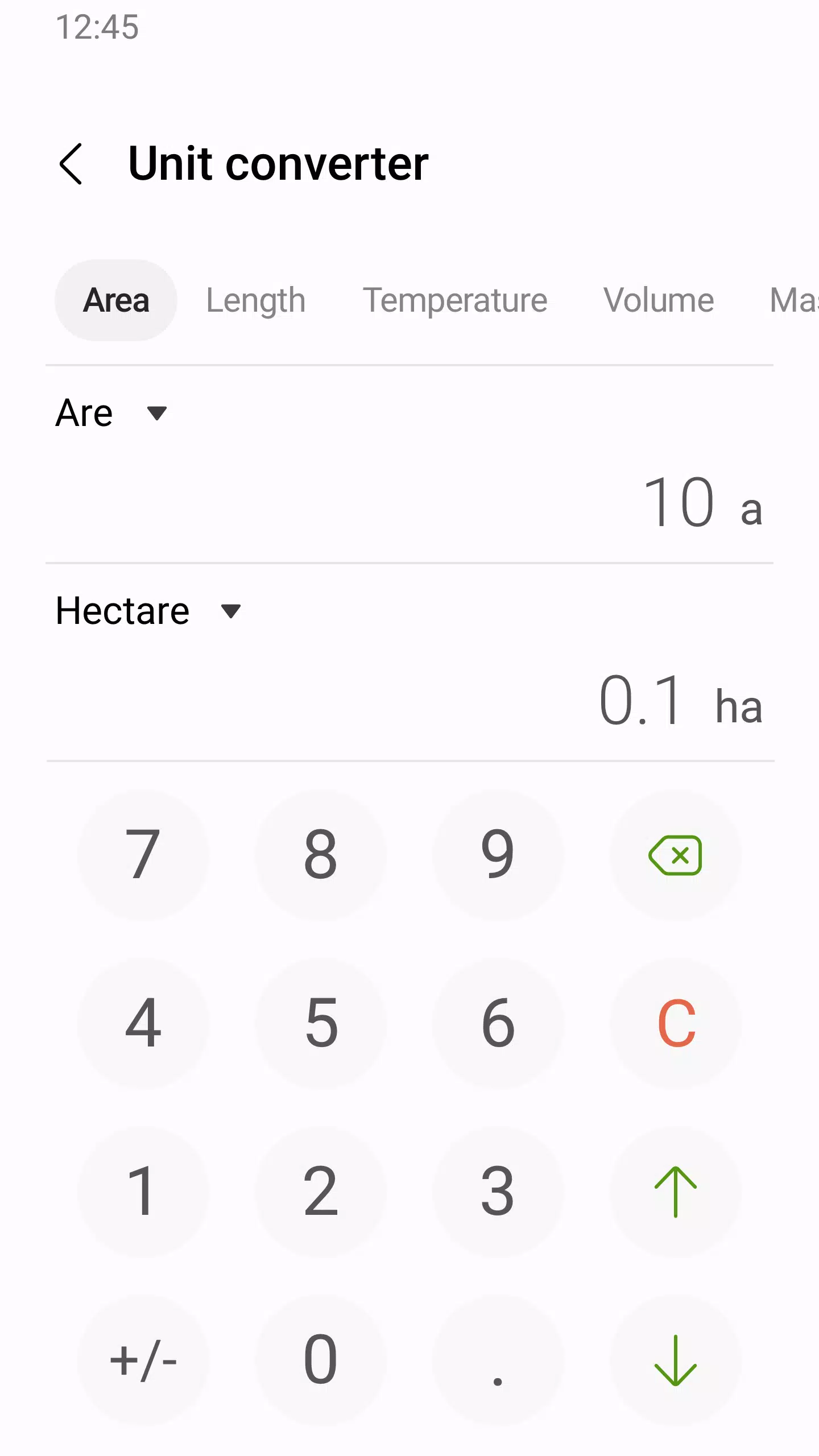
Built-in unit conversions: Samsung Calculator also includes a conversion tool for practical measurements. You can convert between units of temperature, length, and area directly inside the app. This is useful when you need quick checks such as changing between measurement systems or estimating room sizes without opening a separate converter.
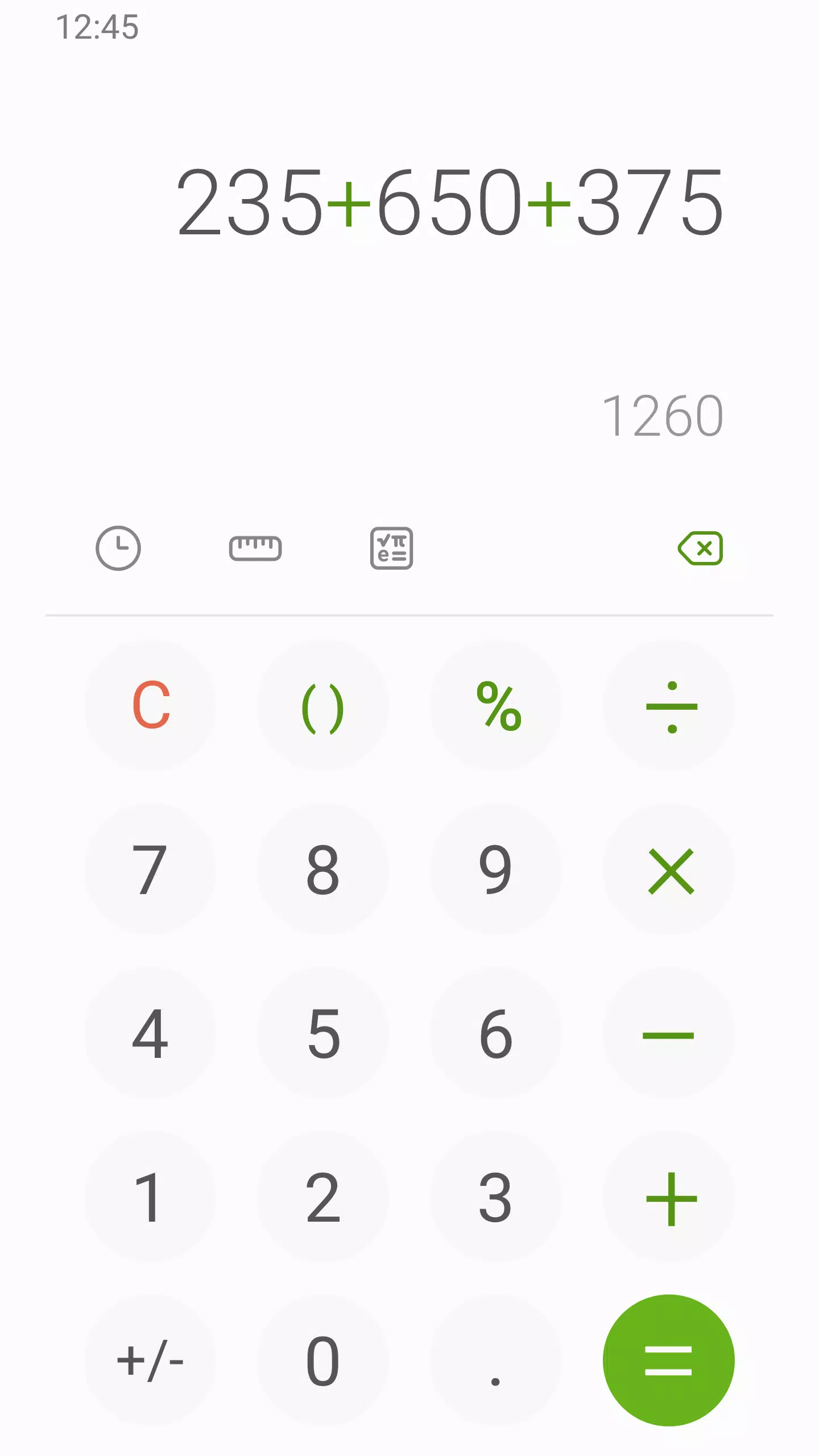
Use the division symbol to write fractions: In essence, fractions are division functions. There isn't a fraction button, but you can write (2÷4) + (2÷4) for the same result as 2/4 + 2/4.
Quickly share a calculation: Tap and hold a calculation or the sum, then tap Share. The different apps that you can share to will appear at the bottom of the screen.
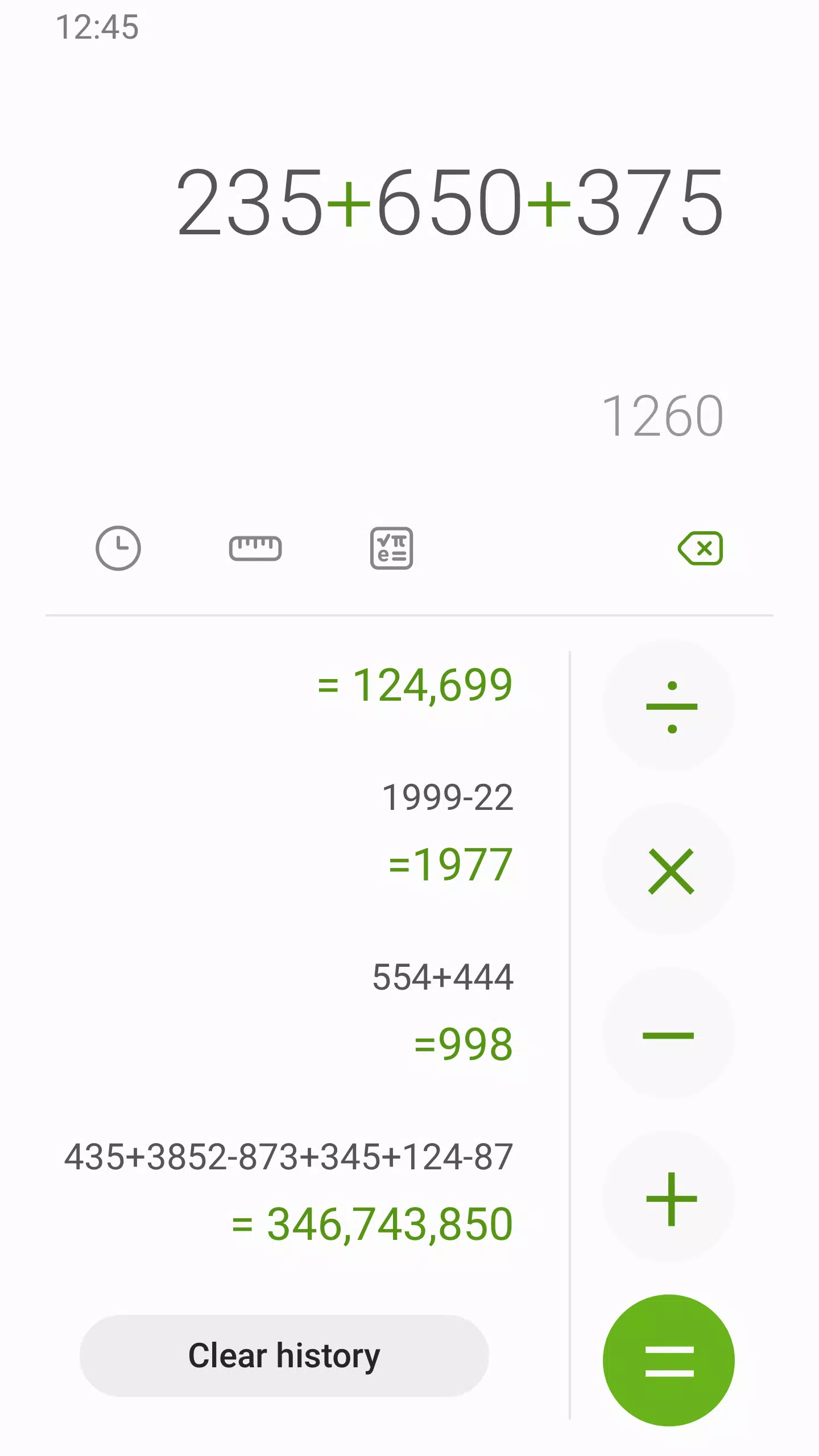
Tap a calculation in history to re-run it: This is a great speedy trick if you don't want to re-enter a long equation. Instead, you can access the history and tap it to run it again!
Use App Pair to use Samsung Calculator and Google Sheets together: This requires that you have Samsung Calculator and Google Sheets installed on your Android device. Here's what to do:
Open Google Sheets and go to your Recents screen.
Tap the app icon and drag it to the top or bottom of your screen to open it in Split View.
Open the Calculator app in the other window.
Tap the handle that resizes the split view windows (it has 3 dots) and tap the star icon.
Tap Add app pair to. If you use Edge Panels, you can add them there to avoid cluttering your Home screen.
Now you can tap the newly created pair to open both of these apps at the same time!
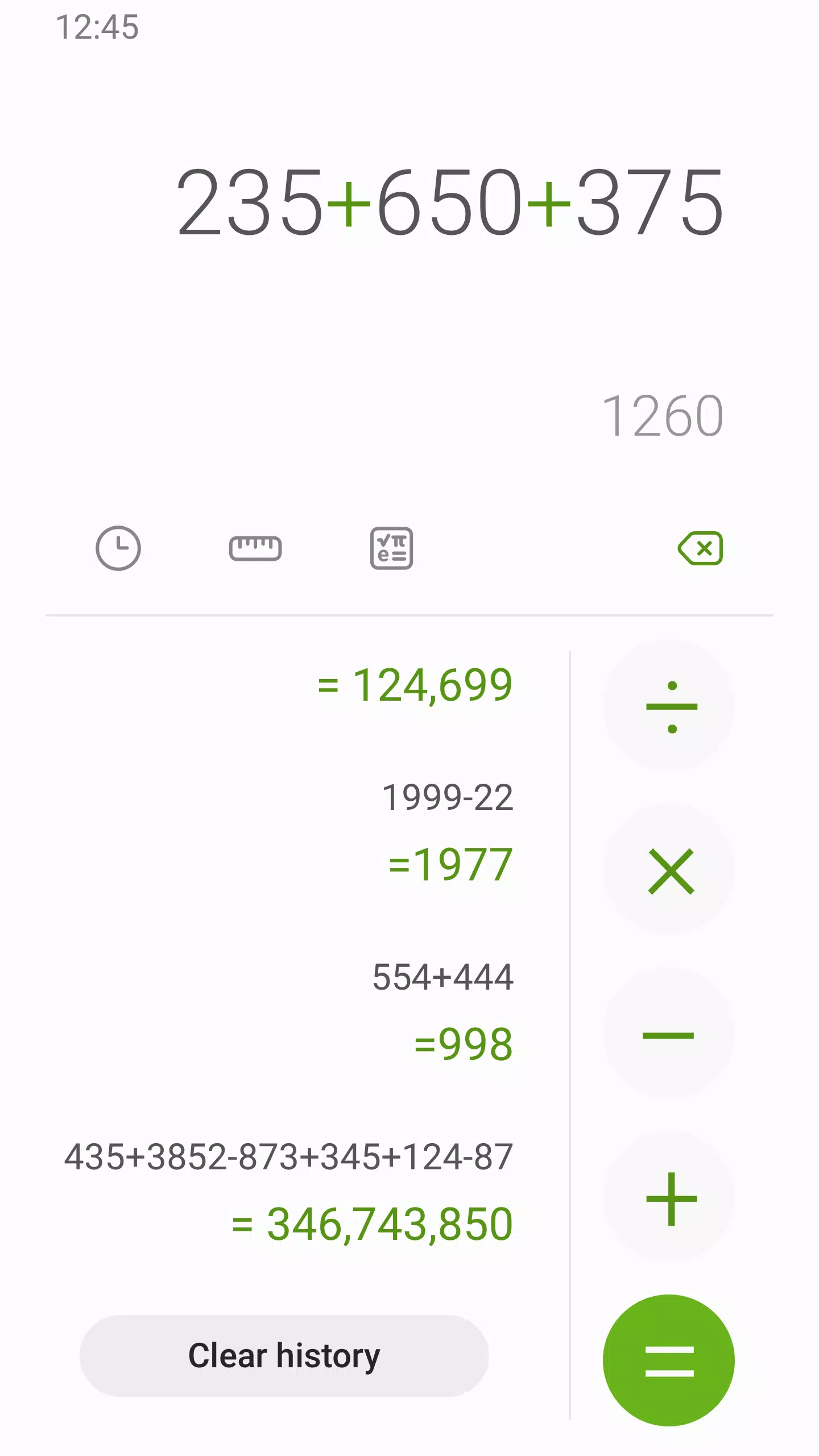
Does exactly what it says on the tin, but better. The unit converter is a hidden gem—I use it for everything from cooking measurements to currency exchange. The history feature is great for tracking multi-step totals, and the UI stays clean and ad-free. It’s fast, lightweight, and handles scientific functions without feeling cluttered. It’s the gold standard for utility apps: simple, reliable, and always there when you need it.
Really easy to use! I may not be used to using the other types of calculating in this calculator so it's quite hard, but you also need to check in an online calculator so you have the accurate result. (example : 12×5(9:7) )Oh, for this whole time, i experience no sudden add filing my screen.. And maybe IF you can, please add other modes (light or dark), or change backgrounds maybe? That's all, thank you!
Previously I gave this one star complaining about the unit converter.not being there. I just wanted to give it 5 stars as the app is 10x better than the Google one and there is a unit / length etc converter now. Thanks Samsung, your apps used to be second rate but nowadays even Google can't compete with you in most things. I also live one UI. I just wish finder went straight to the app instead of having to "locate" it.
This app has NEVER FAILED ME! IT'S ALWAYS BEEN 100% accurate no matter what I need it to figure out, on the spot! I did find one shortfall though with the app, although it possibly could have been human error. When the numbers got very high & large demands were put on app, it was UNABLE to complete it. That was unusual. APP IS GREAT OTHERWISE!
Samsung Calculator is an excellent Android calculator that offers you a simple and elegant interface as well as a wide range of features. As with most other Samsung apps, it's only guaranteed to work properly in an Android Samsung smartphone.
Size:7.3MB Version:12.6.00.26
Requirements:Android Votes:596
Package Name:com.sec.android.app.popupcalculator Signature:ee9577e3ede67f0f348110f70ff15583
Utility apps are indispensable in our lives, making our daily routines more convenient. To help you find these apps more easily, this site has created a collection. This collection brings together a series of practical tools covering various aspects of life, work, and education, meeting all your needs. What are you waiting for? Try these apps now and make your life easier!
With the development of mobile hardware and software, many practical tool software have emerged, covering a wide range of aspects and becoming a good helper for everyone in work and life. Today, the editor provides you with a list of useful tool software downloads. These tools are not particularly complex types, and after reading them, everyone can quickly learn how to use them. Proper use can bring great convenience to life and work.
About us | Contact us | Privacy policy| DMCA
Copyright © 2026 Xiaohei All rights reserved.