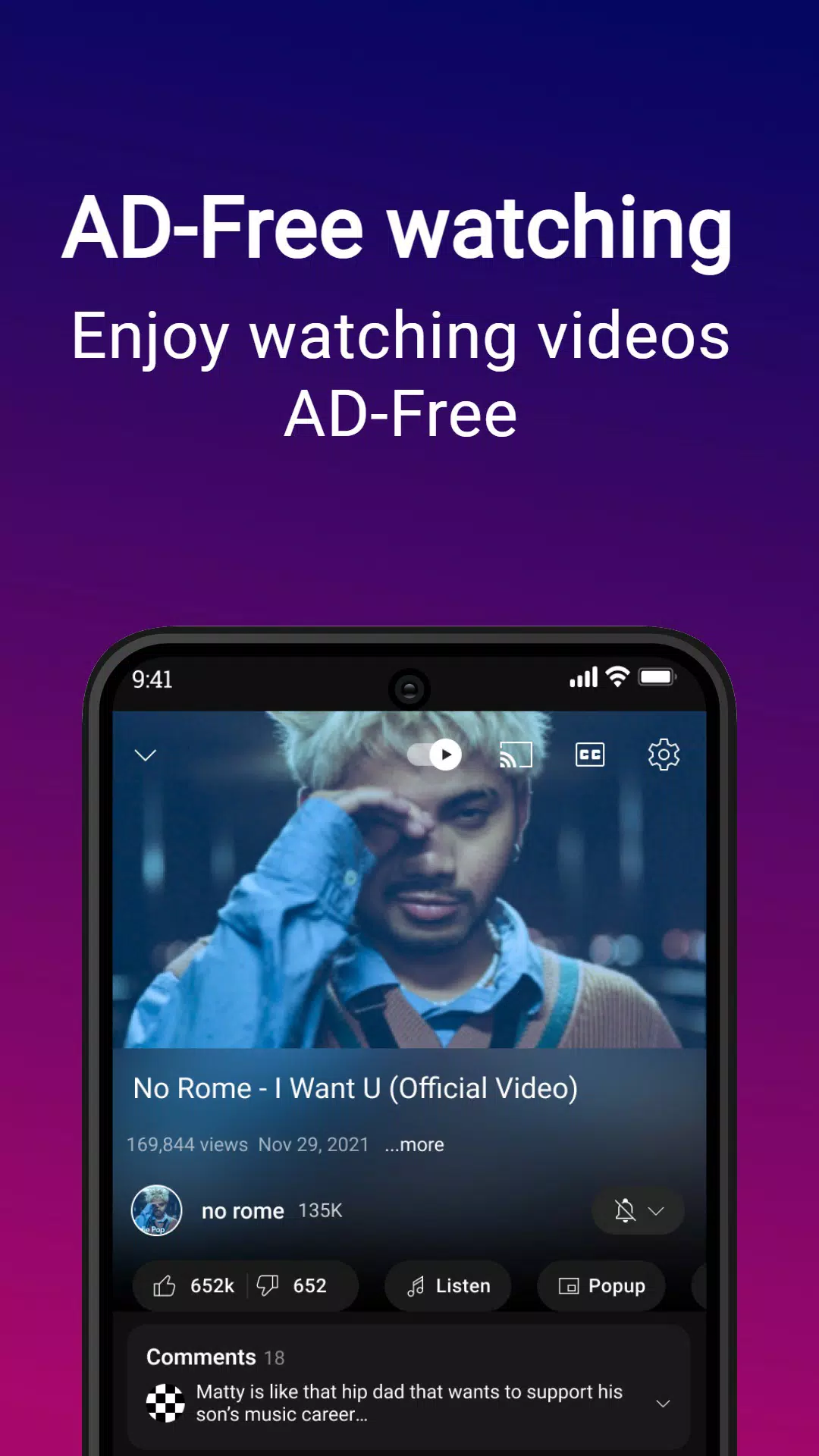
Are you annoyed by frequent ads and pop-ups while watching videos? YouTube Vanced can solve this problem. It not only blocks ads and pop-ups but also allows users to enable the highest video resolution. During viewing, you can freely adjust the playback speed and skip to the next episode for a comfortable viewing experience. In addition, users can play their favorite videos in the background and freely adjust the interface theme and colors to better suit their aesthetic preferences.
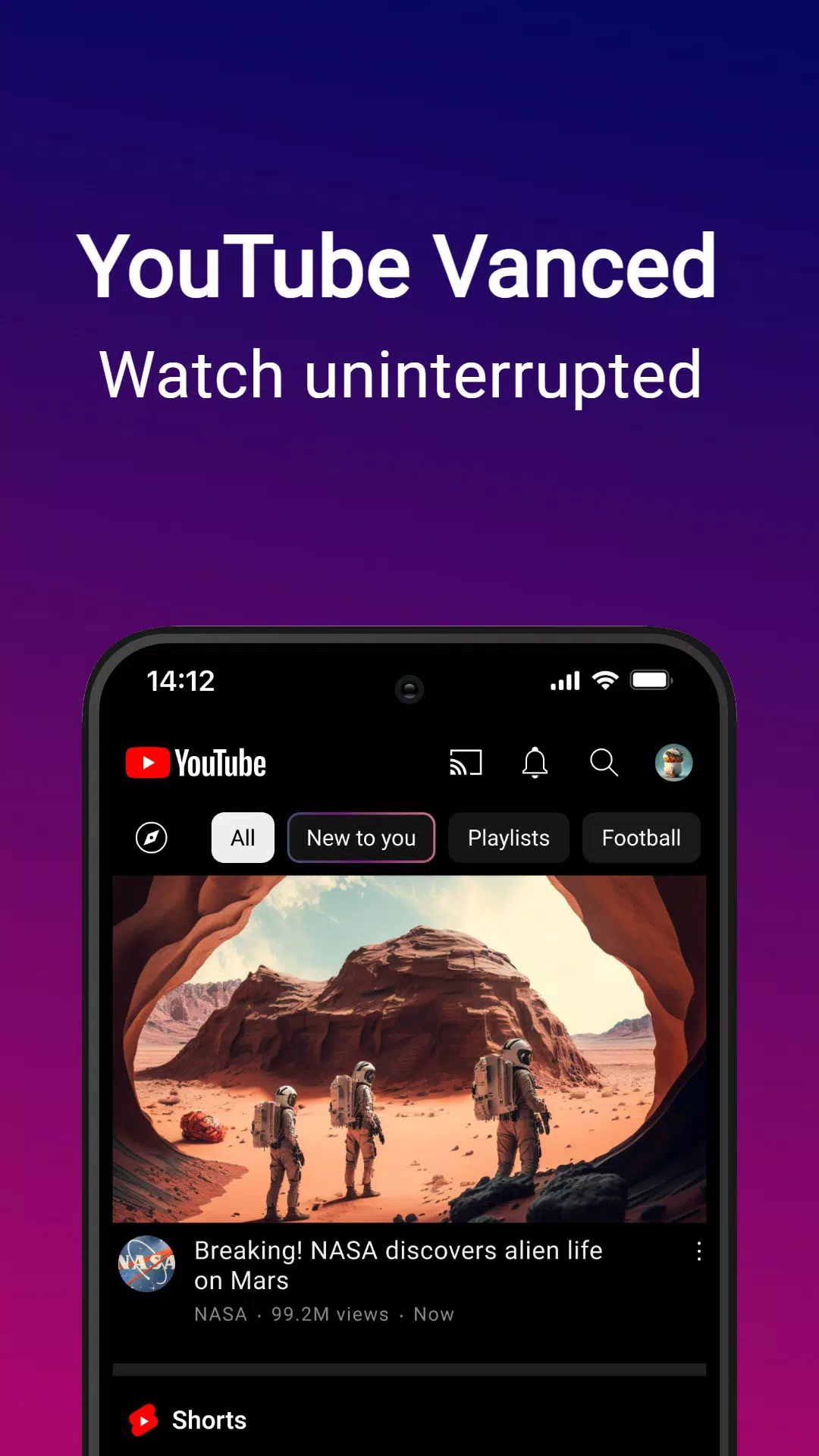
Background Playback: Keep videos playing when you switch apps or turn off your screen. Perfect for music and podcasts.
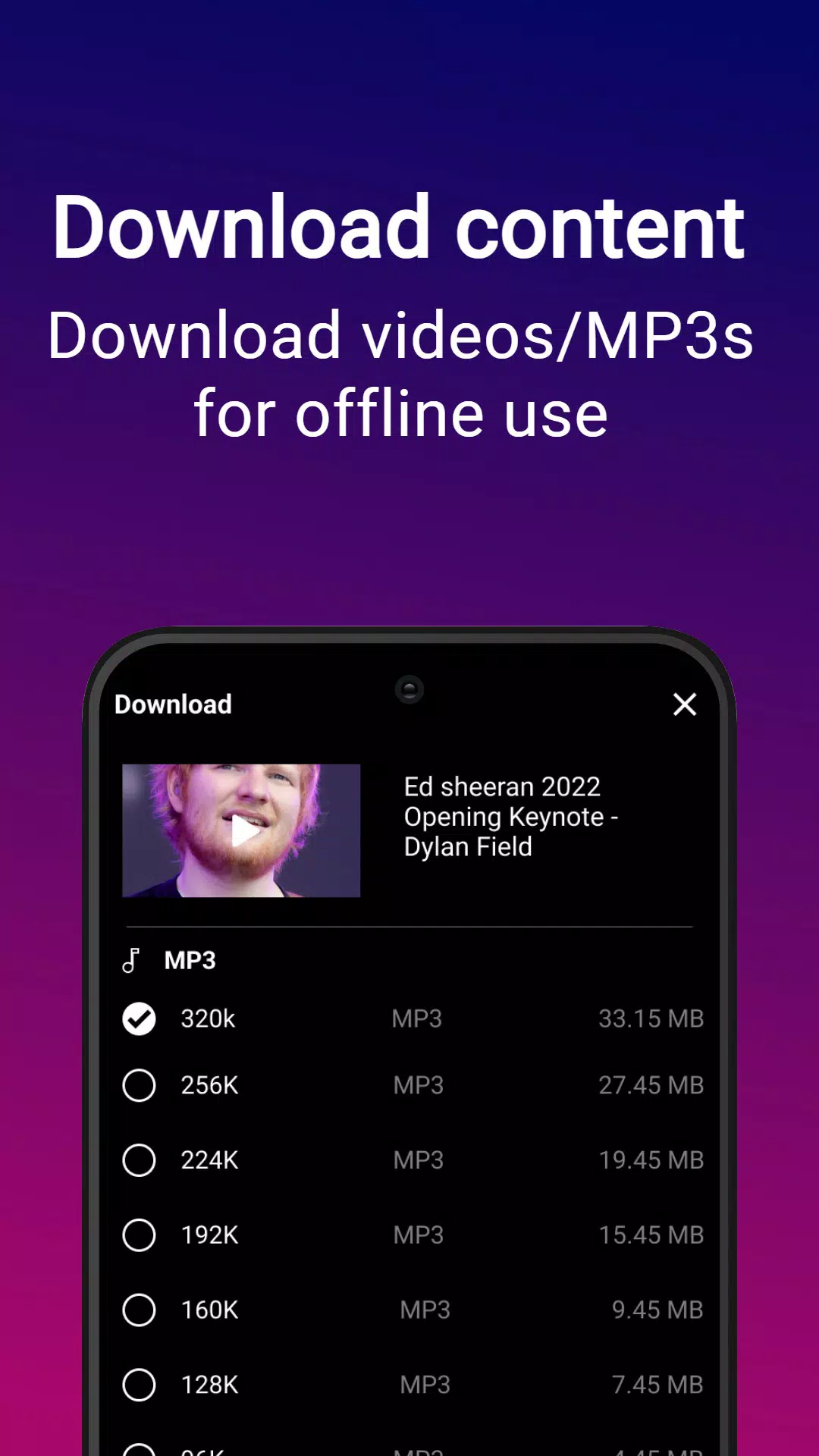
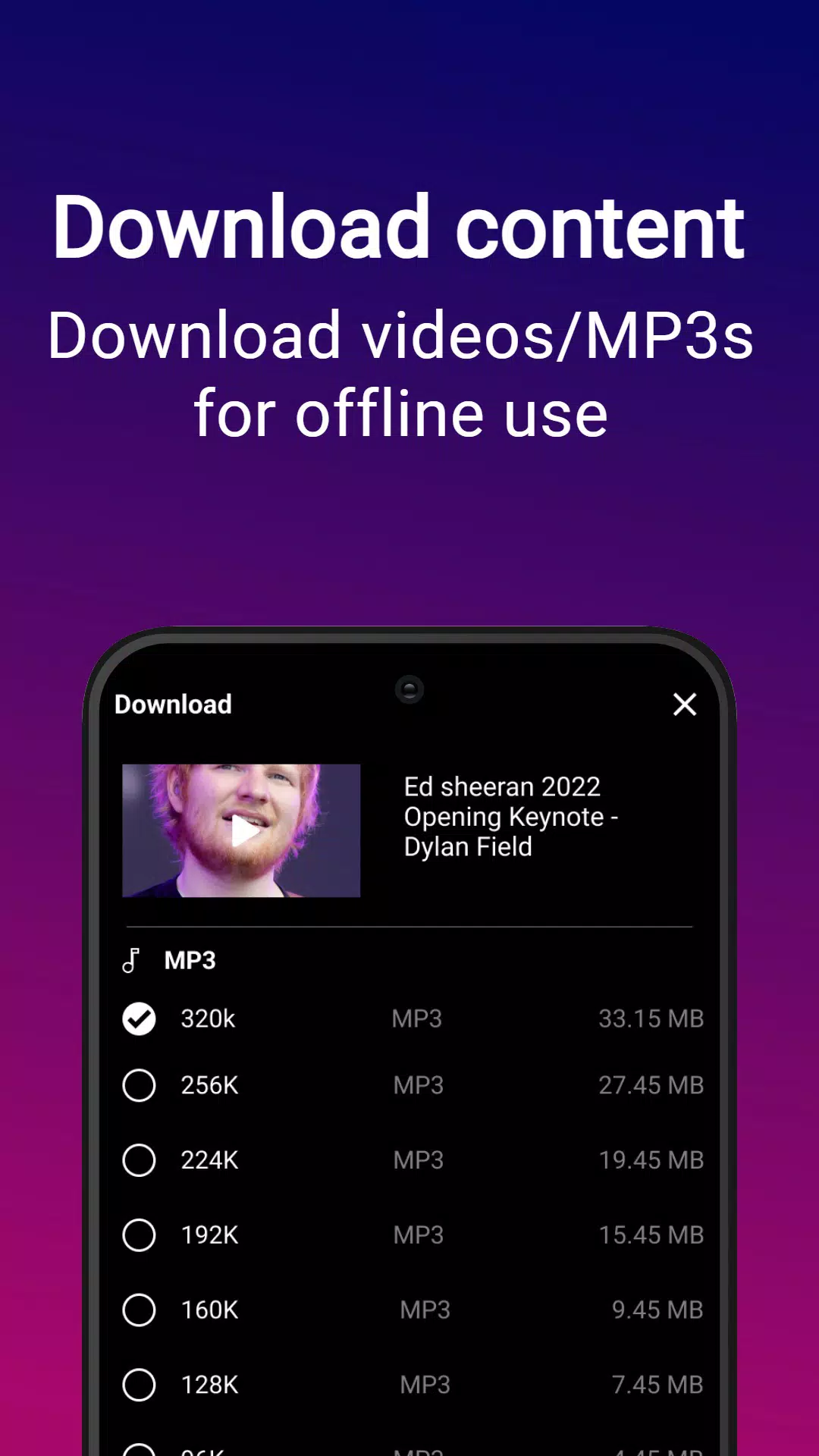
Video Downloads: Download videos in multiple qualities and watch offline. Save your data and watch anywhere.
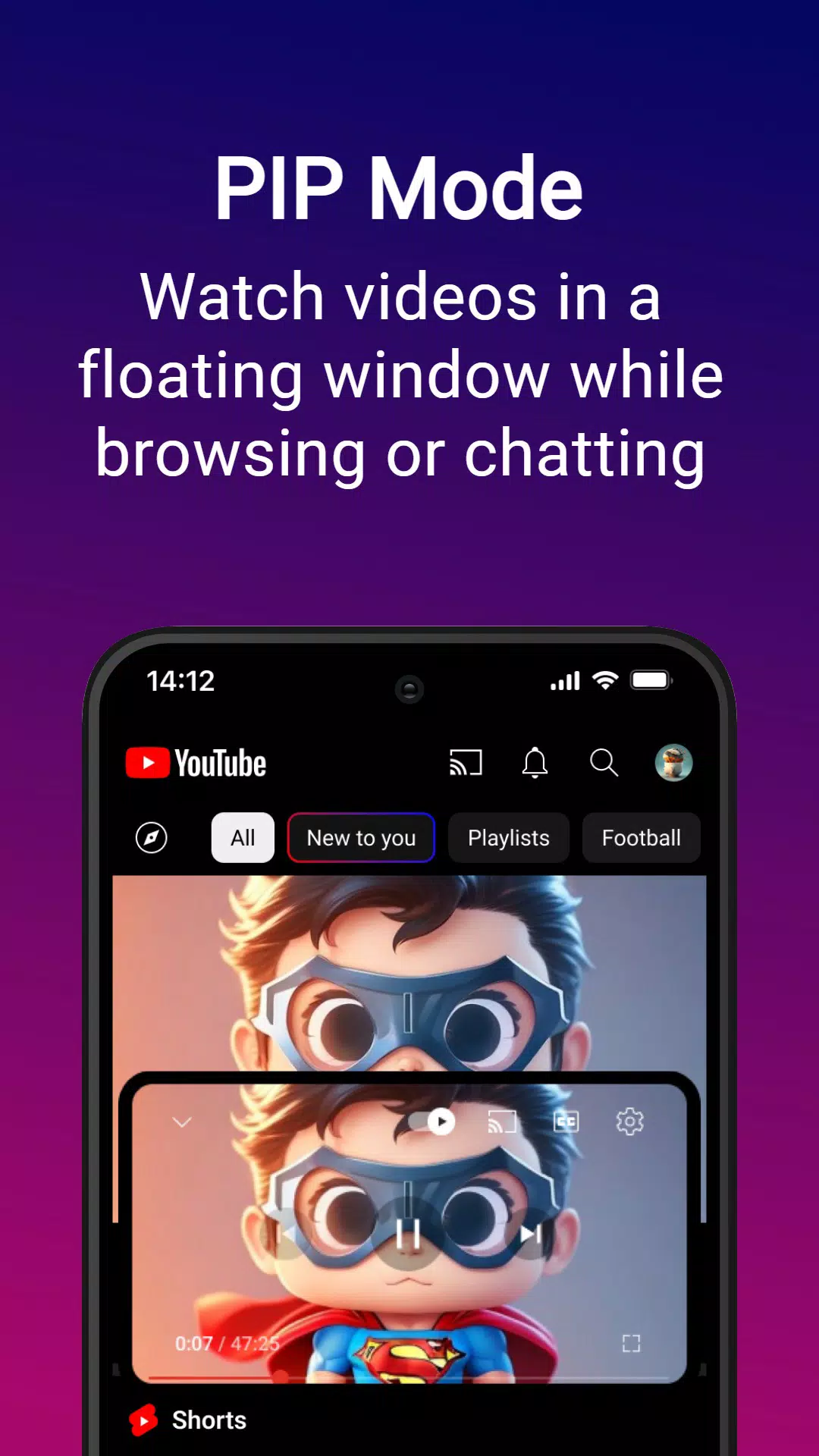
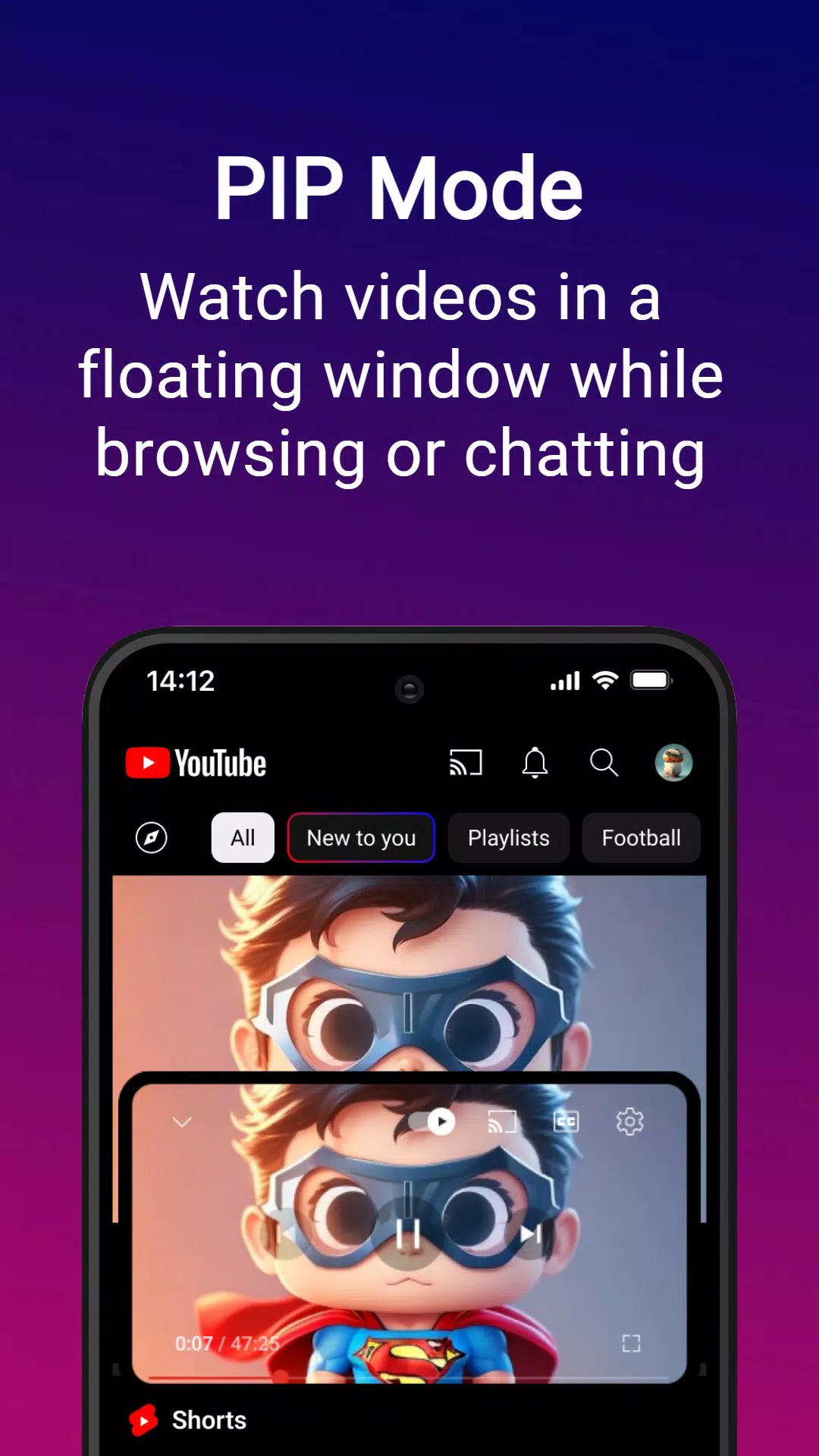
Picture-in-Picture: Watch videos in a floating window while using other apps. True multitasking at its finest.
Theme Customization: Choose from multiple themes including dark, black, and custom colors. Make YouTube truly yours.
Advanced Controls: Swipe controls for brightness and volume, repeat mode, speed controls, and gesture navigation.
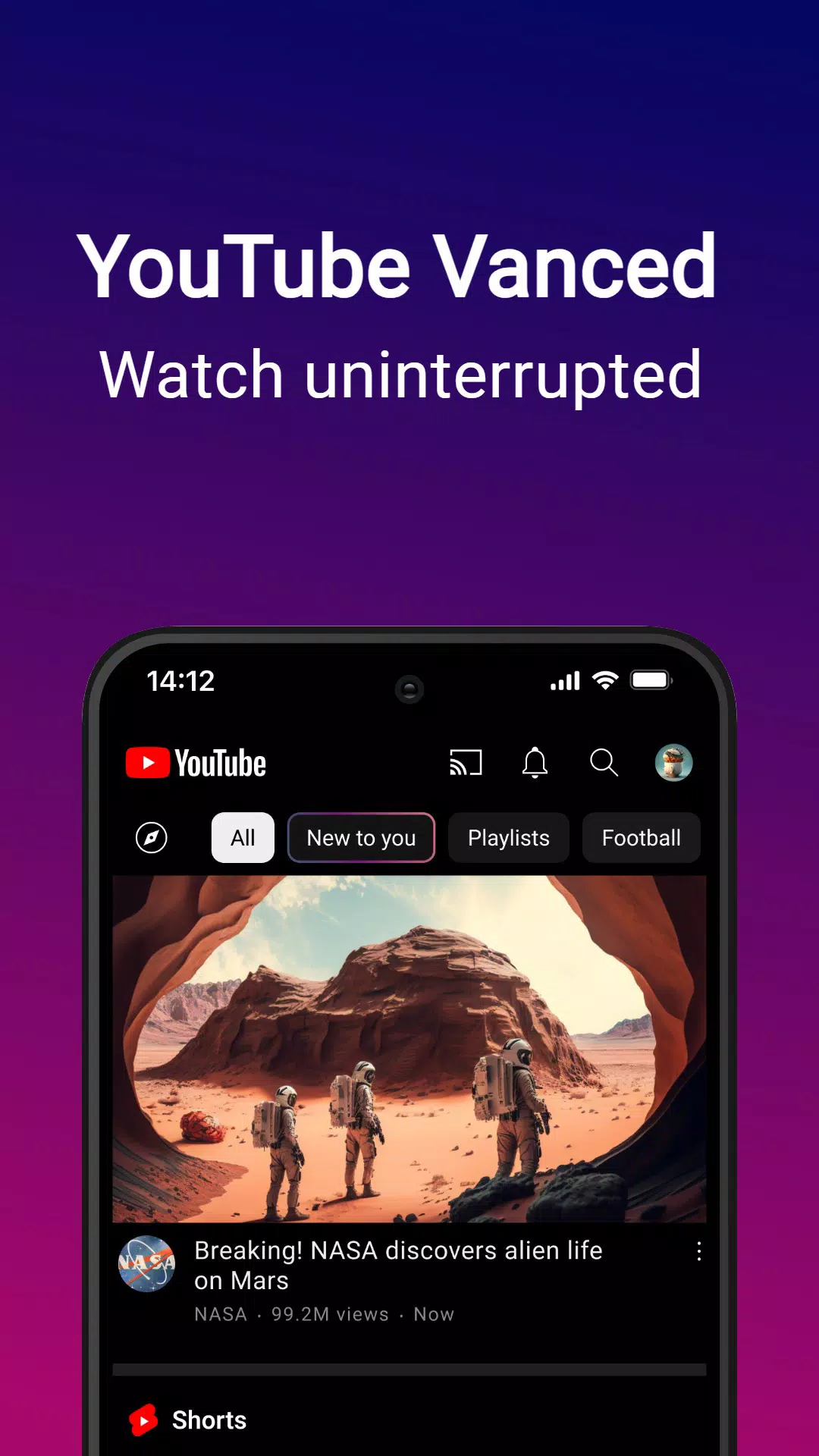
Ad blocker for uninterrupted viewing: YouTube Vanced removes ads so videos play without disruptive breaks. This keeps the focus on the content rather than pre roll or mid video interruptions. As a result, playback feels smoother from start to finish.
Automatic skipping of intros and ad segments: Beyond ad blocking, YouTube Vanced can skip intros and ad segments inside a video. This reduces repetitive sections and helps you reach the main content sooner. It works quietly in the background to keep your session moving.
Quick volume and brightness controls: During playback, you can adjust volume and brightness on the fly without opening separate menus. Gestures or simple taps make fine tuning easy while a video is running. This keeps control within reach and avoids breaking your flow.
Comfortable dark theme for night use: A dark theme reduces eye strain and provides a consistent look for late viewing or low light rooms. It also helps conserve battery on many screens. With this option, the interface remains comfortable for extended sessions.
Why the swipe gestures don't work?
If you have the comments section shown at the bottom (old place) in Vanced Settings > Layout Settings, disable it and restart the app.If that doesn't work, force stop the app and clean its data.
Does YouTube Vanced support auto-update?
No, it doesn't.But Vanced Manager will send you a notification whenever there is an update available.
How to make the player layout auto-hide?
Configure it in Vanced Settings > Accessibility.If the settings fail to open or don't work, go to your device accessibility settings and disable sound amplifier, switch access, live caption.
How to enable hidden settings?
In the Vanced Settings menu, tap on the "About" section 6-7 times continuously to enable it. This only enables the additional video codec settings.
Is it available on Google Play Store?
Google won't allow a modded version of their own app to be on Play Store.
So, this was the process on how to download a very useful App. This will help you to watch videos without those annoying advertisements and also play them in the background. You can download and use this awesome app on your phone for free.
Size:104.5MB Version:20.26.53
Requirements:Android Votes:445
A video streaming service is a type of on-demand online entertainment source for TV shows, movies, and other streaming media. In need of Android movie apps? you can watch your favorite shows or movies any time anywhere Streaming means listening to music or watching video in ‘real time’, instead of downloading a file to your Android device and watching it later. Whether you're looking to watch movies, TV shows, or videos on your Android device, you'll need a good video player app. Beyond just playing content, these apps now offer features such as seamless playback, format versatility, subtitle support, advanced controls, VR integration, online video streaming, and enhanced privacy. This article delves into the best free and paid Android video player apps in 2024, guiding both casual viewers and cinephiles to their ideal choice.
With the advancement of technology, downloading videos on Android devices is no longer time-consuming. The Android universe is now infested with hundreds of apps for video download in Android that can download HD videos from a slew of video-sharing and streaming sites like YouTube with the swipe of a finger. However, the majority of these apps may contain adware and other unwanted software! As a result, if you’re looking for a good list of the best free Video Downloader Apps for Android. That is completely safe; this is the place to be!
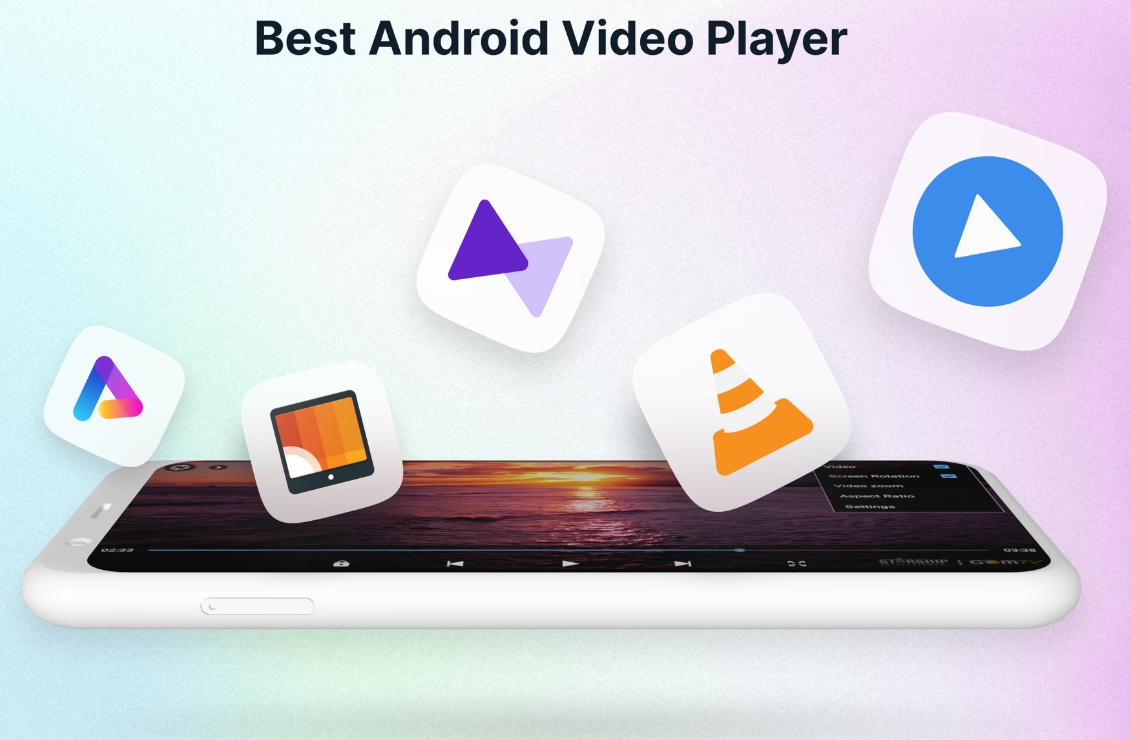
Media player with multimedia capabilities is one of the important features in today’s smartphones. Most of the video content is consumed on smart devices and viewers continue their tasks like sending emails, surfing apps keeping the video playback on through Picture-in-Picture mode. Playing audio/video on an Android app has become a basic function with android video players becoming more and more customizable. Some of the best video players for Android offer multi format support, easy customizations, hardware acceleration, subtitle support and much more. In this blog, we have compared the best video player for Android based on speed, battery consumption, streaming capabilities, resource usage and more.
About us | Contact us | Privacy policy| DMCA
Copyright © 2026 Xiaohei All rights reserved.