Comet is a smart AI assistant designed for mobile devices. Users can browse websites worldwide by entering keywords, download files, software, and games of interest to their devices, and have the built-in AI assistant synthesize all information and provide corresponding summary texts, saving users time and effort. The software includes a built-in ad blocker that automatically blocks various spam emails and pop-ups, and uses built-in protection technology to constantly protect user account and data security. The software is constantly being updated and optimized, and more new features will be launched, bringing users a better browsing experience.
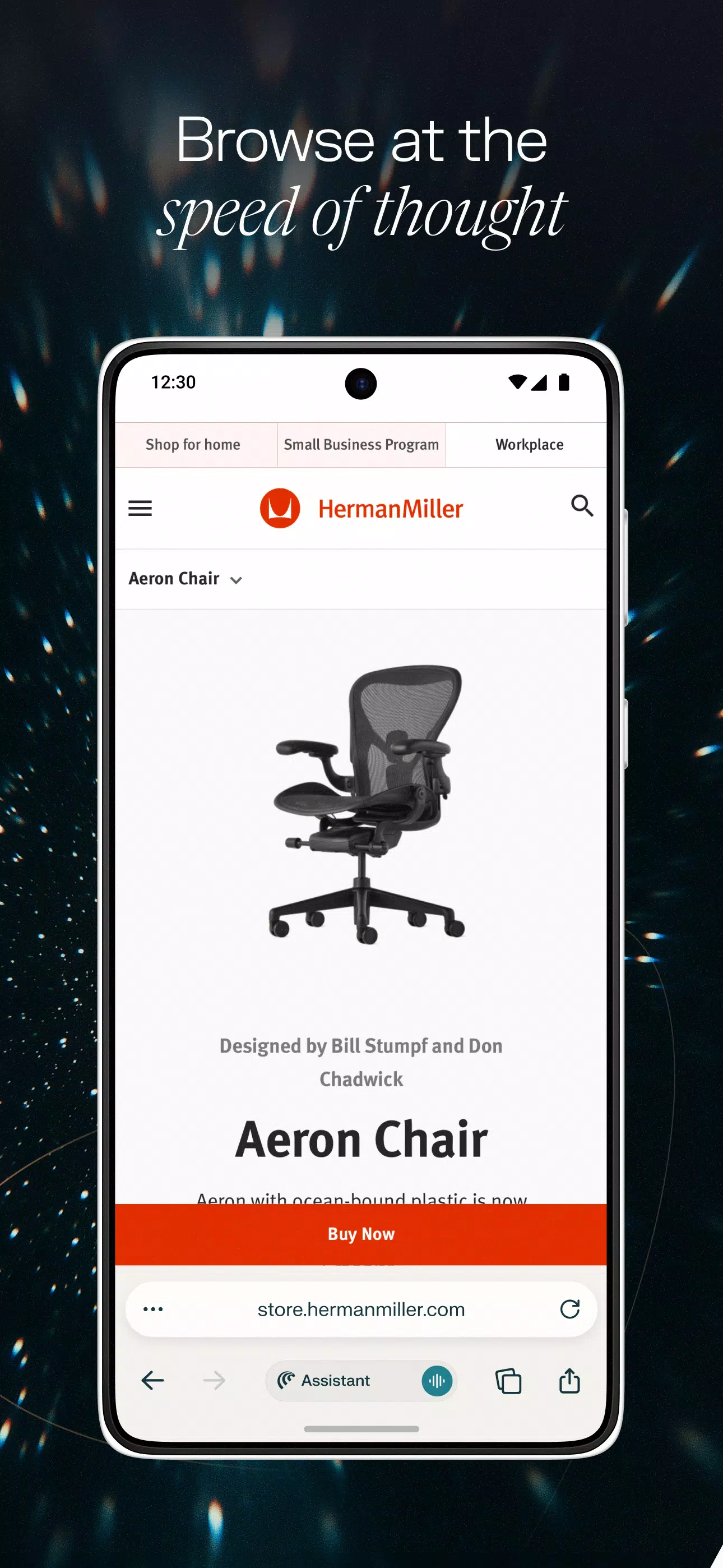
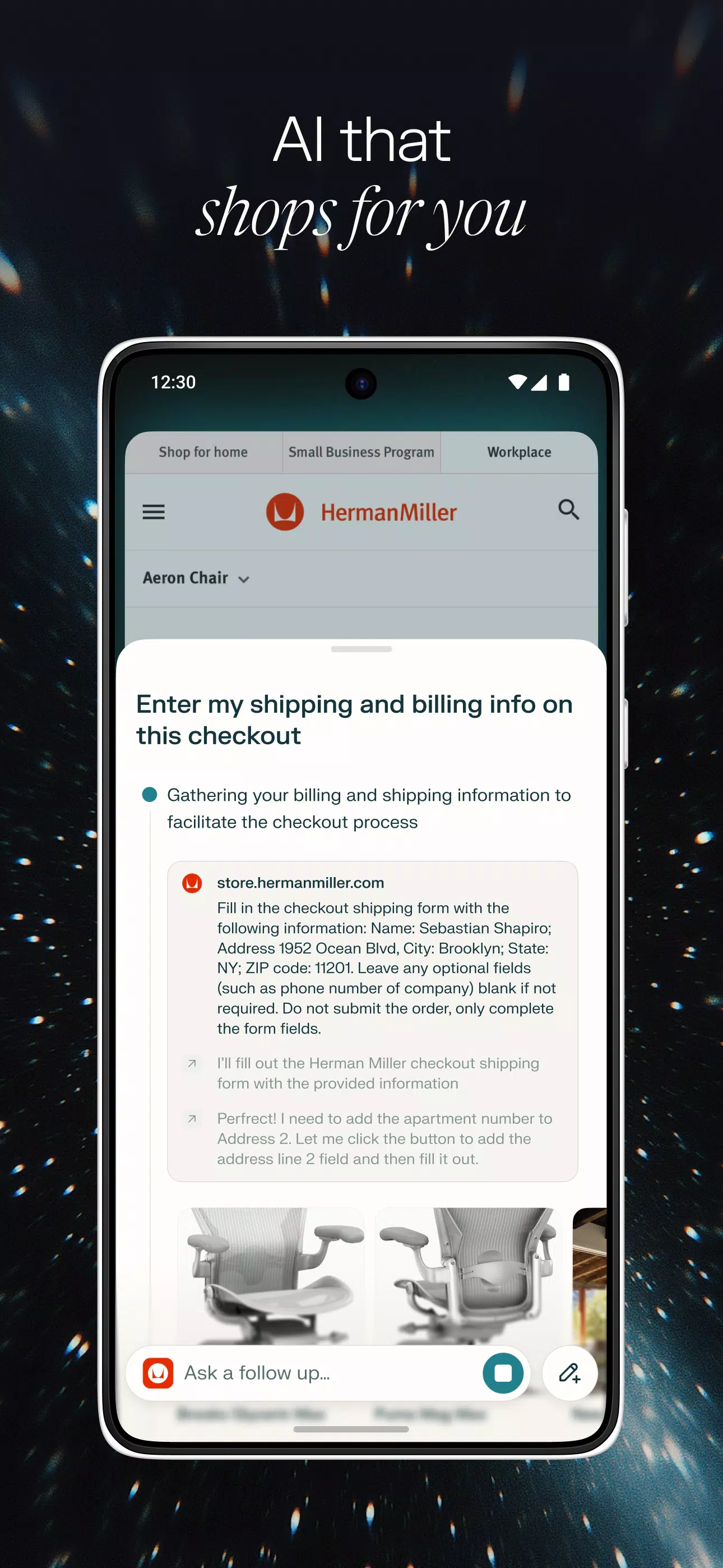
Assistant with visible actions: Comet includes an assistant that can take steps on tasks you assign and shows you the actions it plans to take. It lists steps in clear order so you know what will happen next. You can pause, adjust, or continue at any point, which helps keep control over the result.
Boost your concentration while working: With its minimalist interface, Comet Browser will help you organize your work free from distractions. Just follow the AI's instructions to unleash your inspiration, complete tasks at a better pace, and avoid losing focus on less relevant things.
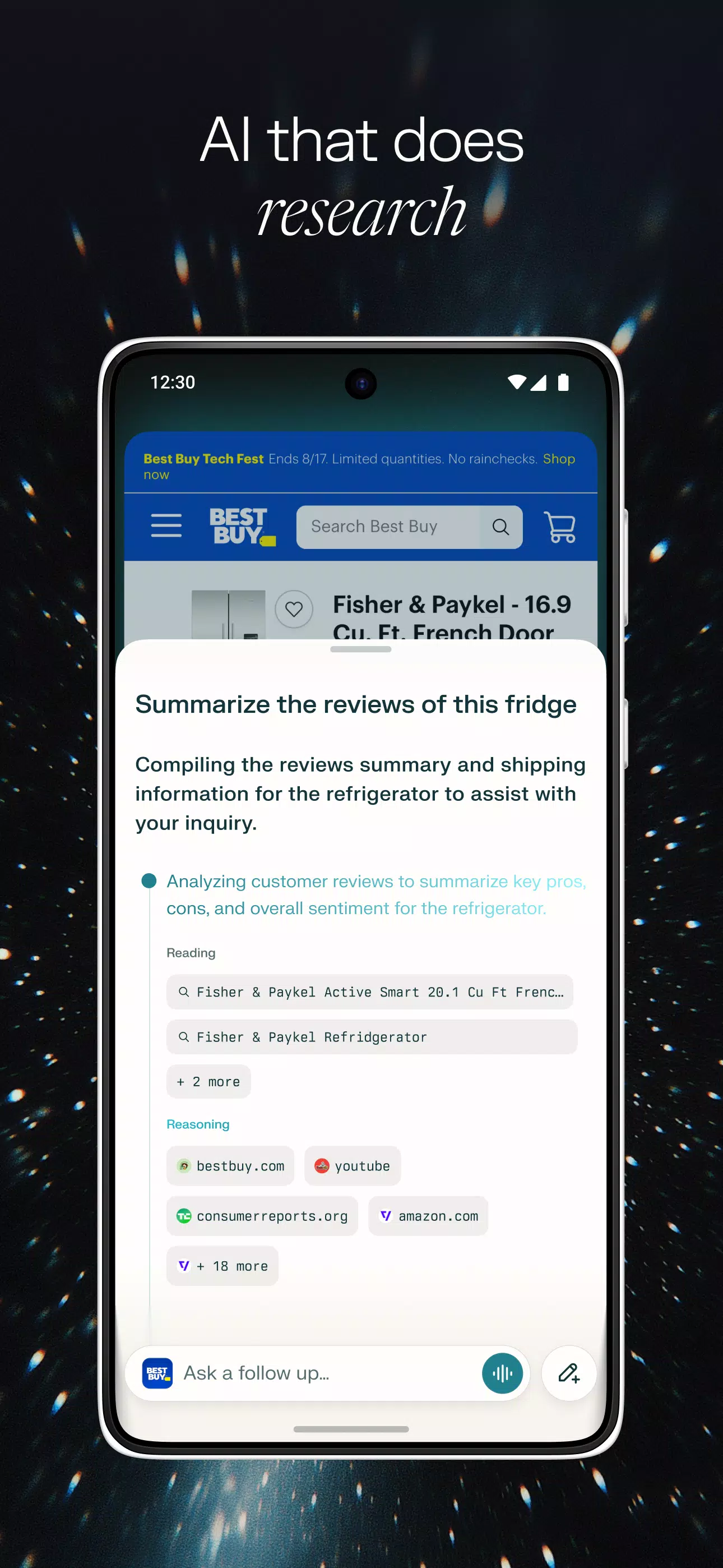
Summaries across tabs: When you collect multiple sources, Comet can summarize content from all open tabs, not just the current page. This helps you review key points faster before deciding what to read in detail.
Ad blocking with site controls: Comet includes an ad blocker to reduce pop ups and spam. If a site needs ads to function, you can allow that site and keep blocking on others.
Voice chat across tabs: In the Comet latest version, voice recognition lets you speak to the assistant and find information across open tabs. You can ask follow up questions and switch context by voice while the browser keeps your place.

Productivity Tools: Take notes, set reminders, and manage tasks with AI assistance, all integrated seamlessly in the browser.
Personalized Experience: The AI learns your preferences to suggest relevant content, shortcuts, and search results tailored to you.
Safe & Secure: Browse with confidence knowing your data is protected with top-tier privacy and encryption features.
Multi-Platform Sync: Keep your bookmarks, history, and AI assistant data in sync across devices for uninterrupted workflow.
Voice Interaction: Talk to your AI assistant naturally and receive real-time responses while multitasking.
Enhanced Search Efficiency: The AI helps filter, rank, and highlight the most relevant information, so you find what matters faster.
Offline AI Assistance: Some AI features are available offline, allowing you to work and explore without needing constant internet access.
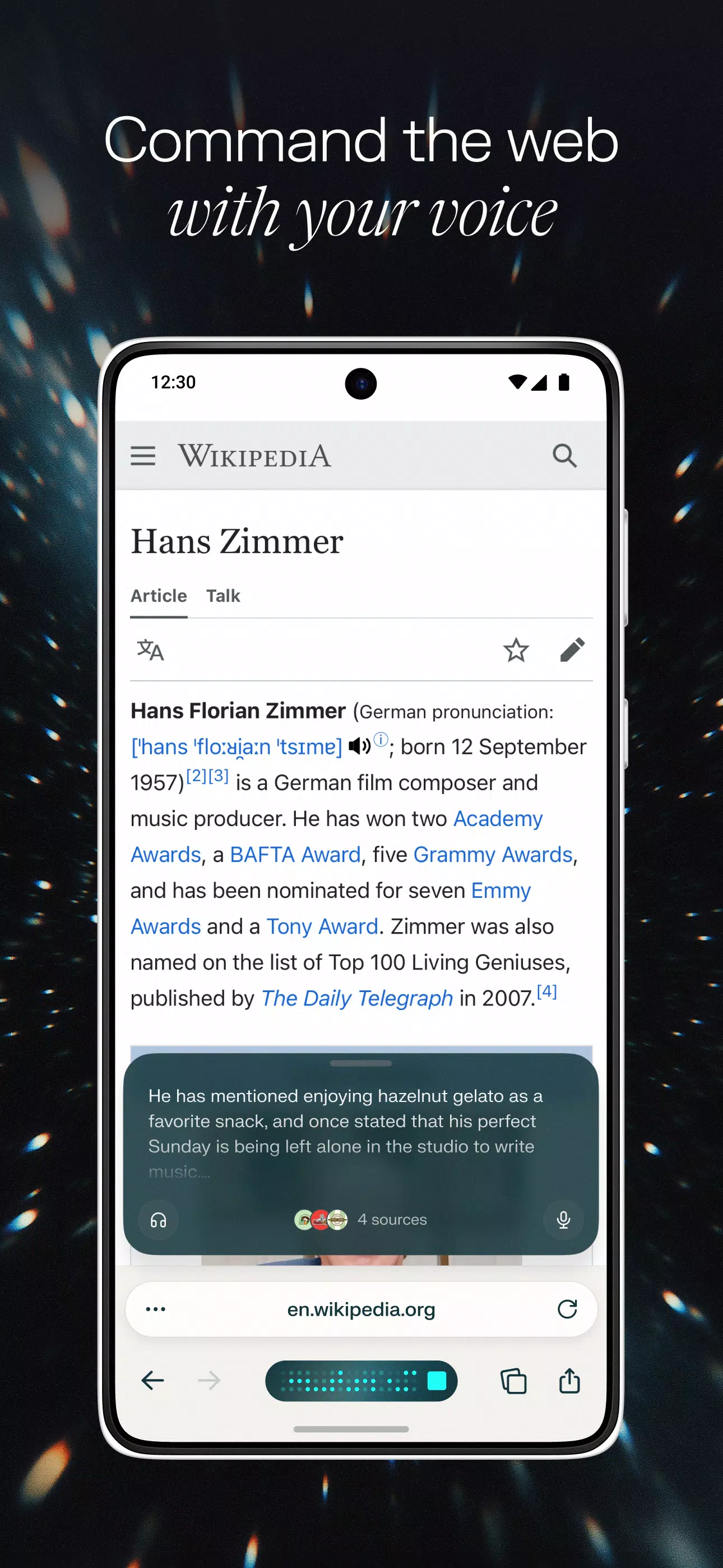
Very user-friendly, voice search, opening and browsing pages is so convenient!
The user experience is great, but the current lack of some functions is a bit frustrating. Please add the synchronization function soon! The tab interface is prone to accidental deletion; I hope you can adjust the swipe sensitivity and add an undo function. Video playback includes background playback and picture-in-picture (small window) functionality.
the browser still can't share the history among my devices and can't import my past browser history form other browser, so it still need to be improved. what is more, the chat sending button below the browser isn't a good design as it is very close another one to open a new chat box. And I even can't find the chat history.
Super useful! You can directly tell the AI to take you to the Cairo University website or watch Despacito's music video! It truly realizes AI that can guide you online. Of course, traditional webpage summarization functions are also complete. The entire browser interface is also very beautiful and modern; highly recommended!
The user experience is quite good, but some functions are missing, such as scanning QR codes, and image search is a lack of camera-like visual capabilities. Currently, the interface feels very smooth.
Overall, Comet fits anyone who likes smart, efficient workflows students, remote workers, content creators, or curious users who enjoy organized browsing. It’s for those who want their browser to keep up with how they think and work, turning everyday web use into something more intuitive and responsive.
Size:315.6MB Version:1.31.0
Requirements:Android Votes:502
Package Name:ai.perplexity.comet Signature:e0e02d4ac09f91457a7f3ffc41d6bf9982dffaaf

Transform your mobile device into a powerhouse of efficiency with these handpicked essential tools. Whether you need professional-grade photo editing, seamless file organization, smart task management, or real-time weather updates, our curated selection of premium apps delivers unbeatable performance. Streamline your daily routine, automate repetitive tasks, and boost your productivity with intuitive interfaces and powerful features. Designed for both professionals and casual users, these editor-approved applications will revolutionize how you work and play. Don't settle for an ordinary phone - upgrade your digital experience today and unlock your device's full potential!
With the development of mobile hardware and software, many practical tool software have emerged, covering a wide range of aspects and becoming a good helper for everyone in work and life. Today, the editor provides you with a list of useful tool software downloads. These tools are not particularly complex types, and after reading them, everyone can quickly learn how to use them. Proper use can bring great convenience to life and work.
About us | Contact us | Privacy policy| DMCA
Copyright © 2026 Xiaohei All rights reserved.