JioCall is a smart calling app that rivals 4G network speeds. It allows users to make voice and video calls without consuming phone credit. Users can also send custom files during calls. It offers high-definition calls and smooth video playback. Even on low-end Android devices, some of the app's functions are available. It also supports dialing landline numbers and does not require a SIM card, providing convenience for users looking to replace their SIM cards.
High-quality voice and video calls similar to those that we can make on 4G networks.
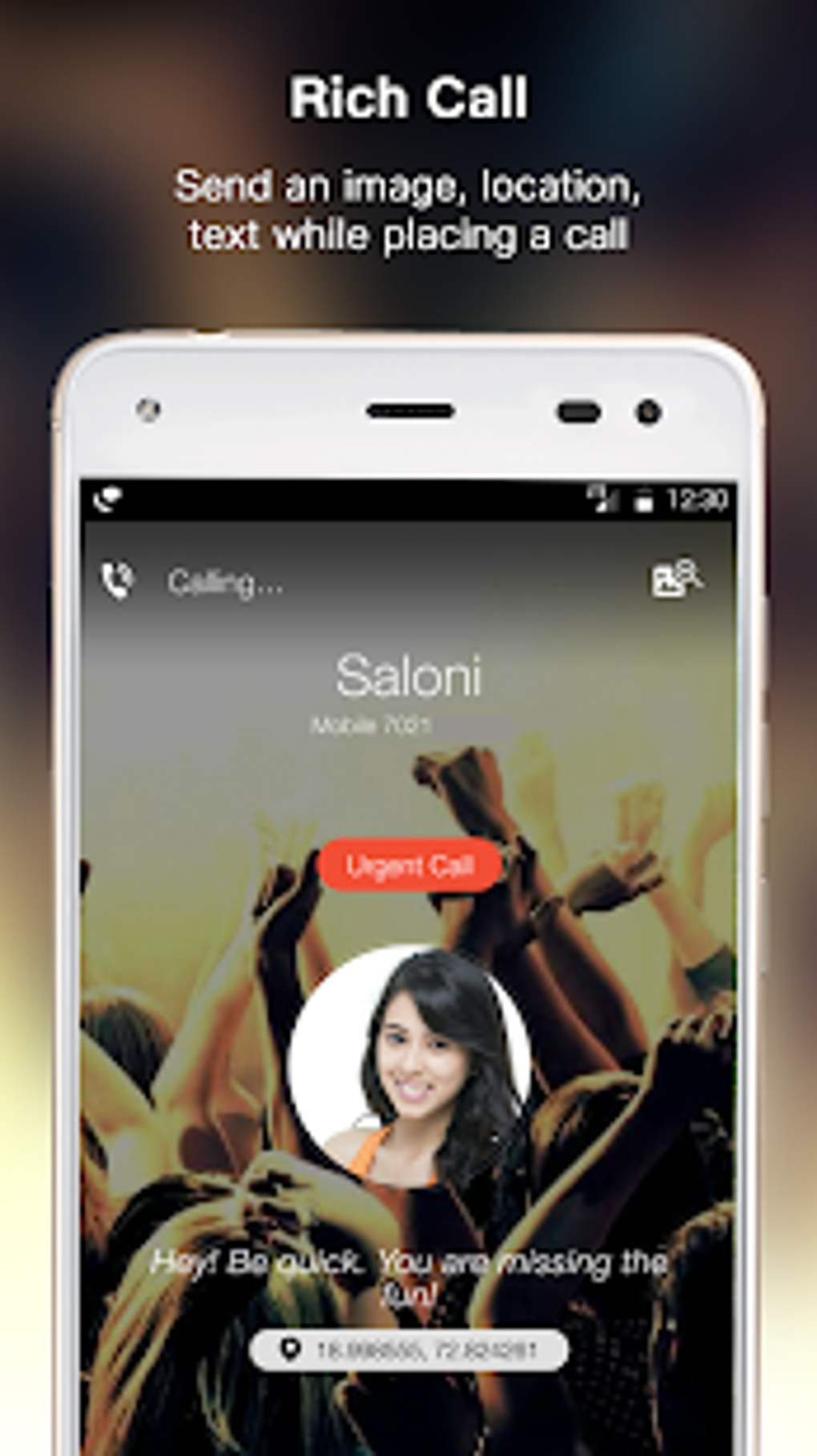
Enrich your phone calls with customized messages, images or location on the recipient's screen.
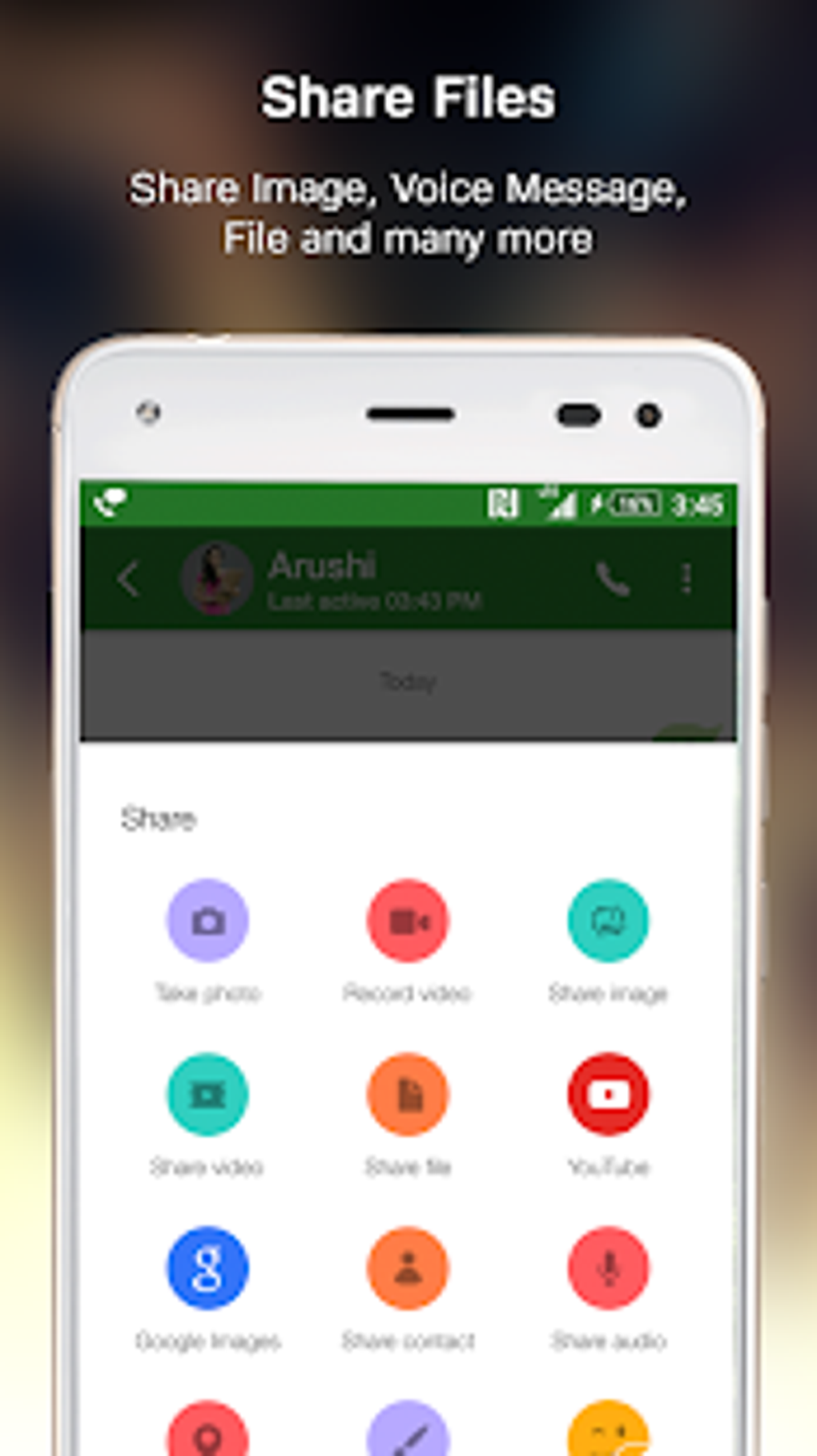
Send text messages to any phone number or share files such as images, videos or PDFs.
Smart call function: quickly locate in the app the contact that you want to call.
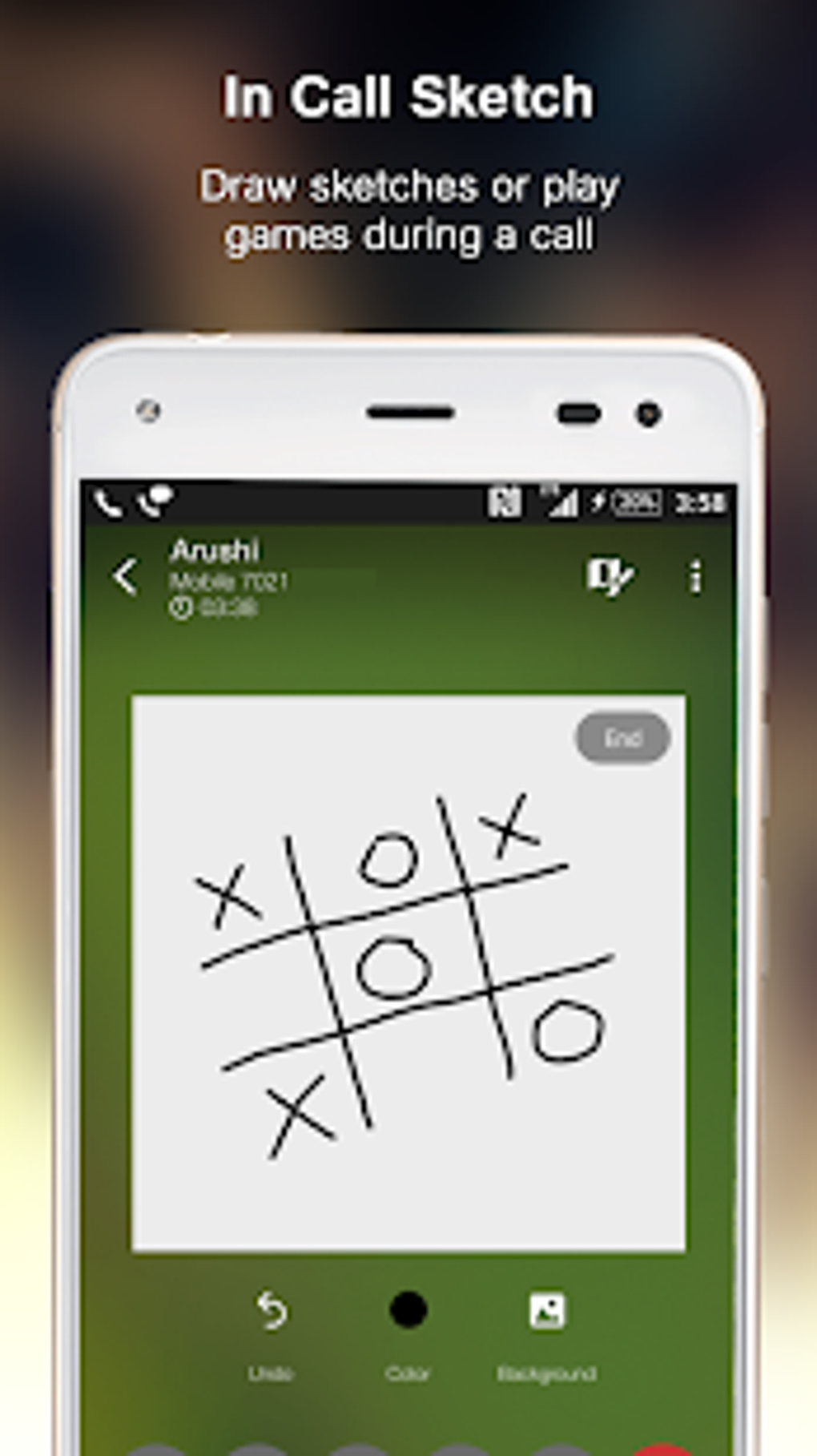
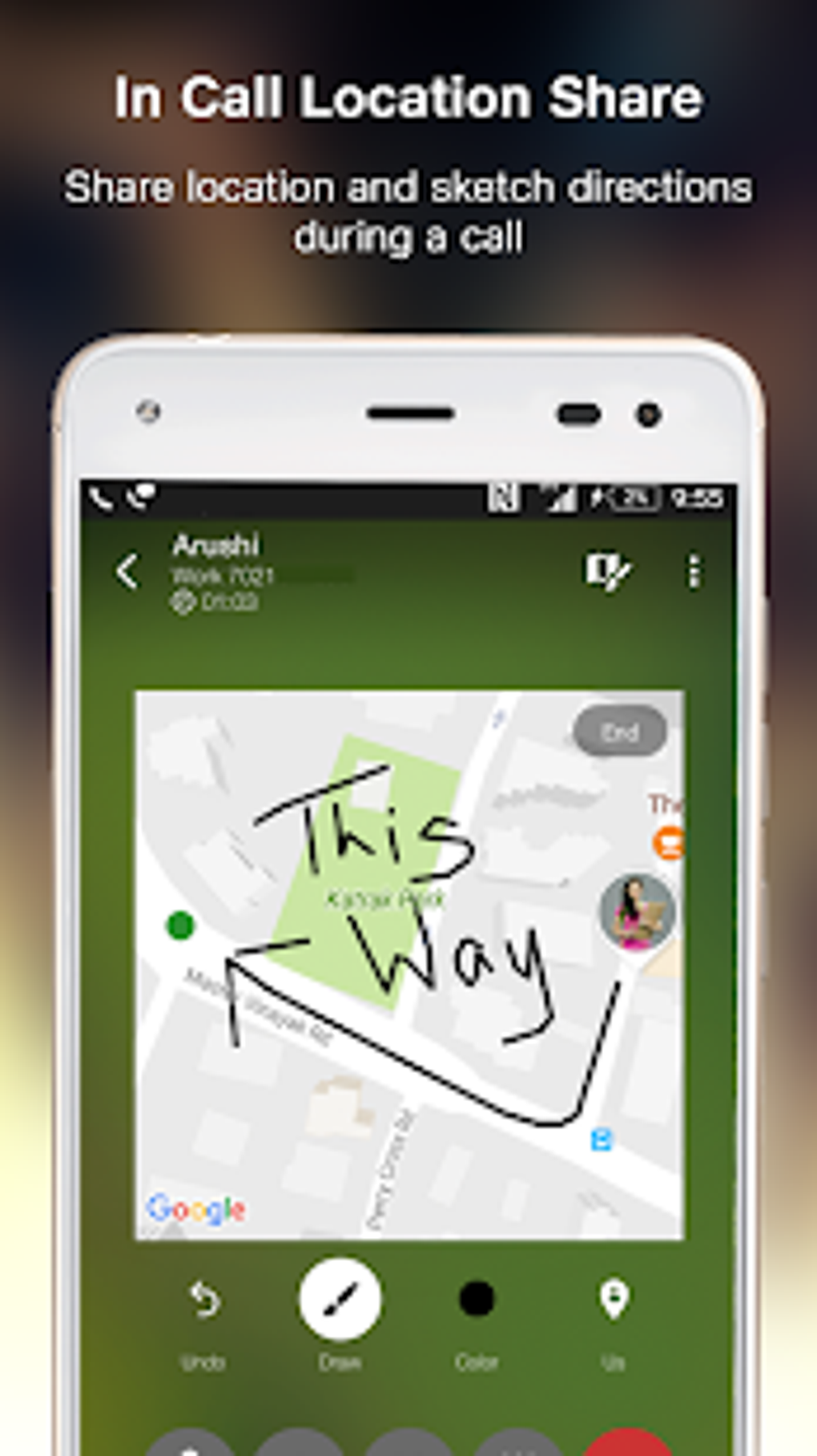
Share your location, messages, images, and even drawings during your calls.
High-Definition Communication
Some free communication apps have fairly low quality connections. This means that your calls might sound garbled or robotic, and video chats might lag and look awful. Thankfully that is not the case with JioCall.
This app supports a high-definition connection. You will find that all your calls sound crisp and clear. Video chats also look great as long as you have a strong internet connection to support the video.
Call Glitches
There are some glitches with this program that have been persistent. One of the worst is that it can be difficult to answer calls. The JioCall app tends to alert you late about when a call is coming in, and it's often hard to answer the call one you know about it. This can lead to many missed calls.
Another issue is that calls may end abruptly. The app seems to glitch and just end the call without warning. You should have no problem calling the person back, but this may not be ideal if you're using this for professional communications.
Call Landline Numbers
One problem you may experience with free phone apps like this is that they are unable to call landline numbers. The calls are often blocked or just don't go through. JioCall does not have this problem. You can easily call both mobile and landline numbers without any difference in quality. This ensures that you can speak to anyone with ease.
JioCALL, the leading VoLTE (Voice over Internet Protocol) app, is now available on the Android Market. JioCALL combines advanced VoLTE features with a rich user experience, making it an ideal solution for those who frequently make international calls. With JioCALL, you can use international minutes, call rates, and affordable calling costs. Jio calls are completely free.
Developed by Reliance Communications Ltd (RCL), one of India's leading telecom operators, JioCALL is the latest VoLTE (Voice over Internet Protocol) application that enables you to perform many other functions, such as making international VoLTE calls at a lower price than your usual carrier. You can even make video calls with JioCALL at a cheaper price. Advanced Voice over Internet Protocol (VoIP) features allow you to make inexpensive local, STD, ISD, and ISK calls from your smartphone using JioCALL.
Pros
Enables HD voice and video calls, even on non-VoLTE devices
Integrates RCS for enhanced sharing
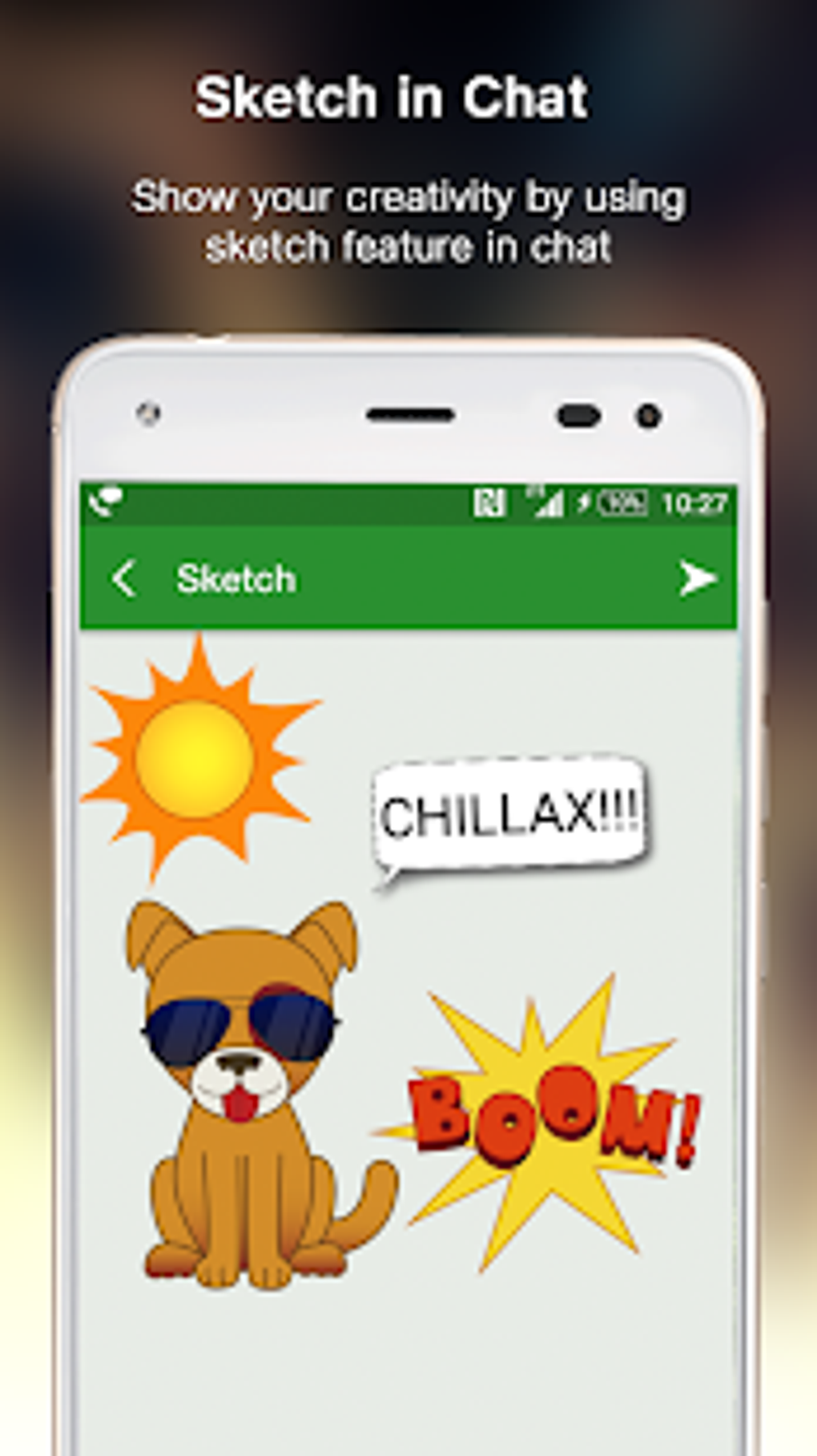
Allows sketching and location sharing during calls
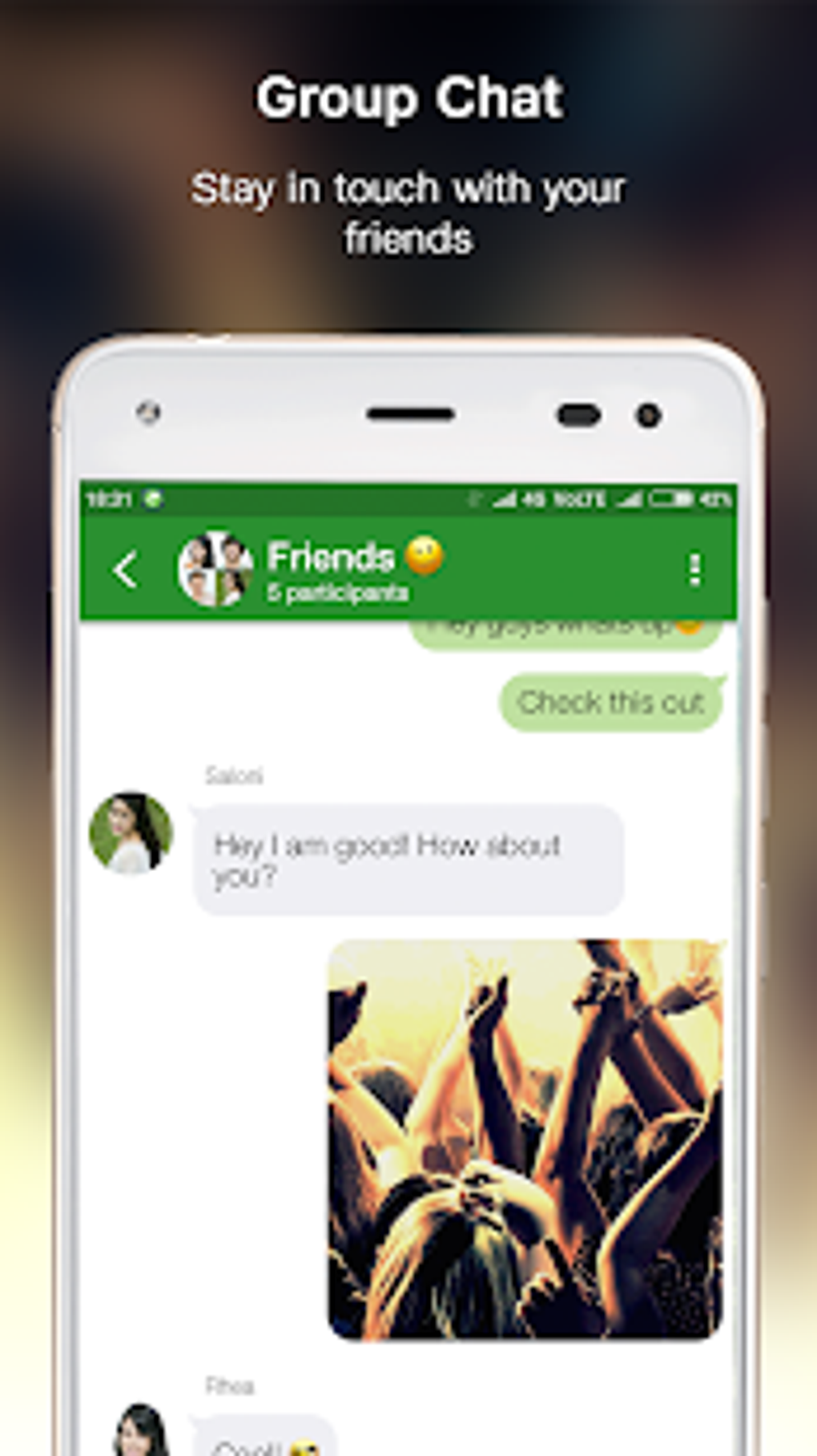
Consolidates SMS and chat messaging
Supports calls to landline numbers
Cons
Requires connection to the Jio network
Users report occasional issues with calls ending randomly
Enhance your communication experience with JioCall, a versatile application tailored for users with Jio SIM and Jio Network connectivity. Transform your Fixed Line into a smart connection, empowering your smartphone to handle video and audio calls seamlessly. By simply configuring your 10-digit Jio Fixed Line number within the app, the convenience of managing calls from this number directly on your smartphone becomes a reality, eliminating the need for a Jio SIM when using Fixed Line services.
Size:39.36MB Version:5.3.8
Requirements:Android Votes:585
Package Name:com.jio.join Signature:ed6818f3248ac9094996cc0d82c98e06
Let's make one thing clear: unfortunately, there's no one best texting app. Unless you absolutely require one or two specific features or are a real stickler for security, the best text message app will be the one that the people you want to text also use. Depending on where you are in the world, that can be iMessage, WhatsApp, Viber, Telegram, LINE, or even SMS. But if, for whatever reason, you do have a choice of which messaging app you can use—or you can convince your friends and family to make the switch—these are the six best texting apps to choose from. (Though, if I could rule the world using benevolent AIs, I'd make everyone use Signal.)
Keep in touch effortlessly with the world’s best free messaging and calling apps. Whether you're chatting with friends, video calling family, or coordinating with colleagues, these apps offer seamless communication-no subscriptions needed. Enjoy crystal-clear HD video calls, fun stickers, group chats, and reliable messaging across devices. Perfect for work collaboration, sharing special moments, or staying close to loved ones while traveling. Download today and experience premium connectivity without spending a penny!
Mobile chat software is one of the essential mobile applications on people's phones. Chat software can connect people who are far apart, allowing you to communicate with friends anytime and anywhere. The software can also support various ways such as text, voice, video, etc. Now, the editor brings you a special topic on mobile chat software. You can choose the software you need and install it for free on your phone. If you need it, come and choose the software you need!
About us | Contact us | Privacy policy| DMCA
Copyright © 2026 Xiaohei All rights reserved.