Google Handwriting Input is a user-friendly keyboard input tool that supports voice and handwriting input in hundreds of languages. It accurately recognizes both text and voice input, allowing users to communicate confidently with others. Furthermore, users can create emojis, which the software automatically recognizes and optimizes, making communication more fun. The software is also highly compatible, installing and running on various mobile devices and tablets to meet users' needs.
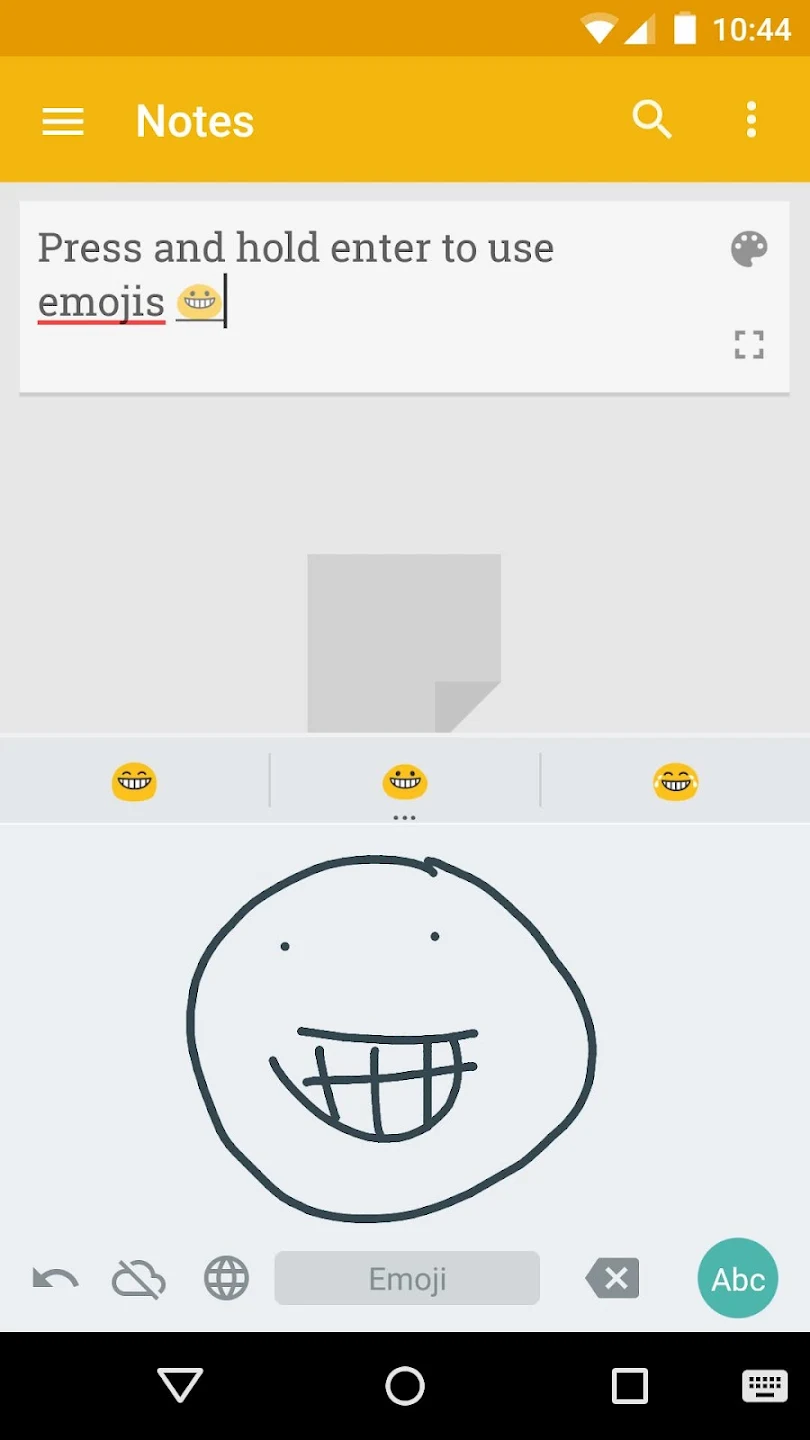
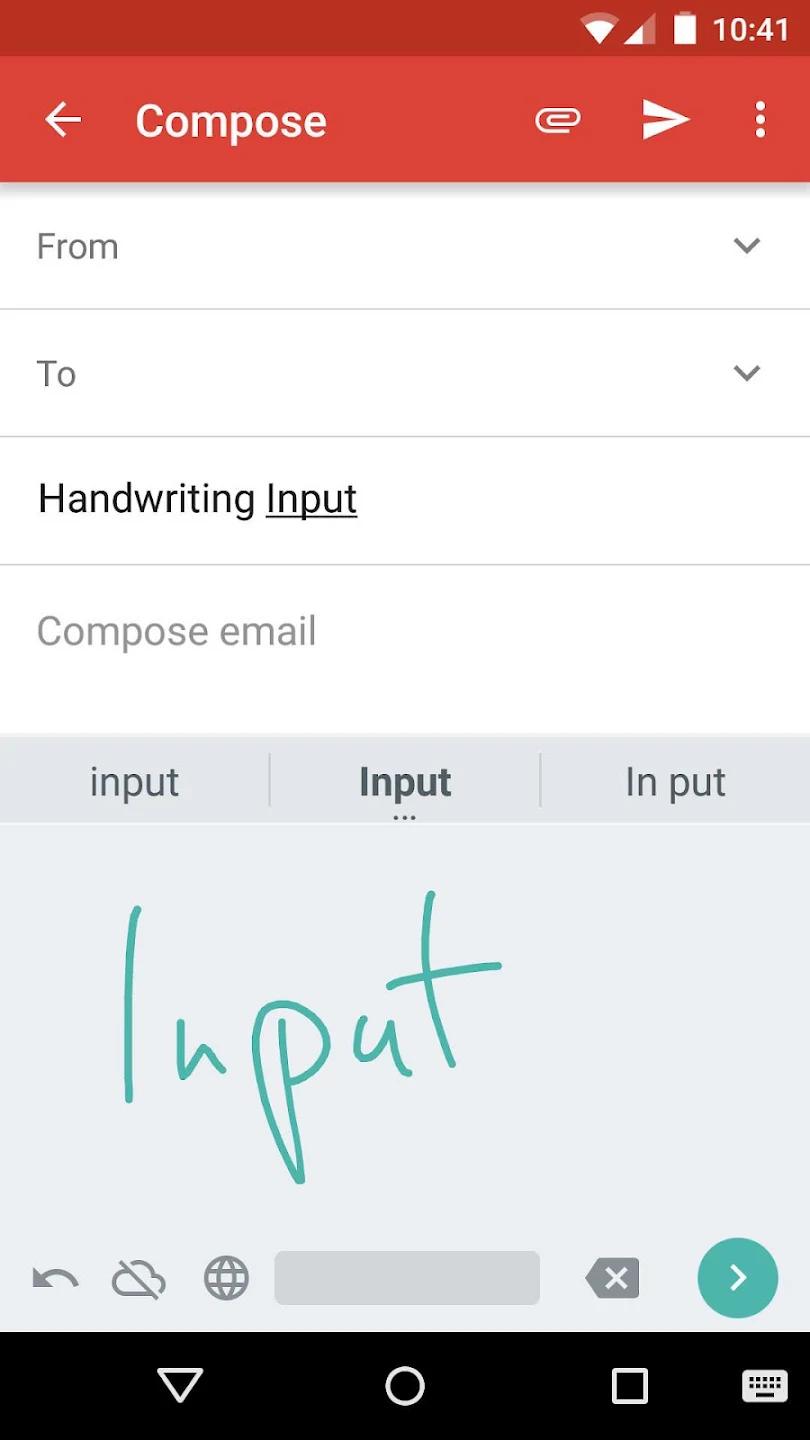
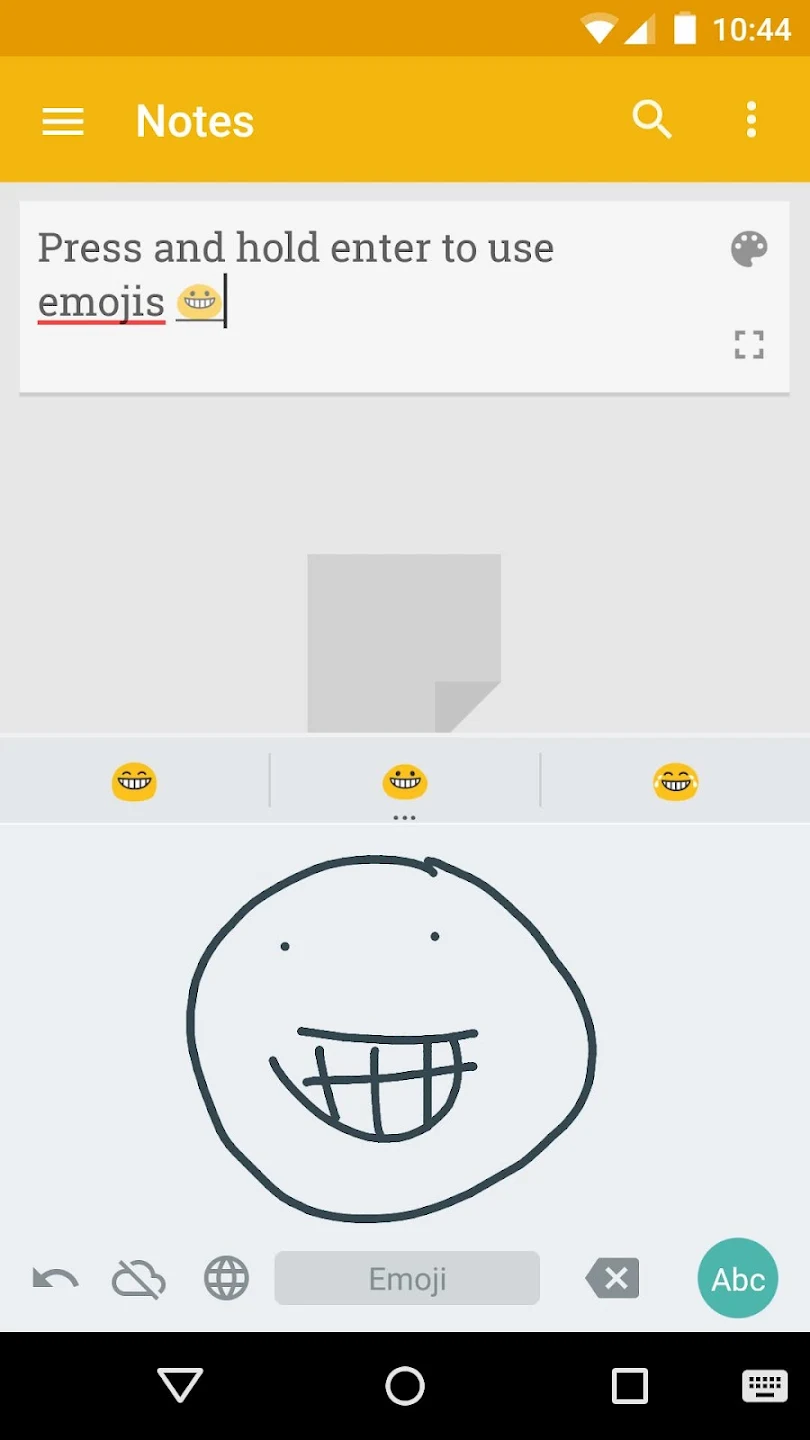
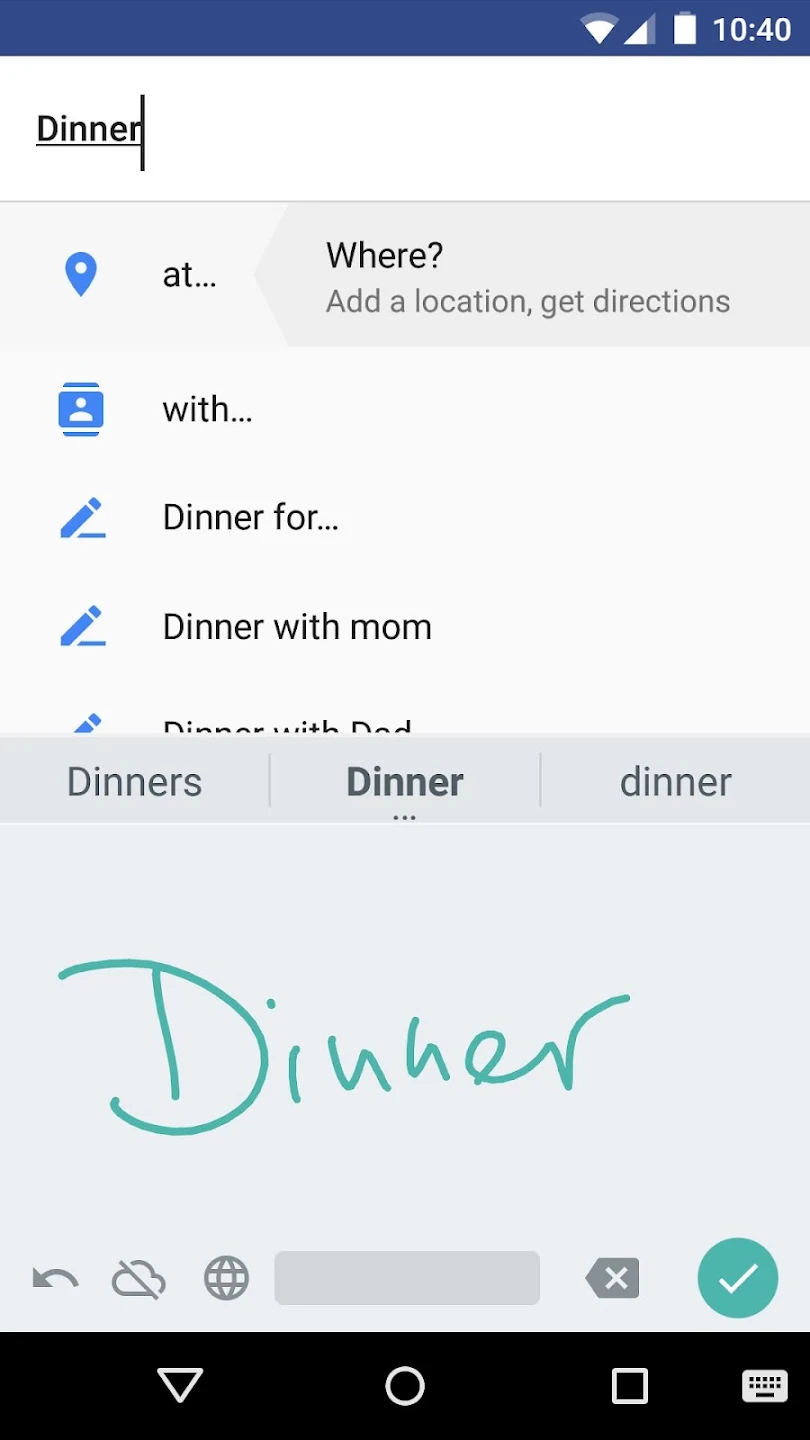
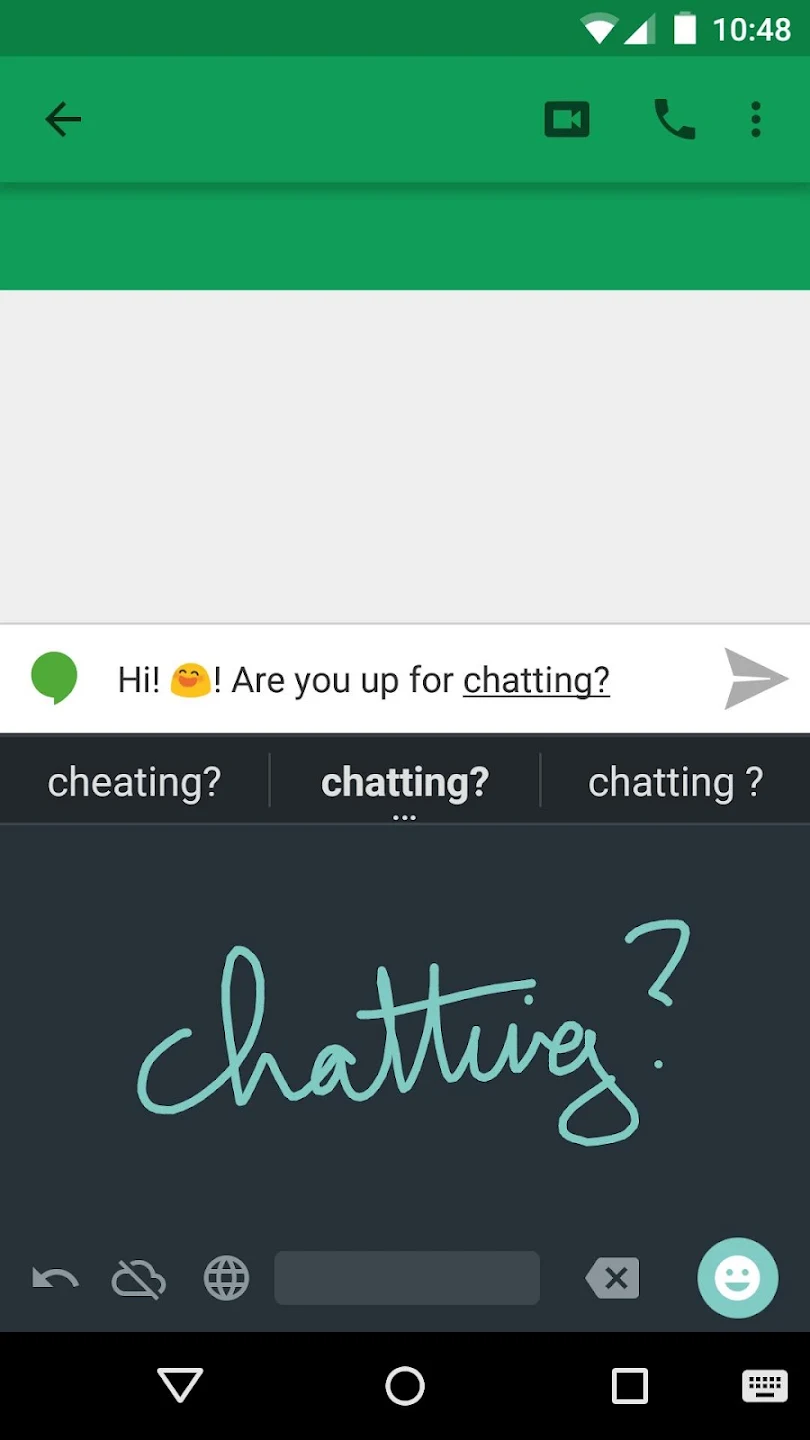
With this application, you can write by hand on the touch screen of your smartphone or tablet in up to 100 languages. Regardless of what your handwriting is like, Google will interpret it and transcribe your messages. You can write in block letters, in italics, or even draw emojis.
A keyboard that works as a complement to touch screen typing or voice input.
Allows you to enter drawn emojis.
Very interesting plugin for languages with a large number of characters.
It works very well with most types of writing, even if you have very bad handwriting.
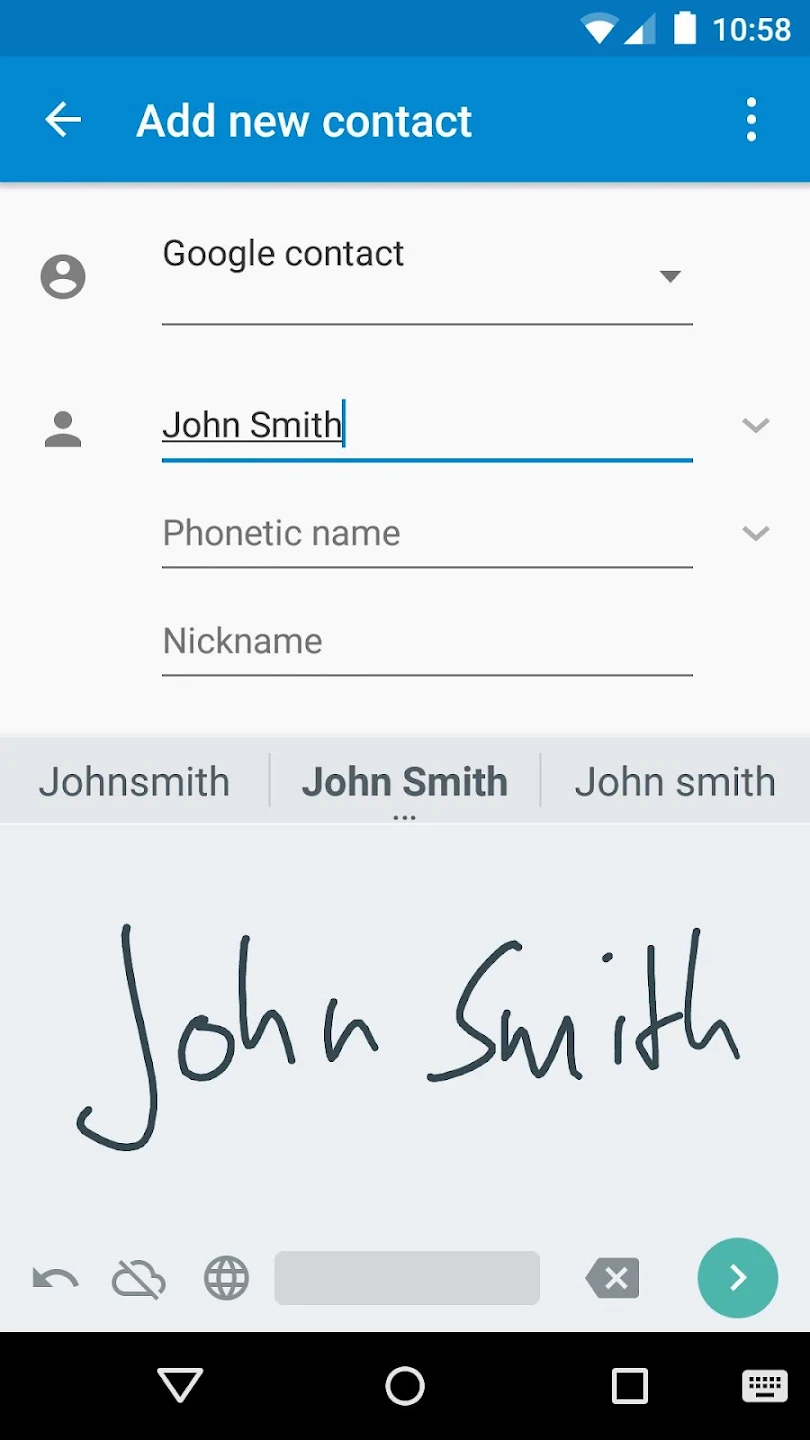
To provide value, handwriting apps need to succeed on two fronts: accuracy and speed. Google Handwriting Input does an excellent job on the accuracy side. The app doesn't struggle to identify either printed or cursive writing. Even sloppy writers will see words consistently translated with accuracy. In fact, this particular app is perhaps the most accurate option available now, and it's hard to trick the app.
Speed is, unfortunately, another story for Google Handwriting Input. Without a doubt, the app is faster than competing options. The time from writing a word to seeing it translated on screen is fairly quick but not instantaneous. Overall performance is great for Handwriting Input. Still, the app is trying to compete with touchscreen keyboards and voice input, two options that are far superior in speed.
Google's latest input app features many positives for its users nonetheless. First of all, Handwriting Input supports multiple languages. Users can toggle the language in a couple steps, and the app functions well in its supported languages. Google Handwriting Input is especially useful for languages with complicated symbols. In rare cases, writing out these symbols is faster than dealing with their text counterparts.
How do I enable Google Handwriting Input?
After installing the app, open it and it will lead you through the steps to enable it.
How can I write long words or phrases?
You can write partial words, write two lines, or rotate your device to landscape orientation. We also support partial overlap in the input.
The writing moves away too quickly or not quickly enough?
This delay before moving the writing can be changed in the settings to fit your preferences.
How do I switch to emoji recognition?
Long-press the return-button. If you use it in a text field for short messages (e.g. in Hangouts), the return-button allows you to directly switch by tapping.
How can I use more languages?
In the settings, go to "Input Languages". You can turn off "Use system language" and choose any languages you like. Enabling more languages may require the download of additional data for the recognition to work.
Overall, Google Handwriting Input is an interesting proof of concept. While it excels at recognizing handwriting, its daily usefulness may vary for individuals. Traditional keyboards, with or without predictive text, are generally faster for writing. Nevertheless, if you enjoy the novelty of handwriting on your device, this app is worth exploring.
Size:15.5MB Version:1.9.3
Requirements:Android Votes:287
Package Name:com.google.android.apps.handwriting.ime Signature:27e390eb3008d97430c562150643765453aef6e1
Utility apps are indispensable in our lives, making our daily routines more convenient. To help you find these apps more easily, this site has created a collection. This collection brings together a series of practical tools covering various aspects of life, work, and education, meeting all your needs. What are you waiting for? Try these apps now and make your life easier!
Transform your mobile device into a powerhouse of efficiency with these handpicked essential tools. Whether you need professional-grade photo editing, seamless file organization, smart task management, or real-time weather updates, our curated selection of premium apps delivers unbeatable performance. Streamline your daily routine, automate repetitive tasks, and boost your productivity with intuitive interfaces and powerful features. Designed for both professionals and casual users, these editor-approved applications will revolutionize how you work and play. Don't settle for an ordinary phone - upgrade your digital experience today and unlock your device's full potential!
About us | Contact us | Privacy policy| DMCA
Copyright © 2026 Xiaohei All rights reserved.