Opera Touch is a fast and secure web browser with a built-in search bar. Users can simply enter keywords to find relevant web content and download files, software, and games to their devices. The software not only includes an ad blocker to block annoying pop-ups and spam, but also supports a private browsing mode that automatically clears the user's browsing history, helping users browse anonymously while ensuring browsing speed and stability. The software can also integrate with a PC, allowing for quick file and screen sharing with a simple drag-and-drop interface.
Search instantly: When you start Opera Touch, the browser is instantly ready to find things on the web. Just start typing or use voice search. When you have found a QR code, simply use the app to scan it and go to the website it links to. You can also use Opera Touch to scan a barcode on a product and to look it up online.
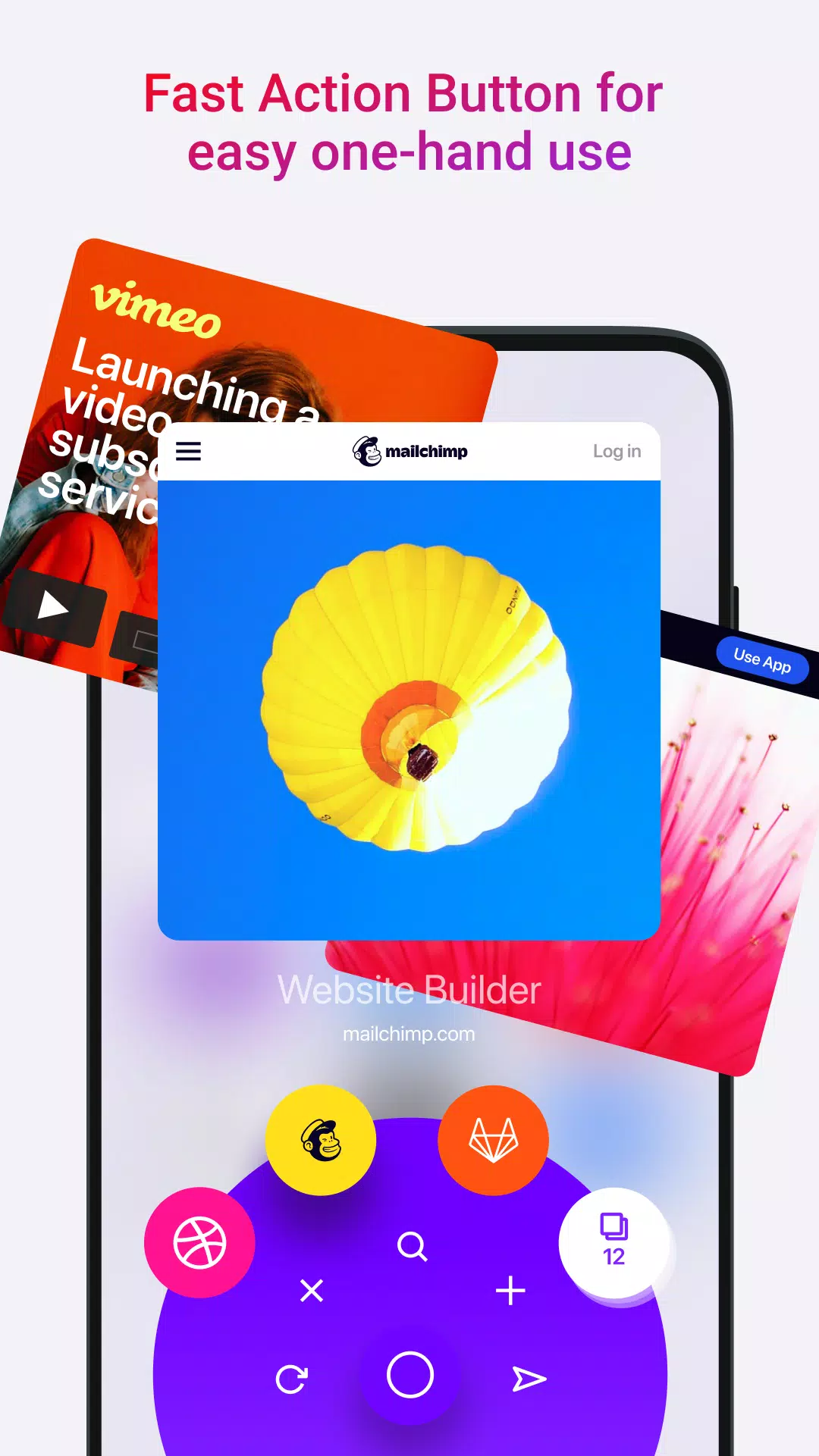
Designed to be used on the go: Opera Touch lets you explore the web using just one hand. The Fast Action Button is always available on your browser screen and gives you direct access to your Instant Search. You can also hold and swipe the button to switch to your most recent tabs, reload, close or send the current tab to your computer.
Create your own Flow for the things you find online: Use Opera Touch together with your Opera computer browser for seamless web browsing across your devices. Connecting your phone with your PC has never been easier. Just start the Opera PC browser and scan the QR code displayed there with Opera Touch. No login, password or account needed. You can now send links, videos and notes to yourself with a single click and they will be displayed across your devices.
Safe and secure browsing: Opera Touch employs the very latest in web technologies to keep you safe. The data you send in Flow is fully end-to-end encrypted. The browser also features Opera's cryptojacking protection, which reduces the risk of your mobile getting overheated or running out of battery when you browse the web.
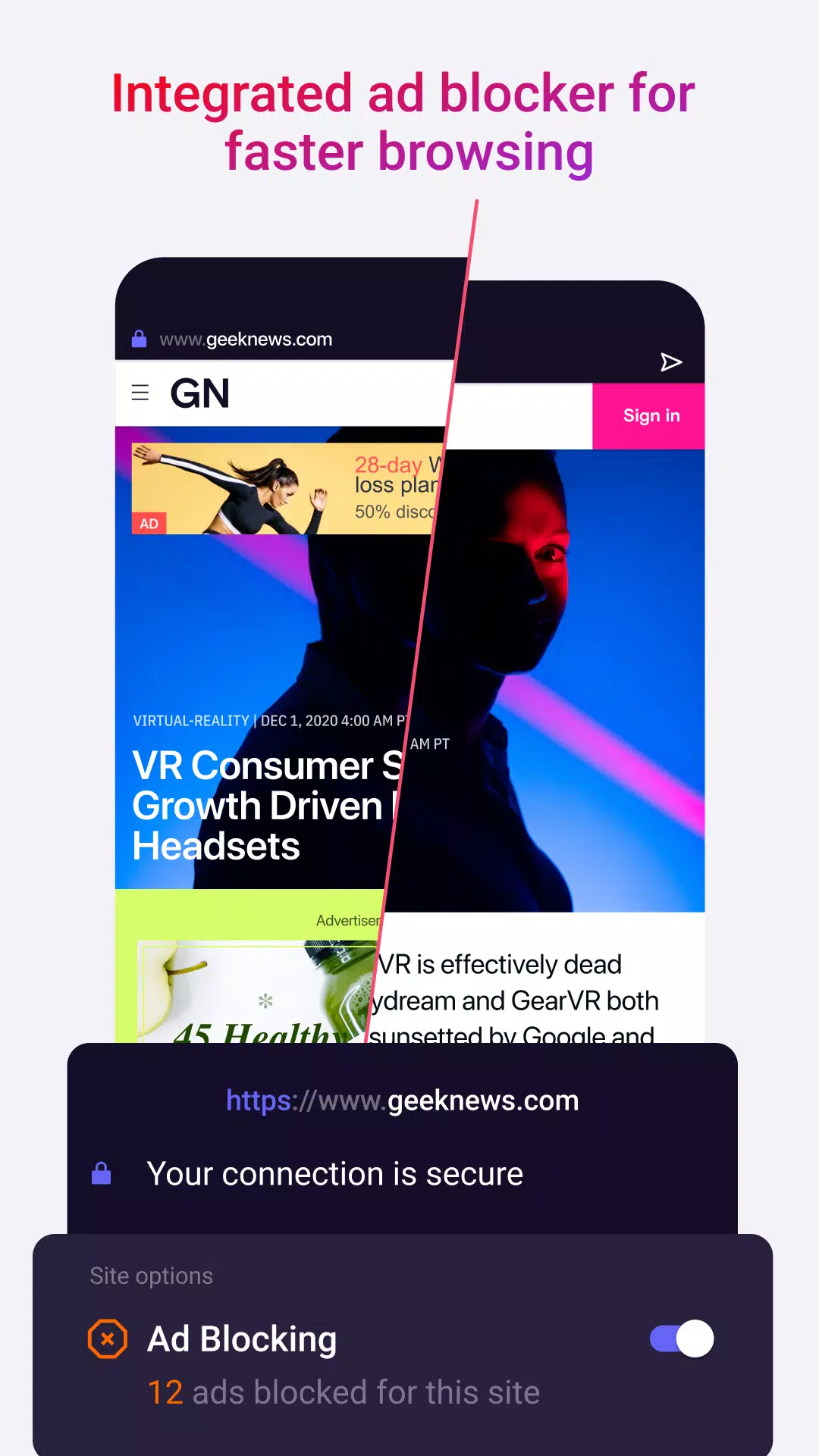
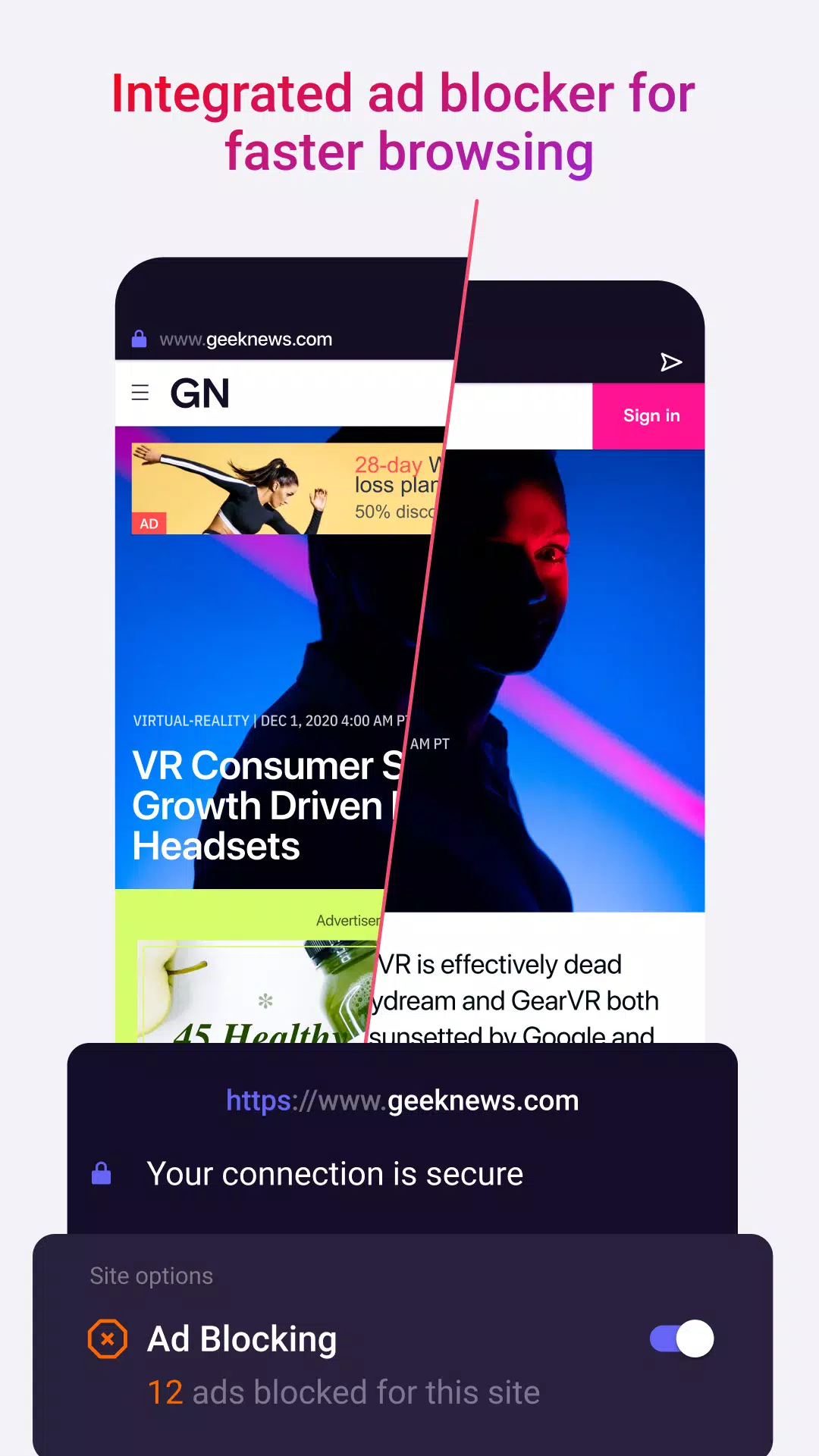
Native ad blocker for faster browsing: Opera Touch features an opt-in ad blocker. When turned on, the browser will block intrusive ads, making web pages load faster.
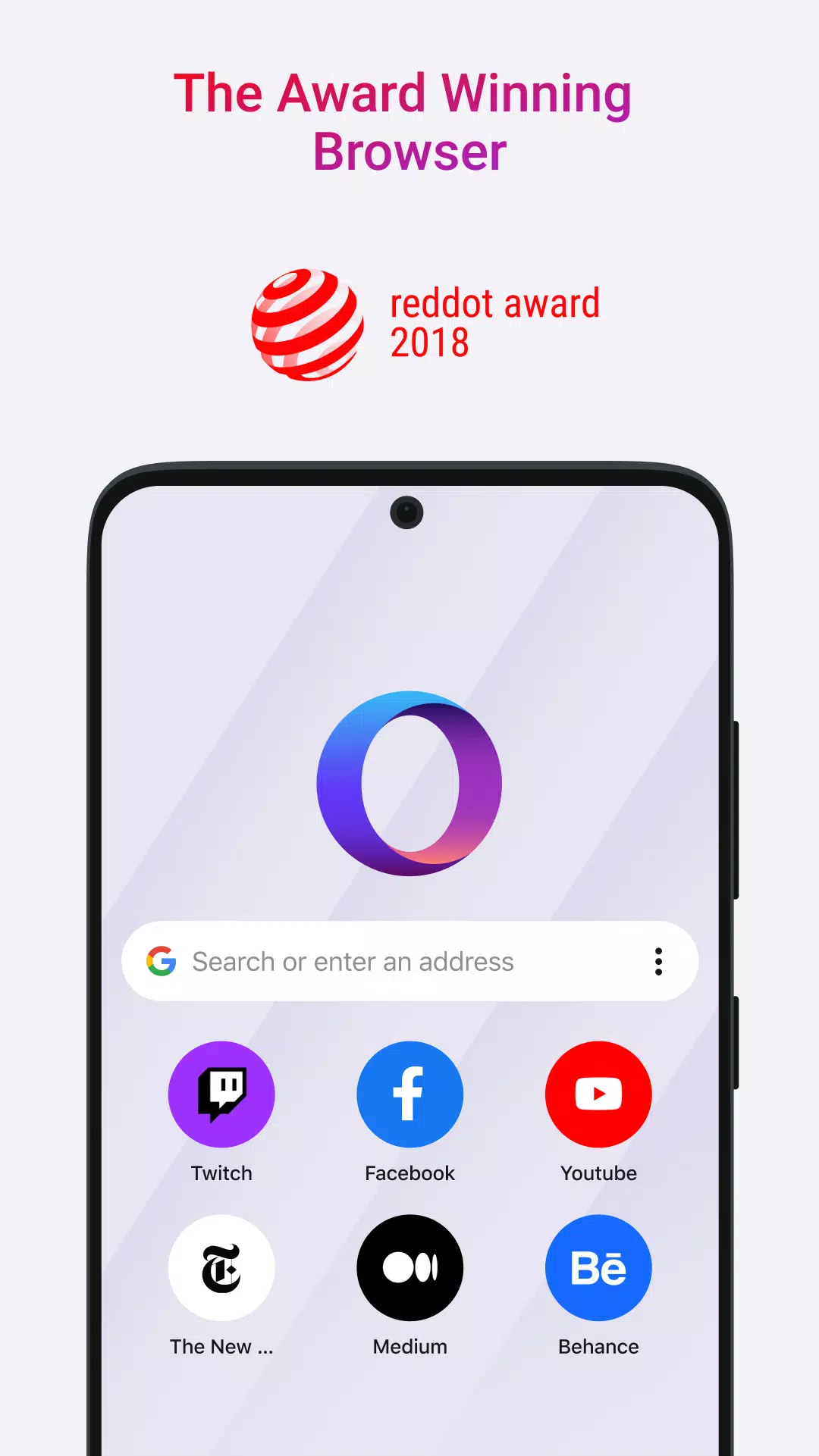
You will have to enable them when required and they work great. Crypto-jacking shield protects your device processors from mining cryptocurrency. And the adblocker as the name suggests will protect you from unwanted adds.
The innovative fast action button enables you to do one-handed browsing. This is a great feature when using your phone while walking, although we do not recommend that as it might be a safety hazard. Use your phone only when sitting or in a safe place.
Sync across devices is easy. Just scan the QR code on your Opera Browser for PC and all your PC and mobile data will be synced instantly. You can instantly share across devices by using the flow feature in Opera Touch. Just select and put something in the flow feature and it will insanely appear on your browser.
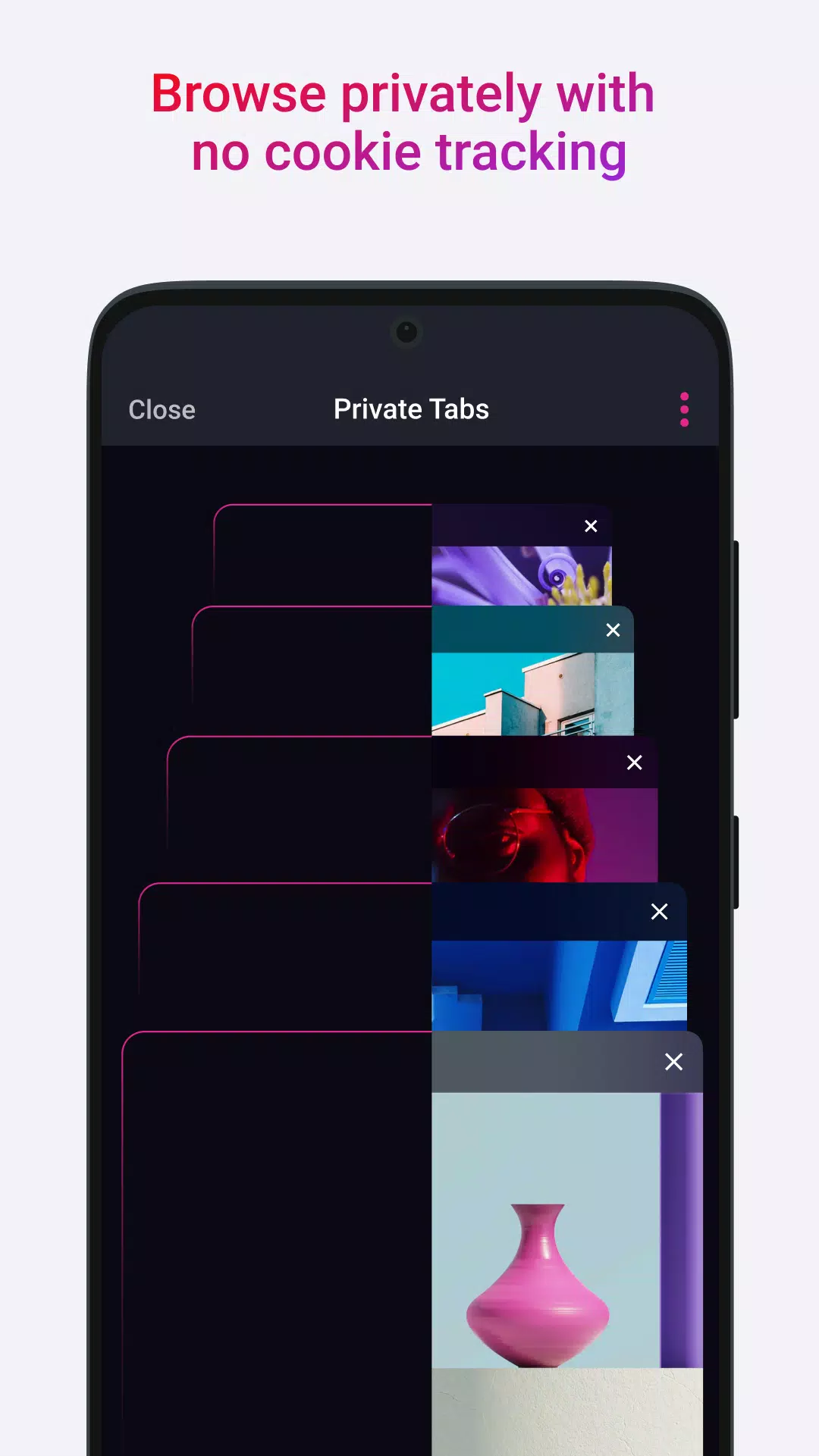
Its private mode also supports the one-touch action button. This way you can go kamikaze single-handedly while in Private mode. To download Opera Touch on your mobile phone just click on the download button above. Let us know if you liked the new browser by commenting in the section below.
Q: Is it free to use?
A: Yes, it is completely free to download and use on Android devices.
Q: Can I sync it with my Opera desktop browser?
A: Yes, you can sync instantly by scanning a QR code without needing a login or password.
Q: Does it support private browsing?
A: Yes, it includes private browsing mode to keep your data secure and private.
Q: Is it faster than other mobile browsers?
A: It is optimized for speed, offering instant search and a lightweight interface for quick browsing.
Q: What makes it unique?
A: Its award-winning design, one-handed browsing mode, and seamless sync with Opera desktop make it stand out from other browsers.
Opera Touch really does take into consideration the fast-paced lifestyle of people nowadays. By providing one-thumb access to all its important and much-needed features, it is able to give its users not only convenience but as well as time. Opera Touch is a great browser that is made to keep up with whoever is using it, giving you one less thing to worry about.
Size:15.5MB Version:2.9.9
Requirements:Android Votes:318
Package Name:com.opera.touch Signature:8fcb5cd8565b9789314ca717e8486a7c5837383c
Browser is a software application that enables users to access, render, and navigate information resources on the internet. These resources, identified by Uniform Resource Identifiers (URIs), include web pages, images, videos, and other multimedia content. Browsers facilitate seamless exploration of interconnected data through hyperlinks, allowing users to transition between related information effortlessly. Technically, browsers operate by sending HTTP/HTTPS requests to web servers, retrieving data, and processing it through rendering engines (such as Blink, Gecko, or WebKit) to display interactive, visually structured pages. Modern browsers also support advanced features like caching, scripting (JavaScript), and secure encryption (SSL/TLS), ensuring efficient and safe web interactions for users worldwide.
Which browsers on mobile phones are currently very convenient to use? Today, the editor will recommend ten similar mobile applications in detail based on the ranking of mobile browser apps. In these browser software, users can experience rich reading functions and also enjoy information content.
About us | Contact us | Privacy policy| DMCA
Copyright © 2026 Xiaohei All rights reserved.