Norton App Lock is the best tool for protecting user privacy and information. Users can decide which apps, pictures, videos, and messages to lock and encrypt them using various methods such as passwords and fingerprints. The software rigorously protects this information from being discovered by others. If someone fails to unlock the app three times, the software automatically takes a photo of the person trying to unlock it and quickly saves it to the corresponding folder for easy viewing. Compared to other software, Norton App Lock offers more robust protection measures, so users can use it with confidence.
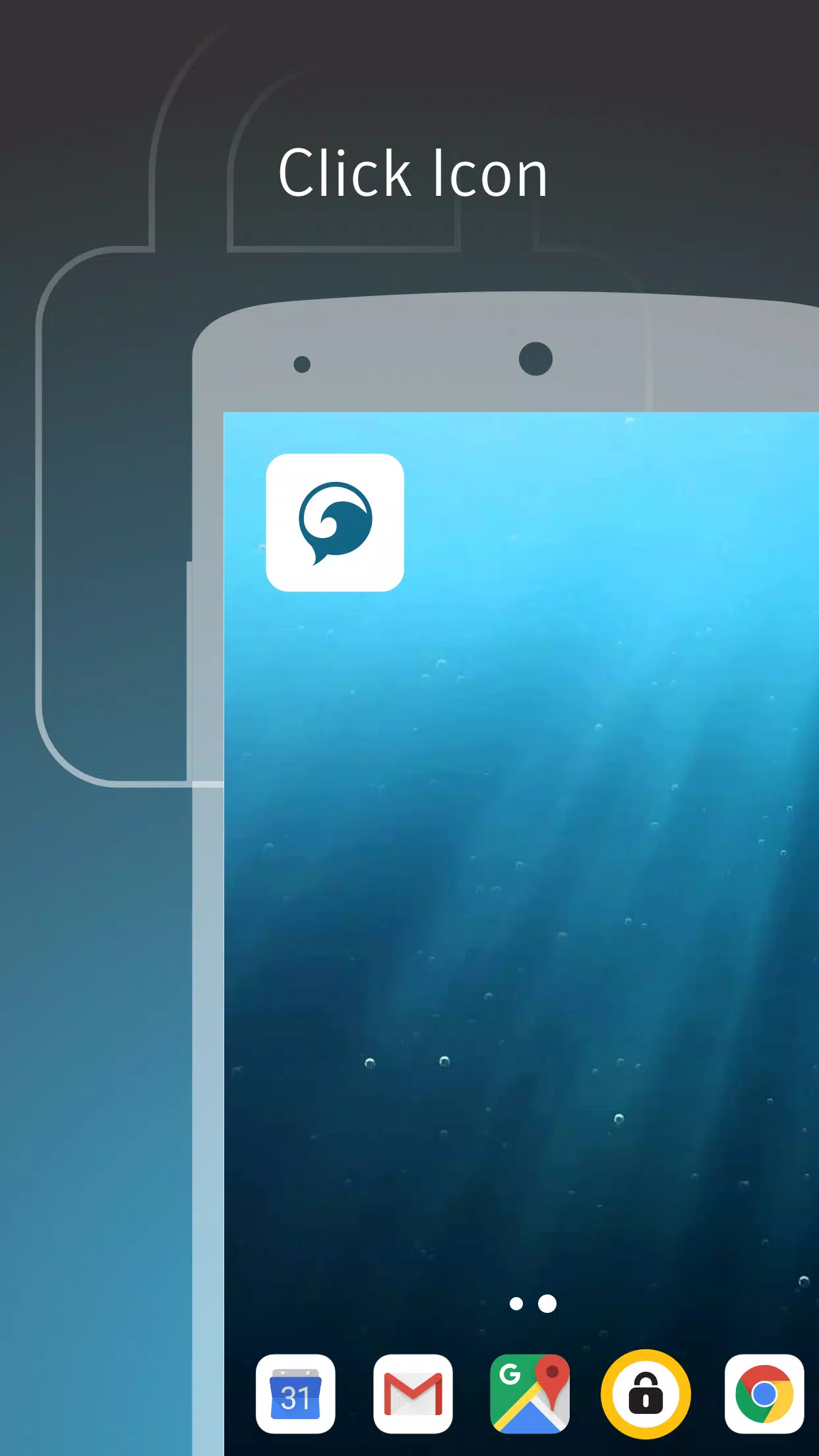
Choose what to lock: You decide which apps need protection. Lock all apps, only a few, or follow built in recommendations. This keeps focus on the places where you store photos, messages, or settings.
Sneak Peek anti theft: Finally, after three failed unlock attempts, Norton App Lock can take a photo of the person trying to open your phone. The image saves to your Photos folder for review later.
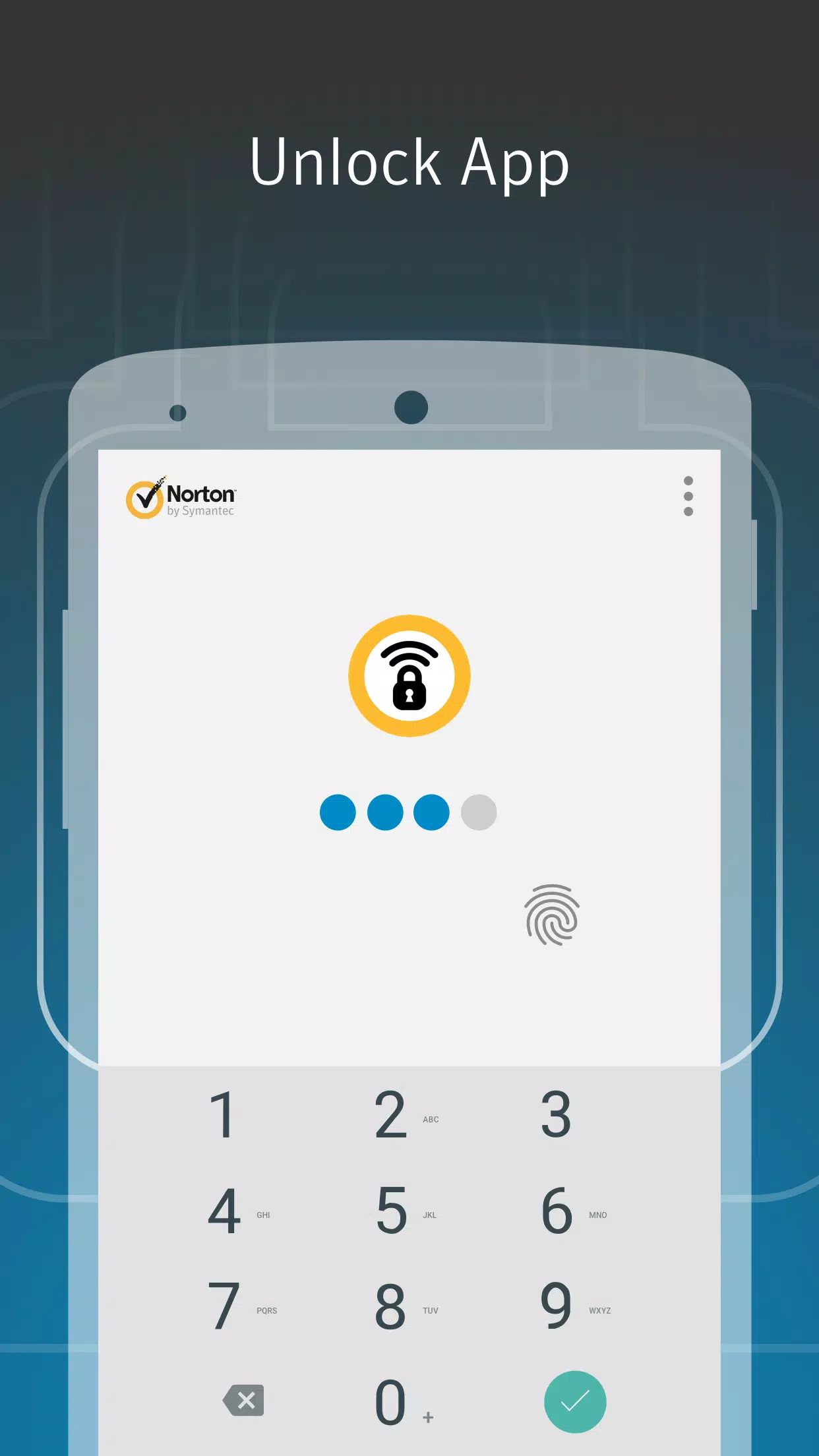
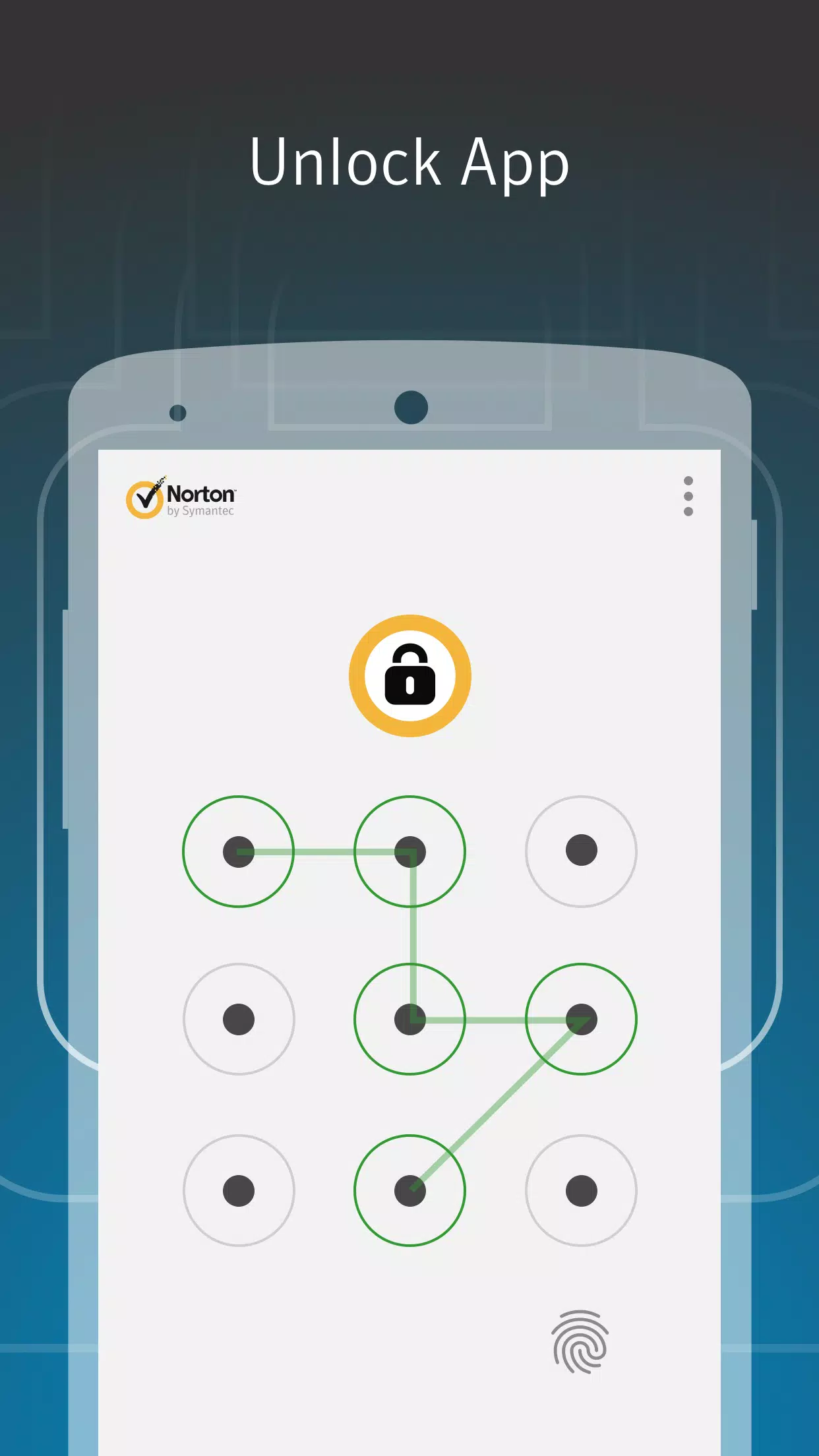
PIN, password, or pattern: Next, Norton App Lock lets you set a four digit PIN, a password, or a finger drawn pattern. Use one code for many apps or different codes for separate apps. This extra step can also reduce accidental pocket dial actions.
Protect sensitive information: Additionally, you protect sensitive data by adding another step before apps open. This helps keep personal and financial information out of view. It also keeps social status updates under your control and makes sharing with kids or friends safer.
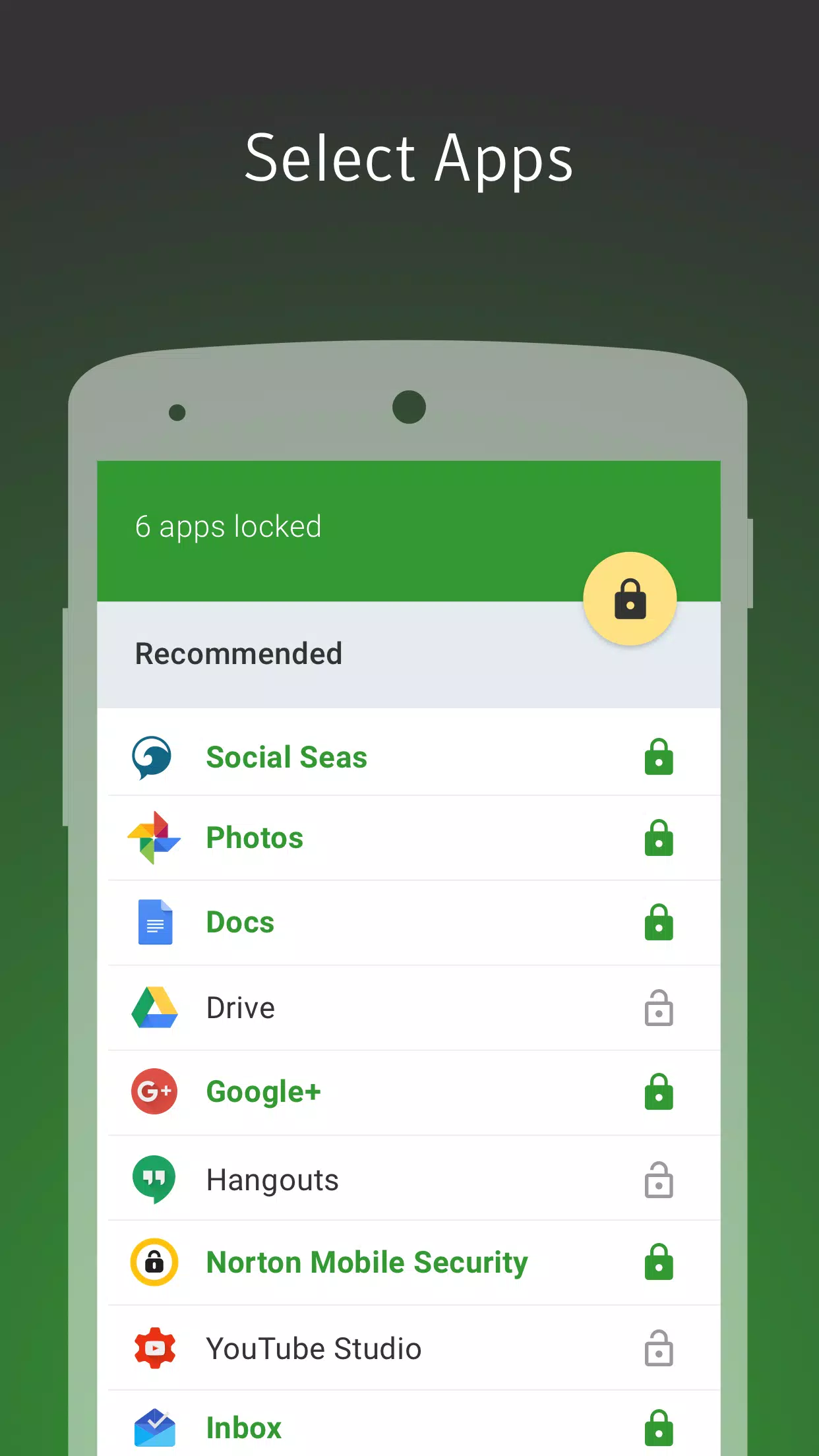
Lock one or more app with the same 4-digit PIN pass code
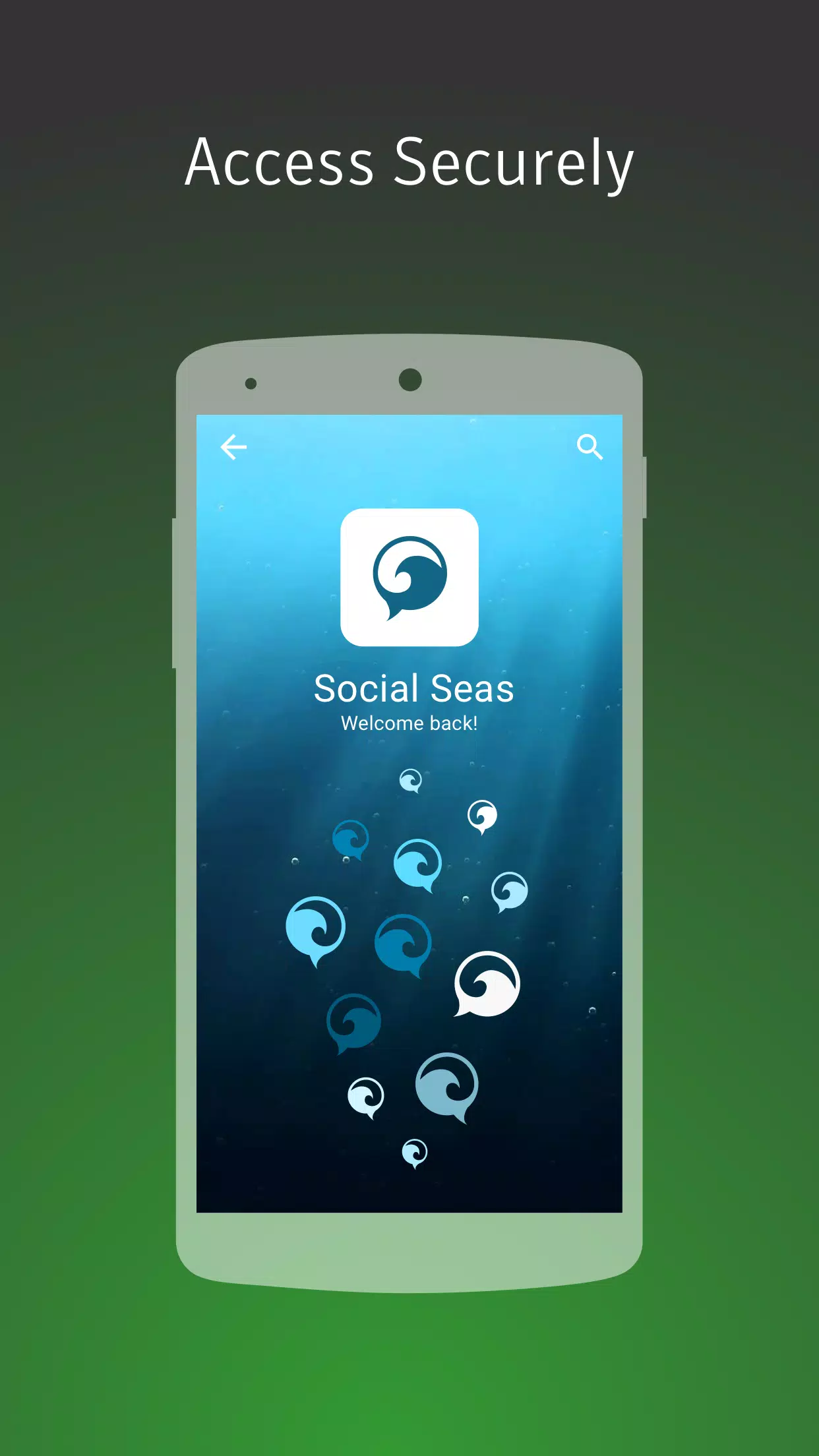
Make sure you’re the only one changing your social status or posts
Keep app content private if you share your device with kids or friends to play games or watch videos
Add a layer of security in case your device is lost or stolen
Prevent those embarrassing “pocket-dial” accidents
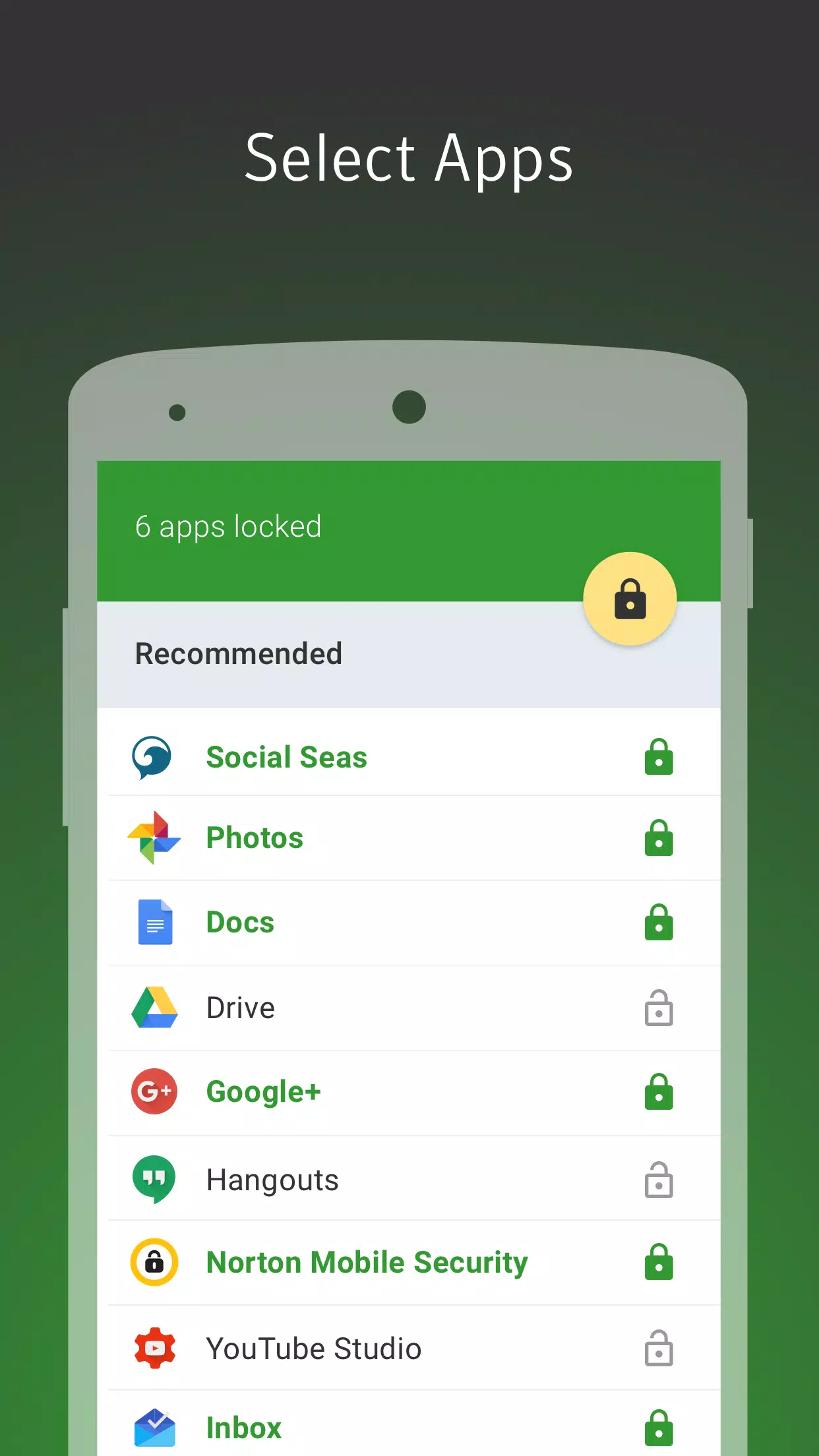
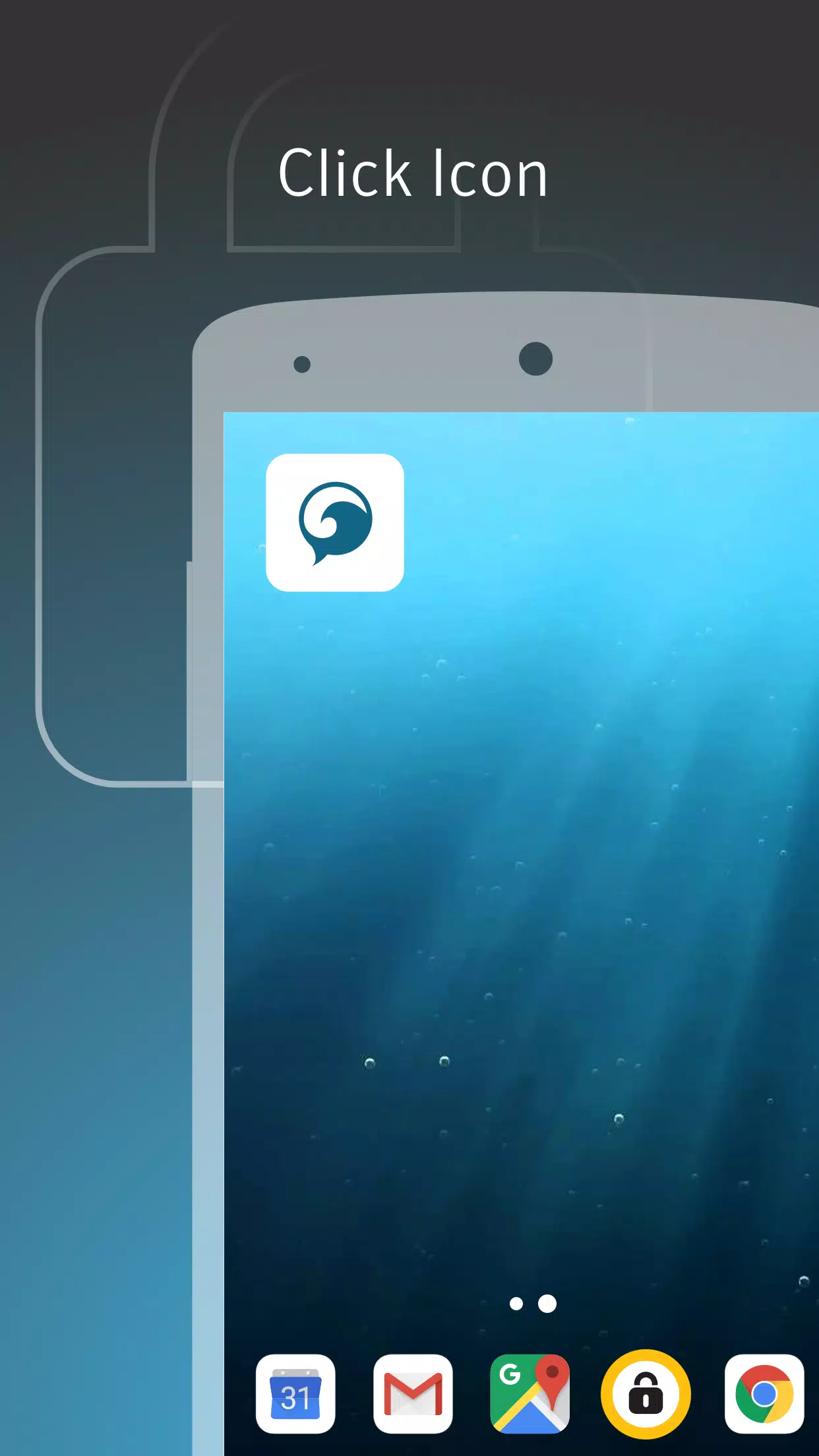
Choose the apps you want to lock—all, some, or follow our recommendations
The Norton team takes privacy (and performance) seriously. Other applocker, safe lock, applock, folder lock or privacy lock apps can be sidestepped by crafty criminals or may drain your battery, but Norton App Lock leverages special Android permissions to safeguard your sensitive apps. It’s more efficient and more secure than some of the other applock offerings.
How do I monitor my child's internet activity when I am away from home?
You can monitor your child's activities, set house rules, and update family settings remotely by signing into your Norton App Lock account from any internet-enabled device or by using the Norton App Lock mobile app for parents on your smartphone.
How can my spouse help me monitor our children's internet activities?
You can invite your spouse or another trusted adult to help monitor your children's activities and ensure their online safety. Once they accept the invitation, they will be added to your family account. To send an invite, sign in to your account or use the Norton App Lock parental app for Android.
How do I customize house rules for each child?
You can customize house rules for each child at any time, based on their needs. You can also allow or block specific websites for your child.
How do I know if my child engages in inappropriate internet activity?
If your child engages in inappropriate activity, Norton App Lock highlights these activities in red in the activity report. You can filter and review questionable activities in the report.
Norton App Lock also provides parental controls, ensuring that shared devices can be used safely by children or friends without exposing private content. Overall, Norton App Lock is an effective solution for enhancing privacy and preventing unauthorized access to apps.
Size:5.1MB Version:1.5.3.525
Requirements:Android Votes:105
Package Name:com.symantec.applock Signature:353cb8f965dfb6af8b01c17c847b7921fccd60e7
Transform your mobile device into a powerhouse of efficiency with these handpicked essential tools. Whether you need professional-grade photo editing, seamless file organization, smart task management, or real-time weather updates, our curated selection of premium apps delivers unbeatable performance. Streamline your daily routine, automate repetitive tasks, and boost your productivity with intuitive interfaces and powerful features. Designed for both professionals and casual users, these editor-approved applications will revolutionize how you work and play. Don't settle for an ordinary phone - upgrade your digital experience today and unlock your device's full potential!
With the development of mobile hardware and software, many practical tool software have emerged, covering a wide range of aspects and becoming a good helper for everyone in work and life. Today, the editor provides you with a list of useful tool software downloads. These tools are not particularly complex types, and after reading them, everyone can quickly learn how to use them. Proper use can bring great convenience to life and work.
About us | Contact us | Privacy policy| DMCA
Copyright © 2026 Xiaohei All rights reserved.