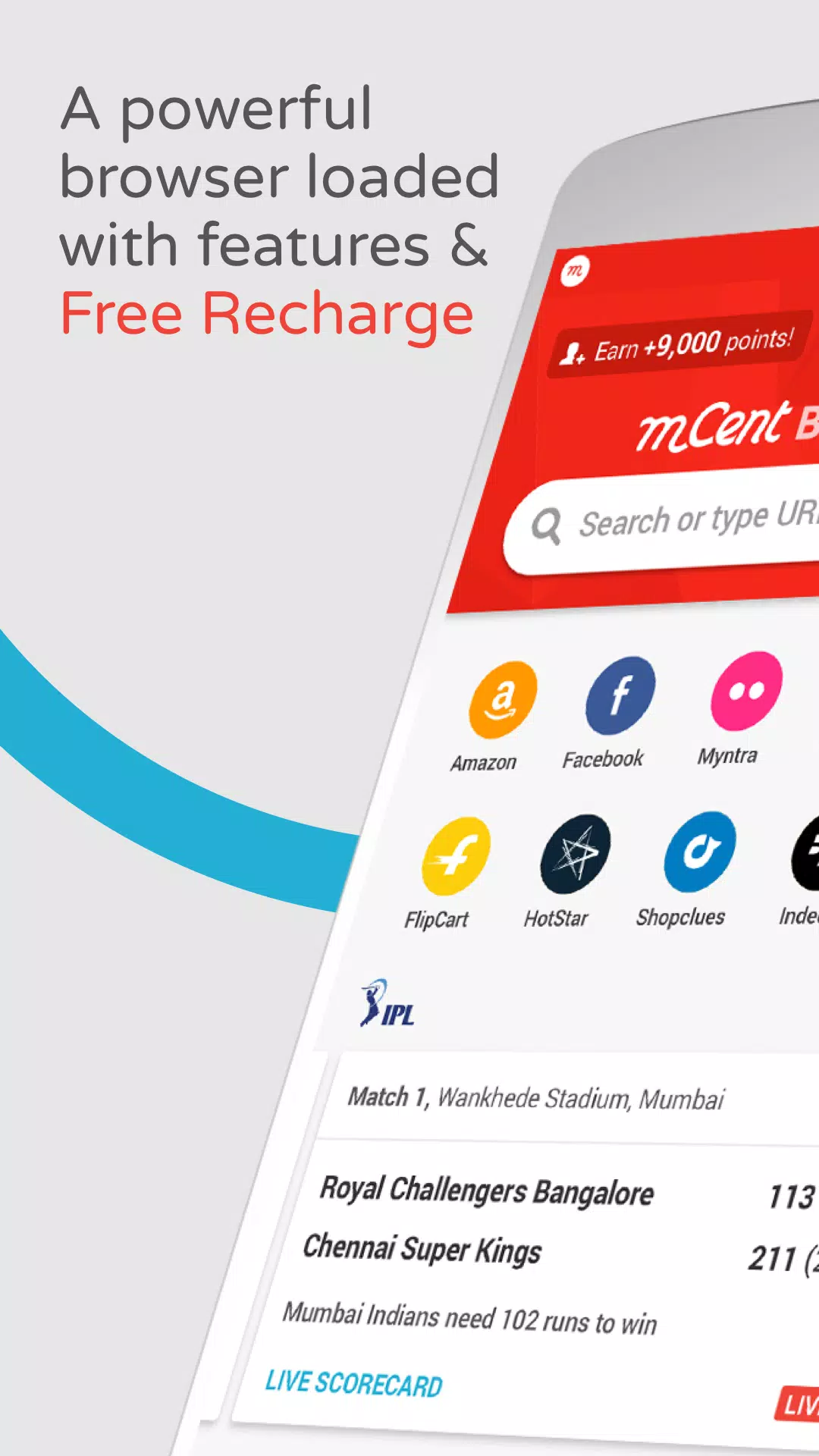
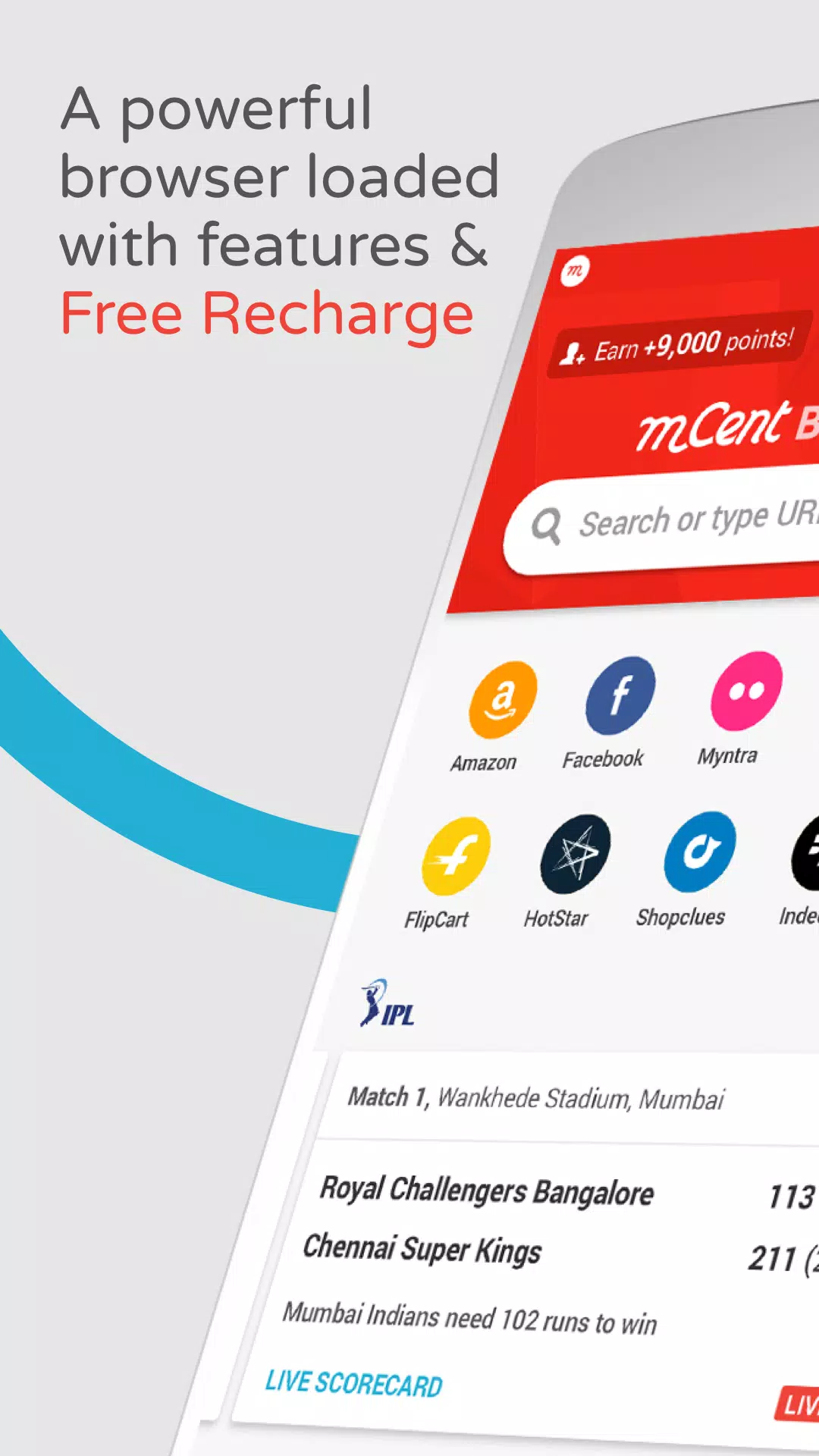
mCent Browser is more than just a browser; it allows users to earn points by browsing various websites, which can be redeemed for more data and free call time. The software supports an incognito mode, which not only doesn't record browsing history but also automatically blocks various ads and pop-ups through its built-in blocker, providing a smooth online environment. In non-browsing mode, all web pages opened by the user are automatically recorded, and users can switch between them using tabs for easy downloading and comparison of content of interest. The software also pushes real-time news and updates from the current region and even around the world, helping users stay informed about global events. Respecting user time, the software also provides personalized recommendations based on user preferences.
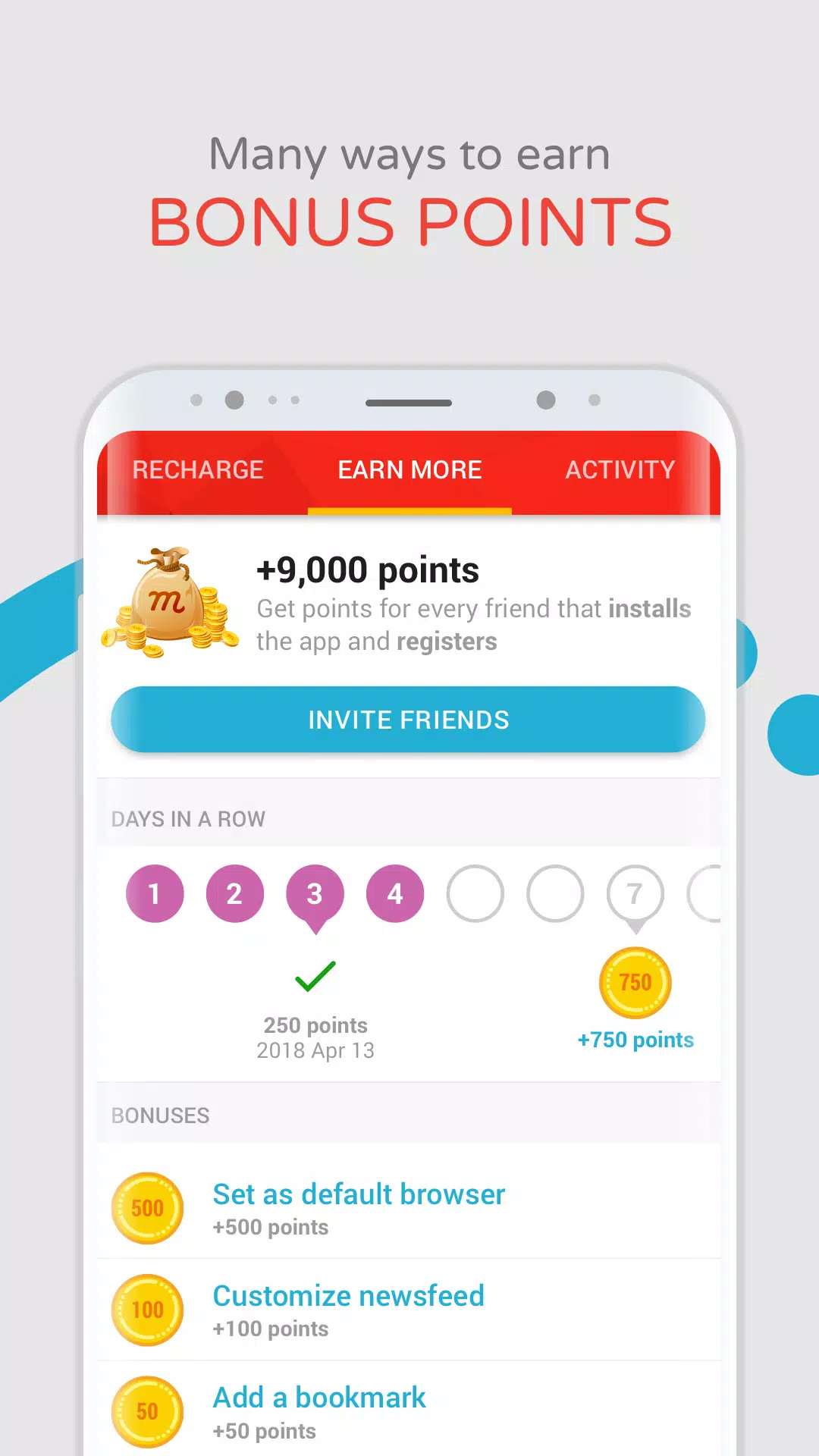
Earn Rewards While You Browse: mCent Browser offers a unique experience by integrating web browsing with a rewards system that converts your daily internet usage into mobile recharge credits. Users accumulate points just by surfing their favorite sites, which can be redeemed for prepaid and postpaid data or talk time.
User Registration and Onboarding: Setting up the browser requires users to create an account with their mobile number or Facebook profile. An OTP verification ensures security, and the app prompts users to select their mobile operator, which is necessary to process future recharges. The onboarding is straightforward, making it accessible for first-time users.
Browser Features and Usability: The browsing experience in mCent closely resembles that of mainstream browsers, with a familiar interface and intuitive navigation. It supports tabbed browsing, a customizable homepage with trending news feeds from over 50 categories, and home screen shortcuts for quick access to favorite sites. Advanced features like incognito mode, bookmarking, and offline page saving enhance utility, allowing users to save web pages and view them without an active internet connection.
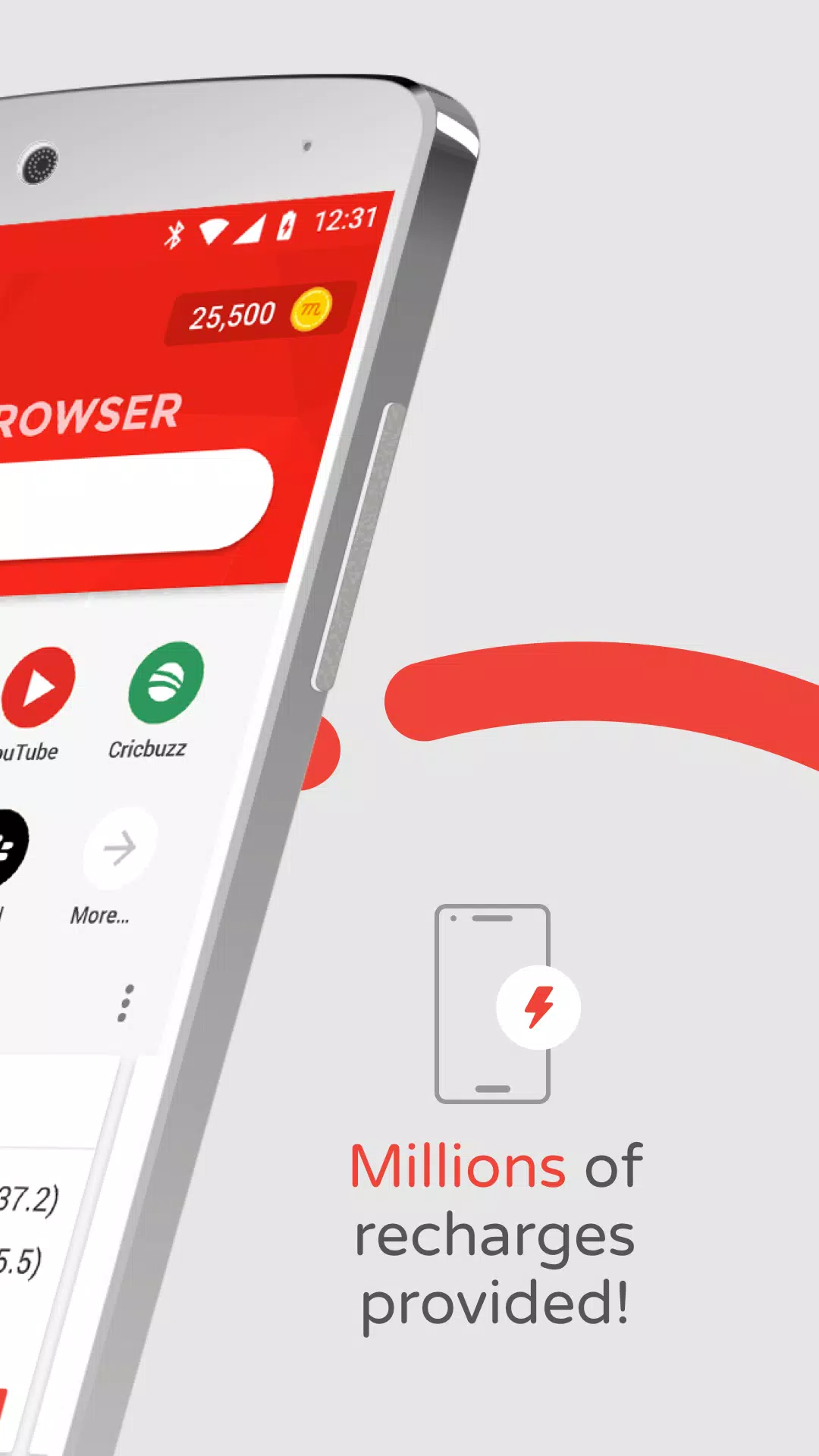
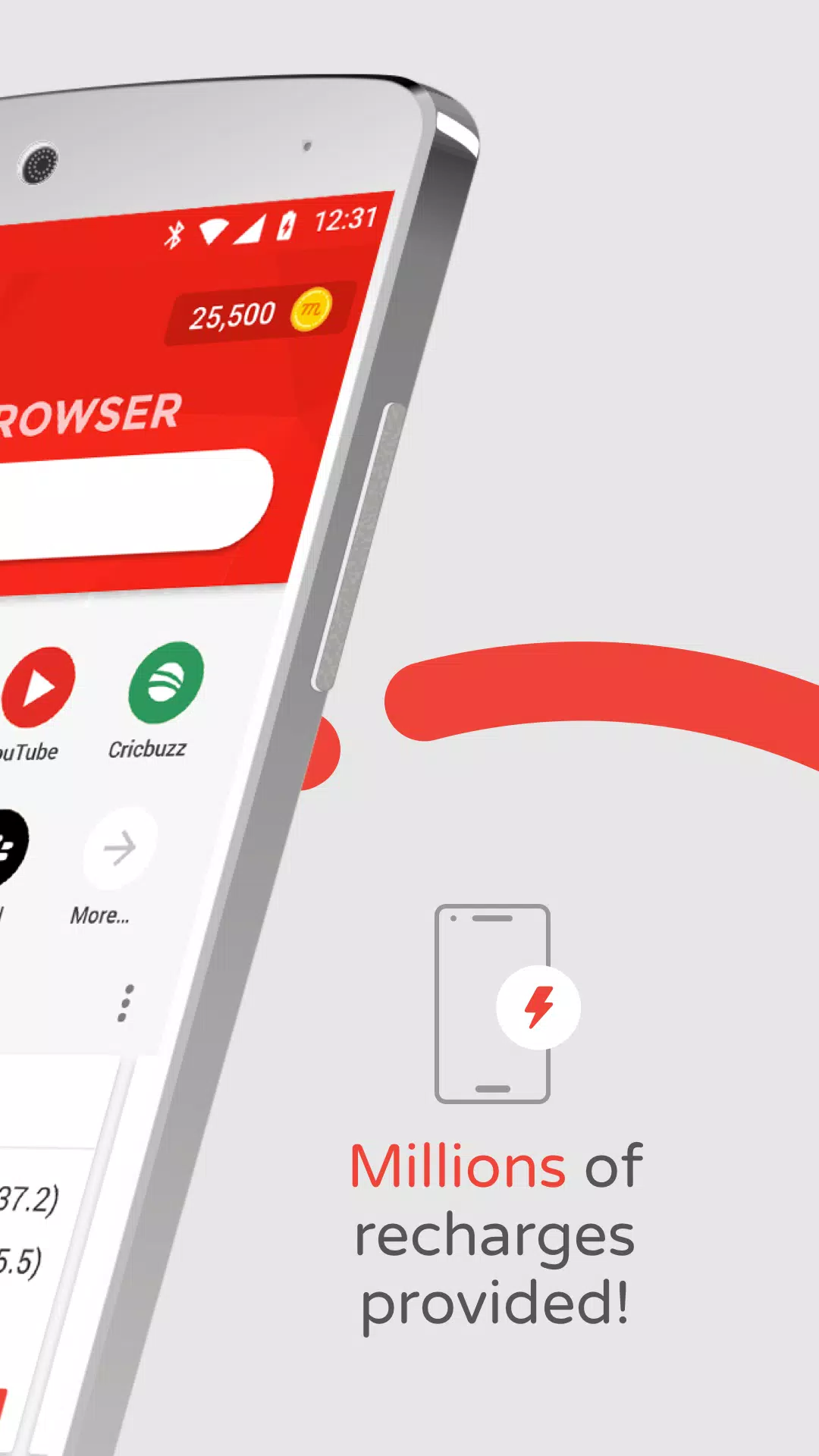
Rewards System and Data Recharge: The core appeal lies in mCent’s reward mechanism. Users earn credits automatically for regular browsing activities. These credits can be exchanged for prepaid talk time, data packs, or used to pay monthly postpaid bills. This approach provides a tangible benefit, especially in markets where mobile data and talk time represent a significant expense.
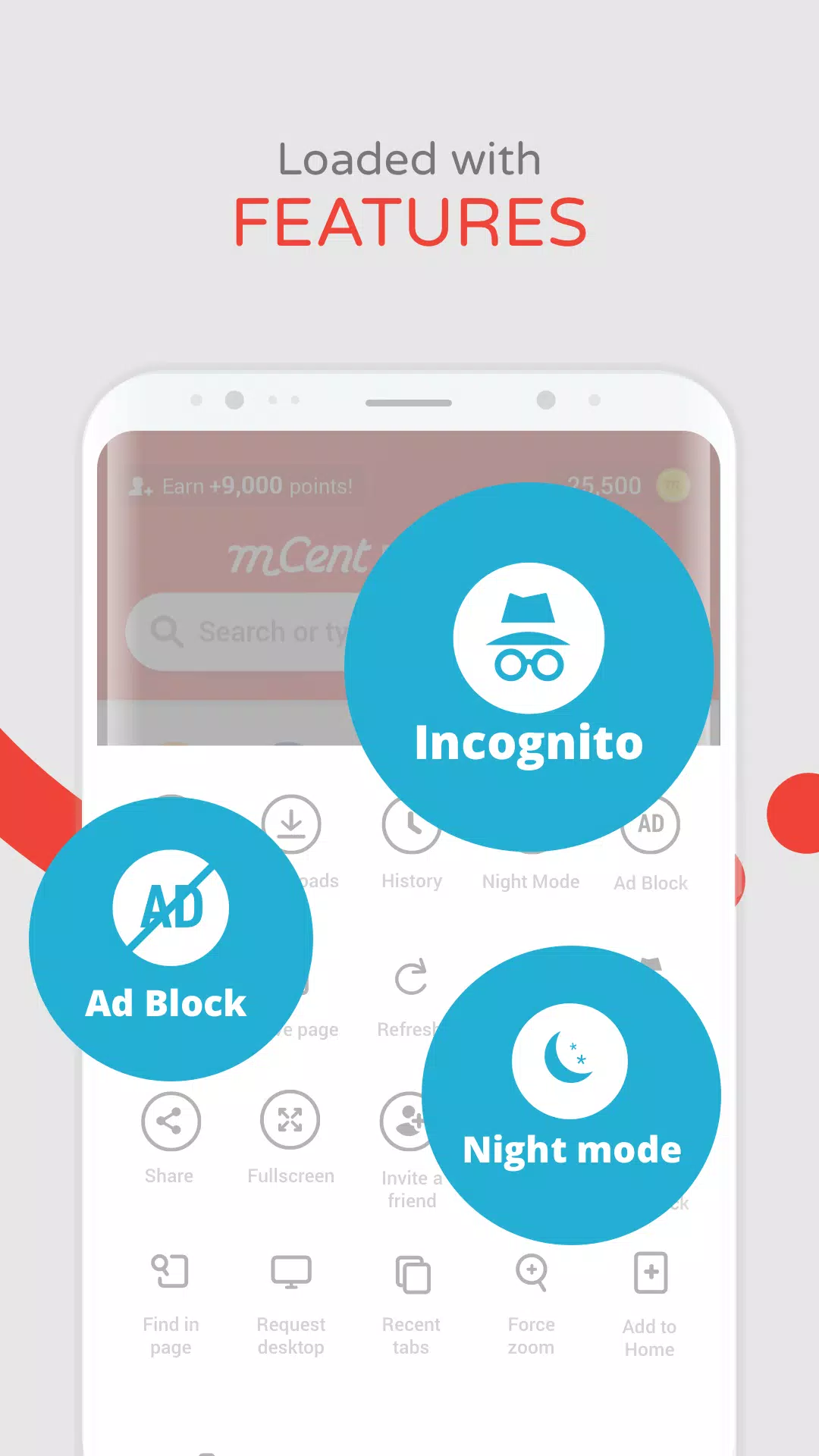
Incognito Browsing: browse with total privacy in incognito tabs without any cookies and tracking from websites.
Top Trending News: get the top headlines and stories from over 50 news categories.
Ad Blocker: block annoying ads on websites you visit for a more streamlined browsing experience.
Night Mode: Dim the screen at night for a more pleasant browsing experience in dark environments.
Bookmarks: bookmark your favorite websites for fast browsing.
Browse History: easily see all previously visited websites, clear any or all.
Tabbed Browsing: open as many tabs as you’d like, easily switch back and forth.
AutoFill Forms: Save time and complete all online forms quickly and easily.
Save for Offline Browsing: save pages to view later when you won’t have internet access.
The browsing experience mirrors other modern mobile browsers, so switching is straightforward:
Use private (incognito) tabs when you don’t want your history saved.
Save pages for offline reading so you can view content without an internet connection.
Pin favorite sites or add bookmarks for quick access.
Place shortcuts on your device’s home screen for one-tap entry to the web pages you visit most.
Enjoy conveniences like form autofill, a night/dark mode, and intelligent download management.
mCent Browser is truly a rewarding web browser to keep in your smartphone. This is a smart option to save up some money from expensive mobile talk and data you are consuming daily. Moreover, you can expect the same standard browsing experience that other well-known browsers in the market demonstrate. You wouldn't miss much when you switch to this surfing alternative, in fact, you'll even gain recharging points.
Size:56.7MB Version:0.13
Requirements:Android Votes:302
Package Name:com.mcent.browser Signature:8e9ee0071a8bf334bd55e0760e403ae7

Utility apps are indispensable in our lives, making our daily routines more convenient. To help you find these apps more easily, this site has created a collection. This collection brings together a series of practical tools covering various aspects of life, work, and education, meeting all your needs. What are you waiting for? Try these apps now and make your life easier!
With the development of mobile hardware and software, many practical tool software have emerged, covering a wide range of aspects and becoming a good helper for everyone in work and life. Today, the editor provides you with a list of useful tool software downloads. These tools are not particularly complex types, and after reading them, everyone can quickly learn how to use them. Proper use can bring great convenience to life and work.
About us | Contact us | Privacy policy| DMCA
Copyright © 2026 Xiaohei All rights reserved.