Clean Master is a cleaning tool designed for mobile devices. Users can scan their entire device and remove junk ads, information, duplicate files, and software, thus improving device performance. The software also monitors the user's CPU and battery status in real time and optimizes power consumption for longer battery life. The software also prioritizes user privacy and security; users can scan the entire device for viruses and delete browsing history and various files, ensuring safe and secure use.
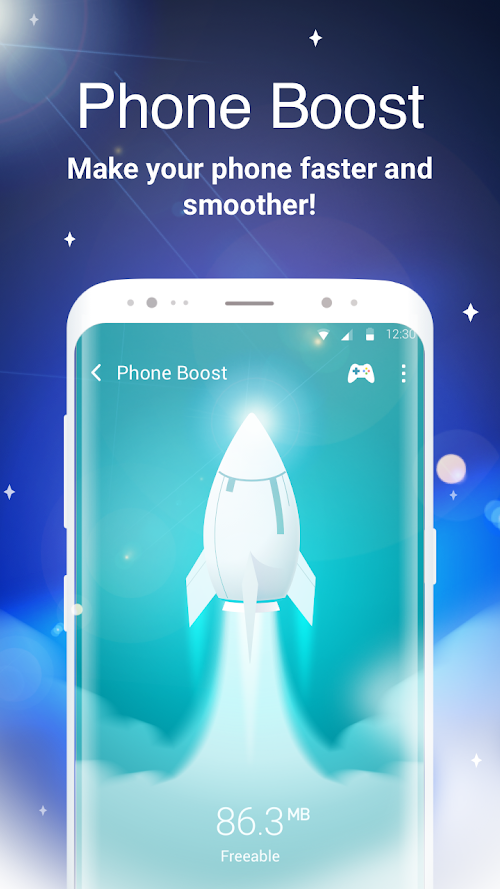
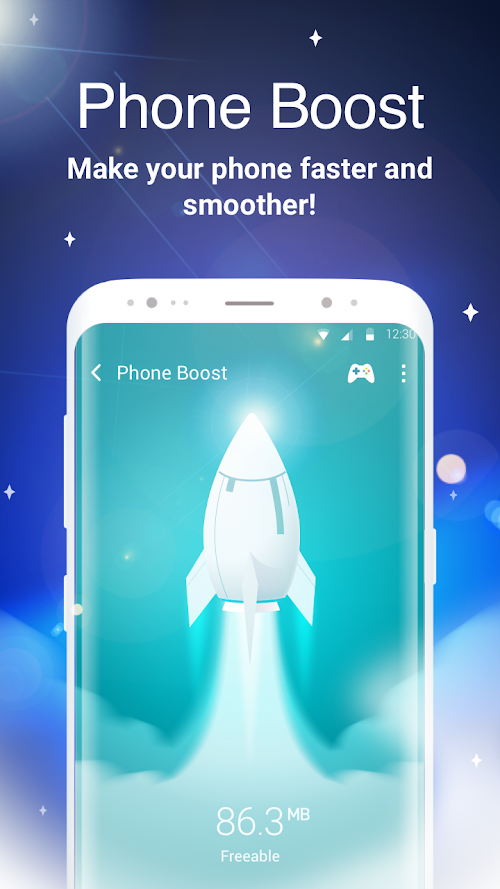
Phone Boost: The phone boost option will measure the amount of RAM that can be cleared. It will also measure the CPU temperature and will start the CPU сooler option which detects and shuts down the intensive applications to reduce the load on the processor. Minimum RAM usage will also reduce your phone’s temperature.
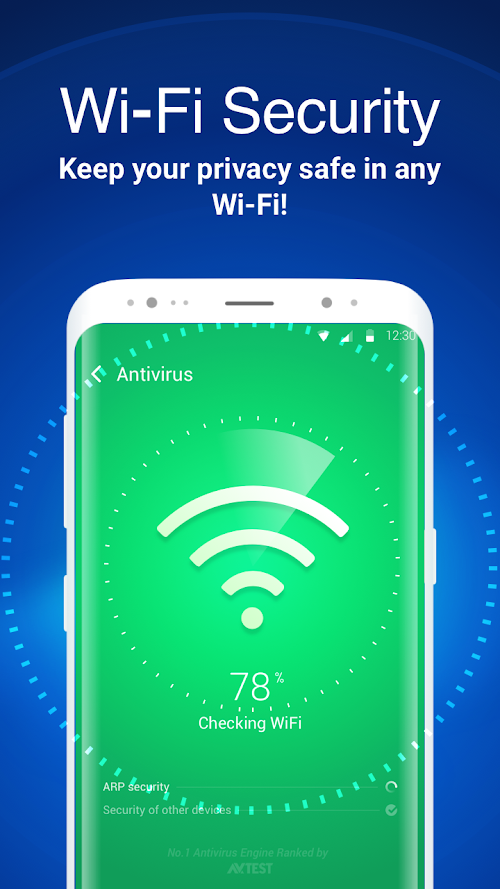
Antivirus: Antivirus features scan installed apps and detect dangerous files (e.g., apps that break into the system). It describes which exact harm the detected app may cause to the device and proposes possible ways of fixing the problem. Which is normally removing the said app.
CPU Cooler: This feature works on the same principle as the phone boost. Scanning and minimizing the usage of RAM-consuming apps and shutting them down to minimize phone temperature.
Battery Saver: Saving battery with a single click enables you to detect apps that might consume the battery in the background. You can shut down the apps that you don’t need in case of a very low battery. This is useful because you can easily shut down apps from the same dashboard instead of doing it manually.
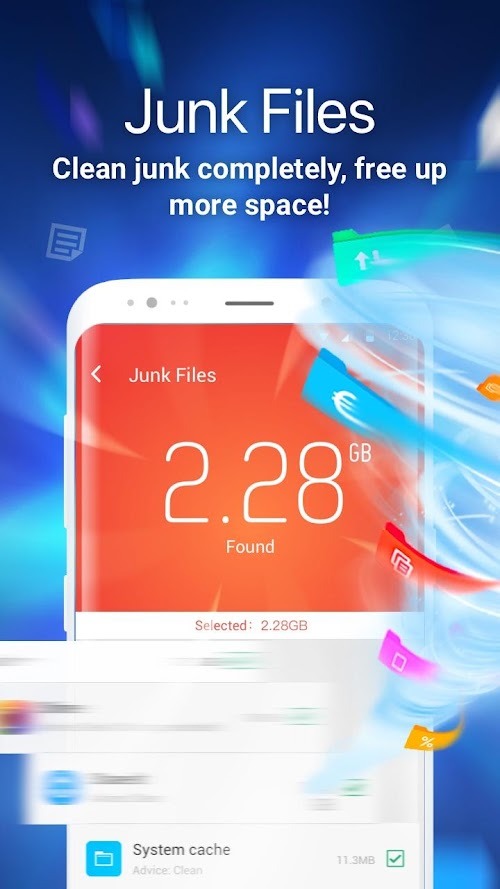
Clean Junk: Clean Master scans temporary files, old APKs, and the cache to find unused and unneeded junk files. One tap starts the process and another removes junk quickly and easily. It also notifies the user when their junk has piled up and is slowing down their mobile device.
Boost Memory: This can be done from within the app but also includes the option for a widget placed on the home screen. Users can see what apps are eating up memory and decide what to keep running for efficient use of RAM.
Stay Virus-Free: Another simple tap will scan downloaded apps for any malware that's infected the device. Added options include protecting user privacy by deleting browsing history and messages.
Manage Downloaded Apps: Clean Master lists all downloaded apps and APK files from outside sources so that users can delete old and unused apps.
Battery Saver: here is a hibernation feature within the app. Running apps are listed with the option to put them into hibernation and increase battery life. A widget can be placed on the whole screen to make this process even quicker.

I first got this app when I needed to delete my Roblox photos that take up more space. I did and no changes were made I was still crashing while playing my favorite game so if you read my review it’s true I did switch up my rankings on this app. Never let them play you like this. Don’t recommend using this but it’s still great.
So I cleaned my entire phone and was still at 95% used which confused me and I don’t know if this app works on my phone and I think that this cleaner may or may not work this cleaner is confusing on how to use but it doesn’t really work because every time I take photos off it’s just confusing all together to use this specific cleaning app…
I love this app sm and i just downloaded a few hours ago. I got rid of half of my storage getting rid of old videos, duplicates, ss, etc. and I’m really glad i got rid of all of it because i was running out of storage. My only complaint is that every time I use the app to delete an abundance of photos, an ad pops up immediately. It’s not that big of a deal but it can get annoying sometimes.
This app came SO close to being absolutely perfect. I have spent months are searching for an app such as this very thoroughly. It is literally the one and only that I have come across that has (included in it’s free version) an algorithm capable of identifying similar videos, photos, live photos, screenshots, etc. As well as actually grouping them in such a way so as to allow you to see WHICH specific items are questionably duplicated side-by-side. It truly is impressive, groundbreaking technology at work here, seeing as they are literally the only company that offers such a service, and is able to do it without charging a hefty premium. The ONLY semi significant issue that I had with the app (mostly insignificant and commonplace in this day and age, was the ads popping up relatively frequently, and the heart-shattering consequences of having to restart your selection from the very beginning if you leave the page, even via one of the promotional pop ups; heartbreaking, at least, for those in my position with over 100,000 media files to go through, who make it 3/4 of the way down the list before accidentally swiping too far off the screen and losing all of the progress they had made over nine straight hours of sorting and tapping), The grouping of videos. If there are two videos that have a similar or identical (i.e. duplicate, or just two videos which both happen to start on, say, a solid black background) screen grabs in the thumbnail, and there is NOT a matching file with the same runtime or video length, they will be paired together, and you have to be very careful to look through every single file to be sure that you are not saving the 30 second clip (as it defaults to the smaller file size of the available options) previewing your 10 minute long video that was grouped into the same category and classified as a duplicate , and as such was marked for deletion automatically. I understand that the technology cannot be perfect, and as I stated in the beginning, there are very few flaws. I am still thoroughly impressed, and would likely still give this five stars despite the minuscule technical problems… IF it had not been for my nine hour day being lost entirely over something as small as swiping an eighth of an inch too far- on my already underwhelming phone display size- causing me to have a fair level of spite. Overall excellent app, definitely worth checking out.
Clean Master helps you determine what apps are running and causing your phone to slow down. Be more aware of what’s going on inside your phone and things will quickly change for the better.Not only that, you’ll be able to use the App Manager, which will show you the apps you haven’t used or don’t need so you can delete them, and it will even suggest you other apps that might be useful for you.
Size:21.6MB Version:9.4.9
Requirements:Android Votes:469
Package Name:com.cleanmaster.mguard Signature:990d440eb26aa0ca8dca8aa4ff262c4e


Transform your mobile device into a powerhouse of efficiency with these handpicked essential tools. Whether you need professional-grade photo editing, seamless file organization, smart task management, or real-time weather updates, our curated selection of premium apps delivers unbeatable performance. Streamline your daily routine, automate repetitive tasks, and boost your productivity with intuitive interfaces and powerful features. Designed for both professionals and casual users, these editor-approved applications will revolutionize how you work and play. Don't settle for an ordinary phone - upgrade your digital experience today and unlock your device's full potential!
With the development of mobile hardware and software, many practical tool software have emerged, covering a wide range of aspects and becoming a good helper for everyone in work and life. Today, the editor provides you with a list of useful tool software downloads. These tools are not particularly complex types, and after reading them, everyone can quickly learn how to use them. Proper use can bring great convenience to life and work.
About us | Contact us | Privacy policy| DMCA
Copyright © 2026 Xiaohei All rights reserved.