Dolphin Emulator is a technologically advanced emulator tool. This application combines powerful technology and innovative concepts, allowing users to emulate various console games on their mobile devices and enjoy a unique gaming experience. With Dolphin Emulator, users can experience smoother gameplay with high-resolution, sharp graphics and vibrant colors, surpassing the performance of their original hardware. Furthermore, the application offers rich customization options, allowing you to adjust resolution, frame rate, sound effects, and hotkeys to create a personalized gaming experience.
Regular updates with the latest improvements
Does not come with games - you must provide your own
64-bit app optimized for performance
Compatibility with select Android TV devices
High-quality emulation for gaming
Customizable settings for the best user experience
Enhanced graphics on Android
Dolphin Emulator can render games at higher resolutions than the original consoles to improve clarity on modern screens. You can adjust internal resolution and related options to balance image quality and performance for your device. Many users prefer a moderate upscale for cleaner visuals without heavy load. These settings help tailor how each game looks and runs.
Flexible control options
You can use on-screen touch inputs or map a Bluetooth controller for more precise play. Common pads such as Xbox and PlayStation controllers work, and the app supports connecting a Wii Remote on compatible Android devices. Button layouts are configurable, so actions fit your habits. This flexibility helps different game types feel natural on mobile.
Session tools and customization
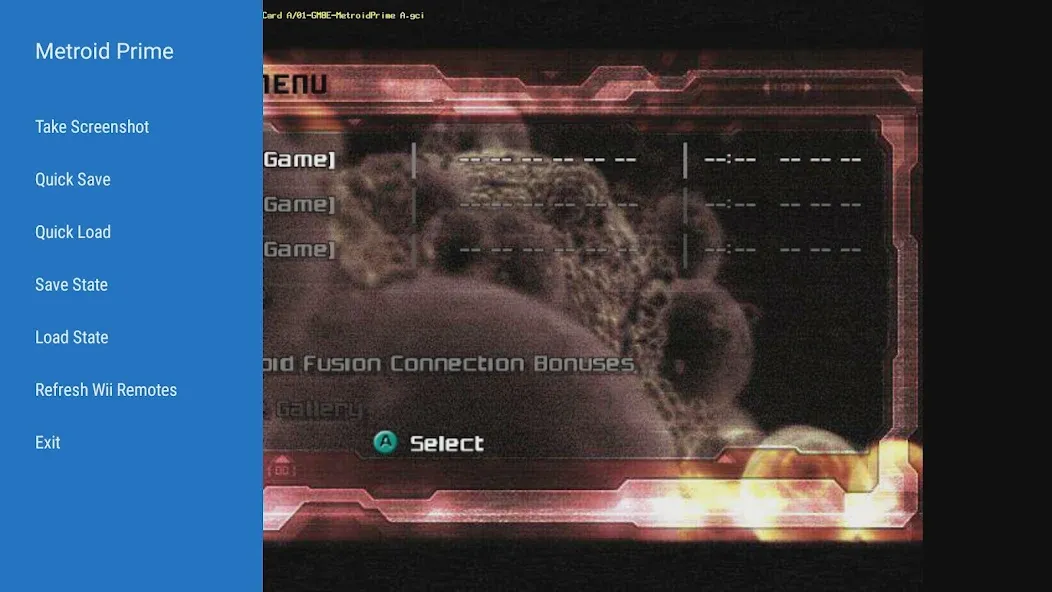
Dolphin Emulator includes save states to capture progress at any moment, which is useful when you need to pause quickly. Controller layouts are customizable, letting you move and resize buttons as needed. The app also supports texture packs when available for a title, so you can apply improved art prepared by the community. These tools focus on practical tweaks that suit handheld play.
Open-source with active community support
The emulator is released under the GNU GPL v3+ license, and the source code is publicly available on GitHub. Users can consult a wiki, FAQ, and detailed guides to configure settings and troubleshoot common issues. Forums and Discord offer peer help, while a compatibility list sets expectations for individual games. Stable releases and fast-moving development builds are published so you can pick the cadence that matches your needs.
Use your own legally acquired games
Dolphin Emulator does not ship with any games and does not download them for you. To use the app, you must provide your own legally obtained GameCube and Wii backups. The project maintains clear documentation on how to set up files properly for Android. This approach keeps the focus on preservation and personal ownership.
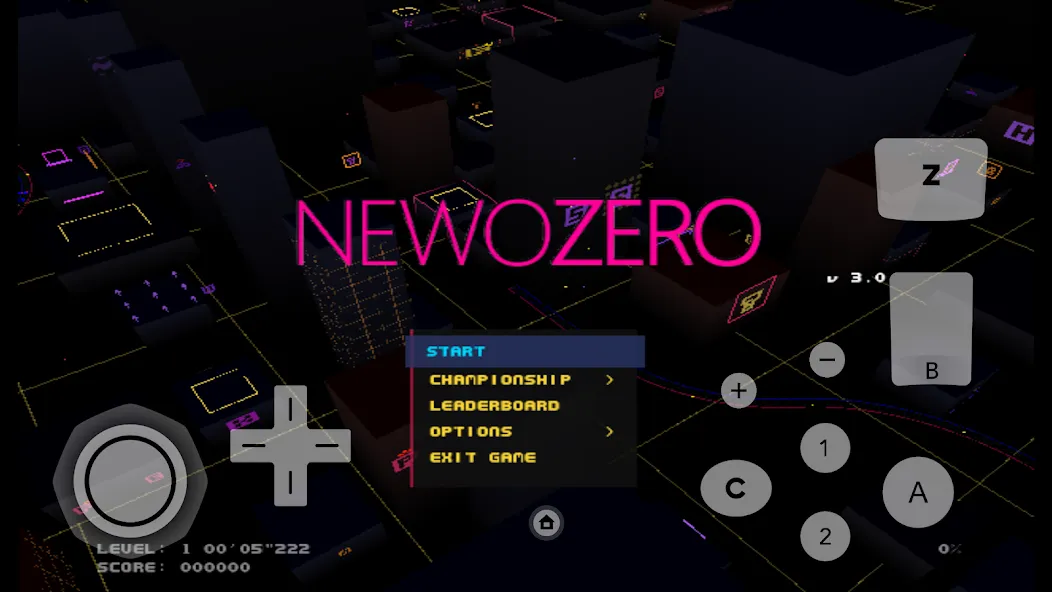
Ensure Game Compatibility:
Before downloading or transferring games to this app, make sure they are compatible with the app. Dolphin has a compatibility list on its website that can help you determine if a particular game will work on the emulator.
Customize Controls for Each Game:
Since this app supports a wide range of games, it is recommended to customize the controls for each game individually. This will help optimize your gaming experience by ensuring that the controls are tailored to the specific game you are playing.
Optimize Graphics Settings:
To enhance the graphics quality and performance, this app allows users to adjust various graphic settings such as resolution, anti-aliasing, and texture filtering. Experiment with these settings to find the right balance between visuals and performance for your device.
Is Dolphin Emulator free to use?
Yes, Dolphin Emulator is free to download and use.
Can I play games directly on Dolphin Emulator?
No, Dolphin Emulator does not come with games. Users must own and acquire their own games to use them with Dolphin.
Will Dolphin Emulator work on my device?
Dolphin Emulator is a 64-bit app and is compatible with most modern devices. However, older devices or devices with low RAM may not be able to run the emulator smoothly.
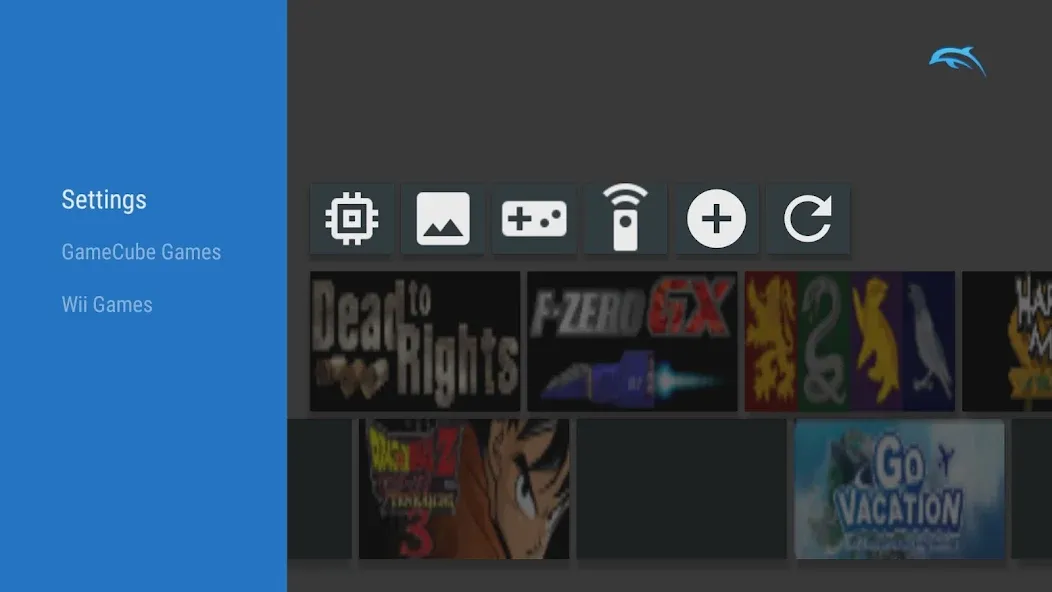
Dolphin Emulator is, without any doubt, the definitive emulator for Wii and GameCube. In addition, it is a project in constant development, as it has been receiving almost daily updates since its first version was released in 2003, so if a particular game does not work properly with one version, the next update may fix that particular problem. As if all this were not enough, there are many homebrew ROMs totally free, which you can play legally without any problems.
Size:12.7MB Version:2606a
Requirements:Android Votes:313
Package Name:org.dolphinemu.dolphinemu Signature:f4b642d6fd3d479473b3212068cb3cfdee9a6ae9
Meet Game BOX — your all-in-one game hub! Explore action, RPG, strategy, and more. Find games quickly, download fast, and play seamlessly on mobile. Simple, safe, and packed with top-rated titles. Perfect for gamers everywhere.
With the development of mobile hardware and software, many practical tool software have emerged, covering a wide range of aspects and becoming a good helper for everyone in work and life. Today, the editor provides you with a list of useful tool software downloads. These tools are not particularly complex types, and after reading them, everyone can quickly learn how to use them. Proper use can bring great convenience to life and work.
About us | Contact us | Privacy policy| DMCA
Copyright © 2026 Xiaohei All rights reserved.