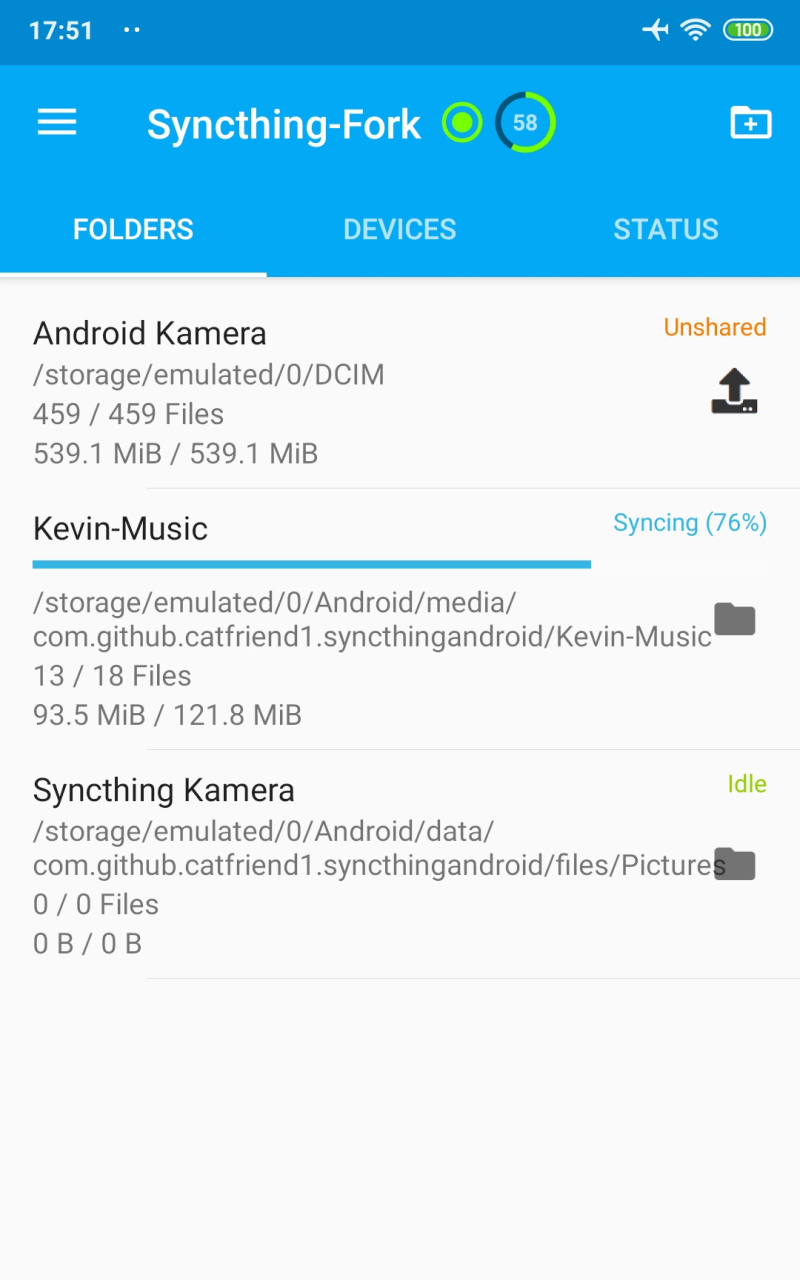
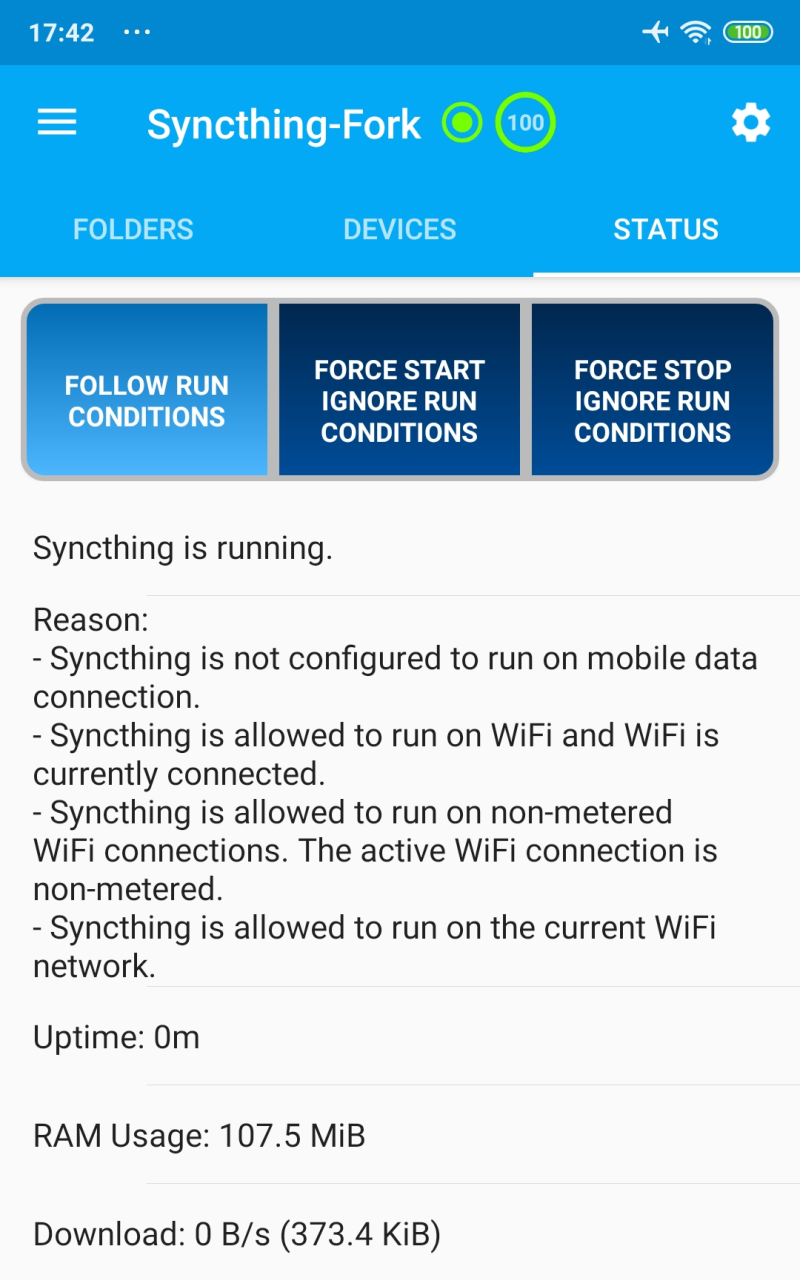
Syncthing is a synchronization tool designed for mobile devices. Users simply pair their devices to sync data hourly, saving battery power and allowing for simultaneous multitasking. Users can also set individual sync conditions and times for important folders and information, and even sync with other devices online. The open-source nature of the software allows the community to explore possibilities, draw inspiration, download interesting code to their devices, or interact with developers to continuously optimize the software.
Private: None of your data is ever stored anywhere else other than on your computers. There is no central server that might be compromised, legally or illegally.
Encrypted: All communication is secured using TLS. The encryption used includes perfect forward secrecy to prevent any eavesdropper from ever gaining access to your data.
Authenticated: Every device is identified by a strong cryptographic certificate. Only devices you have explicitly allowed can connect to your other devices.
Powerful: Synchronize as many folders as you need with different people or just between your own devices.
Portable: Configure and monitor Syncthing via a responsive and powerful interface accessible via your browser. Works on macOS, Windows, Linux, FreeBSD, Solaris, OpenBSD, and many others. Run it on your desktop computers and synchronize them with your server for backup.
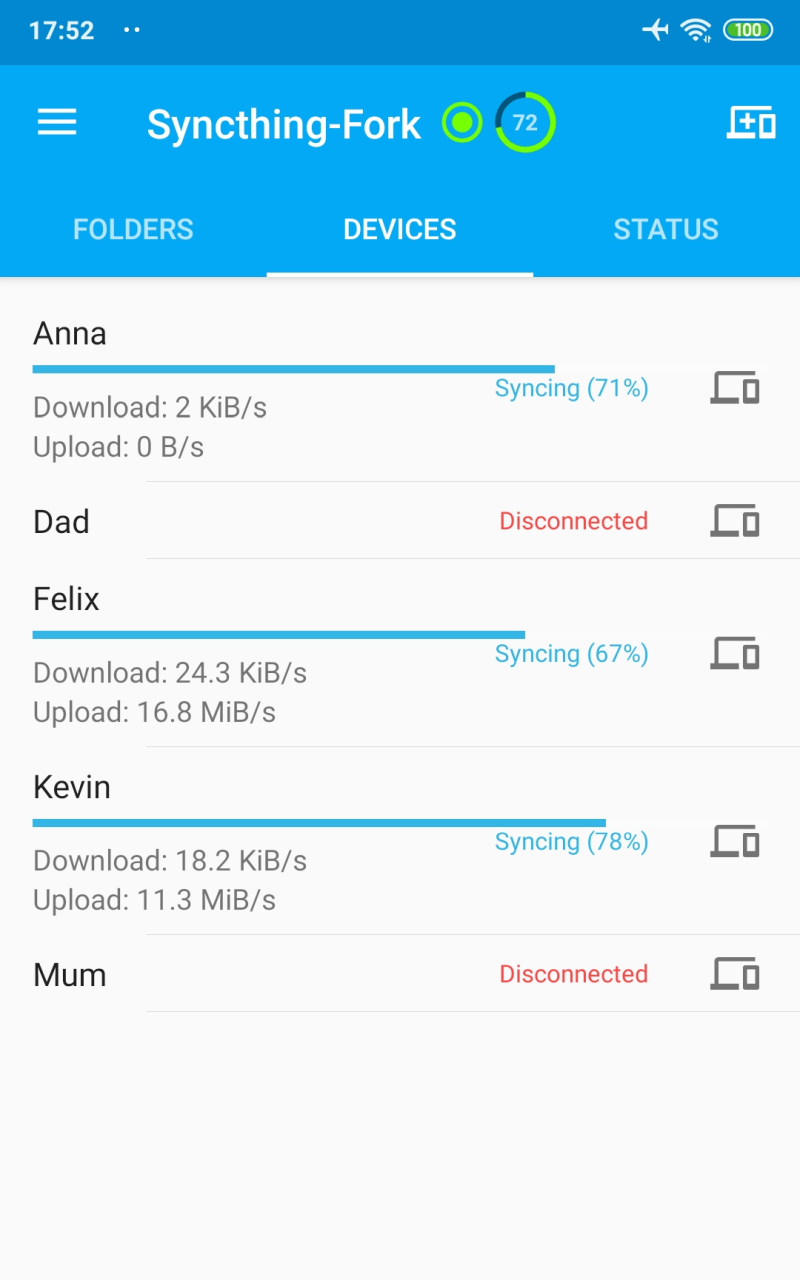
The app also addresses a common issue referred to as the "battery eater" problem, ensuring that synchronization does not excessively drain device power. Furthermore, it supports two-way synchronization on external SD cards, a feature that became available starting with Android 11. This is particularly advantageous for users who wish to manage large files or keep their data organized across multiple devices.
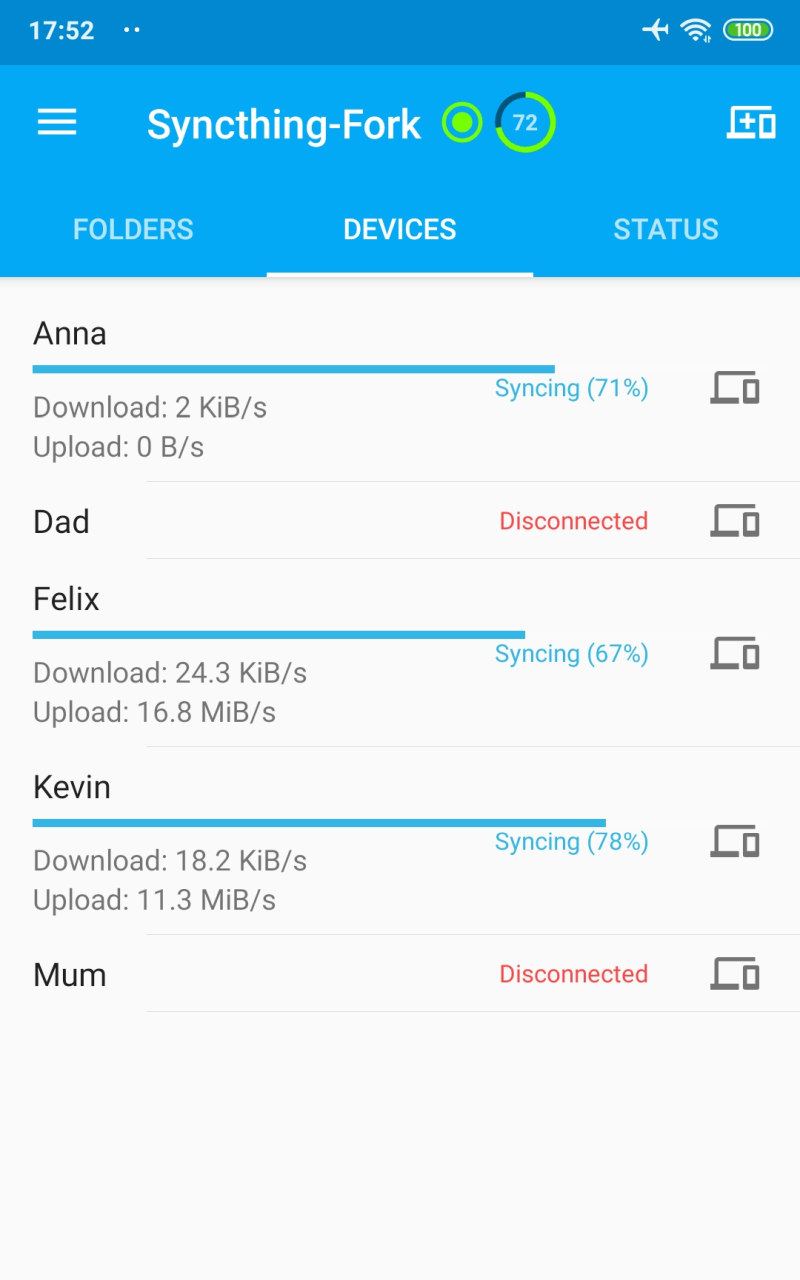
Users can easily discover other Syncthing devices on the same network and add them for synchronization. This feature enhances the connectivity aspect of the app, making it simple to set up and maintain multiple device connections. As a result, users can create a robust network of synchronized devices without the complications often associated with traditional cloud services.
The app's development is community-driven, focusing on enhancements that are configurable within the UI. Users can choose which features to enable or disable based on their specific needs. This adaptability is a significant advantage for those who may have varying requirements for their synchronization tasks.
The comparison between Syncthing-Fork and its upstream version reveals that both contain the Syncthing binary built from the official source. However, Syncthing-Fork is designed to release updates more frequently, allowing for quicker identification and resolution of any bugs. This approach ensures that users benefit from the latest enhancements and fixes without prolonged waiting periods.
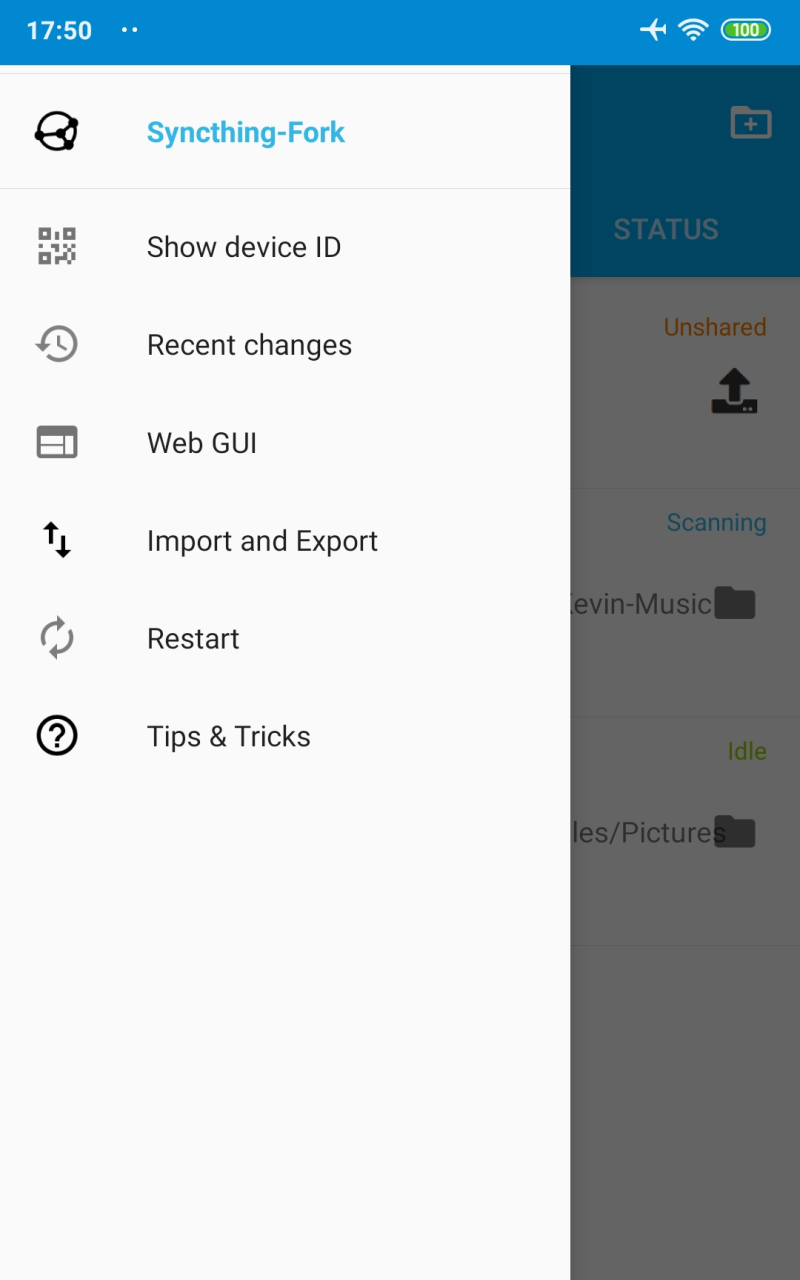
In addition, users can access a variety of helpful resources through the app's associated wiki and FAQ sections. These resources provide guidance on how to utilize the app effectively, making it suitable for users regardless of their familiarity with synchronization tools.
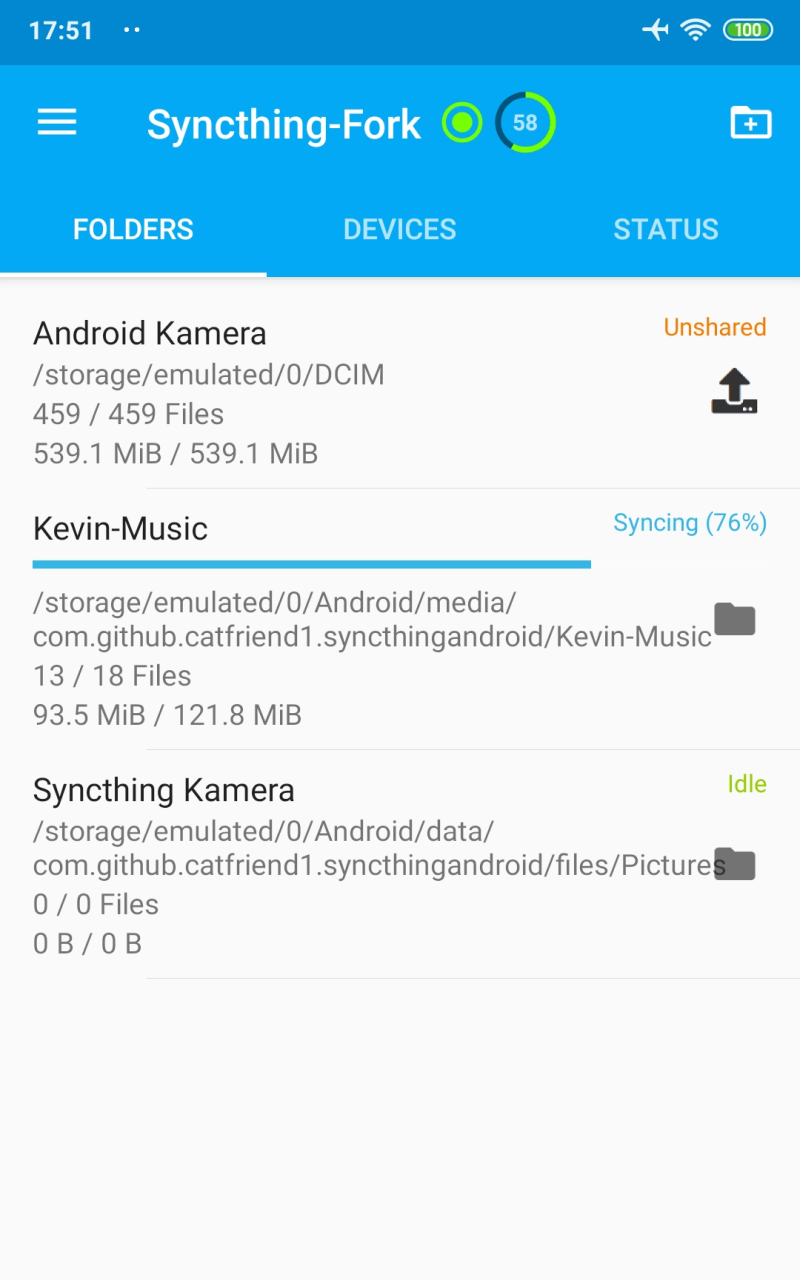
Newly started using this app for syncing my Obsidian vaults on phone and computer. I like this app so far. Intuitive despite a learning curve, efficient and quiet useful. I like the fact that it doesn't send my data via cloud, but directly between the devices. It has provided an excellent alternative to obsidian sync for anyone who loves obsidian but can't afford to pay for the sync. I hope the app continues to work well. Thank you to the dedicated team behind this thoughtful app.
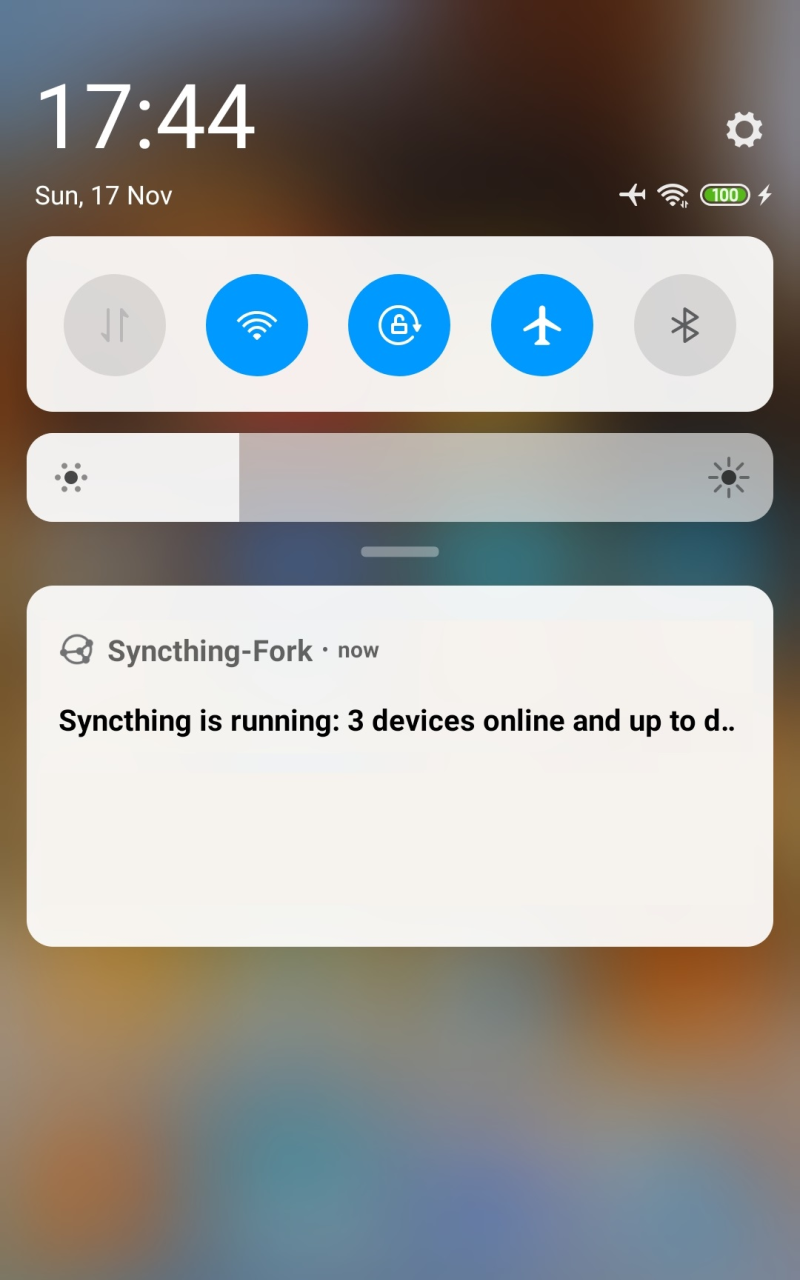
Super app! Can we get more CONTROL over, notifications? I don't need a perma notification in my tray being like : "hey it's running and up to date". I can't take it anymore Defeats the purpose of it running in the background if I functionnaly get notified everytime I look at my phone. I don't want to disable all notifications, I'd still like to be notified in case of an issue. EDIT: unfortunate limitation from Android, thanks for the reply! Also feels l've been seeing the notif less.
syncthing is the best solution for synchronizing data across multiple devices. It's decentralized, which means there is no need for servers, for example a cloud service. This fork/app works as promised. In my case it even replaced any need for other backups, because I now store all my data on all devices I wish to connect. Even better: it's truly free!
Really good file sync app. This was the second sync app I tried. The other app was highly recommended but I could never get it to work. I had this app installed and configured on my phone and chromebook in just a few minutes. I then copied some audiobooks into the sync folder on my chromebook and I immediately saw them syncing on my phone. I really like that I can see the progress in the notification. I synced 3gb in under 5 minutes over wifi and it was really easy. Highly recommended app.
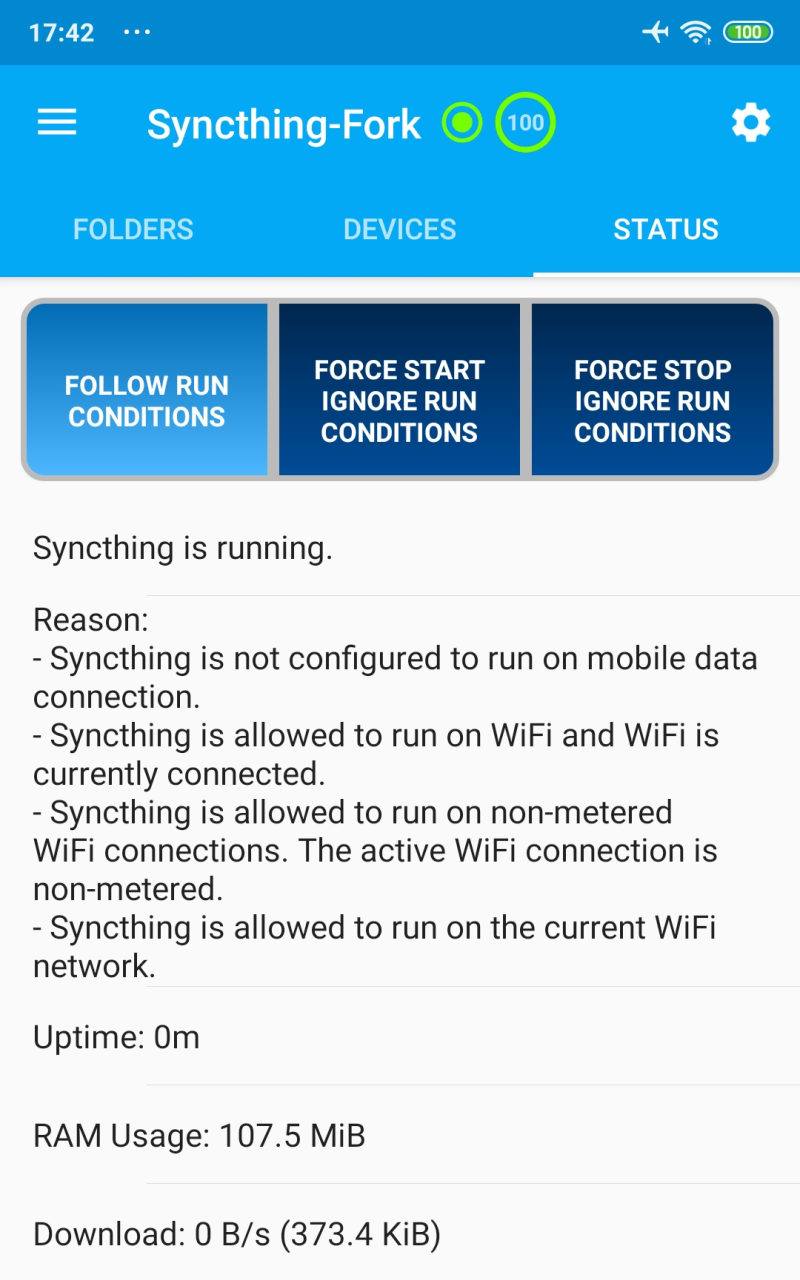
Is synchronization fast?
Syncthing segments files into pieces, called blocks, to transfer data from one device to another. Therefore, multiple devices can share the synchronization load, in a similar way to the torrent protocol. The more devices you have online, the faster an additional device will receive the data because small blocks will be fetched from all devices in parallel.Syncthing handles renaming files and updating their metadata in an efficient manner. This means that renaming a file will not cause a retransmission of that file. Additionally, appending data to existing files should be handled efficiently as well.Temporary files are used to store partial data downloaded from other devices. They are automatically removed whenever a file transfer has been completed or after the configured amount of time which is set in the configuration file (24 hours by default).
How does Syncthing differ from BitTorrent/Resilio Sync?
The two are different and not related. Syncthing and BitTorrent/Resilio Sync accomplish some of the same things, namely syncing files between two or more computers.BitTorrent Sync, now called Resilio Sync, is a proprietary peer-to-peer file synchronization tool available for Windows, Mac, Linux, Android, iOS, Windows Phone, Amazon Kindle Fire and BSD. Syncthing is an open source file synchronization tool.Syncthing uses an open and documented protocol, and likewise the security mechanisms in use are well defined and visible in the source code. Resilio Sync uses an undocumented, closed protocol with unknown security properties.
Should I keep my device IDs secret?
No. The IDs are not sensitive. Given a device ID it’s possible to find the IP address for that device, if global discovery is enabled on it. Knowing the device ID doesn’t help you actually establish a connection to that device or get a list of files, etc.For a connection to be established, both devices need to know about the other’s device ID. It’s not possible (in practice) to forge a device ID. (To forge a device ID you need to create a TLS certificate with that specific SHA-256 hash. If you can do that, you can spoof any TLS certificate. The world is your oyster!)
Where are the Syncthing logs?
Syncthing logs to stdout by default. On Windows Syncthing by default also creates syncthing.log in Syncthing’s home directory (run syncthing --paths to see where that is). The command line option --logfile can be used to specify a user-defined logfile. If you only have access to a running instance’s GUI, click the Help -> About menu item, then the Paths tab.If you’re running a process manager like systemd, check there. If you’re using a GUI wrapper integration, it may keep the logs for you.
Why is the sync so slow?
When troubleshooting a slow sync, there are a number of things to check.First of all, verify that you are not connected via a relay. In the “Remote Devices” list on the right side of the GUI, double check that the Connection Type does not start with “Relay”.
Although setting up Syncthing can be rather tricky, people who have managed to stick with it are sure to find that this is one of the smoothest and safest ways around to share data over the internet. As the name suggests, users also have the ability to sync data files between different devices, although for the time being Syncthing is not supported by the iOS platform, which may leave some potential users out in the cold at least for the time being.
Size:48.3MB Version:1.28.0
Requirements:Android Votes:350
Package Name:com.nutomic.syncthingandroid Signature:60aaa8bc8690737c1df26d371364f2e0
Utility apps are indispensable in our lives, making our daily routines more convenient. To help you find these apps more easily, this site has created a collection. This collection brings together a series of practical tools covering various aspects of life, work, and education, meeting all your needs. What are you waiting for? Try these apps now and make your life easier!
Transform your mobile device into a powerhouse of efficiency with these handpicked essential tools. Whether you need professional-grade photo editing, seamless file organization, smart task management, or real-time weather updates, our curated selection of premium apps delivers unbeatable performance. Streamline your daily routine, automate repetitive tasks, and boost your productivity with intuitive interfaces and powerful features. Designed for both professionals and casual users, these editor-approved applications will revolutionize how you work and play. Don't settle for an ordinary phone - upgrade your digital experience today and unlock your device's full potential!
About us | Contact us | Privacy policy| DMCA
Copyright © 2026 Xiaohei All rights reserved.