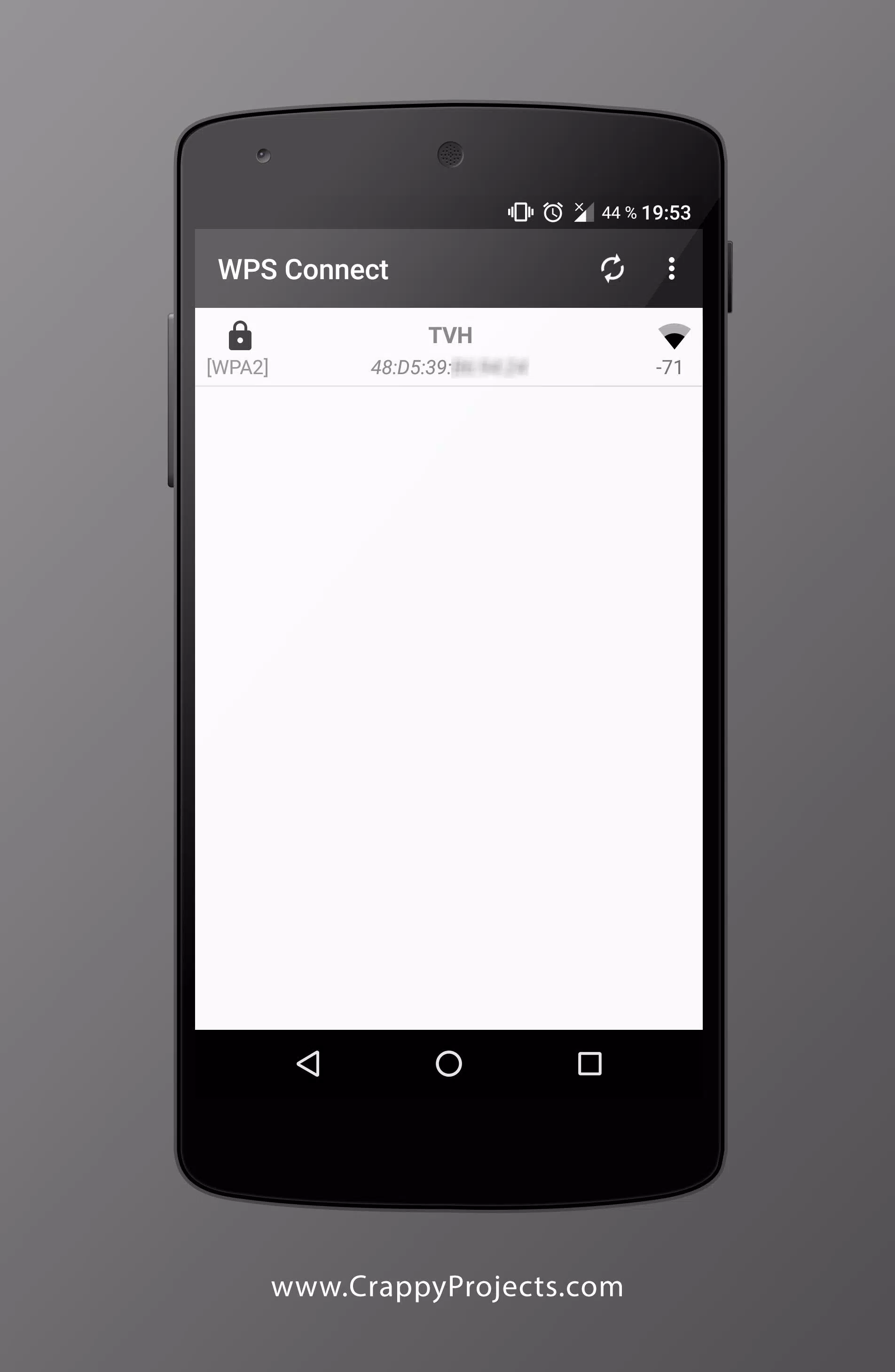
WPS Connect is a network detection tool designed for mobile devices. Through built-in algorithms, it detects whether a user's router has been exposed or attacked due to certain factors, generating a corresponding risk level report to help users adjust router settings and ensure network security. The software offers root and non-root modes for different devices, with different unlocked functions depending on the mode. Users can adjust the usage mode according to their needs. The software also automatically enters the user's Wi-Fi password, eliminating the need to memorize it.
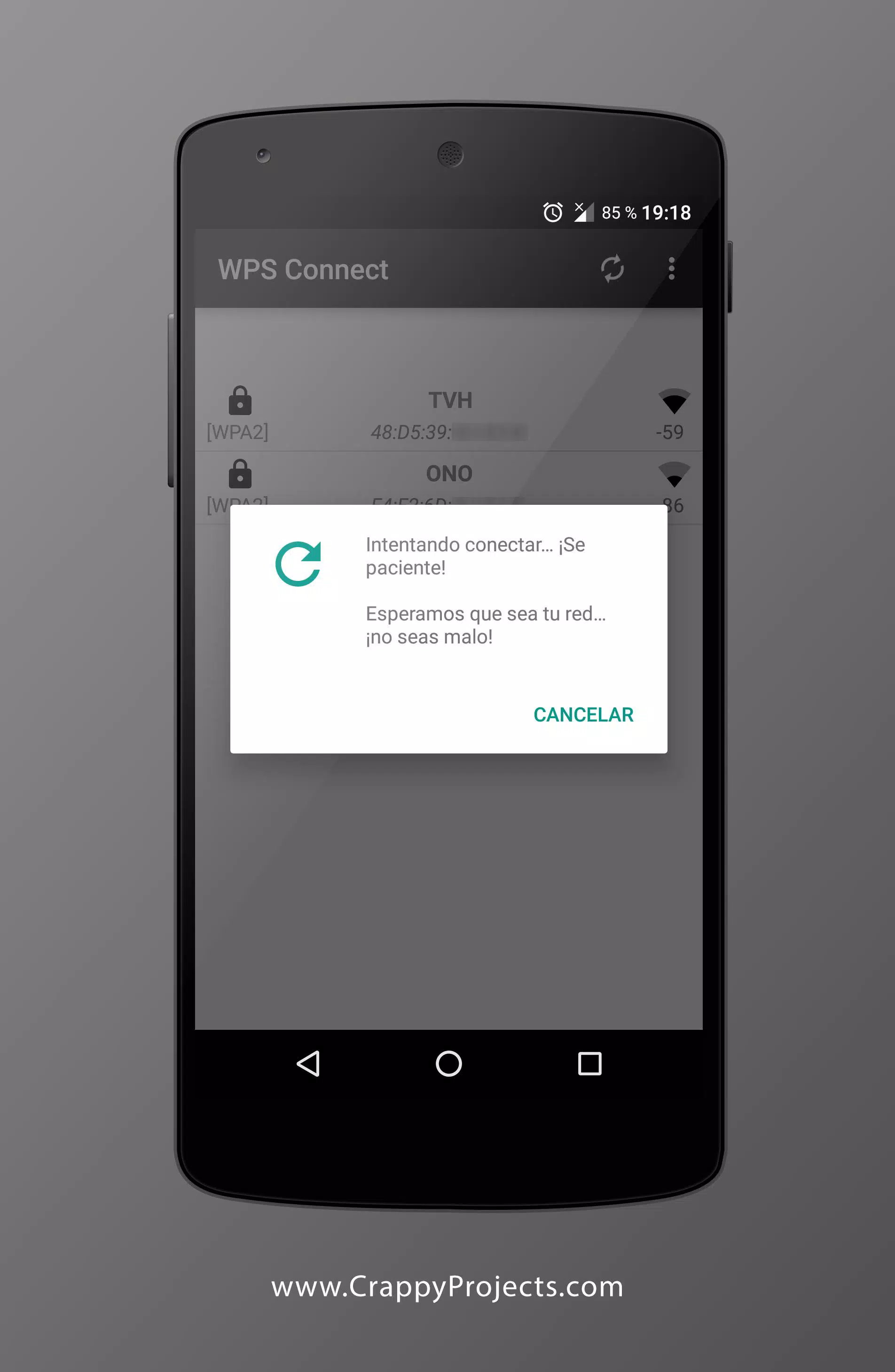
Security audit for WPS: WPS Connect checks if your router is vulnerable to common or default WPS PINs. The app runs a targeted audit on your own network so you can see whether a connection is possible through WPS. This practical result helps you decide the next step, such as changing credentials or disabling WPS.
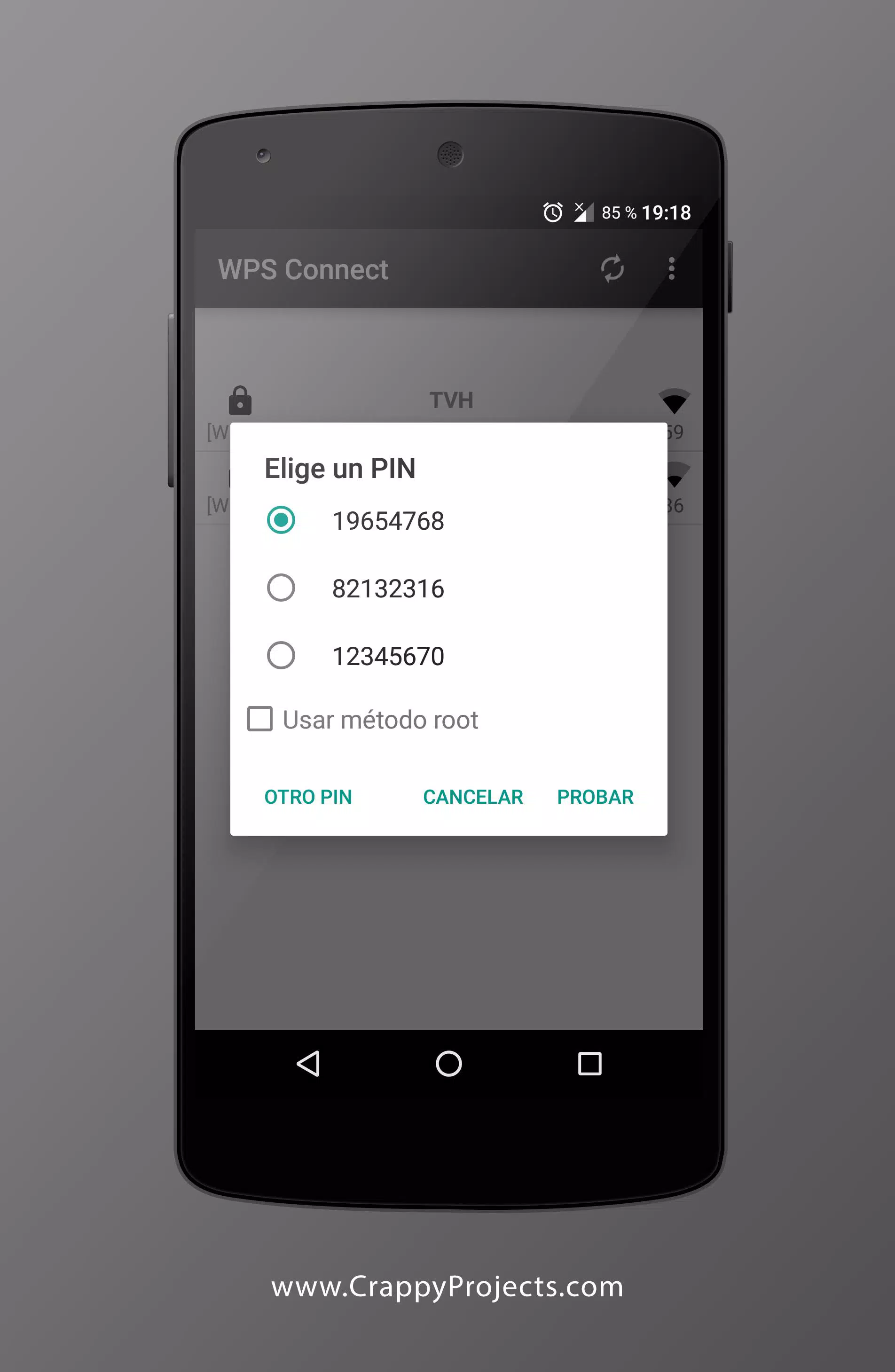
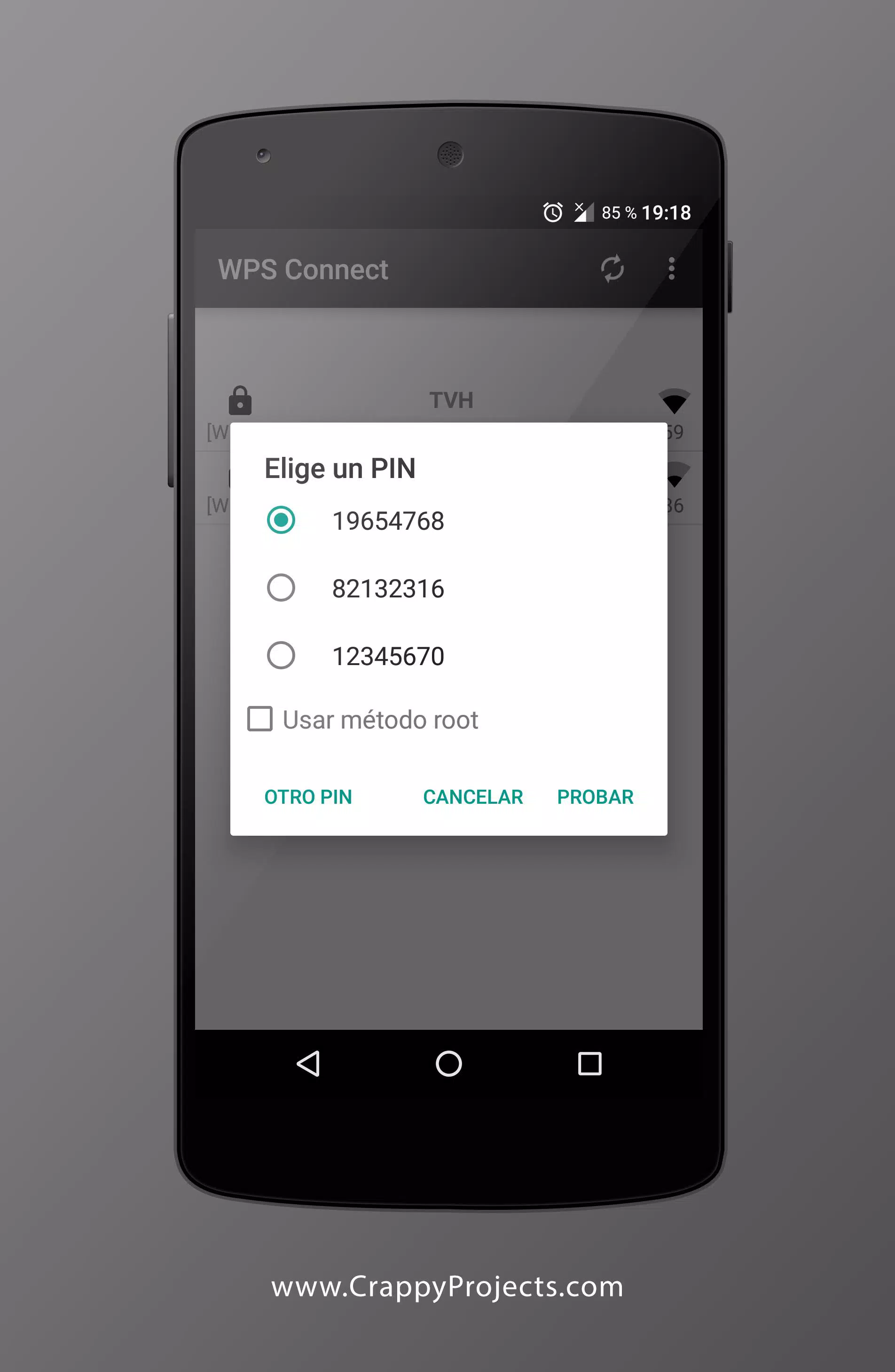
Built in PIN algorithms: WPS Connect includes well known PIN algorithms to streamline testing. It supports Zhao Chesung ComputePIN and Stefan Viehböck easyboxPIN, along with common default PINs used by many routers. With these methods available in one place, testing becomes consistent and easier to repeat.
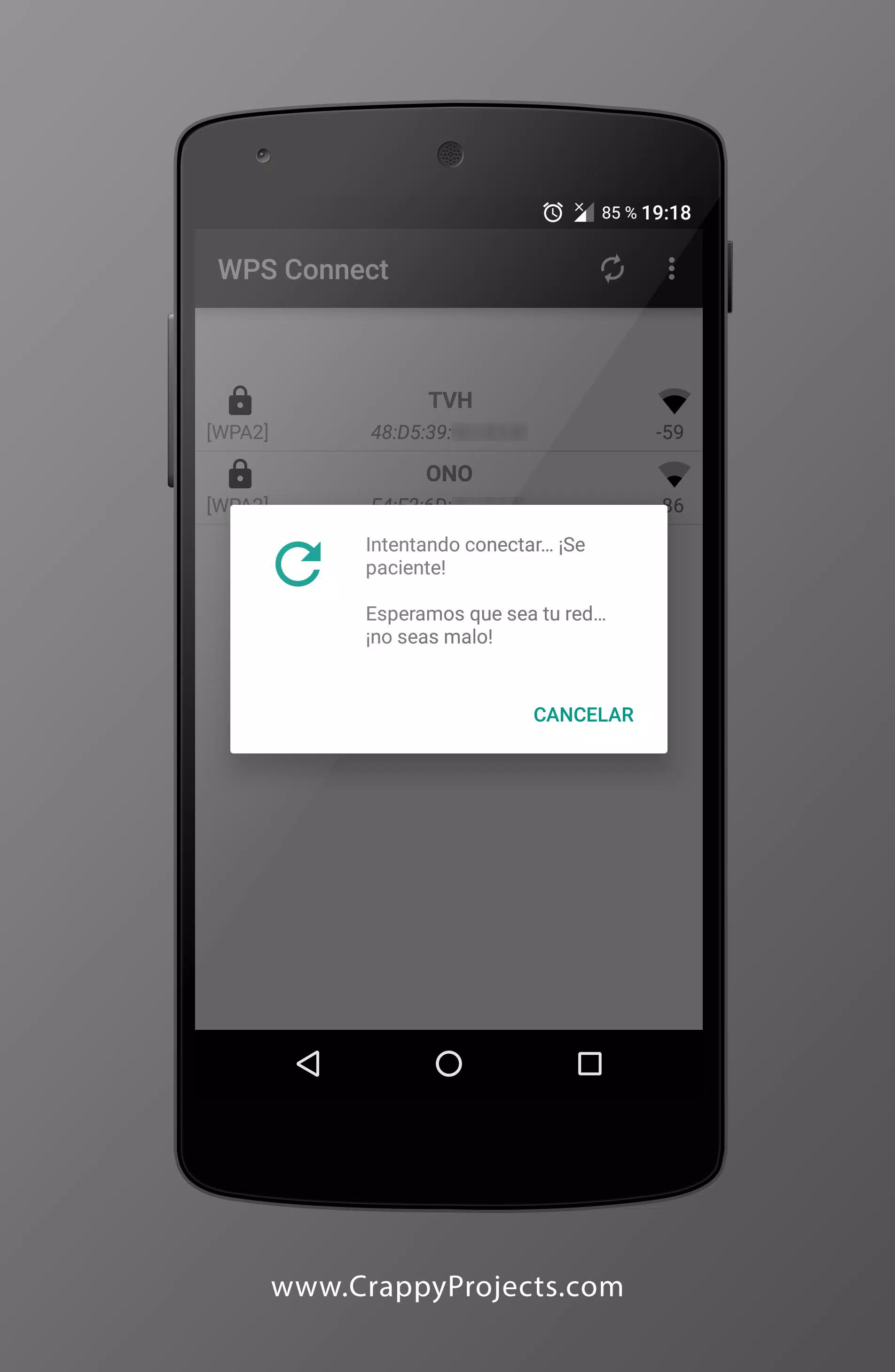
Connect via WPS to verify exposure: When your router allows WPS, you can attempt to connect using known or default PINs. If the app joins your network through WPS, that confirms exposure and shows the risk level clearly. From there, you can adjust router settings and re test to confirm the fix.
Root and No Root modes: WPS Connect supports No Root connection on Android 5 and above, which covers many modern devices. Rooted devices gain advanced options that are not available otherwise. This flexibility lets you choose the workflow that suits your phone and testing needs.
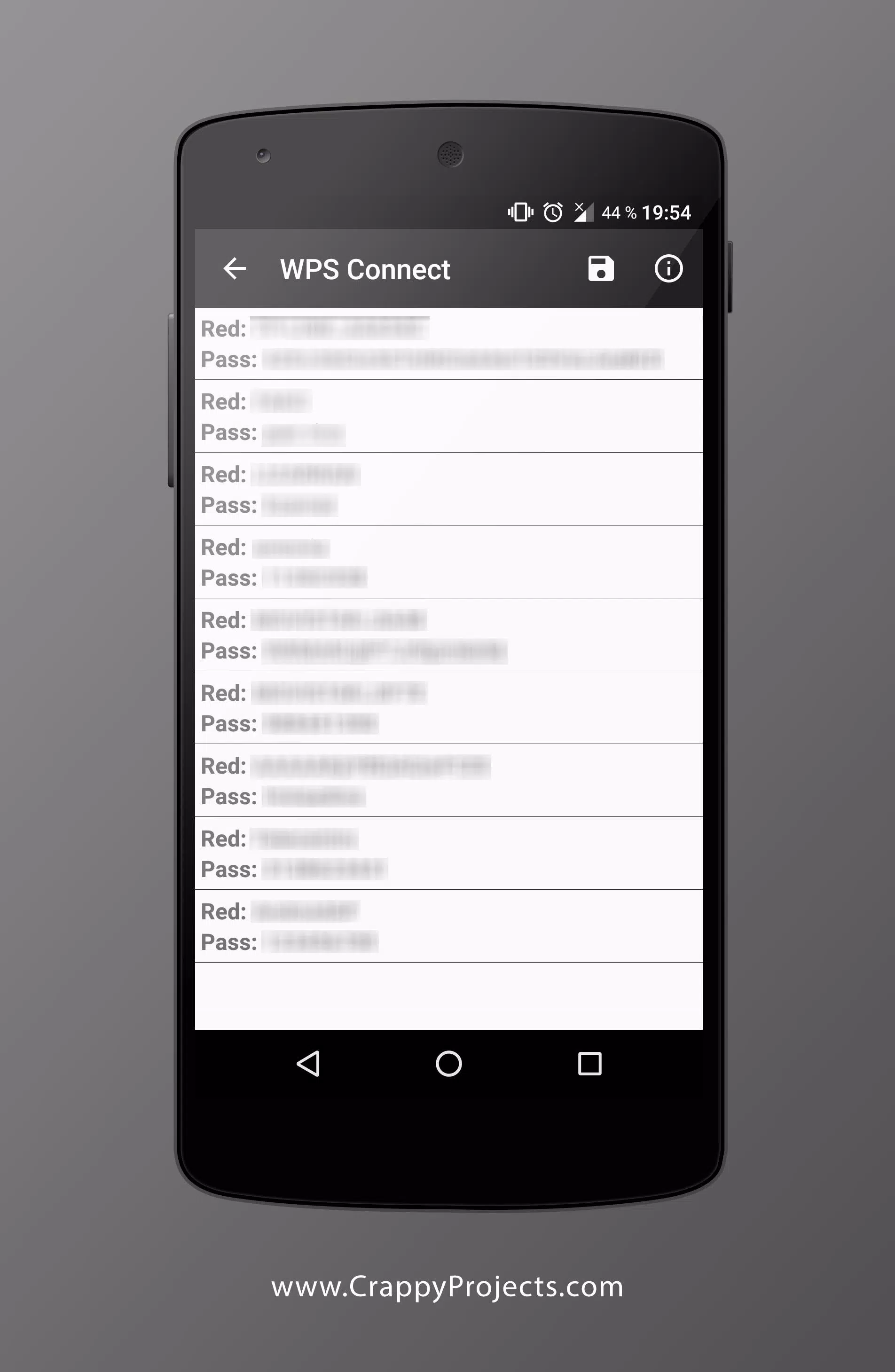
WiFi password recovery (Root only): On rooted devices, WPS Connect can display stored credentials for currently saved networks. This helps you audit what passwords are retained on the device and tidy up old or unused access points. Use it as part of a broader review of your WiFi security posture.
Version 1.3.5
Added 24-bit algorithm
Added 28-bit algorithm
Added 32-bit algorithm
Added Dlink algorithm
Added Dlink+1 algorithm
Added "About us" section
Small fix
Q: What is WPS Connect?
A: WPS Connect is an Android app that allows users to connect to a wifi network using the popular and secure wifi Protected Setup (WPS) protocol. The app lets users quickly establish connections with their home or office networks without manually entering long passwords. It also provides advanced security features like password encryption, authentication, and more.
Q: How do I use the WPS Connect App?
A: To connect your device via the app, download it onto your compatible Android phone or tablet device from our website. Once downloaded, open up the application on your mobile device and select “Connect,” at which point you will be prompted for either of two connection types Push Button Configuration (PBC), where available access points are displayed in list form allowing selection by name/SSID PIN Entry Method – here if no PBC options exist then manual entry of a unique eight digit code provided by router manufacturer can allow successful connection establishment between devices & routers supporting this method only).After making appropriate selections, hit the ‘connect’ button within the application interface – once connected, a message confirming the same should appear along with details regarding IP address, etc., allocated during the process completion phase.
Q: Are there any risks associated when using this type of technology?
A: Yes, like all wireless technologies used over public airwaves, some degree of risk does exist due mainly to potential exploitation through malicious software attacks targeting vulnerable systems not adequately secured against them, e g weak default credentials, lack of robust encryption protocols/settings enabled, etc. To prevent these issues, always ensure the latest firmware version is installed across the entire system and apply recommended best practices around usage configuration setup management processes involved
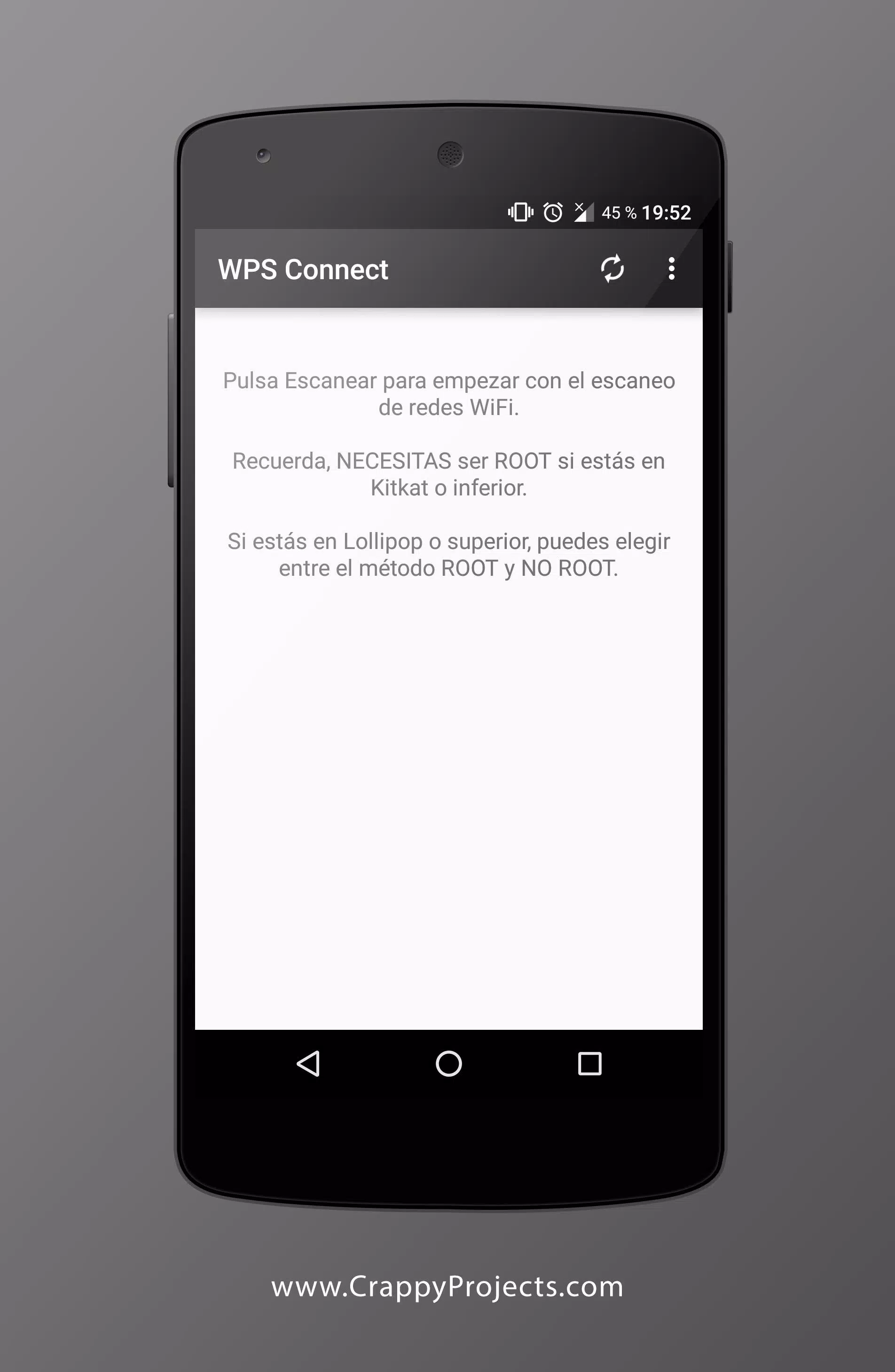
The aim of WPS Connect is to check if the specific router is vulnerable to a PIN by default. Many routers installed by internet service providers have vulnerabilities. With this app, you can check if your own router is vulnerable and change the password accordingly.It's very important to keep in mind that in order to use WPS Connect, you need a rooted device.
Size:2.16MB Version:1.3.9
Requirements:Android Votes:355
Package Name:com.ngb.wpsconnect Signature:7871fc84f6ca9fc39509c31a9b75ce89
Utility apps are indispensable in our lives, making our daily routines more convenient. To help you find these apps more easily, this site has created a collection. This collection brings together a series of practical tools covering various aspects of life, work, and education, meeting all your needs. What are you waiting for? Try these apps now and make your life easier!
With the development of mobile hardware and software, many practical tool software have emerged, covering a wide range of aspects and becoming a good helper for everyone in work and life. Today, the editor provides you with a list of useful tool software downloads. These tools are not particularly complex types, and after reading them, everyone can quickly learn how to use them. Proper use can bring great convenience to life and work.
About us | Contact us | Privacy policy| DMCA
Copyright © 2026 Xiaohei All rights reserved.