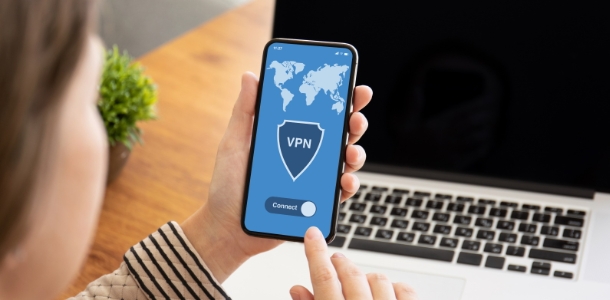
Touch VPN is a high-speed and secure network proxy software that not only provides users with wireless bandwidth and data traffic, but also employs military-grade security technology to comprehensively protect user accounts and privacy. Users can connect to network nodes around the world with a simple click. The software will automatically switch to high-speed nodes based on the network environment, allowing users to bypass geographical restrictions to access the web, download content, play games, and watch movies, meeting personalized usage needs. The software strictly adheres to a no-logs policy, hides the user's IP address, and blocks advertisements and pop-ups for a more comfortable user experience.
This tool is perfect for those who are having trouble connecting to geo-blocked services or other internet services not available through standard networks. Touch VPN offers a variety of in-app options that will let you access websites blocked by your government, school or workplace.
Enjoy the full Internet experience whenever you like. You can watch movies on Netflix, browse social networks such as Facebook and WeChat, view videos on YouTube and enjoy geo-blocked events all on the same device.
Touch VPN offers users the option to secure their devices from online threats. You can connect to public Wi-Fi Hotspots or your own private networks with the app. Touch VPN’s encrypted data will keep all your important data safe, including your username, passwords and personal information. Even the service providers won’t have access to your data.
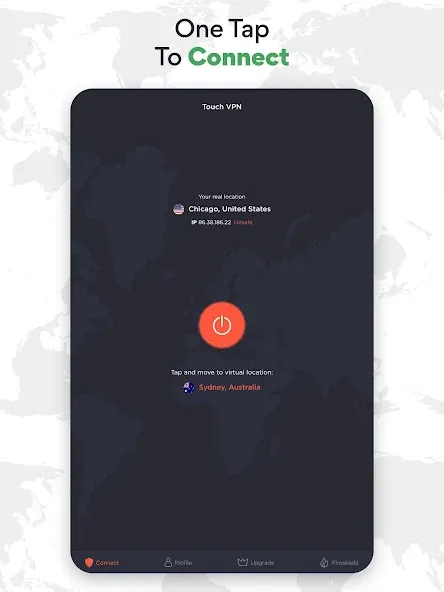
Touch VPN is now available to all those who are interested. Enjoy the convenience of the one-click service that takes you to the best VPN experiences in the world. You can connect to the internet by selecting the app and clicking the Connect button. You’ll be protected from all threats, and you can connect to any website or online service.
Touch VPN, which has many useful features, will prevent others from tracking your Internet-connected device through your ISP. It also stops scams from tracking you and targeting ads, allowing Android users to fully enjoy VPN services. It will also stop websites from sending malicious software to your device, which reduces the risk of being hacked.
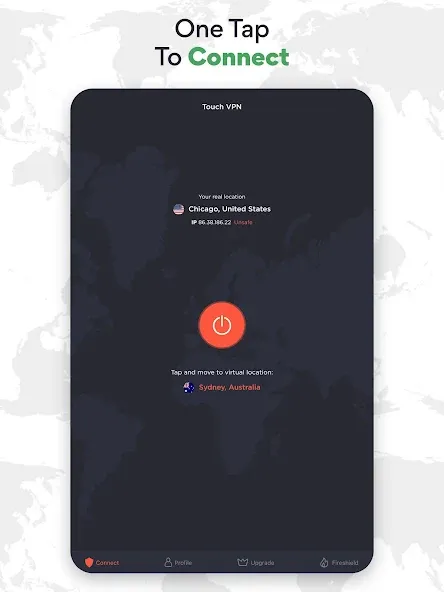
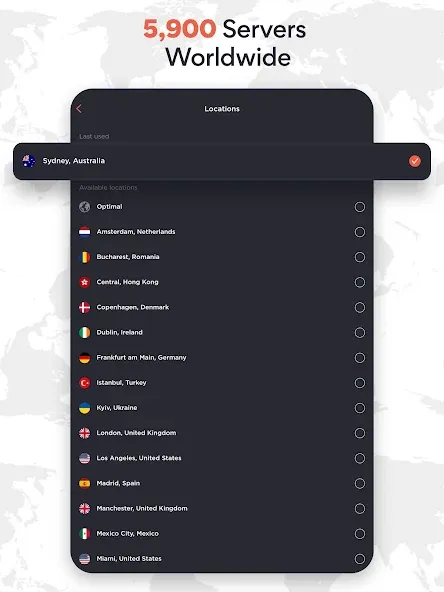
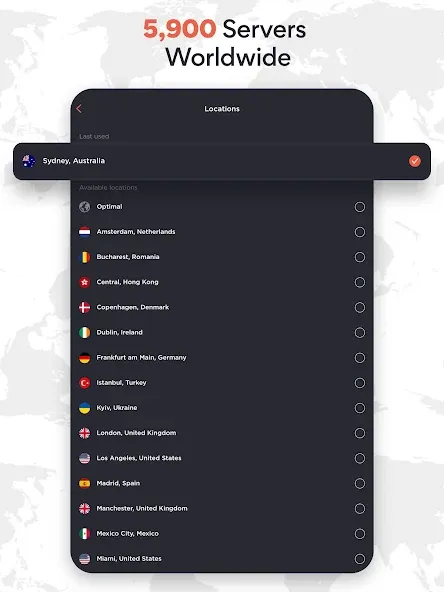
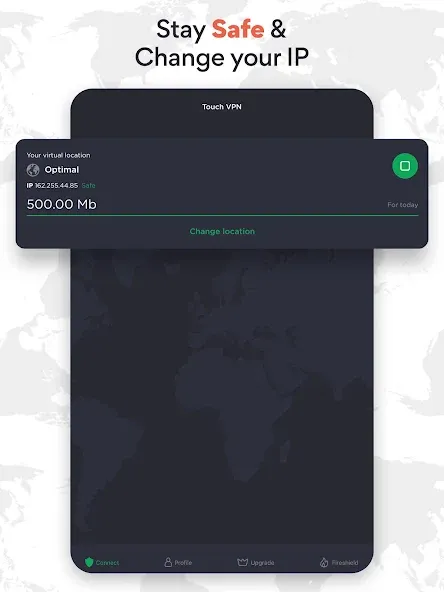
Server Coverage and Performance: Touch VPN offers a selection of free server locations from various countries, allowing for reasonable flexibility when seeking region-specific access or attempting to avoid local restrictions. When connected, most users will find network speeds adequate for basic browsing, messaging, and some media streaming. However, the free version enforces a daily data cap of 500MB, which limits extended use, particularly for high-bandwidth activities.
Security and Privacy Features: The application provides basic encryption to secure users' data on unsecured Wi-Fi. However, it's important to note that Touch VPN does not provide some of the advanced security measures seen in premium providers. The app uses the PPTP protocol, which is regarded as outdated and less robust against modern threats. There is no kill switch function—this means that if the VPN disconnects unexpectedly, your real IP address and traffic can be exposed.Another point of consideration is the privacy policy. While Touch VPN claims to protect users’ anonymity, its logging practices include tracking IP addresses, session duration, bandwidth usage, and visited domains, raising questions for privacy-conscious users.
Bypassing Geo-Restrictions and Streaming: Although the app can help users get around regional restrictions for web browsing, it struggles with reliably unblocking streaming platforms. Major video services often detect and block Touch VPN’s servers, limiting its utility for accessing foreign media libraries.
Unlimited data is awesome. Speed is good too: I consistently get about 2 Megabytes (=16 megabits) per second, at least in my region. Total lack of ads is fantastic. Considering all of this is with the free version, I would definitely recommend it.
Magnificent! It does what it's supposed to do.. Works extremely fine with my Samsung Galaxy Note 3, didn't really notice the speed difference.. Easy to use, easy to connect n disconnect.. Not to mention it's totally FREE! Good job guys! Edited: Now i'm using xiaomi pocophone f1 and it's still works like a charm. Job well done guys!
Great, easy to use and install, very little in the way of distractions. Runs smoothly, keeps you updated UNOBTRUSIVELY, and does its own scanning, boosting, and cleaning... Jumped right in and covered my rear immediately after a factory reset, with the trackers on my heels...Thanks, TOUCH!
I like this app and I really appreciate it so I give it five stars because you really deserved it. In the location, there is no Nigeria there. Though some videos worked for me but it is still very good because even if I didn't put my location. It could still tell i was in Nigeria. Concerning the videos that are not working for me on Viki. I think it is because my location is not there. Please, my location is Nigeria. Apart from that, no problem. Kudos to the person that created the app.
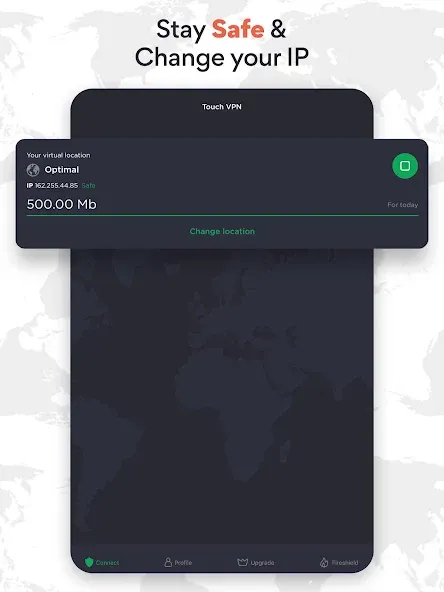
After adding the Touch VPN to your Windows browser or after installing the Touch VPN on your Windows device, follow the easy instructions below.
1.First, click on the Connect button to turn Touch VPN on.
2. Once Touch VPN is connected, choose from any VPN server location by clicking on "Switch location to" and selecting a virtual location.
Note: Clicking the Connect button always connects you to the optimal server location. All other places are only available in the premium edition.
1. Launch the Microsoft Edge web browser on your Windows device.
2. Click the three-dot menu icon (more actions) in the top-right corner of the Edge browser window.
3. To access the Extensions page, go to the drop-down menu and select "Extensions".
4. In the Extensions page, click on the "Get extensions from Microsoft Edge Add-ons" link. This will redirect you to the Microsoft Edge Add-ons Store.
5. In the search bar at the top-right corner of the Edge Add-ons Store, type "Touch VPN" and press Enter.
6. Browse the search results to find the Touch VPN extension.
It may be identified by its name and logo.
7. Click on the "Get" button next to the Touch VPN extension.
8. A pop-up window may appear, asking for confirmation. Click on "Add extension" or "Add" to proceed.
9. Once the installation is complete, you will see the Touch VPN icon added to the Edge toolbar, typically located in the top-right corner of the browser window.
Click on the Touch VPN icon to open the extension.
Note: If you already have a Touch VPN account, you can sign in using your credentials. If you are a new user, you can create a new account directly from the extension.
10. After signing in or creating an account, you can now connect to a VPN server.
Click on the "Connect" button within the Touch VPN extension.
Touch VPN also secures public Wi-Fi use, shielding you from lurking cybercriminals on unprotected hotspots. Connecting through an encrypted VPN tunnel before accessing public Wi-Fi defends against hacking attempts, keeping usernames, passwords, and sensitive data out of reach.
Size:69.02MB Version:2.3.0
Requirements:Android Votes:144
Package Name:com.northghost.touchvpn Signature:8f4d708a829e772647ad97eb88814a1d
Enjoy unrestricted internet access anywhere in the world with these top-rated free VPNs for Android. Securely browse in private, bypass geo-blocks, and unlock censored websites in just a few taps. These powerful apps encrypt your connection, mask your IP address, and protect your data-especially on risky public Wi-Fi. Whether you're streaming global content, accessing restricted platforms, or simply safeguarding your privacy, these trusted VPNs deliver fast, reliable performance. Discover the most popular free VPN downloads and experience true online freedom today-no limits, no compromises!
In 2024, privacy and security on mobile devices are more important than ever, and a reliable VPN can help protect your data while browsing. The best free VPNs for Android offer a solid balance of speed, security, and user-friendly features without costing a dime. These VPNs allow you to browse anonymously, bypass geo-restrictions, and safeguard your personal information on public Wi-Fi networks. While free options may have certain limitations, such as data caps or fewer server locations, they still provide essential privacy protection. With strong encryption, zero-logging policies, and a simple setup, these free VPNs ensure your online activities remain private and secure while using your Android device.
About us | Contact us | Privacy policy| DMCA
Copyright © 2026 Xiaohei All rights reserved.