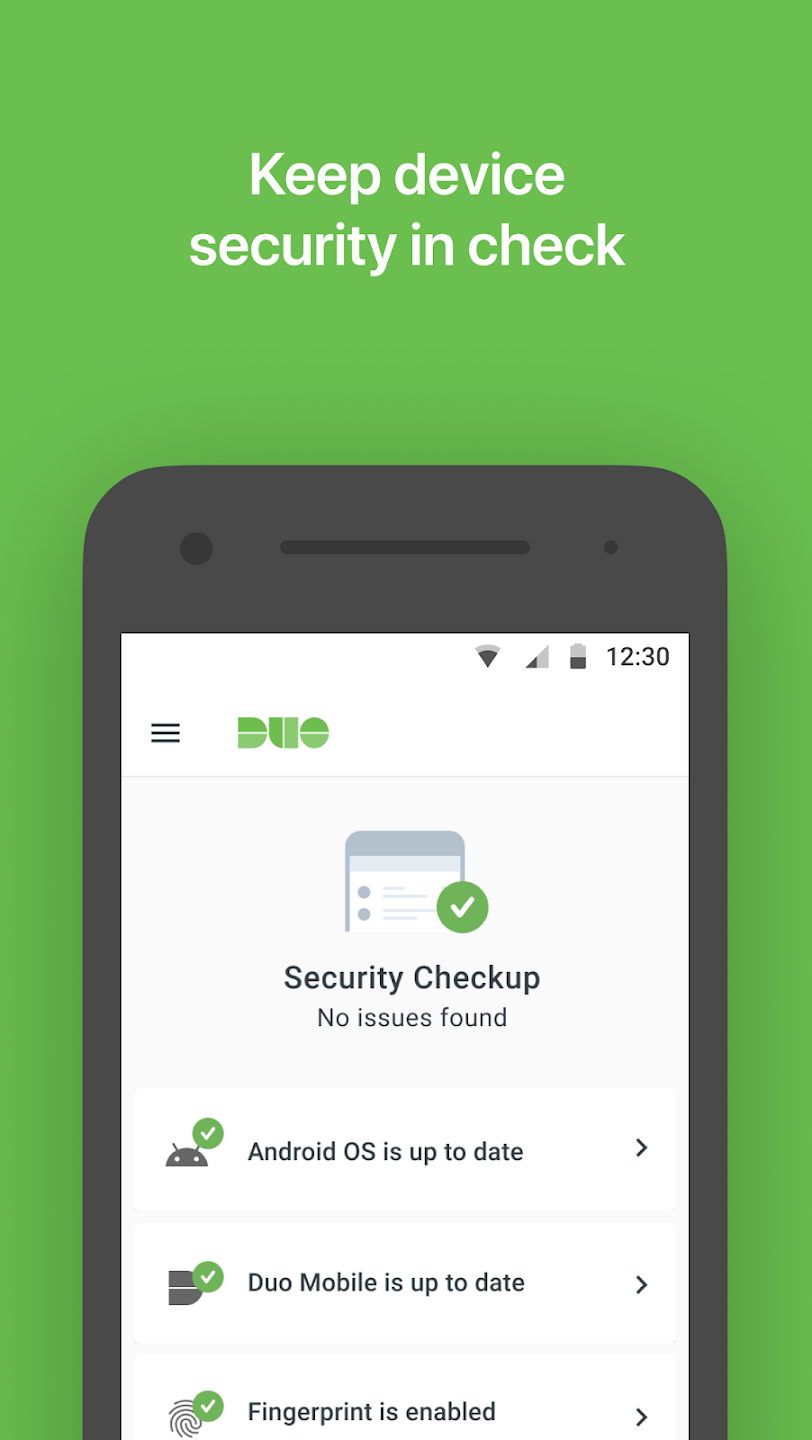
Duo Mobile is an identity verification software designed to help users protect important account information and privacy data. The software generates different verification codes based on time to form a two-factor authentication system, strengthening account security. When someone else attempts to log in, the user can grant permission via message notification or enter the verification code to log in to their account. The software boasts strong compatibility, running on the vast majority of devices and applications, allowing users to use it with peace of mind.
Comprehensive Security for Your Accounts: Duo Mobile provides robust two-factor authentication for Android devices, supporting a broad range of apps and services that require added security. Developed by Duo Security LLC (now a part of Cisco), the app focuses on keeping accounts safer by requiring a second verification step whenever a login attempt is detected, reducing the risk of unauthorized access.
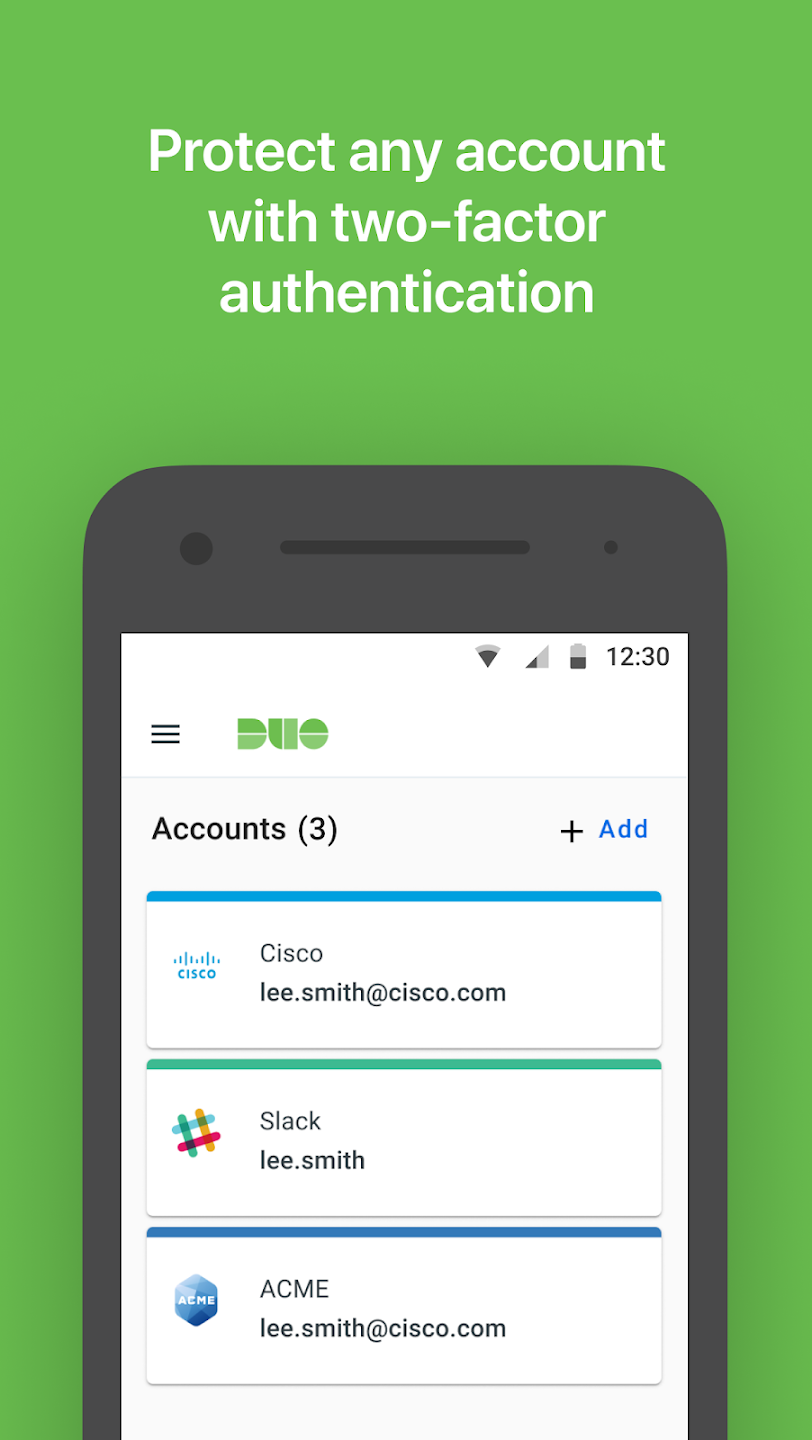
User-Friendly Interface and Setup: Duo Mobile is designed with ease of use in mind. The interface is minimalistic and uncluttered, making it approachable for both tech-savvy users and those new to authentication apps. Adding new accounts is straightforward: scan a QR code provided by the service you wish to secure, and Duo Mobile instantly generates the necessary code. Accounts can be named and organized, helping users manage multiple logins efficiently.
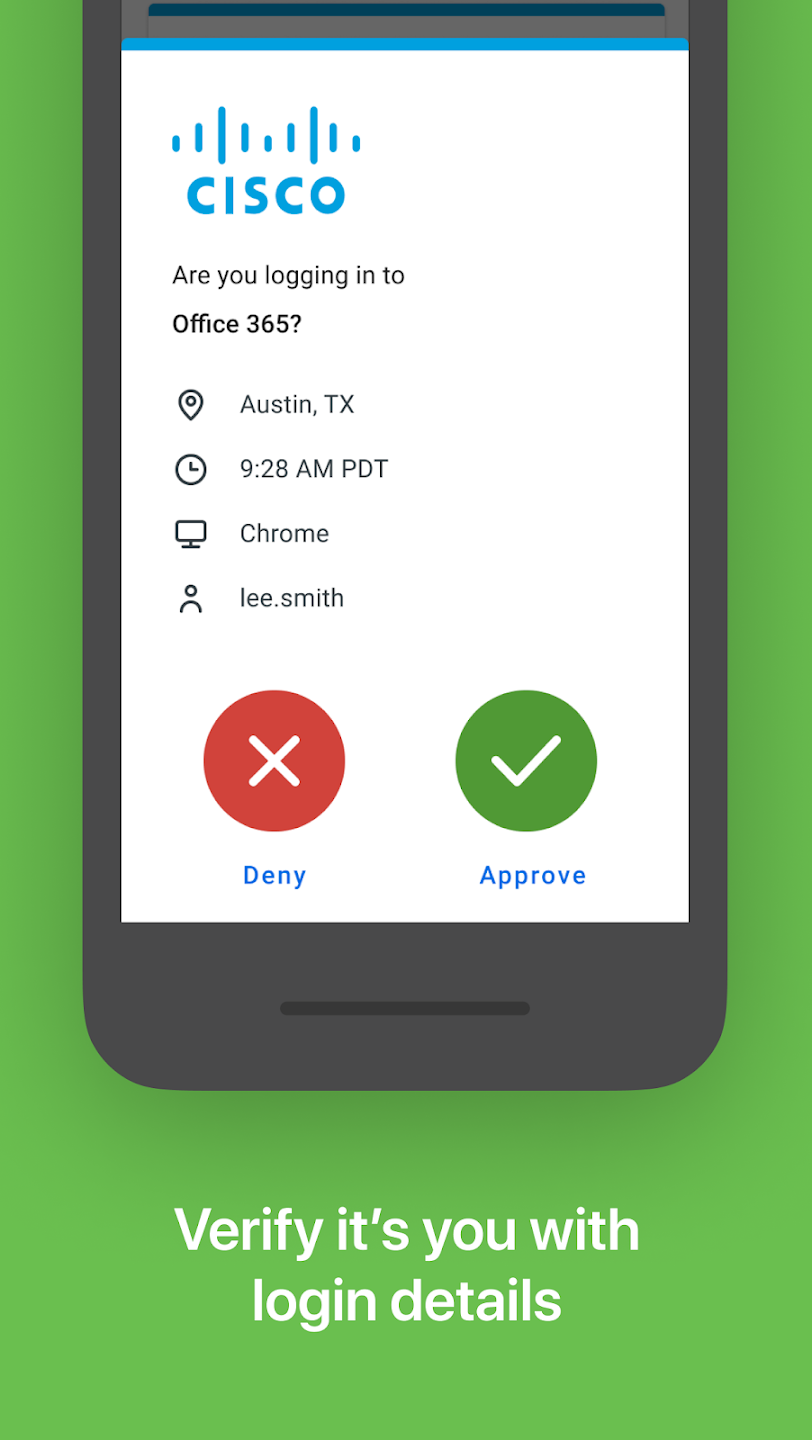
Multiple Authentication Methods: The app supports several authentication methods, including time-based one-time passwords (TOTP) and secure push notifications. When a login is attempted, Duo Mobile can generate a unique passcode or, where available, send a push notification to the registered device, allowing the user to approve or deny the login with a single tap. This feature significantly streamlines the login process compared to entering codes manually.
Device Management and Backups: For users with multiple devices, Duo Mobile offers device management tools. Accounts can be synchronized with paired devices, providing consistent access across different phones or tablets. The app supports encrypted backups (on platforms where available), which can be linked to a Google Account, so accounts can be restored if the device is lost or replaced. However, the backup and restore process is not as seamless or full-featured as found in some other authentication apps.
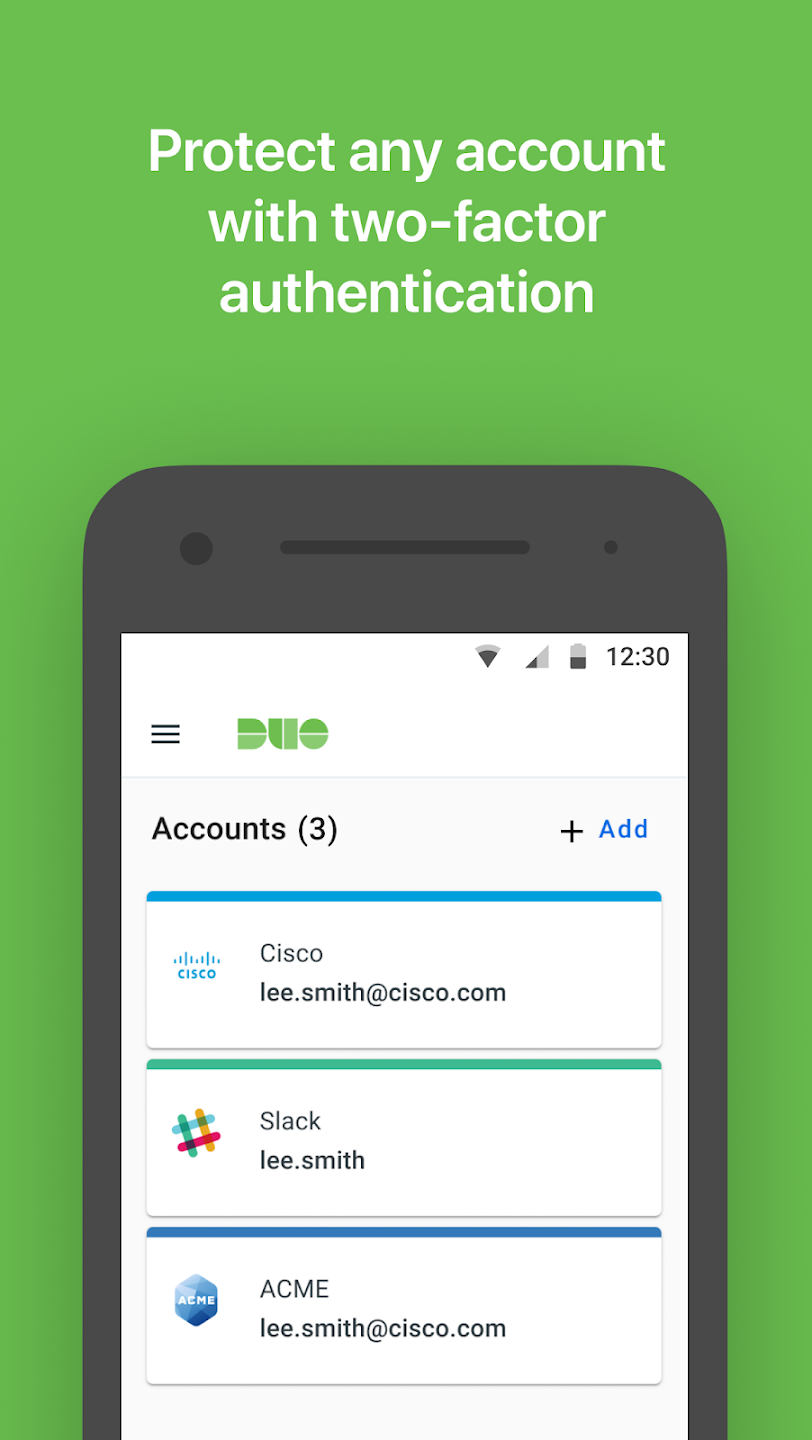
I've always used Duo Mobile as my go-to two-factor authentication app for all my accounts, and it fulfills its purpose perfectly. It's a highly reliable tool that does exactly what it needs to do, while being completely free and refreshingly ad-free. The only improvement I would suggest is adding a wider variety of icons for the different apps and services we link inside, as it would make visual identification much easier. Overall, it's an excellent and secure tool.
love the fact that when saving in cloud as a backup.. transfer one phone to the other everthing is good to go.. unlike other security/ authenticator apps. you set auto save to cloud for backup, but nothing was saved.. and lost everthing.
This is how 2FA should work. Ping, code, done. It even works in the notification bar so you don't have to fully open the app and close whatever you were doing.
I have find this app easy to use for verification at my school. They are quick to resolve any glitches that may occur after an update.
I find the app works fine, and very pleased compared to another apps I had to use. It always works; cellular, wifi or the deep basements. As far as switching the buttons, they were naturally backward anyway. It took some getting used to but I did. Face it, everything changes. Guess some people never had a PC, never used email, still have their original cell phone. Change is inevitable, no one likes it but we deal.
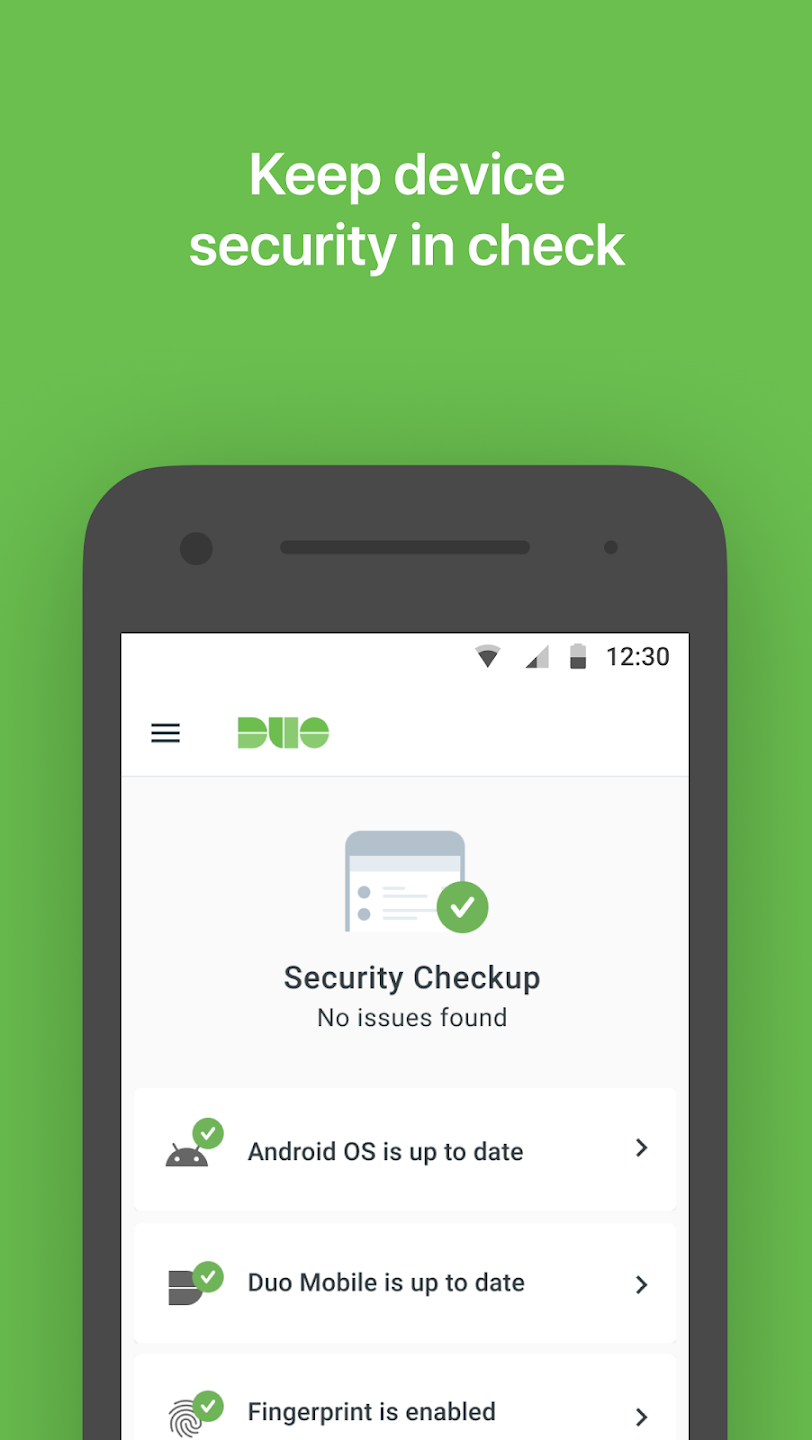
Why do I need this service?
Passwords are becoming increasingly easy to steal. They are often stolen, guessed, or hacked, and you might not even know someone is accessing your account. Two-factor authentication adds a second layer of security, ensuring your account's safety even if your password is stolen. With Duo Push, you'll immediately receive an alert (on your phone) when someone attempts to log in as you. This second authentication factor is independent of your username and password—Duo will never see your password.
Do I need to reactivate my Duo Mobile?
If you've changed to a new phone, you'll need to reactivate your Duo Mobile. If self-service is enabled, you can register your new device yourself using Duo's device management portal. Otherwise, ask your administrator to send you a new activation link. Select your platform on the left for specific activation instructions. If your administrator has enabled Duo Mobile's backup and restore features, and you've previously backed up your Duo Mobile account, you can restore your account to your new phone's Duo Mobile using a guided restore process (on the same platform as the original device, i.e., Android to Android and iOS to iOS). See the full Duo Restore guide provided here.
Lost your phone?
If you have lost your phone or suspect it has been stolen, please contact your Duo administrator immediately! If your organization has Duo's self-service features enabled and you previously registered a second authentication device, you can remove the lost or stolen phone using My Settings and Devices. If you are unable to log in to Duo at all, your Duo administrator can disable the lost phone used for authentication and help you log in using alternative methods. While contacting your administrator when you lose your phone is very important, please remember that your password still protects your account.
Duo Mobile provides a straightforward approach to multi-factor authentication for organizational and personal accounts. Its combination of push approvals, offline passcodes, and Wear OS support makes it a dependable choice for securing accounts across a variety of devices and services.
Size:33.81MB Version:4.112.0
Requirements:Android Votes:125
Package Name:com.duosecurity.duomobile Signature:59d4a92603f9f9f4d6008ea122ef34fb
Transform your mobile device into a powerhouse of efficiency with these handpicked essential tools. Whether you need professional-grade photo editing, seamless file organization, smart task management, or real-time weather updates, our curated selection of premium apps delivers unbeatable performance. Streamline your daily routine, automate repetitive tasks, and boost your productivity with intuitive interfaces and powerful features. Designed for both professionals and casual users, these editor-approved applications will revolutionize how you work and play. Don't settle for an ordinary phone - upgrade your digital experience today and unlock your device's full potential!
With the development of mobile hardware and software, many practical tool software have emerged, covering a wide range of aspects and becoming a good helper for everyone in work and life. Today, the editor provides you with a list of useful tool software downloads. These tools are not particularly complex types, and after reading them, everyone can quickly learn how to use them. Proper use can bring great convenience to life and work.
About us | Contact us | Privacy policy| DMCA
Copyright © 2026 Xiaohei All rights reserved.