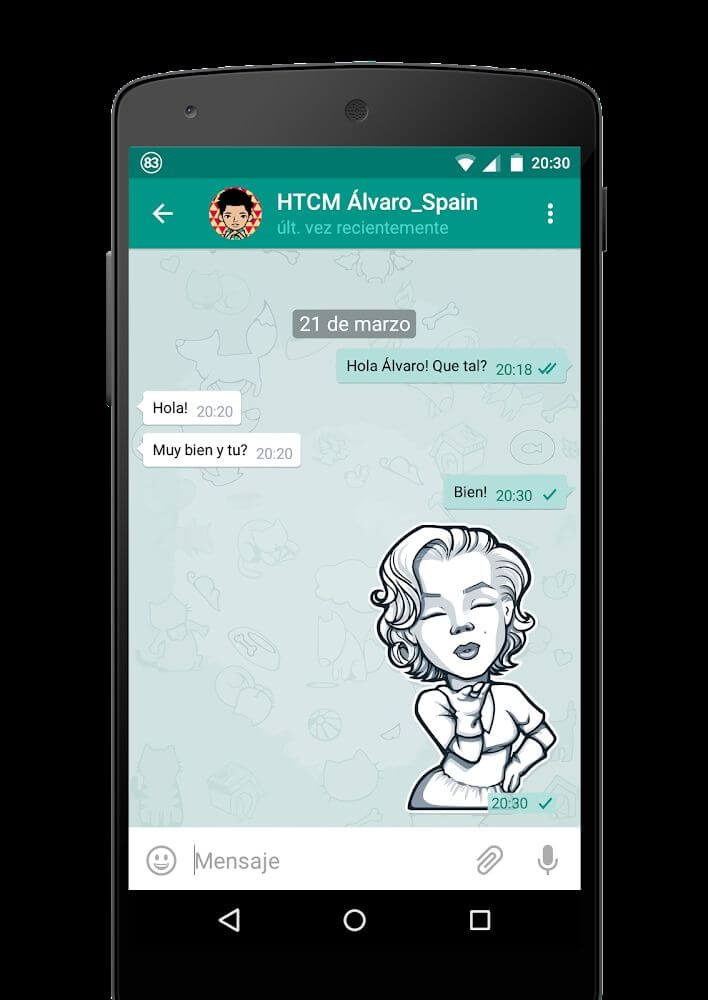
Plus Messenger is a social experience enhancement tool designed for Instagram users. It allows users to customize the chat interface, text styles, stickers, and more to better suit their aesthetic preferences. During chats, users can freely choose message status such as read, unread, or muted, giving them more time to think. The software also supports logging into different Instagram accounts on the same device, creating groups to share larger amounts of pictures and videos. Regarding privacy, users don't need to worry; they can freely choose their online status, whether they are typing, and the app protects their chat history and account security in real time, ensuring a safe and secure user experience.
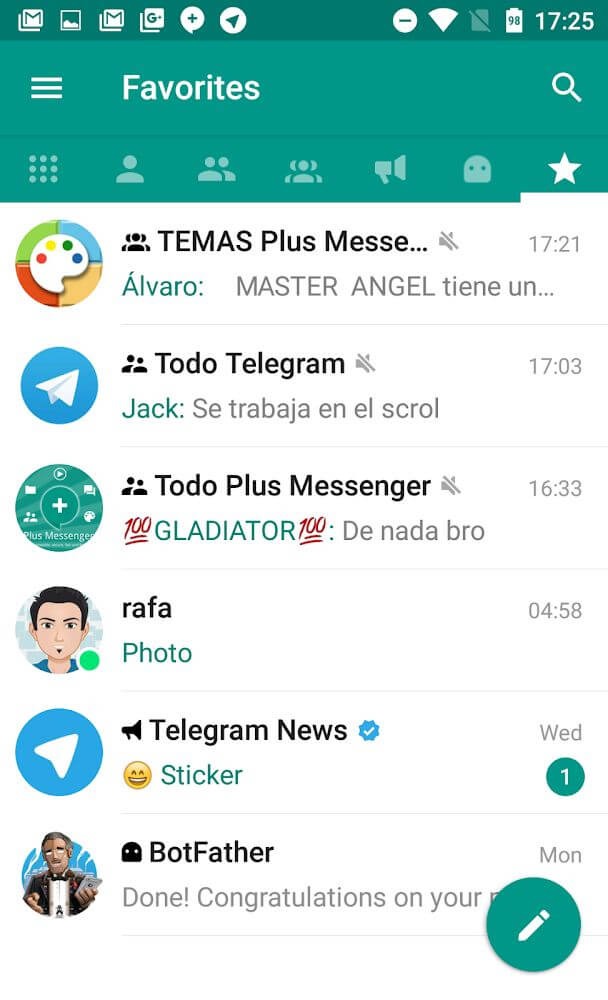
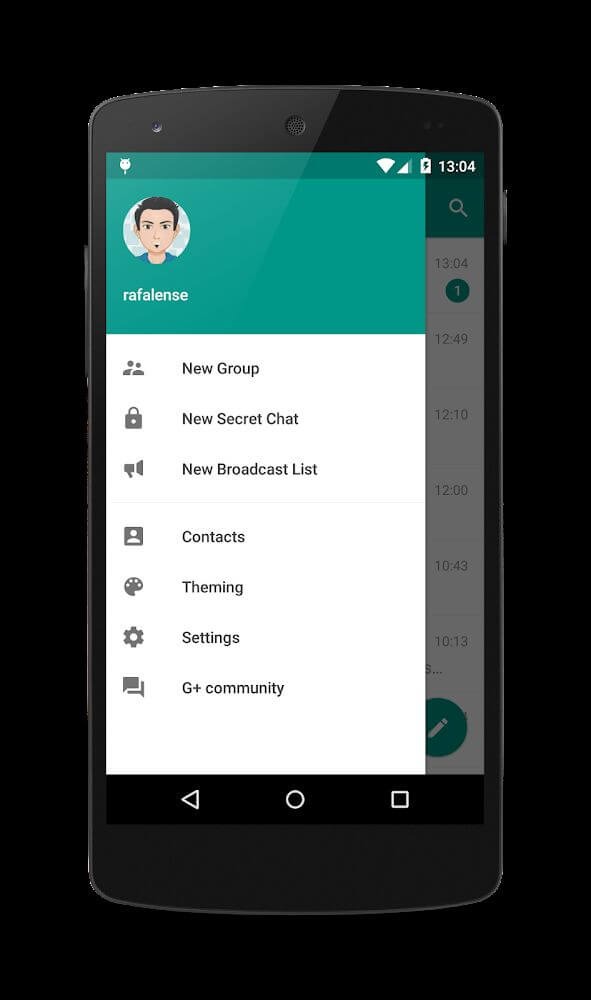
Organized chat management: Plus Messenger lets you split your inbox into tabs for users, groups, channels, bots, favorites, unread, and admin or creator roles. You can sort lists in different ways, pin up to 100 important chats, and keep fast access to the conversations that matter most. It also supports custom Categories that group chats by your own rules, and you can save and restore these groups whenever needed. This structure helps keep a crowded inbox readable at a glance.
Multiple account support: You can add and manage up to 10 accounts in Plus Messenger. Quick switching helps you move from personal to work or community conversations without logging out. Notifications and lists follow the active account, so you stay focused on the right context. This approach cuts down on mistakes and keeps each account’s activity clear.
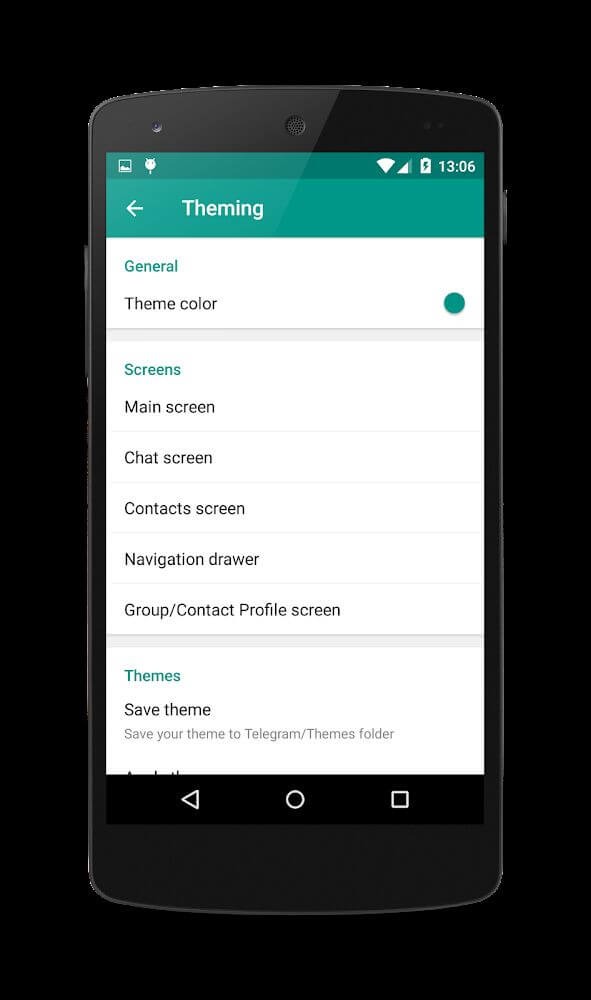
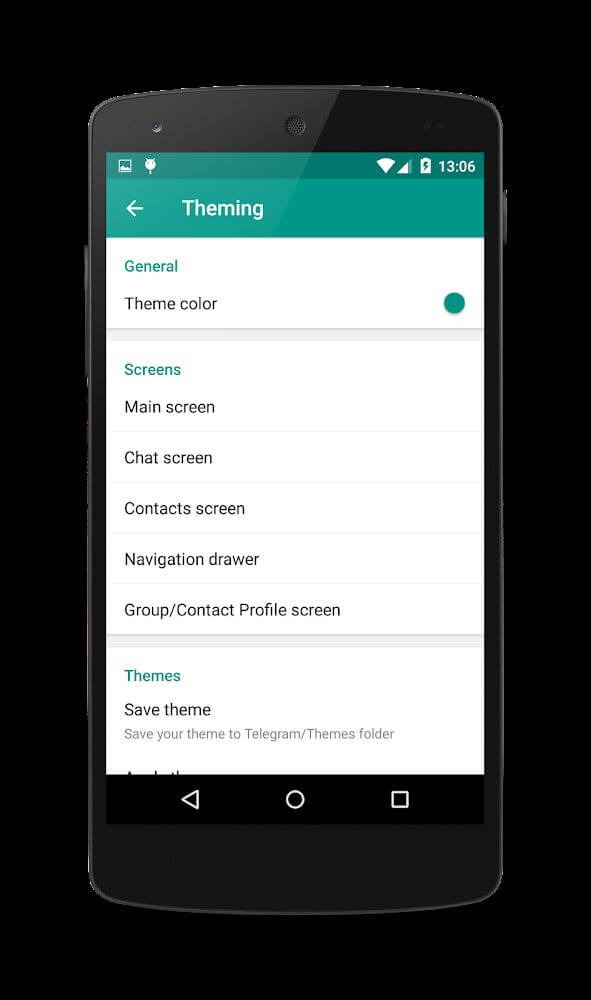
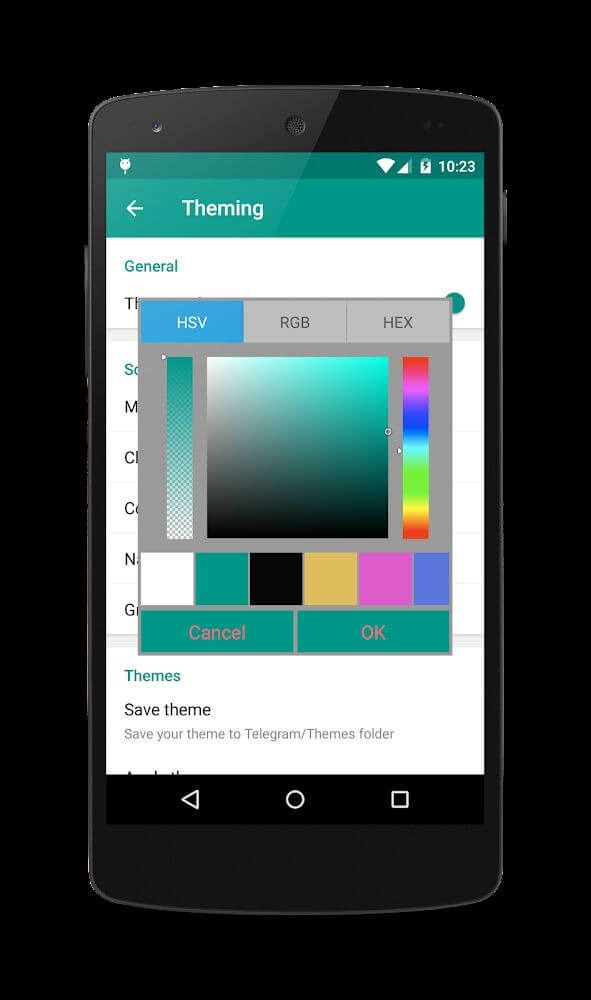
Deep customization: Plus Messenger gives you control over how tabs behave and how chats look. You can choose from many bubble and check styles, use your phone’s emojis and fonts, and enable night mode for comfortable viewing. It also works with dedicated theme apps made for Plus and Telegram, so you can match the interface to your taste. These options help align the app with how you prefer to read and reply.
Advanced messaging controls: With Plus Messenger, you can forward messages without quoting, or edit text before forwarding when you need to clarify context. It lets you set photo quality before sending, preserve original file names when saving, and copy selected parts of a message instead of the entire text. You can also start a round video using the main camera. These small but practical controls reduce friction during daily chats.
Faster navigation and smart signals: A quick bar helps you hop between chats without losing track. Floating indicators show when contacts are online or typing, and you can see download progress right where you need it. Bios can appear inside chats for easy reference, and you can show or hide interface elements like the mute button or bottom bars. These details keep information visible without adding clutter, which is useful in a busy Telegram client.
Users can now save up to 20 favorite stickers, allowing them quick and easy access to express themselves.
The option to show floating notifications when users are online or typing enhances the real-time communication experience.
A select-all feature enables users to take bulk actions on their chats, such as marking them as read, muting/unmuting, or archiving them.
Forwarding messages without quoting and the ability to edit messages or captions before forwarding provide enhanced control over shared content.
Documents can now be saved using their original name, ensuring that users can easily identify and locate their saved files.
Copying selections of text messages allows users to efficiently extract and utilize specific portions of conversations.
Prior to sending photos, users can set the desired image quality to optimize sharing and storage capabilities.
In group chats, users can view the bio of other participants for a more comprehensive understanding of each individual.
Adding time to the floating date in chat facilitates a quick glance at when messages were sent, enhancing the overall chat experience.
To capture moments using the main camera, users can initiate round videos directly from the app interface.
The download progress is now visually displayed, allowing users to easily monitor the status of their downloads.
very good, more information from users, and more tabs, and has two options: copy, copy selection of text , I like it, also has a translate option.
I love this app. But recent update is not comfortable as you have to separate chats into folders everytime you log in to your account. Additionally, the new icons of categories (folders) are not cool somehow, kinda distracting. The older icons were better as they were simple. So I am going to back to the older version of this app. Anyways, this app is super cool.
It's excellent. Way perfect. But could be better.. Make an update with the feature off status uploading like that of WhatsApp. So it could be used as an avenue for business purposes and could and will bring contacts close to each other. Could also add an option of MARKET there.. where people in the same region (locality) buys and sells. This will even make the app go get alot more users and supercede WhatsApp and other media apps. If you are to use my idea.. you out to pay me.
This is THE 3rd party Telegram app to use. I've been using Plus for years over the official Telegram app. I use a lot of the extra features and mods the Plus team implemented. For example, I can change the size of stickers to appear much smaller to take up less room in a chat. There's tons of quality-of-life options. Thanks to the Plus team for all your hard work!
How can we communicate and have fun on the Plus messenger app?
This unique messenger lets you share music with contacts, allows hiding your phone number in group conversations and individual chats, and provides an option not to show a notification each time a screenshot is taken in private chats.
Is it easy to use the Plus messenger app?
Initially, the Plus Messenger interface will seem familiar and a lot closer to WhatsApp and Telegram Messenger. Some people might think that both have been infused together to create Plus Messenger.
What are the ways to secure your privacy on this instant messaging app?
Starting from the privacy settings you can easily restrict who can see and view your phone number. From everybody to My contacts and nobody. Similarly last seen can also be restricted in the same way from everybody to my contacts and nobody. You can also set your profile photo from everybody to contacts only.
How Can we apply call and message restrictions for certain contacts?
Incoming calls can be restricted from everyone to contacts only in Plus Messenger. App security has been thought through and that’s why this messenger app comes with a built-in security code. Just set the pin and you will be password protected.
Can we make new friends using this app?
Similar to the WeChat app you can also discover and look for people in your locality.
Overall, Plus Messenger offers a compelling alternative to traditional messaging apps, combining the familiar interface of Telegram with a host of additional features and customization options. Its combination of security features and reliability in delivering messages make this a noteworthy option for users seeking a more enriching messaging experience.
Size:55.15MB Version:12.9.2.0
Requirements:Android Votes:351
Package Name:org.telegram.plus Signature:500f433437a1542380ed3f9efd32fa59
Utility apps are indispensable in our lives, making our daily routines more convenient. To help you find these apps more easily, this site has created a collection. This collection brings together a series of practical tools covering various aspects of life, work, and education, meeting all your needs. What are you waiting for? Try these apps now and make your life easier!
Transform your mobile device into a powerhouse of efficiency with these handpicked essential tools. Whether you need professional-grade photo editing, seamless file organization, smart task management, or real-time weather updates, our curated selection of premium apps delivers unbeatable performance. Streamline your daily routine, automate repetitive tasks, and boost your productivity with intuitive interfaces and powerful features. Designed for both professionals and casual users, these editor-approved applications will revolutionize how you work and play. Don't settle for an ordinary phone - upgrade your digital experience today and unlock your device's full potential!
About us | Contact us | Privacy policy| DMCA
Copyright © 2026 Xiaohei All rights reserved.