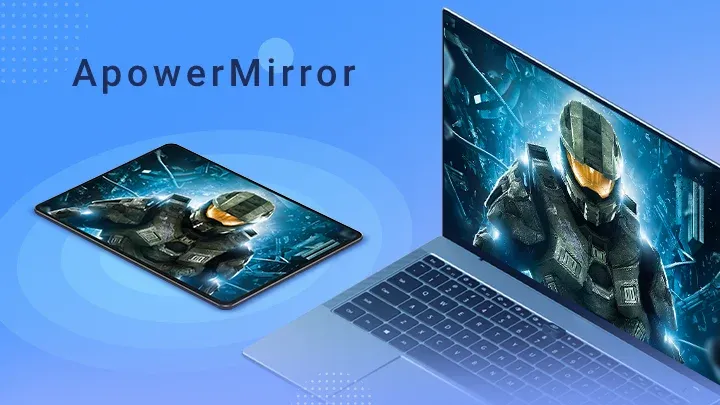
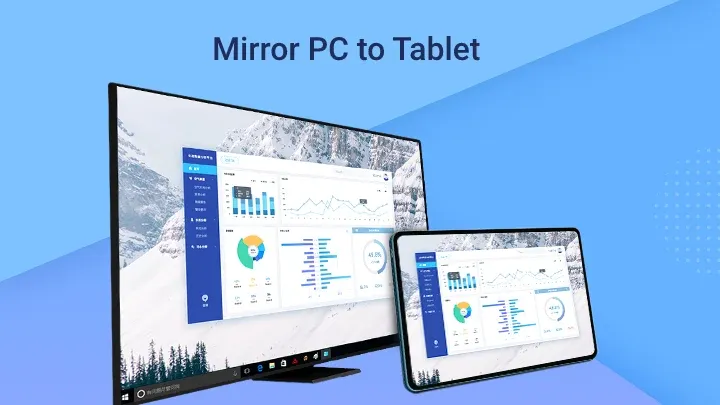
Apowermirror is a screen mirroring tool that enables screen projection between mobile devices, PCs, and tablets, easily synchronizing audio and video across different devices to meet user needs. The software is very easy to use; a simple click is all it takes to mirror the screen, allowing users to enjoy a high-definition large screen while watching movies or playing games. Users can also send pictures, files, and music to different devices. Furthermore, the software boasts excellent compatibility, running on the vast majority of TVs, mobile devices, PCs, and tablets.
High-Quality Screen Mirroring: Experience your phone screen in up to 2K or 4K resolution on your PC or Mac for crystal-clear visuals.
Zero Latency Performance: Optimized for speed and stability, ensuring a smooth, lag-free experience during intense gameplay or high-speed video playback.
Two-Way Control: Use your computer’s mouse and keyboard to control your Android device directly, or flip the script and turn your phone into a remote control for your PC.
Seamless Audio Synchronization: Cast not just the video, but the audio too, providing a full multimedia experience without the need for external cables or complex setups.
Multi-Device Connectivity: Cast to multiple platforms simultaneously, including Windows, macOS, Android TVs, and other streaming devices.
Screen Recording and Screenshots: Capture your best gaming moments or important presentation highlights with one-click built-in recording tools.
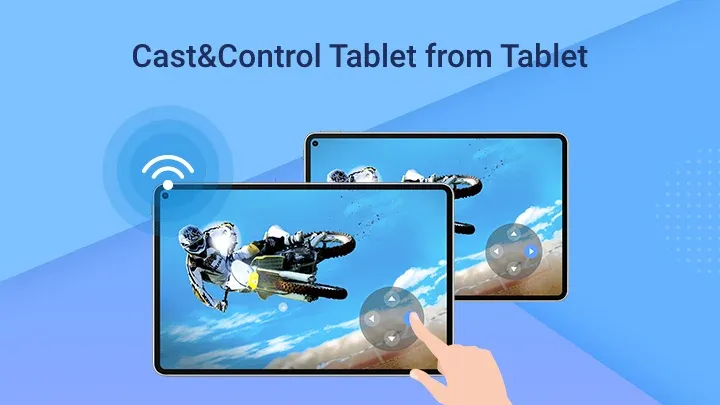
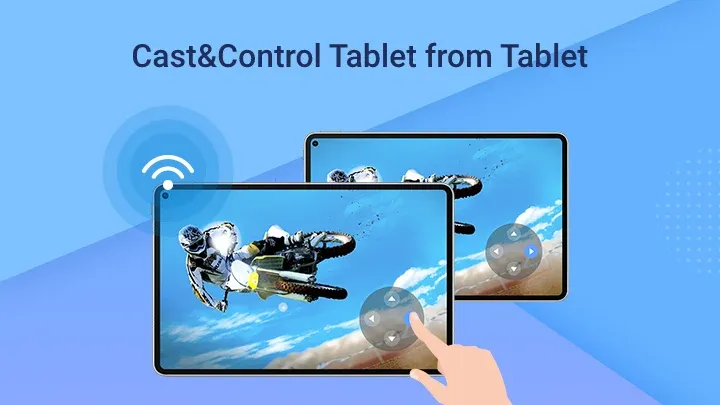
Mirror & Control Phone from Phone: Share your phone’s screen with another device or tablet. This makes sharing videos or files with friends a breeze.
Cast Phone to TV: Easily mirror your Android to your TV, supporting brands like Sony and LG, enhancing your movie and gaming experience.
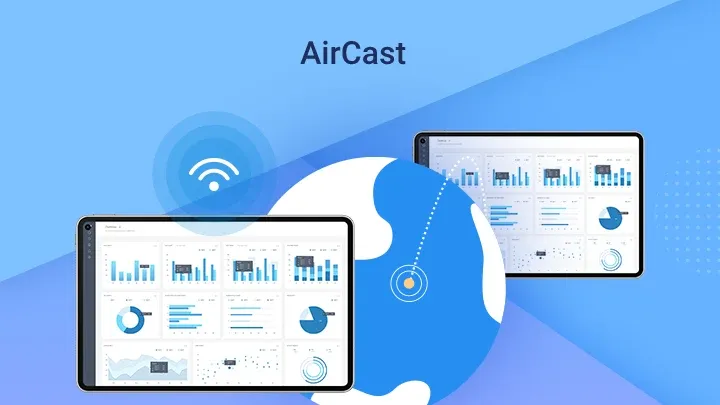
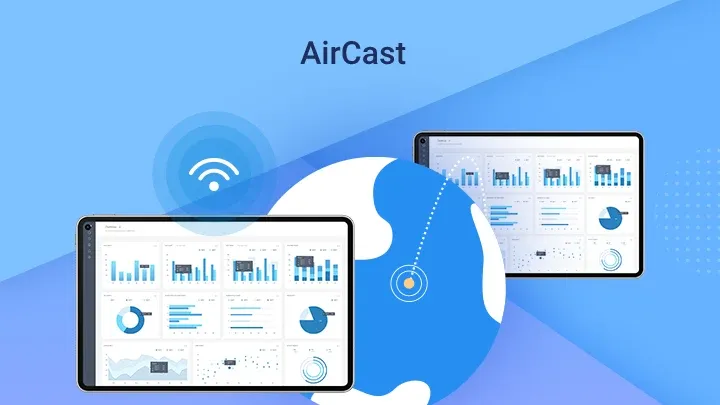
AirCast – Screen Mirror Between Different Networks: Connect and mirror screens across different networks, perfect for remote interactions.
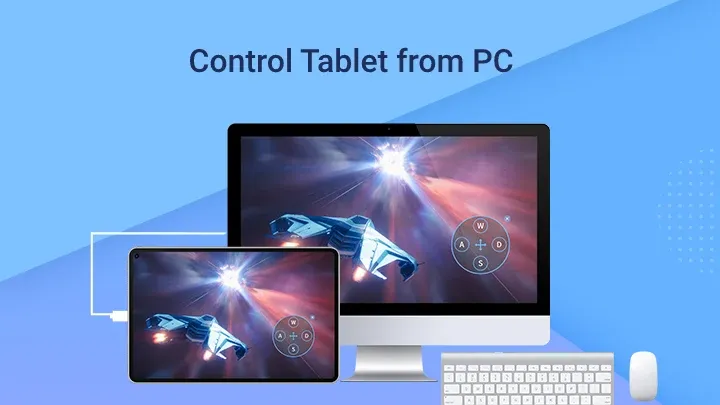
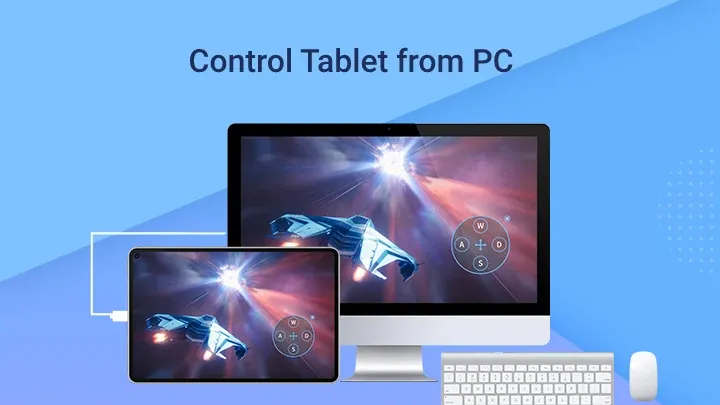
Control Android from PC/Mac: Full control of your Android from the computer, using keys and mouse, enhancing tasks from presentations to gaming.
Multi-screens on One Computer: Mirror up to four devices simultaneously, maximizing efficiency and multitasking.
ApowerMirror works perfectly! Setup is quick, connects right away, and the video & audio quality are great. I haven’t had any issues so far. Thank you for this amazing app!
Good for mirroring, even though it struggles to connect at times. It is very useable and easy to follow. I have used it as a second monitor for my computer which has allowed me to color balance and edit photos better on an amoled display. It serves its niche purposes well.
I do not know what everyone is on about, the app works perfectly. Controls the phone and mirrors. Easy to use and you get 10 minutes unlimited uses for the free version. No ads. Definitely 5 stars. I believe either people don't follow the steps to enable USB debugging or their phone is incompatible. I'm using note 20 ultra.
Maybe not its designed purpose but when my lcd cracked this saved me to transfer my files...I had to combine this with Rotation control to accept the permissions and start the service as half my screen didnt work so it took some effort...but once i was able to have the screen mirrored and controlled with my mouse the rest was cake, thanks for saving me even if it wasnt your intention lol.
One of the best mirroring apps I have seen. And not only it is mirroring app but also a lot of things like it searches for videos documents photos etc. It also have options for mirroring PC screen to the mobile with control from both PC and mobile. It also have options for file sharing. The quality is very good. But I also get a sense of insecurity as the windows defender warns many times for some problems.
How to make sure your phone and PC are connected to the same WiFi?
Many users said they are not sure whether the phone and PC are connected to the same WiFi network. Here is a way for you to check that.
1. Go to WLAN settings to check the IP Address of your phone.
2. Press the Windows key and “R” on your computer. Then type “cmd” and press “OK”.
3. A window will pop up.
4. After the cursor, type ping and your IP address.For example: ping 192.168.2.137.
If your PC shows as below, it means that your devices are connected to the same WiFi network.
5. If it shows “Request timed out”, it means that your phone and computer are not connected to the same network.
How to Adjust Display Quality?
To adjust the display quality, please follow the guide below:
For Android: Open ApowerMirror Android app, slide to the right side, tap “Settings”. There you can change the “Mirroring resolution” and “Mirroring definition”. You can also choose different mirroring mode to adjust the display quality.
For iOS: Open the ApowerMirror desktop program, go to “Display settings” > “AirPlay resolution” and then you can change the display quality.When mirroring via WiFi, the display quality depends on your network in a large scale. If possible, it is recommended to connect to 5G network, instead of 2.4G. Or else, it is possible that the mirrored screen becomes blurry or laggy when watching videos or playing games.
How to Fix Crashing ApowerMirror on PC?
1. Open “This PC” or “My computer”.
2. Input %appdata%ApowersoftApowerMirrorConfig.ini at the position of This PC and press Enter.
3. Notepad will pop up. Add ShowNewerToutrial=False under [Main].
4. Save and close Notepad. Run ApowerMirror again.
With a USB cable or by simply connecting to the same WiFi network, both devices will be synced. And what does that mean? Well, that whilst you're working on your PC you can attend any of the apps running on your smartphone. Yes, you can also play your favorite Android games on your PC. What else could you want?
Size:67.88MB Version:1.8.36
Requirements:Android Votes:65
Package Name:com.apowersoft.mirror Signature:db30e77dce7b50594ea0dc7e4fcd64f2
Utility apps are indispensable in our lives, making our daily routines more convenient. To help you find these apps more easily, this site has created a collection. This collection brings together a series of practical tools covering various aspects of life, work, and education, meeting all your needs. What are you waiting for? Try these apps now and make your life easier!
With the development of mobile hardware and software, many practical tool software have emerged, covering a wide range of aspects and becoming a good helper for everyone in work and life. Today, the editor provides you with a list of useful tool software downloads. These tools are not particularly complex types, and after reading them, everyone can quickly learn how to use them. Proper use can bring great convenience to life and work.
About us | Contact us | Privacy policy| DMCA
Copyright © 2026 Xiaohei All rights reserved.