Alarmy is a convenient and easy-to-use alarm clock app designed for deep sleepers, featuring powerful ringtones to help users wake up promptly. Users can freely customize their alarm sounds, using various music tracks or even self-introduced quotes. The app also includes a built-in sleep tracker to monitor sleep patterns and present data in charts to help users understand their light and deep sleep ratios and average durations. Users can also set soothing music as their bedtime ringtone before sleep, promoting a more restful sleep experience.
Many people will turn off their alarm clock and go back to bed. They can’t resist the sleepiness. They “get used” to the alarms over time and no longer get startled by them. The worst thing that can happen is they fall asleep, and they don’t know when their alarm went off. With this application, the user will get a new perspective.
Alarmy allows you to do different kinds of work such as searching for an item. The application will ask you complete the task of searching for an object and you’ll begin to concentrate on your search. You may also be asked to scan QR codes or barcodes. These requests can sometimes make you move in order to complete the task.
You can do exercise in addition to scanning an object with Alarmy. After requesting this, you’ll be fully awake after you’ve done some light exercises that are suitable for your condition. You can either move in the number of steps specified or perform a light squat. After you’ve completed these exercises you will feel fully awake.
It can take a person with difficulty sleeping tens or even hundreds of minutes of tossing around before they fall asleep. Even if they do sleep, it is often interrupted and they wake up frequently in the middle night. The next morning, they feel tired and drowsy. It is hard for them to focus or be productive and effective at work or in school.
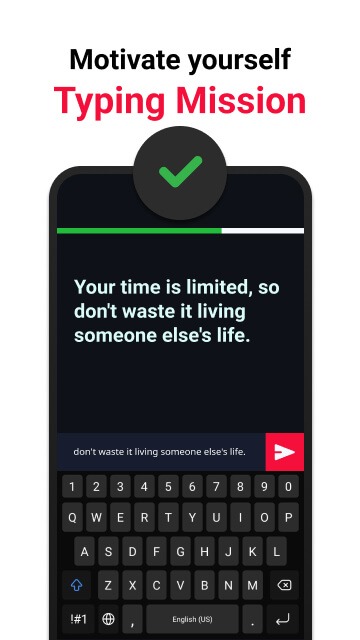
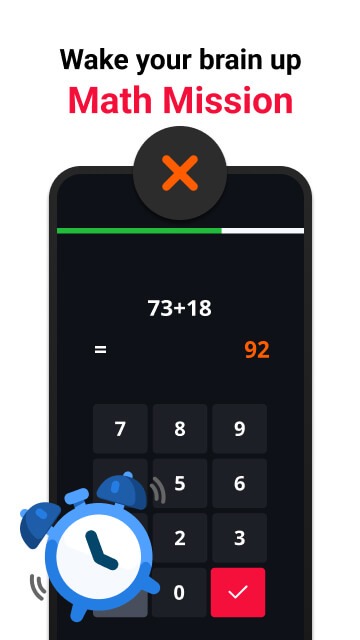
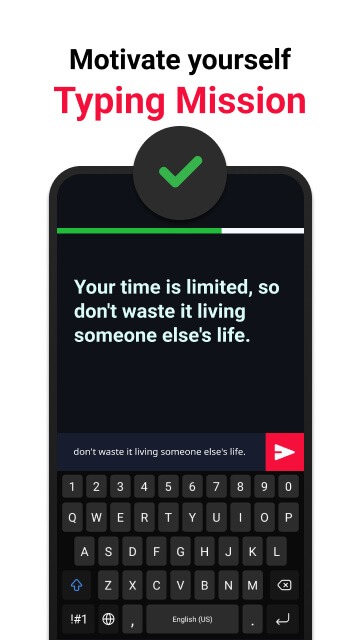
You can also choose to do other things if you don’t like exercising. There are questions about math and other topics. You’ll need to be awake to answer these. Typing short sentences is a harder exercise for people who are still asleep. You will be motivated by the positive meanings of these sentences.
You can use the app to measure your alertness when performing certain activities. These activities will force you to use your brain and solve problems, or make you move in order to awaken your body. The application also has a sobriety rating, which will determine the level of questions you see. You have to do them all to be able wake up.
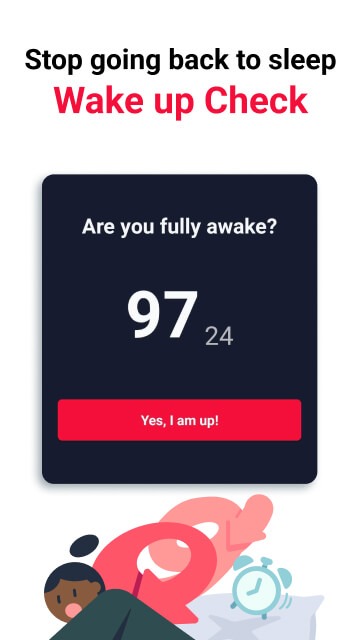
You must be aware of several things when using the application to ensure that you cannot continue to sleep. The application will ask you to complete certain tasks before you can go back to bed. You can’t also turn off the alarm because you cannot do so until the application’s features are completed. It reduces the number of times you go back to bed after turning off your alarm.
Alarmy encourages users to establish a consistent night routine, which is crucial for achieving better sleep quality. The app allows users to set both a bedtime reminder and a wake-up alarm. By adhering to a nightly schedule and utilizing the calming sleep sounds, users can foster healthier sleep habits. This routine can lead to more refreshing mornings and a reduction in chronic fatigue.
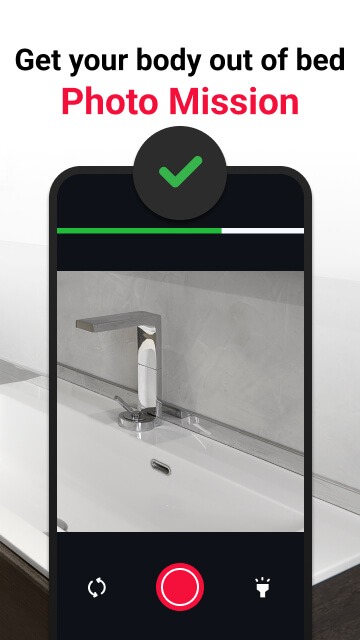
For individuals who are studying or working on specific projects, Alarmy offers a unique feature called the Photo Mission. Users can set a photo of their study materials or work-related items as the alarm dismissal mission. This encourages immediate engagement with their goals as they wake up. By integrating their alarm with their daily tasks, users can create a more purposeful waking experience.
The app’s accessibility features include the use of the Accessibility Service API to enhance the alarm experience. This service ensures that the device remains active while the alarm is ringing, preventing users from easily turning it off. Consequently, those who may be prone to hitting the off button while still drowsy will find it more challenging to do so, thus promoting better waking habits.
With a user-friendly interface, Alarmy is designed to be intuitive and easy to navigate. Users can customize their alarm settings and sleep preferences, tailoring the app to meet their individual needs. The combination of various alarm types, sleep tracking, and calming sounds makes Alarmy a versatile tool for anyone looking to improve their sleep and wake-up routine.
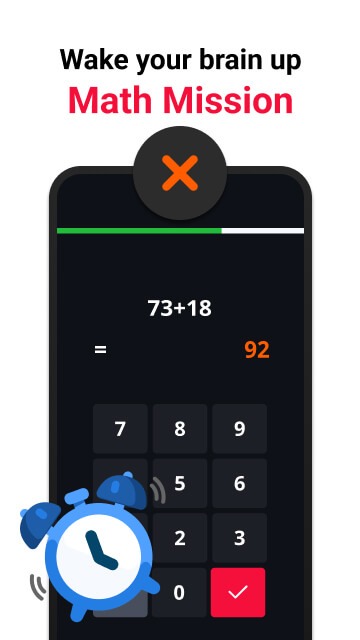
Had an issue w it switching itself to dark mode but a fix was quickly patched in :). Great options for different types of alarms. Personally I use the math problems in the morning and it helps wake me up a bit. The photo alarm is excellent too. Good options for loud noises or music/ringtone alarms. I absolutely love the little motivational note when you go to exit the app, please keep those as a feature.
Complete game changer for my mornings, I'm not going back to sleep after turning off my alarm barely even conscious or even sleeping through them entirely. Alarmy doesn't make that possible and feels like the equivalent of someone waking you up by hitting pots and pans, and I LOVE IT! Bonus that I can immediately see the weather forecast for my area.
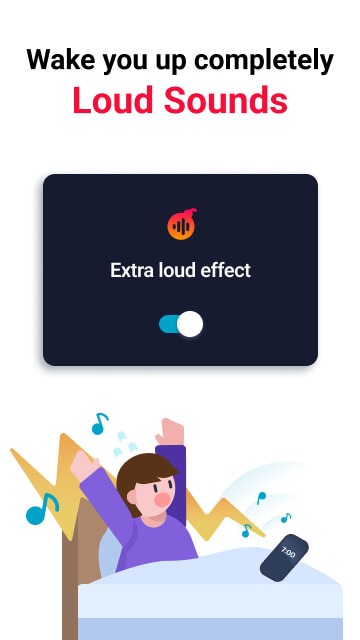
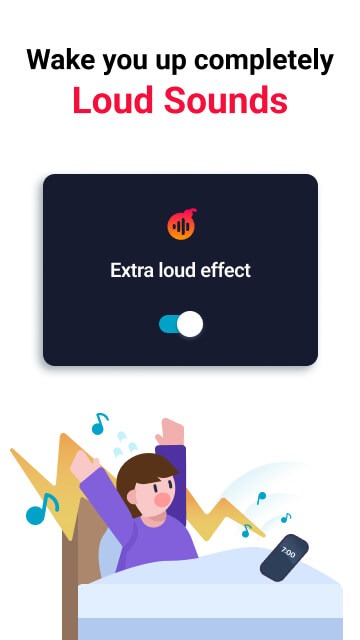
Finally an alarm that actually gets me out of bed!This app is an absolute game-changer. I used to hit snooze 5 times every morning and be late for everything. The photo mission (forcing me to get up and take a picture of my bathroom sink) completely cured my habit of falling back asleep. The loud ringtones are impossible to ignore. Highly recommend it to heavy sleepers or anyone struggling with morning routines!
Wonderful!! The options for songs and wake-up games are extensive. I've been doing three alarms each morning (I wake up on the first one; this app KEEPS me awake). The challenges have seriously done wonders for my brain. I do a memory challenge and then a math challenge, and let me tell you I'm SO much better at quick arithmetics now. Definitely recommend if you're trying to wake up AND strengthen your brain!!
My alarm didn’t ring?
As Android OS versions evolve, device manufacturers often implement their own restrictions that can interfere with how apps like Alarmy operate. Since Alarmy is a third-party app, it doesn't have full control over your device and may be affected by manufacturer-specific settings.
What can I do if I'm in an emergency situation to do a mission (e.g., Photo, QR/Barcode, etc)?
In a nutshell,If you’re unable to take a photo or scan a QR/barcode to complete the mission, you can dismiss the alarm using Emergency mode.To elaborate,After tapping the “Start mission” button, tap the Emergency Mode button in the top right corner to begin.Follow the instructions on the screen to tap the moving button 100 times to dismiss the alarm.A number button will appear randomly inside a 5x5 grid— follow and tap until the count reaches 0.Each time you use Emergency mode, the required number of taps for the next use will increase by 100.However, the tap count will reset automatically 30 days after your first use.
Can I set a music file and use it as my alarm sound?
In a nutshell,Yes — if you upload a music file without copyright restrictions to your device, you can use it as your alarm sound.
What kind of file can I use?
To use a song as your alarm sound, make sure it’s a non-DRM music file.This could be a track you’ve purchased outright or added to your device manually (not via streaming apps).If it plays freely in any music player app, it’s likely DRM-free and ready to use with Alarmy.
Can I skip the next alarm only once without disabling it?
In a nutshell,You can skip the upcoming alarm just once by tapping the menu button (⋮) on the right side of the alarm and selecting Skip once.
Alarmy targets mornings when a regular alarm is easy to ignore. It suits deep sleepers, frequent snoozers, and anyone who wants a clear start to the day. The app pairs loud audio with tasks that build movement and focus, so getting up becomes more consistent. It also offers tools that support better sleep and simple routines.
Size:123.94MB Version:26.33.1
Requirements:Android Votes:544
Package Name:droom.sleepIfUCan Signature:1f393ac6af2f3aea65b0eb6f63783142
Transform your mobile device into a powerhouse of efficiency with these handpicked essential tools. Whether you need professional-grade photo editing, seamless file organization, smart task management, or real-time weather updates, our curated selection of premium apps delivers unbeatable performance. Streamline your daily routine, automate repetitive tasks, and boost your productivity with intuitive interfaces and powerful features. Designed for both professionals and casual users, these editor-approved applications will revolutionize how you work and play. Don't settle for an ordinary phone - upgrade your digital experience today and unlock your device's full potential!
With the development of mobile hardware and software, many practical tool software have emerged, covering a wide range of aspects and becoming a good helper for everyone in work and life. Today, the editor provides you with a list of useful tool software downloads. These tools are not particularly complex types, and after reading them, everyone can quickly learn how to use them. Proper use can bring great convenience to life and work.
About us | Contact us | Privacy policy| DMCA
Copyright © 2026 Xiaohei All rights reserved.