QuickEdit Text Editor is a text editor tool. It supports over 170 languages and has a built-in online compiler, supporting many common programming languages. It features a built-in interpreter and can handle large text files exceeding 10,000 lines with high performance and no lag. It supports opening multiple tabs and has unlimited undo and redo buttons. It allows for one-click first-line indentation and includes a built-in physical keyboard and key combinations. It easily inputs hexadecimal color values and detects some encodings and character sets. It supports switching between light and dark color themes. The software is simple and easy to use, yet very powerful.
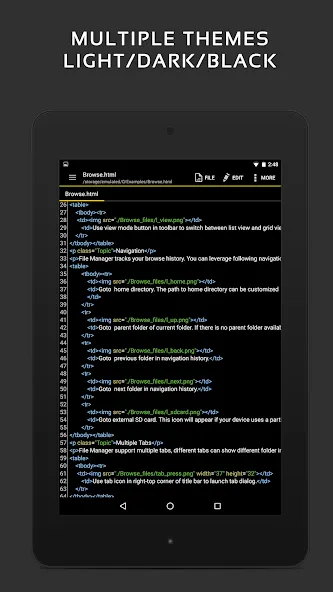
Enhanced notepad application with numerous improvements.
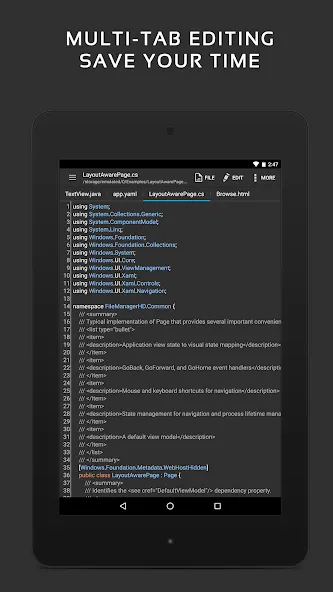
Code editor and syntax highlight for 170+ languages (C++, C#, Java, XML, Javascript, Markdown, PHP, Perl, Python, Ruby, Smali, Swift, etc).
Include online compiler, can compile and run over 30 common languages (Python, PHP, Java, JS/NodeJS, C/C++, Rust, Pascal, Haskell, Ruby, etc).
High performance with no lag, even on large text files (more than 10,000 lines).
Easily navigate between multiple open tabs.
Show or hide line numbers.
Undo and redo changes without limit.
Display, increase, or decrease line indentations.
Fast selecting and editing abilities.
Physical keyboard support, including key combinations.
Smooth scrolling both vertically and horizontally.
Directly target any specified line number.
Quickly search and replace content.
Easily input hex color values.
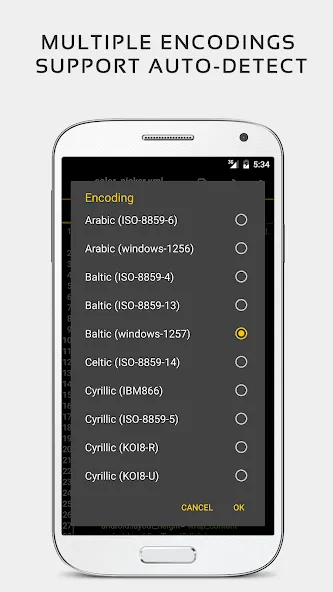
Automatically detect charset and encoding.
Automatically indent new lines.
Various fonts and sizes.
Preview HTML, CSS, AsciiDoc and markdown files.
Open files from recently opened or added file collections.
Ability to edit system files on rooted devices.
Integrate and easy access to GitHub and GitLab.
Access files from FTP, Google Drive, Dropbox, and OneDrive.
Handy tool to edit INI, LOG, TXT files and hack games.
Supports both light and dark themes.
Optimized usage for phones and tablets.
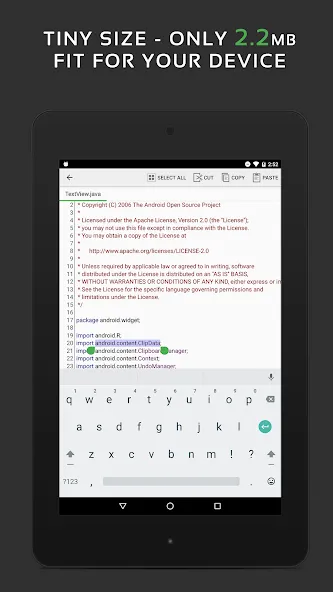
Open QuickEdit, tap the file icon, and choose a local file or create a new document.
Begin typing or paste content, then adjust indentation and line numbers from the toolbar for clarity.
Then, use Search and Replace to find variables, headings, or phrases, and review each match before confirming.
Use the tab bar to open another file and compare side by side by switching tabs as needed.
So, when you are ready, tap Save, pick the folder, and confirm the file name to finish your changes.
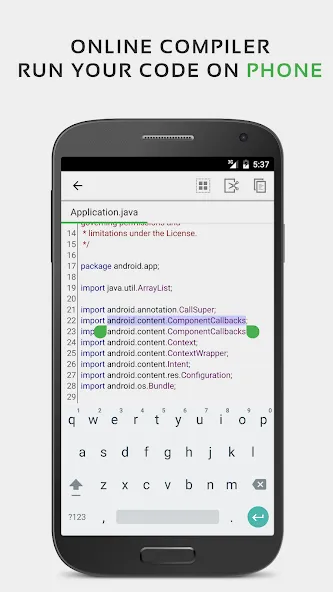
This app is a game-changer for mobile coding. As a dev, finding an editor that doesn’t feel like a compromise is rare, but this nails it. The syntax highlighting is spot-on, making complex files easy to read on a small screen. The secondary keyboard is the real MVP, though—it puts essential symbols right at your fingertips so you aren't hunting for brackets or semicolons. It’s officially turned my phone into a legit workstation for quick fixes. Easy 5 stars!
I LOVE THIS APP. It's the best text editor and I have zero complaints. It really helps me handle large text and codes easily. Great work team Rhythm software. I am looking forward to seeing more great features you will add to this app.
your app is very useful and dangerous for developers of the same time i hacked a random game's currency and now i have unlimited money thank you very much i hope google llc doesn't delete this app from this store
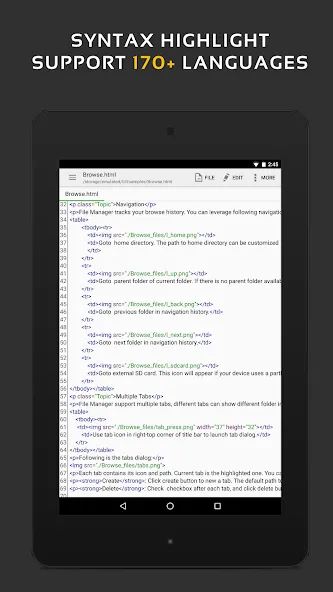
QuickEdit Text Editor is an incredibly practical, fast, and stable text editor that makes it possible to edit more than fifty different programming languages. If you're looking for a good text editor for Android capable of working with large files and thousands of lines, then look no further - this is the best option you can find.
Size:47.68MB Version:1.12.11
Requirements:Android Votes:219
Package Name:com.rhmsoft.edit Signature:9d1704c6aca191e518abcee7ad0011e0
Utility apps are indispensable in our lives, making our daily routines more convenient. To help you find these apps more easily, this site has created a collection. This collection brings together a series of practical tools covering various aspects of life, work, and education, meeting all your needs. What are you waiting for? Try these apps now and make your life easier!
Transform your mobile device into a powerhouse of efficiency with these handpicked essential tools. Whether you need professional-grade photo editing, seamless file organization, smart task management, or real-time weather updates, our curated selection of premium apps delivers unbeatable performance. Streamline your daily routine, automate repetitive tasks, and boost your productivity with intuitive interfaces and powerful features. Designed for both professionals and casual users, these editor-approved applications will revolutionize how you work and play. Don't settle for an ordinary phone - upgrade your digital experience today and unlock your device's full potential!
With the development of mobile hardware and software, many practical tool software have emerged, covering a wide range of aspects and becoming a good helper for everyone in work and life. Today, the editor provides you with a list of useful tool software downloads. These tools are not particularly complex types, and after reading them, everyone can quickly learn how to use them. Proper use can bring great convenience to life and work.
About us | Contact us | Privacy policy| DMCA
Copyright © 2026 Xiaohei All rights reserved.