Xposed GEL Settings is a collection of useful tools designed specifically for Android devices. This application offers powerful features, requires root access and Xposed framework support, and gives users strong control over the device launcher interface. With Xposed GEL Settings, users can hide various interface elements and adjust the network layout of the home screen, app drawer, and app lighting. Additionally, the app offers robust icon pack support, enabling the automatic application of new icon packs and even supporting dynamic calendar icons.
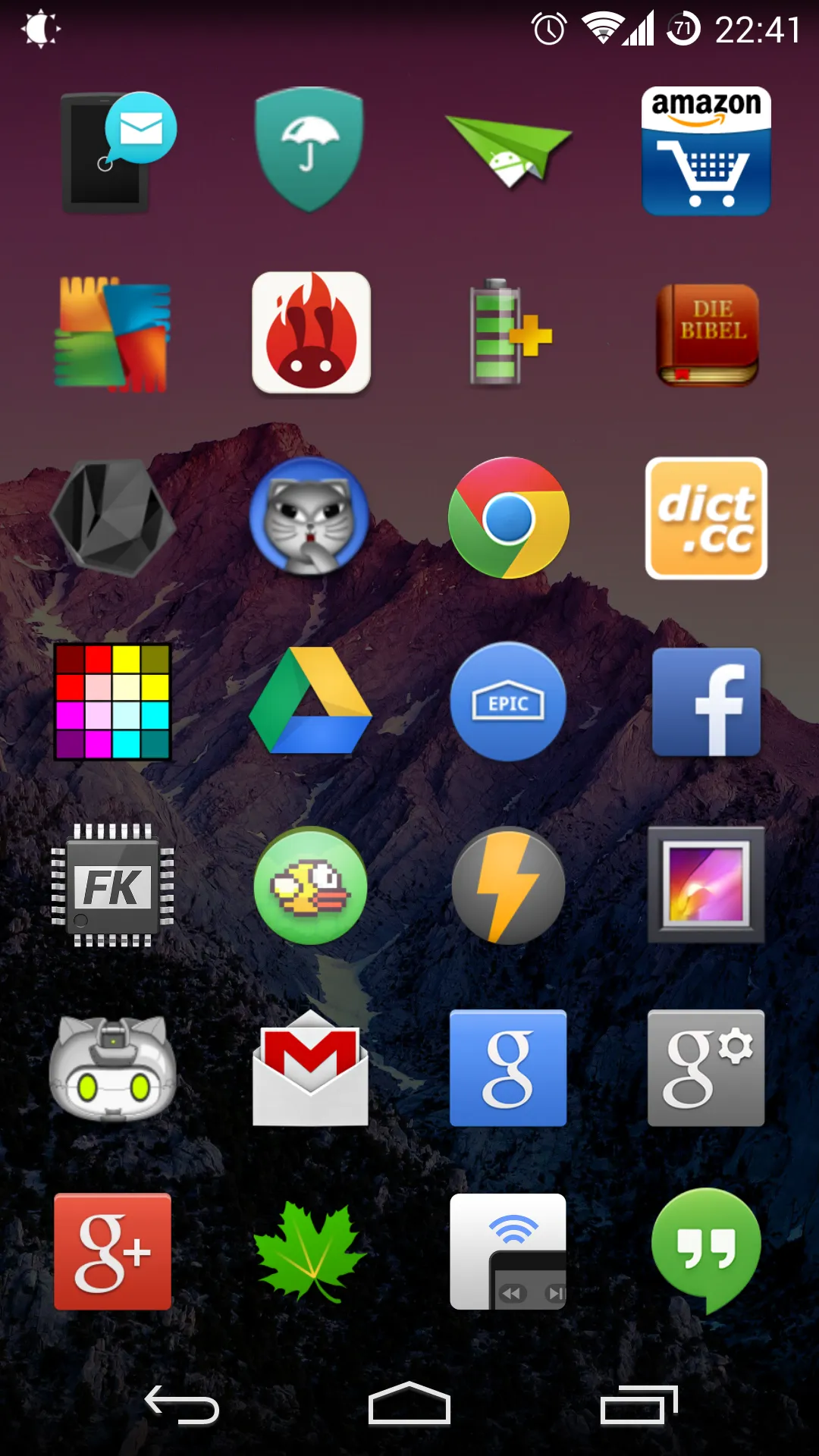
With Xposed GEL Settings, you can easily modify the appearance and functionality of your launcher. Adjust grid sizes, icon layouts, and even the search bar's position to create a layout that feels uniquely yours.
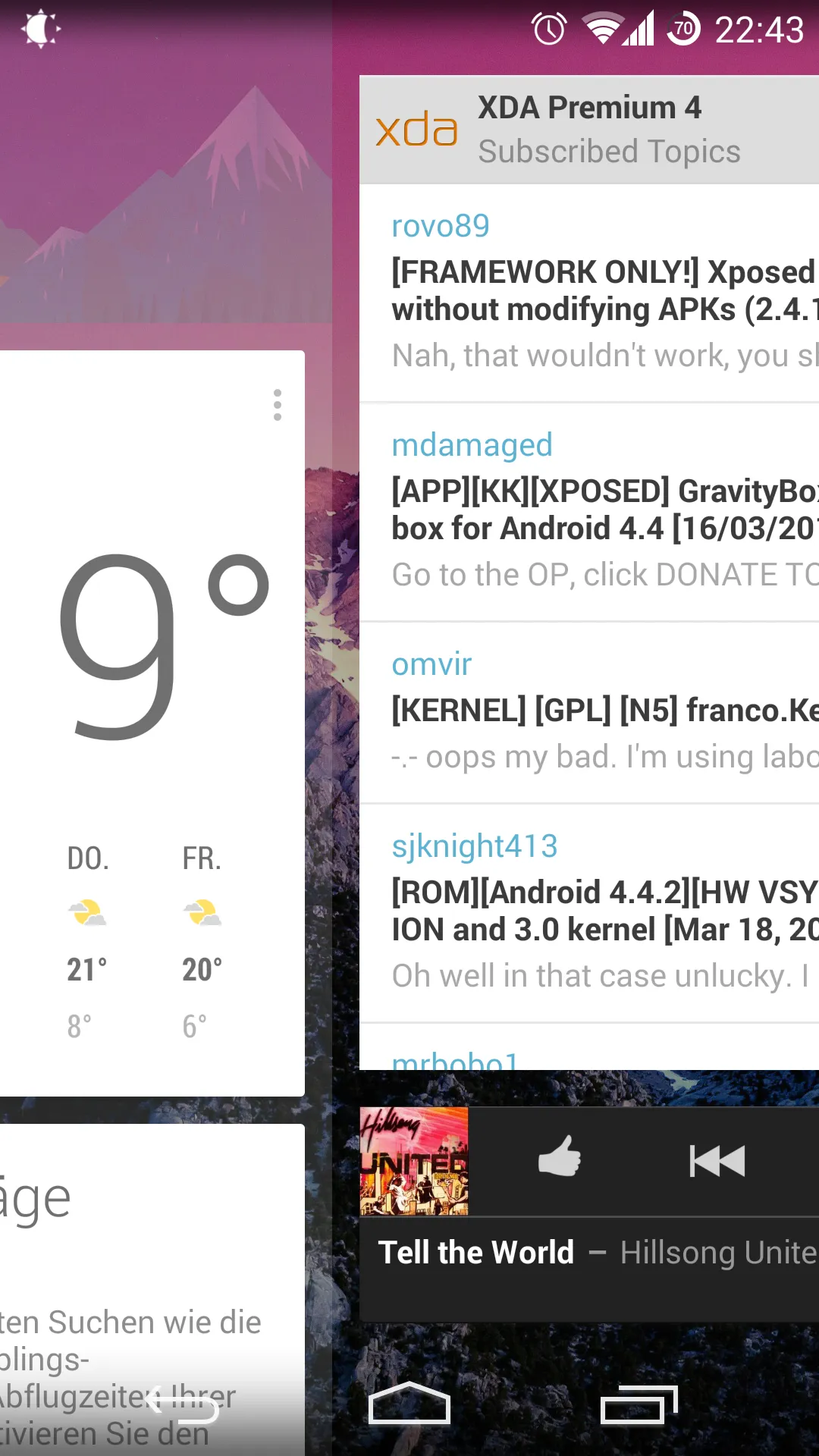
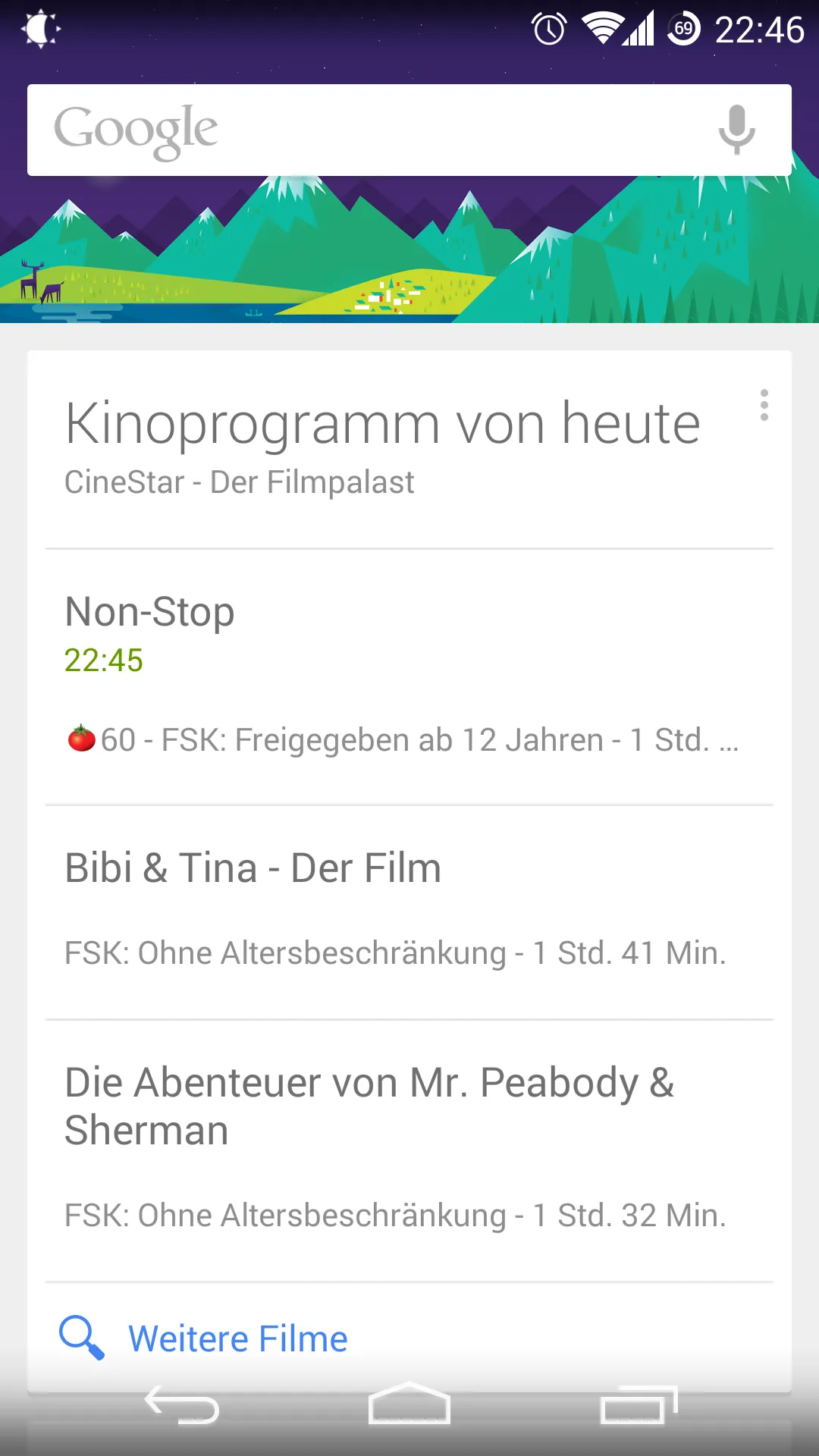
The app also offers options to customize the Google Now page, allowing you to enhance your access to information and services.
The intuitive interface makes it easy to navigate through the numerous customization options, whether you're a novice or an experienced user.
Additionally, Xposed GEL Settings supports a wide range of devices, ensuring compatibility across various Android versions.
Unlock the full potential of your Google Experience Launcher with Xposed GEL Settings and transform your home screen into a reflection of your personality.
Enjoy a seamless blend of functionality and aesthetics, all at your fingertips.
Hide:
- Google search bar / automatically show search bar on Google Now
- apps from the app drawer
- widgets
- page indicator
- app dock / auto hide
- all apps button
- icon labels
Icon Pack Support [XGELS Premium*]
- supports any icon pack
- automatically applies new icon packs
- dynamic calendar icon (free: unthemed, paid*: themed by icon pack)
Notification Badges [XGELS Premium*]
- using MissedIt!
- rotate launcher
- all widgets are fully resizeable
- set your own default homescreen
- lock desktop
- continuous scroll (experimental)
- overscroll left or right to open the app drawer
- overscroll in app drawer goes back to homescreen
- close app drawer after launching an app
- disable wallpaper scrolling
- Add support for android T.
- Removed permission QUERY_ALL_PACKAGES.
- Upgrade target SDK to 31.
- More supports for workspace/multi app.
- Less grayed icon.
- Bug fixes and other optimizes.
- New bugs.
Fully resizable widgets and a set-your-own default home screen function emphasize efficiency and personalization. Premium users can access backup and restore functions to save and retrieve home screen layouts, ensuring their custom setup can be easily recovered. Xposed GEL Settings offers robust functionality for users seeking to personalize their Android experience beyond standard settings.
Size:2.94MB Version:3.0.1
Requirements:Android 4.1+ Votes:407
Package Name:de.theknut.xposedgelsettings Signature:d55da036c82af5ffbc23bee238a0560f
Transform your mobile device into a powerhouse of efficiency with these handpicked essential tools. Whether you need professional-grade photo editing, seamless file organization, smart task management, or real-time weather updates, our curated selection of premium apps delivers unbeatable performance. Streamline your daily routine, automate repetitive tasks, and boost your productivity with intuitive interfaces and powerful features. Designed for both professionals and casual users, these editor-approved applications will revolutionize how you work and play. Don't settle for an ordinary phone - upgrade your digital experience today and unlock your device's full potential!
With the development of mobile hardware and software, many practical tool software have emerged, covering a wide range of aspects and becoming a good helper for everyone in work and life. Today, the editor provides you with a list of useful tool software downloads. These tools are not particularly complex types, and after reading them, everyone can quickly learn how to use them. Proper use can bring great convenience to life and work.
About us | Contact us | Privacy policy| DMCA
Copyright © 2026 Xiaohei All rights reserved.