XDA is a forum access tool. Accessing forums through this tool offers extremely high speed. It allows easy access to forums and posts that users follow. It also features a navigation tab and favorites mode at the bottom, helping users quickly find forums. This software allows for fast reading and writing of posts. Users can customize gestures, easily follow posts, and tag them. It also allows switching between light and dark themes and includes a powerful built-in search engine. No registration is required to access XDA forums. The user-friendly interface allows users to quickly get started.
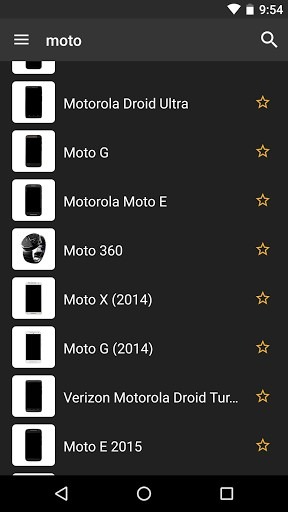
Fast, based on XenForo
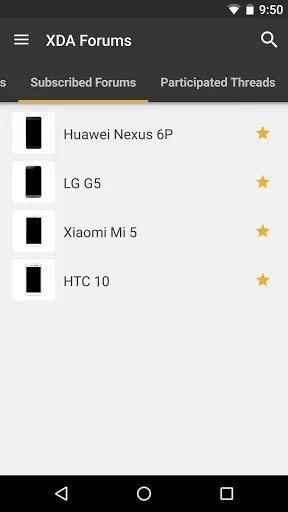
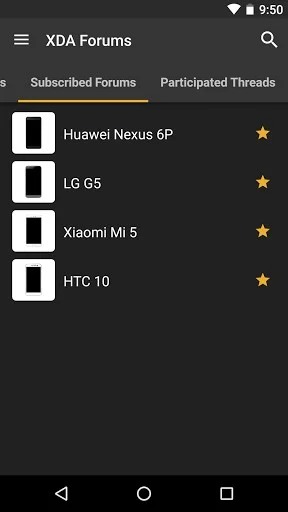
Keep your watched threads and forums within easy reach
Fully material design with hand-friendly bottom tab navigation
Read, write, and reply to threads
Customizable gestures to easily share, save, watch and mark a thread read or unread
Full support for quotes/mention
Light/dark themes
Notification support
Great search tools
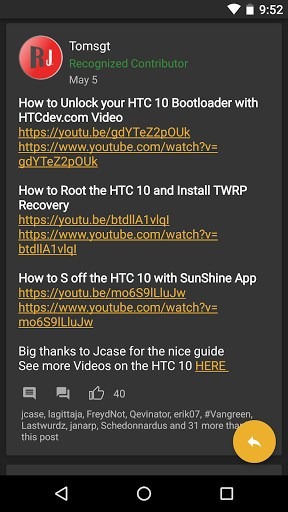
Pros:
Easy access to XDA Forums without the need for registration.
Engagement opportunities through comments and discussions.
Direct access to XDA Labs for an expansive selection of apps.
User-friendly interface designed for smooth navigation.
Cons:
Some features, such as app downloads, require registration.
Occasional navigation hiccups reported during high traffic.
[feature] Scroll to the top of tabs by clicking tab title
[feature] Add support for https forum links
[tweak] Updated device names lib
[tweak] Updated SearchPlus libs
[tweak] Thread search results launch new stack (>KK)
[tweak] Shared forum URLs default to https
[tweak] Browser option for failed forum URL parse
[tweak] Update translations / add Arabic
[fix] Backing out of articles properly kills video
[fix] Prevent quoting/replies in locked threads
[fix] Page # in URL share
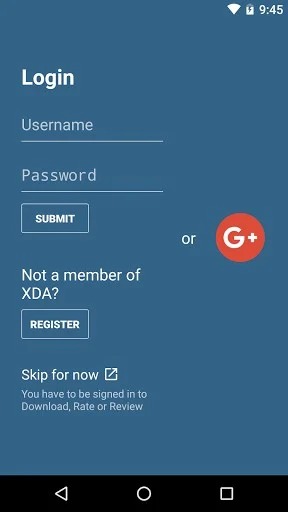
In summary, this application allows you to easily access its forums, view all topics at a glance, post comments, and perform all the actions you would normally do on the website. No registration is required to enter the forums, but registration is necessary if you wish to post comments.
Size:75.08MB Version:2.15.41
Requirements:Android 4.0+ Votes:431
Package Name:com.xda.labs.play Signature:95cccaff14a30404cb0844af3dc13081
Utility apps are indispensable in our lives, making our daily routines more convenient. To help you find these apps more easily, this site has created a collection. This collection brings together a series of practical tools covering various aspects of life, work, and education, meeting all your needs. What are you waiting for? Try these apps now and make your life easier!
Transform your mobile device into a powerhouse of efficiency with these handpicked essential tools. Whether you need professional-grade photo editing, seamless file organization, smart task management, or real-time weather updates, our curated selection of premium apps delivers unbeatable performance. Streamline your daily routine, automate repetitive tasks, and boost your productivity with intuitive interfaces and powerful features. Designed for both professionals and casual users, these editor-approved applications will revolutionize how you work and play. Don't settle for an ordinary phone - upgrade your digital experience today and unlock your device's full potential!
With the development of mobile hardware and software, many practical tool software have emerged, covering a wide range of aspects and becoming a good helper for everyone in work and life. Today, the editor provides you with a list of useful tool software downloads. These tools are not particularly complex types, and after reading them, everyone can quickly learn how to use them. Proper use can bring great convenience to life and work.
About us | Contact us | Privacy policy| DMCA
Copyright © 2026 Xiaohei All rights reserved.