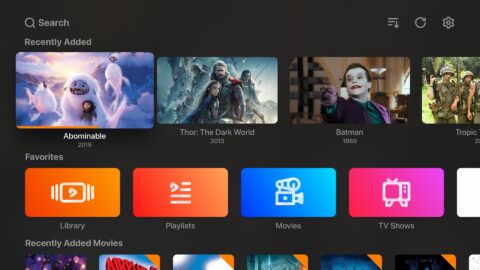
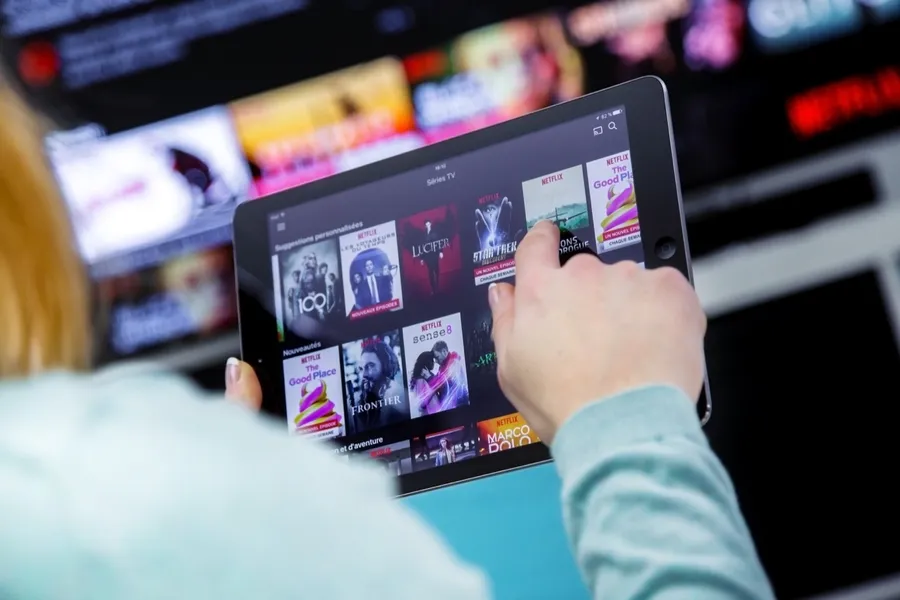
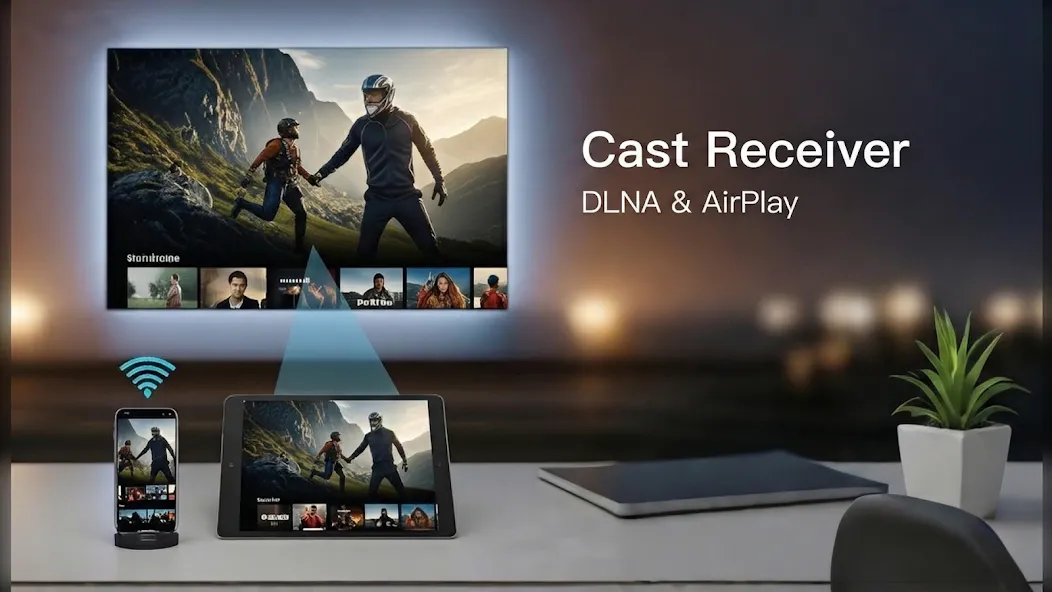
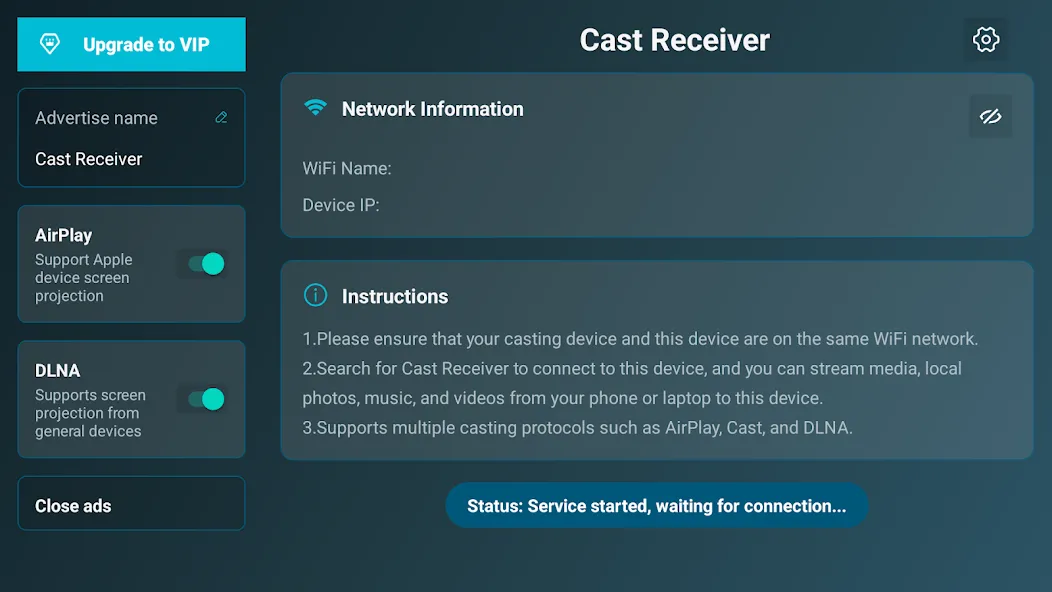
AirPlay/DLNA Receiver is a convenient screen-casting application that supports both DLNA and AirPlay protocols, enabling seamless screen casting across devices running different operating systems. Whether watching movies or gaming, users can enjoy a high-definition, large-screen experience. Additionally, users can import video and audio files in various formats; the software ensures low-latency transmission and allows for remote control via devices such as smartphones and tablets.
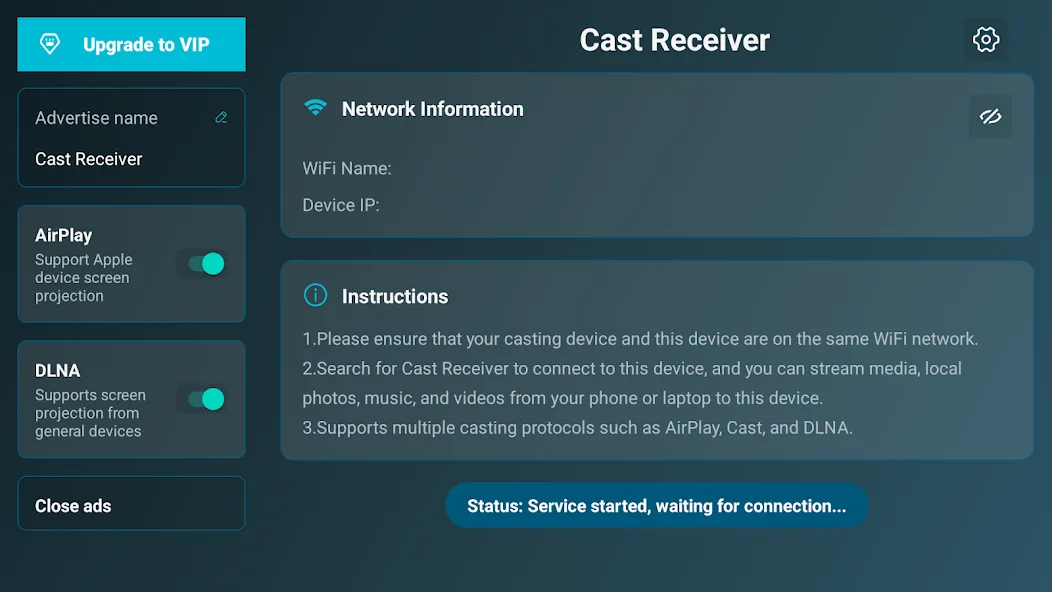
Support AirPlay video/music streaming and screen mirroring on all iOS/MacOS versions.
The FIRST app supporting the latest Youtube AirPlay streaming.
The FIRST app supporting slideshow for AirPlay photo streaming.
The FIRST app supporting AirPlay password protect.
Support DLNA and UPnP.
Automatic startup and Service shutdown configurable.
Audio streaming background played without delay.
Support Windows streaming and mirroring(Working with AirPinPcSender.exe).
Support AndroidSender(Android mirroring/streaming via AirPinCast).
Constant bug fixing and updating within our capability.

Audio Sync with AirExpress Devices: Enjoy synchronized audio playback with other AirExpress devices.
AirMirror Support: Experience the best performance in third-party AirPlay applications with AirMirror.
Slideshow Feature: Create and display photo slideshows effortlessly.
Compatibility with AirParrot: Mirror your PC screen on your Android tablet using AirParrot.
Background Service: Runs in the background, allowing for continuous streaming.
Configurable Network Name: Customize the network name for easy identification.
Auto-Start on Boot: The app can be configured to start automatically when your device boots.
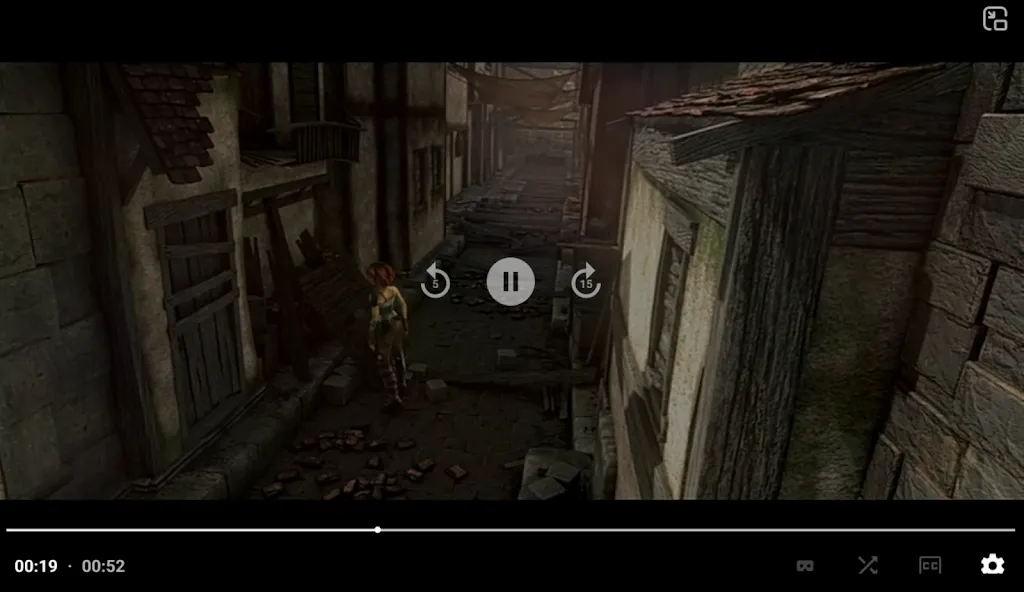
Works great! I can easily mirror my iPhone to my Android TV. Connection is fast and stable.
This app generally works great! Video player still struggles with HEVC x265 .mkv format but dev is actively working to resolve this and actually cares about this app and it's users.
Easy to use and works straight out of the box on various devices. A solid and reliable app.
Very simple AirPlay receiver. My iPhone found the TV quickly and streaming worked without much setup.
This app is great. My TV perfectly shows the screen of the iPhone.
AirPlay/DLNA Receiver is your go-to app for advanced screen mirroring and media streaming. This STD version allows you to display one device screen at a time, perfect for presentations, movie nights, or sharing photos. For an enhanced experience, upgrade to the PRO version to display up to four device screens simultaneously after removing ads and unlocking all features.
Size:43.96MB Version:5.7.1
Requirements:Android 2.1+ Votes:470
Package Name:com.waxrain.airplayer Signature:c8af3b5dabe97d5a936a379796f48e88


Is it safe to say the movies are back? Admittedly, they never really left. But it seems in this decade where every year throws up new challenges and hiccups in the industry, folks become convinced the sky is falling and cinema’s days are numbered. Still, here we are back at the end of the year. And once again, there seems plenty to be thankful for as new cinematic images burrow their way into the collective subconscious for years to come. Whether it’s the sight of Muad’Dib standing before a nation of radicalized disciples as if he were a space-aged T.E.
In today’s so many social platforms have emerged, saving videos and photos for sharing content from one platform to another has someone become cumbersome. Then are some who still prefer to download music videos and funny videos for offline viewing to watch content without an internet connection, video downloaders offer a convenient solution. However, it’s crucial to be aware of the potential legal implications surrounding downloading copyrighted material. Always ensure you are downloading videos for personal use and respect copyright laws. This article explores 10 of the best free video downloaders currently available, designed to help you efficiently save videos from platforms like Instagram, YouTube, Facebook, X (formerly known as Twitter), and more.
With the advancement of technology, downloading videos on Android devices is no longer time-consuming. The Android universe is now infested with hundreds of apps for video download in Android that can download HD videos from a slew of video-sharing and streaming sites like YouTube with the swipe of a finger. However, the majority of these apps may contain adware and other unwanted software! As a result, if you’re looking for a good list of the best free Video Downloader Apps for Android. That is completely safe; this is the place to be!
About us | Contact us | Privacy policy| DMCA
Copyright © 2026 Xiaohei All rights reserved.