The Cleaner is a convenient and user-friendly mobile cleanup tool; with just a simple tap, it scans and optimizes your device, removing spam, Trojans, viruses, and duplicate files to free up storage space and boost performance. It features a scheduled cleanup function—simply set the desired interval, and the app will run automatically to keep your device running smoothly. Regarding privacy, the app does not collect personal data or location information; instead, it provides real-time account security protection, ensuring peace of mind for users.
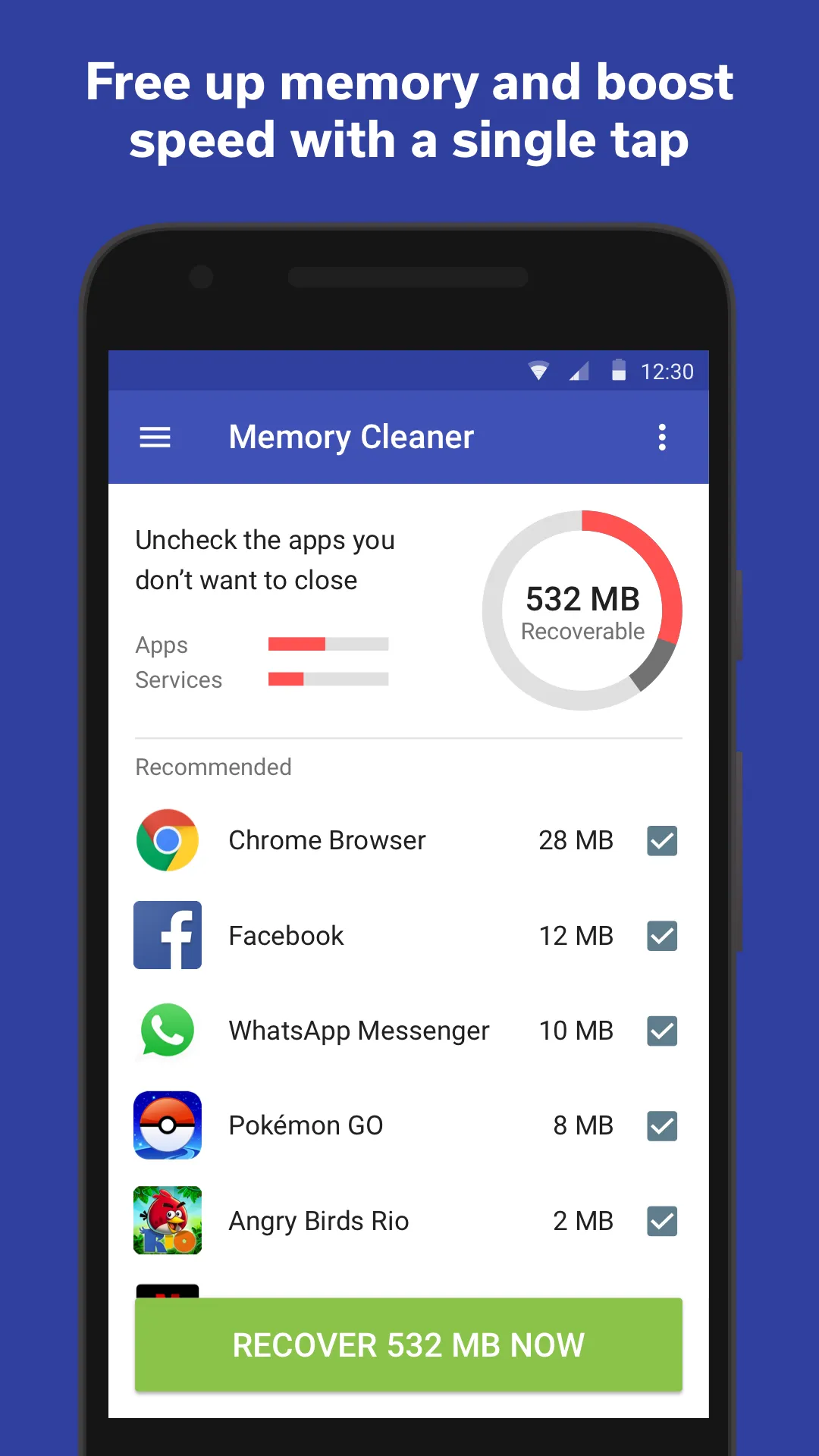
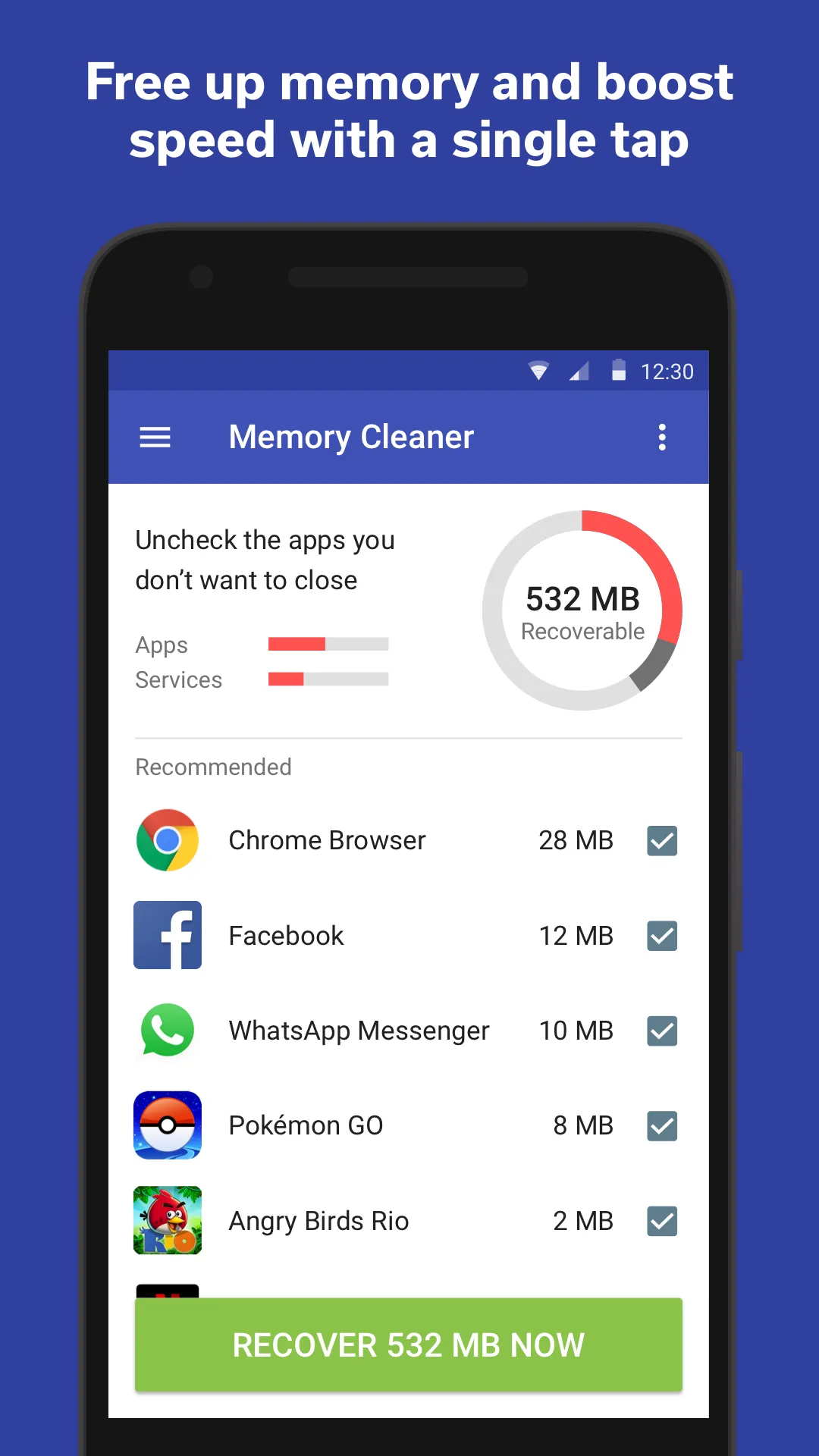
MEMORY BOOST: I free up memory (RAM) and boost your phone’s speed by letting you kill redundant background tasks.
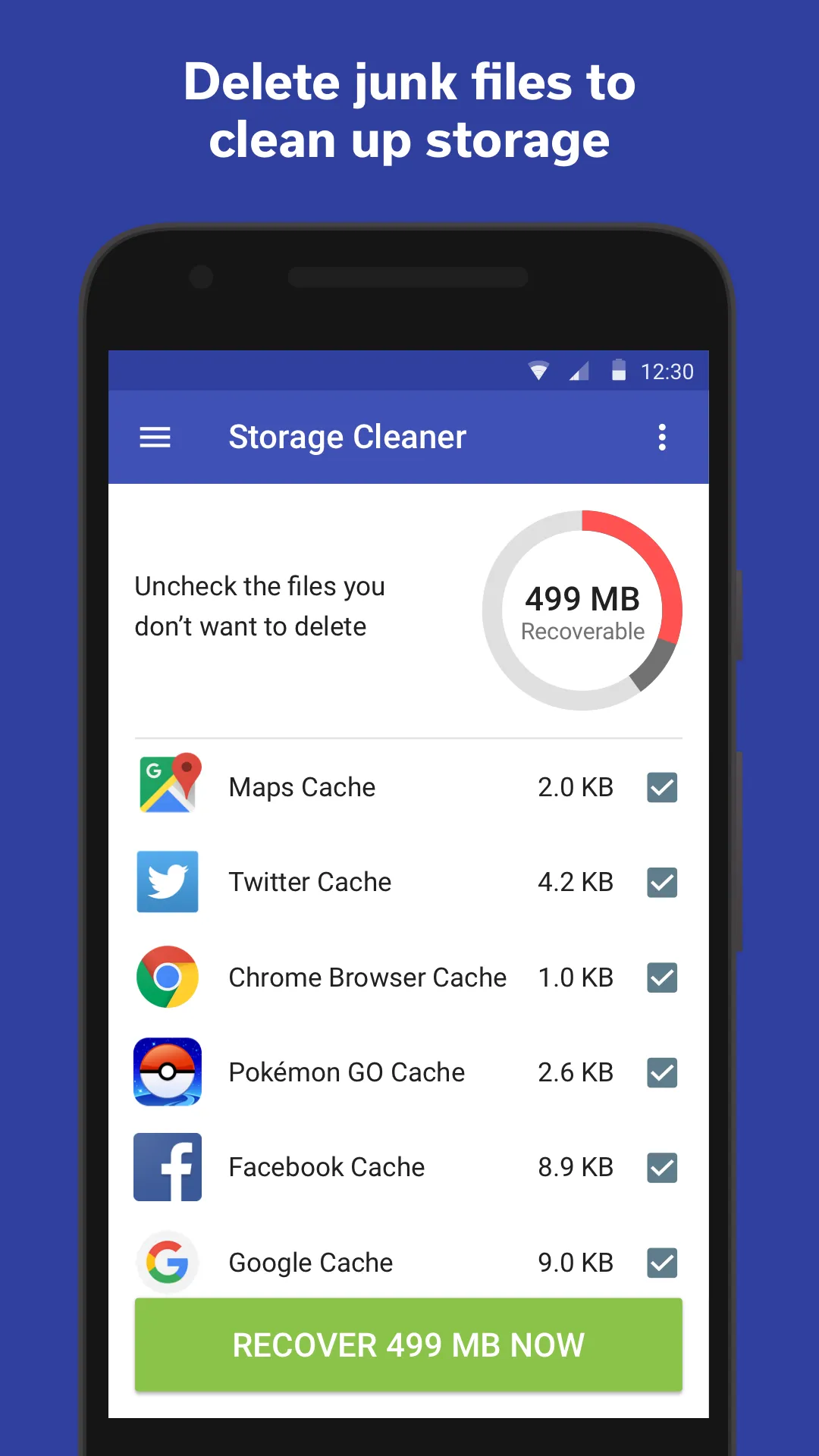
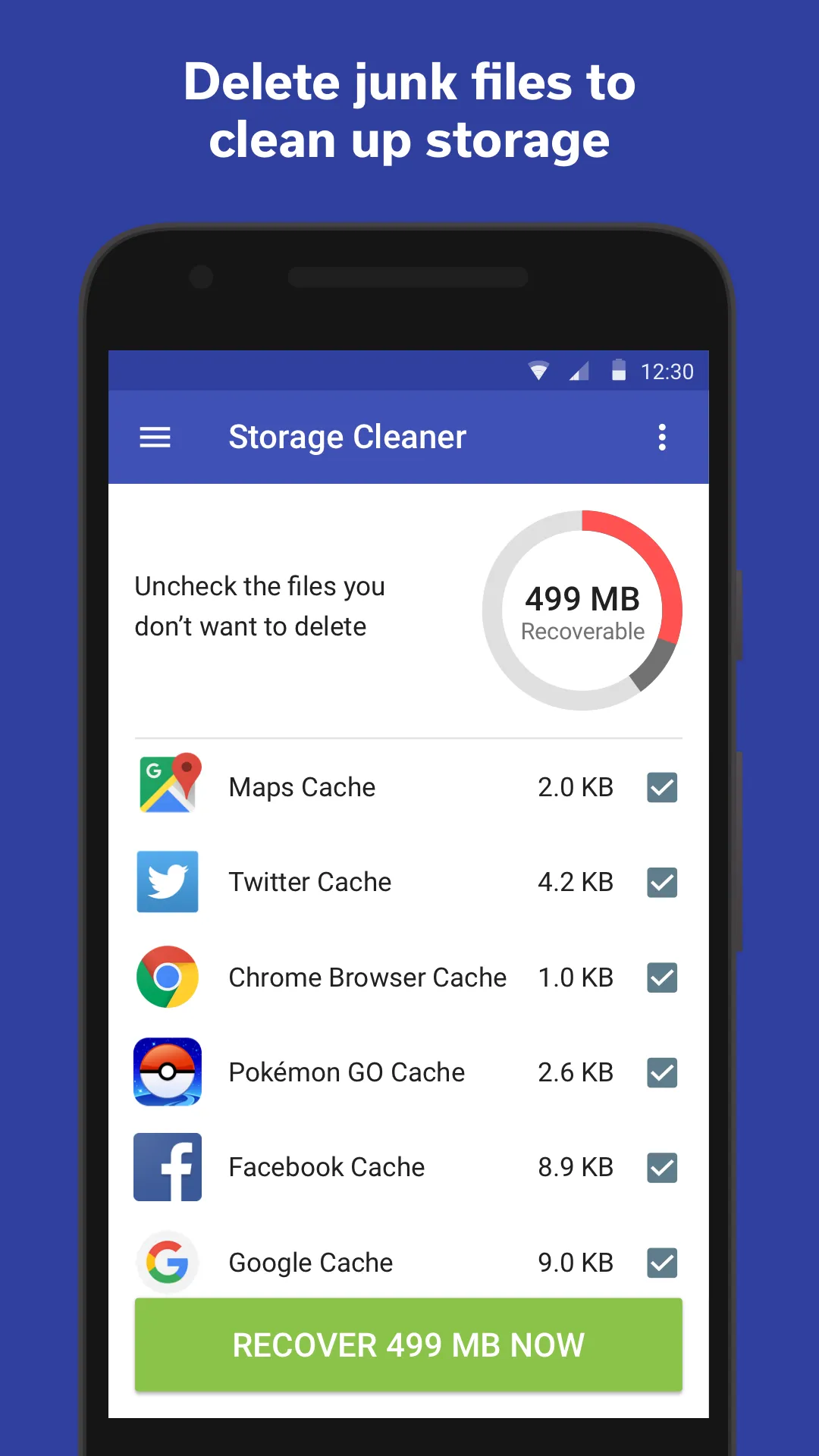
FREE UP STORAGE: I clear out your storage by enabling you to delete junk files such as cache files and downloaded APK files.
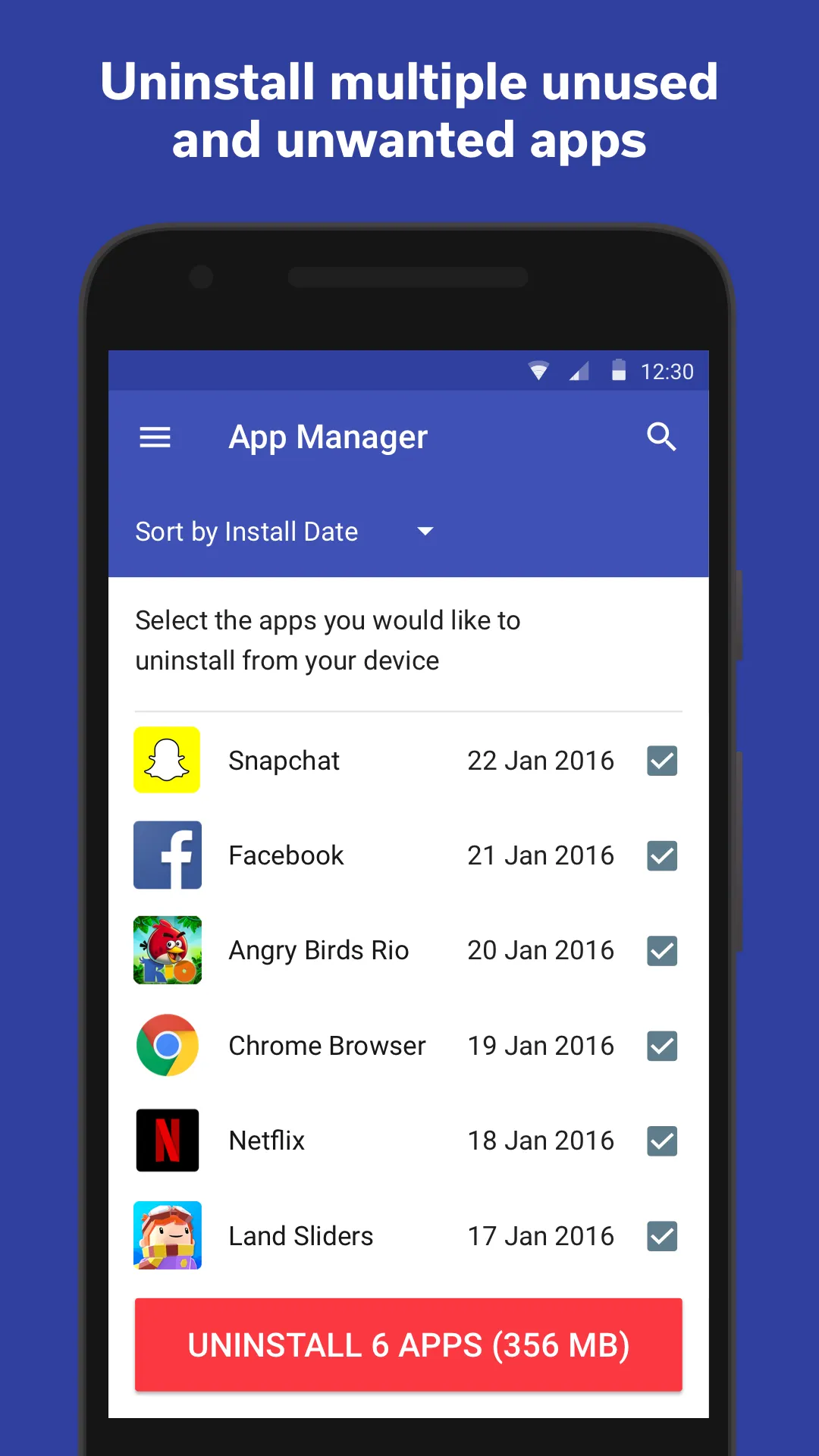
SMART APP MANAGER: I make it easy to batch uninstall unused and unwanted apps.
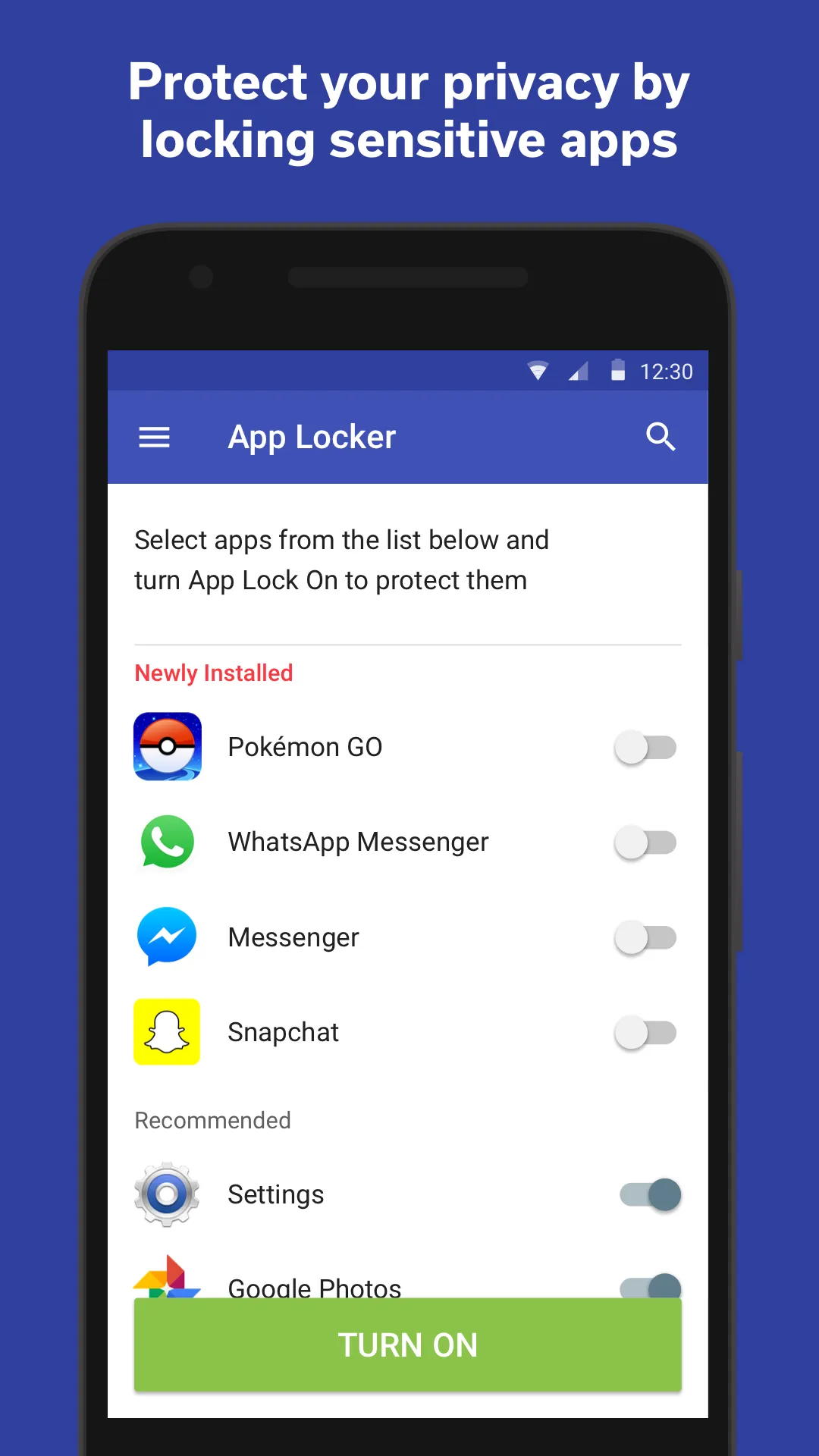
CONTROL YOUR PRIVACY: I let you find and uninstall malicious apps that have unnecessary permissions (Call, SMS, Location, Camera, and Contacts)
CONVERSATION CLEANER: I’ll help you dispose of old, irrelevant sent and received phone call records cluttering up your phone.
TIDY YOUR SMS: make it easy to get rid of long inconvenient lists of sent and received SMS records (This feature is not available to devices with Android KitKat and above, due to system restrictions.)
WIDGETS: Call me to quickly boost your phone's performance from the home screen with simple widgets.
Taps send Android a request to free up to 8 GB of cache space (via freeStorage API).
It doesn't use CLEAR_APP_CACHE nor access your files.
Shows whether space was freed.
Effectiveness depends on system version and Android’s response; on some recent devices cleanup may be partial.
Doesn’t delete photos, documents, or settings of other apps.
On Android 11+ scoped storage policy may limit automatic cache clearing.
Doesn’t promise battery or performance gains that can’t be verified.
The Internet world is a pretty dangerous world, as various malware can easily infect your PC, especially if it is unprotected. The Cleaner was designed to help users keep their computers clean and remove all the malware already present.
Although it is not one of the most popular protection tools, I think that The Cleaner is still a decent application, which can be really useful. It constantly updates its database and lets you download the latest anti-virus technology, thus keeping you safe from the newest threats.
One of the things that generally bug me when using this kind of applications is that you have to wait for long the scanning process to complete. The Cleaner provides a better solution, as it features a smart scanning option where it only checks the folders where malware is known to possibly hide. This will drastically reduce the duration of the process, while also being just as effective as the full scanning in most of the cases.
I also really appreciated the extra tools that the program provides. The "Autorun Vaccine" protection is a great way of ensuring that no unwanted programs will make it to your startup list. Moreover, the "Force Delete File" function will allow the application to terminate files, which can't normally be cleaned.
In my opinion, The Cleaner is a program that is definitely worth trying out. It's not very expensive, it offers a lot of handy features and it gets the job done. This is why I would recommend this application to everyone in need of a PC security solution.
Newly redesigned with a beautiful updated interface, The Cleaner is the same free Android optimizer and speed booster app you love, now with a detailed dashboard to give you an at-a-glance overview of your phone's health.
Size:9.52MB Version:1.8.11
Requirements:Android 2.3.3+ Votes:260
Package Name:com.liquidum.thecleaner Signature:7c0f217a78fba0a68333220aaf949107
Transform your mobile device into a powerhouse of efficiency with these handpicked essential tools. Whether you need professional-grade photo editing, seamless file organization, smart task management, or real-time weather updates, our curated selection of premium apps delivers unbeatable performance. Streamline your daily routine, automate repetitive tasks, and boost your productivity with intuitive interfaces and powerful features. Designed for both professionals and casual users, these editor-approved applications will revolutionize how you work and play. Don't settle for an ordinary phone - upgrade your digital experience today and unlock your device's full potential!
With the development of mobile hardware and software, many practical tool software have emerged, covering a wide range of aspects and becoming a good helper for everyone in work and life. Today, the editor provides you with a list of useful tool software downloads. These tools are not particularly complex types, and after reading them, everyone can quickly learn how to use them. Proper use can bring great convenience to life and work.
About us | Contact us | Privacy policy| DMCA
Copyright © 2026 Xiaohei All rights reserved.