Engineer Mode MTK is a mobile utility designed for MTK-based devices, enabling users to quickly access the engineering menu and developer options for advanced debugging and performance optimization. Users can customize settings related to battery management, background applications, sensors, and themes to boost performance and extend the device's lifespan. The app boasts excellent compatibility, running on the vast majority of mobile devices, and is free from advertisements or pop-ups. However, users should note that root access is required to access the relevant menus.
To understand the Engineer Mode MTK, read the below-featuring points.
RAM Cloaking Speed: This tool can help you to increase or decrease the cloaking speed to enhance the operating performance of your smartphone.
Improve Battery Life: You can adjust some settings to save your battery and improve the battery life by setting up some ground rules.
Remove Background Apps: Delete or uninstall the system apps from your device and enjoy the free space to install another helpful app.
Customize Smartphone: You can make many changes to your smartphone, from changing the themes to customizing the RAM cloaking; you can do whatever you want.
Modify Sensors: You can add some gestures to your sensors to use them for multipurpose operations. Add a handful of tasks to take a screenshot, turn the flashlight on/off, and camera shortcuts.
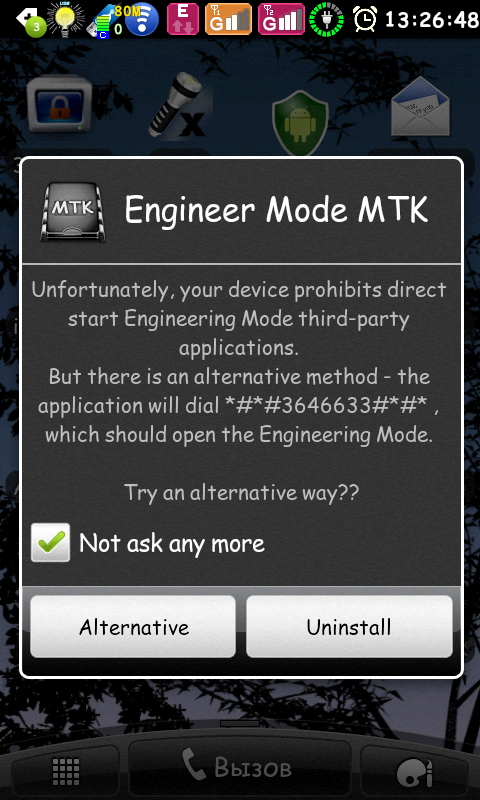
It is important to note that while the app is functional on many MediaTek devices, there are exceptions. Some models, particularly certain Huawei devices, may not grant access to the Engineering Menu due to manufacturer restrictions. For these devices, users may need to have root access to utilize the app effectively. This limitation is significant for users who may not have technical expertise in rooting their devices, thereby affecting the app's usability in specific scenarios.
The app also presents an opportunity for users who wish to support the developers. There is a donate version available for those who appreciate the functionality and wish to contribute to further development. This option allows users to engage with the project more deeply, should they choose to do so, while still having access to the core features of the free version.
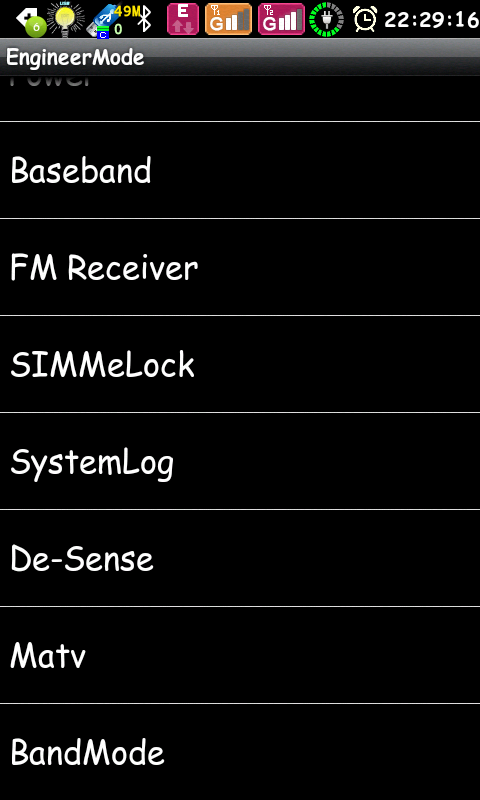
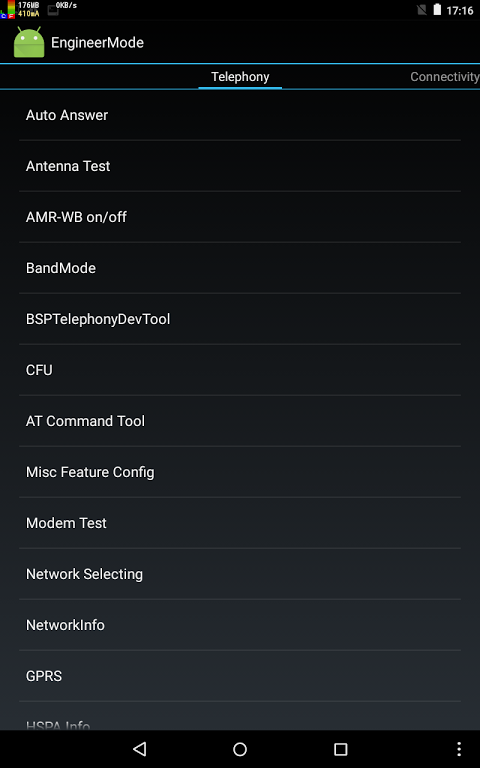
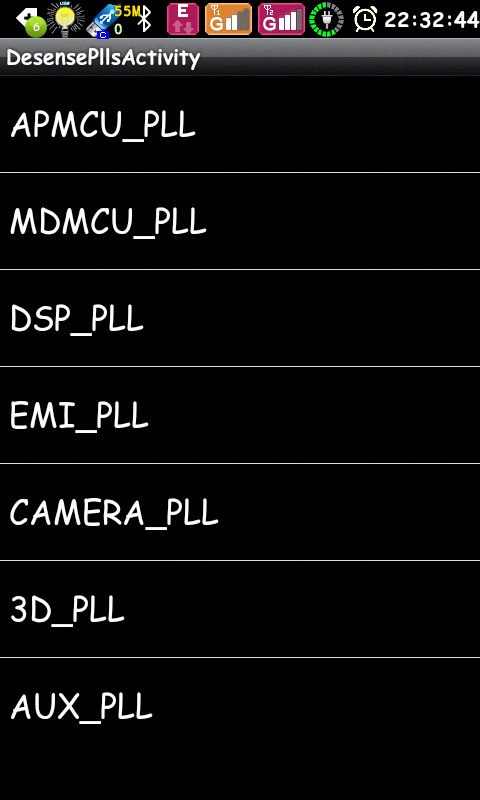
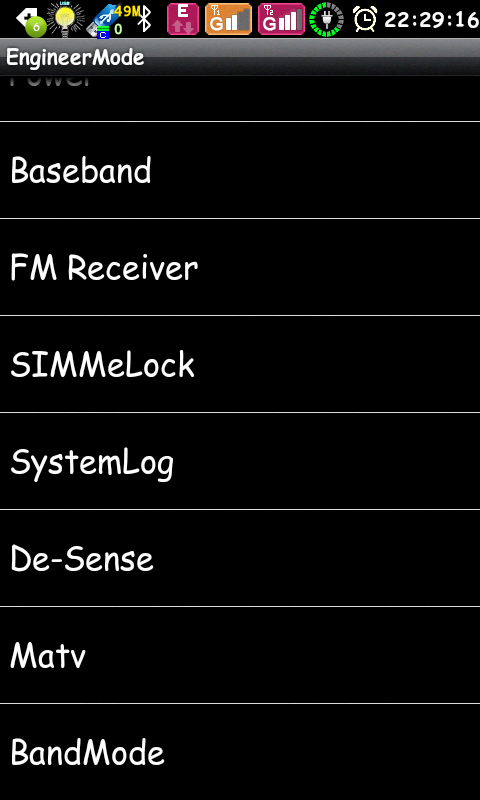
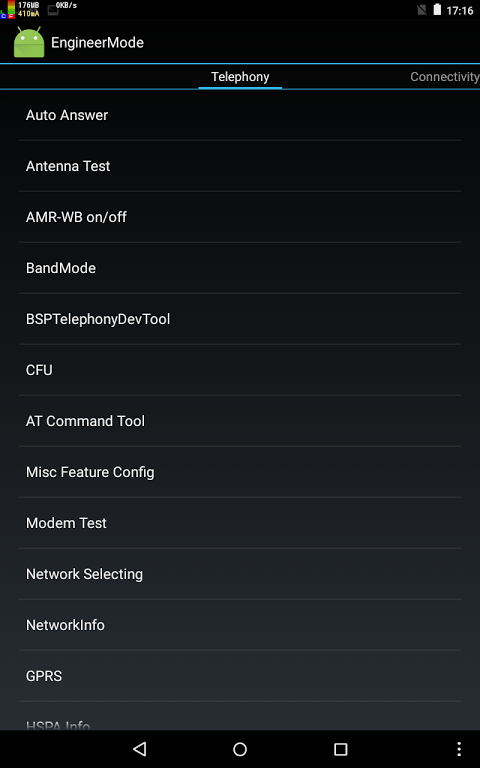
For those who are not familiar with the engineering menu, it is a section within the device's system settings that allows for advanced configurations and diagnostics. This menu is typically reserved for developers and technicians, but with Engineer Mode MTK Shortcut, users can access these features more readily. Options available in the menu may include network configurations, hardware testing, and other technical settings that can help in troubleshooting device issues.
The application serves as a practical tool for tech enthusiasts or professionals who often work with MediaTek devices. By providing efficient access to the engineering menu, it facilitates various tasks such as network testing, signal adjustments, and other advanced configurations that may improve device performance.
Good app just need ur own app to run it with free server and informs with Kaps no caps.
this is very useful APK for engineer mode in media tek engineer mode . thanks brother.
Good app if you actually have a MediaTek chipset in your device, I see people in the reviews complaining that it doesn't work for them then naming a device that has a Qualcomm, Exynos, SPD, or other chipset... If you don't have a MediaTek processor then this app will not work on your device.
Great app.very useful and informative for a app developer or just a android enthusiast trying to get the most from your device.change and set frequencies/bands help set up wifi calling ,selecting networks fix problems with ims much more. Fine tune your device and get most out of it like delecting Lte or set up for iot devices. Definatly a must have app if your the curious type.
If you are a developer, a designer or an artist and you are interested in the MTK (MediaTek) platform, then you will be glad to know that you can make your life easier by using this application.It allows you to access the MTK (MediaTek) devices in a very easy and fast way, without having to go through the cumbersome process.
Size:29.14KB Version:1.6.1
Requirements:Android 1.0+ Votes:467
Package Name:com.Go.EngModeMtkShortcut Signature:48bdbc353ff5847b28f50fdc66ef1ac7
Transform your mobile device into a powerhouse of efficiency with these handpicked essential tools. Whether you need professional-grade photo editing, seamless file organization, smart task management, or real-time weather updates, our curated selection of premium apps delivers unbeatable performance. Streamline your daily routine, automate repetitive tasks, and boost your productivity with intuitive interfaces and powerful features. Designed for both professionals and casual users, these editor-approved applications will revolutionize how you work and play. Don't settle for an ordinary phone - upgrade your digital experience today and unlock your device's full potential!
With the development of mobile hardware and software, many practical tool software have emerged, covering a wide range of aspects and becoming a good helper for everyone in work and life. Today, the editor provides you with a list of useful tool software downloads. These tools are not particularly complex types, and after reading them, everyone can quickly learn how to use them. Proper use can bring great convenience to life and work.
About us | Contact us | Privacy policy| DMCA
Copyright © 2026 Xiaohei All rights reserved.