AirScreen is a screen-mirroring tool designed for the Android platform. It enables real-time, cross-platform access and screen casting. You only need to install the software on your TV; there is no requirement to install any corresponding app on your mobile device (though you may choose to do so if you wish). AirScreen supports a wide range of popular video and media applications, delivering high-definition visuals with minimal latency. Furthermore, it allows a single device to cast to multiple TVs simultaneously, ensuring a comprehensive and convenient user experience.
Multi-Protocol Support
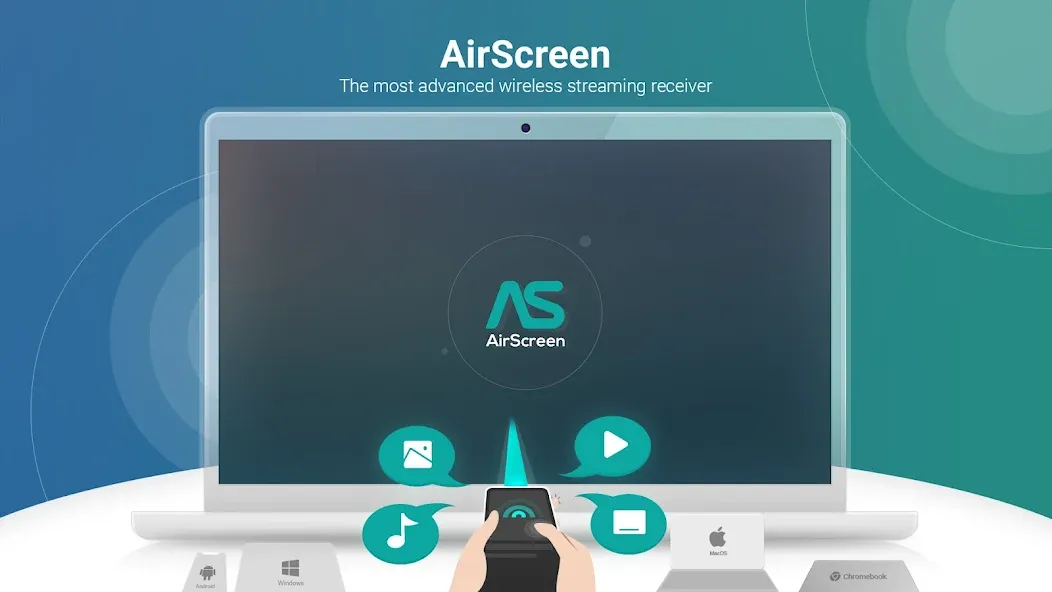
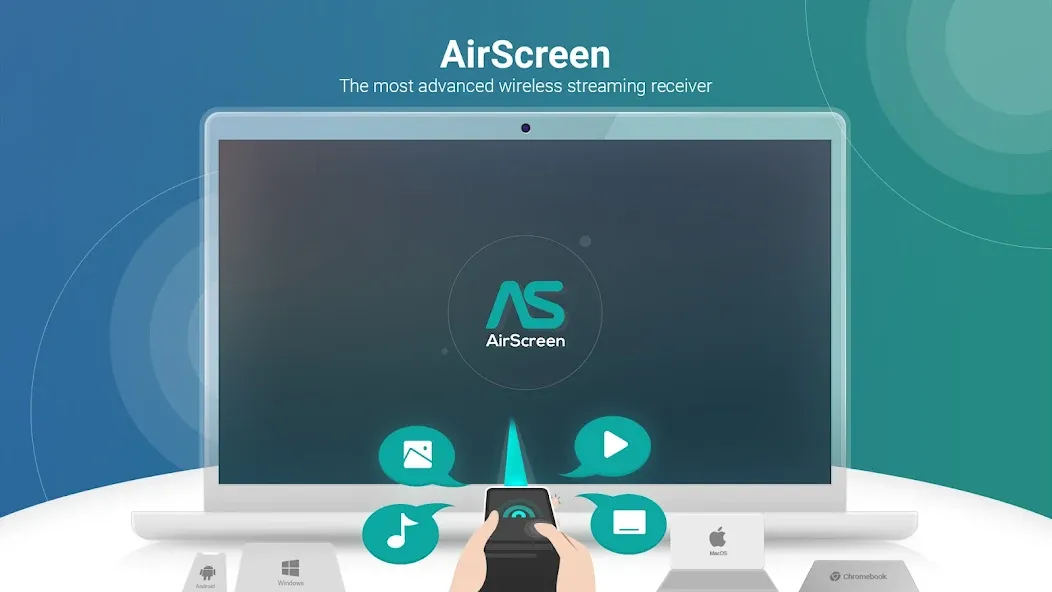
AirScreen supports AirPlay, Google Cast, Miracast, and DLNA, allowing you to mirror your screen or cast content from most smartphones, tablets, and laptops. This eliminates the need for constant switching, making it easy to share content using your favorite applications.
Broad Device and Application Compatibility
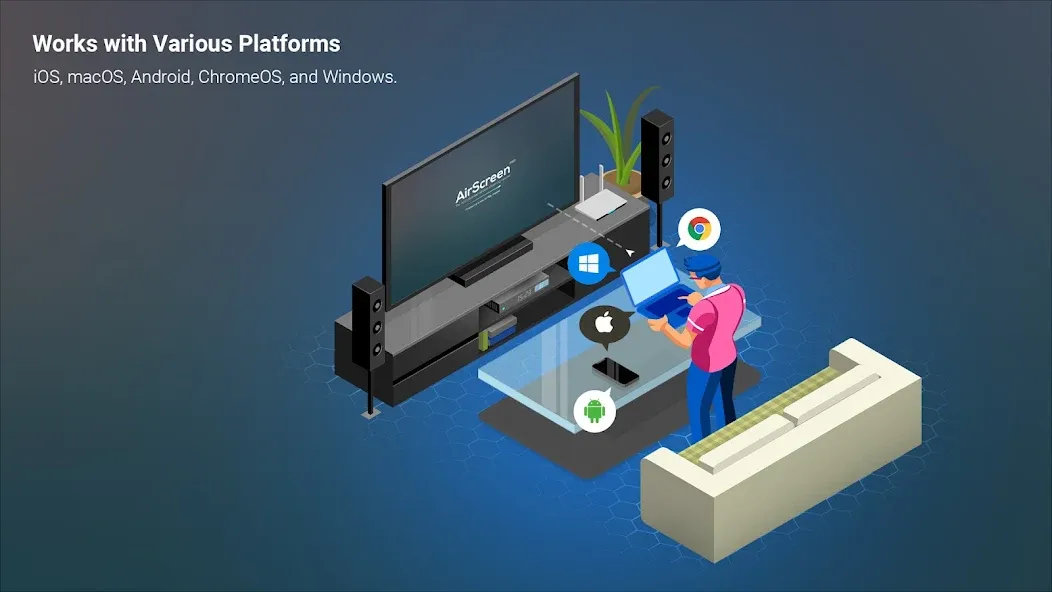
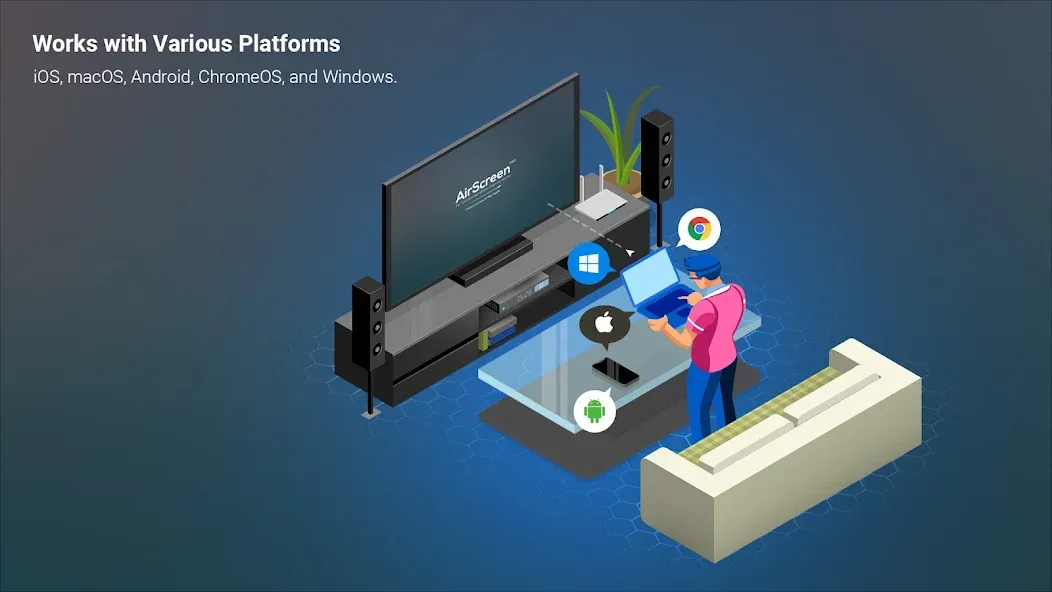
AirScreen is compatible with iOS 8–18, macOS 10.5–15, Android 5–15, ChromeOS 63–134, and Windows 7–11. It also works seamlessly with many popular apps and web browsers, ensuring that videos and web pages are rendered correctly.
Install Only on the Receiver
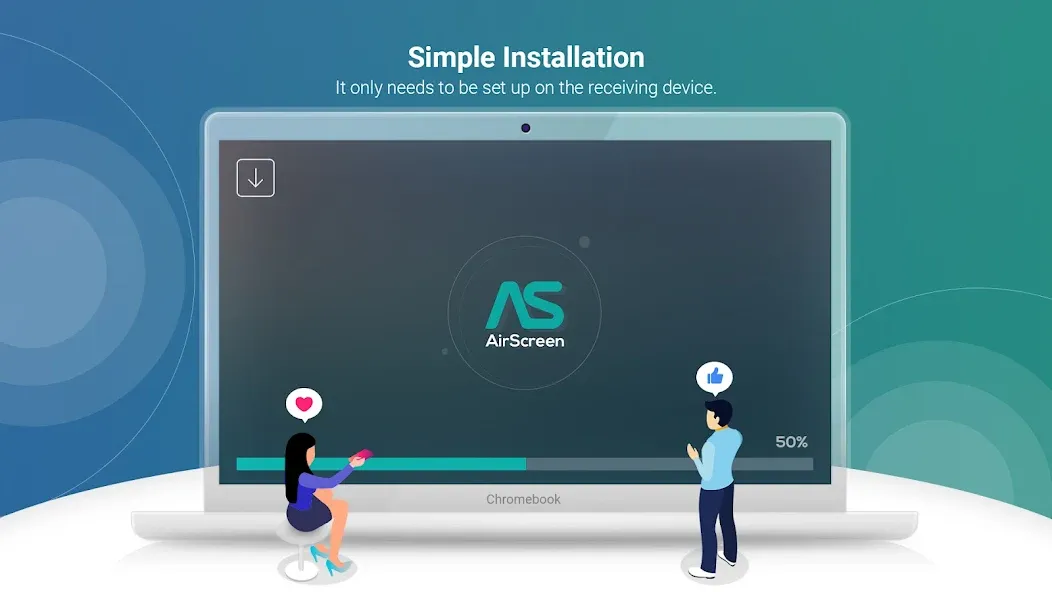
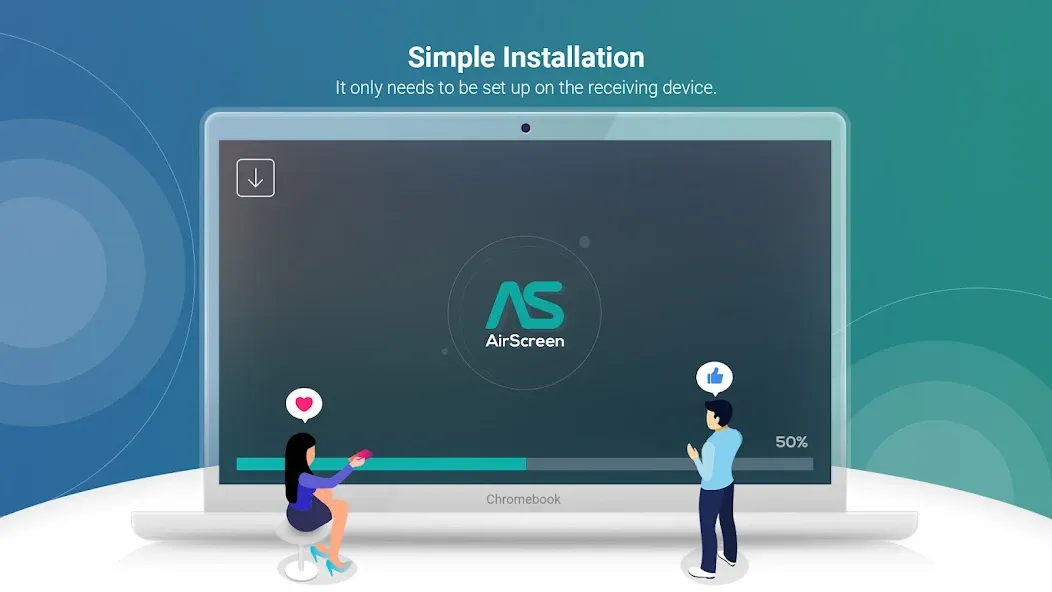
You only need to set up AirScreen on your TV box or smart TV; there is no need to install any additional software on your phone or computer. This keeps your source devices clutter-free while enabling you to cast content from apps like YouTube, iTunes, Safari, Chrome, and many others.
Private and Controlled Streaming
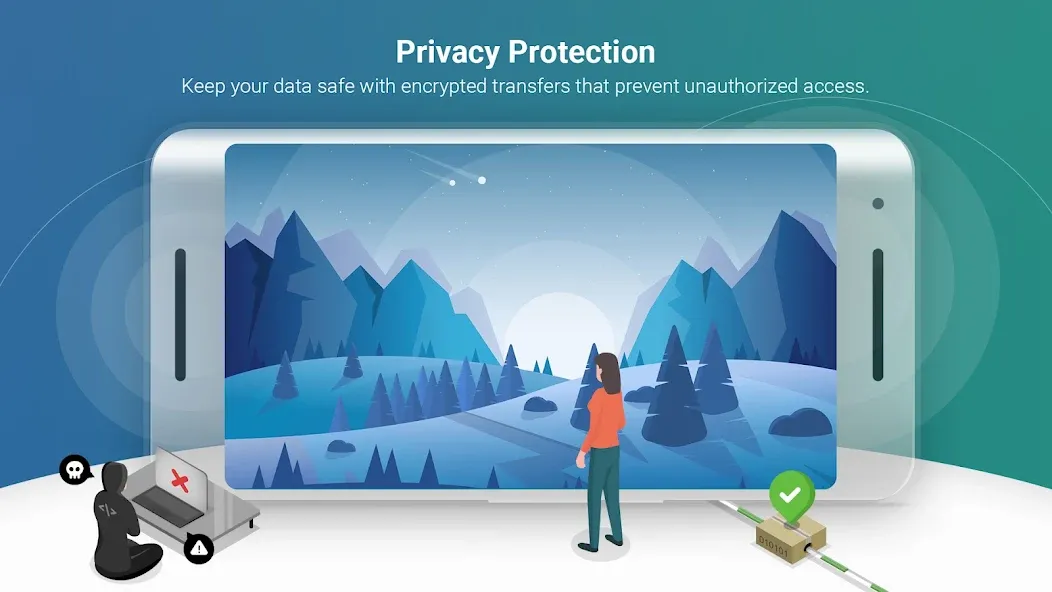
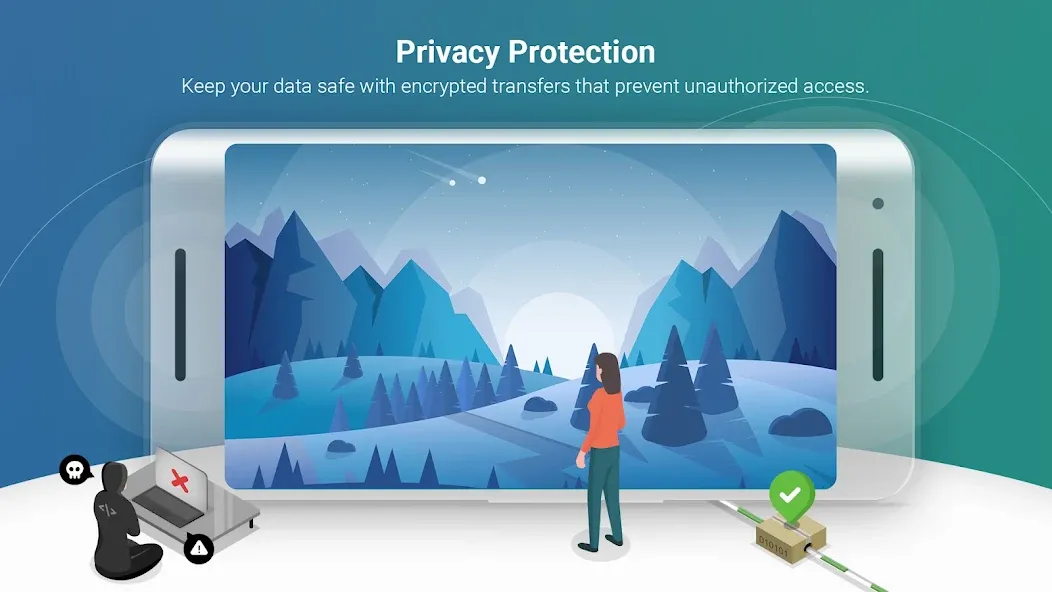
AirScreen protects your content using AES, RSA, and SHA encryption. You can also configure access controls to restrict connections to users within your network—a particularly useful feature for classrooms and shared spaces.
High-Quality Playback and Performance
AirScreen supports 4K Ultra HD resolution (where available) and utilizes hardware acceleration to minimize latency. Its rendering engine enhances compatibility with casting-enabled applications, while background services ensure your session remains active even when you are multitasking.
Recording and Multi-Display Options
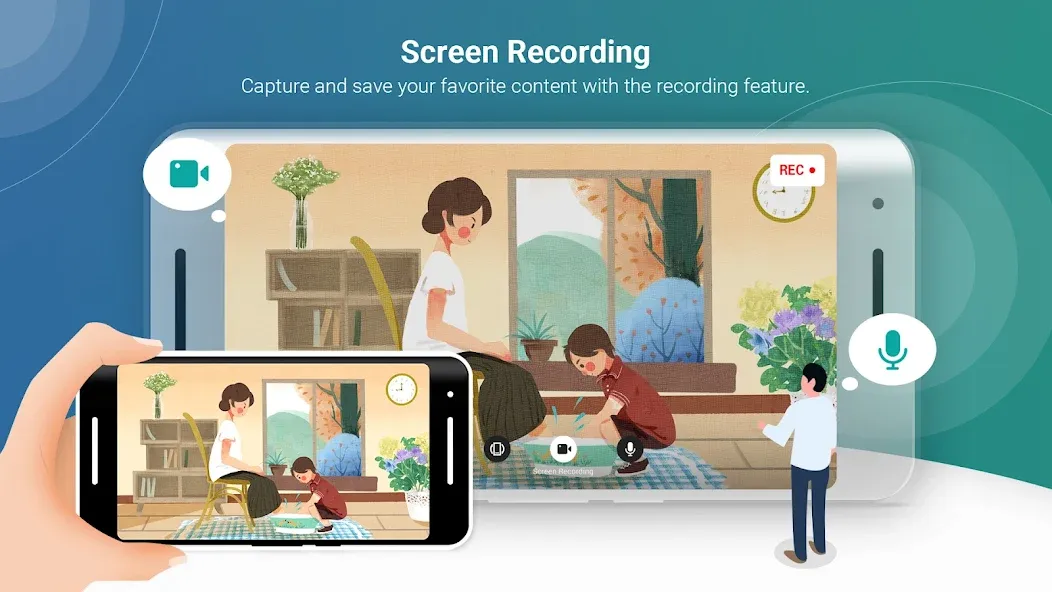
You can record your sessions for later review—an excellent feature for presentations and educational purposes. Additionally, you can mirror your screen from one AirScreen-enabled device to another, allowing for multi-room viewing.
Install and open AirScreen on your TV device, then note the device name displayed on the screen.
Connect your iPhone or iPad to the same Wi-Fi network as the receiver device, and ensure the AirScreen app remains open.
Open the Control Center on your iPhone, select "Screen Mirroring," and choose the AirScreen device name to begin mirroring.
Once a session is active, you can also cast content from apps like YouTube by tapping the cast icon and selecting the same device.
You can then control the volume and playback directly from the sending device. To keep the session active, open the AirScreen settings on the receiving device and enable "Background Services" (if available).
What is included in the AirScreen subscription service?
The subscription service builds upon the free version of AirScreen by adding premium features—such as removing usage restrictions and unlocking advanced settings where supported. Specific benefits may vary by device and version; a current list of features will be displayed within the app before you confirm your purchase.
How do I upgrade or update AirScreen on my device?
To update, download the latest version of the AirScreen APK from this page and install it over your existing application. Your settings will be preserved. After the update, you can open the app and verify the version in the "About" section.
How do I enable "Background Services" on an Amazon Fire TV?
Open the AirScreen app on your Fire TV, go to "Settings," locate "Background Services," and enable it. This ensures the receiver remains active even if you switch apps or return to the home screen, allowing your session to continue.
I will do everything I can to support the development team. Thanks to the team!
As an Android developer and a Google fan, it’s fantastic to see an app with such a beautiful Material Design style! It’s incredibly powerful—it would be great if we could explore it together!
Truly impressive—supporting so many native protocols feels almost like "black magic" (cutting-edge, ingenious tech). I actually interviewed at your company two years ago, and I specifically looked this app up!
Say goodbye to Chromecast with the AirScreen app. This tool allows you to easily cast content from your Android device to any large-screen display, Android TV, or any device that supports AirPlay, Cast, or Miracast. Whether you want to showcase photos and videos from your gallery or stream your favorite movies, this app is an incredibly useful solution.
Size:208.06MB Version:2.18.0
Requirements:Android Votes:137
Package Name:com.ionitech.airscreen Signature:ac6f05617f6fa81422995971f3d5678e
Is it safe to say the movies are back? Admittedly, they never really left. But it seems in this decade where every year throws up new challenges and hiccups in the industry, folks become convinced the sky is falling and cinema’s days are numbered. Still, here we are back at the end of the year. And once again, there seems plenty to be thankful for as new cinematic images burrow their way into the collective subconscious for years to come. Whether it’s the sight of Muad’Dib standing before a nation of radicalized disciples as if he were a space-aged T.E.
With the advancement of technology, downloading videos on Android devices is no longer time-consuming. The Android universe is now infested with hundreds of apps for video download in Android that can download HD videos from a slew of video-sharing and streaming sites like YouTube with the swipe of a finger. However, the majority of these apps may contain adware and other unwanted software! As a result, if you’re looking for a good list of the best free Video Downloader Apps for Android. That is completely safe; this is the place to be!
Streaming software allows you to broadcast your content live across the internet. It processes the raw feed that comes from your camera and converts it into a digital format that is suitable for internet streaming, in real-time. In 2024, 41% of internet users have already watched at least one live stream in their lifetime. And 27.6% of them are expected to watch at least one live broadcast every week. Hence, it is needless to say that the live streaming market is seeing a massive boom. As the market is growing, the number of live streaming software is also increasing. And it is becoming extremely difficult to choose one. In this guide, we will tell you what are the parameters to decide the best live streaming software, like what features they should have and what factors you need to consider. And finally, we will tell you about the top 10 live-streaming software that our experts have handpicked for you! So, let’s get started.
About us | Contact us | Privacy policy| DMCA
Copyright © 2026 Xiaohei All rights reserved.