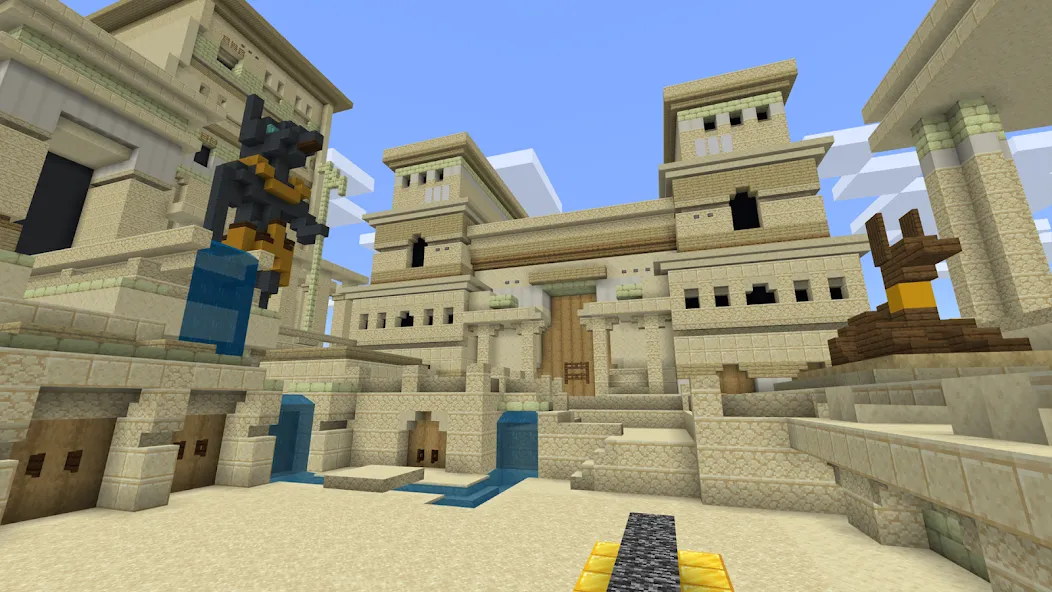
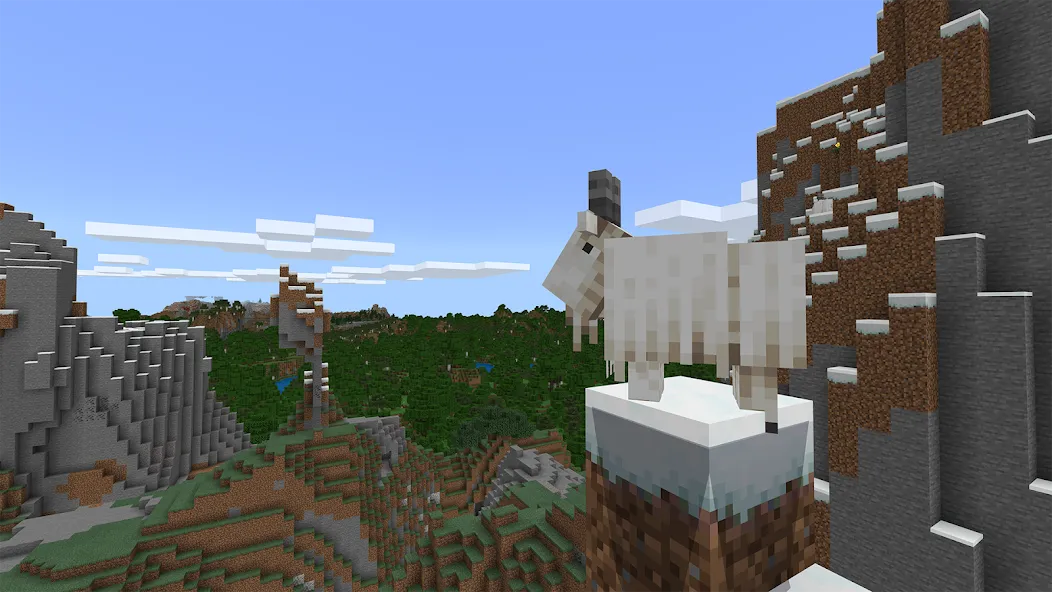
Minecraft Education is an educational software application designed for the Android platform. It is an excellent tool for educators, allowing them to bring students into a virtual world for cross-platform learning. Teachers can set up lessons to guide students through various subjects. The software includes a "Code Builder" feature, enabling users to program directly within the virtual world. Students can see the results of their code in real-time, making the learning process engaging and accessible. Additionally, the software features an Immersive Reader and translation tools to assist students and users with reading tasks. It also offers a wealth of teaching resources, helping educators streamline lesson preparation while providing students with a rich variety of learning materials—allowing them to learn while playing Minecraft.
Shared Worlds and Easy Hosting
Minecraft Education supports cross-platform multiplayer, enabling students to join the same game world using different devices. Teachers can host sessions, manage the pace of instruction, direct students' attention to specific areas, and pause or resume the activity as needed. This setup is ideal for blended learning environments and extracurricular clubs, where students may be using a variety of different devices.
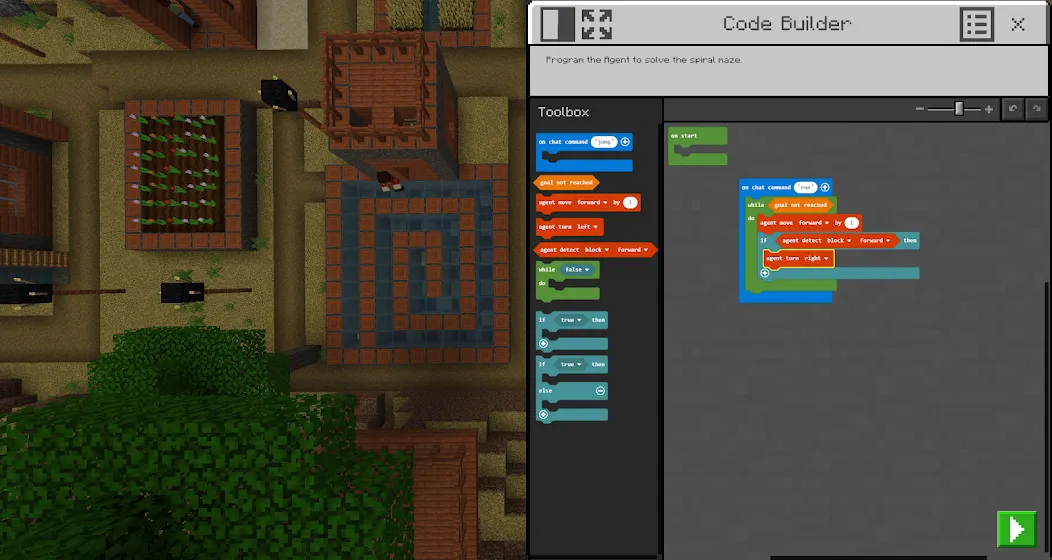
In-Game Coding with Code Builder
The Code Builder allows for programming directly within the virtual world, using block-based coding, JavaScript, or Python. As students write code, they can see the results in real-time, which helps connect abstract concepts to visible changes on the screen. This streamlined workflow minimizes context-switching, allowing students to stay focused on problem-solving.
Accessibility with Immersive Reader
The Immersive Reader can read on-screen text aloud and provide translations, supporting diverse reading levels and languages. Students can customize text spacing and other display settings, empowering more learners to complete reading tasks independently. This tool is particularly useful in classrooms where students have varying literacy levels or language requirements.
Documenting Learning with Camera and Book & Quill
Students can use the in-game camera to capture their building processes, experimental steps, and project milestones, then organize them using the "Book & Quill" item. This allows students to reflect on their choices, add descriptive text, and export their portfolios for sharing or assessment. This documentation method makes it easy to review student progress and provide specific, actionable feedback.
Lesson Library and Classroom Integration
Minecraft Education features an extensive library of lessons created by educators and partners such as BBC Earth, NASA, and the Nobel Peace Center. Teachers can select ready-made activities aligned with real-world topics and educational standards. To streamline classroom instruction, the app integrates with Microsoft Teams and Flip, making it easier to assign, collect, and share student work.
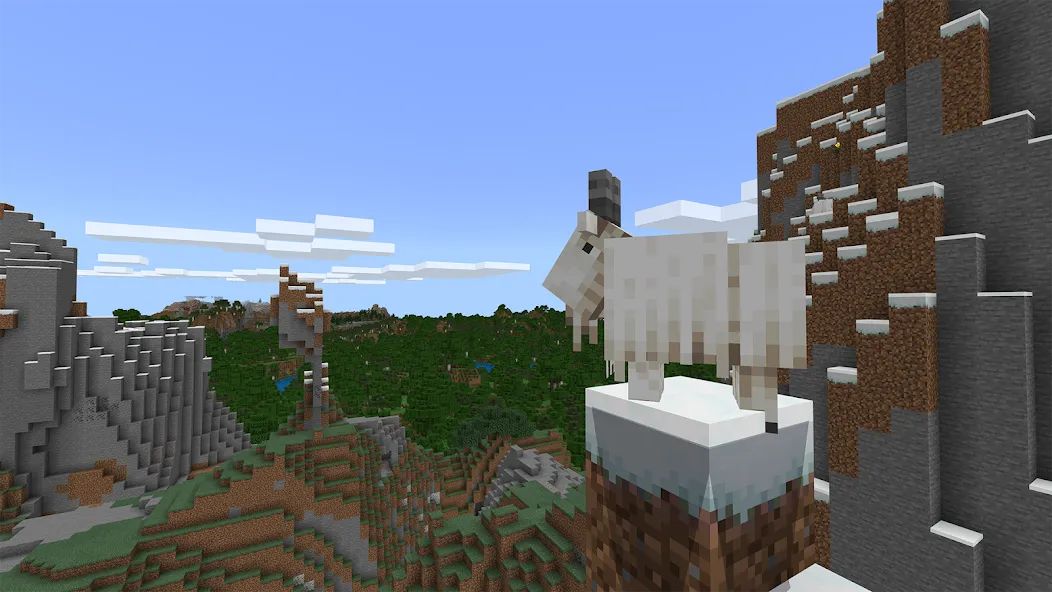
Launch the app and sign in using your school or organizational account—or, if eligible, start a limited free trial.
Select a lesson from the main menu or open a new world, then wait for instructions from your teacher (if they are hosting the session).
Join a hosted world or invite classmates, then follow the initial task to ensure everyone begins from the same starting point.
When coding is required, open the Code Builder, choose between block-based coding, JavaScript, or Python, and run scripts to test your ideas.
As you build or code, use the in-game camera and the "Book & Quill" tool to document your steps and add notes; you can then export your book once the session concludes.
Pros:
Suitable for all learning styles
Game features designed for classroom instruction
Over a hundred immersive Minecraft worlds to explore
Learning made fun
Cons:
Occasional camera movement glitches
Screen flickering
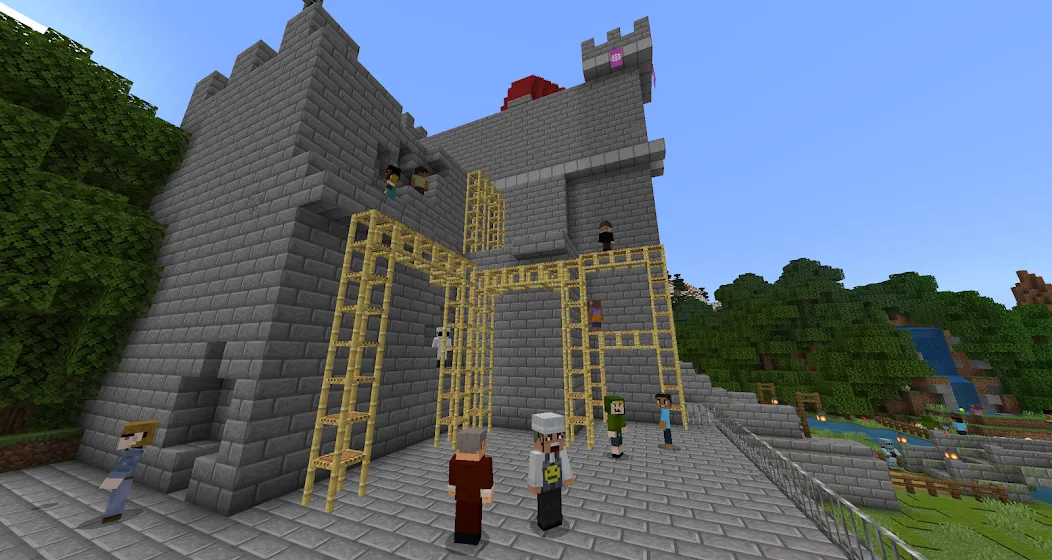
This game is incredibly fun! It’s great for kids, and I’ve even used it for competitions—highly recommended.
This version is highly recommended; it includes everything found in the standard edition plus the "Education" features, all completely free of charge.
I’ve played it before—it’s absolutely fantastic, truly the best game ever.
It’s super great—perfect for us elementary school students! It’s even better than the standard version.
Minecraft Education enables teachers and group leaders to bring structured, engaging learning content to mobile devices and tablets—ideal for use in classrooms, clubs, and summer camps. Covering subjects such as language arts, mathematics, science, history, and computer science, it makes educational activities both familiar and meaningful.
Size:1.00GB Version:1.26.33.0
Requirements:Android Price:Free
Package Name:com.mojang.minecraftedu Signature:eda0a2bbf54be78b36a54b26c0912740
Educational software are emerging in an endless stream on the market, so which one can stand out? It should not only be simple and convenient to use but also helpful for our study. Below, Xiaohei.com brings you a very comprehensive and practical summary of educational software downloads. Come and download it, there is always one that suits you.
About us | Contact us | Privacy policy| DMCA
Copyright © 2026 Xiaohei All rights reserved.