Samsung Weather is a weather widget designed for mobile devices. Its built-in map allows users to easily find different regions and view weather changes. These weather forecasts are presented in video format, making it easier for users to plan their trips. The app's weather data doesn't stop there; users can also set past weather queries, weekly forecasts, and various weather indices to help them decide whether to travel that day. The app also sends alerts to users' devices when certain weather conditions are approaching, allowing them to take immediate shelter and ensure their safety.
Samsung Weather APK has a fully integrated design in the One UI customization layer and has been developed by applying cutting-edge user-friendly criteria. Thus, once we download Samsung Weather Android, we can easily consult weather data such as atmospheric conditions, temperature, wind, and humidity.
Several locations can be stored so that you can always know what the weather is going to be like based on geolocation or in those locations or places of interest. Its characteristics are listed below:
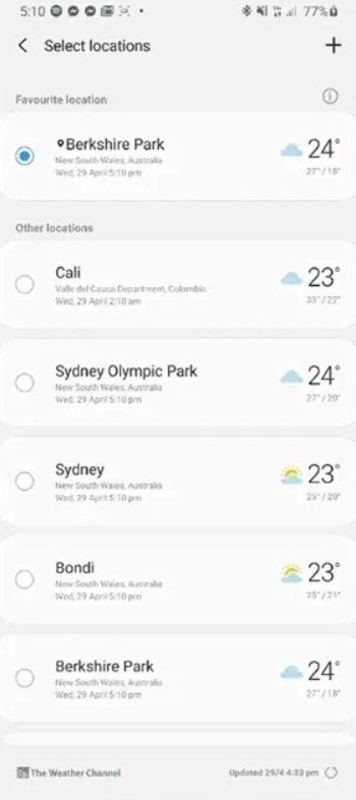
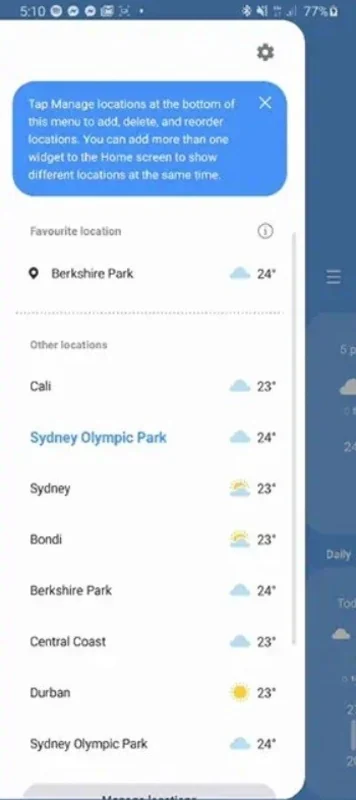
Allows you to configure one or more major cities to view their weather data at a glance.
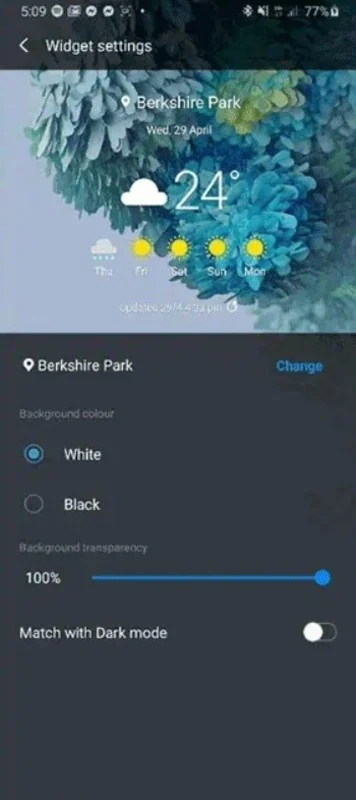
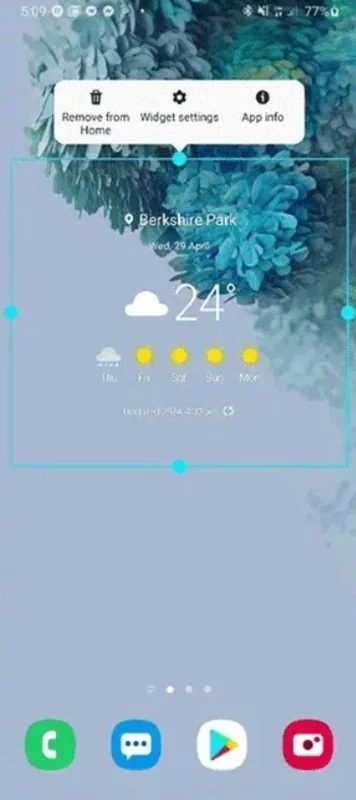
The widget displays the current temperature and weather, as well as five-day thumbnails.
The app will send alerts in case of the arrival of unexpected weather phenomena.
Includes dark mode to match the device interface.
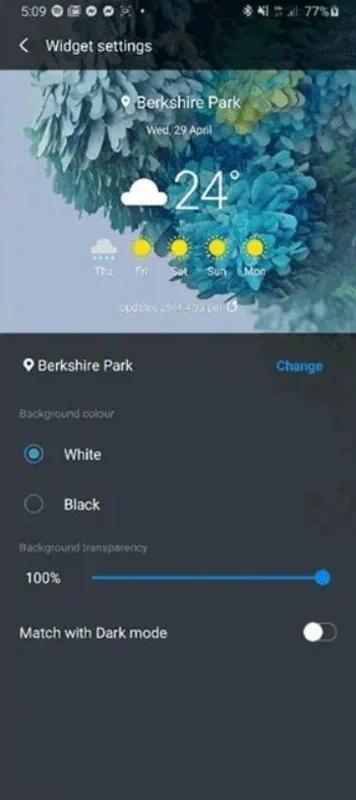
The steps below show how to get started, add a widget, and manage locations. Follow them to view updated forecasts and keep your Home screen organized.
Install or update Samsung Weather APK from Xiaohei, then open the app and allow location permissions for local forecasts.
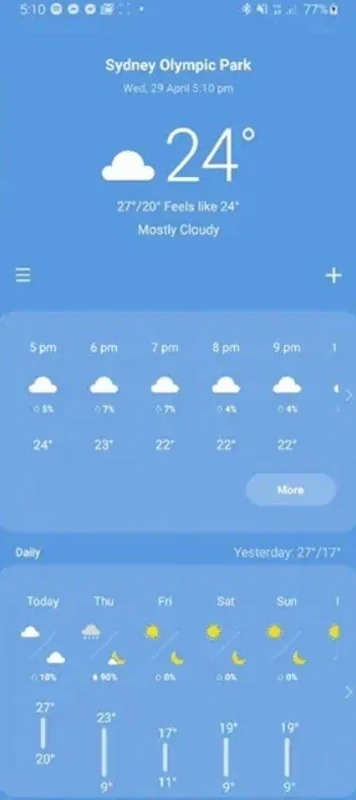
Review the main screen to see today’s conditions and the weekly outlook, then tap the map to view radar if needed.
After that, add a widget by touching and holding the Home screen, tapping Widgets, selecting Samsung Weather, choosing a size, and placing it.
Open the app, tap the location name, search for a city, and add it to your list. Then set a default or choose Follow current location for the widget.
So you always see fresh data, pull down in the app or tap the widget refresh icon to update. You can also enable precise location in settings for better local results.
First, it's worth noting that Samsung Weather gathers all its data from The Weather Channel to display on its One UI-like interface. Interacting with most Samsung Weather UI elements will redirect the user to an appropriate webpage of The Weather Channel.
Later, upon using the app more, you might notice that Samsung Weather doesn't always look the same. It changes based on several factors. Furthermore, you will find out that this app can give you information about more than just the temperature outside.
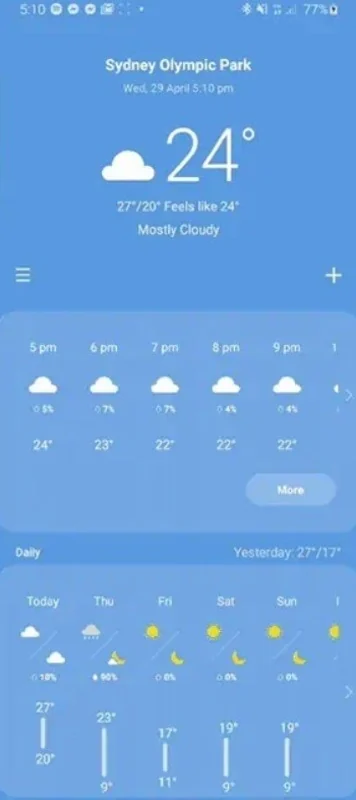
At a glance, the most prominent information Samsung Weather shares with its users is the temperature outside. It displays temperature information based on the user's current location or places that can be defined manually.
Samsung Weather offers information regarding the current temperature and weather as well as hourly and daily forecasts. And every weather type is accompanied by a beautiful animation.
In addition, Samsung Weather can tell you about UV indices, Humidity levels, Wind speeds, and Sunrise/Sunset hours, which change based on seasons. The app also offers a map view, as well as “Today's stories” and “Videos” categories.
Lastly, by scrolling down at the very bottom of the Samsung Weather homepage, users can get information about pollen and air quality, as well as conditions for running and information about driving difficulty.
Before we move on to discussing the Weather app in greater detail this week, it's important to underline that the Samsung Weather UI isn't entirely fixed in place. Some elements will appear or disappear depending on the weather outside, alerts, and forecasts.
With this app, you can get an idea of the upcoming forecast for your current location with just a glance, seeing not only today's weather but the entire week's. You can also set up a widget on your screen so you check this information without needing to open any app.
Size:43.34MB Version:1.7.30.50
Requirements:Android Price:Free
Package Name:com.sec.android.daemonapp Signature:8a5416a1832591f0f503d539d38e2870
A healthy lifestyle is about more than just proper nutrition and consistent exercise. Getting enough sleep, taking care of your body and mind, and managing things like medications and doctor’s appointments also play important roles in staying healthy. A good app can be a great way to manage it all. That’s why Healthline tested a variety of different healthy lifestyle apps. We chose the year’s best based on content, reliability, and user reviews.
Take charge of your daily routine with the most innovative lifestyle apps of 2024. Elevate your fitness, mindfulness, and nutrition with cutting-edge workout, meditation, and meal-planning tools. Boost productivity with smart scheduling apps that simplify time management, or unwind with curated entertainment, news, and reading platforms. Whether you want to stay organized, energized, or inspired, these handpicked apps help you achieve balance effortlessly. Download now and transform your work, wellness, and free time-your best life is just a tap away!
About us | Contact us | Privacy policy| DMCA
Copyright © 2026 Xiaohei All rights reserved.