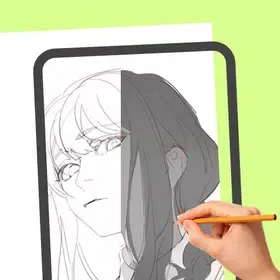
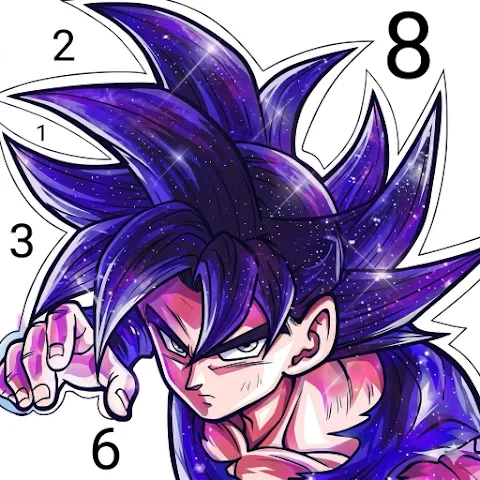
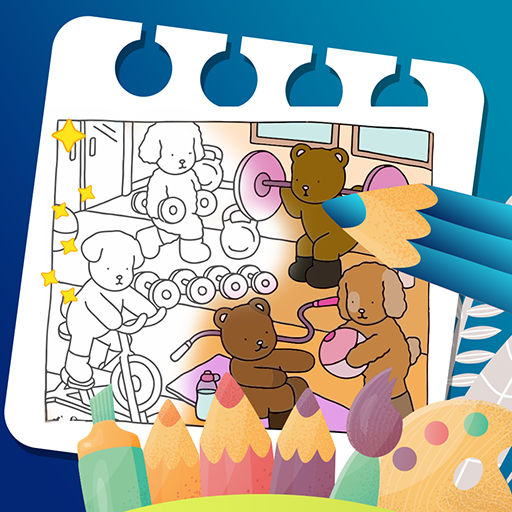
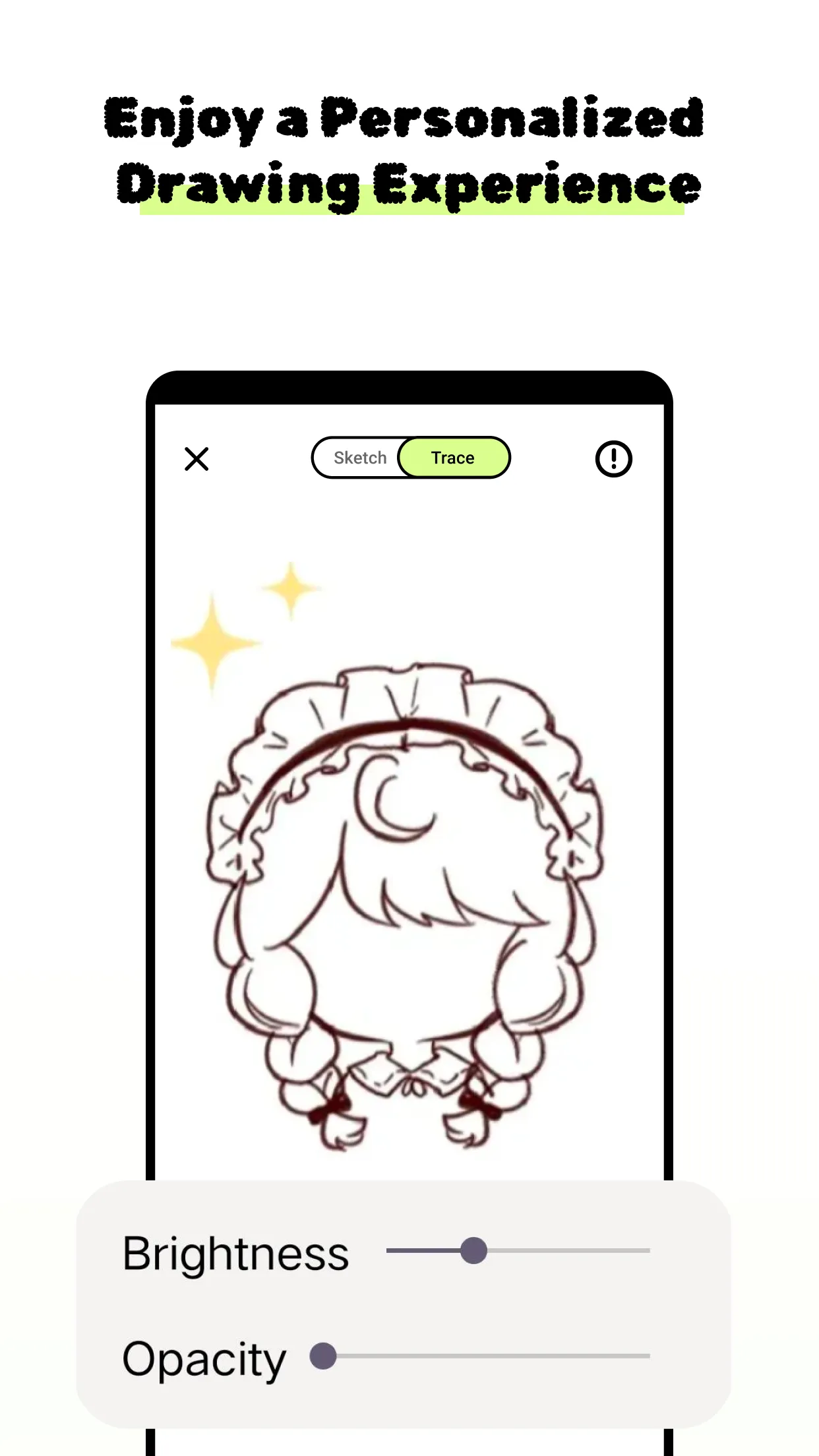
AR Drawer Pro is a fun and innovative drawing software. Boasting stunning visuals, this app seamlessly blends augmented reality technology with artistic creation, offering users a captivating artistic journey. In AR Drawer Pro, users can capture real-world scenes or import images from their gallery as augmented reality templates to quickly launch their art projects. Furthermore, this app is designed for users of all skill levels, providing features such as image tracing, a wealth of templates, and the ability to sketch and draw directly on any surface.
Capture to Create
Begin your art projects by capturing scenes with your device’s camera or importing images from your gallery to serve as augmented reality templates.
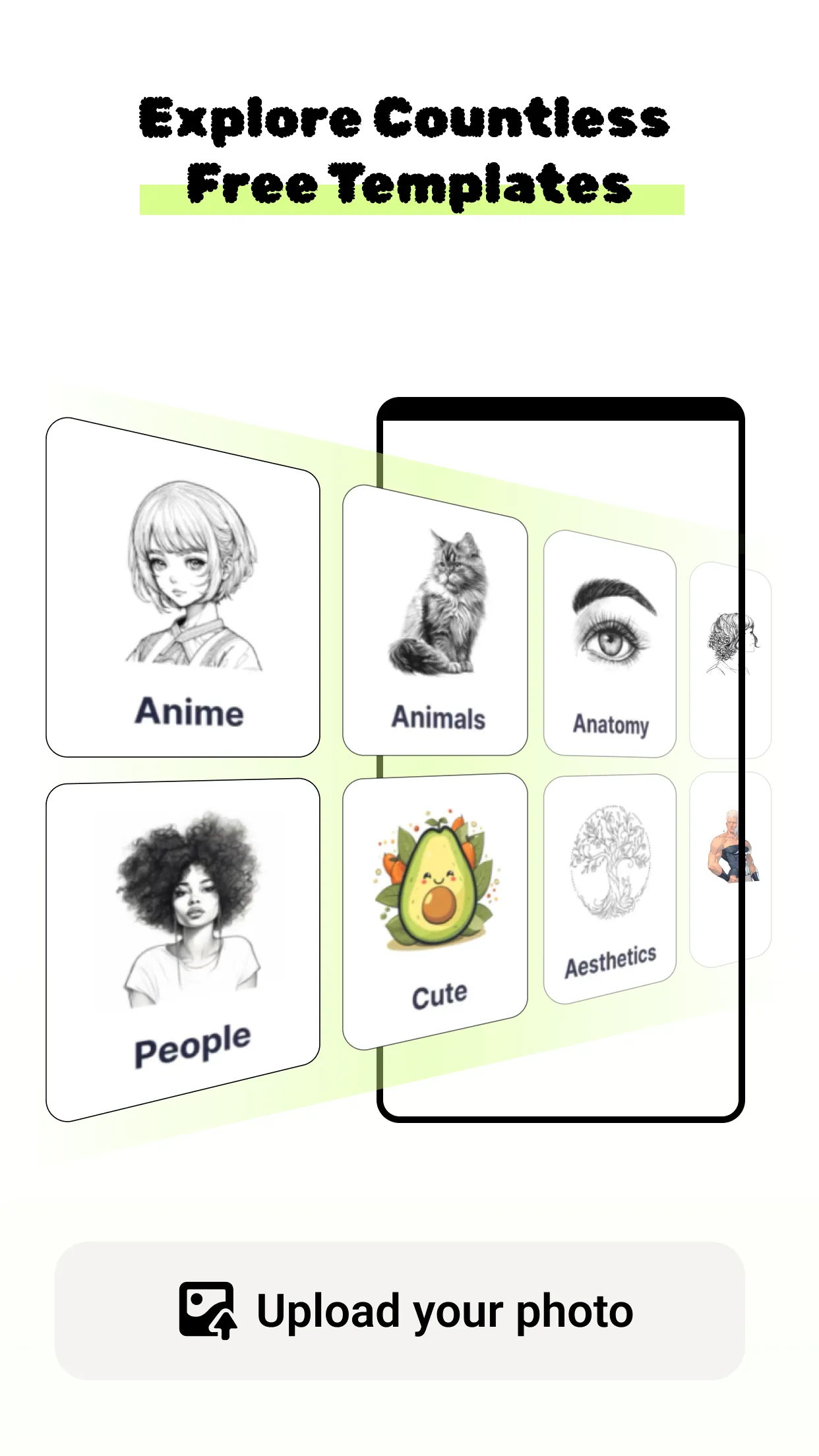
Extensive Image Library
Access a wide-ranging collection of images including special themes, animals, cute motifs, and nature scenes, all ready to be incorporated into your AR projects.
Night Mode Enhancement
Enhance your drawing experience in low-light conditions with the flashlight feature, designed to protect your eyes and maintain the quality of your work.
Streamlined User Experience
Enjoy an intuitive interface that simplifies the complexities of AR technology, making it accessible and user-friendly for artists at any level.
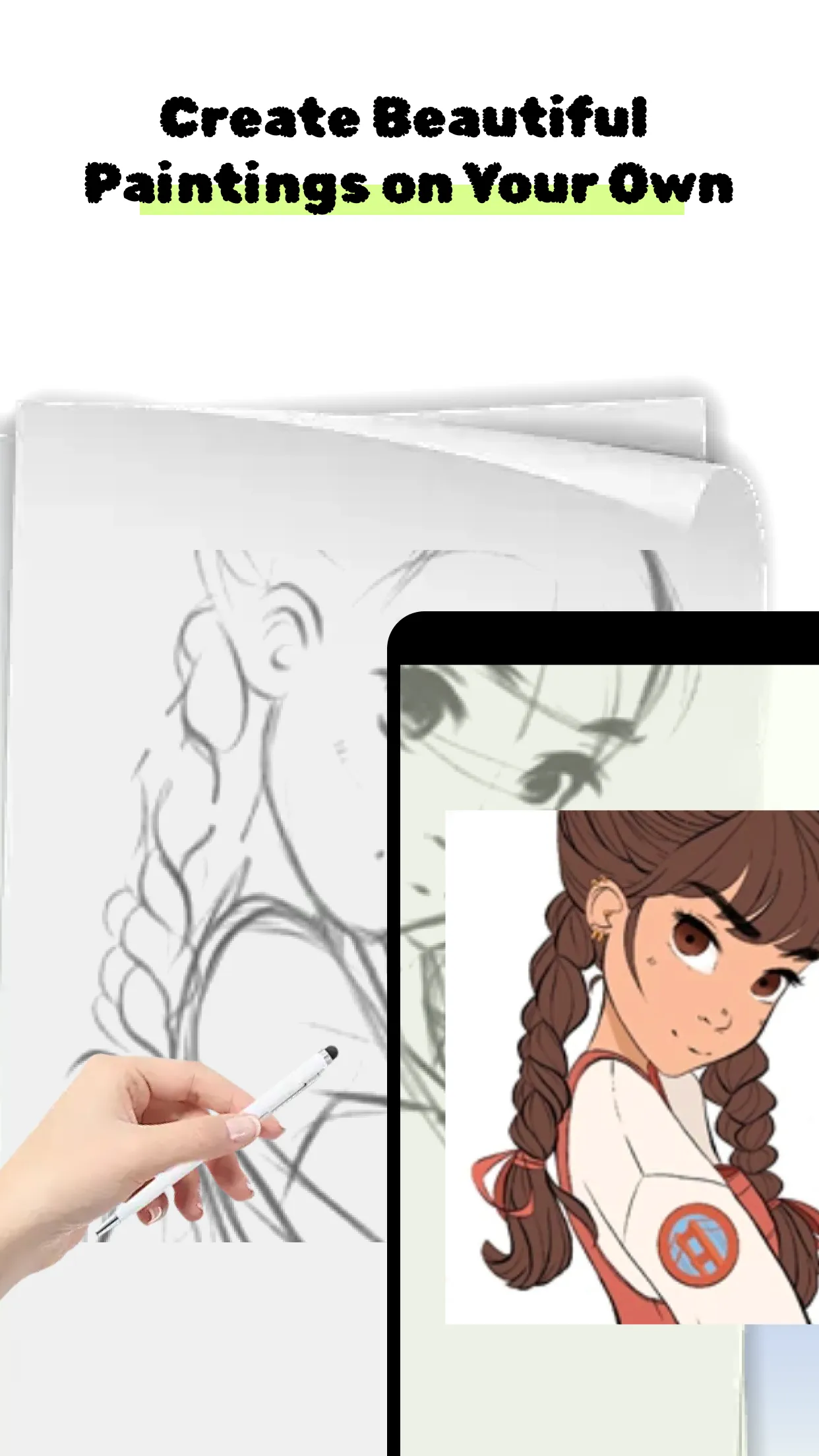
Live preview: The app also has a feature that allows you to see the drawing come to life on the screen after you create it.
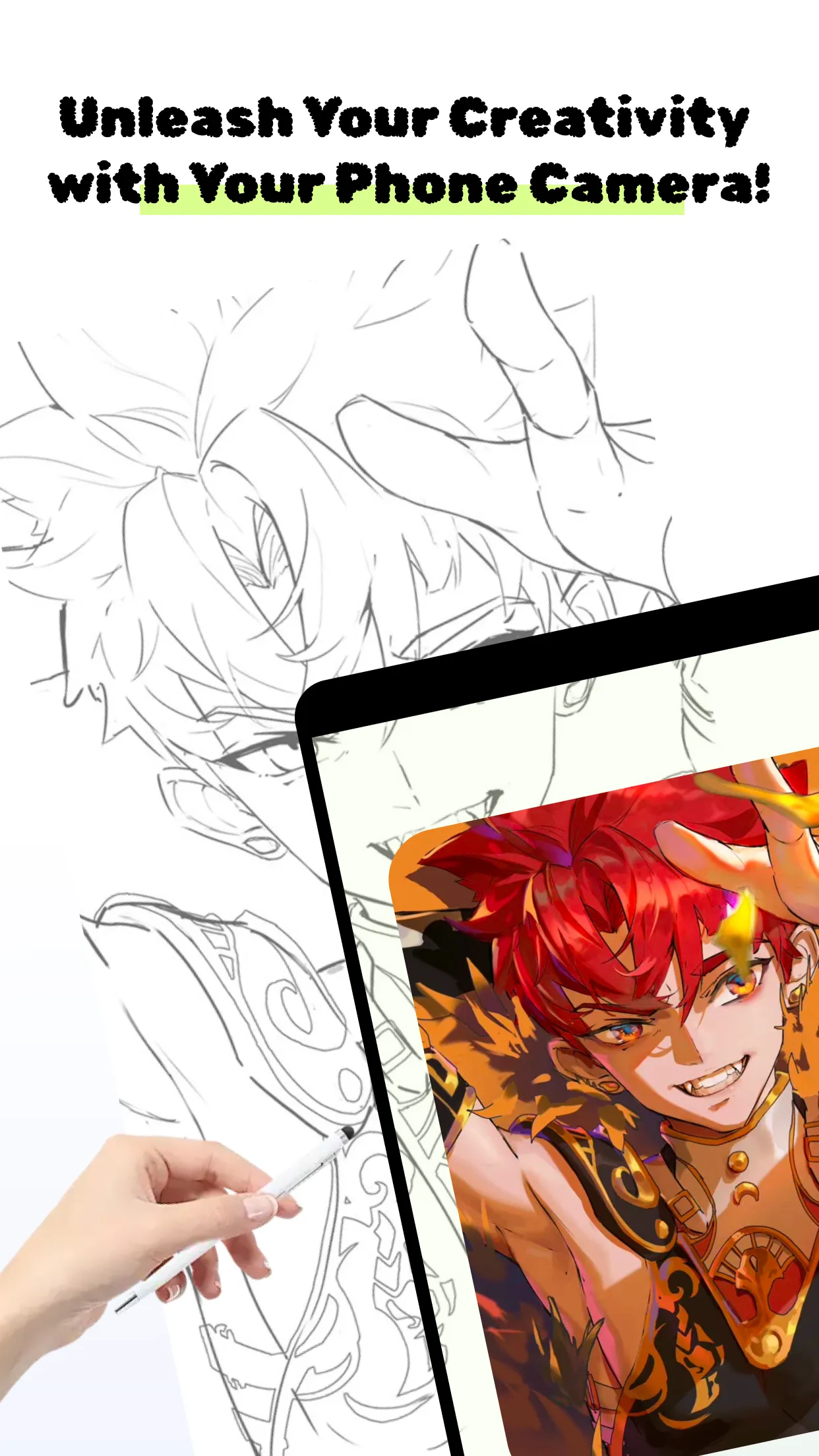
Augmented drawing: Users can draw on any surface or object with just a simple camera overlay.
Creative freedom: Surprisingly, the app allows users to turn their surroundings into a professional and beautiful digital painting.
Drawing skills: The app also tracks and helps users quickly improve their drawing skills and techniques.
Favorite themes: The app is a fun way to learn the steps to draw the things you love, from anime characters to everyday modern life.
Diverse subjects: The painting topics are constantly updated, ranging from animals to vehicles to food.
Capture to Create: Jumpstart your art projects by capturing real-world scenes or importing images from your gallery as augmented reality templates.
Extensive Image Library: Explore a vast collection of images, from special themes to animals, cute motifs, and nature scenes, all ready to enhance your AR projects.
Night Mode Enhancement: Elevate your drawing experience in low-light settings with the flashlight feature, ensuring eye protection and preserving the quality of your work.
Streamlined User Experience: Navigate a user-friendly interface that simplifies AR technology complexities, catering to artists of all skill levels.
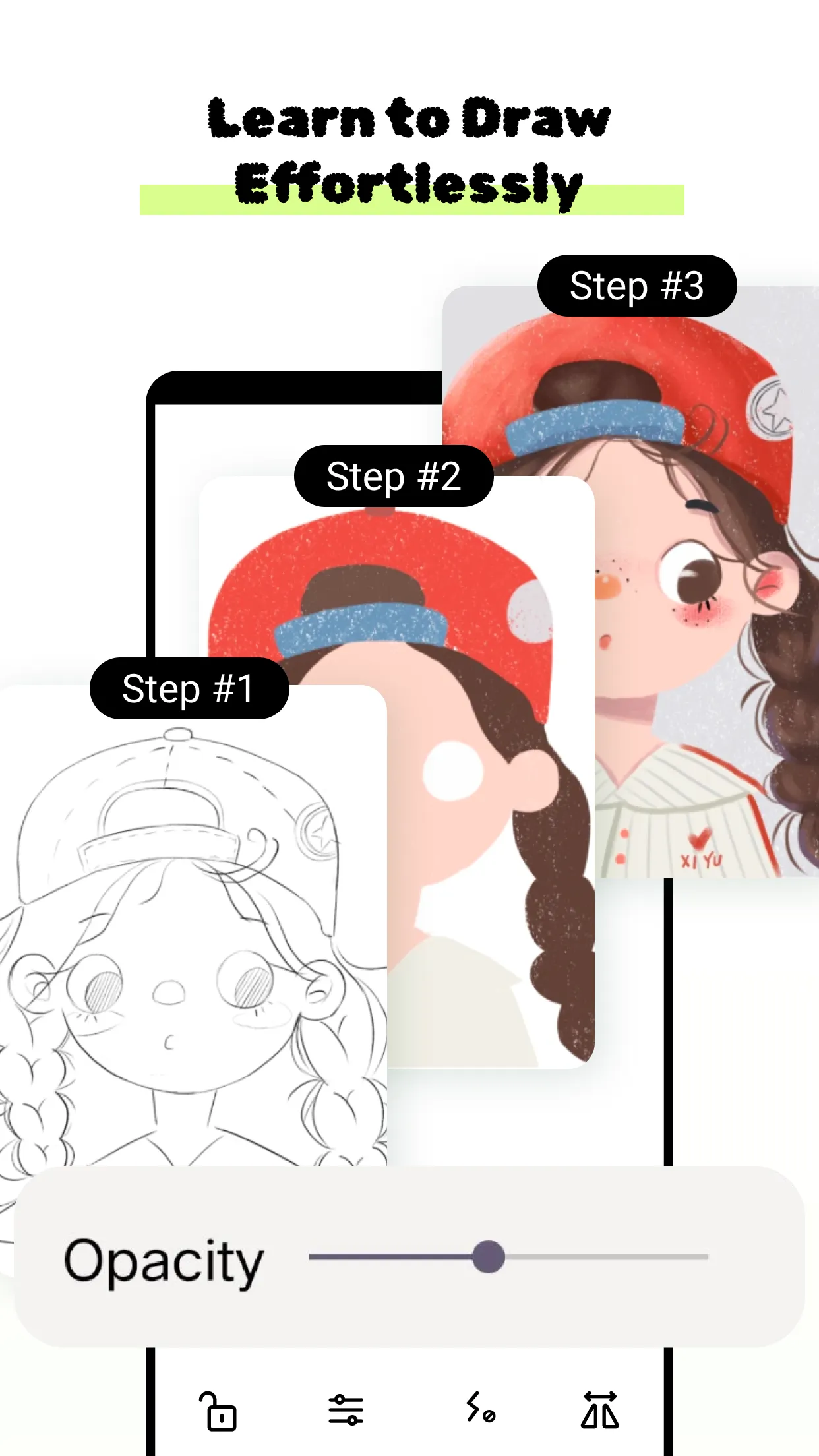
The app also offers a night mode that enhances the drawing experience in low-light conditions, protecting the user's eyesight. Its intuitive interface simplifies the use of augmented reality technology, making it accessible to artists of all levels. AR Drawer Pro is an innovative tool that elevates artistic expression, allowing users to explore new dimensions of their creativity.
Size:119.2MB Version:1.0.0
Requirements:Android Votes:308
Package Name:com.ardashgdi.drawerprohughd Signature:3d1da8be29c2bcf06346ac89866de94fc500a717
This collection celebrates the joy of creativity in gaming, focusing on titles that encourage artistic expression without barriers. Explore free drawing games, open-ended design tools, and community-driven art projects that let imagination thrive. Whether sketching with friends or crafting solo masterpieces, these topics highlight how accessible gameplay fosters creativity—no paywalls, just pure artistic freedom.
About us | Contact us | Privacy policy| DMCA
Copyright © 2026 Xiaohei All rights reserved.