RetroArch is an open-source game emulation and creation tool. With the help of the Libretro API, users can easily create various fun mini-games and even invite friends for multiplayer adventures and battles. It boasts a wealth of game resources; simply click to download content and start playing. Customize your key bindings and select your preferred language to enjoy a comfortable gaming environment. The software is constantly being updated, with more supported games and features being added continuously, bringing players more fresh experiences.
All-in-one core system: RetroArch loads many systems by using Libretro cores inside one app. You pick a core and then open content for that system without switching to a different tool. Settings like controls and audio can be shared across cores or customized per system. This setup keeps management simple while still allowing fine control when needed.
Console-style library scanning: You can scan folders to build playlists by system, complete with thumbnails and basic database info. RetroArch displays content in a clear, console-like view so you can browse by platform and quickly resume recent items. It helps keep large collections tidy, which makes switching between games faster. Thumbnails and metadata also provide helpful visual cues when navigating.
Low-latency play and runahead: RetroArch includes next-frame response and runahead options that aim to reduce input delay. You can tune latency per core or per game to approach the feel of original hardware. These controls are optional and can be adjusted gradually. The result is a more responsive experience if your device and content benefit from these settings.
Video shaders and visual tuning: You get a selection of shaders such as CRT and scanline styles along with color and sharpness presets. Changes can be previewed in real time, which helps you pick a look that fits your screen. Profiles can be saved by core or by game for consistent results. It is easy to revert or experiment without losing your baseline.
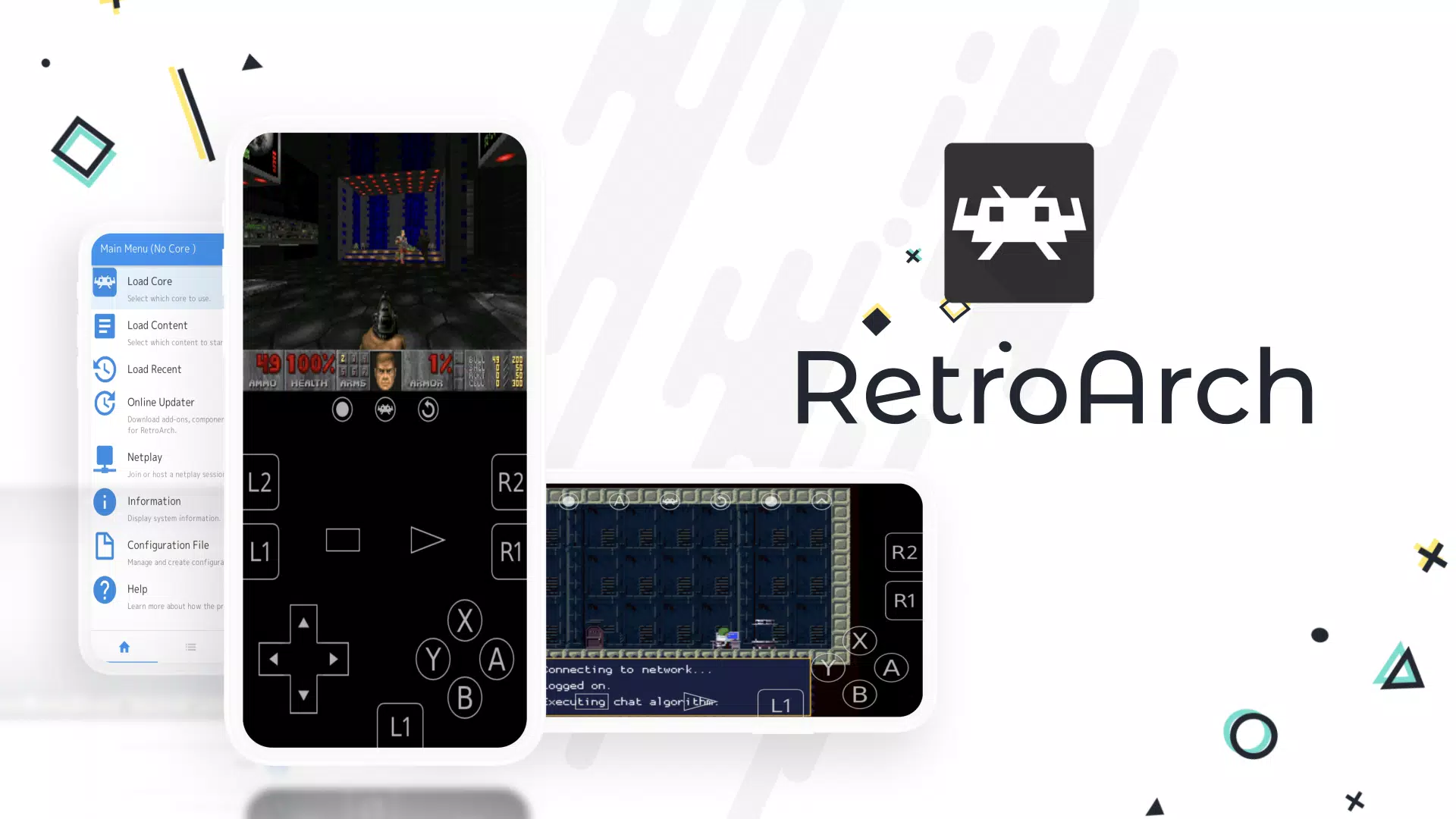
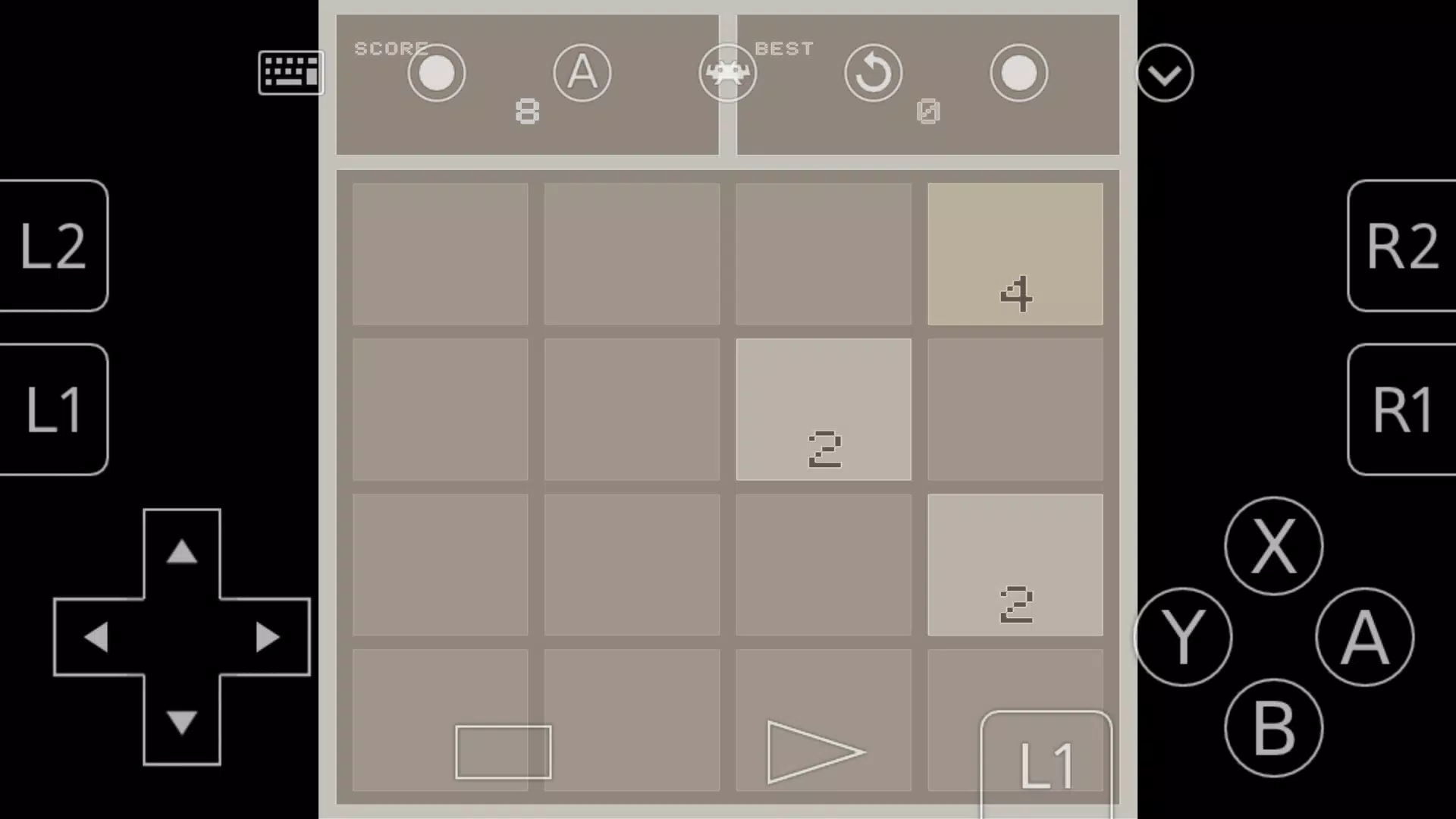
Universal button mapping: You can set your buttons for any RA core, and also save per-game settings and button remaps for the best experience. You can also set up hotkeys for things like save states, loading save states, bringing up the RA menu, fast forward, etc. With this method, you only have to remember hotkeys for one platform instead of different key mapping options across various emulators.
Precise video scaling options: With RetroArch, you can adjust the game image to match your device’s dimensions and resolution, or even apply bezel overlays to customize the layout of your screen. If you have certain preferences for your scaling (perfect pixel accuracy, or stretching out the image to take up the full screen), RA should have what you need.
Shaders and Filters: Shaders apply an overlay to your screen that can mimic scanlines, colorization, or other effects that will recreate CRT monitors, chunky LCD grid displays, and more. Filters behave like shaders for your games, and can alter the screen to provide you a better visual experience. Adding filters to your game image will smooth out pixel distortion for screens that don’t accurately match the original console you are emulating.
Playlists and thumbnails: RetroArch uses “Playlists” to organize the game library, and it will allow you to add box art (“Thumbnails”) to every game as you scroll through, and you can also set favorites, which is very handy.
In-game saves and save states: RetroArch has the ability to save your game with SRAM (in-game) saves like how it was on the original console, and you can also use save states to take a snapshot of any game at any time as well.
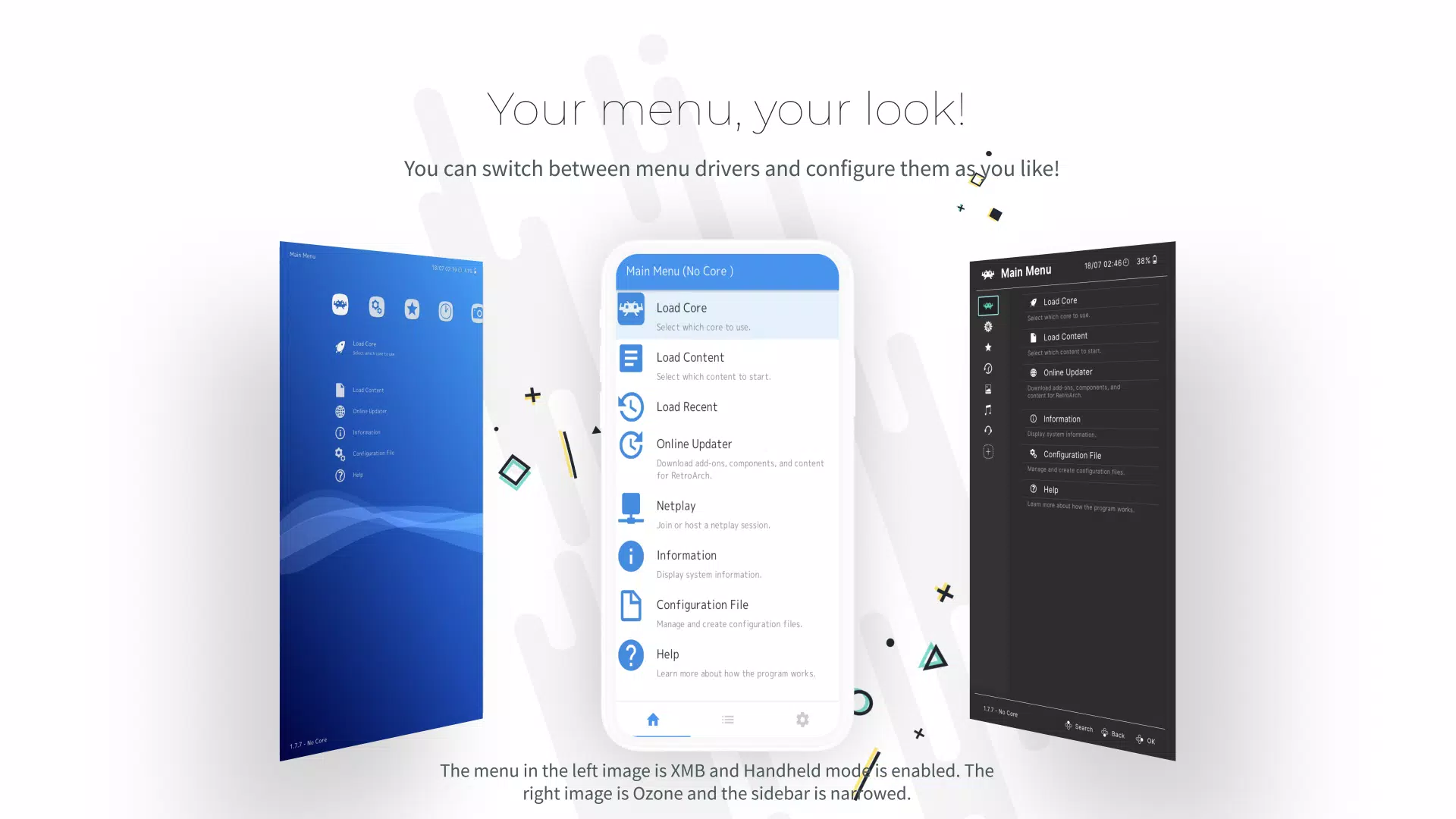
Incredible piece of software that centralizes emulation into a single application, managing your cores for different systems is fairly straightforward, as someone who has emulated games a long time ago and has only recently come back to it, having most systems up to the sixth generation in a single application is massive.I personally chose to use the Steam versioin as opposed to the standalone one since I prefer having everything on Steam, although missing the Core Downloader is quite the disadvantage, there are things to be gained using this version, like cloud saves. There are plenty of resources to help you with things such as adding cores that aren't DLCs, and they work just fine.While I'm mostly satisfied with the experience, my main criticism would be the UI, it can be confusing for beginners, specially in regards to setting the controls and inputs, so it's a learning curve for me. I still think it's worth the time investment since learning it will make it so you don't have to, for the most part, use separate emulators for each system.Adding RetroAchievements is also quite simple and works really well, so kudos to them for that. And it's all FREE, I'll always be supportive of open-source projects and I'm grateful that such option exists for everyone.
RetroArch is an amazing set of cores and tools to play old games and software. It dose take a lot of time and even technical knowledge to navigate and understand what your doing. Which I can not fault them, as making a platform this large to allow support for so many systems is a Herculean task. Thankfully there are plenty of tutorials to follow on Youtube and they will help you in setting up your digital retro library in short time.
Just having cloud sync for saves is a phenomenal reason to install Retroarch through Steam. Now if Steam could just get a storefront on Android with Retroarch available, that would be a total game-changer.
This emulator thing is so good. I played Super Mario 64 on RetroArch. RetroArch is literally good. Even though I don't even know how to play the emulator on RetroArch. No matter what it's still good for emulation.
When will the next version of RetroArch be released?
RetroArch continues to improve itself day by day. So there is no specific date for the next release but you can try the nightly builds to get the latest features.
Why are some cores missing from the Online Updater's Core Downloader?
There are several possible reasons: not all cores are available for all platforms; the core's name might have changed (check the libretro blog and/or release changelog notes for such announcements); your Core Info files might be out of date (RetroArch uses these files to sort the Core Downloader properly); the core may be deprecated for some reason, such as being superseded/replaced by another similar core.
How can I use custom theme for RGUI?
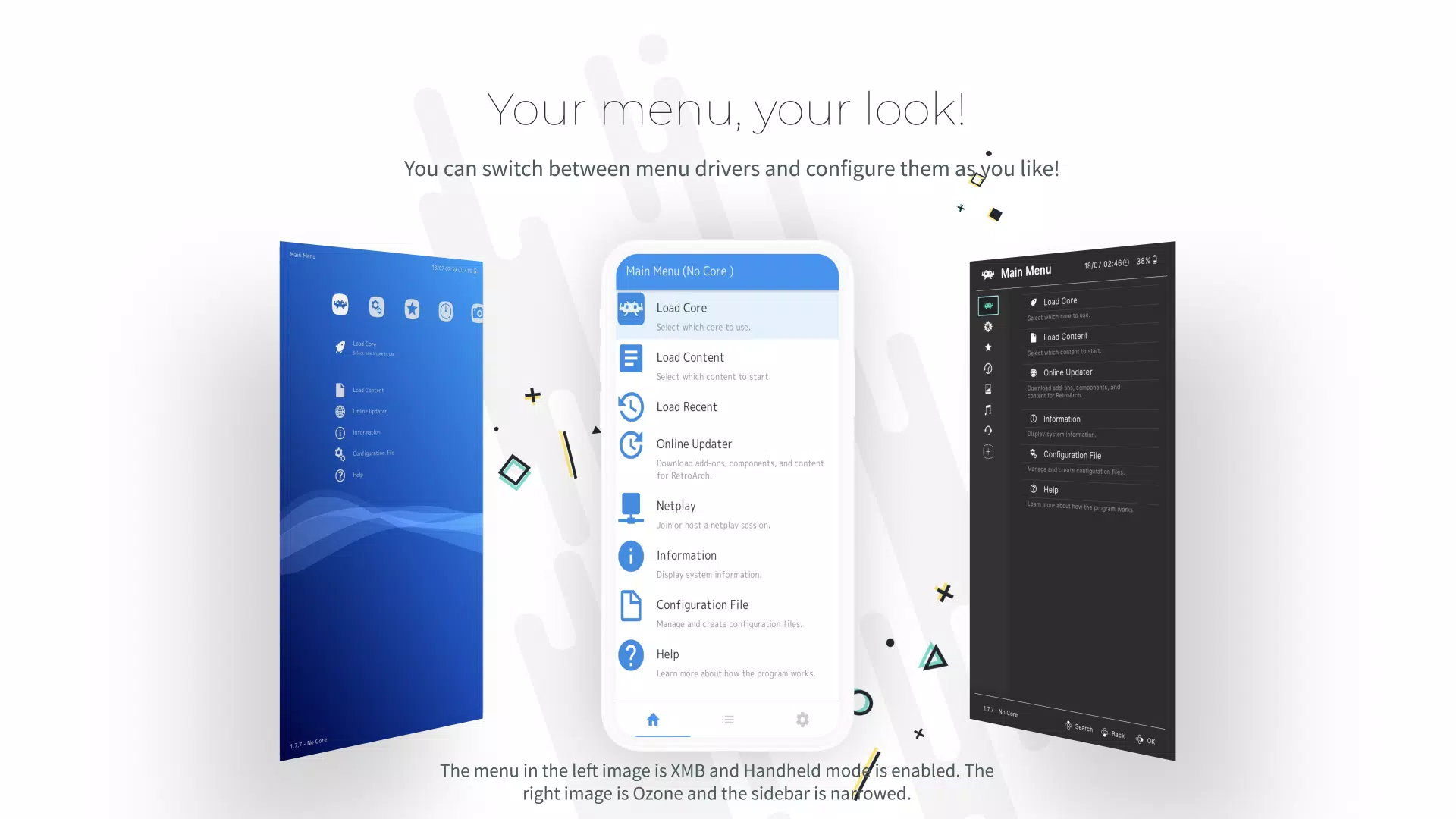
Setting Menu Color Theme to Custom allows for an even greater degree of personalisation via the use of custom menu theme presets. A number of examples are provided in the RetroArch assets package, which may be downloaded by selecting from the top menu Online Updater > Update Assets. To choose one of these examples, go to Settings > User Interface > Appearance and select the Custom Menu Theme Preset option. In the file browser that opens, navigate to the rgui directory and select a .cfg file.
What are Achievements and how can I use them?
RetroArch provides a trophy unlocking mechanism similar to modern game consoles. The first step is to register an account on http://retroachievements.org/. Then, you need to enable the functionality and fill your retroachievements credentials in Settings->Achievements.
How can I apply Shaders?
RetroArch is shipped with a lot of shader presets. To enable a shader preset, you need to have a game running. You then trigger the menu and you should see a Shaders entry in the Quick Menu. Go to Load Shader Preset and choose a preset file.
How to download or upload Cores?
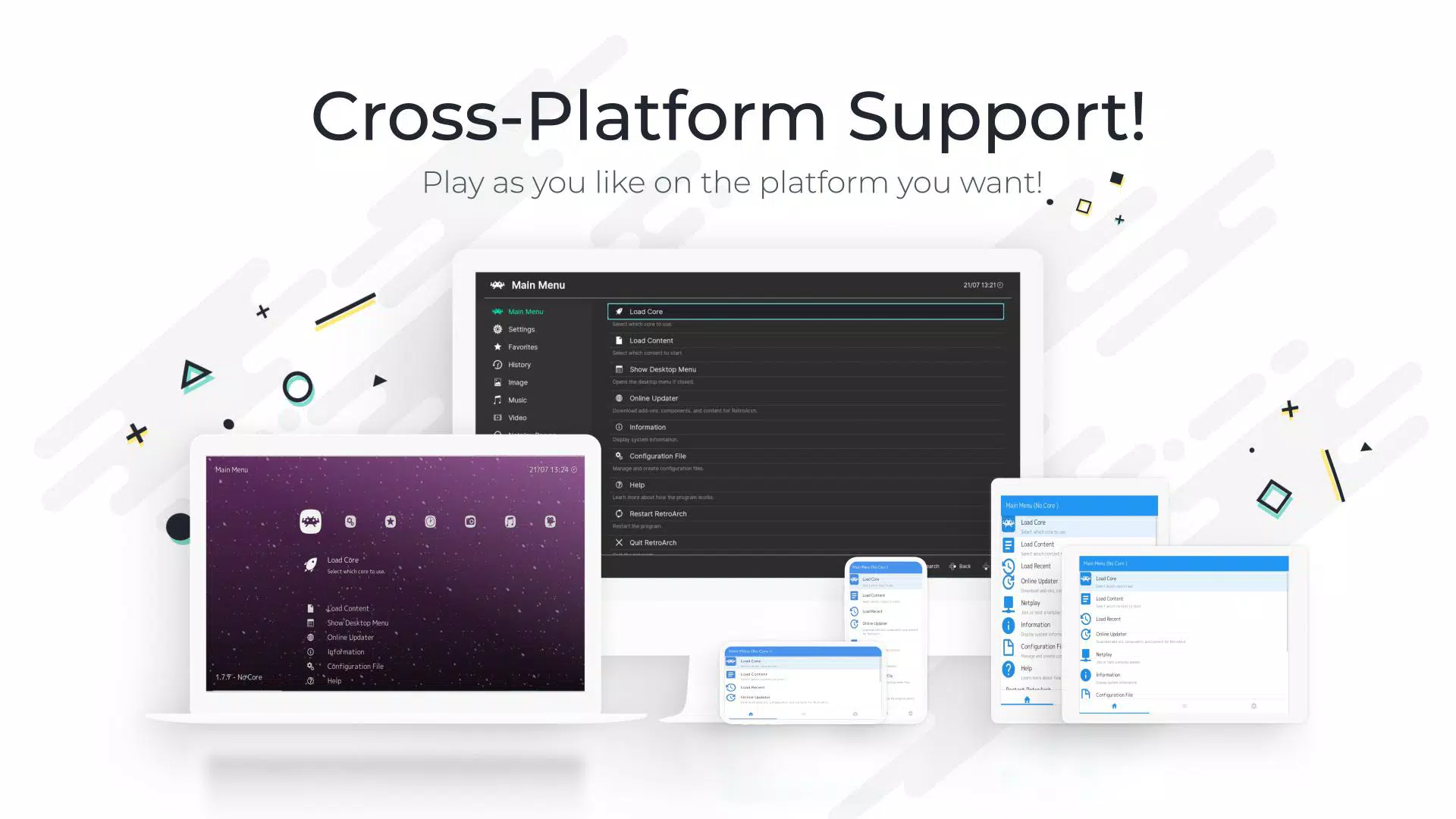
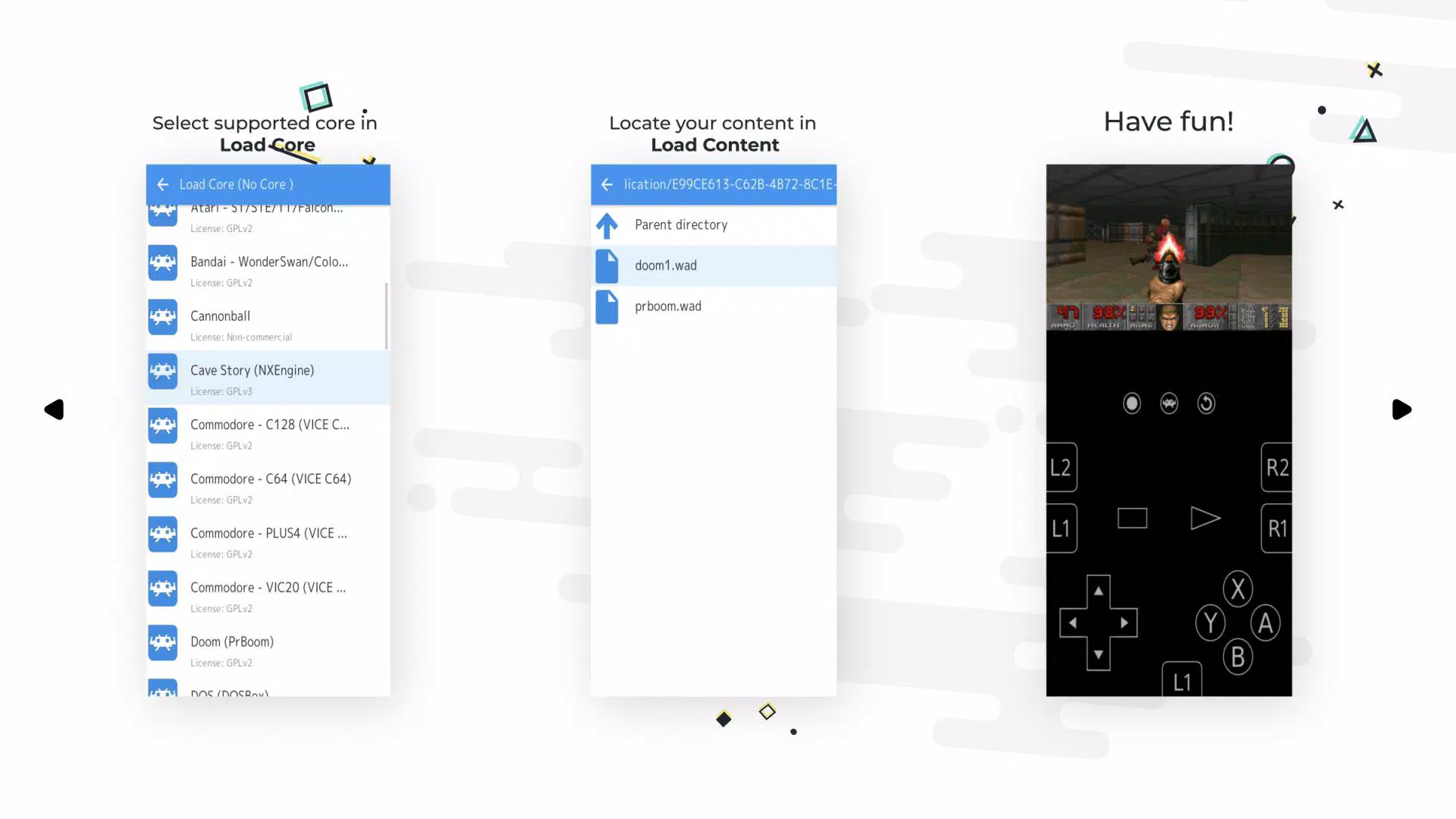
On most platforms (except game consoles and certain mobile platforms), RetroArch comes with dynamic module loading support. On these systems, you will be able to install and/or update new cores as they become available on our buildbot. To access these, go to RetroArch's main menu, select 'Online Updater', and then select 'Update Cores'.
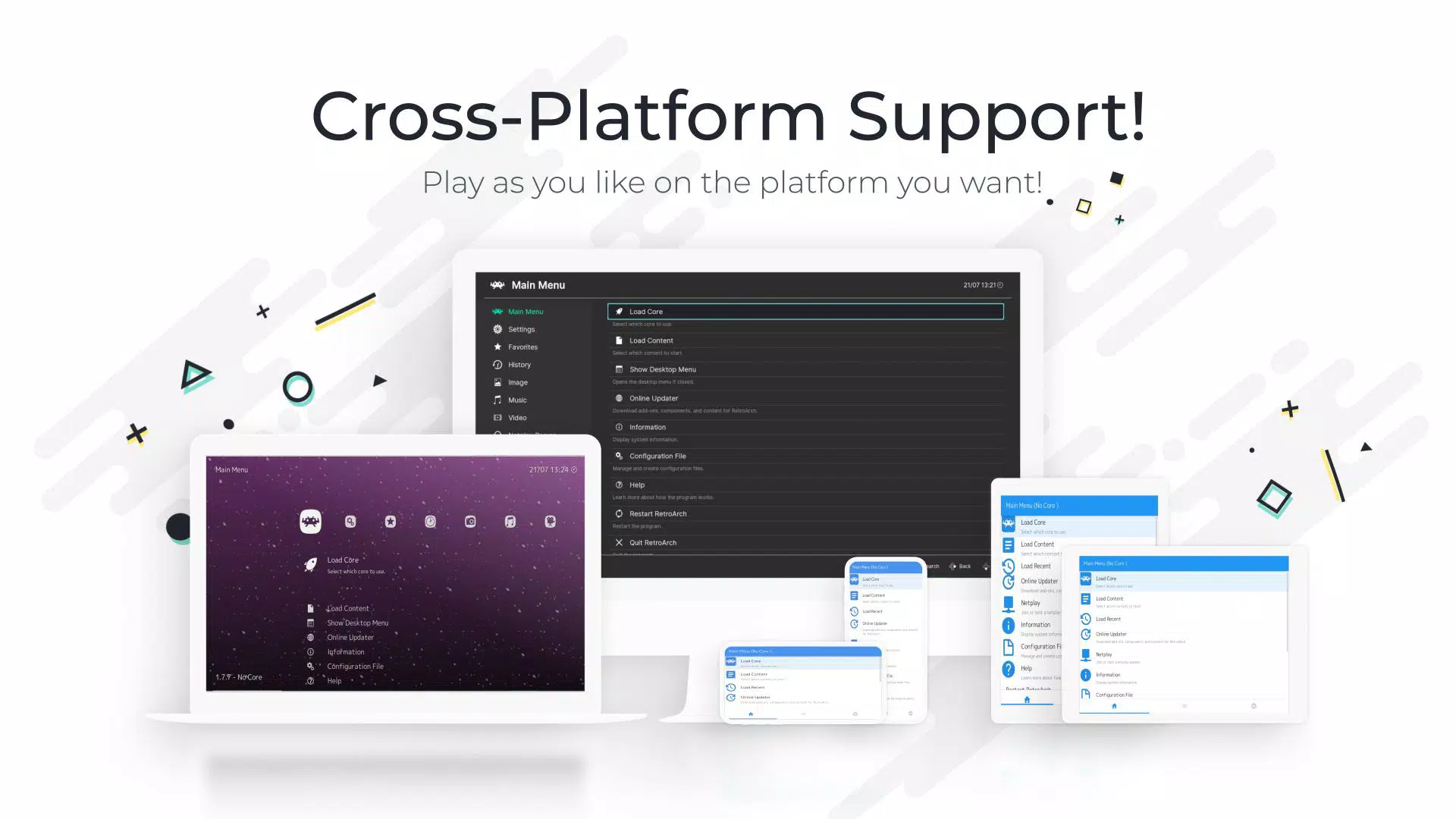
Download RetroArch and enjoy what is by far the best Android emulation app around. Other emulators can help you play games from one or two consoles, but RetroArch has the potential to emulate tens of thousands of games, all from a single interface. A real treat for fans of video games in general and those passionate about emulation in particular.
Size:192.3MB Version:1.22.2_GIT
Requirements:Android Votes:99
Package Name:com.retroarch Signature:6d6f7104273140dfc8e68ff480bd9a1eb54d2a52
In the world of gaming, there are always those unassuming titles that may lack dazzling visuals or pulse-pounding soundtracks. While appearing simple at first glance, these games possess a unique warmth that can touch our hearts, offering solace and healing to our weary minds. Today, allow me to introduce several visually stunning and emotionally soothing games that serve as peaceful havens. Whether you choose to play them or simply admire their beauty, they remain there like serene landscapes, quietly breathtaking in their own gentle way. These gems remind us that sometimes the most profound experiences come in the most understated packages.
Games have the unique ability to offer us both an escape from reality and a reflection of it. On one hand, they provide a refuge-a place where we can immerse ourselves in a virtual world, away from the pressures and challenges of our everyday lives. On the other hand, games can also bring us face-to-face with the complexities of real life, allowing us to experience its highs and lows, its moments of joy and sorrow, all within a controlled environment. This dual nature of gaming-offering both an escape and a confrontation with reality-is what makes it so deeply connected to the essence of the human experience. It allows us to explore, learn, and grow, while also providing a space for reflection and personal discovery.
At last, the weekend is here! It's the perfect time to leave behind the stress and worries of the week. I can unwind and immerse myself in some enjoyable games, allowing myself to fully relax and recharge. Whether it's an action-packed adventure or a simple puzzle game, the weekend offers the ideal opportunity to let go of everything and focus on having fun.
About us | Contact us | Privacy policy| DMCA
Copyright © 2026 Xiaohei All rights reserved.