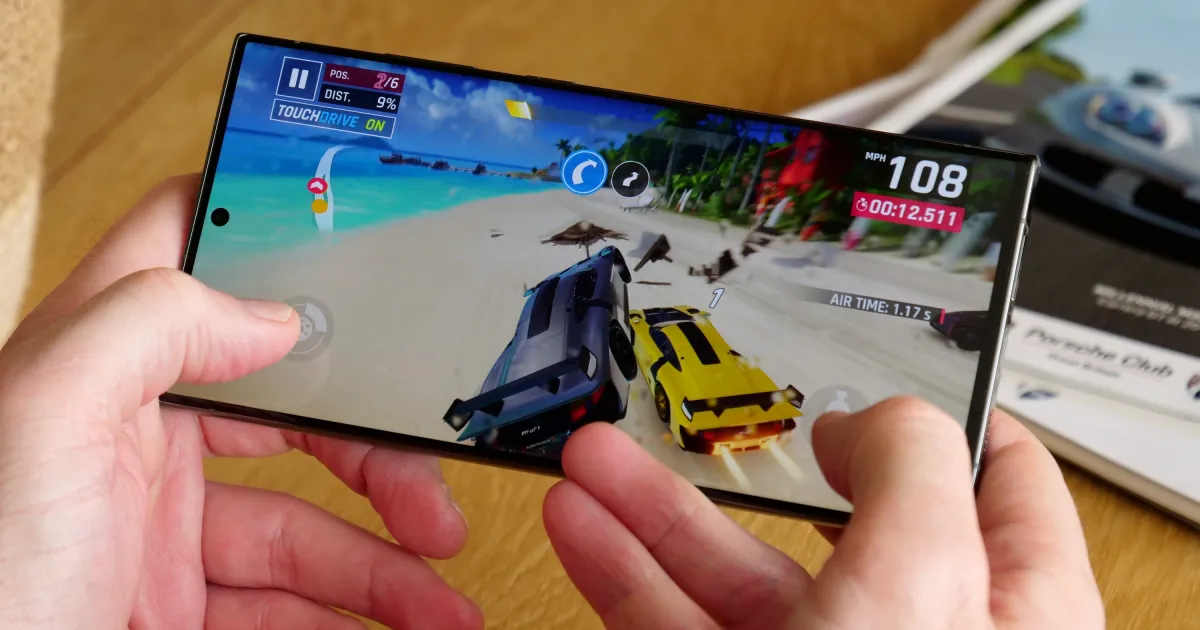
Blooket blends gaming with educational elements, offering students a fresh and engaging learning experience. It features a wide array of mini-games—ranging from tower defense and racing to adventure—that players can explore. During gameplay, users can freely adjust various settings and sensitivity options to ensure a smoother, more tailored experience. Once registered, players can jump into real-time games with just a single click, interacting and communicating with others. Furthermore, users can create their own custom games and invite friends to join. As players spend more time in the game, they can earn points and coins, which can be redeemed for various rewards—a feature designed to boost motivation and enthusiasm.
Some of the features of the app are explained below.
Game Modes: This app is designed very innovatively where students can participate in different game modes. These game modes offer them ways to learn in different styles. There are more than 20 game modes. The most popular among them are the tower defence and gold quest. In the tower defence, students answer to questions to build a tower while in the gold quest, you have to answer right to open boxes where gold is confided.
Questions Designs: A teacher on this platform can create question for their students. They have to go to the platform and create question of their own or they can take question from any other source as well. Then they will make it available to their students so that they can attempt them.
Homework Mode: There is a live class mode where all students have to play and attempt the question. But in the homework mode students can play as a solo and go on their pace. This can help them re attempt and to remember the learning material more.
Rewards: With different game modes come different rewards for students. Students can get gold in the gold quest and they can later use them as well. Rewards can be used to buy yourself blooks which are the skins for your character in the game. Think of it as a digital currency that you can use to buy yourself cute outfits.
Reports: In the app, there is also the option of reports as well. In a report a teacher can see what question were attempted wrong by students. And they will know what topic to choose next for students and where they are lacking
Use and Edit Pre-made Question Sets: There is an option for users to use and edit pre-made question sets. You can search for your desired questions on this platform. Through search, you can get what you require within seconds. After getting the questions, you can edit and modify them for use. You can now make changes to the pre-made questions on this platform. After editing, you can share them with your students to solve them.
Adjust the Speed for Less Pressure: In blooket there is an option for speed adjustment. Through this, users can adjust their game speed. It helps users to complete the questionnaire within a given time. By adjusting the speed on this platform, they get less pressure while solving the questions. Users can be entertained through its speed adjustment feature.
Reward Students for Their Effort: The students earn a reward for their efforts in blooket bots. They first win the gameplay, then they can earn coins and rewards through it. Users can unlock blooket solutions by using the virtual amount. They can get access to class even if they have poor performance. The students prepare more for quizzes due to the presence of rewards.
Craft Well-Thought-Out Questions: Everything in the world has its own heart or feelings. While in this game, the heart is in question. If your questions are good for students, then you can win the game easily. There is quick access to the students in this application. Then, you can join the game through the QR code, direct link, or code provided by the host in the game.
Engage with Players During the Game: Teachers interact with the students while they are enjoying the game and doing quizzes. They are rewarded in the game if they win. The teacher can give marks and feedback on their gameplay. So there is an interaction between the teacher and the students in the game.
You can get access to blooket code in multiple ways. By using Game ID, QR code, Direct link, and code, you can host your own game. So the users can play the game easily and simply through these methods.
Using a Game ID: It is an easy and simple method to play a game on the blooket dashboard. You can get access to the game by game ID. The game ID is provided by the host in this application. After entering this ID or code, you will get access to the live game sessions.
Using a QR Code: An easy and faster way to join a game is a QR code provided by the user. You can get access to the game by opening your device and scanning the QR code. The user will directly get into the game by scanning the QR code provided by the host.
Using a Direct Link: If the host in the game shares a direct link. Then click on the provided link and get quick access to join the game. You can enter the game after clicking on the direct link.
Play With Others Using a Code: The host or a teacher will share a code for the class. Through this, every student gets access to the game and plays live sessions in the same way for learning.
Host Your Own Game: If you want to host your own game. Then click on the provided host button. Through this, you will be able to create your own game. Then share the link with your colleagues and friends to enjoy the game.
Is Blooket Free?
Yes! All of our essential features are free!You can create an unlimited number of question sets and host a game with up to 60 people (300 people for Plus members—except Racing and team modes).
Do students need a Blooket account to play?
Nope! Only the teacher needs an account.You'll be able to host a game, and any student can use the Game ID, QR code, or link to join without logging in. However, students who do create accounts will have the ability to unlock new Blooks, track their stats, and play solo games.
I can't login/join a game/host a game. What do I do?
These errors can occur for a few reasons. The main one is that a Chrome Extension such as an AdBlocker or other service is blocking part of the site's functionality. While we don't run ads, these can still interfere with some parts of the site.Second, if you still can't join or host a game, you may need to make sure firebaseio.com is unblocked on your device. We use this site for part of our backend, so if there is a firewall blocking it, you may not be able to use parts of the site (however, this will not affect your ability to log in).
The images/Blooks aren't showing up... What do I do?
This tends to be an issue with school networks and school-issued devices. The way to get the images to show up is to simply get someone who can edit the school network to unblock res.cloudinary.com and images.unsplash.com. These are the two services that deliver our images, so if they are being blocked then the images will not show up!
How do I hide the notification asking students to create Blooket accounts?
After finishing a game, students are asked to create accounts (if they don't already have them) to track their stats and unlock new Blooks. Creating an account is totally optional, but some may not want their students to see this.
Blooket enhances the learning environment by promoting active participation and knowledge retention. It encourages collaboration among students, especially in team-based modes, and rewards performance with points or virtual prizes. The platform is user-friendly, allowing students to easily join games and start playing without needing extensive technical knowledge.
Size:11.27MB Version:1
Requirements:Android Price:Free
Package Name:com.blooket.TowerBlooketMobileGame Signature:663ea137f8923170a1d87db19c7fef22
In the world of gaming, there are always those unassuming titles that may lack dazzling visuals or pulse-pounding soundtracks. While appearing simple at first glance, these games possess a unique warmth that can touch our hearts, offering solace and healing to our weary minds. Today, allow me to introduce several visually stunning and emotionally soothing games that serve as peaceful havens. Whether you choose to play them or simply admire their beauty, they remain there like serene landscapes, quietly breathtaking in their own gentle way. These gems remind us that sometimes the most profound experiences come in the most understated packages.
Time is a precious resource, and even short breaks can be used effectively. For instance, during a ten-minute gap between classes or a brief work pause, a quick round of an engaging game can refresh your mind. These short gaming sessions help relieve stress, boost focus, and provide a fun mental reset-all without taking up much time. So whenever you have a spare moment, why not dive into a fast-paced game and return to your tasks feeling recharged?
In the vast virtual world, countless players dream of becoming rulers of their own domain, freely exploring resources, shaping landscapes, and constructing their ideal homes. These digital realms provide the perfect canvas for creativity, allowing players to bring their personal utopias to life. With innovative and highly customizable gameplay, combined with expansive open worlds full of possibilities, games that incorporate building mechanics offer an unparalleled sense of freedom and fulfillment. Whether it's designing a towering fortress, crafting a cozy village, or establishing an advanced civilization, the joy of creation knows no bounds in these immersive experiences.
About us | Contact us | Privacy policy| DMCA
Copyright © 2026 Xiaohei All rights reserved.