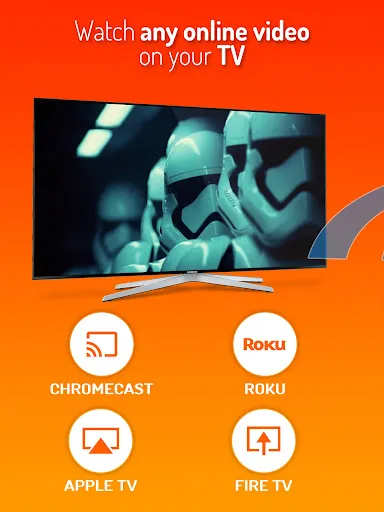
Cast Web Videos to TV - iWebTV is a video casting application. We all know that the best movie experience is in a theater, but how can you enjoy the highest quality content at home? That's right, it's screen casting! It casts videos or streaming content from your phone to another device, allowing you to enjoy a cinematic experience at home. It supports high-definition resolutions, including 1080p and up to 4K, ensuring a clear viewing experience even on the largest screens.
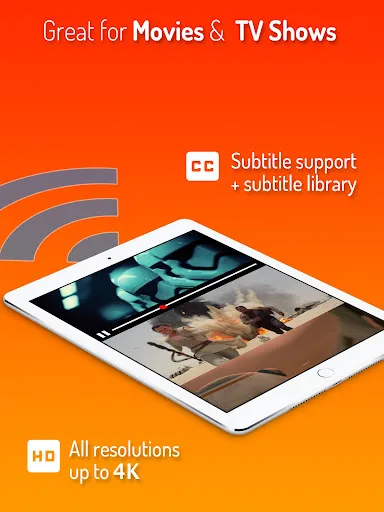
Supports high-definition resolutions, including 1080p and up to 4K, depending on the device.
Advanced browser features, including multi-tab functionality, pop-up blocking, address bar search, ad blocking, and browsing history.
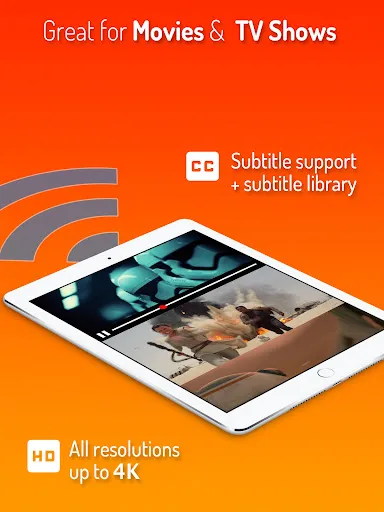
Automatic subtitle detection and access to movie/TV subtitle libraries.
Live streaming compatibility.
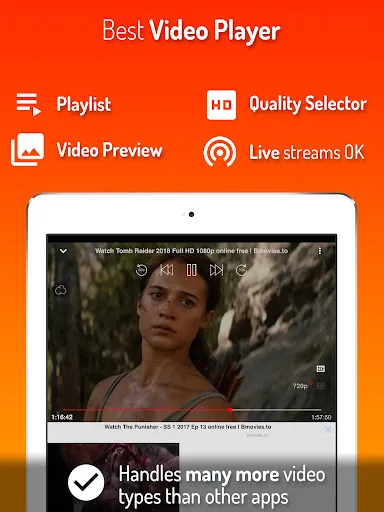
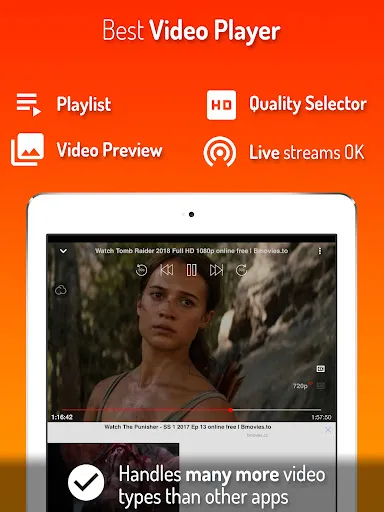
Video preview function displays up to 72 snapshots for easy scene selection.
Supports adding multiple videos to a queue for continuous viewing.
Customizable homepage, bookmark webpages or videos
Full playback controls accessible via app or lock screen
Privacy mode ensures anonymous and private browsing
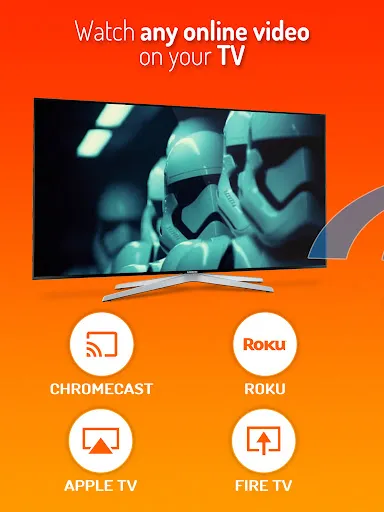
Some of iWebTV's highlights include support for HD resolution (up to 4K, depending on the device), an advanced browser with multi-tab functionality and ad blocking, automatic subtitle detection and access to movie/TV series subtitle libraries, and support for live streaming. The app also allows you to preview videos (capture up to 72 snapshots), add multiple videos to the playback queue for uninterrupted viewing, and customize your homepage and bookmarks.
iWebTV offers full playback controls, available both within the app and from the lock screen after exiting the app. It also offers a privacy mode for anonymous and private browsing.
Chromecast®
Roku®
Fire TV®
Apple TV® (4th generation)
Smart TVs with Roku, Fire TV, or Chromecast
How can I watch live web videos on iWebTV?
First, open the iWebTV app on your mobile device. In the search bar, find the video you want to play. Then, click on the video and select the TV device you want to play it on.
How to add iWebTV to your Roku TV?
To add iWebTV to your Roku TV and use it, you need to install iWebTV on your mobile device and ensure that your mobile device and Roku are connected to the same internet. Next, launch the iWebTV app and click the casting icon to start playing.
What are the minimum system requirements for running iWebTV on a PC?
Intel or AMD processor
Windows 7 or later
2GB RAM
5GB available disk space
Hardware virtualization technology support
This application allows you to easily enjoy multimedia content from the web on your TV, with a simple and easy-to-use interface for convenient casting. Whether you want to watch movies, TV series, or any online video, iWebTV simplifies the process, allowing you to easily stream your favorite shows on the big screen.
Size:11.80MB Version:1.14
Requirements:Android Votes:208
A truly outstanding movie is not just about an engaging plot-it also requires seamless transitions between scenes. When these transitions are natural and fluid, they help the audience stay immersed in the story without feeling disconnected. The same principle applies to video games. Games that ensure smooth, uninterrupted gameplay, whether through well-designed animations, intuitive controls, or seamless scene changes, create a more immersive and enjoyable experience for players. A game that flows effortlessly from one moment to the next demonstrates a level of craftsmanship that deserves recognition and admiration.
Video Player is a software application or hardware device designed to decode and display digital video content. Modern video players are highly versatile, capable of handling both locally stored files and real-time streaming media from online platforms. Over time, technological advancements have transformed video players from basic format-specific tools into sophisticated systems supporting a wide range of codecs, resolutions, and playback features. Today’s players offer enhanced functionality such as subtitle synchronization, playback customization, and adaptive streaming, ensuring a seamless and user-friendly viewing experience across various devices.
What are the best video player software? The editor recommends some treasure level video player apps to provide users with a massive collection of TV dramas and movie resources, allowing you to enjoy the joy of binge watching at any time. The interface is beautiful and the design is simple, and many functions are displayed very clearly without the need to search everywhere. It also has various functions such as screen casting and video screenshot, and all formats can be easily played without conversion, ensuring that users can enjoy the smoothest and highest definition picture quality. Interested friends, come and download it now.
About us | Contact us | Privacy policy| DMCA
Copyright © 2026 Xiaohei All rights reserved.