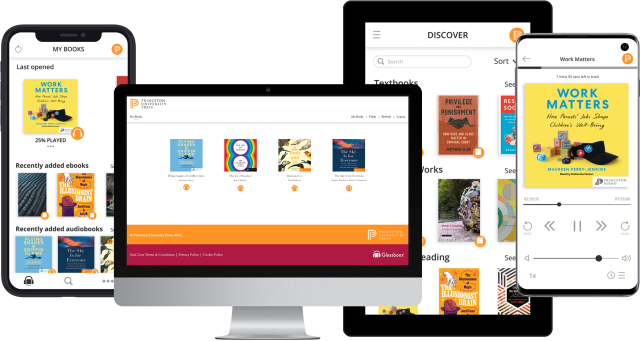
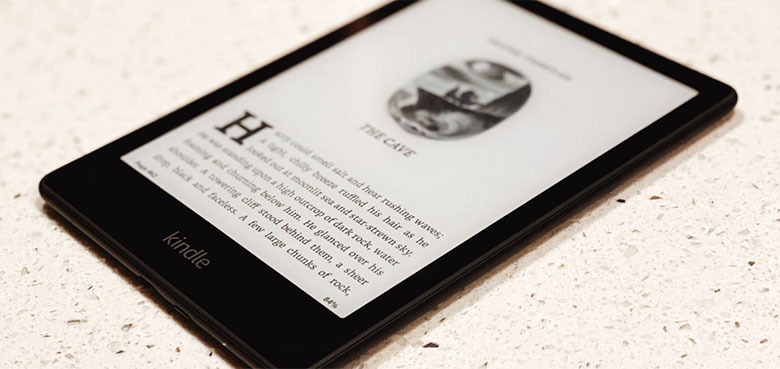
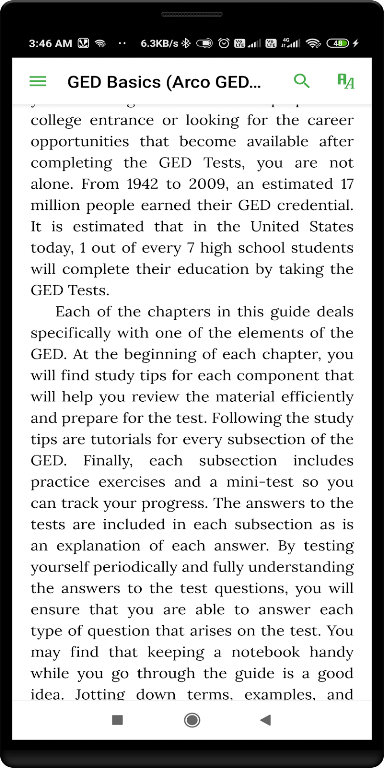
Epub Reader is an ebook reading application. Here you can easily add ebook files to the app and utilize its powerful reader features for the best e-reading experience. It's feature-rich, supporting various formats such as EPUB, PDF, MOBI, and DJVU. You can freely choose different reading fonts and customize the reading background. Furthermore, it offers a search function, allowing you to find the words or phrases you want anywhere in the book.
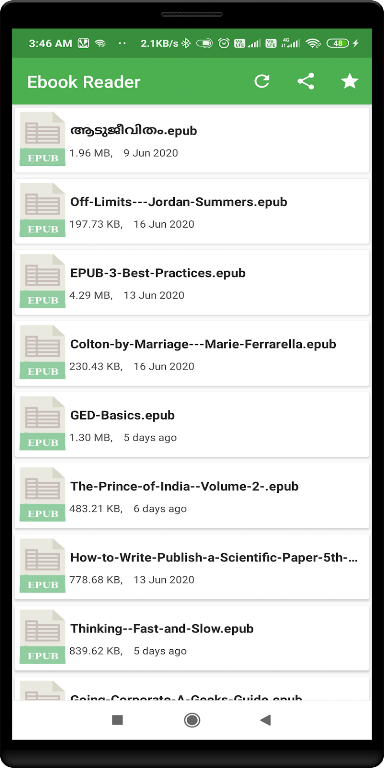
Tap the "+" button at the bottom to add EPUB files to this application.
If you have books in their own folders, you can add these folders in the drawer menu, and the files within will be automatically listed.
Open multiple books simultaneously, just like they are different applications. You can use the "Recently Used Apps" button on your device to switch between open books and the book list.
Swipe left or right to jump to the next chapter/previous page.
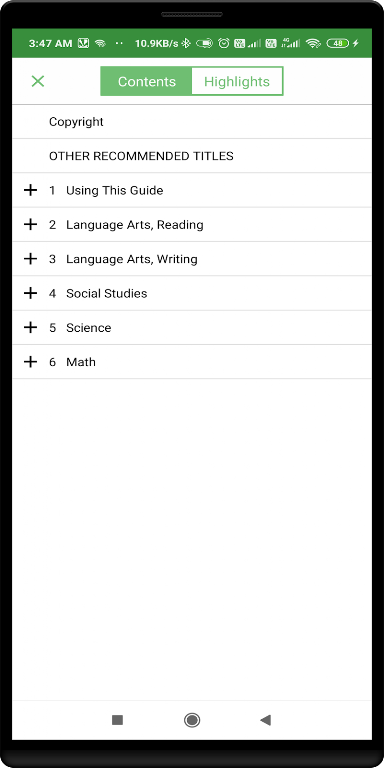
The table of contents is located in the drawer menu.
Display options: Sepia/Night theme, custom font, margin and line height adjustment, text alignment, pop-up footnote position.
Use your finger to zoom in and out of text (pinch zoom gesture).
Tap an image to enlarge it and display its description. Use your finger to zoom in and out.
In Android 7 and later, you can read books in a floating window or split-screen view.
Your reading progress is automatically saved when you close a book or move it to the background.
Close the book by long-pressing the back button or the "Close" button in the menu.
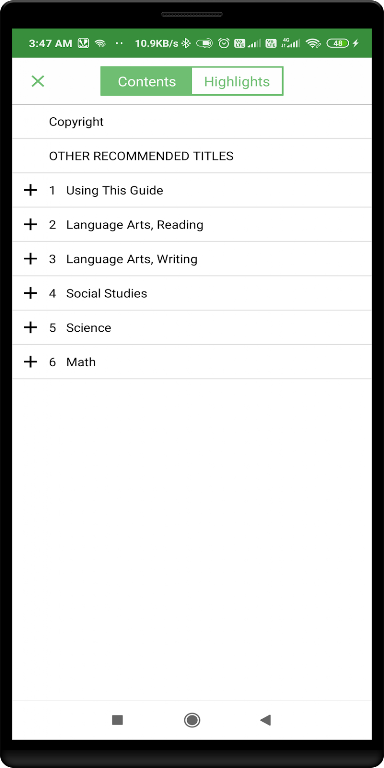
• Supports formats EPUB, PDF, MOBI, DJVU, FB2, TXT, RTF, AZW, DOC, DOCX, ODT
• Choose attractive fonts and customize backgrounds
• Add bookmarks and notes
• Open selected words or sentences in the dictionary
• Find words or phrases anywhere in the book
• Turn on night theme for more comfortable reading
• Adjust screen brightness
• Choose reading mode: continuous scrolling or turning pages
• Organize your library the way you like
• Search for many free books in the OPDS catalog
• Listen to books read aloud to you using Text-to-Speech (TTS, speech synthesizer)
• Browse books in the built-in file manager
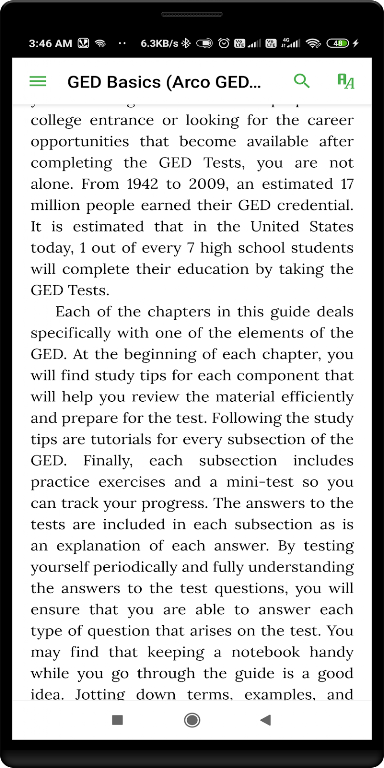
This app features a user-friendly interface and low device resource consumption, ensuring smooth operation on various smartphones. It's a downloader, not limited by any specific bookstore or online library. The built-in web browser allows you to flexibly import ePub files from websites and provides a list of DRM-free ebook resources.
Adaptability is its core strength, offering multiple browsing modes to simulate the experience of reading a physical book or browsing the web. Users can customize their navigation preferences, choosing page-turning effects or simple click and swipe gestures.
This app remembers your last reading position and preferred font size for each ebook, simplifying the reading process; while the bookmark function ensures you can always resume reading from where you left off.
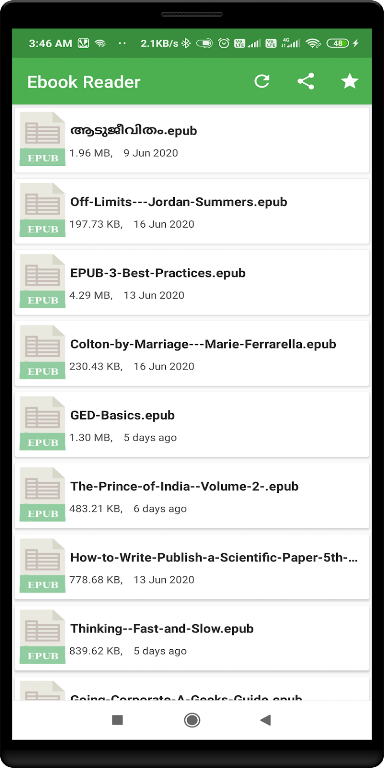
Pros: Automatic file detection
Adjustable font size and text alignment for personalized reading
Supports text highlighting, notes, and multiple themes
Cons: Limited file types supported
Enjoy the pleasure of e-reading with Epub Reader! It creates a clean and concise reading environment for those who value a superior reading experience.
Size:16.1MB Version:18.0
Requirements:Android Votes:280
Ebooks are a valuable asset for generating leads and building credibility in your niche. They also empower authors and writers to transform their ideas into engaging digital experiences. But here's the catch: to make your ebooks truly stand out, you need the best ebook creator. The newest crop of ebook creation tools has made it easier than ever for you to create professional-looking ebooks that hold your audience's attention. Whether you’re a beginner or a professional designer, you’ll find free and paid tools that streamline the creation process and turn boring pages into interactive experiences.
May the warmth and joy found in games melt away your troubles and ease the burdens of daily life. In the immersive world of gaming, laughter and relaxation await, offering a temporary escape from stress and worries. So why not open a game, step into a world of adventure, and embrace the soothing comfort it brings? Let the healing power of gaming refresh your mind and uplift your spirit!
eBook software collections offer a comprehensive suite of tools for creating, managing, and reading digital books. These applications support various functions, including eBook formatting, conversion, and library organization, ensuring seamless access to digital content. With compatibility for multiple file formats such as EPUB, PDF, and MOBI, they provide a versatile reading experience. Many include advanced features like annotation tools, cloud synchronization, and cross-device accessibility, catering to both casual readers and publishing professionals. Whether for personal enjoyment or professional use, these software solutions enhance convenience and efficiency. Ready to explore? Download now and elevate your digital reading experience!
About us | Contact us | Privacy policy| DMCA
Copyright © 2026 Xiaohei All rights reserved.