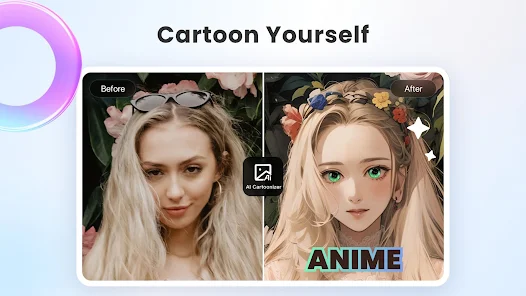
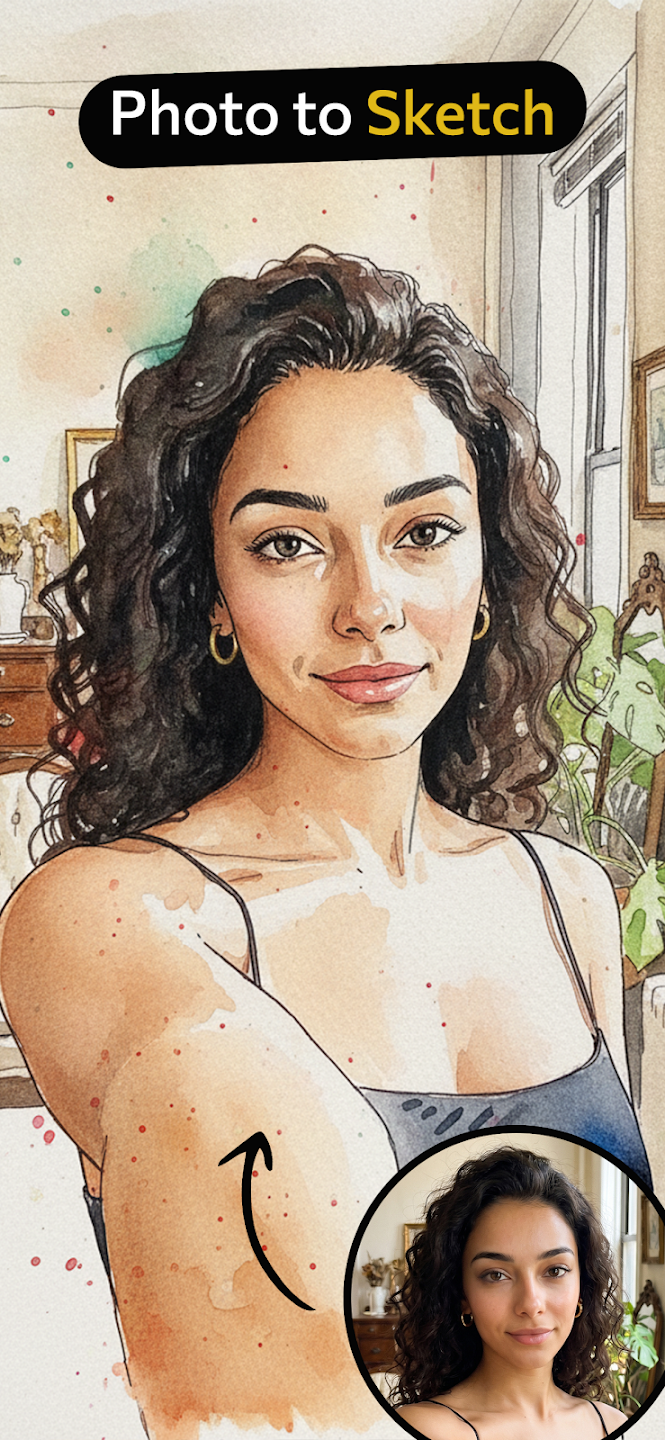
Toonime Cartoons This is a free cartoon avatar maker, featuring a very popular style. It uses a human algorithm to generate avatars and offers a variety of styles, so you're sure to find one you like. It's easy to use; even ordinary users can quickly get started and create their own personalized cartoon avatar. If you're not satisfied, you can generate an unlimited number of times until you are. It has no ads, a clean and simple interface, and won't disturb you during use. If you want a personalized cartoon avatar, then this software is perfect for you.
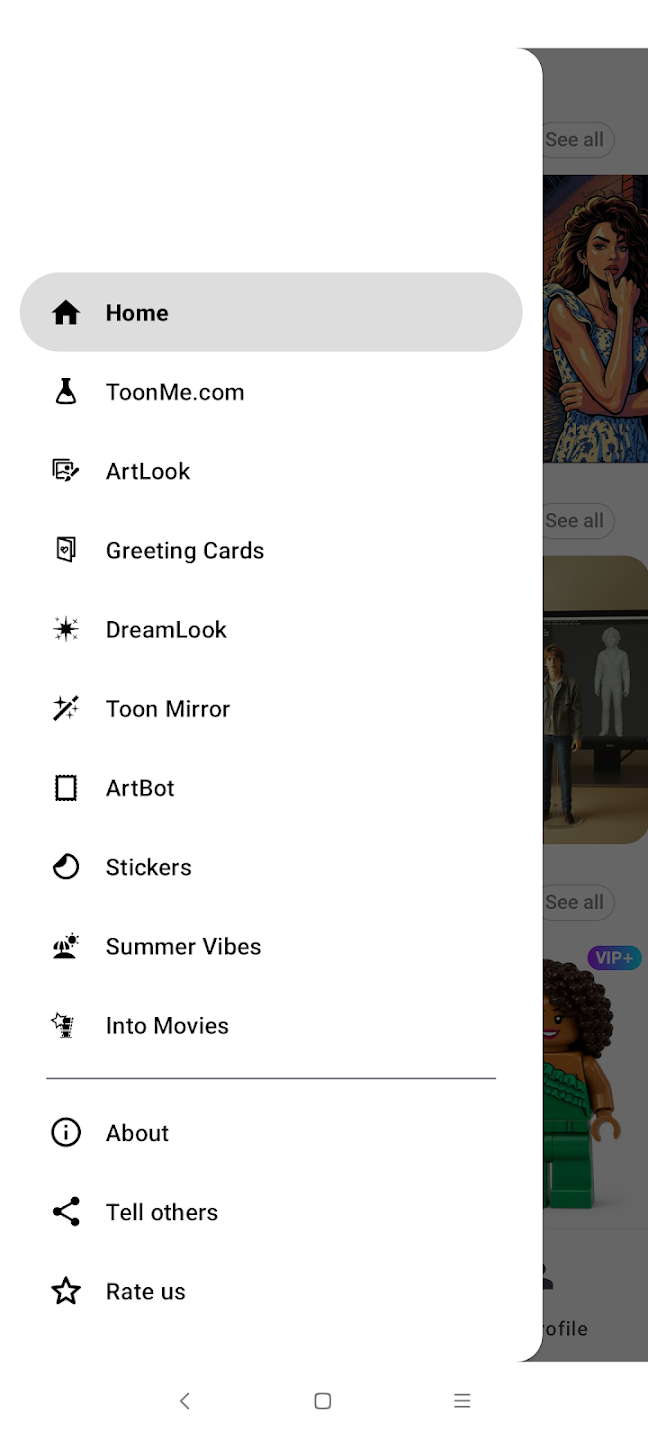
Take advantage of Toonime Cartoons from photos's free trial
Although you have to pay for the pro subscription to use Toonime Cartoons from photos without any limitations, this tool also offers a free three-day trial. Take advantage of this offer to enjoy all the available filters free of charge. On the other hand, this app also offers a few free effects, which you can use whenever you want.
Turn your photos into Ghibli-style pictures
Inside Toonime Cartoons from photos, you will find a filter designed to turn your photos into Ghibli-style illustrations just like that. As with other tools such as ChatGPT, with this tool, you can easily and effortlessly create photos that will surprise everyone you know and can be downloaded to your smartphone. Be sure to upload a reference photo with decent quality so the AI generation process can run smoothly.
Explore trending filters
Toonime Cartoons from photos also has a section where you can explore all the trending filters on the app. From here, you can access the most popular effects as determined by a community of users with whom you can also share your creations.
Interface and Usability
Toonime Cartoons features a clean and intuitive user interface, ensuring easy navigation for first-time users and experienced digital artists alike. Uploading and processing a photo requires just a few taps, making the entire transformation process both quick and hassle-free. The minimal layout draws focus to image customization without unnecessary distractions, making it suitable for casual and frequent use.
Art Styles and Customization
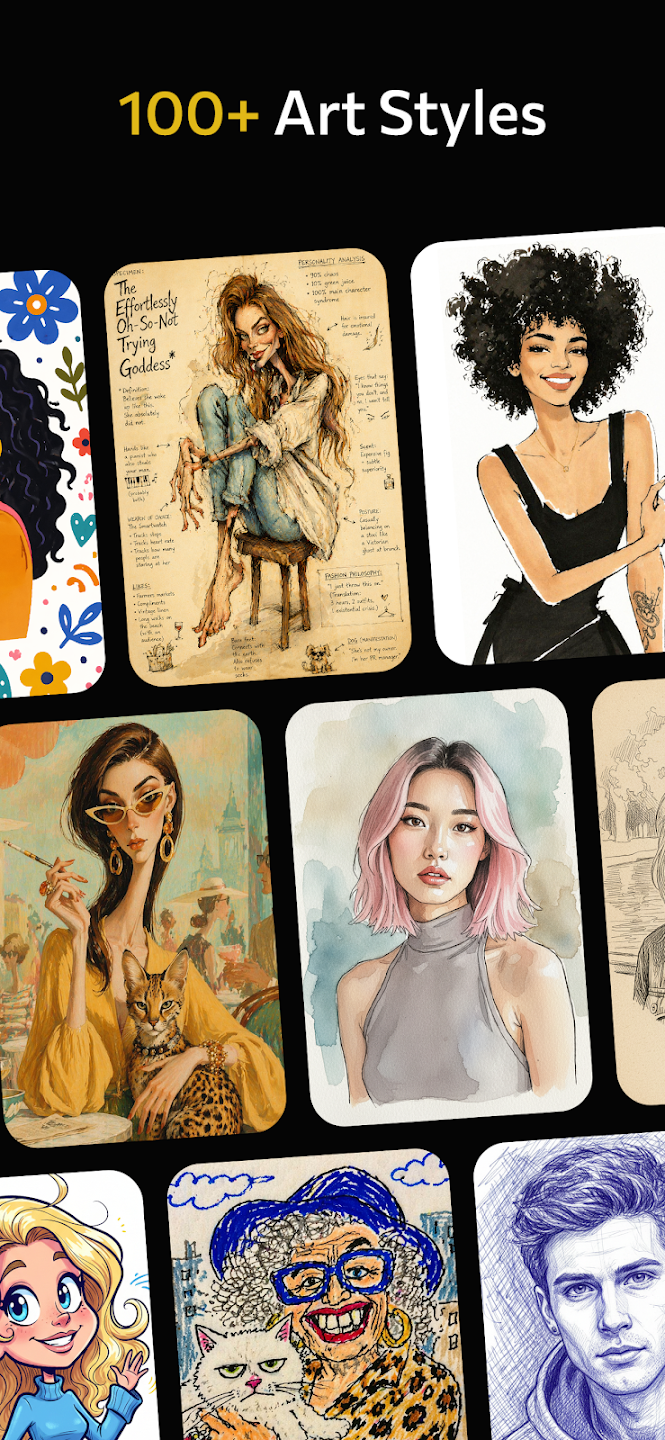
The app stands out for its variety of available cartoon filters and effects, inspired by popular animation studios and illustration techniques. Users can explore numerous stylizations, ranging from classic hand-drawn looks to smooth, glossy finishes that mirror contemporary animated films. Customization options let users adjust certain details, tweak colors, and fine-tune output, allowing for a degree of personalization beyond the base filter. However, more advanced editing tools—like manual retouching or adjustment layers—are not present, keeping the app focused on its central AI-powered transformation feature.
Performance
Photo processing is efficient, typically generating stylized images in just a few moments. The AI delivers results that are sharp and visually appealing, maintaining enough resemblance to the original photo for easy recognition. Most styles handle facial details and expressions with accuracy, though performance can vary with unconventional photo angles or backgrounds.
Additional Features
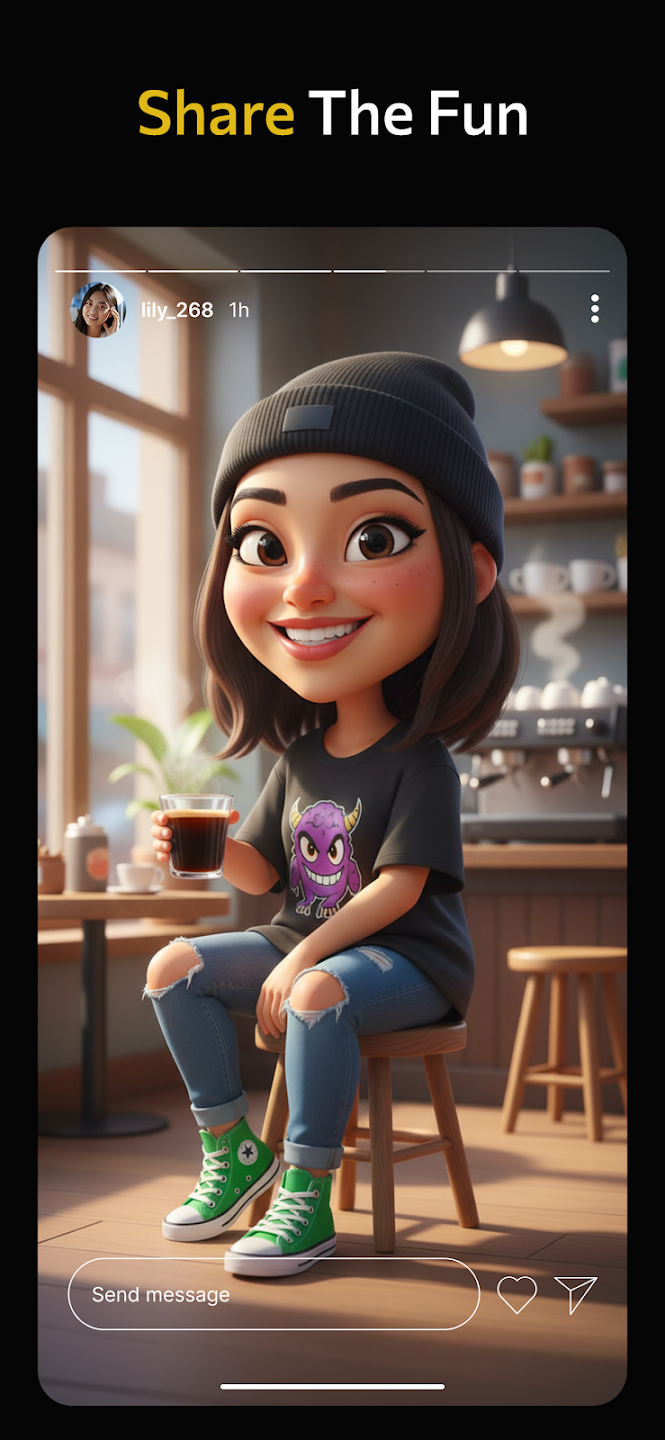
Toonime Cartoons supports direct sharing to various social platforms, making it easy to show off cartoon avatars or participate in viral challenges like #ToonMe. While the app does not store edited photos in an internal gallery, all outputs are automatically saved to the device’s media folder for convenience.
Pros
Customizable:
It allows users to customize their avatars with a variety of features such as hairstyles, clothing options, facial expressions etc.
High Quality Outputs:
The output images created by the app are high quality which makes them perfect for sharing on social media or printing out in physical form.
Variety Of Options Available:
There are a wide range of styles available from cartoon-like designs all the way through realistic 3D models that can be used for creating an avatar image unique to you.
Cons:
The app is not available on iOS.
It requires a lot of storage space to install and run the application.
Some users have reported that it can be quite slow or laggy at times when using certain features, such as editing images.
I'm blown away by the 3D cartoon effect. I can't resist trying the other effects as well, which achieve what I expect. Had a family gathering where we had fun just toonifying each other for a while. Some of the 2D effects trip up on beards (creates bald patches), but this is fixed by trying a few different photos. This may be my fault for having bad lighting. Even so, bearded selfies work most of the time. Nifty use of AI; thanks for the app!
BEST TOONING APP EVER!!! i read the reviews thinking there was gonna be too many ads, and that the final result would take a long amount of time to load, but i decided to download it anyway, and I'm glad i did!!!! it has a short 5 second ad each time you want to toon, which is expected, and the variety of the different types of toons is very good! 10/10 would recommend
Very good app, but... You can only edit photos that have a human face in them. I would like to be able to edit pictures of my pets, or pictures of flowers and landscapes, etc. I also don't like that you can not just upload a photo and play with filters. You have to upload with an effect already added. Please work on letting paid users being able to edit any type of photo. Thank you.
Toonime Cartoons is a great way to bring out your inner artist and express yourself through art. With its easy-to-use interface, you can create amazing artwork without any prior knowledge of drawing or painting.The mod apk also offers various filters that help enhance the look of your creations further while providing an enjoyable experience for users who want to explore their creative side in a fun and unique way. All in all,Toonime Cartoons provides an excellent platform for anyone looking to unleash their artistic potential with ease!
Size:24.1MB Version:1.0.2
Requirements:Android Votes:305
Welcome to our image editing apps! Perfect for beginners and pros alike, they make photo enhancement easy. Use PicsArt to crop, adjust colors, and apply filters. Remove backgrounds instantly with Remove.bg. Get creative with layers and advanced tools on Adobe Photoshop Express. Start transforming your images today!
Visuals serve as a primary gateway for players to engage with games, where distinctive art direction immediately captures attention and creates lasting impressions. An unconventional aesthetic not only stands out in crowded markets but also enhances immersion and emotional connection. When executed with creativity and polish, striking visuals elevate gameplay into a memorable artistic experience. That's why titles with truly exceptional art styles deserve recognition - they offer both visual delight and meaningful interactive expression that resonates with players long after the session ends.
AI Photo Editing Apps - encompassing both image generation and enhancement tools - utilize cutting-edge machine learning algorithms to produce, refine, or transform visuals using text prompts, uploaded images, or artistic preferences. These powerful applications are reshaping digital art, photography, and media production by streamlining sophisticated processes such as professional-grade retouching, artistic style replication, and completely AI-generated artwork. By combining automation with creative control, they empower users to achieve stunning results with unprecedented speed and precision.
About us | Contact us | Privacy policy| DMCA
Copyright © 2026 Xiaohei All rights reserved.