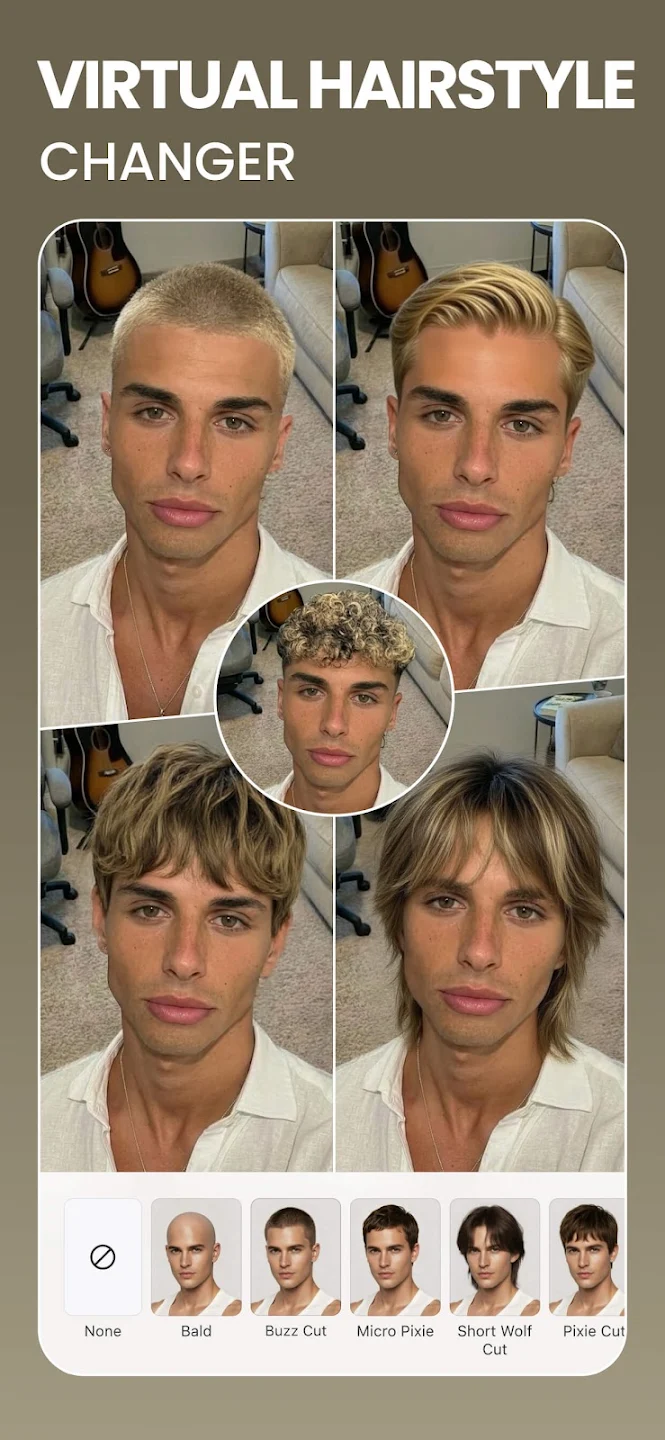
BeautyPlus is a popular photo editing software that offers users a wide range of useful editing tools. After uploading your photos, you can add various filters, effects, text, and more, as well as remove or enhance details to make facial features and skin more refined and delicate, resulting in higher-quality photos. Share your creations with friends and garner likes and cheers. The software also incorporates the latest AI technology, allowing users to freely change the style of their photos—cartoon, retro, anime, and more—and remove backgrounds to meet diverse creative needs.
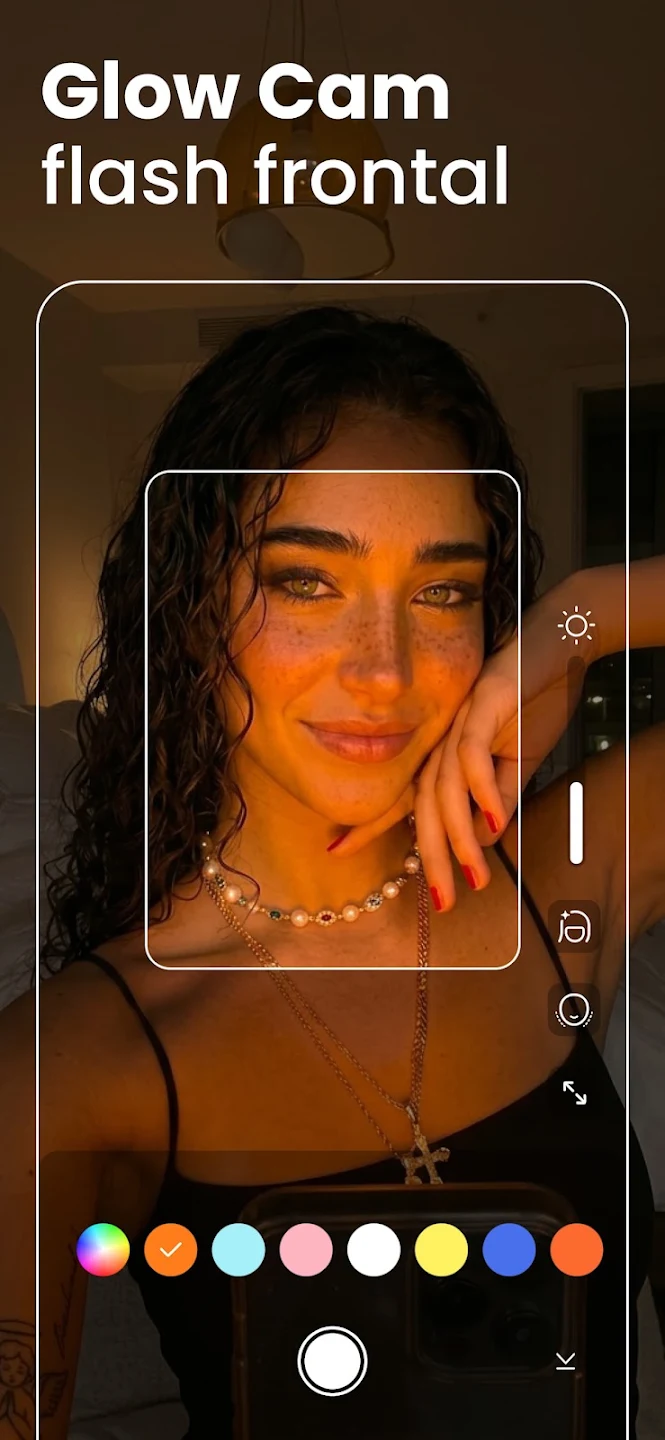
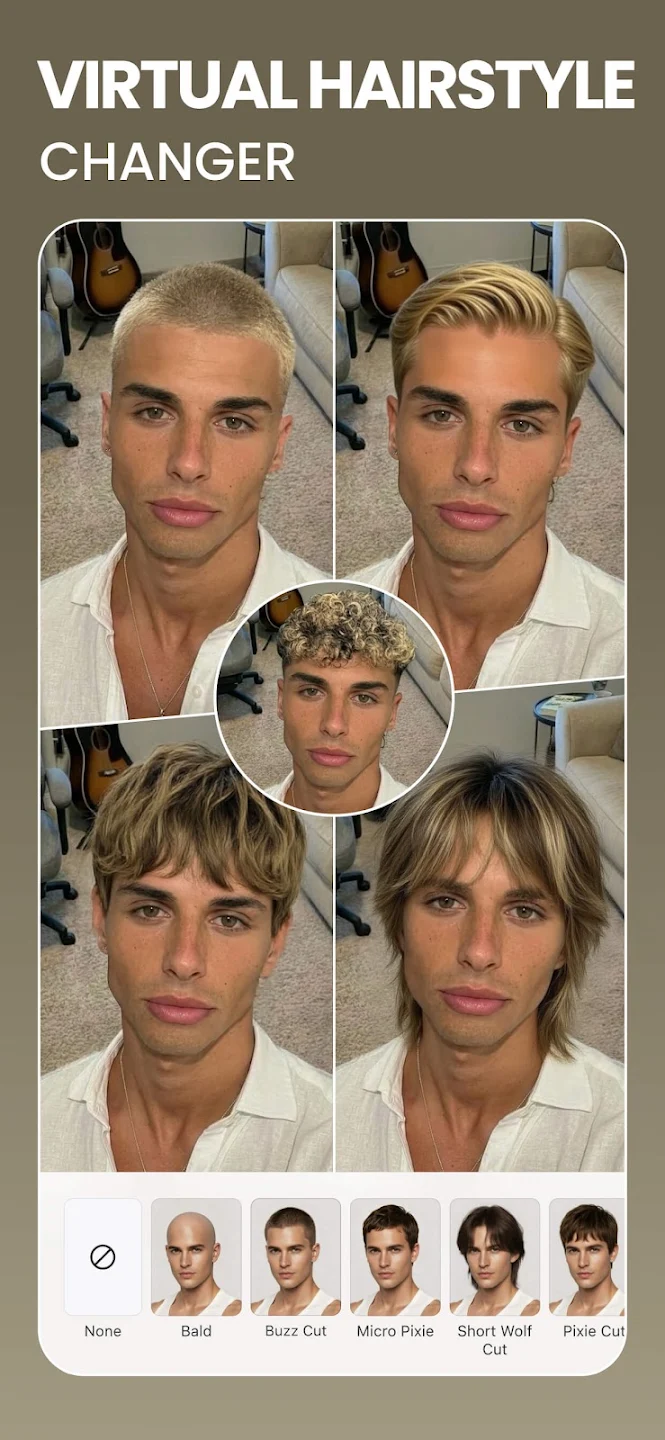
Smart retouch and makeup: BeautyPlus offers one tap retouch to remove acne, soften lines, and brighten dark areas. You can apply virtual makeup such as lipstick, blush, brows, and contacts with adjustable intensity. In addition, teeth whitening and hair color changes help finish your look without manual masking.
Face and body shaping: BeautyPlus includes precise tools to refine facial contours and adjust symmetry with natural results. You can reshape the waist, arms, and bust, and you can fine tune height and skin tone. Therefore, portraits stay proportional while you keep control with simple sliders.
AI art effects and avatars: BeautyPlus turns photos into stylized images in Anime, Cartoon, Clay, Pixel, or Crayon styles. You can also generate AI Avatars for profile images that stand out. Furthermore, presets make it easy to preview styles before saving.
Background and object removal: BeautyPlus provides an accurate background eraser and changer that separates subjects cleanly. You can blur backgrounds for depth or replace scenes for a new context. Also, the AI object remover helps clean unwanted items without leaving visible traces.
Quality enhancement and restoration: BeautyPlus includes an AI Image Enhancer that upscales, unblurs, and revives older photos. You can process images in batches for consistent 4K quality when preparing albums or product shots. As a result, low resolution files become ready for sharing or printing.
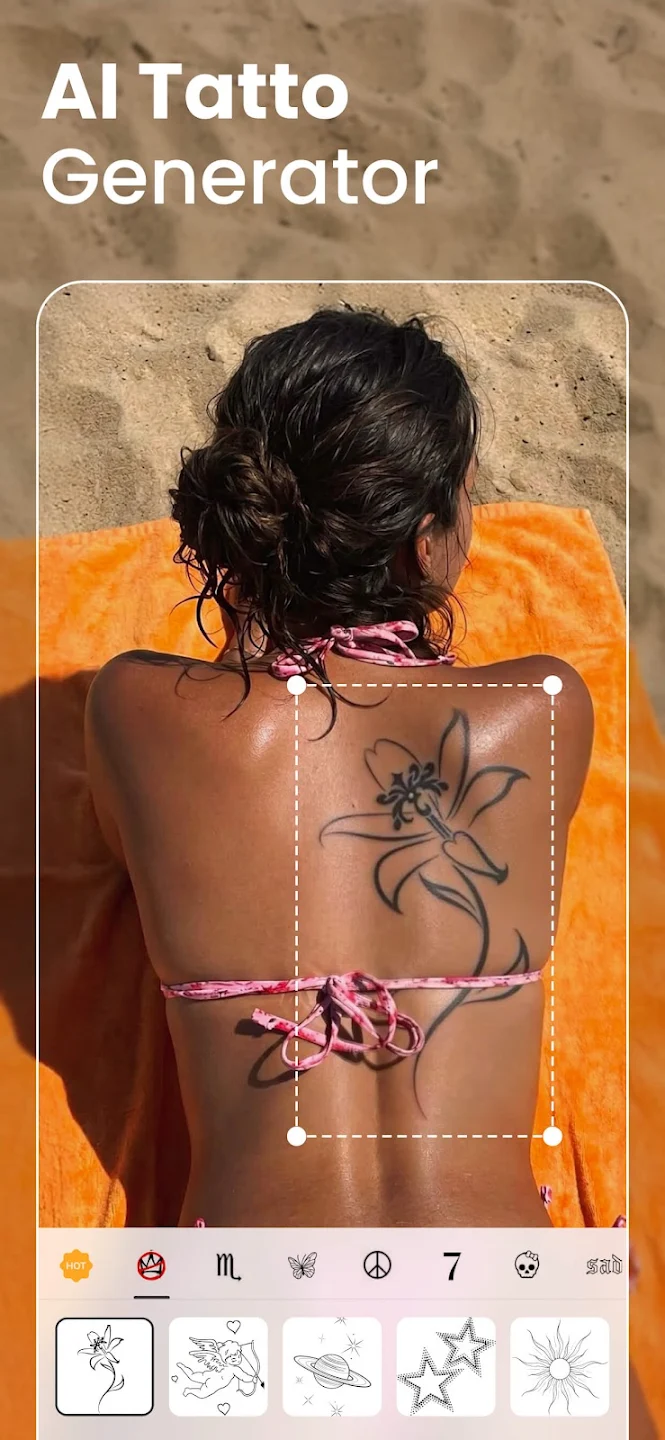
One of the standout features of BeautyPlus is its ability to touch up specific aspects of your appearance. You can reshape your body by adjusting height and slimming various areas. Refine your skin and pores for that flawless complexion. Fine-tune your eyes, nose, and lips to achieve the perfect look. Say goodbye to acne, pimples, and blemishes with a simple tap. Plus, brighten your eyes and whiten your teeth effortlessly. BeautyPlus ensures that you can confidently show off your best self in every photo.
Apart from its powerful touch-up features, BeautyPlus also offers a robust photo editor. With the AI-powered Remover tool, you can easily erase unwanted objects or people from your photos. Auto enhance your images to retain every detail and make them pop. Add depth and artistry with the blur tool, or explore other editing functions such as collage, magic brush, mosaic, vintage effects, and more. BeautyPlus empowers you to make your photos stand out from the crowd.
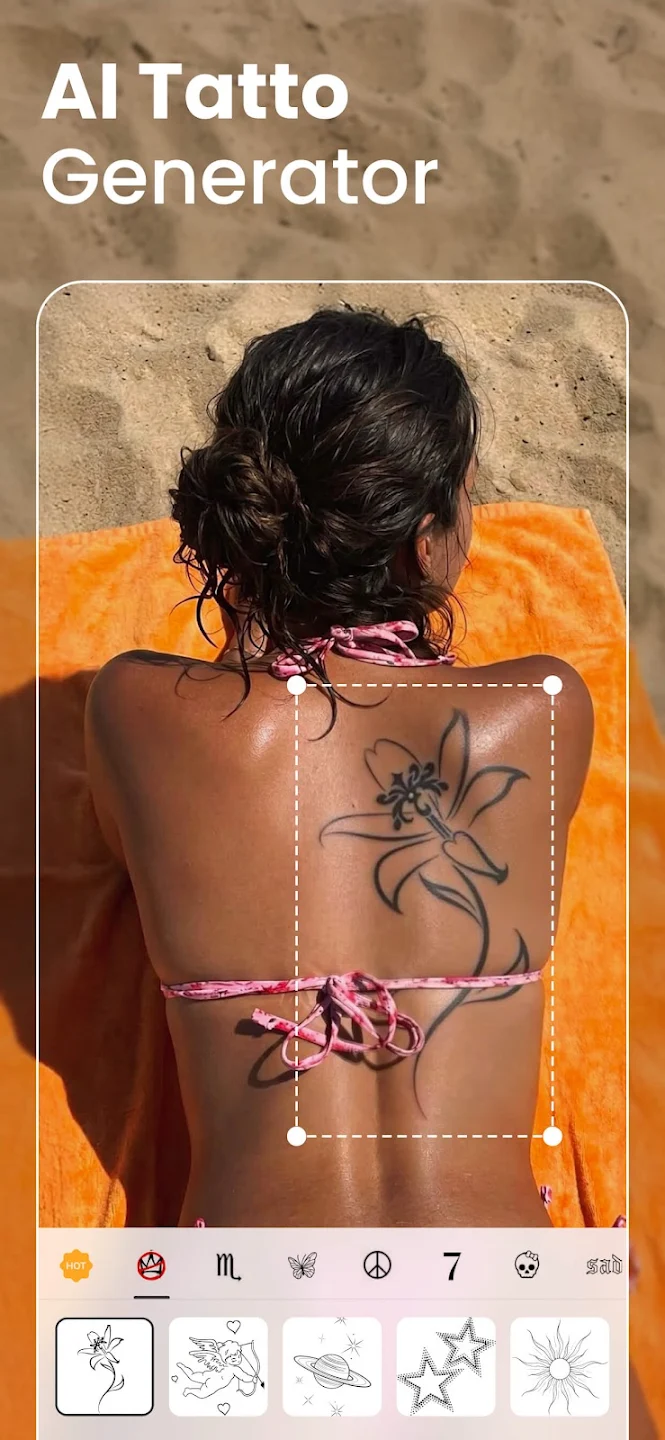
BeautyPlus provides a wealth of effects and customization options to add a personal touch to your photos. Add text using aesthetic templates and styles, and customize font, size, color, and positioning to speak your mind. Choose from a vast collection of unique stickers to make your photos stylish and beautiful. Use the doodle pen to draw or paint on your photos, enhancing them or explaining them to your viewers. With over 200 themed filters and gorgeous effects, you can effortlessly create diverse styles and truly make your photos shine. And don’t forget the regularly updated AR stickers that add a fun and playful element to your selfies.
I do not intend to subscribe to the yearly plan as it will not be too useful for me I was under the impression its for a monthly subs, I need to know how the merchant can actually refund me as I do not authorize the yearly plan be instantly deduction without notice. Editing my review because they were easy to reach out, submitted a report and they immediately responded and resolved my payment issue. Will be more careful next time. Thank you beautyplus.
I really love this app. It’s very easy to use and has beautiful editing tools. I use it often and it always gives me results I’m happy with. However, I would like to suggest something: for some users, it’s difficult to pay for the yearly subscription all at once. There is a monthly option, but it ends up being more expensive in the long run—especially compared to the pricing on my Apple tablet, where it feels more affordable. I hope you can consider offering more flexible or balanced pricing opt.
love this app. I really enjoy being able to enhance the natural beauty of not only myself, but of those around me too! this app is great for creating unique profile photos for careers, school, other daily activities, and for a more personal photo. all of the different styles I can use to change my look makes it fun to use! I also enjoy getting a year free too! I love that I can use all of the different features such as backlighting, boarders, photo overlays and more! thanks for the awesome app!!
Used to LOVE this app, but there have been many changes and not for the better. i should be able to use this app corresponding with the email I joined with but am not able to. it won't restore purchases. if this is not fixed I'm going to find another app that I can use corresponding with my email address regardless of appliance. Thank you for your prompt response & solution to my problem! Obviously, I have to change my rating back to 5 stars.
If you notice a difference between the final image and the preview in our app, here are some reasons that might explain the discrepancy:
1. Image Optimization: The final image undergoes optimization processes that adjust aspects like brightness, contrast, and sharpness to enhance the photo quality, which may not be apparent in the preview.
2. Screen Settings: Variations in device screen settings and resolutions can make the preview appear differently from the final image when viewed on different devices or screens.
3. Format and Compression: While our app aims to maintain the highest quality, subtle changes might occur during the saving process due to format conversion or compression needed for file size management.
For the best results, please select suitable photos according to the following requirements:
For AI Photo Studio:
Selfies of the same person at a close distance
Rich facial expressions and head positioning
Clear and unobstructed facial features
Bad examples
Not the same person
Multiple people in the photo
Faces are small or have obscured features
For AI Pet Portraits:
Only one pet can be in each photo
Avoid selecting photos with obscured pets
Pets should occupy a significant portion of the photo
HD photos with facial features visible
Do not upload the same photo multiple times.
BeautyPlus's AI is persistently evolving and learning to provide better results. While we strive for excellence, there might be instances where some outcomes may not meet your expectations. We kindly ask for your understanding and patience in such cases.
1. Please make sure you have given us access to the following items during installation: Camera, Flash, Sound, and any other available options. You may also go to system Settings >> BeautyPlus >> Microphone to reconfirm the permission.
2. Please make sure your phone is not in silent mode.
3. Please check if the Sound was enabled when you finished a video and was directed to the saving page.
Open the app and tap the Profile icon in the top right corner of the Home page.
On the next screen, tap the Settings icon (the gear icon) in the top right corner.
On the "Settings" page, scroll down and tap "About".
You will find your "BeautyPlus ID" listed on the "About" page.
BeautyPlus offers you several ways to show off your stunning lifestyle. You can perform almost any beautification effects on your pictures. This way, you can boast of being like a professional photographer. Notably, the app features tools that change hair and eye color, enhance makeup, among other cool things. It is easy to create a collage with many pictures and sharing online with friends, relatives, and followers.
Size:369.6MB Version:7.31.0
Requirements:Android Votes:203
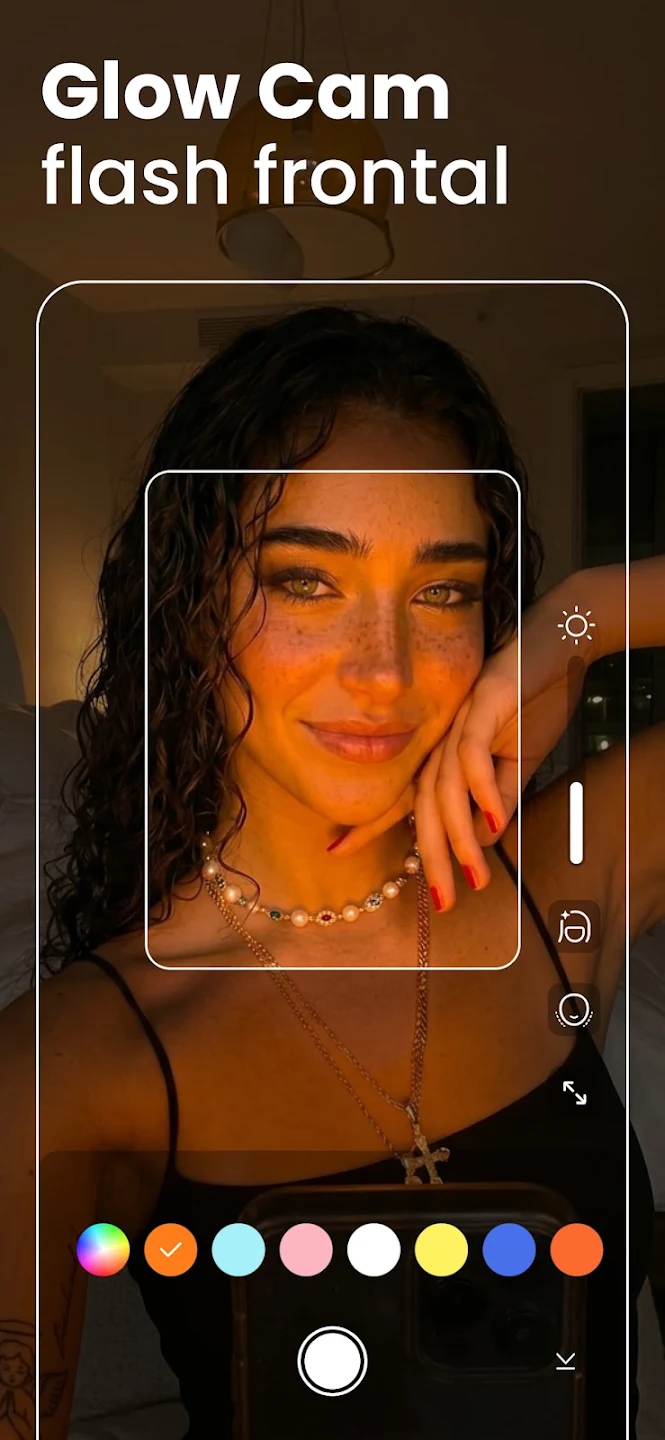
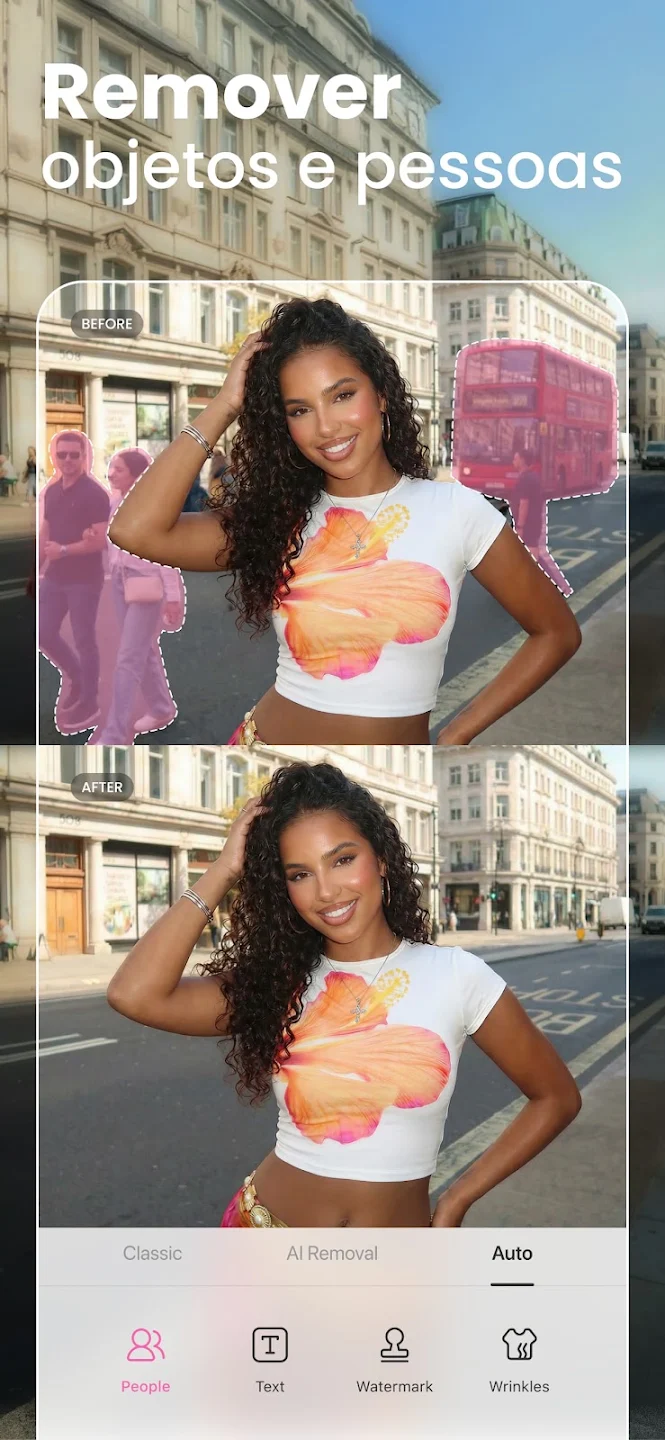
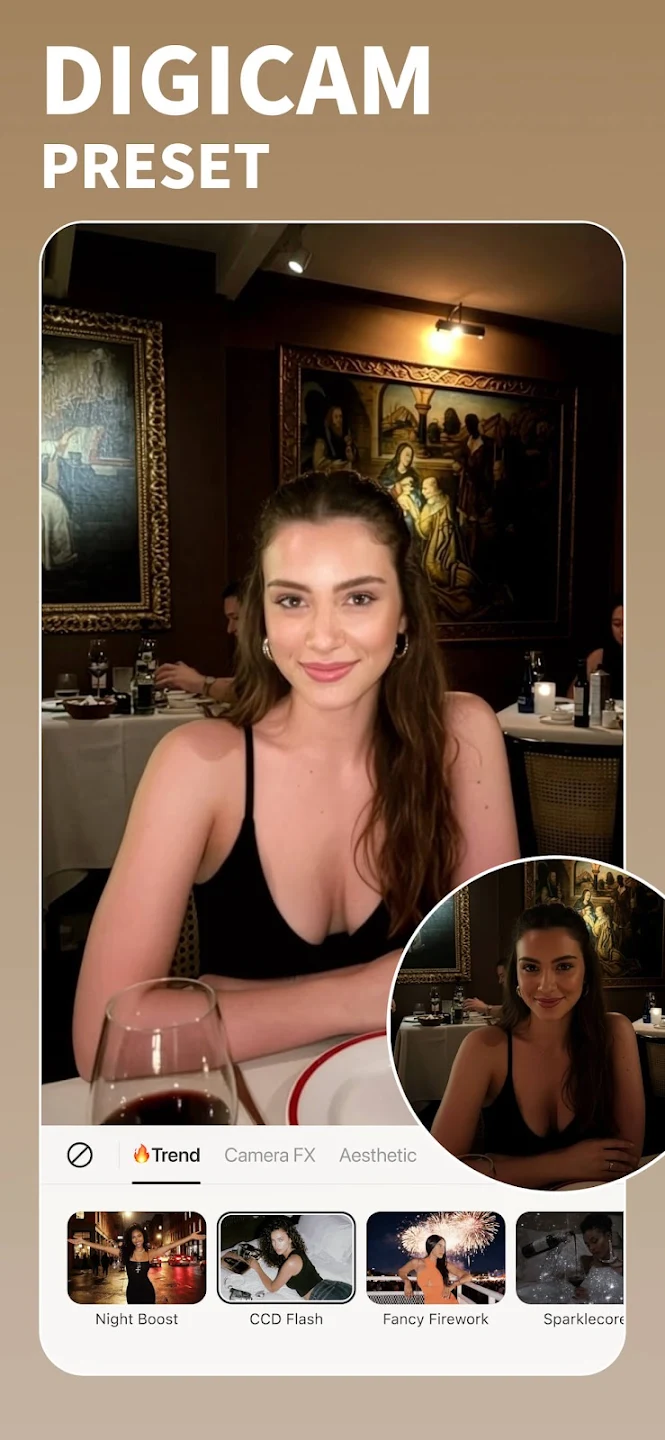
Welcome to our image editing apps! Perfect for beginners and pros alike, they make photo enhancement easy. Use PicsArt to crop, adjust colors, and apply filters. Remove backgrounds instantly with Remove.bg. Get creative with layers and advanced tools on Adobe Photoshop Express. Start transforming your images today!
Visuals serve as a primary gateway for players to engage with games, where distinctive art direction immediately captures attention and creates lasting impressions. An unconventional aesthetic not only stands out in crowded markets but also enhances immersion and emotional connection. When executed with creativity and polish, striking visuals elevate gameplay into a memorable artistic experience. That's why titles with truly exceptional art styles deserve recognition - they offer both visual delight and meaningful interactive expression that resonates with players long after the session ends.
Enhance your photos effortlessly with the best free photo editing apps for Android! Whether you want to apply stunning filters, adjust brightness and contrast, remove blemishes, or create professional-quality edits, these apps offer powerful tools at your fingertips. From simple one-tap enhancements to advanced editing features like background removal and AI-powered effects, you can transform your images with ease. Explore a wide range of user-friendly and feature-rich apps, all available for free download. Start editing and make your photos stand out today!
About us | Contact us | Privacy policy| DMCA
Copyright © 2026 Xiaohei All rights reserved.