MBWhatsApp is a modified version of WhatsApp, adding numerous new features to provide users with a more comfortable and secure social experience. Users can log in to two accounts on the same device and freely change chat themes to suit their aesthetic preferences. Compared to the original version, it allows users to send larger files, pictures, and videos, and set personalized auto-replies for different contacts, saving users time and effort. Regarding privacy protection, users can protect their chat history with passwords and fingerprints, and the app also features built-in anti-ban technology to safeguard user accounts.
Copy Caption: You can now copy captions on other people’s statuses to your clipboard and use them for your status or other intentions.
Pause & Resume Voice Notes: You can always pause it and resume listening from the last point whenever someone sends you a voice note, even after exiting that chat.
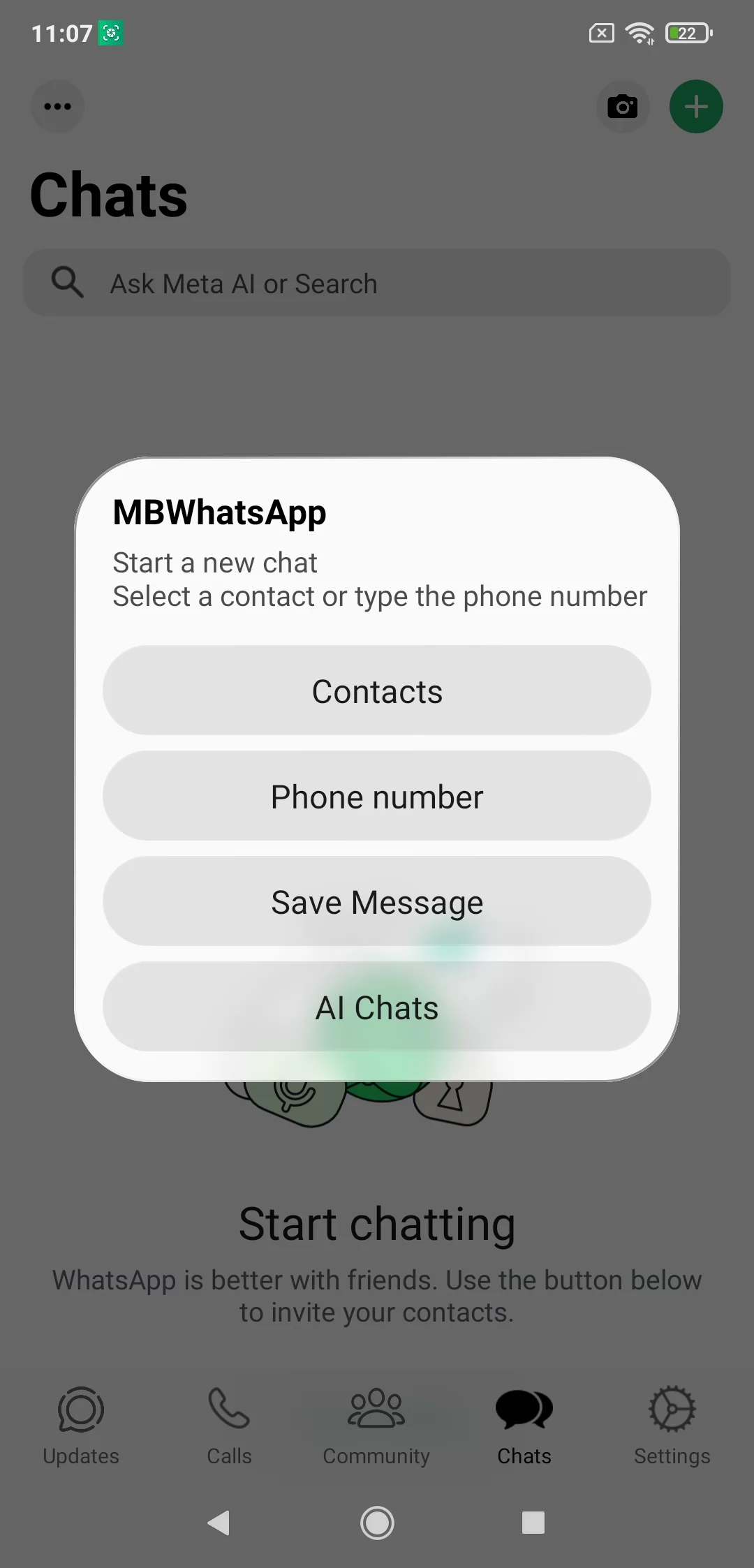
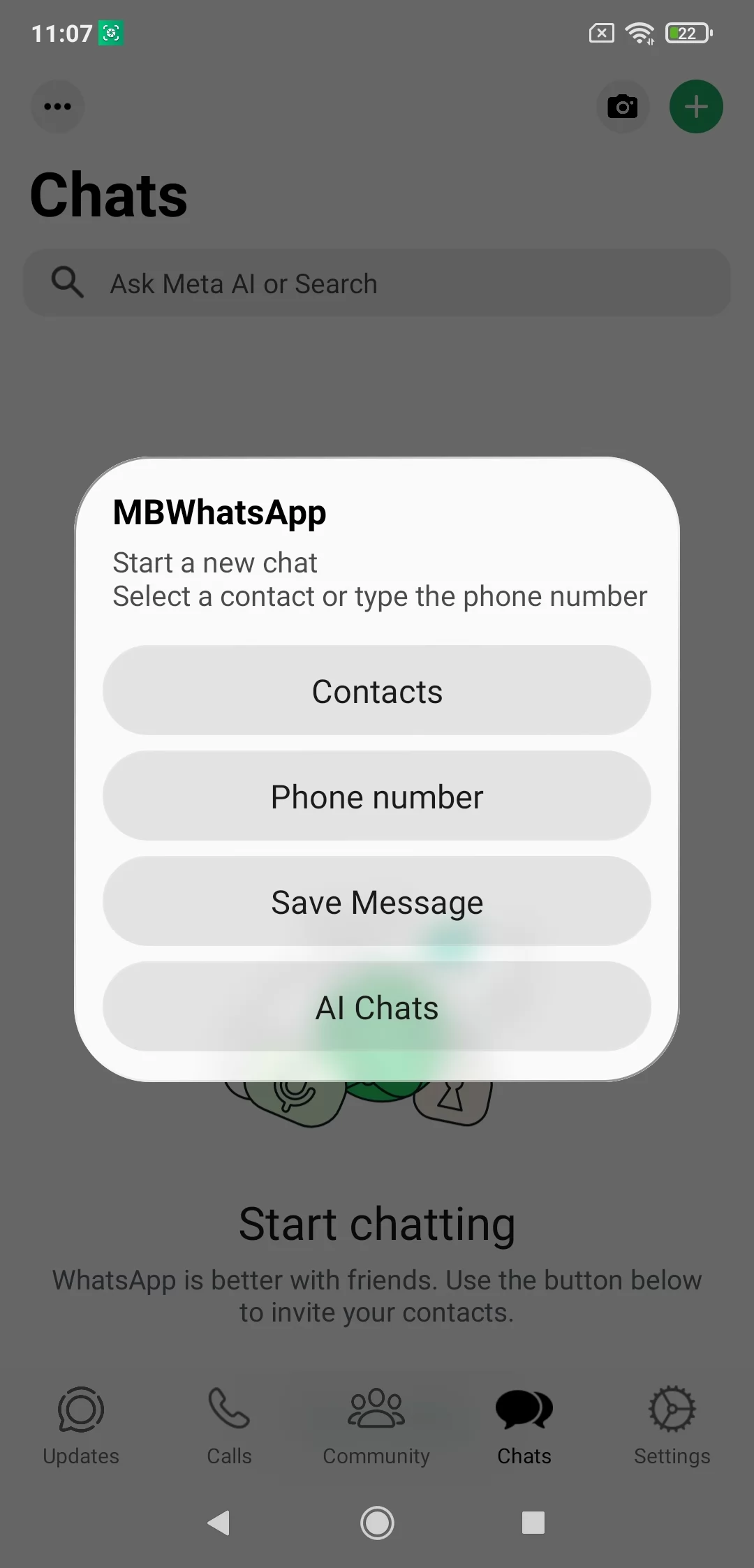
Message A New Number: MBWhatsApp lets you message a new number you haven’t saved on your device.
Privacy Settings: These options allow you to hide blue ticks, hide the second stick, hide the blue microphone icon, and hide the typing and recording tags from others in your inbox.
Hide View Status: This option prevents your contacts from knowing whether you view their status or not. With this setting, you can watch as many statuses as you want, and no one will know you saw theirs.
Anti-Delete Messages: Users can delete messages before the receiver gets a chance to read them. You can prevent this with MBWhatsApp, allowing you to read all deleted messages without the sender’s knowledge.
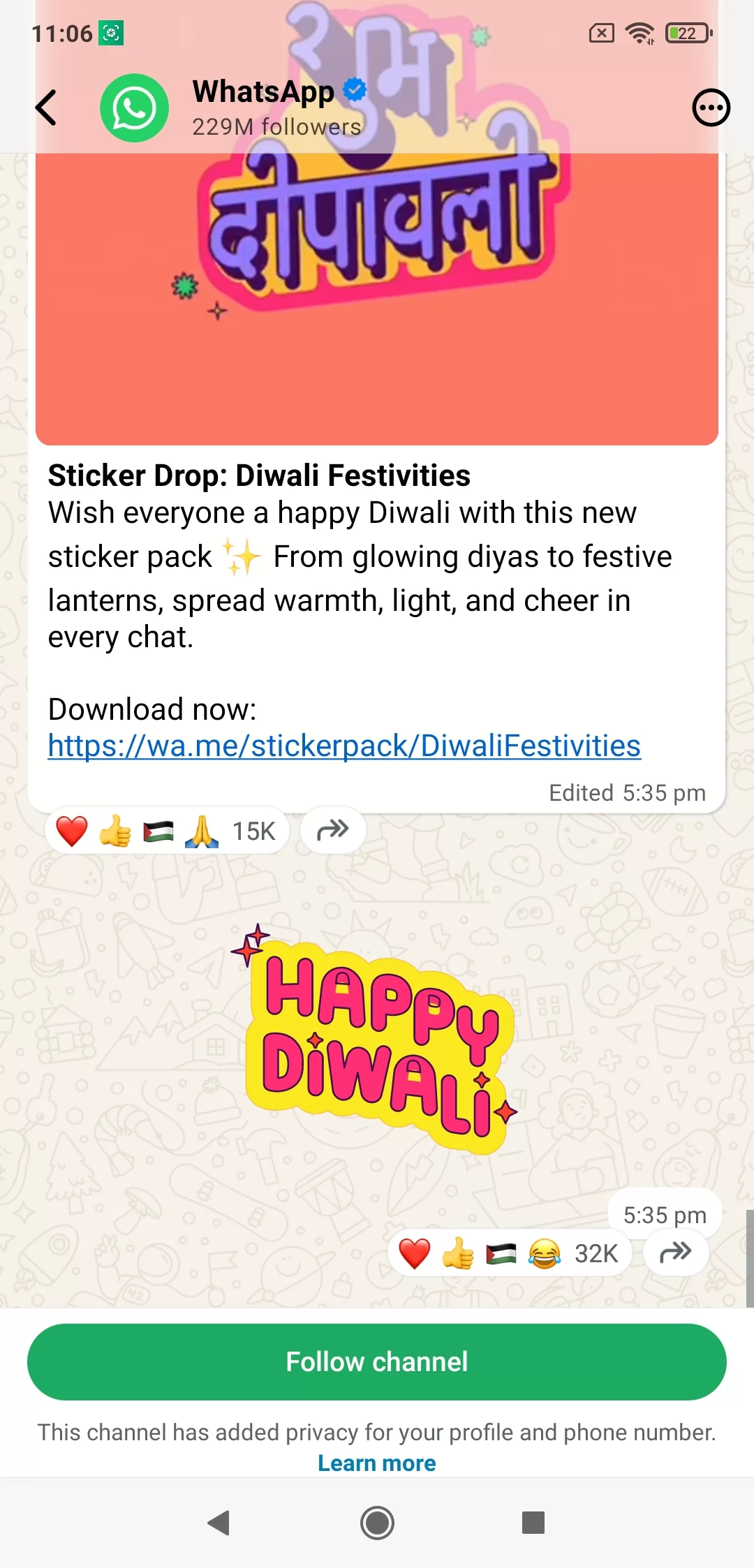
In-Built App Lock: Chat in a completely private and secure environment without any access to prying eyes using the built-in app lock. It allows you to share your private text, photos, images, or videos hassle-free. You can create your password, fingerprint lock, or PIN as you like. Here the solution is available in case of forgetting the password that is set recovery questions. It will help you to recover your forgotten password or PIN code.
Auto Reply: It is the best feature that I available in all modes of Whatsapp. It allows you to set some messages as according to the situation you have to face commonly and enjoy the auto-reply for the various messages when you can’t attend the phone call or message. Likewise, send your friend’s birthday wishes, or wish for any other festive moment on time while enabling the Schedule Message option.
Specific Tabs: Make your exclusive and group conversation smooth and reliably using the specific tabs for different tasks. It is the best option available on the app that helps to separate your conversation between exclusive and group.
Contact with Unsaved Number: No need to add any phone number to your phone directory before you send him/her a message or make a phone call. It is the best option for users who don’t like to add the phone number of any stranger. Simply type the number, send a message, or make a phone call, and finally delete it from your screen.
Use Amazing Emojis: As we aforementioned, on MBWhatsApp you will find the emojis and stickers the same as on iPhone Whatsapp. Enjoy limitless delivery of emojis and express your feelings in whatever way you like. Moreover, you are capable of creating your stickers as well.
Back up your current chats through WhatsApp’s built-in backup tool before doing anything else.
Enable installation from unknown sources in your phone’s settings menu.
Download the APK file from a source you trust, checking the file size and version number first.
Open the downloaded file and follow the on-screen install prompts.
Verify your phone number the same way you would with any fresh WhatsApp install.
Restore your backup if you want your old chat history to appear in the new app.
Following these steps in order reduces the chance of running into setup errors. Skipping the backup step is the most common mistake people make, and it’s the one that causes the most regret later. Take the extra two minutes; it’s worth it.
Can I use multiple WhatsApp accounts on one phone?
With MB WhatsApp, you can run up to four accounts on the same device using different numbers. It works alongside the official WhatsApp without any issues.
Is MB WhatsApp safe to use?
MB WhatsApp is generally safe if downloaded from trusted sites like mbios.net or gbwaves.net. However, as a third-party app, it may cause temporary bans, account restrictions, or data risks. Use it carefully and avoid sharing sensitive information.
How do I switch from WhatsApp to MB WhatsApp?
Download the MB WhatsApp APK from a reliable source, install it, and register with your existing phone number. Your chats can be transferred automatically.
Is MB WhatsApp authentic?
MB WhatsApp is a popular WhatsApp mod that adds extra features while keeping the core experience similar to the official app. It has been widely used for years, though it is not an official app.
Can MB WhatsApp lead to a ban?
WhatsApp does not allow third-party mods like MB WhatsApp, WhatsApp Plus, or WhatsApp Delta, so using them may result in temporary or permanent account restrictions. Using a secondary number reduces this risk.
Does MB WhatsApp leak data?
MB WhatsApp uses end-to-end encryption like WhatsApp, so messages are secure during transmission. Still, as a third-party app, there’s a small risk of data leaks.
Customize conversation screen items such as Action Bar, Bubble and Ticks, Profile Pictures, Emojis, Hyperlinks and more. Also, some special mods like disabling the Proximity sensor and preventing speaker/earpiece switching while playing. There are many other mods available in the MBWhatsApp.
Size:108.0MB Version:2.26.22.77
Requirements:Android Votes:133
Package Name:com.chatz.alertyv Signature:d9ccbb41c6a6a796f4fdc7868e3ee299
Virtual dating apps are digital platforms that allow users to connect, socialize, and build relationships in immersive online environments. By leveraging cutting-edge technologies like VR (virtual reality), AR (augmented reality), live video chat, and gamified interactions, these apps create engaging and lifelike dating experiences. Whether through virtual dates in digital worlds, interactive games, or AI-powered matchmaking, they offer a fresh and exciting way to meet new people. Ready to explore? Dive into the virtual dating scene and discover meaningful connections in a whole new way!
In today's digital era, many people find dating apps to be an incredibly effective way to expand their social networks. As one of the most convenient tools for modern socializing, these platforms offer users diverse opportunities to connect with others. Our curated selection of dating apps provides high-quality matching services, helping users quickly find like-minded people for meaningful interactions. Whether you're looking for friendship or romance, these apps empower you to meet new people in ways that suit your personal preferences and social style, making the journey of connection both enjoyable and rewarding!
With the continuous development of the internet, the times have undergone earth shaking changes, and many social chat apps have emerged. These apps have extremely high flexibility and are more flexible and cost-effective compared to traditional SMS communication methods. And through these software, you can meet friends from all over the world. You can chat about things you like, share your feelings and experiences, and in short, make friends who are close to you here. So what social chat apps are better to use?
About us | Contact us | Privacy policy| DMCA
Copyright © 2026 Xiaohei All rights reserved.