Google Play Services is a service framework application that allows users to request a refund within 48 hours and enjoy early access to beta apps. The Google framework increases app stability, supports batch downloads from purchase and installation records, blocks app updates, requires a password to install apps, enables app monitoring, offline search, and security blocking of maliciously bundled apps, providing users with many convenient and practical functions.
Refunds
Did you know? Google is very lenient with refund requests. If you download a paid app but don't like it, you can fill out a Google Play refund form within 48 hours of downloading. The process is quick and easy. For refunds on movies, books, music, etc., the timeframe is longer.
Early Access Beta Apps
Sometimes you'll hear about apps that generate buzz before their official release. If you want to download this type of app (usually games), you can click on the "Early Access" page in Google Play to find the app you want. However, be aware that these early access apps are usually beta versions and may have issues that need fixing.
Find Apps by Developer
When searching for apps on Google Play, you can use `pub:[developer's name]` to filter search results and only show apps from developers that match your query. This is very useful if you really like an app and want to see what else the developer has worked on, or if you know who made an app but have forgotten its name.
View the Most Relevant Reviews
Have you ever experienced this: you find an app with tons of positive reviews, but after downloading it, you discover it has many problems?
App reviews can sometimes be misleading. An app that works well on one person's phone might not run smoothly on yours. Previous versions might be good, but the latest version might not be.
To avoid this, you can view the most relevant app reviews before deciding whether to download. Simply go to the review section below the app's page, click "View all reviews," and then select "Most Relevant Reviews." This allows you to filter reviews that are most relevant to your needs.
Bulk Download Your Apps
Your Google account tracks all the apps you've ever purchased and/or installed. When you get a new device and want to restore a bunch of apps, searching and installing them one by one can be a pain. Bulk downloads are very useful in this situation.
Stop Certain Apps from Automatically Updating
Some apps release a new version every few days, and sometimes you wake up to find a new version installed on your phone, which is really frustrating.
The good news is that Google Play lets you stop automatic updates for certain apps. Simply go to the page of the app you want to stop, tap the menu in the upper right corner, and then turn off "Automatic Updates."
Preventing Children from Installing Apps
If your child will be using your phone, you should enable Google Play's parental controls to set content restrictions for each type of app and prevent children from installing apps you don't want them to use. You can set passwords for app installations and also set parental controls for games, movies, and other types of content.
Google Play services is critical for many apps
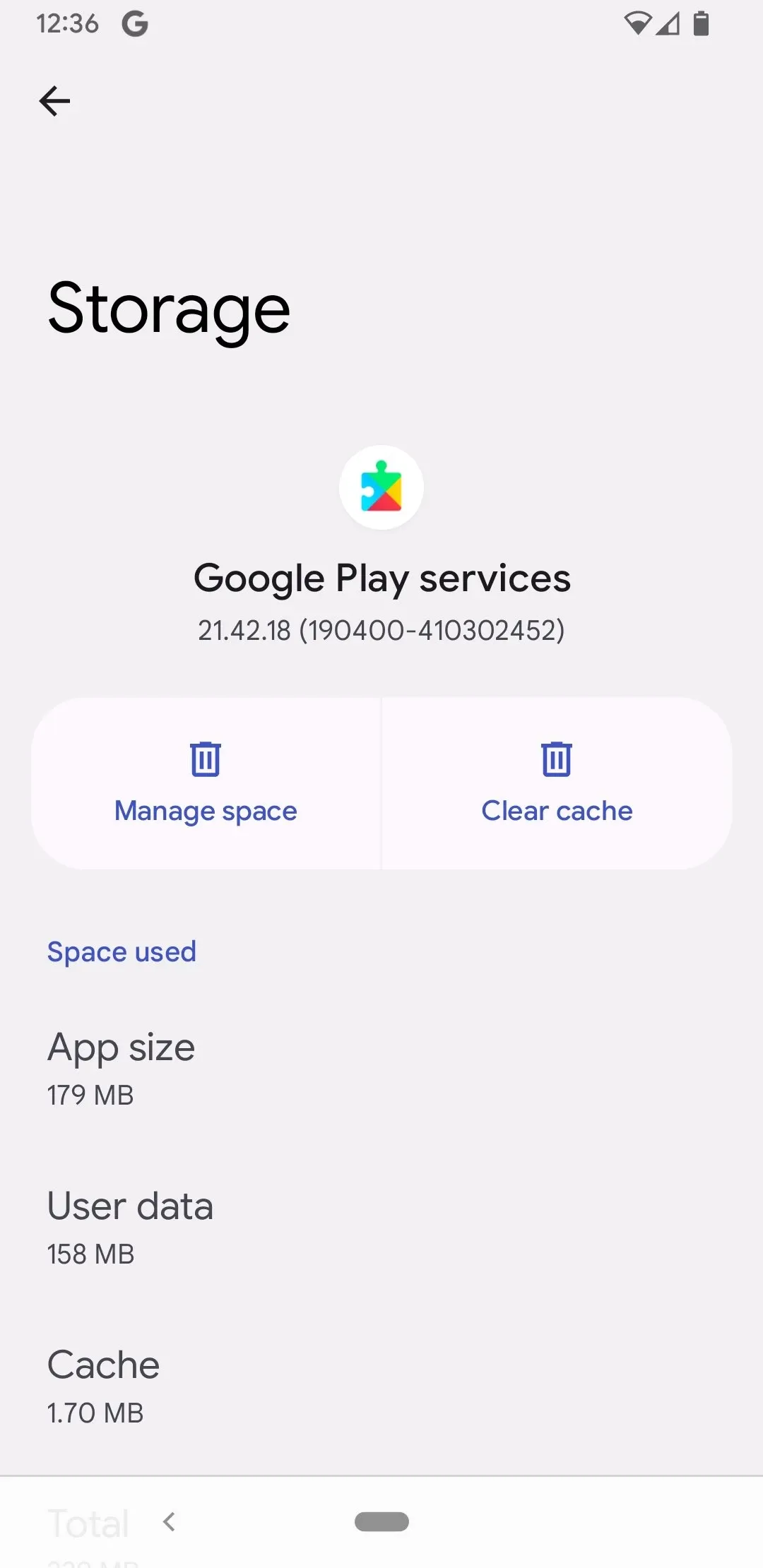
Google Play services is a system app that acts as an intermediary, and not having it installed could cause problems with several apps that depend on Google services. A host of third-party apps and even Google's own apps require Google Play services to work at all, covering key functions like logging in with your Google account and file synchronization or game progress. Without Google Play services, some apps may not launch correctly or can display errors when you try to access your account information.
Services and apps that you can manage in Google Play services
Some of the apps or services you can manage through Google Play services are Google Fit, Google Play Instant, Google Wallet, Play Games, Search, Assistant and Voice. Google Play services synchronizes your health data with Google Fit and the bank cards and payment methods you add to Wallet. You can also manage connections with smart devices via Chromecast or with the Matter network protocol.
Enhanced security with Google Play Protect
Security is one of Google's top priorities, and Google Play services includes Google Play Protect, a powerful security tool which scans the apps installed on your device for security threats. Google Play Protect identifies and blocks malicious apps as well as any suspicious behavior that may put your data at risk. This system is constantly updated to stay ahead of potential threats, meaning Google Play services is essential to keeping your Android device safe and protected against the threat of malware.
Pros
Monitor installed apps
Easy access to Google services
Guaranteed security
Search things while offline
Deliver thorough maps
Manage Google Fit account
Install automatically in the latest Androids
Improve performance through menu options
Gaming functions
Cons
Runs in the background that can reduce battery life
Use Large Amount of internal Storage Continuously update apps
What is Google Play Services APK?
Google Play Services apk is a system application installed on every android device. With this app, you can take an overview of all your applications. Get a list of the system and installed apps, their version, and their package names.
Size:246.16MB Version:26.28.60
Requirements:Android Votes:361
Package Name:com.google.android.gms Signature:fbedf9fe6d5664afc80f777a66d758f7
Looking for more newly added Android apps and games? BrowseAPKBA Latest Android APK Downloads for recently updated APK pages with version details, package names, safety notes, and download pages.
Stay updated with the latest and hottest apps in one place! Our carefully curated ranking features the most trending, high-rated, and must-have apps across various categories, including entertainment, productivity, social media, and more. Whether you're looking for new tools, fun games, or innovative utilities, this list ensures you never miss out on top-performing apps. Explore the most downloaded and highly recommended applications, all available for instant download. Discover, download, and enjoy the best apps today!
About us | Contact us | Privacy policy| DMCA
Copyright © 2026 Xiaohei All rights reserved.