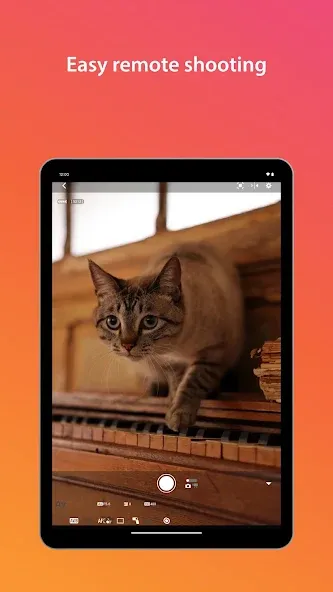
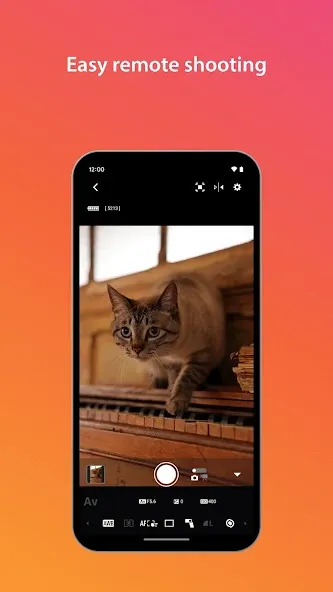
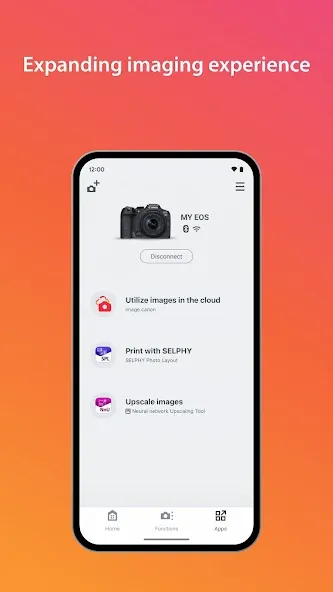
Designed as a camera configuration tool, Camera Connect allows you to acquire location data via your smartphone and embed it into your images. It supports pairing with Bluetooth-enabled cameras and offers NFC functionality, enabling a connection simply by tapping your phone against the camera. The app also allows for wireless camera control—including shutter release and focus parameter adjustments—as well as in-app image editing. Additionally, it facilitates the quick transfer of photos from the camera's storage to your phone, making travel easier and more convenient for users.
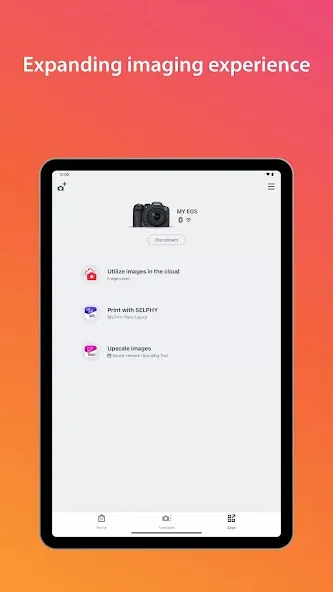
Acquire location information from a smartphone and add it to the images on the camera.
Switch to a Wi-Fi connection from pairing status with a Bluetooth enabled camera (or from touch operation with an NFC enabled camera)
Remote release of the camera shutter with a Bluetooth connection.
Transfer the latest firmware.
Pros
Wireless control on your camera
You can make a self-portrait by yourself
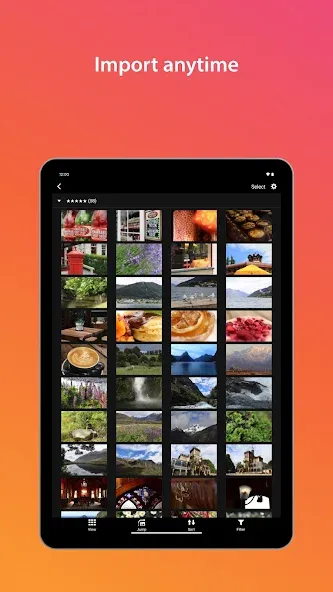
Transfer images from the camera to other devices
Cons
Difficulty connecting with Bluetooth
If application does not operate properly, try again after shutting down the application.
This application is not guaranteed to operate on all Android devices.
In the case of using Power Zoom Adapter, please set the Live View function to ON.
If the OS network confirmation dialogue appears when connecting the device to the camera, please place a checkmark in the checkbox to make the same connection from the next time.
The images may include your personal information such as GPS data. Be careful when posting images online where many others can view them.
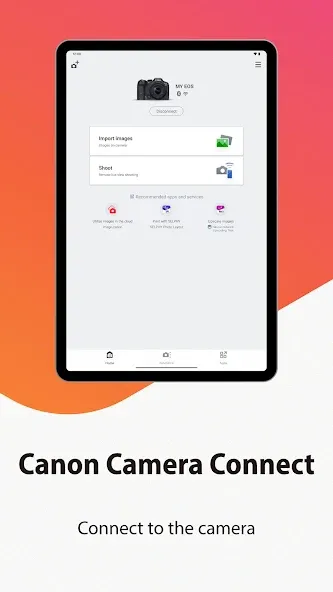
For people saying that the images are compressed at transfer, this is a default option but can be disabled. Check your settings. The UI takes a little exploring, like I didn't instantly know what the icons were. Once I flipped through a few menus, I quickly figured it out though. Other than that, does everything as I expected. Tested with my Rebel T6i.
It seems that most people struggle with the app, but I have had no issues whatsoever. I ensure to connect to the camera directly via the WiFi point created by the camera itself, and not through a router. My phone is set to not automatically connect to saved WiFi networks, and I'm fairly certain that most of the issues people are experiencing is because they're phones connect to another saved WiFi connection, since the one created by the camera does not have an internet connection.
very easy to transfer the photos I want from the camera to my phone. haven't used it for much else but this has made things really easy on my travels
Camera Connect is a tool you can use to configure your Canon camera to transfer photos to your smartphone. In order for this to work, you must have a reflex or compact camera that has a WiFi or Bluetooth connection that lets you connect wirelessly.
Size:28.29MB Version:3.5.30.22
Requirements:Android Votes:248
Package Name:jp.co.canon.ic.cameraconnect Signature:697b3be1081973e91716473f251dcac6
Looking for more newly added Android apps and games? BrowseAPKBA Latest Android APK Downloads for recently updated APK pages with version details, package names, safety notes, and download pages.
Stay updated with the latest and hottest apps in one place! Our carefully curated ranking features the most trending, high-rated, and must-have apps across various categories, including entertainment, productivity, social media, and more. Whether you're looking for new tools, fun games, or innovative utilities, this list ensures you never miss out on top-performing apps. Explore the most downloaded and highly recommended applications, all available for instant download. Discover, download, and enjoy the best apps today!
About us | Contact us | Privacy policy| DMCA
Copyright © 2026 Xiaohei All rights reserved.