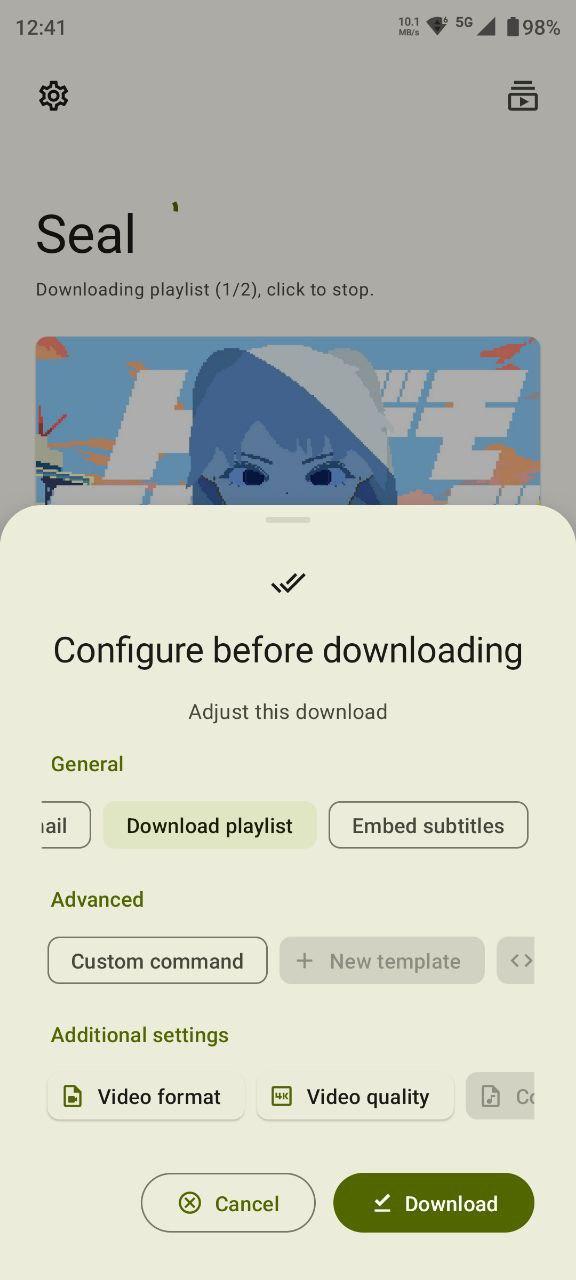
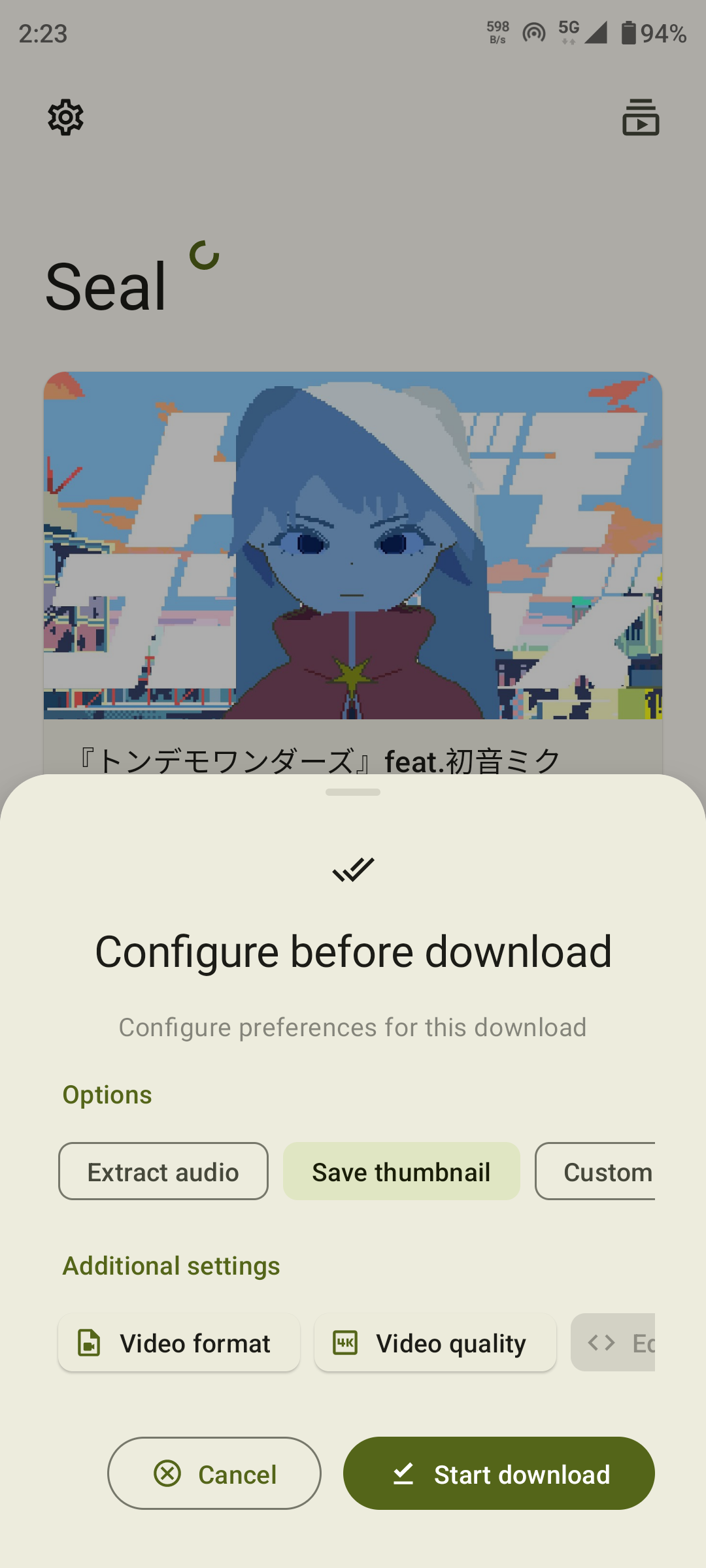
YouTube Video Downloader is a simple and easy-to-use tool. This powerful app allows users to directly download YouTube videos to their Android devices, providing a unique user experience. With YouTube Video Downloader, you can play videos offline without consuming unnecessary data. Additionally, the app offers an optional plugin that allows users to convert downloaded videos to other formats for an even better experience. Furthermore, the app provides various video formats and allows users to choose to download either video or audio files.
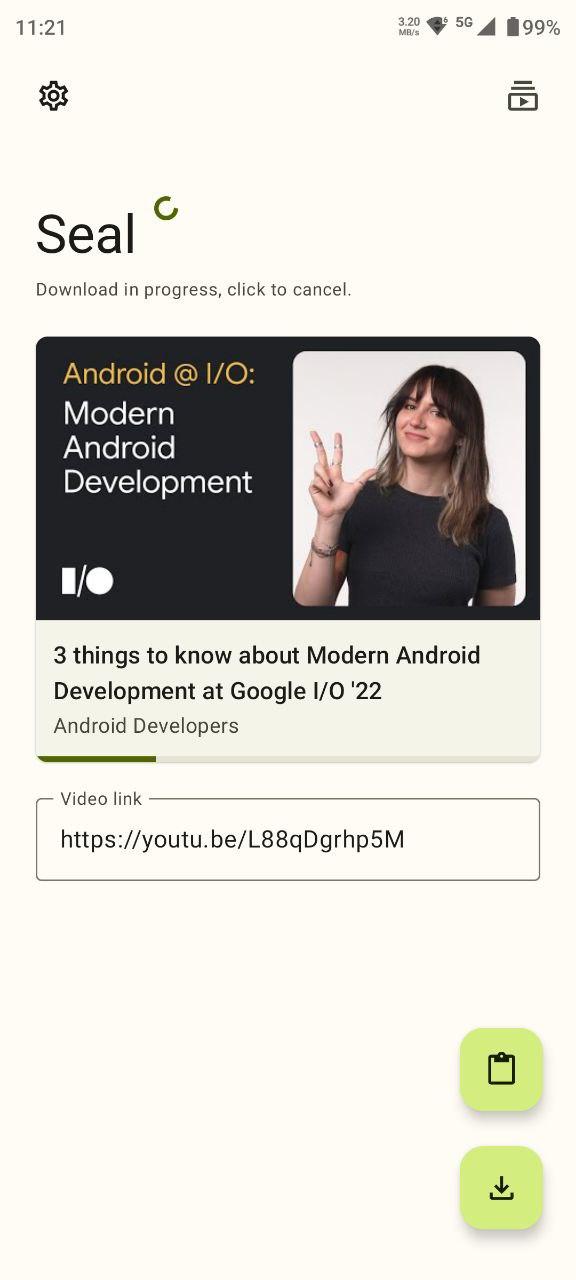
Save ANY media to your device including videos, movies, music, channels from YouTube, and other major platforms (Vimeo, Instagram, Facebook, Twitter, etc).
Direct download with one click to your device.
Download video in the background.
A built-in organizer to find and manage your files.
Watch your videos offline whenever you want.
Convert to MP4 files compatible with your audio player.
Download videos in HD, Full HD, 4K
Convert & save videos as MP3 or MP4
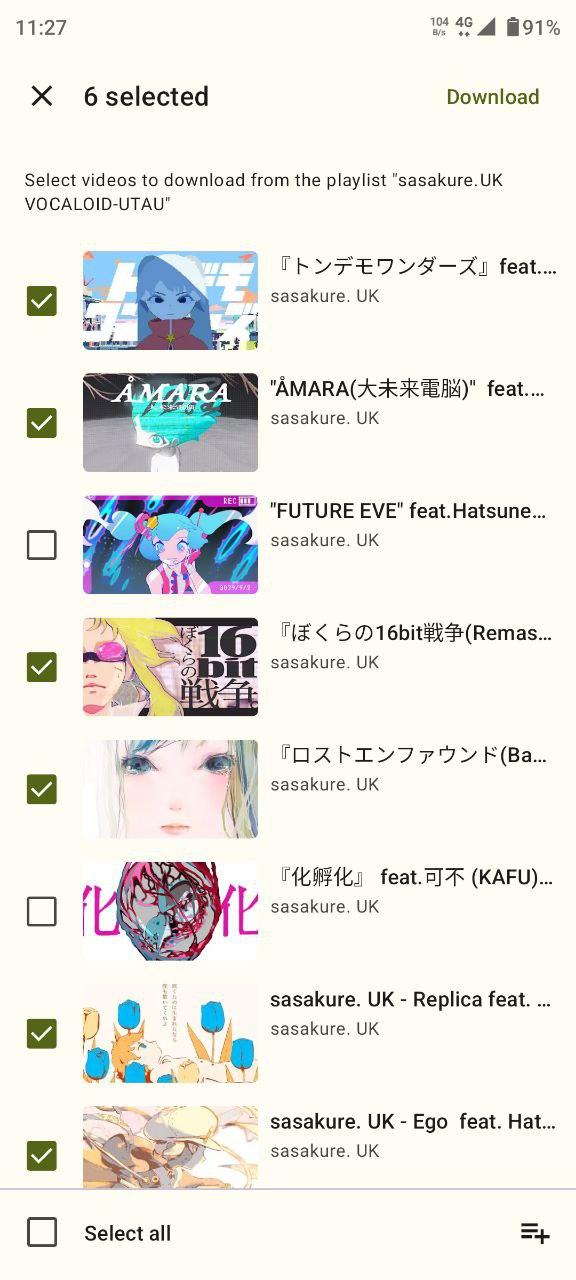
Batch download playlists and multiple files
Fast, lightweight, and easy to use
Built-in file manager and video player
Supports background downloading
Search videos directly from the app
Pros
Easy to download videos.
Watch offline anytime.
Save mobile data by not streaming again and again.
Choose video quality for downloading.
Share downloaded videos with friends without internet use.
Free to install on Android phones.
Cons
It may not be legal: Downloading videos without permission can break copyright laws.
Risk of malware: Some apps might have viruses or harmful software.
Limited features: Free versions often have fewer options than paid ones.
Ads and pop-ups: These can be annoying and slow down the app.
Quality loss: Videos may lose quality when downloaded.
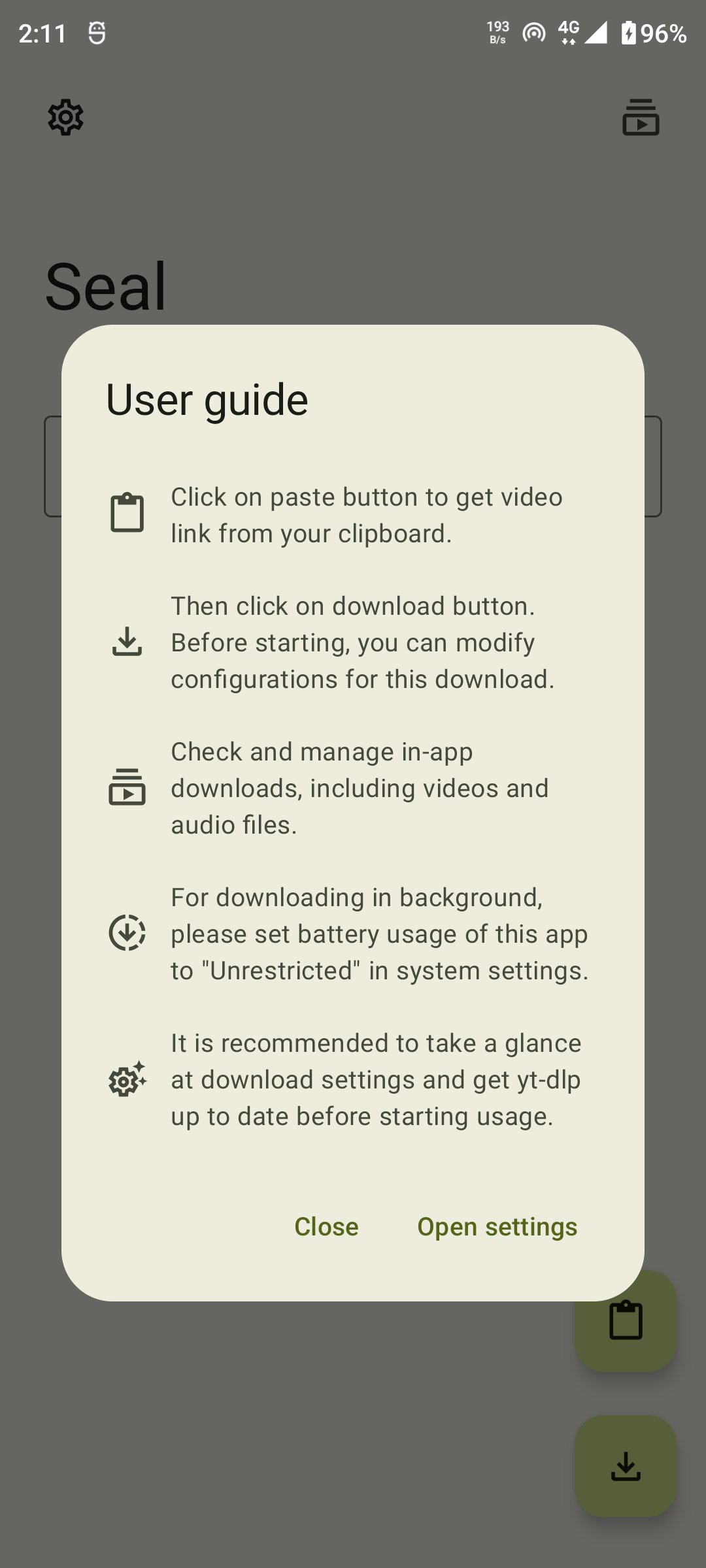
You can use this app daily to see things on YouTube, and simply, when you find a video that you like, click the download button to save it as a video or only the sound. You can download videos in many formats, these are mp4, WebM and 3gp, video or audio only.
Size:11.04MB Version:4.0.1
Requirements:Android Votes:594
Transform your smartphone into a powerful editing studio with the best video editing apps for Android! Whether you're a content creator, social media enthusiast, or just looking to polish personal videos, these apps offer professional-grade tools right at your fingertips. Enjoy intuitive interfaces, advanced features like multi-track editing and filters, and seamless exporting options - all optimized for mobile devices. Download now and start creating stunning videos anytime, anywhere!
Video Player is a software application or hardware device designed to decode and display digital video content. Modern video players are highly versatile, capable of handling both locally stored files and real-time streaming media from online platforms. Over time, technological advancements have transformed video players from basic format-specific tools into sophisticated systems supporting a wide range of codecs, resolutions, and playback features. Today’s players offer enhanced functionality such as subtitle synchronization, playback customization, and adaptive streaming, ensuring a seamless and user-friendly viewing experience across various devices.
About us | Contact us | Privacy policy| DMCA
Copyright © 2026 Xiaohei All rights reserved.