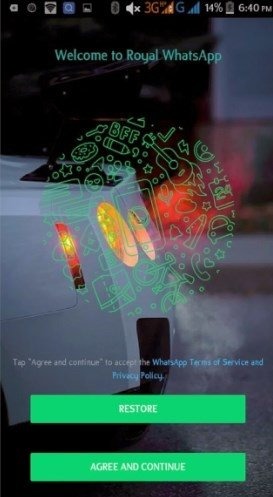
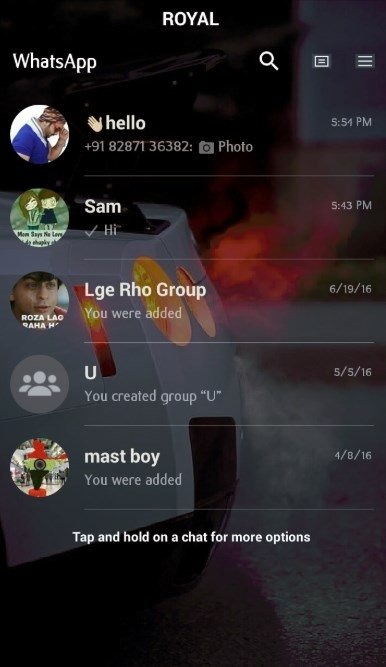
Royal WhatsApp is an instant messaging software, a modified version of WhatsApp. It boasts faster operation and enhanced privacy compared to the original. It can indicate a user's online status through notification bubbles, supports more file formats than the original, has an increased maximum character limit for input boxes, adds many new emojis, allows data backup, and offers anti-ban features. It offers many more functions than the original version. If you frequently use WhatsApp, you might want to give it a try.
Quick execution
All functions work faster than the original application. In this way, you get a stable, cleaner and fast service.
Enhanced privacy options
The level of privacy is better in this version. You can remain largely private by hiding ticks, bubbles, and visible status. Moreover, you can set different levels of privacy in group chats and for specific contacts.
free file format
The original application allows you to transfer only a few types of files. Because of that, you cannot transfer certain files. This version allows you to transfer any type of file. Now, you don't have to worry about the file format.
Increase the number of characters allowed
The original app only allows you 144 status characters. But this version allows you to 255 characters. This way, you can express a little more than usual.
emoji
New emojis have been added to the selection. And you have the option to scan recent emojis.
Ability to store WhatsApp data
Other versions of WhatsApp do not have a data backup function. But this version allows you to back up the data.
Zoom option
You can enlarge the profile picture of your contacts.
Message options
The original application does not allow you to send a message to a number that is not in your contacts. But this version lets you do just that.
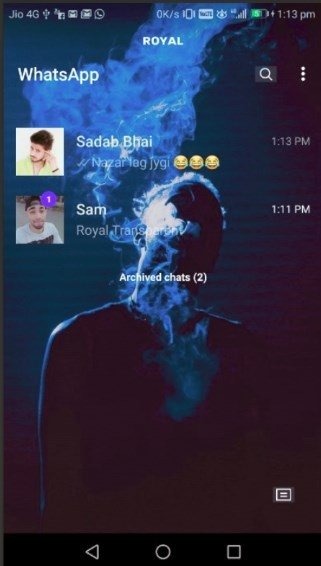
Faster, more stable, safer, and cleaner than the original app.
New privacy functions: we now have the possibility to establish different privacy levels in groups and contacts.
Send any kind of file.
Possibility to write statuses of up to 255 characters, exceeding the 140 characters of the official app.
Zoom in and out of profile pics.
Possibility to clear your recent emojis.
Function to make backups and restore WhatsApp data.
Send messages to any number even if it's not on your contact list.
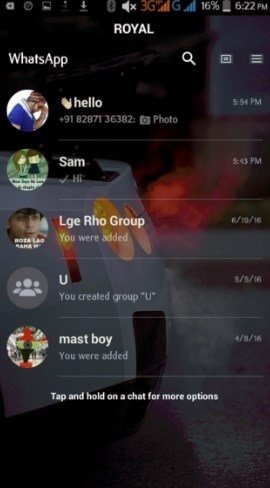
And last but not least important, the steps to follow to be able to tune your app favorite messages:
Step 1: saves a backup of your conversations from the menu Settings.
the
Step 2: uninstalls the application from the menu Settings of the phone.
the
Step 3: download the APK and open it. Remember that you must have the device configured to accept the installation from sources other than Google Play.
the
Step 4: start using it by choosing the country from which you use your phone.
And now you can chat and send messages from a different environment to the original. That yes, remember that this is a development not official... will secure your communications?
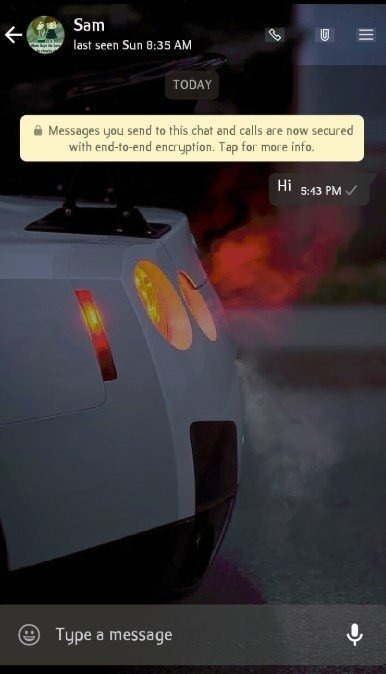
So, this is all about Royal WhatsApp APK for Android and we hope you are able to download the app from this page. There are many apps like WhatsApp Prime available out there but this app works best among all. Also, the support and quick updates of the app make it even more interesting and useful to all WhatsApp users.
Size:21.95MB Version:5.50
Requirements:Android Votes:586
Package Name:com.whatsapp Signature:dadde6fdd415ba15341ef689e204413c
Let's make one thing clear: unfortunately, there's no one best texting app. Unless you absolutely require one or two specific features or are a real stickler for security, the best text message app will be the one that the people you want to text also use. Depending on where you are in the world, that can be iMessage, WhatsApp, Viber, Telegram, LINE, or even SMS. But if, for whatever reason, you do have a choice of which messaging app you can use—or you can convince your friends and family to make the switch—these are the six best texting apps to choose from. (Though, if I could rule the world using benevolent AIs, I'd make everyone use Signal.)
Keep in touch effortlessly with the world’s best free messaging and calling apps. Whether you're chatting with friends, video calling family, or coordinating with colleagues, these apps offer seamless communication-no subscriptions needed. Enjoy crystal-clear HD video calls, fun stickers, group chats, and reliable messaging across devices. Perfect for work collaboration, sharing special moments, or staying close to loved ones while traveling. Download today and experience premium connectivity without spending a penny!
Mobile chat software is one of the essential mobile applications on people's phones. Chat software can connect people who are far apart, allowing you to communicate with friends anytime and anywhere. The software can also support various ways such as text, voice, video, etc. Now, the editor brings you a special topic on mobile chat software. You can choose the software you need and install it for free on your phone. If you need it, come and choose the software you need!
About us | Contact us | Privacy policy| DMCA
Copyright © 2026 Xiaohei All rights reserved.