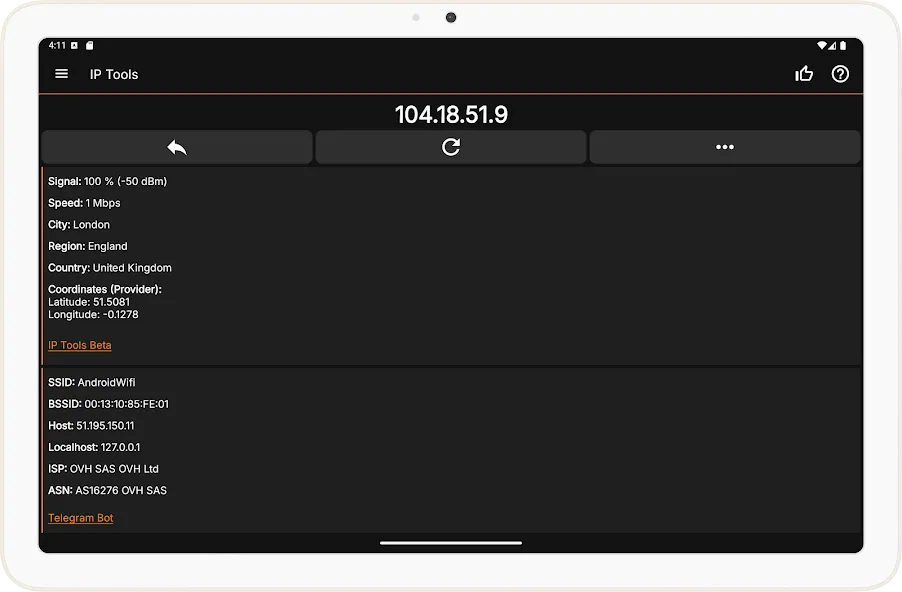
IP Tools is an IP resolver that can scan and resolve IP addresses of Wi-Fi and LAN networks. It can remotely ping domain names, and its WHOIS function can even resolve website owner information. It also performs IP address conversions and calculations. Its user-friendly interface allows for quick and easy use, making it suitable for users of all experience levels. It provides rapid diagnostic results, making network maintenance easier. If you are involved in network operations or testing, this app can be a helpful tool!
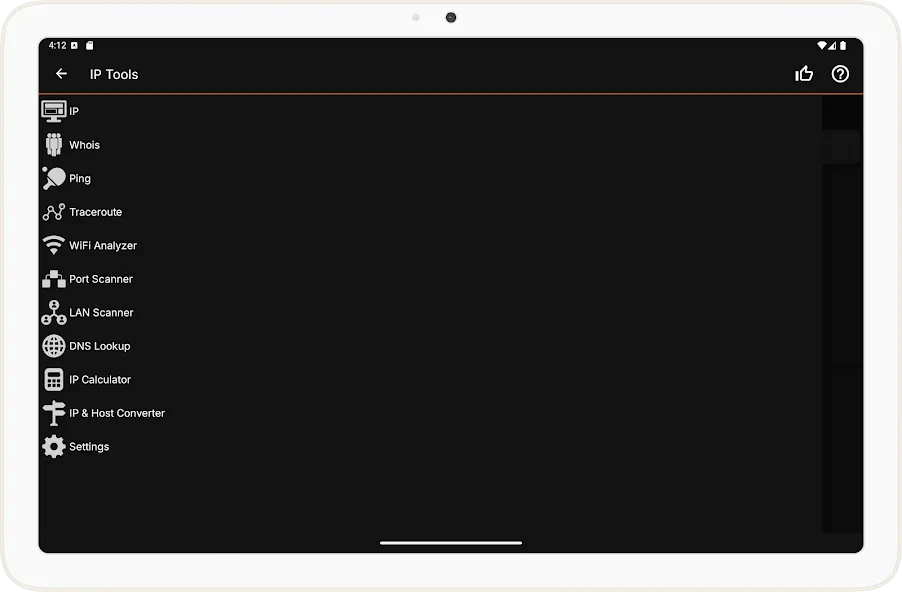
Ping
Wi-Fi & LAN Scanner
Port Scanner
DNS Lookup
WHOIS - Provides information about a website and its owner
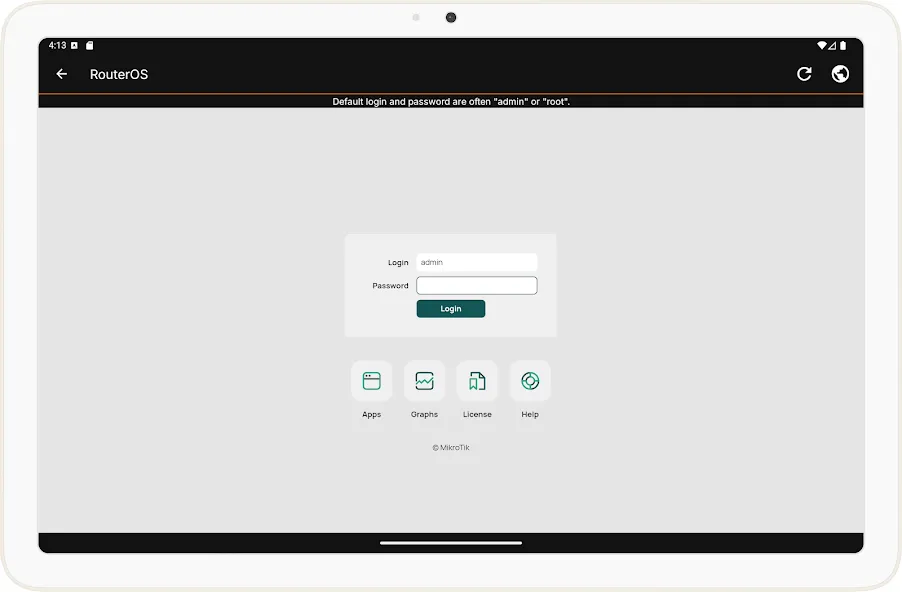
Router Setup Page and router admin tool
Traceroute
WiFi Analyzer
Find address with "my ip" feature
Connection Log
IP Calculator
IP & Host Converter
Netstat statistics
User Experience
A key strength of IP Tools is its user-friendly interface. Even individuals without an advanced networking background can swiftly access relevant information or tweak settings. Many users find it easier to manage routers or diagnose issues from this mobile app compared to traditional PC software. Features such as connection logs, address finders, and network calculators are presented through intuitive menus and real-time results, making the process straightforward.
Performance and Reliability
IP Tools is generally fast in delivering diagnostic results and consumes minimal system resources, making it practical for running alongside other applications. The app requires location permissions due to Android OS restrictions for WiFi scanning, a standard that also ensures accurate detection of nearby networks.
Updates and Support Concerns
Recent feedback indicates a shift in the app's development and support. Some users have reported that a previous “Pro” version is no longer supported, with features now relocated to a nearly identical app under a different name and company. This led to concerns around pro key compatibility and unavailable customer support, affecting trust among long-time users.
Pros
Comprehensive set of networking tools in one app
User-friendly interface accessible to all experience levels
Convenient for remote router management
Detailed real-time network diagnostics
Efficient performance with low system resource usage
Cons
Reported issues with Pro version support and app migration
Customer service response has been inconsistent
very accurate and good to monitor network make network support easy
Awesome. Easy to use.. now using it on a Google Pixel 9 pro XLAwesome. Easy to use.. now using it on a Google Pixel 9 pro XL
Very informative, fast, and easy to use.. I would like to have you add on to be able to check for VOIP calls and where they came from would be great. Be able to find the spam callers and stop them.
IP Tools is a selection of tools for analyzing and setting up networks. With this app, not only can you detect network problems but also try to resolve them or even improve the network's general performance.
Size:29.36MB Version:9.8
Requirements:Android Votes:411
Package Name:com.ddm.iptools Signature:69761b7fc7a2e6344af752946bf3aab7
Looking for more newly added Android apps and games? BrowseAPKBA Latest Android APK Downloads for recently updated APK pages with version details, package names, safety notes, and download pages.
Stay updated with the latest and hottest apps in one place! Our carefully curated ranking features the most trending, high-rated, and must-have apps across various categories, including entertainment, productivity, social media, and more. Whether you're looking for new tools, fun games, or innovative utilities, this list ensures you never miss out on top-performing apps. Explore the most downloaded and highly recommended applications, all available for instant download. Discover, download, and enjoy the best apps today!
About us | Contact us | Privacy policy| DMCA
Copyright © 2026 Xiaohei All rights reserved.