Unicorn HTTPS is a user-friendly and convenient network proxy software that not only protects users' IP addresses and data records in real time to ensure network security, but also boasts servers and network nodes worldwide. Users can easily bypass geographical restrictions when accessing various websites, browsing videos, downloading software, and playing games with a simple click. The software strictly adheres to a no-logs policy, ensuring user browsing security while providing a smooth network environment, making file downloads and gaming exceptionally smooth.
Local optimization for speed: Unicorn HTTPS optimizes packets on your device instead of routing traffic through remote servers. This approach reduces overhead and typically shortens the path your data travels. It helps maintain fast page loads and smooth app sessions on normal connections. In everyday use, browsing feels responsive because traffic stays local.
Privacy protection with no logs: Unicorn HTTPS is built to protect privacy without collecting activity logs. The app minimizes exposure to DNS manipulation and packet inspection, so fewer details leak to intermediaries. It does not rely on tracking your usage to operate. This design supports private access while keeping records out of the workflow.
No speed or data limits: Unicorn HTTPS does not set speed caps or data quotas. Sessions do not throttle when you browse or download large files. Streaming and updates continue at the pace your network allows. This consistency helps avoid sudden slowdowns across longer tasks.
Customizable DNS and per-app controls: Unicorn HTTPS offers controls that let you set DNS behavior and choose which apps use protection. You can tailor rules for specific apps that need extra privacy or stricter access. This keeps performance balanced while securing sensitive tasks. Simple toggles provide control without complicated steps.
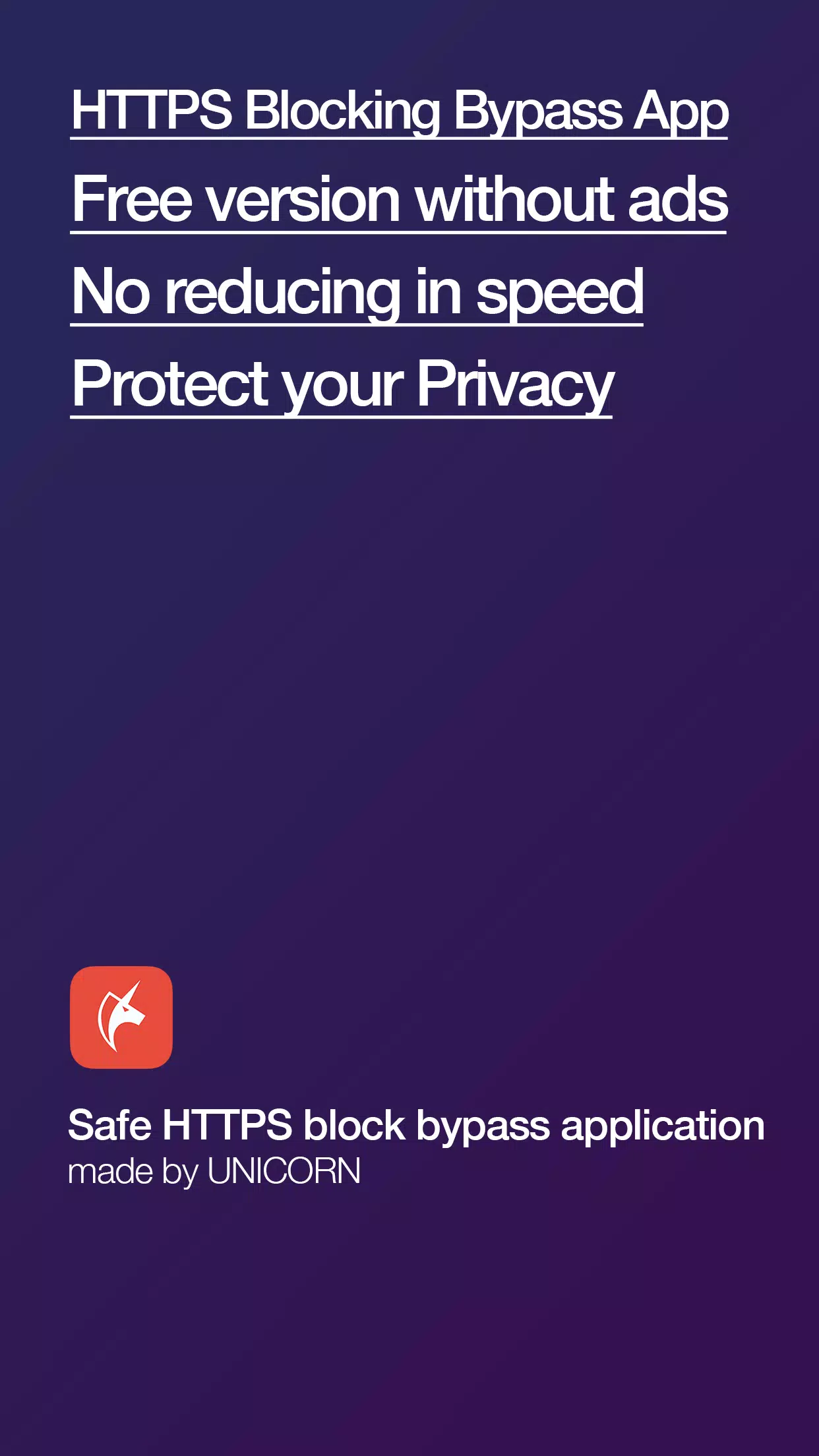
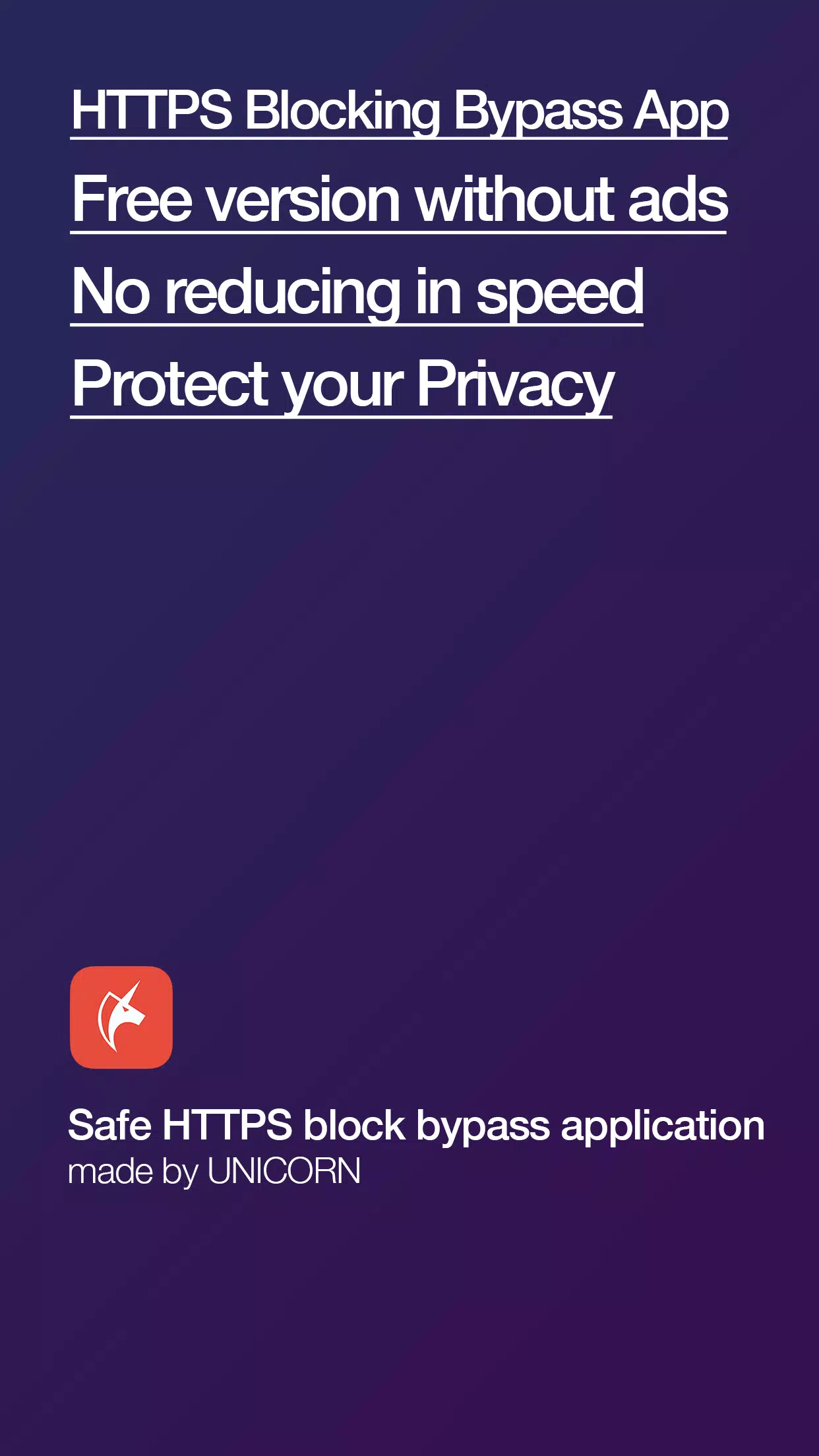
Safe HTTPS Block Bypass App: This app, created by the Unicorn team, allows you to securely and quickly bypass blocked HTTPS access. With over 4 years of experience and expertise, we are committed to providing a quality service by regularly managing and updating our app.
Changing the Internet for the Better: The Unicorn HTTPS Blocking Bypass App aims to give users freedom of Internet access and protect their personal information. All internet users can feel safe and use this app.Unicorn is different from other apps like VPNs or those that use overseas servers. It is specifically developed to modify packets for web surfing without slowing down.
Nonprofit app: Unicorn HTTPS Blocking Bypass App is created with the sole purpose of giving freedom of internet access and protecting personal information, without any advertisements or charges.
Regular updates and management: The app is regularly managed and updated by the Unicorn team, ensuring the best service and experience for users.
Compatible with All Browsers: You can easily use the Unicorn HTTPS Blocking Bypass App in any browser. Just click the button once on your current browser. It supports multiple browsers, including Chrome, Samsung Internet, Firefox, Opera, and more.
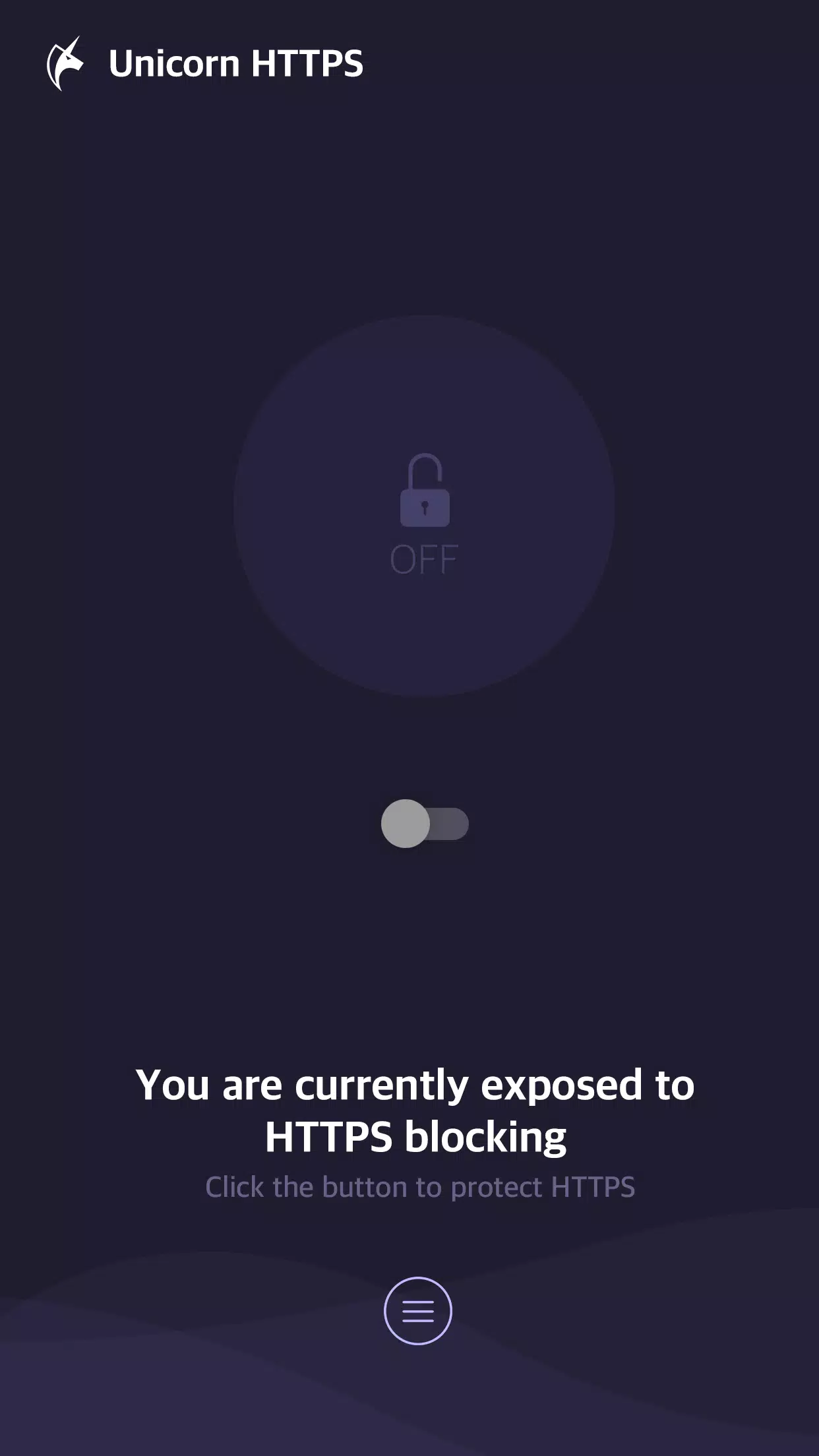
Unicorn HTTPS:Secure & Fast has been updated now it's really fast it's super fast and shows no signs of buffering or lagging. From my personal Android device testing Unicorn HTTPS: Fast Bypass DPI works best with the built-in Private DNS settings, the Google DNS settings and CloudFare DNS settings.
Very easy to use. Initially I used to use 111 vpn then some prob occurred and the vpn didn't work. This unicorn vpn is easier to use and gives a premium experience.
It’s better than other popular vpn apps..internet speed is better than others..and It's free..but one problem is i can't access all websites.. it can't access some block websites.. and can get access some block websites which is blocked in my country.. so, i enjoyed by get access in some sites which is banned in my country.. i am requesting this app developer to develop this app content to make it more cool and enjoyable.
Excellent. Just what I need to bypass DPI without using unnecessary VPNs. No ads. Just simplicity. Also you can select which apps should be selected to bypass DPI (by default the Chrome is selected).
Top notch experience, didn’t expected that in today's date. No ads, no interruptions and no purchase reminder. Worth using, love it. Many thanks for providing such a service like this.
Great app I would like to ask devs to show DIY method for my old tv that can't install apps, but on the other hand... The absence of this information on the surface allows our local programmers not to be forced to bypass bypassing.
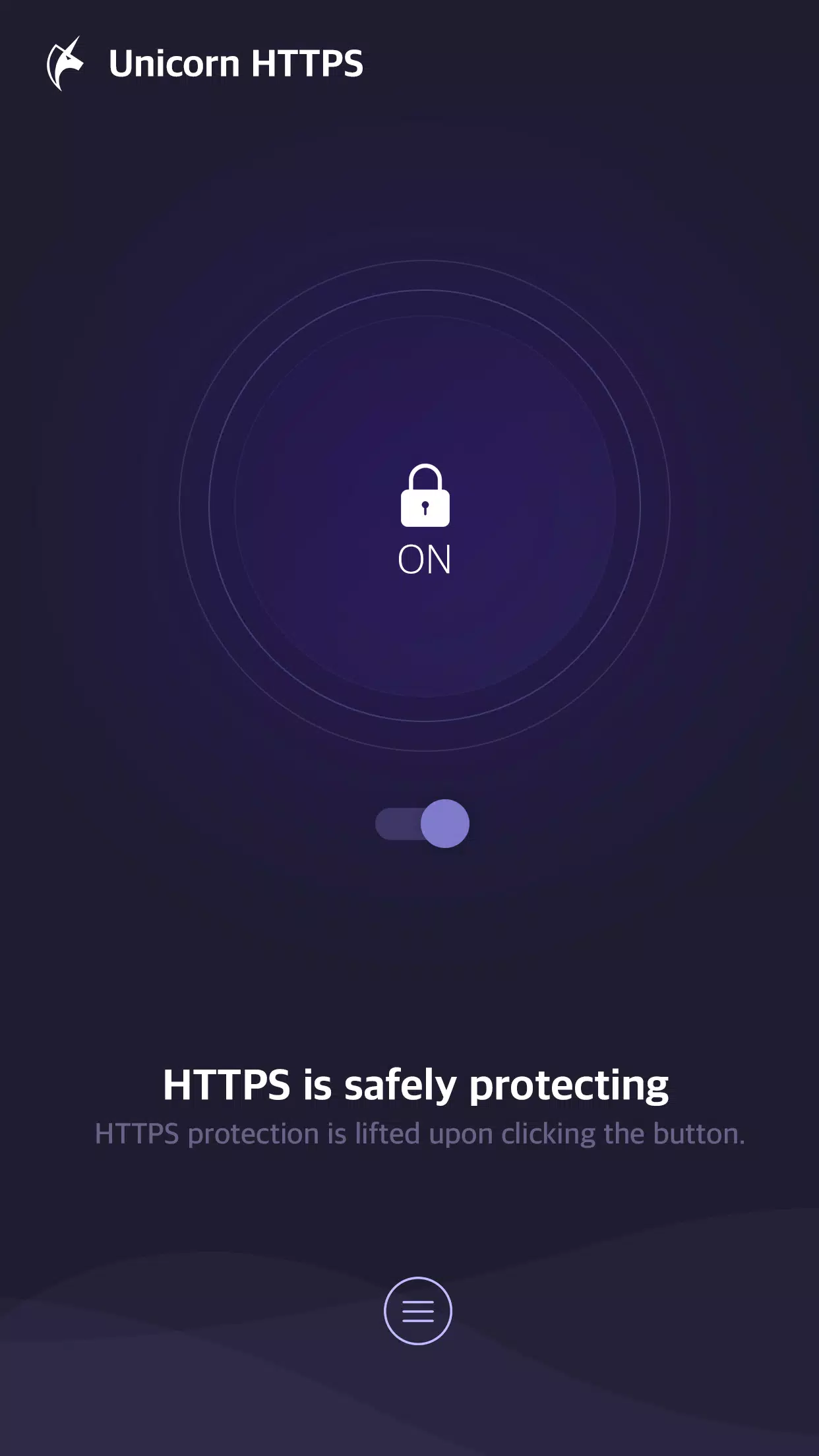
Is Unicorn HTTPS a free application?
Yes, Unicorn HTTPS is free to use and does not include any advertisements. All features are provided without charge.
Does Unicorn HTTPS collect user personal information?
No, Unicorn HTTPS explicitly states it never collects personal information. It does not trace or save any private data from apps or visited websites.
Does Unicorn HTTPS support all major web browsers?
Yes, Unicorn HTTPS supports multiple browsers including Chrome, Samsung Internet, Firefox, and Opera. It works by clicking a button once.
What are the main features of Unicorn HTTPS?
Unicorn HTTPS bypasses HTTPS blocking and protects SNI fields. It also allows quick DNS changes (e.g., to 1.1.1.1, 8.8.8.8) and supports all browsers.
Does using Unicorn HTTPS slow down internet speed?
No, Unicorn HTTPS does not reduce internet speed. It is developed to change specific packets for web surfing without slowdown, unlike VPNs or overseas server apps.
Unicorn HTTPS is not your typical VPN or proxy server. It's uniquely developed to alter specific packets, allowing you to surf the web without any speed reduction. Plus, it's ad-free and doesn't collect personal information, ensuring your privacy is protected.Unicorn HTTPS is compatible with various browsers including Chrome, Samsung Internet, Firefox, and Opera. It's user-friendly too - a single click on your current browser is all it takes to use it.
Size:11.4MB Version:2.4.58
Requirements:Android Votes:158
Package Name:kr.co.lylstudio.httpsguard Signature:706eef0049306e9b29a820b688f8d6e84ecd467c
With more and more of our lives happening online, smartphones have become an essential component of our daily routines. Whether you’re shopping, banking, or socializing – everything can be tracked online, even on Androids. This information can then be used by third-parties profiting off your data or your ISP to slow down your internet speed. An easy way to increase online privacy and security of your Android smartphone is to start using a VPN. At Cybernews, we have over 5 years of experience testing VPN services, so we know what makes a great VPN app. To make your search for a reliable VPN easier, together with our research team, I tested both free and paid Android VPN apps, and summarized the results of our research below.
Enjoy unrestricted internet access anywhere in the world with these top-rated free VPNs for Android. Securely browse in private, bypass geo-blocks, and unlock censored websites in just a few taps. These powerful apps encrypt your connection, mask your IP address, and protect your data-especially on risky public Wi-Fi. Whether you're streaming global content, accessing restricted platforms, or simply safeguarding your privacy, these trusted VPNs deliver fast, reliable performance. Discover the most popular free VPN downloads and experience true online freedom today-no limits, no compromises!
About us | Contact us | Privacy policy| DMCA
Copyright © 2026 Xiaohei All rights reserved.