Gmail is a popular email application. It not only incorporates the latest AI models and intelligent writing features to help users compose and refine various documents, spreadsheets, and emails, making their writing more fluent and engaging, and improving communication efficiency, but it also automatically blocks spam, phishing, and malicious messages, ensuring the security of user accounts and information. The software also includes management functions; users can quickly find relevant emails through the built-in search bar or perform batch management such as moving, saving, and deleting emails to meet different user needs. Users can log in to their accounts on different devices, seamlessly continuing their previous work and composing and reading emails.
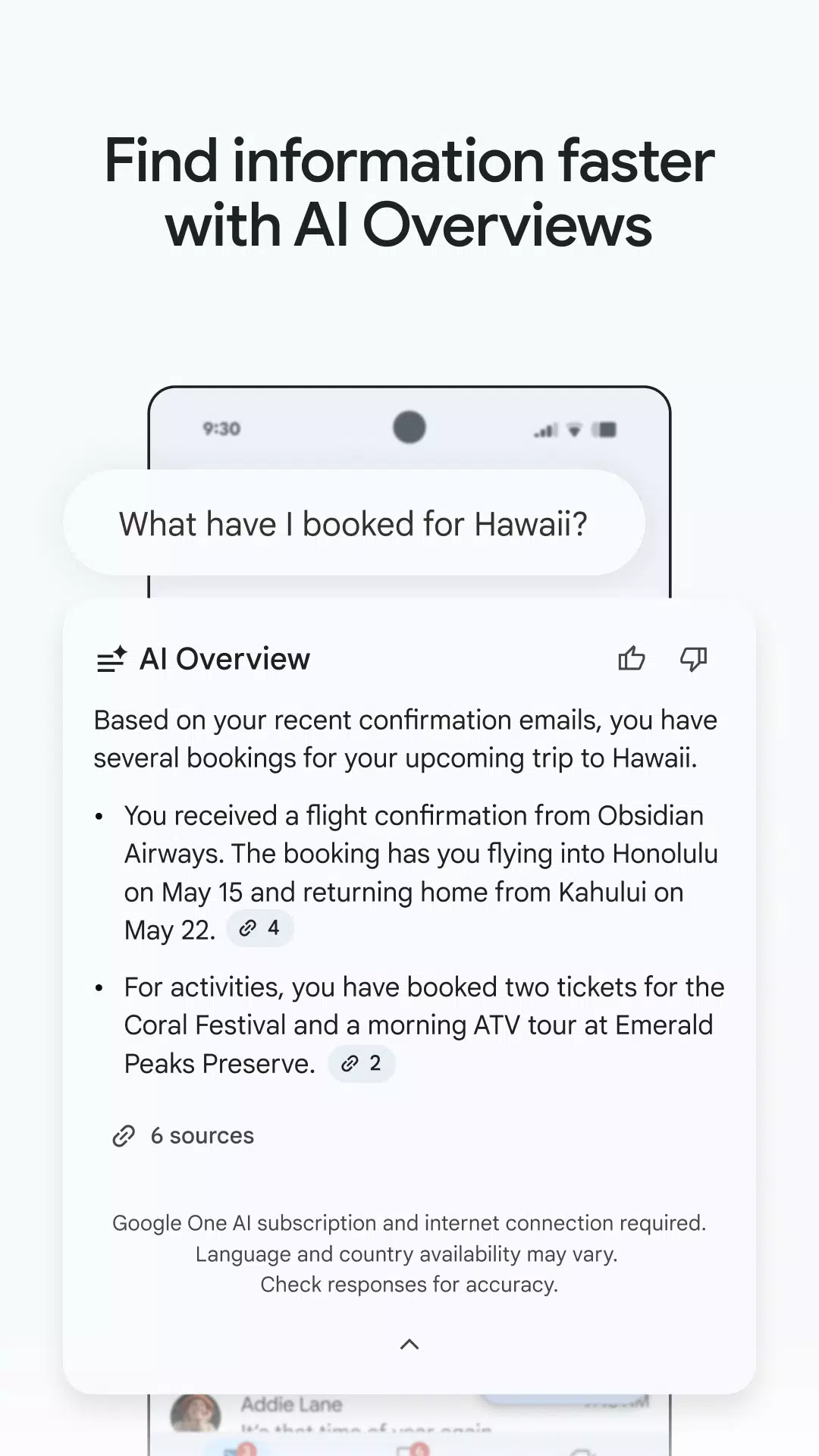
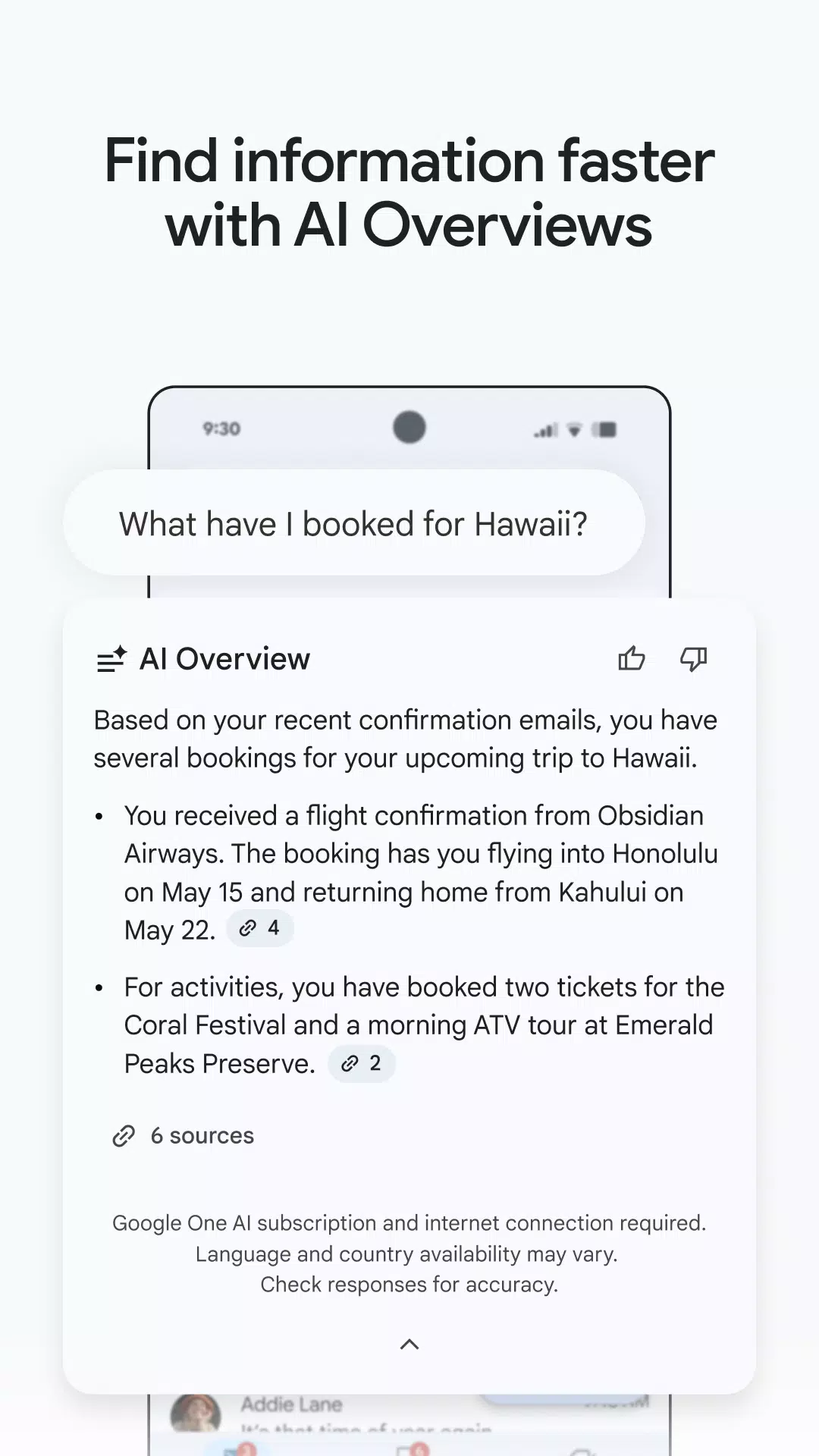
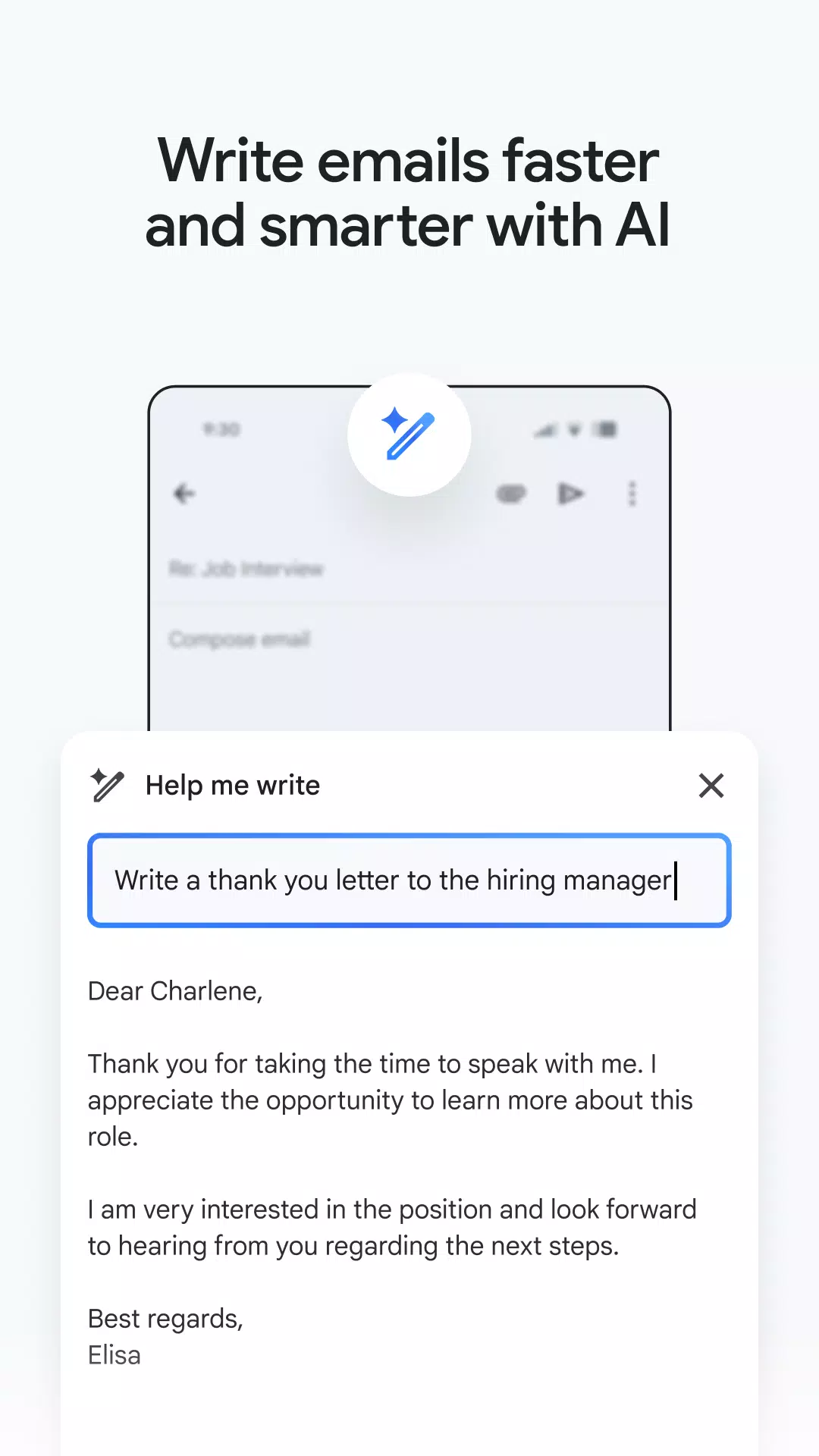
Write and find information with AI: Gmail uses Gemini to help you draft emails, polish text, and respond faster with Help me write and Smart Reply. It can surface key details from your inbox or from Drive so you do not have to search manually. These tools aim to reduce typing and help you keep context while staying within the app.
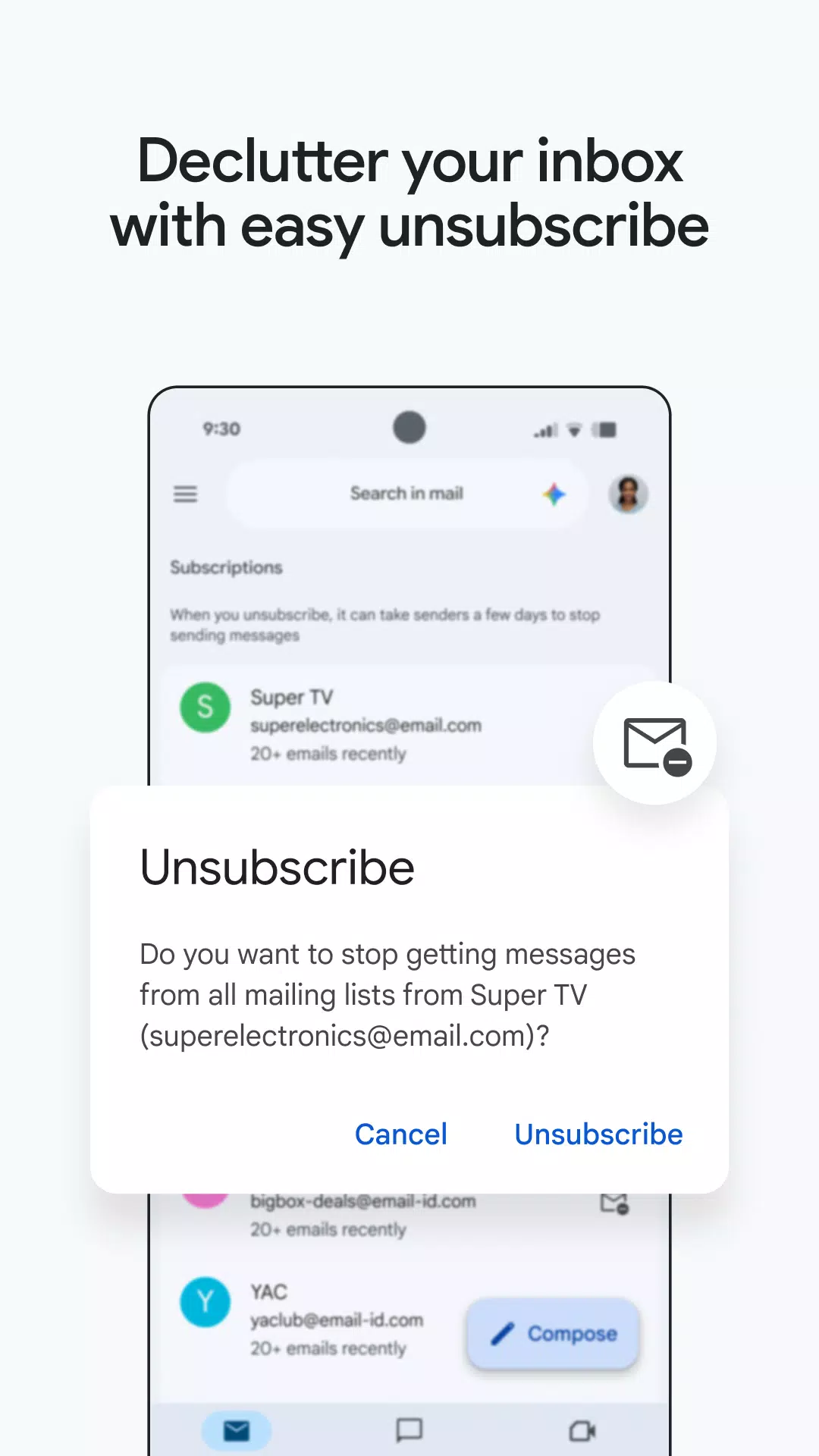
Protection against spam and scams: Gmail automatically blocks over 99.9 percent of spam, phishing, and malware before it hits your inbox. You can also unsubscribe from unwanted senders in one place to reduce future clutter. When you download Gmail, these protections are on by default so you spend less time sorting junk.
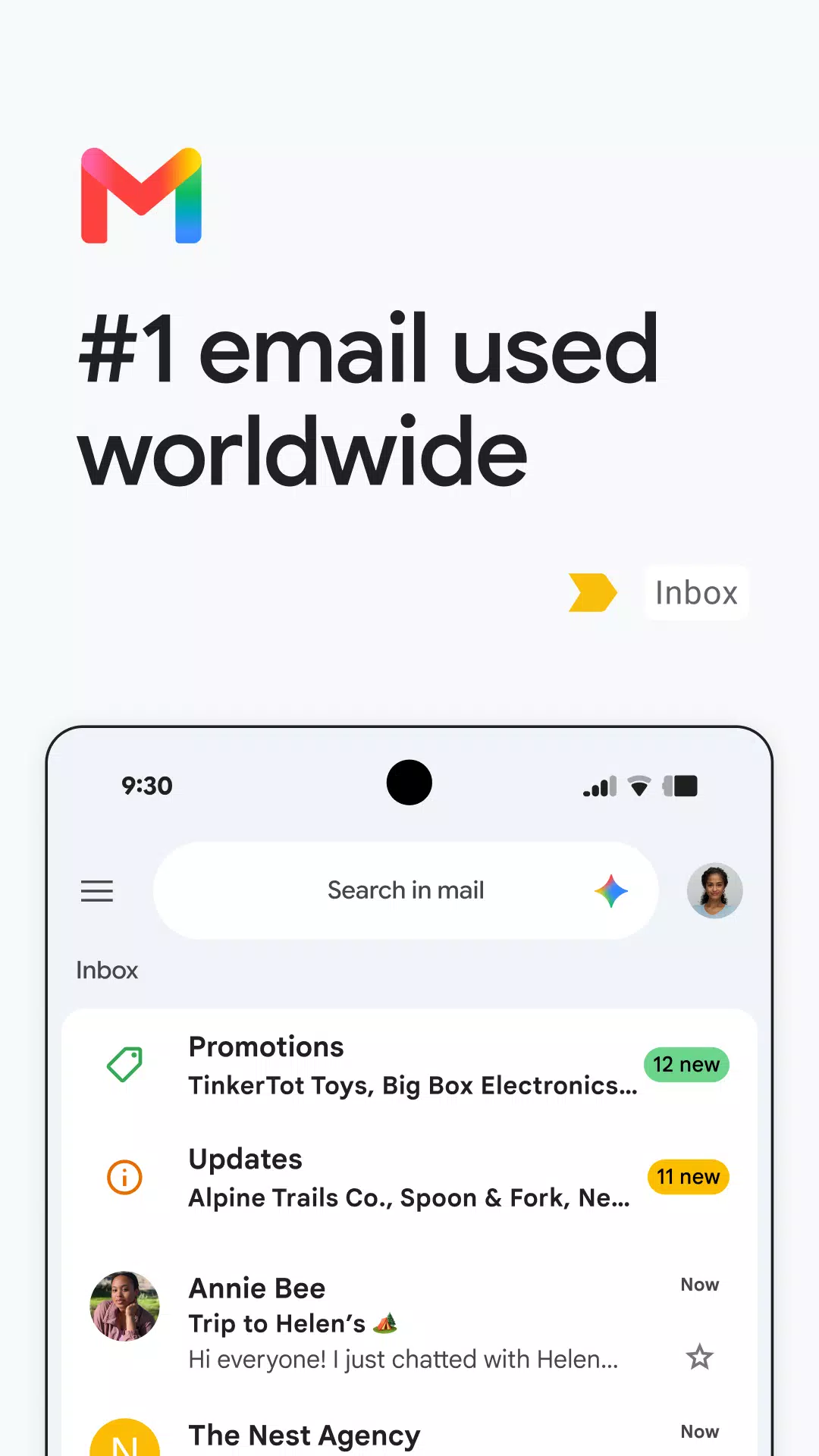
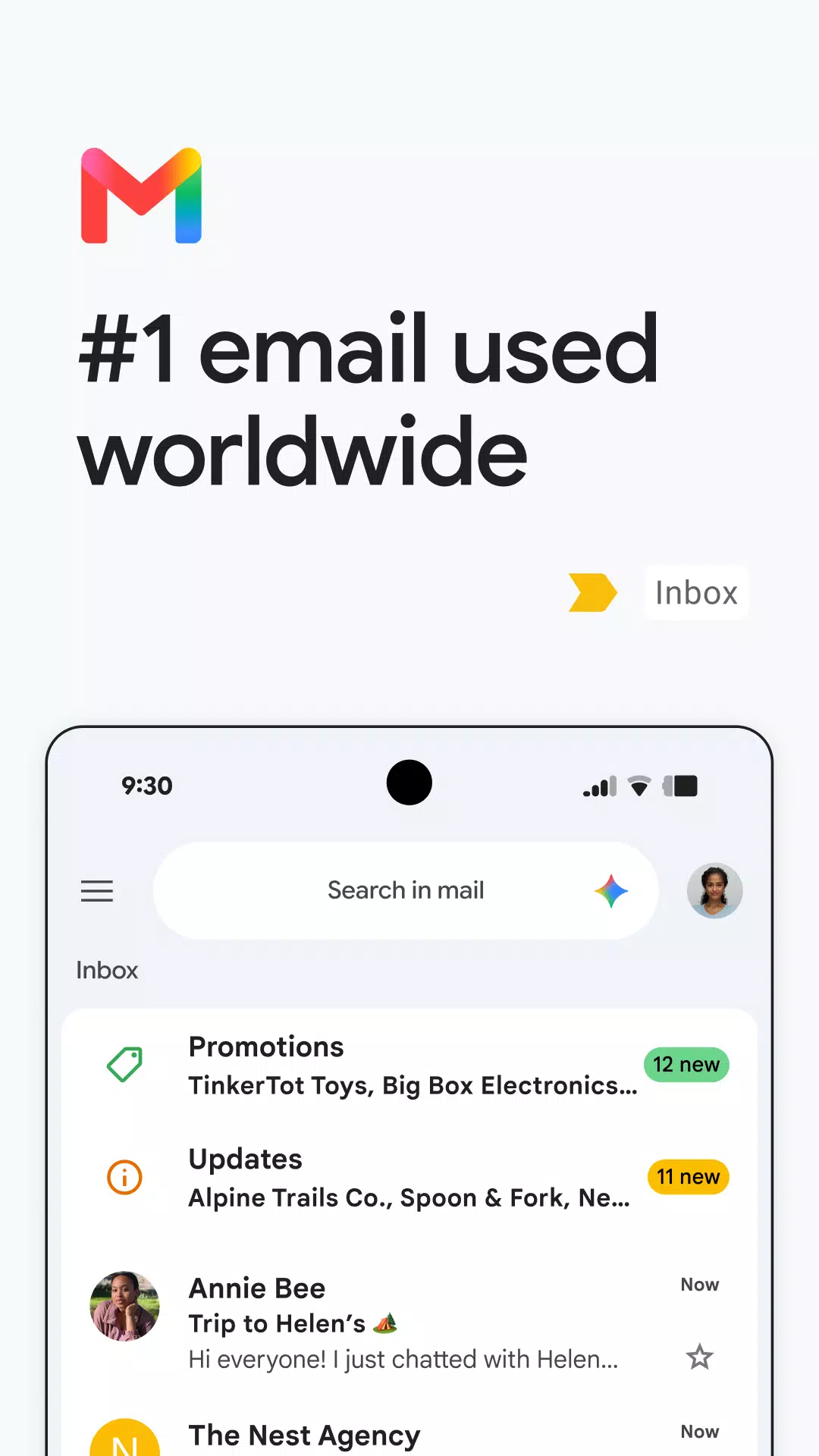
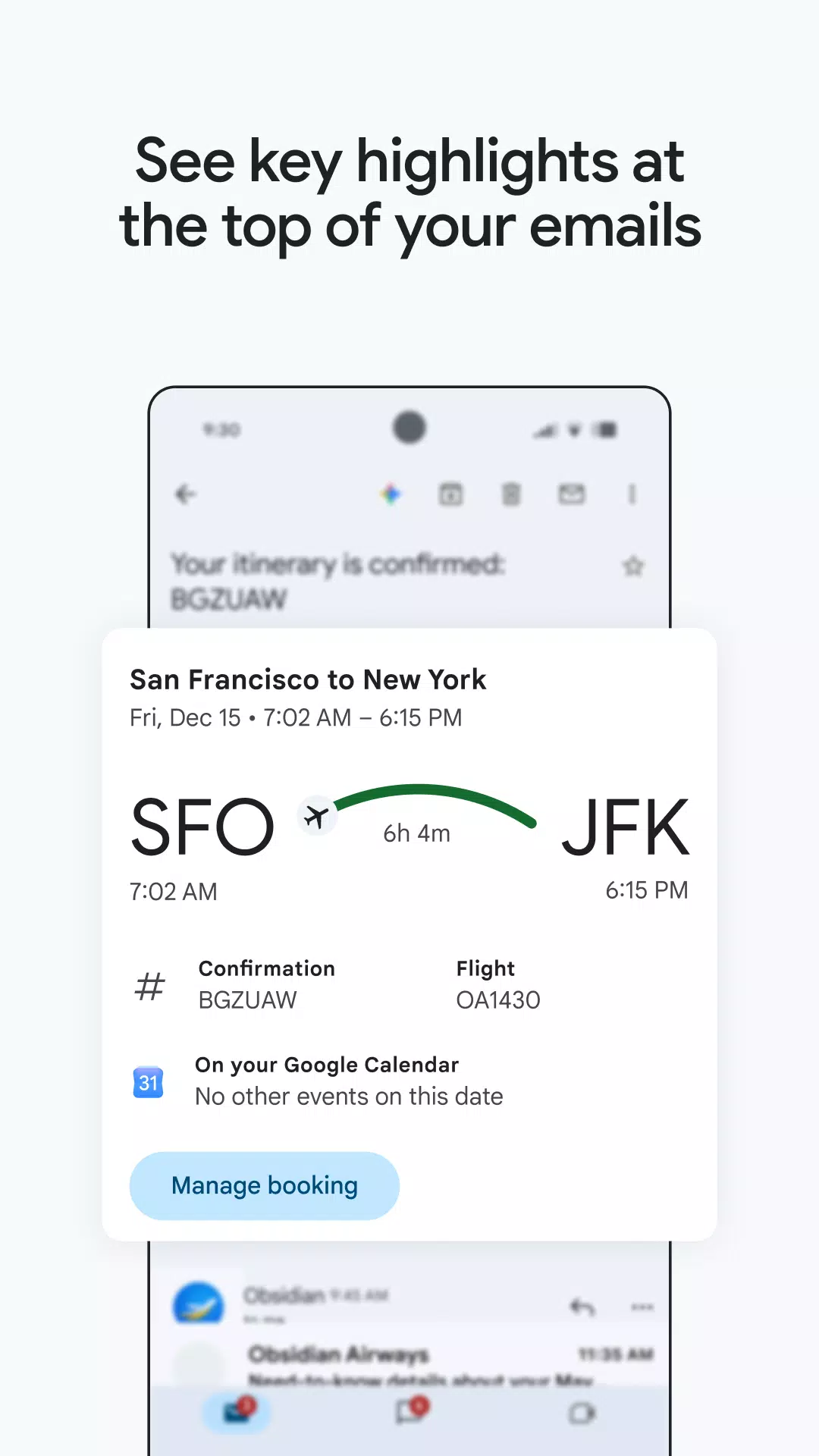
Fast search and clear organization: Gmail makes it easy to find messages with relevant keyword matching and predictive suggestions as you type. Summary cards surface essential info at a glance so you can confirm dates, addresses, or attachments without opening every thread. Over time, these tools help you get to the right email with fewer taps.
Built for Google tools: Gmail integrates Chat, Meet, and Spaces so messaging and video calls sit alongside email. You can turn a message into a Calendar invite with Add to Calendar, and Gemini can help with the details. This keeps planning and follow ups close to the conversation.
Multiple accounts and mobile extras: Gmail lets you switch between several email accounts from different providers with real time notifications for each inbox. Quick actions like swipe to archive or delete help process messages on the move, and exclusive emoji reactions add lightweight feedback without writing a full reply. On Wear OS, a tile or complication gives you a wrist view of new mail and basic controls.
The app supports auto-completion of contact names, which speeds up the process of composing emails. As users type, Gmail suggests relevant contacts from their Google contacts or phone, streamlining the task of addressing emails.
For those utilizing smartwatches, Gmail is available on Wear OS. This feature enables users to manage their emails directly from their wrist, providing convenience and accessibility on the go. Adding Gmail complications and tiles to the watch allows for a quick overview of emails, making it easier to stay informed without needing to check a phone constantly.
Integration with Google Workspace enhances Gmail's functionality for teams and organizations. Users can connect with coworkers via Google Meet or Google Chat and manage their calendars and tasks without leaving the app. Suggested actions such as Smart Compose and grammar suggestions further assist users in drafting professional emails efficiently.
Gmail's commitment to security and efficiency is evident through its machine learning models that continuously work to block harmful content. This focus on user safety, combined with diverse features for managing communication, positions Gmail as a leading choice for email management on the Android platform.
The application caters to a wide audience, from individual users to larger teams, offering tools that accommodate various needs. Users looking for a reliable email solution will find that Gmail's extensive features and integrations make it a strong contender in the email application marketplace.
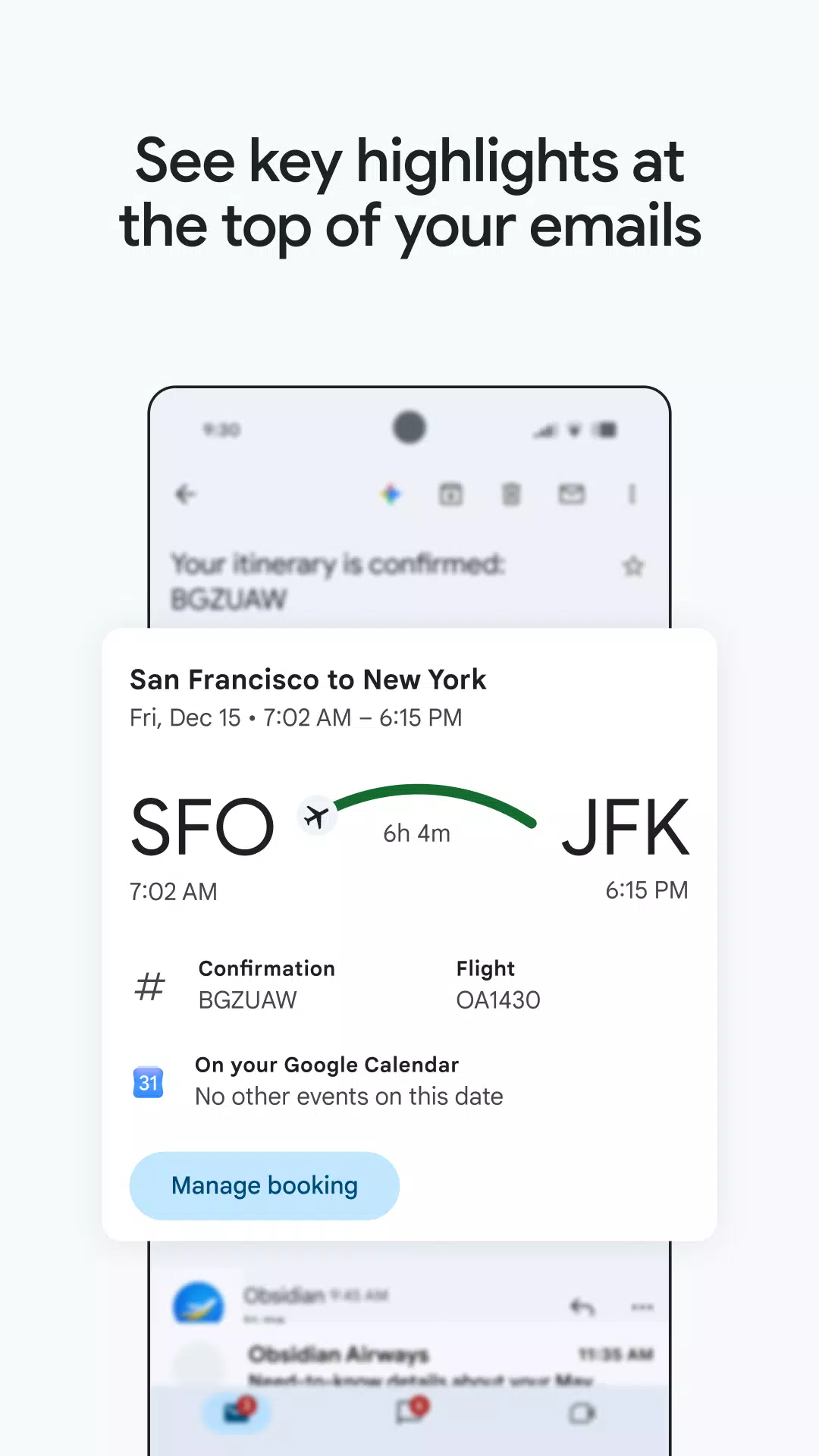
Tablet/desktop mode works correctly again, showing the list of emails on the left and opening them on the right. Very easy and intuitive email client. I like some of the "smart" features like extracting upcoming events and shipment tracking from emails. But I wish there was a way to fully disable the prompts to help me write or polish, since I'd rather write stuff myself without assistance other than spellcheck. Also adding monospace to the font selection would be great.
Problem solved very quickly, thanks! Since today, I cannot access my emails through this apps on my phone anymore. First, it was a message saying that it couldnt connect to google play services. I did the usual (clean storage, reinstall, reboot) but to no avail. Apps starts but remains stuck on "Getting your messages". It hasnt gone beyond that for hours now. I dont have this problem on my Tablet.
I've been using Gmail for a long time, and it's one of the most reliable email apps I've used. I like how easy it is to manage emails, organize messages, and access my inbox from different devices. The app is fast, simple to use, and works well with other Google services. Overall, Gmail is an essential app for communication and everyday productivity.
this update version, FINALLY!! They added an "unsubscribe" button on the top right so it's easy to do instead of looking for a unsub link that sends you to a web browser and you have to look to verify the unsub. This is also huge... you can "select all" in the top left and delete 50 emails in a clip where you used to have to do it on a PC and android you had to go 1 by 1. Huge update and thanks for making things easier on us all!!!!!
Just suddenly stopped working. Now I can't reply or send any emails, or even open emails. I can open the Gmail app, but it won't let me do anything once inside the app. It just freezes. I looked to see if there was an update that needed pushed through, and there's nothing. Please fix this! Edit: Google responded very quickly and told me what to do to fix it. Thank you!!
How do I add a new Gmail account?
To add a Gmail account to the app, open the app and you will get step-by-step help to add an account. If you’re already logged in on your device, you don’t need to log in again. Otherwise, you’ll have to enter your email address and password.
How do I add an existing account in Gmail?
It’s very easy just click on your image at the top right. There, all the accounts you’ve added in Gmail will appear, as well as the option to “Add another account.”
Can you use other email service providers in the Gmail app?
You can easily connect to your other Exchange and online email boxes and combine them in your Gmail inbox. Users can easily register Outlook at work, or those who use different email addresses can easily communicate via the Android app.
Does the Gmail app offer spam protection?
The app also does a very good job of scanning your incoming emails and identifying unwanted emails by patterns. This improves the app’s overall performance considering the amount of spam.
Gmail supports virtually any email client, so users never miss an email from one of their accounts. A powerful spam blocker prevents pesky emails from reaching an inbox in the first place, too. On top of that, social and promotional emails are grouped together, which makes mass deleting less important emails easier than ever before. Plenty of other features power Google's premier email app, and more features are added regularly.
Size:117.0MB Version:2026.07.27.95670
Requirements:Android Votes:415
Package Name:com.google.android.gm Signature:38918a453d07199354f8b19af05ec6562ced5788
Utility apps are indispensable in our lives, making our daily routines more convenient. To help you find these apps more easily, this site has created a collection. This collection brings together a series of practical tools covering various aspects of life, work, and education, meeting all your needs. What are you waiting for? Try these apps now and make your life easier!
With the development of mobile hardware and software, many practical tool software have emerged, covering a wide range of aspects and becoming a good helper for everyone in work and life. Today, the editor provides you with a list of useful tool software downloads. These tools are not particularly complex types, and after reading them, everyone can quickly learn how to use them. Proper use can bring great convenience to life and work.
About us | Contact us | Privacy policy| DMCA
Copyright © 2026 Xiaohei All rights reserved.