Google Sheets is an office software designed specifically for mobile and tablet devices. Users can import and create spreadsheets anytime, share links to groups, and collaborate with others to speed up work and communication. The software replicates all the functions of the PC version of Spreadsheet, allowing users to easily input various data, generate charts, insert formulas, and use find, replace, and filter functions to quickly analyze data and export spreadsheets to their devices or send them to friends. Users can also log in to their accounts on different devices to seamlessly continue previous edits, making it convenient to process spreadsheet data anytime, anywhere.
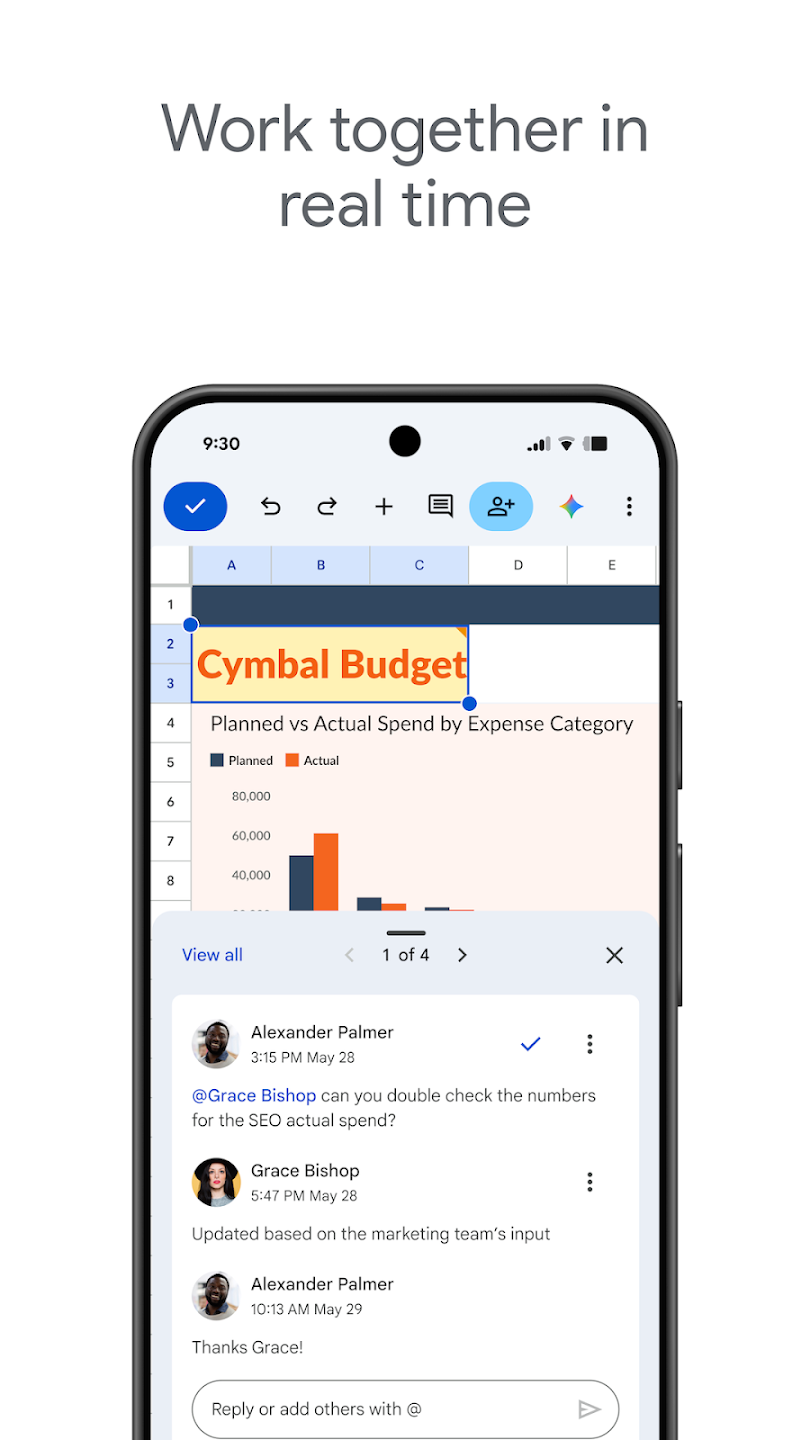
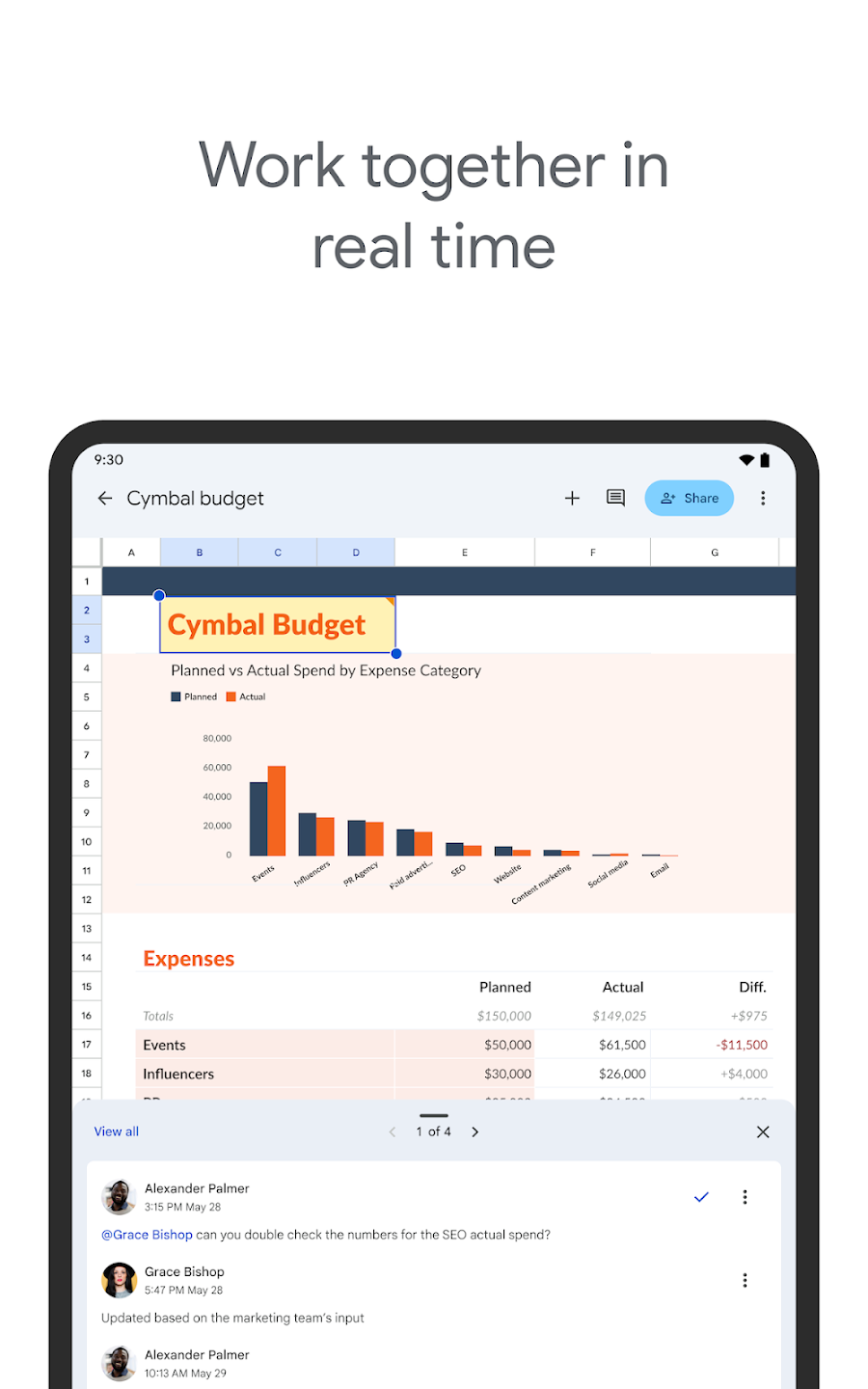
Seamless Collaboration: Share your files with your colleagues while making them identify with colored outlines to specify which section is being edited. In this way, you can protect your file from overwriting, as the cells will turn into burgundy when another member starts typing. It also displays the edits in real-time, so everyone can view them. The app also offers built-in sharing options to invite other team members, and threaded comments and notifications help to fasten the relevant data.
Cloud-based Utility: The integration with cloud storage services such as Google Drive allows users to sync their spreadsheets across multiple devices and access them from anywhere, anytime. You can use the mobile app or simply use your web browser, and the easily accessible stored data is 100% safe and secure within the flexible and collaborative environment, which is suitable for both personal and professional use.
Improved Formatting: Customize the appearance of your spreadsheets while using the different formatting options, such as formatting cells, sorting data, and visualizing information through creating charts. It is capable of enhancing the data analysis process while inserting formulas, and enables users to reliably operate calculations and manipulate data quickly. In addition, you can facilitate discussions and feedback within specific cells while adding comments right within the spreadsheets.
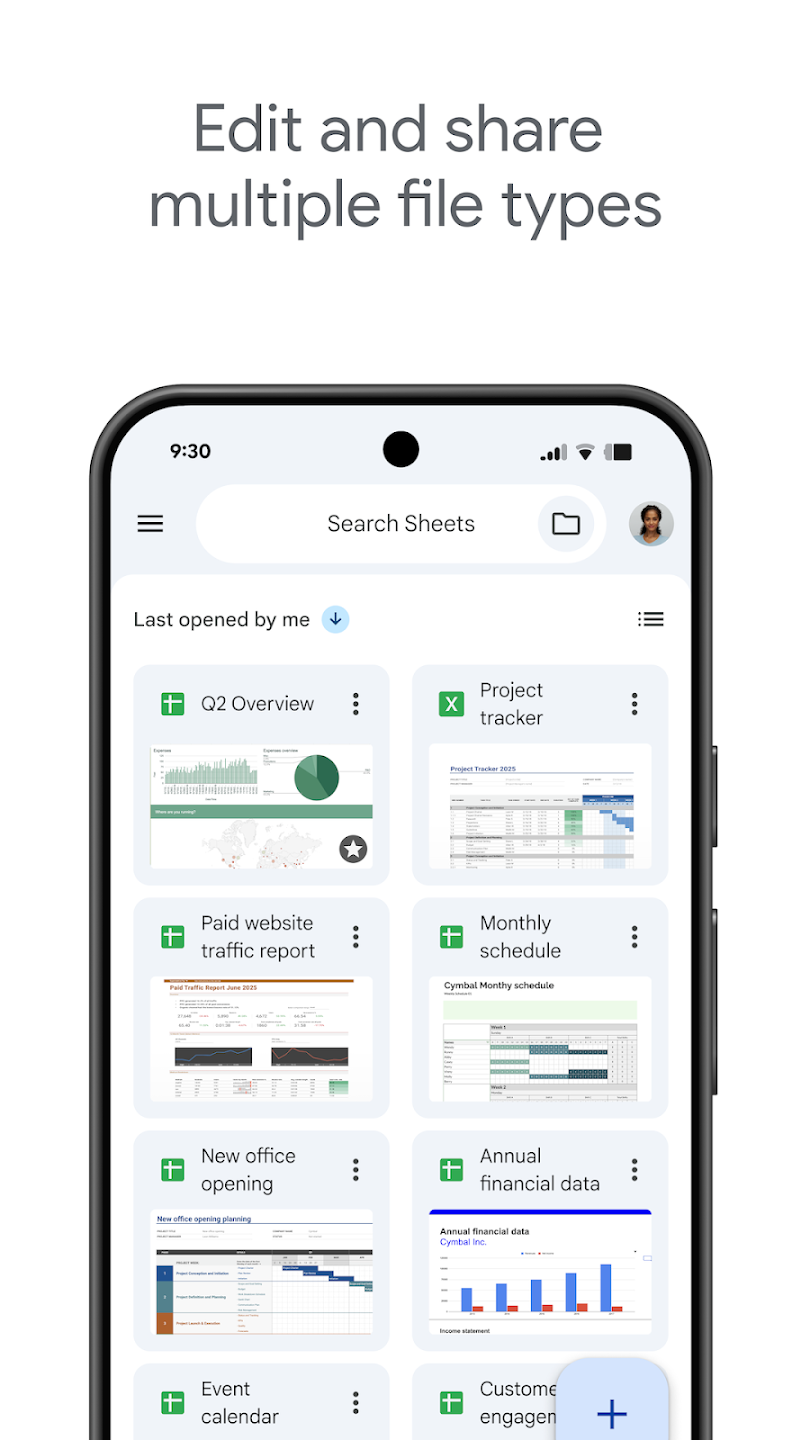
Simple Workflow: The app offers seamless integration to the XLSX format offered by Microsoft, and allows the opening, editing, and exporting of Excel files. There isn’t any need of conversion process, which is difficult for managing multiple Office suites. You can sync all changes on the mobile version with the web version, and whenever you need to download them in Excel without losing the accuracy of cell formulas and formatting.
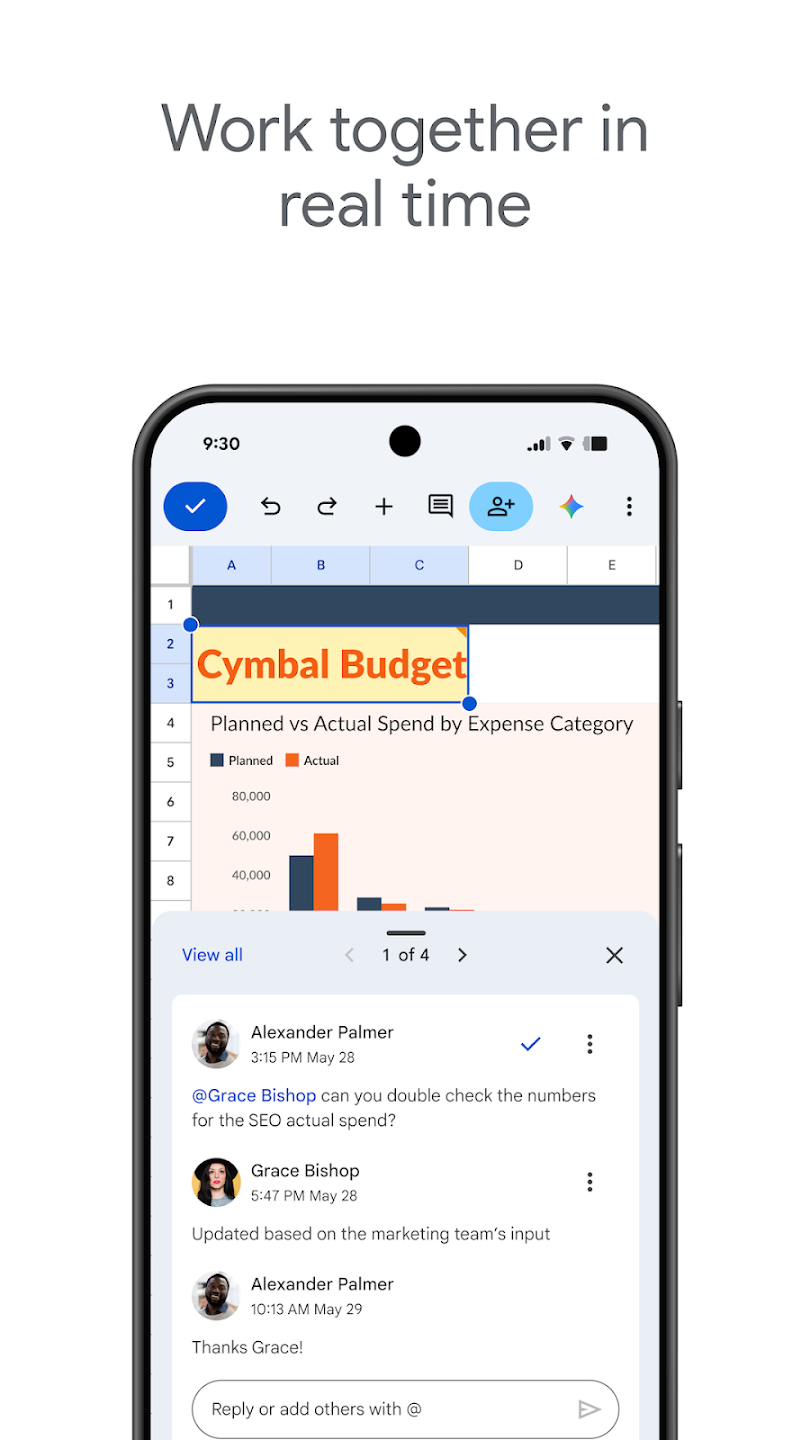
Security and Workspace integration: Files reside in Google Drive and inherit its encryption and access controls. Workspace subscribers unlock admin features such as advanced sharing restrictions, audit logs, and cross-app chat. Data from other Workspace services can be linked directly, streamlining multi-app workflows.
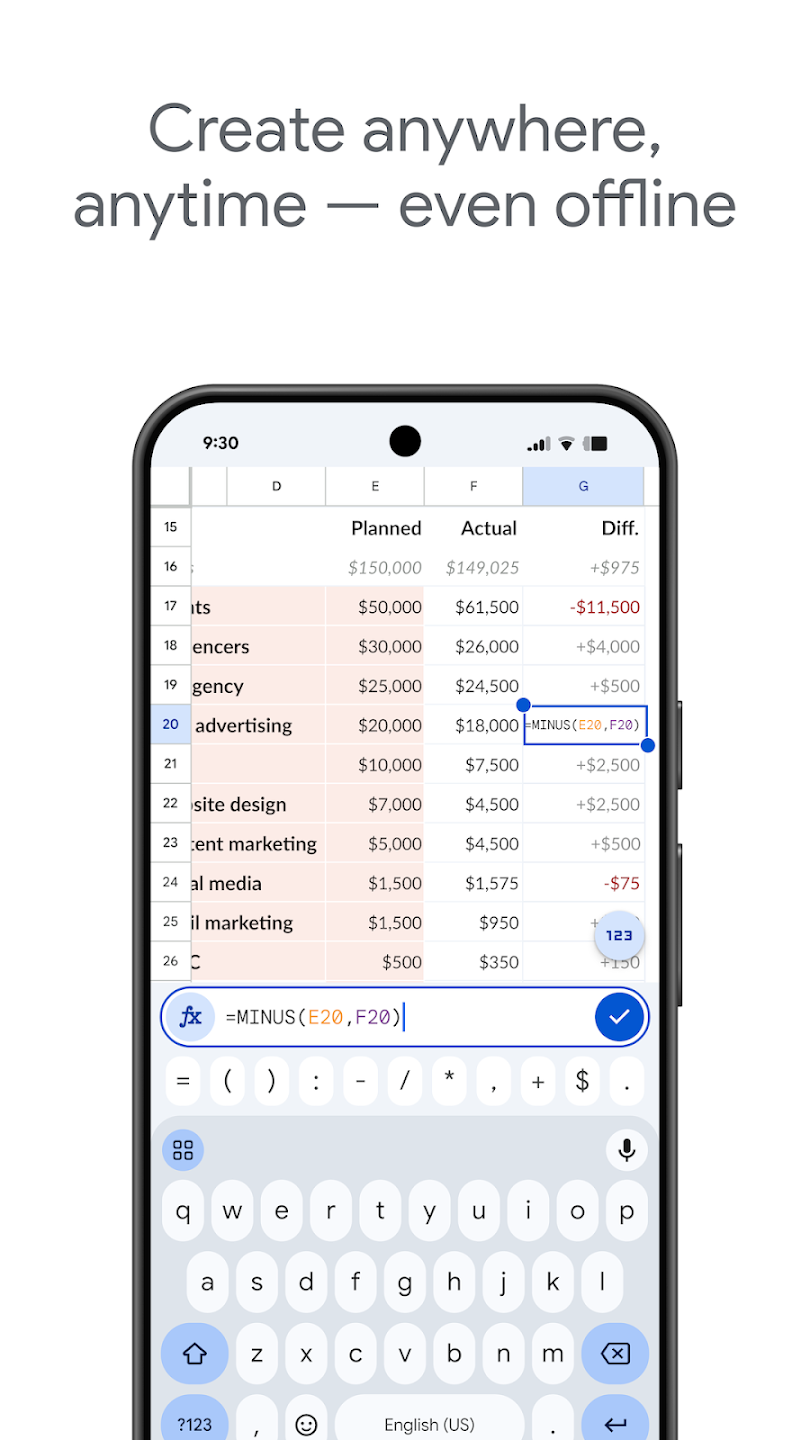
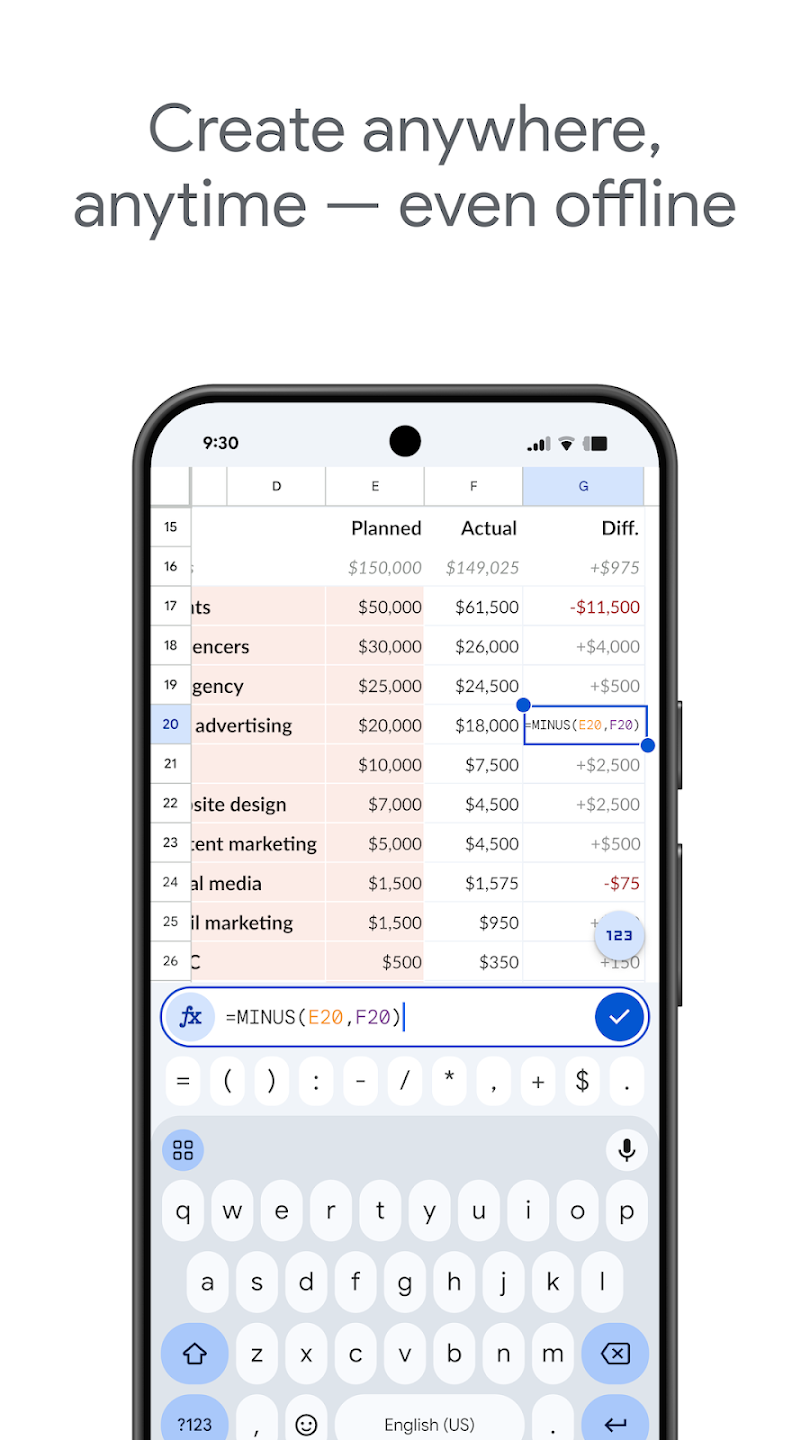
Offline work and auto save: You can keep working even without a connection. Google Sheets automatically saves your edits in the background, which protects your progress if your signal drops. When you are back online, changes sync to the cloud and your other devices. This is helpful on commutes and during travel.
Essential spreadsheet tools: The app supports core tools you use every day. You can enter formulas, apply formatting, insert charts, and sort or filter data to review information quickly. Find and replace helps update repetitive entries in seconds. These tools are designed to work smoothly on a phone screen.
Smart suggestions and insights: Built in suggestions can recommend formatting, charts, and quick insights based on your data. These prompts help you present information clearly without extra setup. You can accept a suggestion or continue editing manually. Either way, routine tasks take fewer steps.
Send Emails when you comment: You can set up Google Sheets to automatically send emails to specific people when you leave a comment on a cell, making it easier to communicate and collaborate with your team.
Translate Text: Google Sheets has a built-in feature that allows you to translate text from one language to another, helping you work with multilingual data more efficiently.
Split names and other data: If you have data that are combined in one cell (like full names), you can use Google Sheets to split it into separate columns, making it easier to analyze and work with.
Check for valid email address: Google Sheets can help you quickly identify if an email address is valid or not, which is useful for ensuring the accuracy of your contact information.
Quickly summarize data: With functions like SUM, AVERAGE, and COUNT, you can quickly summarize large sets of data in Google Sheets, providing insights at a glance.
Quick data visualization: Google Sheets offers various chart types and customization options, allowing you to create visually appealing charts and graphs to visualize your data quickly.
Import data from other sheets: You can easily import data from other sheets within the same spreadsheet or different spreadsheets altogether, simplifying the process of consolidating information.
Insert a chart from Google Sheets into a Google Doc: If you've created a chart in Google Sheets, you can directly insert it into a Google Doc, making it convenient to include visual representations of your data in your documents.
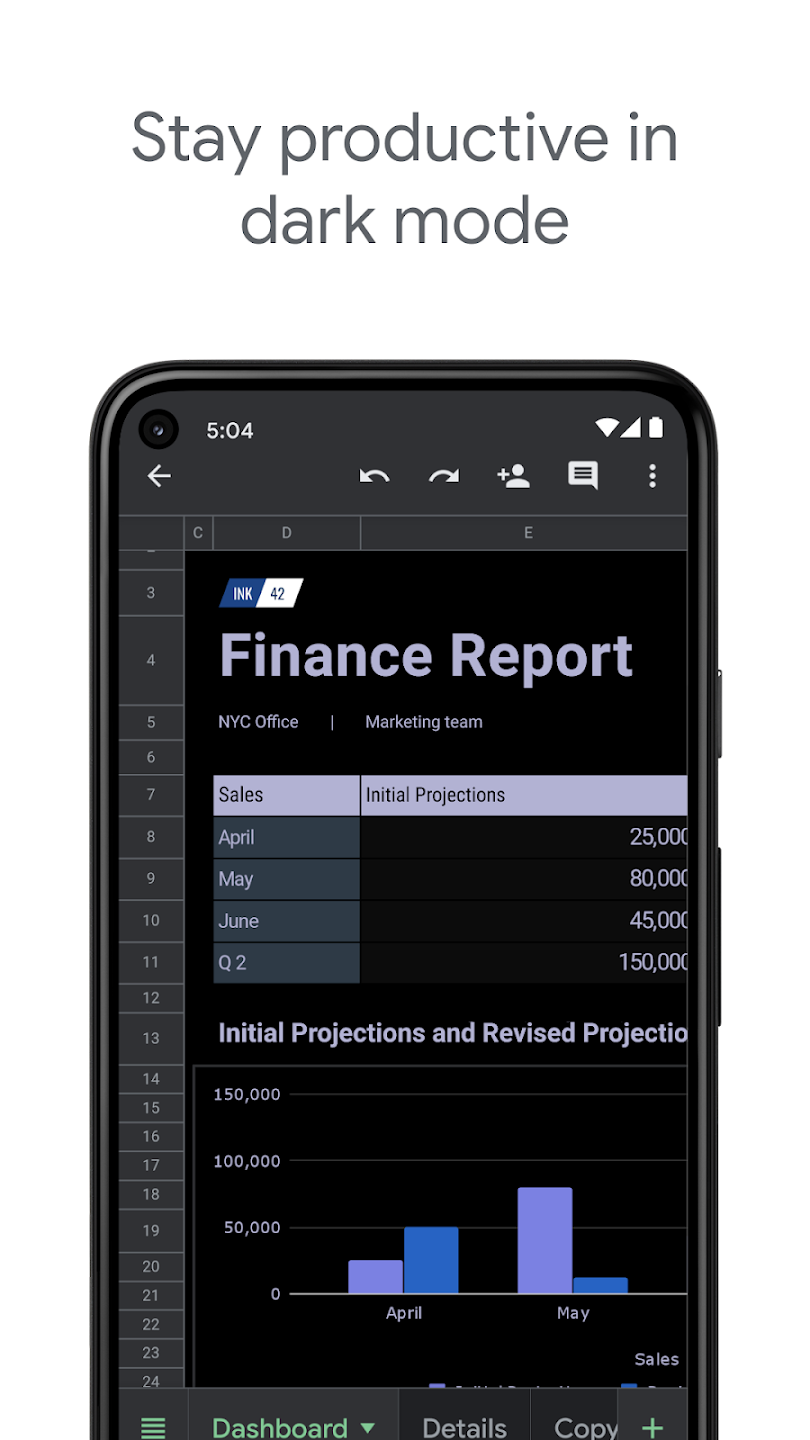
It is good enough. But sometime I face problems when trying to send a file to someone or exporting and saving the file in PDF or other format in my phone.It says “Transmission Error" even though I have a good internet connection. And it would be great if users have option to set the "'Sheet Tabs'bar horizontally or vertically. I would like the horizontal style tabs if possible.
Google Sheets is an excellent app for managing spreadsheets on the go. It's easy to use, reliable, and makes collaboration seamless. I can access, edit, and share my files anytime from any device. The interface is clean, and the cloud sync works perfectly. Highly recommended for students, professionals, and anyone who works with data!
Thanks to the support team for the help. I was too quick to write this review after dealing with the bug for months. The solution in the comments cleared my issue. Original comment: It cannot load a specific sheet anymore. All other sheets are fine, and the sheet opens through a browser.
I use this app all the time. I keep track of my over 2000 DVDS and Blu Rays right on my phone. I also keep track of song lyrics that I love. There are no ads to watch and its easy to use after you practice a little with it. Love it!
Google Sheets is a good program. This is my go-to app when I need a spreadsheet or a chart for raw, unfiltered data. It is often more convenient, even, compared to Polaris Viewer, which I also have installed. There are a few things missing, such as: ability to label individual columns; line borders; and a few other items that apparently are available only in the PC/MAC desktop versions. Still, for what it is capable of doing on a smartphone, it gets the job done. 4.5 Stars.
Google Sheets remains a strong option for users who prioritize accessibility, real-time collaboration, and flexible spreadsheet management within a browser-based environment. While it may not fully replace advanced desktop tools for heavy data processing, it excels at shared tasks, planning, and everyday organization. For students, teams, and professionals working online, it continues to serve as a reliable, efficient, and practical productivity companion for modern digital workflows.
Size:105.3MB Version:1.26.321.00.90
Requirements:Android Votes:318
Package Name:com.google.android.apps.docs.editors.sheets Signature:24bb24c05e47e0aefa68a58a766179d9b613a600
Office Apps is a comprehensive and user - friendly platform that aggregates a wide array of office - related applications, catering to the diverse needs of modern professionals, students, and anyone who engages in office - based tasks. Whether you're working on a crucial business project, preparing academic papers, or handling daily administrative work, this aggregation page serves as your one - stop - shop.
The complete collection of office software is compiled based on user needs and referencing the popularity of major computer application stores. This collection selects various useful computer office software for users from multiple aspects such as office suite, communication and collaboration, email management, note management, cloud storage, download and decompression, etc. These software can meet your various document processing needs, making your team collaboration smoother, and conveniently managing your emails and keeping various meeting records. Download various materials and documents needed for office work. This collection of office software commonly used by professionals can meet all needs. Welcome to download and experience it!
About us | Contact us | Privacy policy| DMCA
Copyright © 2026 Xiaohei All rights reserved.