Blokada is a VPN network switching tool. It can connect to multiple devices and provide mobile security protection without bandwidth limitations. It automatically filters and blocks data, consuming minimal battery and data usage. It can also block DNS, providing better protection for your phone. The user interface is simple and easy to use. Encrypted DNS transmission ensures your browsing history is protected. The connection is stable, and it allows seamless switching between different devices. It's a multi-functional software that can greatly assist users.
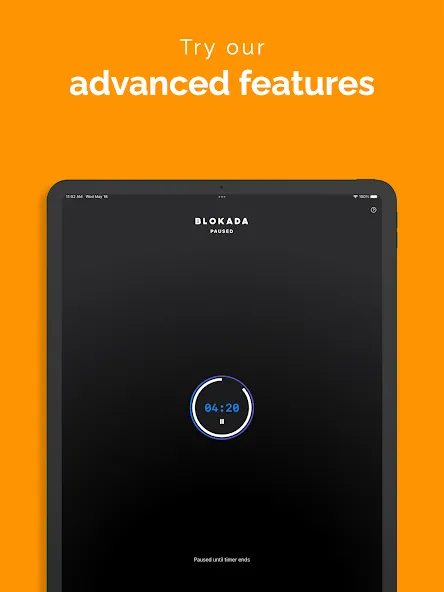
Control and customize access for your children's devices
Monitor your children's online activity
Safe search and malware protection
Block social media distractions and trackers
Cloud based adblocking
Connect multiple devices
No bandwidth restrictions
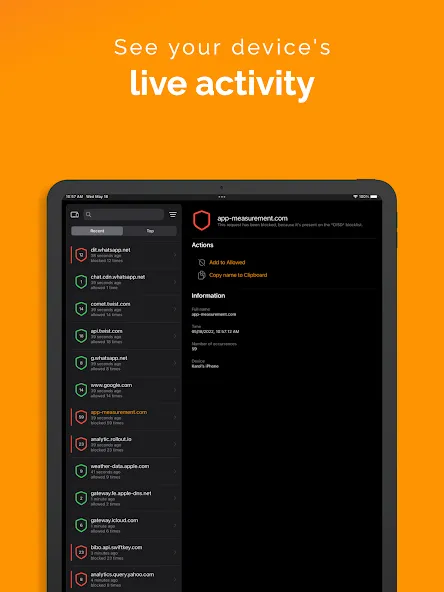
Cloud-based filtering — ads are blocked before they reach your device, so there is no battery or data overhead.
Built-in WireGuard® VPN — modern, fast, no-log. Encrypt all your traffic with one tap.
Encrypted DNS — DNS-over-TLS keeps your browsing queries private from your network.
One subscription, every device — Android, iOS, Windows, macOS, Linux. Move freely between them.
Systemwide protection — DNS-level blocking across apps, browsers, and games.
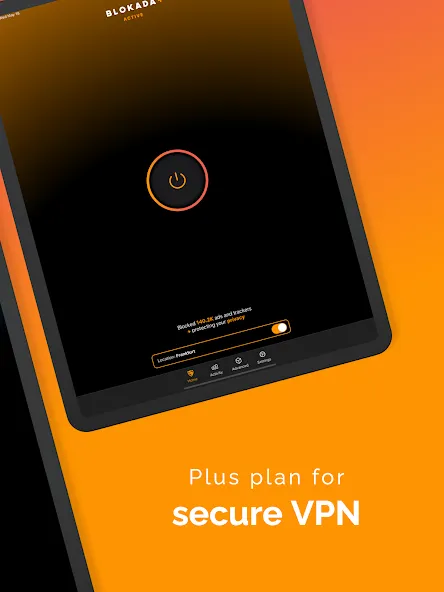
Huge reason why I love this app now. Lots of battery left with 3 hours of SOT so far.
By the way VPN works flawlessly. It’s nice to have both working (blocking ads and using vpn).
To the developers: THANK YOU for releasing an iOS version of Blokada! This is the app I missed most when I migrated to iOS, and to top it off this is running on iOS 14 Beta 4!
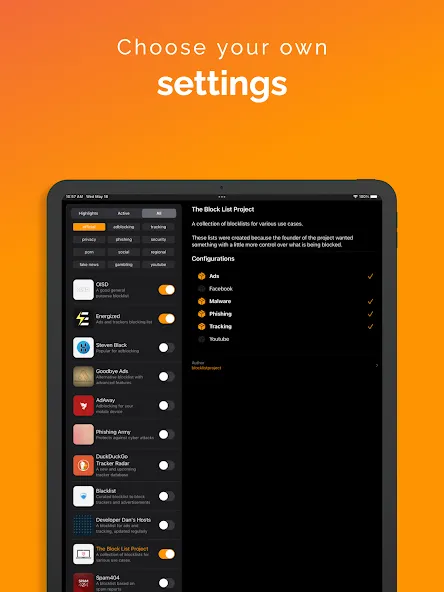
What information does Blokada keep?
Blokada does not track or share any of your network activity. If you use Blokada Plus, for technical reasons we need to collect the most minimal data required to keep the service operational. Please consult our Privacy Policy available in the top menu for details.
How is my privacy protected?
Blokada prevents apps and browsers installed on your device from sending your private data (known as tracking fingerprints) to the Internet. It also encrypts some of your network activity (DNS queries). If you need more protection, Blokada Plus makes your device connect through our VPN, and uses the WireGuard® protocol to encrypt your entire network traffic.
What is Blokada Cloud?
Blokada Cloud is our cloud based adblocking solution. It is faster and more reliable than the old method, and brings many additional benefits. Blokada Cloud can be used on multiple devices, and supports any platform compatible with DNS over TLS/HTTPS. It is included in our Blokada 6 app.
What is Blokada Family?
Blokada Family is our dedicated app for families, designed to ensure a safe and secure online environment for your children. It allows parents to effectively manage and monitor internet access on all family devices.
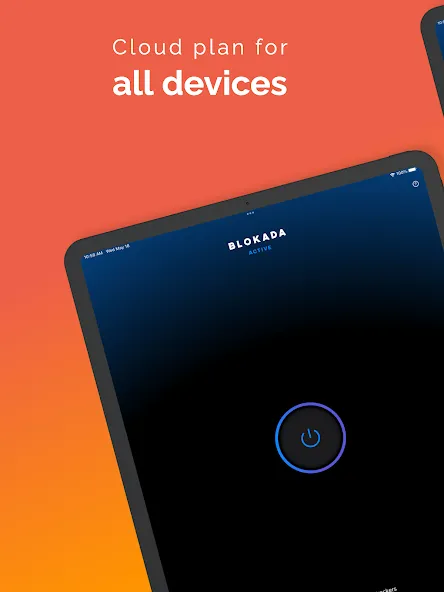
Blokada Classic makes it easy to block ads and malware, and protect your privacy by blocking web tracking. On top of all that, this app lets you choose which apps or websites to block ads on, and even has a VPN that users can use to connect to the internet without regional restrictions.
Size:20.5MB Version:26.2.7
Requirements:Android Votes:241
Package Name:org.blokada.origin.alarm Signature:21bee5635f5d34f34724bf0e573d6752
With more and more of our lives happening online, smartphones have become an essential component of our daily routines. Whether you’re shopping, banking, or socializing – everything can be tracked online, even on Androids. This information can then be used by third-parties profiting off your data or your ISP to slow down your internet speed. An easy way to increase online privacy and security of your Android smartphone is to start using a VPN. At Cybernews, we have over 5 years of experience testing VPN services, so we know what makes a great VPN app. To make your search for a reliable VPN easier, together with our research team, I tested both free and paid Android VPN apps, and summarized the results of our research below.
Enjoy unrestricted internet access anywhere in the world with these top-rated free VPNs for Android. Securely browse in private, bypass geo-blocks, and unlock censored websites in just a few taps. These powerful apps encrypt your connection, mask your IP address, and protect your data-especially on risky public Wi-Fi. Whether you're streaming global content, accessing restricted platforms, or simply safeguarding your privacy, these trusted VPNs deliver fast, reliable performance. Discover the most popular free VPN downloads and experience true online freedom today-no limits, no compromises!
In 2024, privacy and security on mobile devices are more important than ever, and a reliable VPN can help protect your data while browsing. The best free VPNs for Android offer a solid balance of speed, security, and user-friendly features without costing a dime. These VPNs allow you to browse anonymously, bypass geo-restrictions, and safeguard your personal information on public Wi-Fi networks. While free options may have certain limitations, such as data caps or fewer server locations, they still provide essential privacy protection. With strong encryption, zero-logging policies, and a simple setup, these free VPNs ensure your online activities remain private and secure while using your Android device.
About us | Contact us | Privacy policy| DMCA
Copyright © 2026 Xiaohei All rights reserved.