Draw Cartoons 2 PRO is an animation editor software. Users can design their own cartoon characters. No prior experience is required to create comics from scratch. It can quickly create a character model. It supports importing and exporting MP4 audio files. Users can set custom frames. This version has optimized the interface, making it easier to use and eliminating cumbersome buttons. The software's goal is to enable everyone to create their own comics or anime.
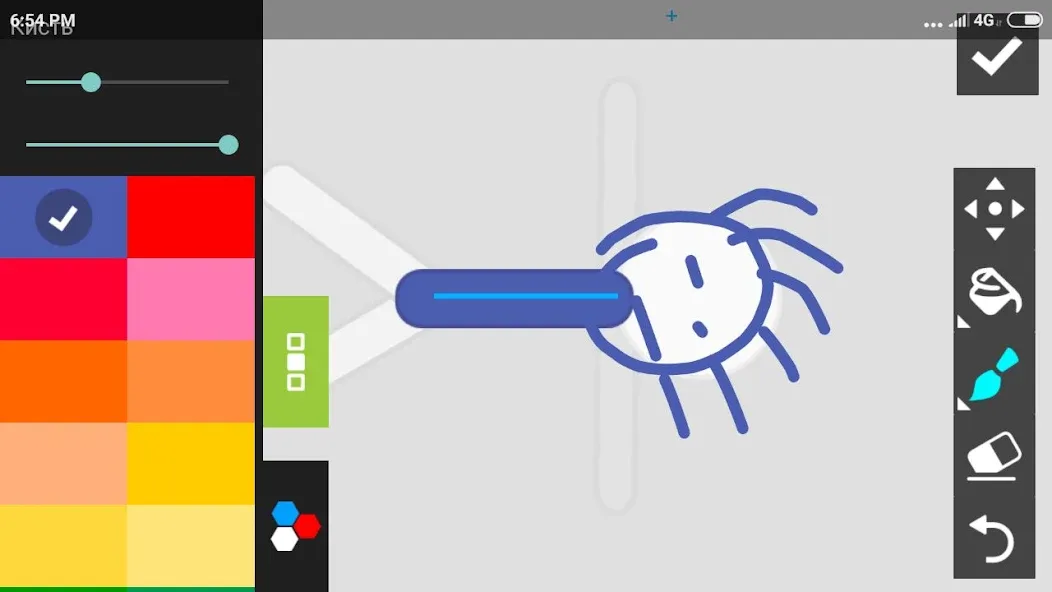
To start designing your own cartoon, you have two options. The first is selecting from the characters and objects offered by Draw Cartoons 2 PRO, using these to create your very own cartoon. However, you can also add your own pack of elements and start creating your animation from scratch.
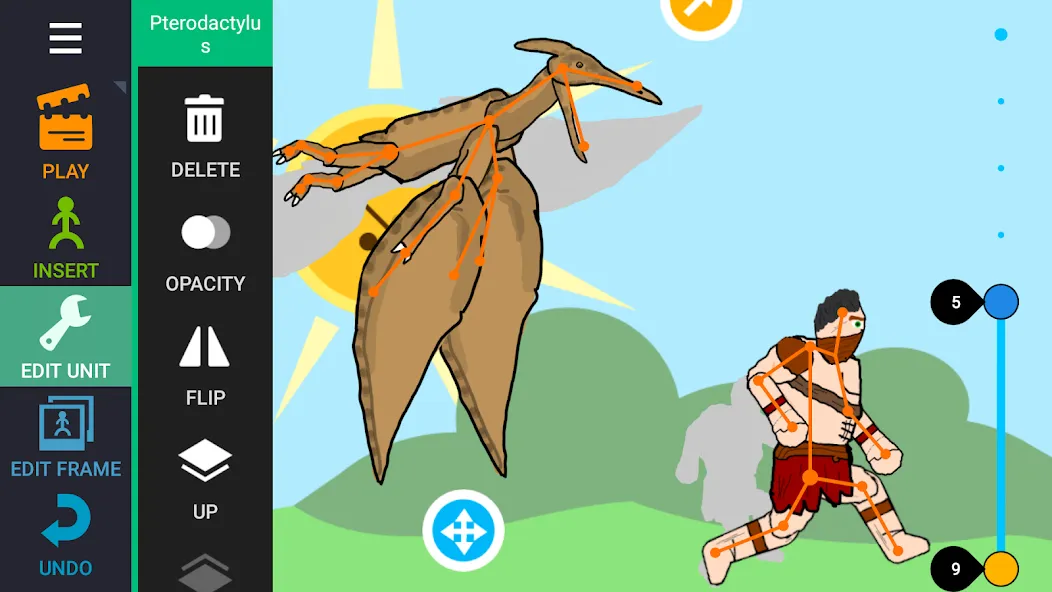
Once you've set up the scene's composition, you'll have to consider a few other very important things. First, to animate your characters, you have to insert as many layers as you think best, moving your characters a bit for each layer you're working with. Once you're done with all of that, you can preview the animation to make sure there are no strange jumps or errors. One of the advantages of using Draw Cartoons 2 PRO is that you can see the previous layer and decide the next move with that in mind.
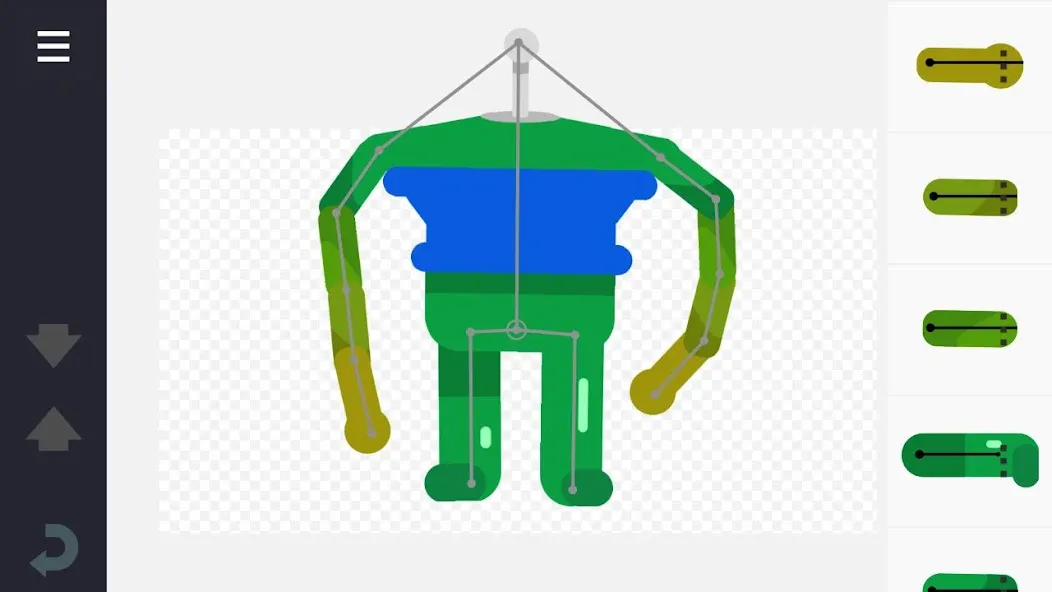
Using keyframes to construct animations that are fluid.
An integrated database of playable characters and loot
Constructor of the character (you can create items from scratch or use templates)
Add a narration or some music to the cartoons.
Export audio and video files in the MP4 format, and then share those files.
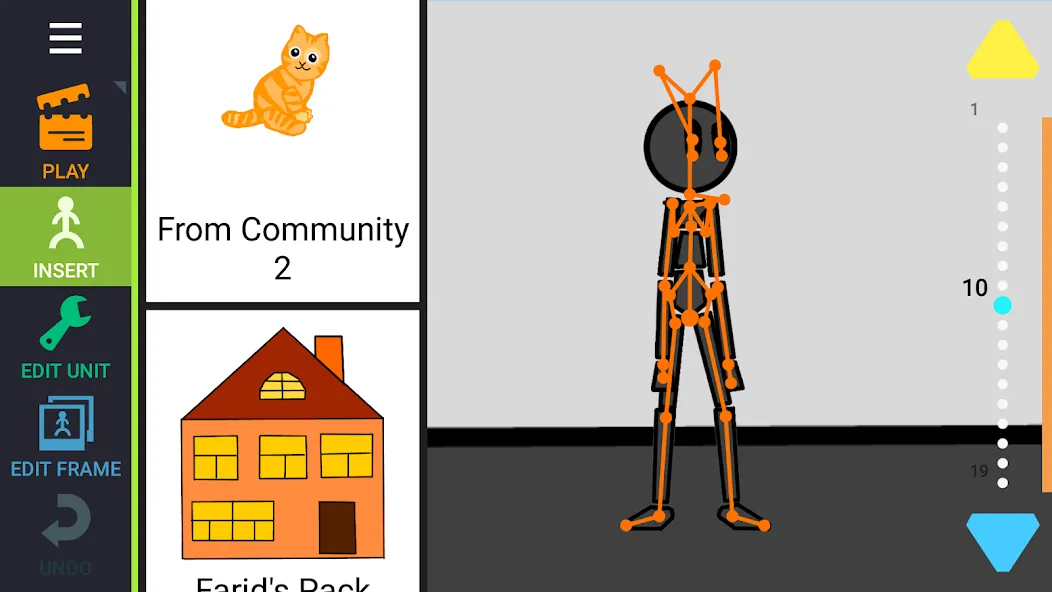
Frame Editing and Scene Creation.
The application enables everyone to customize frames and design scenes to be used in animation projects. Artists are able to edit poses, duplicate frames and control frames. This system assists in creating animated stories without any hustle and in making the cartoon creation process more organized.
Audio Support of Animations.
Draw Cartoons 2 PRO has got an audio feature which allows one to add audio effects or music to their animation. Animated scenes are more expressive and involved with the help of audio integration. Visual animation can be used together with sound to enhance the quality of storytelling by creators.
Export and Sharing Options
The application enables users to share their animations with completed projects. The animation that is exported may be applied to videos or can be shared. Such an aspect assists creators to display their work and introduce their animated stories in various platforms.
The app is good. I use this app to make youtube videos. but recently, and idk for how long this had been going, but whenever I add audio to my animation, it will sync up on the app, but after I export it, the audio suddenly doesn't sync up anymore. Now idk if it is because I animate with no interpolation on, but either way, if the audio syncs up on the app perfectly well, it should still sync up after I export it.
Super amazing app! It makes me do my own animations and make characters! And makes me do videos as well but its very buggy
Better than the original, but if you Set the opacity of a Slave Point and connected it to the Master Point, which doesn't have the exact opacity the Slave Point has, for example the Master Point has 100% Opacity, but the Slave Point has 20%, then it automatically puts the opacity of the Slave Point to The Master Points opacity (100%), please fix this and thank you.
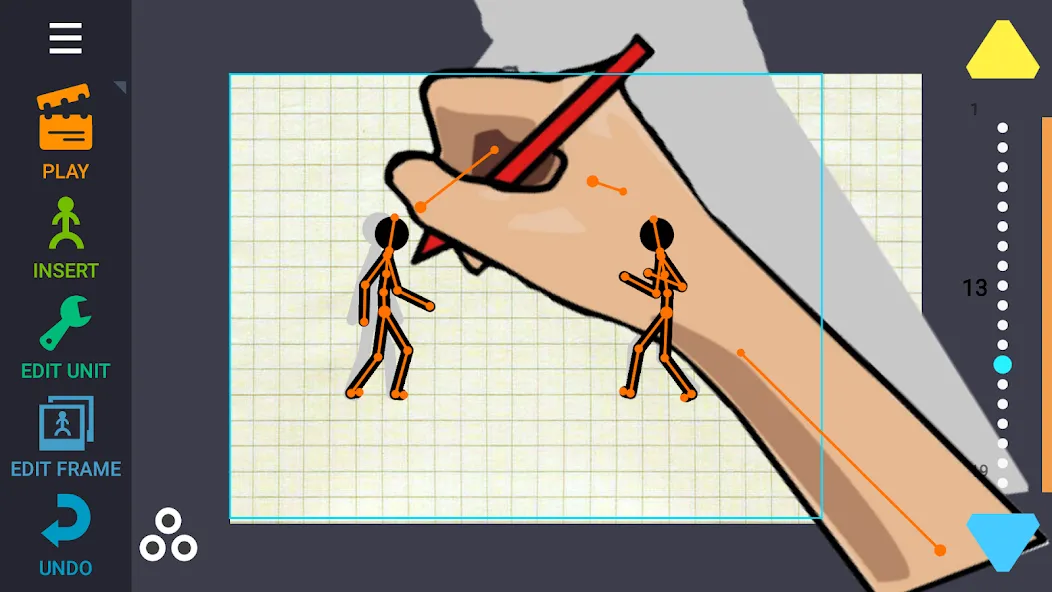
Draw Cartoons 2 PRO is a fun and comprehensive app for making your own animations in a quick and easy way. This app puts all the necessary animation tools at your fingertips so you can create your own animated scenes.
Size:102.3MB Version:3.11
Requirements:Android Votes:577
Package Name:com.zalivka.animation Signature:d931f052d775d2eedc64b192a2aea57a
Transform your smartphone into a powerful editing studio with the best video editing apps for Android! Whether you're a content creator, social media enthusiast, or just looking to polish personal videos, these apps offer professional-grade tools right at your fingertips. Enjoy intuitive interfaces, advanced features like multi-track editing and filters, and seamless exporting options - all optimized for mobile devices. Download now and start creating stunning videos anytime, anywhere!
Video Editor is a powerful software tool designed for crafting, refining, and enhancing video content. It enables users to transform raw footage into compelling visual narratives or effective communication platforms. As digital media continues to evolve, video editing has grown in significance - no longer just a professional necessity but also an accessible skill for everyday creators. Modern editing tools now offer intuitive interfaces, AI-powered features, and cross-platform compatibility, making high-quality video production achievable for both experts and casual users alike.
Mobile video editing tools are highly popular, with complete functions and professional tools that provide a strong atmosphere for various materials. Rich video templates can be operated with just one click, saving time and without too high a threshold. So what are the free versions of mobile video editing software? Editing software should have high popularity, but most of them require membership. Next, I recommend several platforms that can be used for free.
About us | Contact us | Privacy policy| DMCA
Copyright © 2026 Xiaohei All rights reserved.